


I’m a sim racer and amateur racer with a passion for Motorsport, good racecraft and the technical and setup aspect of sim racing.
Featured image: Fanatec CSL DD vs Moza R9
Moza or Fanatec? I’ve had both ranges on my desk and my rig – Fanatec’s CSL DD and the Podium DD I own now, and Moza’s R3, R5, R12 V2, R21 Ultra and R25 Ultra. If you race on PlayStation, or you already own a few Fanatec wheels, buy Fanatec. If you’re on PC and spending above the entry level, buy Moza, because the torque you get for your money is a lot higher. At the entry level it’s close, and the tiebreak comes down to what you race on and how far you think you’ll upgrade.
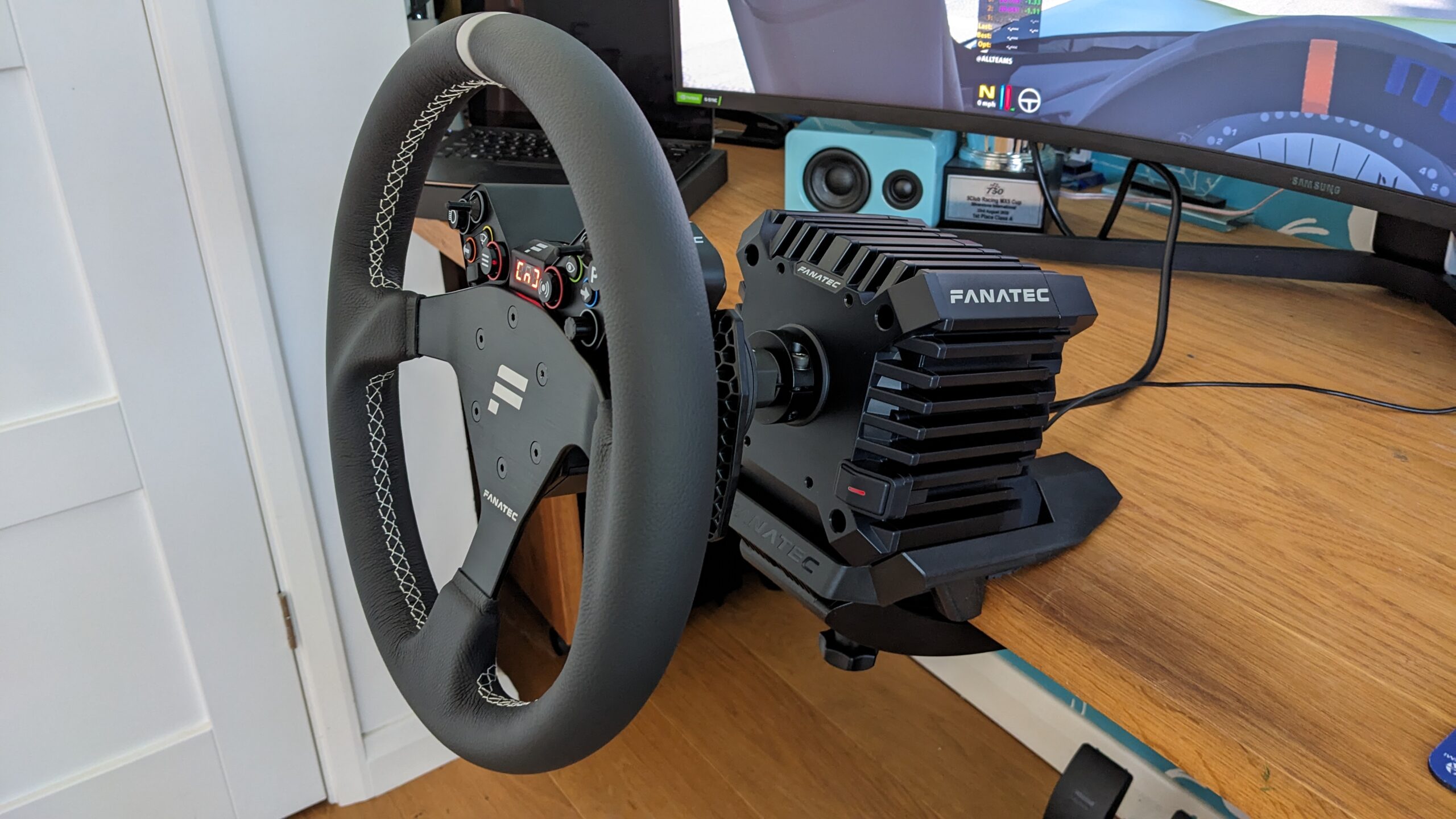
In 2023, Moza vs Fanatec came down to the Fanatec CSL DD against Moza’s R5 and R9. Just two years before that, the idea of a direct drive wheelbase for less than $1,000 would have seemed preposterous. Back then I’d have chosen the CSL DD over the Moza R5 or R9 every time.
A lot has moved since then, and Moza have really filled the gap left by Fanatec’s financial difficulties a few years ago. Fanatec now belongs to Corsair, and it has found extra torque in the ClubSport DD with a free firmware update. Moza, meanwhile, has announced its first PlayStation 5 bases. So I’ll start with what the two brands share, and then it’s down to what you race on and how much you’re spending.
Moza discount code: use SIMRACINGCOCKPIT at checkout for 3% off at mozaracing.com.
Quick Navigation
Jump directly to what you’re looking for:
What they share |
PS5, Xbox or PC? |
Entry level |
Mid-range |
Flagships |
Wheels and quick releases |
Software |
The companies |
Moza or Fanatec?
What Moza and Fanatec have in common
Both brands sell direct drive across the whole range, from Fanatec’s 5 Nm CSL DD to the 25 Nm Podium DD, and from Moza’s 3.9 Nm R3 to the 25 Nm R25 Ultra. Direct drive means the motor turns the wheel directly, and Nm is the torque figure (how hard the wheel can push back). Both are closed ecosystems, which means your wheels, pedals and shifters plug into the base and run through one app. A quick release (QR) is the hub that locks the rim to the base, and both brands now have a proper one.
At like-for-like torque, the feel is close. The bottom line is that whichever wheelbase you own, you get used to its unique pattern of force feedback anyway. It’s much the same as real cars, where no two feel the same at the steering rack, and you’ll get quick on either simply by getting seat time in your sim. Here’s how the two ranges line up.
| Tier or feature | Fanatec | Moza |
|---|---|---|
| Entry level | CSL DD – 5 Nm, or 8 Nm with the Boost Kit 180 | R3 3.9 Nm, R5 5.5 Nm, R5 Pro 6 Nm, R9 V3 9 Nm |
| Mid-range | ClubSport DD 15 Nm, ClubSport DD+ 18 Nm | R12 V2 12 Nm, R16 Ultra 16 Nm, R21 Ultra 21 Nm |
| Flagship | Podium DD 25 Nm | R25 Ultra 25 Nm (True Torque) |
| PlayStation 5 | Gran Turismo DD Pro 8 Nm, ClubSport DD+ | Announced: R5S Pro, R16S Ultra (Sony approval pending) |
| Xbox | CSL DD, ClubSport DD, Podium DD with an Xbox-licensed Fanatec wheel | R3 Xbox bundle |
| Quick release | QR2 (Lite, standard, Pro) | Moza metal QR |
| Software | Fanatec App | Pit House |
What do you race on? PS5, Xbox and PC
If you’re on PlayStation 5 at the moment, it has to be Fanatec, which means the Gran Turismo DD Pro (GT DD Pro) at 8 Nm or the ClubSport DD+ at 18 Nm.
Moza announced its first licensed PS5 products on 17 September 2026 at Tokyo Game Show. There are two racing simulators, the R5S Pro and the R16S Ultra, and an R16S Ultra wheelbase, all with native Gran Turismo 7 support. They’re still subject to Sony’s final product approval, and there’s no price or launch date yet.
Xbox is covered by both brands. The CSL DD, the ClubSport DD and the Podium DD all work on Xbox with an Xbox-licensed Fanatec wheel, and Moza sells an Xbox-licensed R3 bundle. I’ve had the R3 on my desk, and it’s the 3.9 Nm base at the very start of Moza’s range. On PC, every base from both brands works.

Entry level: CSL DD vs Moza R3, R5 and R9
At the entry level it’s the Fanatec CSL DD, at 5 Nm or 8 Nm, against Moza’s R3, R5, R5 Pro and R9 V3. As a reviewer I made a point of jumping straight to the CSL DD from the Moza R5, and I specifically asked for the desk clamp so that I could do a like-for-like comparison. The CSL DD’s force feedback, simply put, is shockingly good, especially at this price point. Throw in the Boost Kit 180 (which I strongly recommend you do) and the peak torque goes from 5 Nm to 8 Nm.
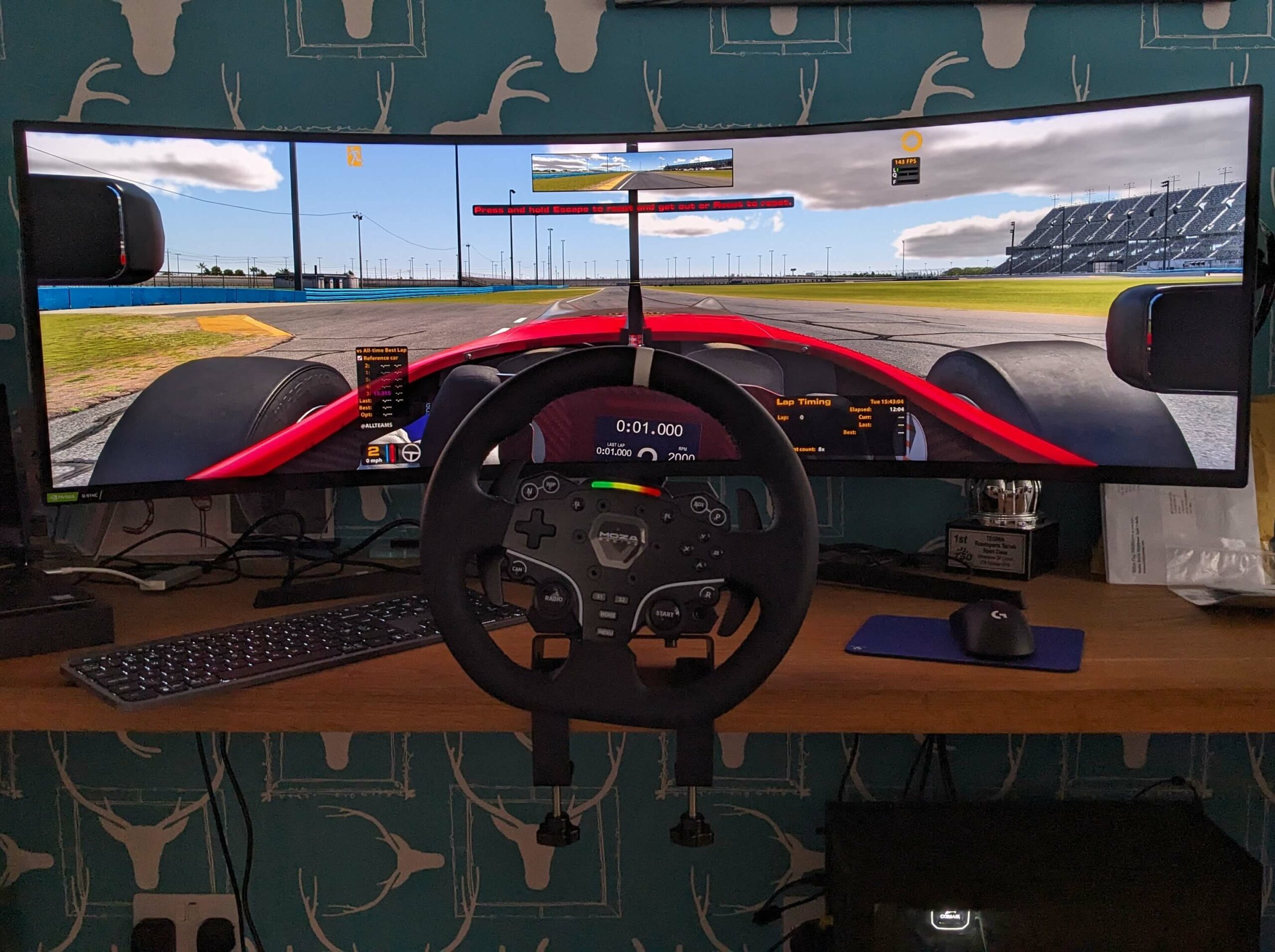
Out of the box, though, the R5 bundle gives you more. It’s stronger than the 5 Nm CSL DD, and its brake curve can be mapped in Pit House, which you can’t do in Fanatec’s software. Moza’s steel desk clamp comes in the R5 bundle, whereas Fanatec’s is a separate purchase and mostly plastic. The Moza clamp is excellent – the R5 isn’t moving unless you say so!
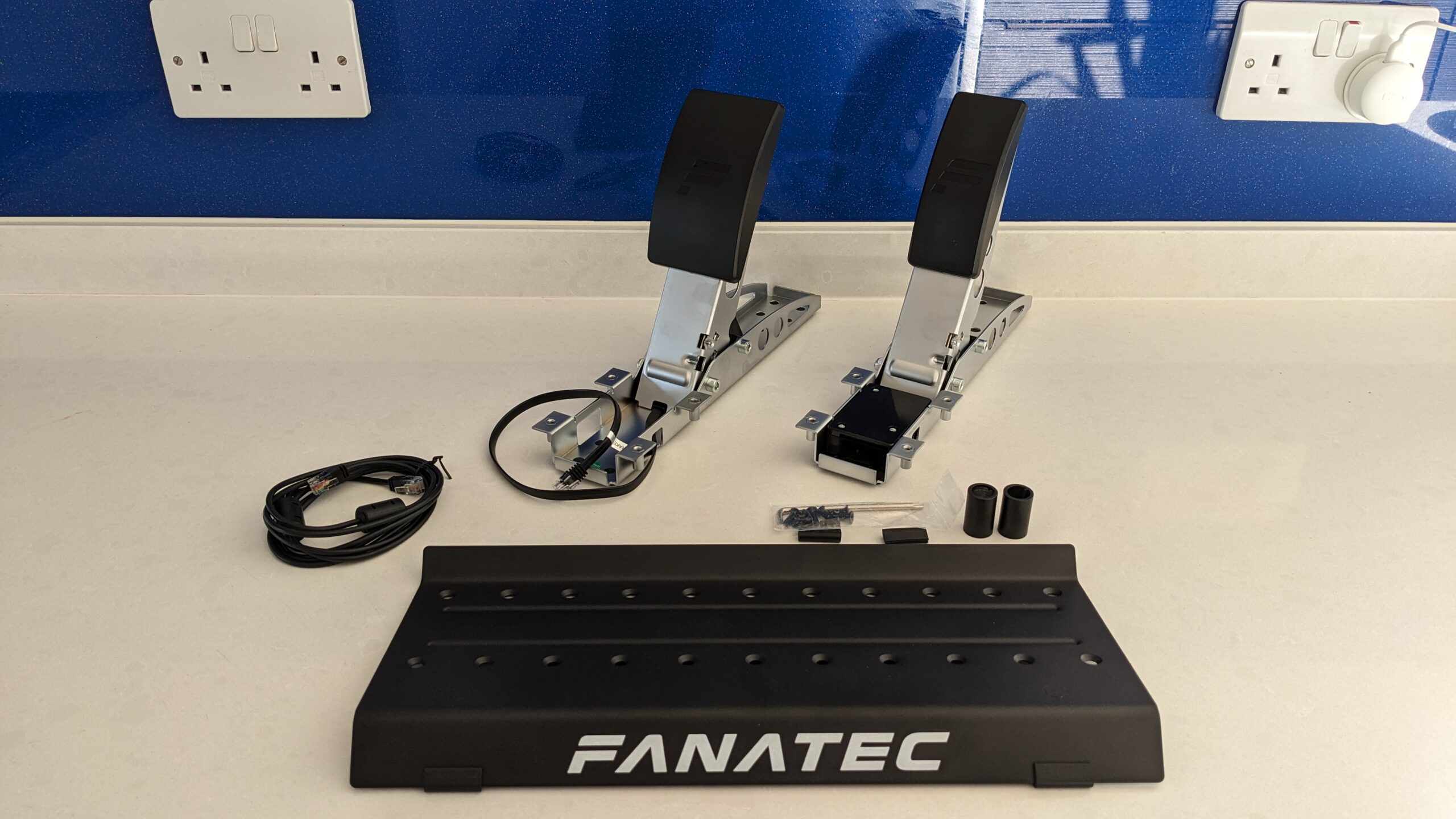
Fanatec wins it back on the upgrade path. Danny Lee worked the maths on his YouTube channel, and by his numbers the Boost Kit 180 plus the CSL load cell kit make the CSL DD the cheaper route to a mid-level setup. If your budget is locked, his pick is the R5. A load cell brake measures pressure, not travel. Once I’d upgraded the CSL pedals with the load cell kit, I found them far easier to control. They don’t start to tip at higher brake loads, either – they’ve been designed not to!
The Moza R9 V3 is the closer match for the 8 Nm CSL DD. It’s a 9 Nm base with a 21-bit encoder, sold without a wheel. Not so long ago, my view of the earlier R9 was that it compared well to the CSL DD and would be a good buy, but that Fanatec had the edge, marginally, on FFB quality and software.
Fanatec discount code: use SIMRACINGCOCKPIT5 at checkout for 5% off at fanatec.com.
At the moment, I think the budget Fanatec gear is pretty unbeatable, but it’s also quite easily matched by its equivalent Moza platform.
Mid-range: ClubSport DD vs Moza R12, R16 and R21
In the middle of both ranges, Fanatec’s ClubSport DD and ClubSport DD+ go up against Moza’s R12 V2, R16 Ultra and R21 Ultra. A free firmware update (V1.4.2.3 or later) took the ClubSport DD from 12 Nm to 15 Nm and the DD+ from 15 Nm to 18 Nm. Of the two, only the DD+ works on PlayStation 5. At the time of writing (September 2026), the ClubSport DD costs $699.99 and the R21 Ultra costs $699, which means you get 21 Nm from Moza for the price of 15 Nm from Fanatec.
The R12 is just a bargain (mine is the V2). It’s got a good amount of torque for a beginner to intermediate, and you’re not going to get bored of it in a hurry. When I reviewed it in 2024, it went head to head with Fanatec’s ClubSport DD (12 Nm at the time) in terms of performance but undercut it massively on price. The ClubSport DD has gained 3 Nm since, but the R12 V2 is still right there, really claiming the middle ground.
The all-rounder for me is the R21 Ultra, just because it’s 21 Nm of torque and there’s plenty of headroom. It isn’t an overpoweringly powerful wheelbase – it just works and runs. That said, I’d be happy with the 15 Nm ClubSport DD.
Flagships: Podium DD vs Moza R25 Ultra
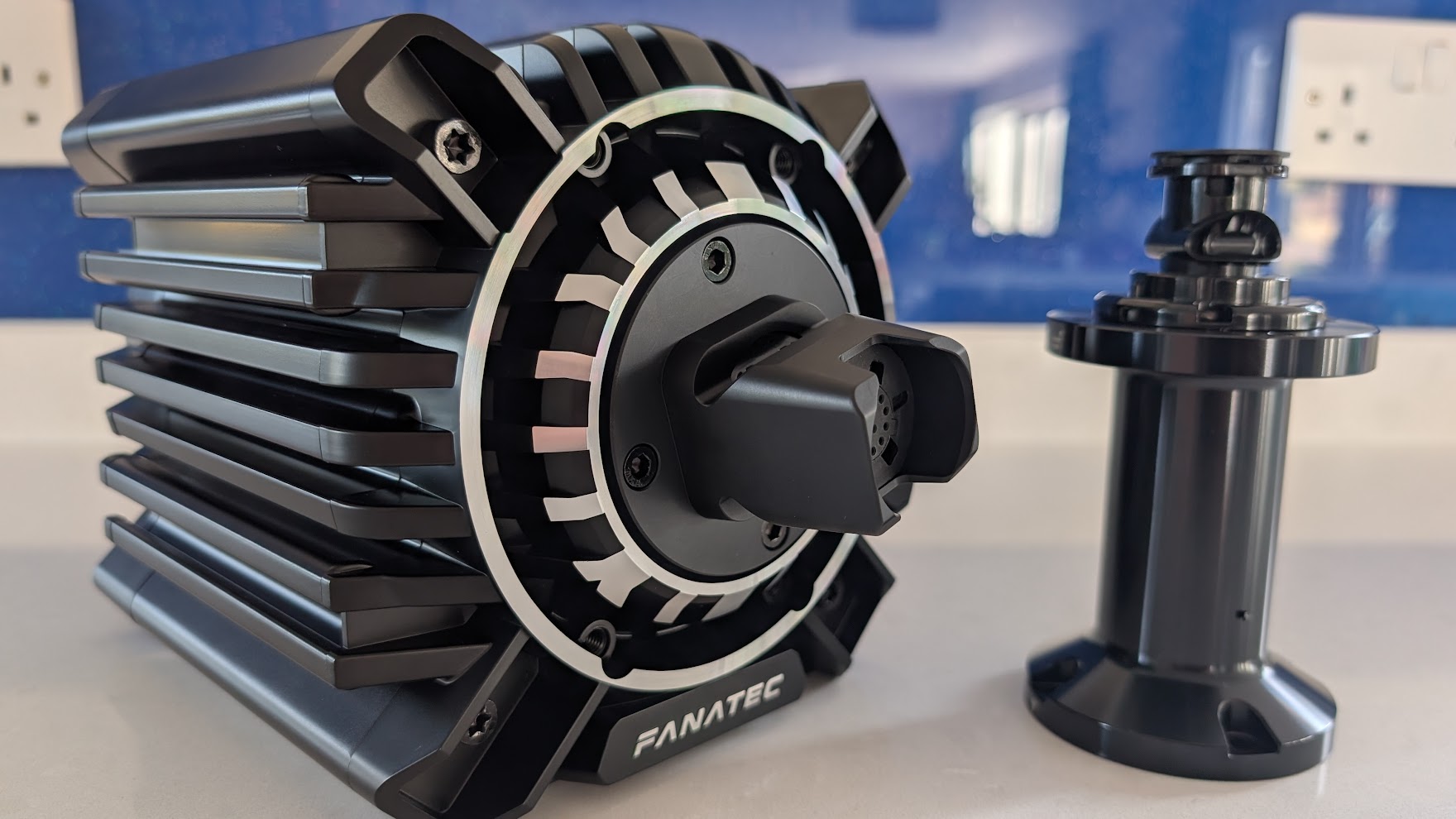
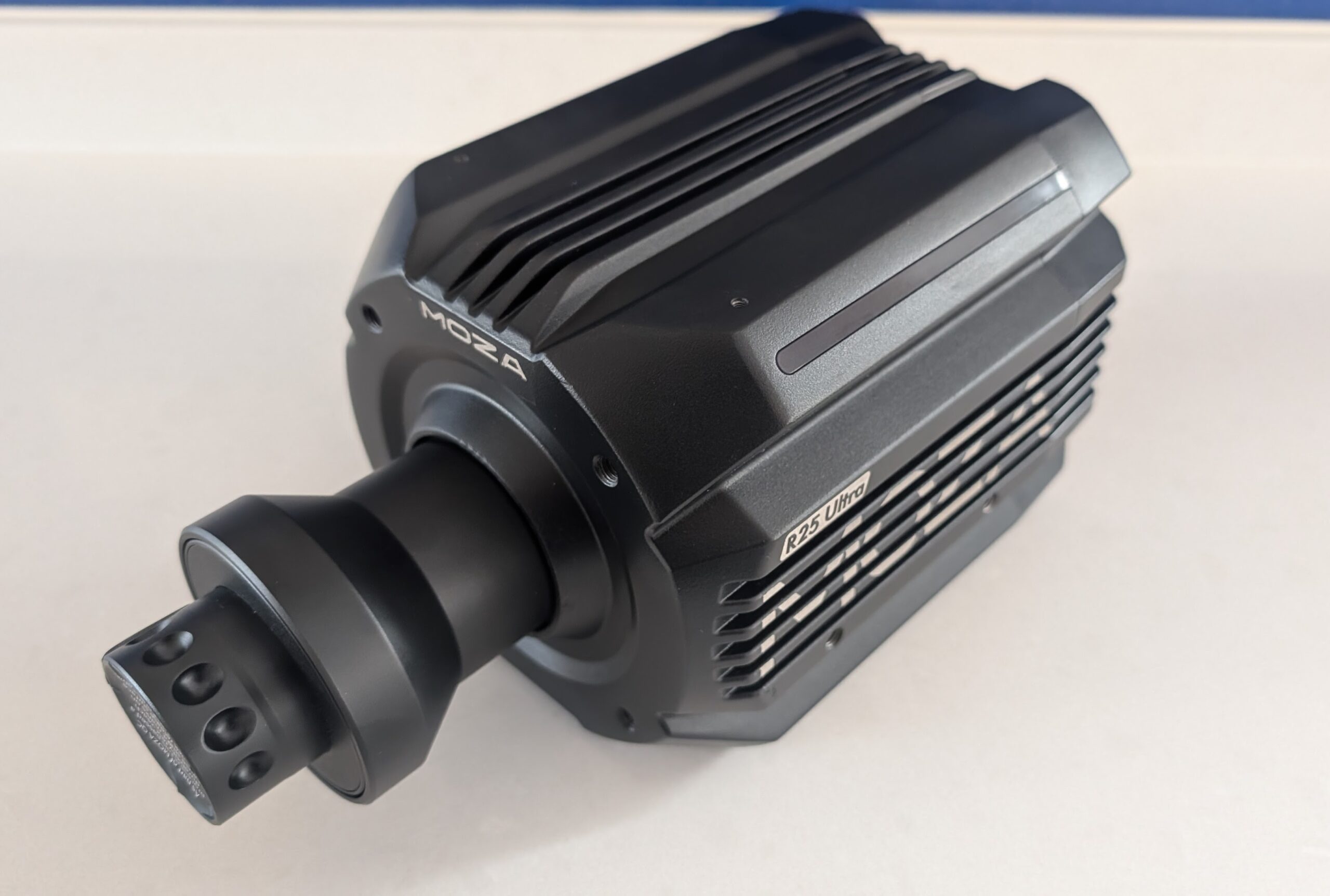
At the top, the Fanatec Podium DD and the Moza R25 Ultra both make 25 Nm. The Podium DD runs on PC and Xbox and uses the QR2. Like every current Fanatec base, it has FullForce, which mixes high-frequency vibration cues into the force feedback. The R25 Ultra is PC only and adds True Torque, Moza’s sensor that measures torque directly. I own a Podium DD, and I’ve tested the R25 Ultra. Unless you’re pushing for every tenth of a second or competing professionally, I’d call True Torque a luxury rather than a necessity.
My approach to force feedback has always been less is more. Don’t feel that just because a wheel can deliver a peak of 25 Nm, you need to use all 25 Nm! As Kireth pointed out in a video on his YouTube channel, most people run their base at 8-9 Nm anyway.
Wheels, quick releases and accessories
Fanatec’s wheel range is the bigger of the two, across CSL, ClubSport and Podium. I own several Fanatec wheels, which are only compatible with Fanatec wheelbases. The QR2 mates the wheel to the wheelbase with a satisfying “clack” and then, no movement. It comes in QR2 Lite, QR2 and QR2 Pro versions on the wheel side.

Moza’s quick release is all metal, and I think it’s among the best currently offered by a wheelbase manufacturer. It’s a proper “Motorsport” hub. I’ve seen them at the track. Fitting a third-party wheel is generally simpler and cheaper on Moza, but there’s no USB passthrough, which limits what those third-party wheels can do.
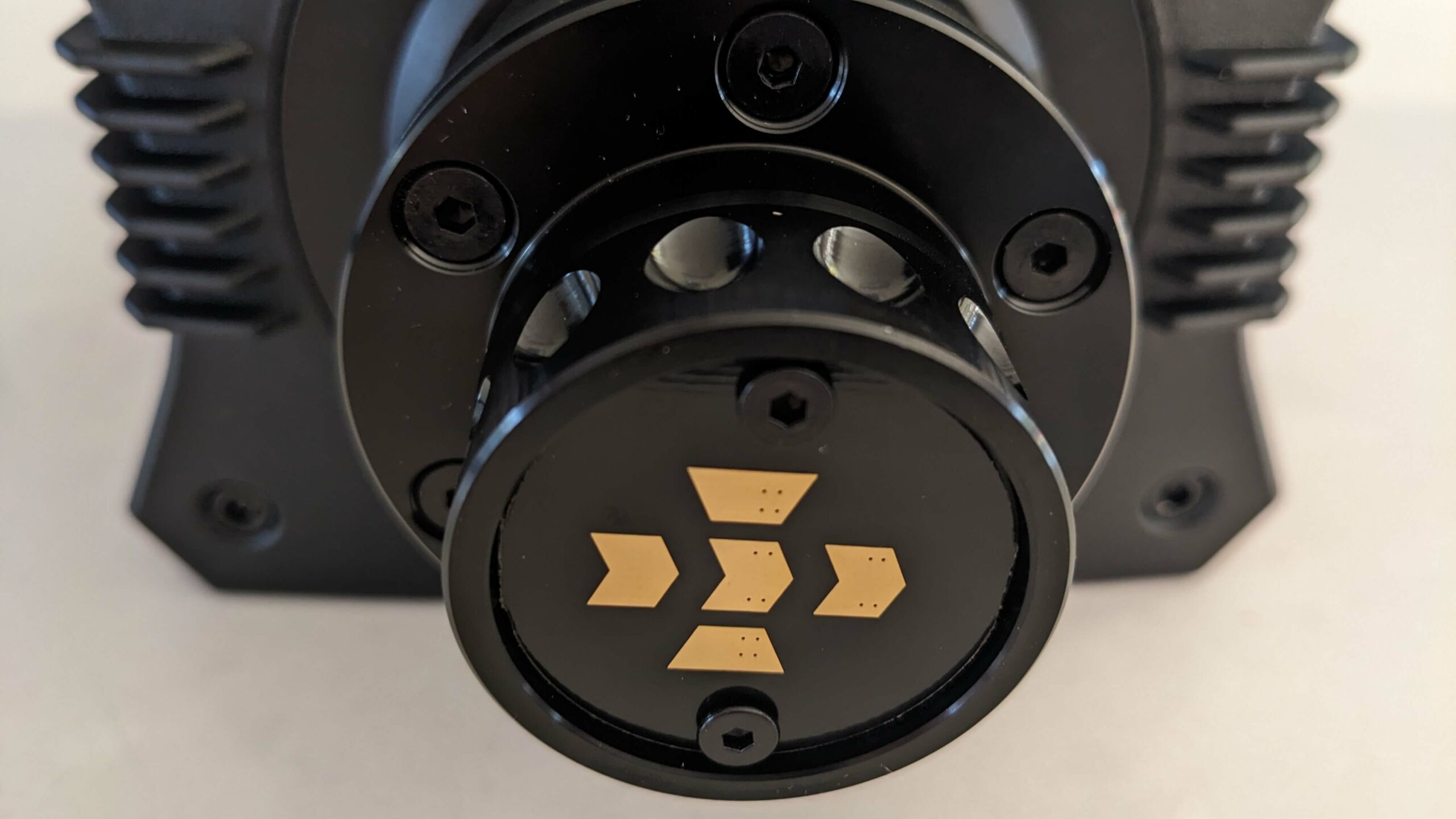
Moza’s shifters and handbrakes cost less than Fanatec’s, while its wheels are a little dearer. My favourite Moza wheel is the FSR2, although the Vision GS was absolutely stunning.
Software: Pit House vs the Fanatec App
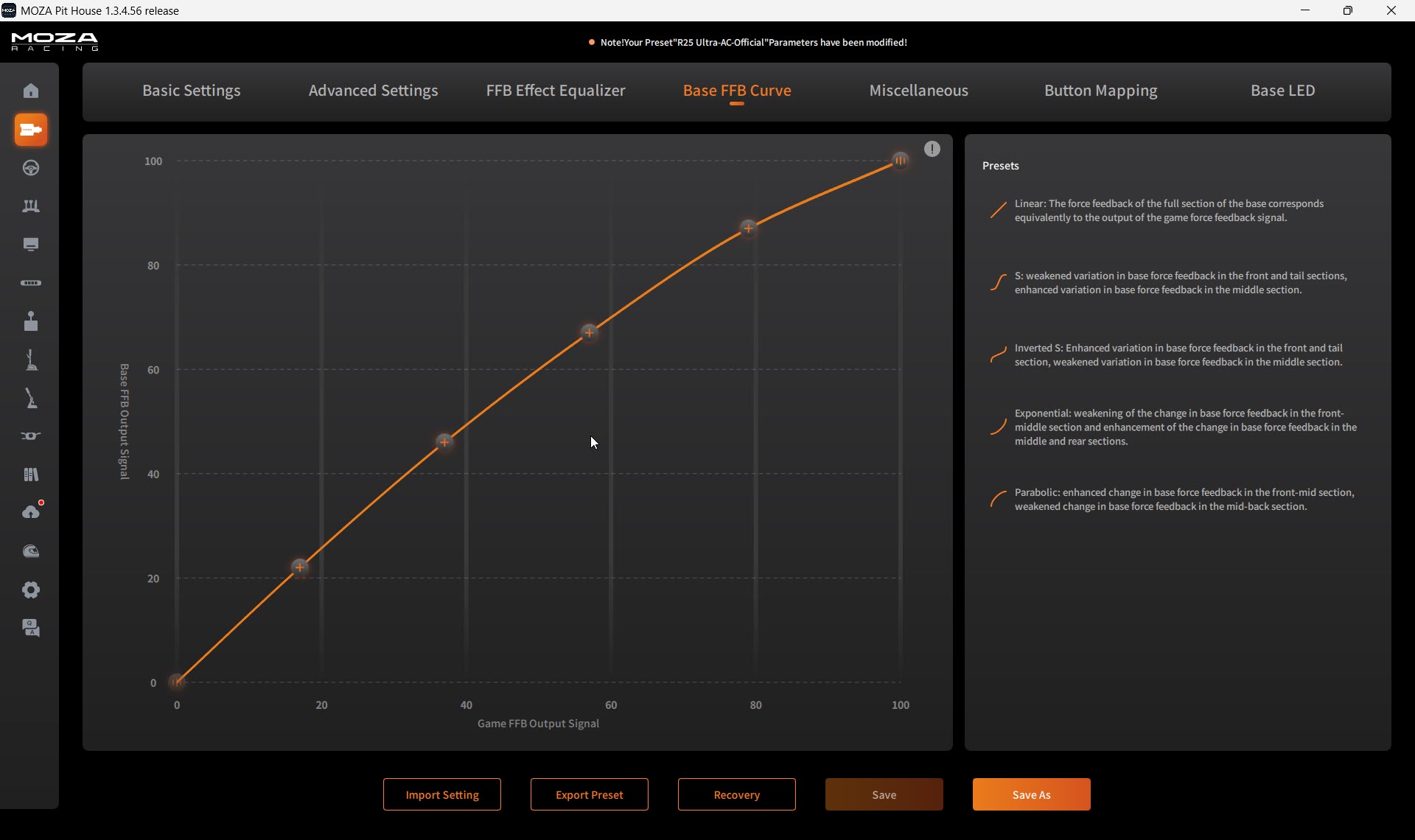
Moza’s Pit House has matured significantly over the last couple of years and now exposes a huge array of tuning parameters. For advanced users, that’s excellent. For beginners? Might be a bit overwhelming. On the R21 and R25 Ultra, the out-of-box force feedback needed work. If you enjoy the tuning process, you’ll love it. If you want plug-and-play perfection, you’ll be disappointed initially.
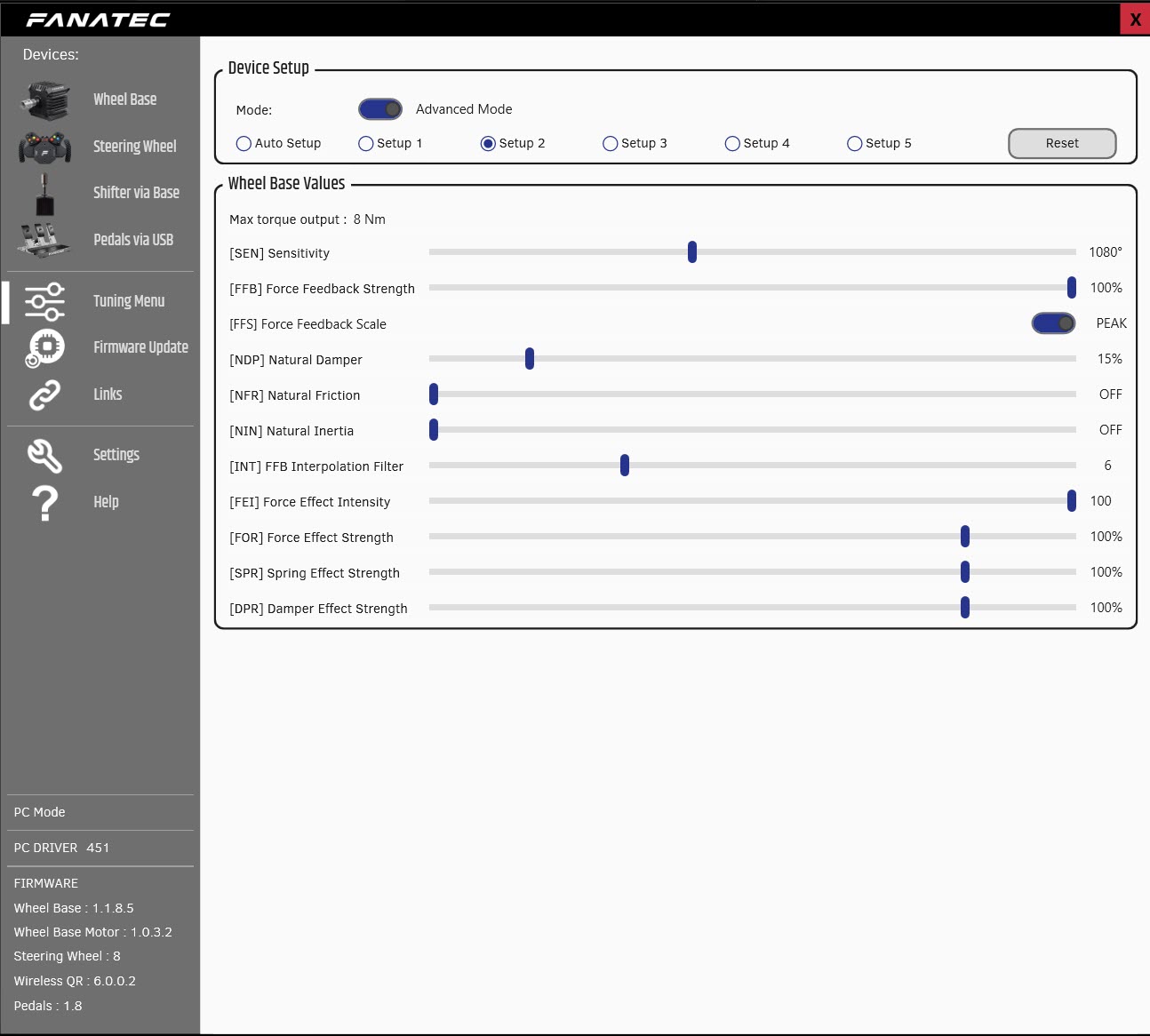
Back in 2023, the CSL DD was the simplest and easiest beginner experience, and if you were migrating to direct drive for the first time, the transition was extremely simple. In 2025, the Fanatec App replaced the old Control Panel and FanaLab. In the same video, Kireth ranks it the roughest of the three apps he compared, with Pit House in the middle and the Simucube Tuner the best.
Who owns Fanatec and Moza
Fanatec went through financial difficulties in 2023 and 2024. Corsair closed its purchase of the Fanatec product line from Endor AG in September 2024. In August 2026, Corsair bought Trak Racer’s assets and brought them into the Fanatec family.
Moza is owned by Gudsen, a deceptively large company, which means it’s capable of iterating on its product portfolio at quite an alarming pace. The economies of scale Gudsen can deliver keep Moza’s prices down. Moza were primed to swoop in and take that entry-level market share, and of course they’ve undercut Fanatec on price drastically as well. The early bases felt good for the money but sometimes lacked the polish and refinement of their premium competitors. The R21 and R25 Ultra change that narrative a fair bit.
So, Moza or Fanatec?
If you race on PS5 right now, pick Fanatec’s GT DD Pro or the ClubSport DD+. If you can wait, keep an eye on Moza’s PS5 bases for a price, a date and Sony’s approval. On Xbox, it’s a CSL DD with an Xbox-licensed Fanatec wheel, or Moza’s R3 Xbox bundle.
On PC, if you’re buying your first direct drive base on a fixed budget, pick the Moza R5 bundle. If you plan to upgrade, pick the CSL DD and add the Boost Kit 180 and the load cell kit as you go. Already own Fanatec wheels? Then stay with Fanatec and step up to the ClubSport DD at 15 Nm. And if you’re spending more and starting fresh, go Moza, where the R12 V2 is the bargain and the R21 Ultra is the one I’d point you to.
Either way, you’re getting performance that would normally require a significantly larger investment. For what it costs, the R21 is a particularly safe bet. I’ll see you out on track!
Related Articles
The Best Direct Drive Sim Racing Bundles (2026)
Simucube 3 Review: Sport, Pro and Ultimate
The Best Direct Drive Wheels for Sim Racing
Fanatec Podium DD Review
Le Mans Ultimate – Sorting Out the FFB Settings with Revosim
REVOSIM RS Pure 9Nm Bundle Review
Topic: Direct Drive Wheels