
I’m a sim racer and amateur racer with a passion for Motorsport, good racecraft and the technical and setup aspect of sim racing.
The Logitech RS50 ships with sensible defaults, but every racing game talks to the wheelbase a little differently – and the gap between “it works” and “it feels perfect” comes down to five base settings in their software. I’ve pulled Logitech’s own RS50-specific baselines for all 32 supported PC titles below, along with community tweaks where they’re worth mentioning. These aren’t the older Pro Wheel numbers you might’ve seen floating around – they’re the RS50-specific values Logitech published for 8Nm.
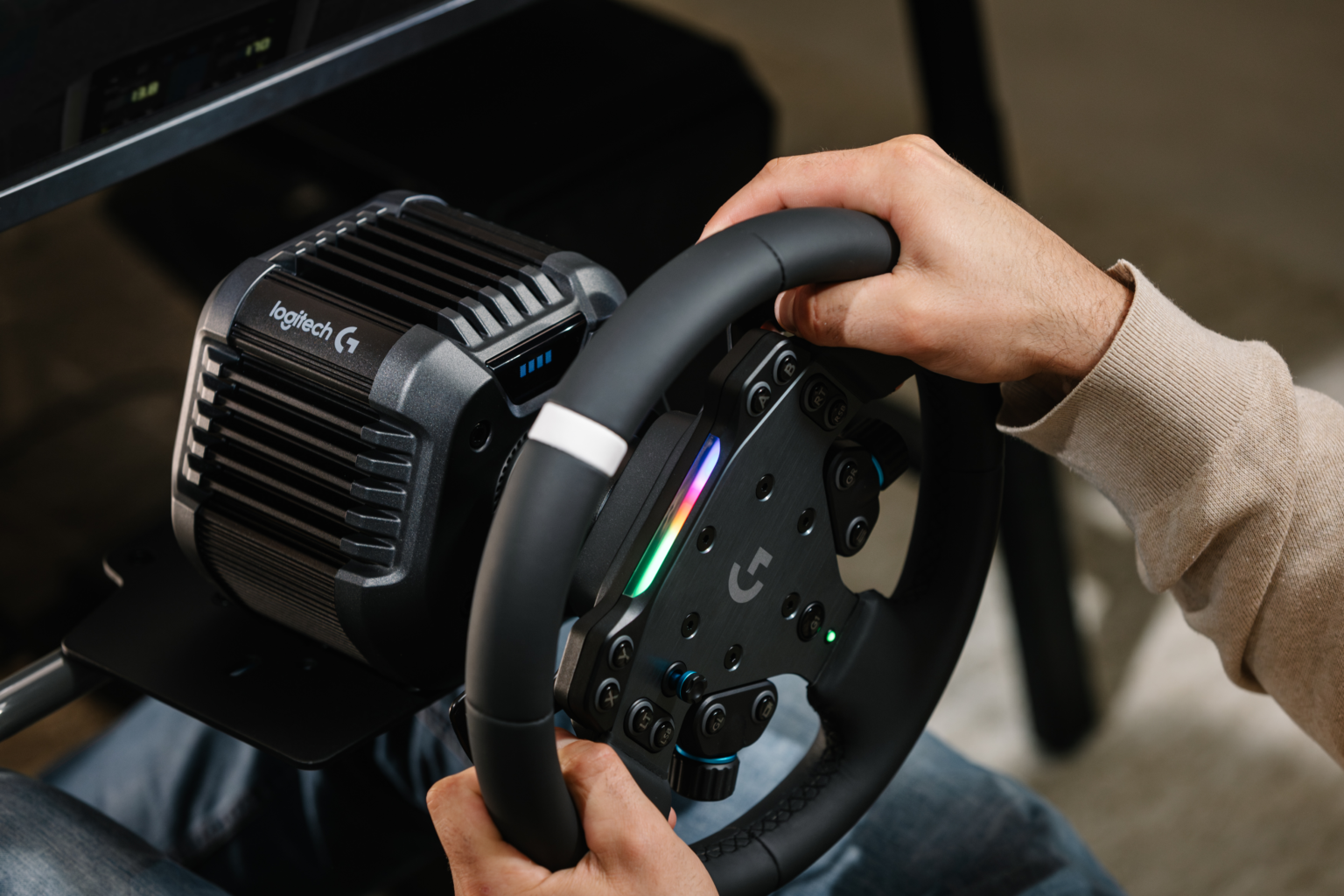
If you want the full hardware breakdown – torque, build quality, the TrueForce implementation – I’ve covered all of that in my Logitech RS50 review. This page is purely about the following games dialed in: American Truck Simulator, Assetto Corsa, Assetto Corsa Competizione, Assetto Corsa Evo, Assetto Corsa Rally, and many more.
Understanding the RS50 Base Settings
Five settings live on the RS50’s OLED screen (or in G HUB if you’re connected). Here’s what each one actually does:
- Compatibility Mode – Most PC games run fine in RS mode. Five titles need PRO mode for proper detection: Automobilista 2, EA Sports WRC, Forza Horizon 5, Forza Motorsport, and Japanese Drift Master. Switch this before you launch the game.
- FFB Filter – Higher values smooth out the force feedback signal. Lower values give you more raw detail but can feel grainy on some titles. Auto lets the wheel match the game’s FFB update rate.
- Dampener – Slows the wheel’s response to stop it feeling twitchy. OFF gives you the fastest reaction from the motor. If you let go of the wheel and it oscillates, that’s normal on a direct drive base with low dampener – pause the game before grabbing it again.
- TrueForce Audio – Vibrotactile effects for games that support it. Shows N/A for games without TrueForce. Higher values mean more road texture and kerb rumble through the rim.
- Angle – Total steering rotation. Open-wheel cars want 360°, road cars typically 900°, and trucks go up to 2520°. Some games handle this automatically per car.
RS50 vs Pro Wheel Settings – Which Numbers to Follow
Logitech published two different settings pages with noticeably different values. The older Pro Wheel page uses PRO and G923 compatibility modes with generally higher filter and dampener numbers. The RS50-specific page is newer and tuned for the RS50’s motor characteristics. If you’ve seen conflicting settings online, that’s probably why. The RS50 page is the one to trust – and that’s what I’ve used throughout this guide.
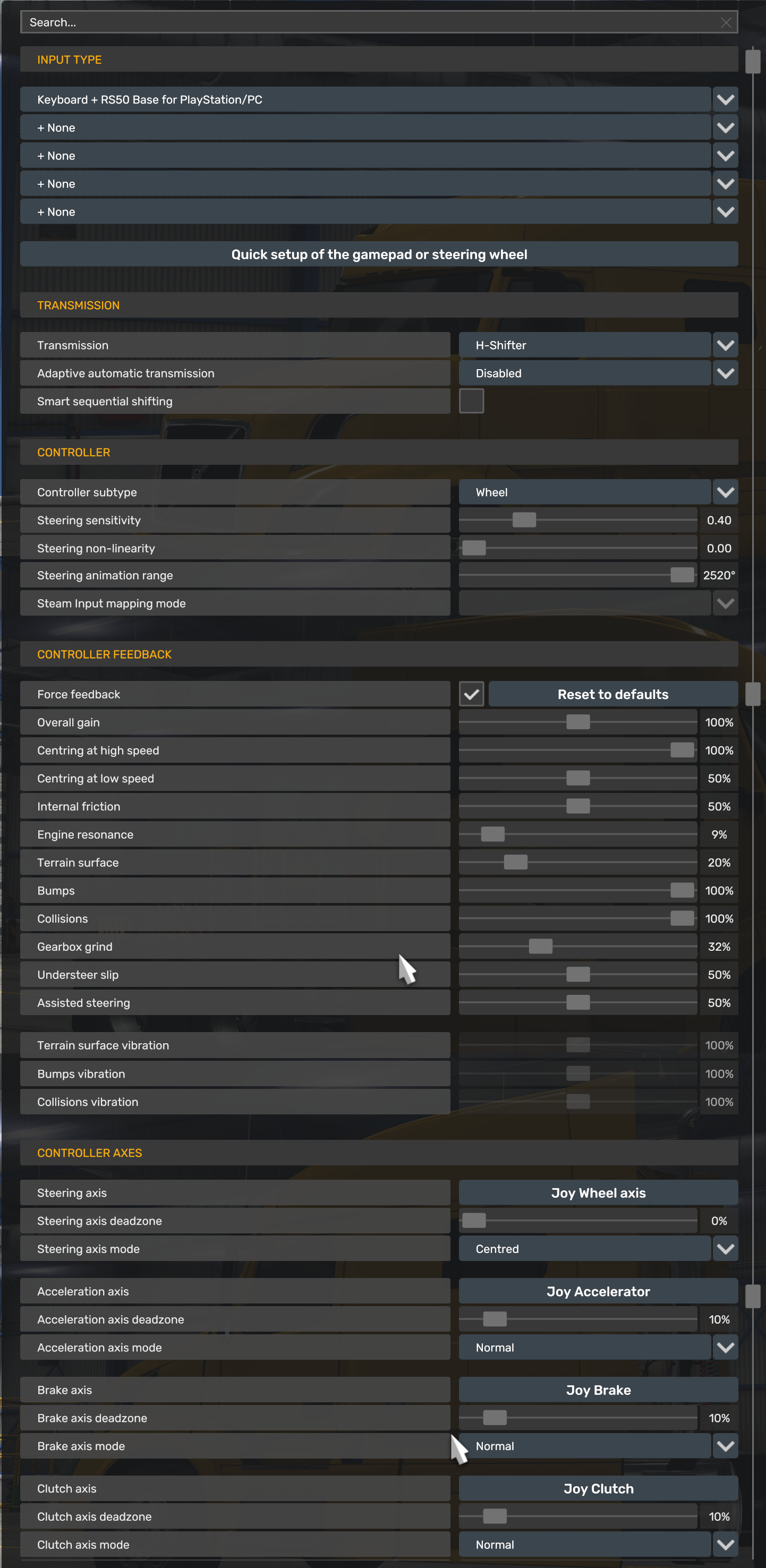
American Truck Simulator
Seven full turns lock-to-lock. 2520° sounds absurd for sim racing but feels right when you’re threading an 18-wheeler through a roundabout. TrueForce isn’t supported here, so the feedback’s purely mechanical.
- Compatibility Mode: RS
- FFB Filter: 4
- Dampener: 70
- TrueForce Audio: N/A
- Angle: 2520°
Assetto Corsa
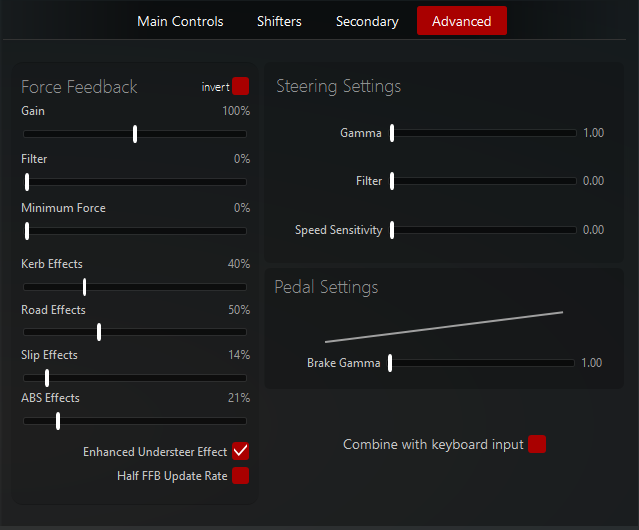
The original AC still runs brilliantly on the RS50. If you’re using Content Manager (and you should be), Logitech’s page includes a separate screenshot for that setup too. Dampener sits fairly high at 90, which tames some of the more aggressive mod physics. No TrueForce here – AC predates it.
- Compatibility Mode: RS
- FFB Filter: 5
- Dampener: 90
- TrueForce Audio: N/A
- Angle: 1080°
Assetto Corsa Competizione
ACC is one of the better TrueForce implementations on PC. Filter drops to 3 and dampener goes off entirely, so you’re getting a fairly raw signal from the tyre model. Angle is set per car, which ACC handles natively – don’t override it on the wheel. Some users on Reddit have reported a “grainy feeling when turning” with the RS50, which usually improves if you nudge the FFB filter up a notch or two from Logitech’s baseline.
- Compatibility Mode: RS
- FFB Filter: 3
- Dampener: OFF
- TrueForce Audio: 30
- Angle: Set Per Car
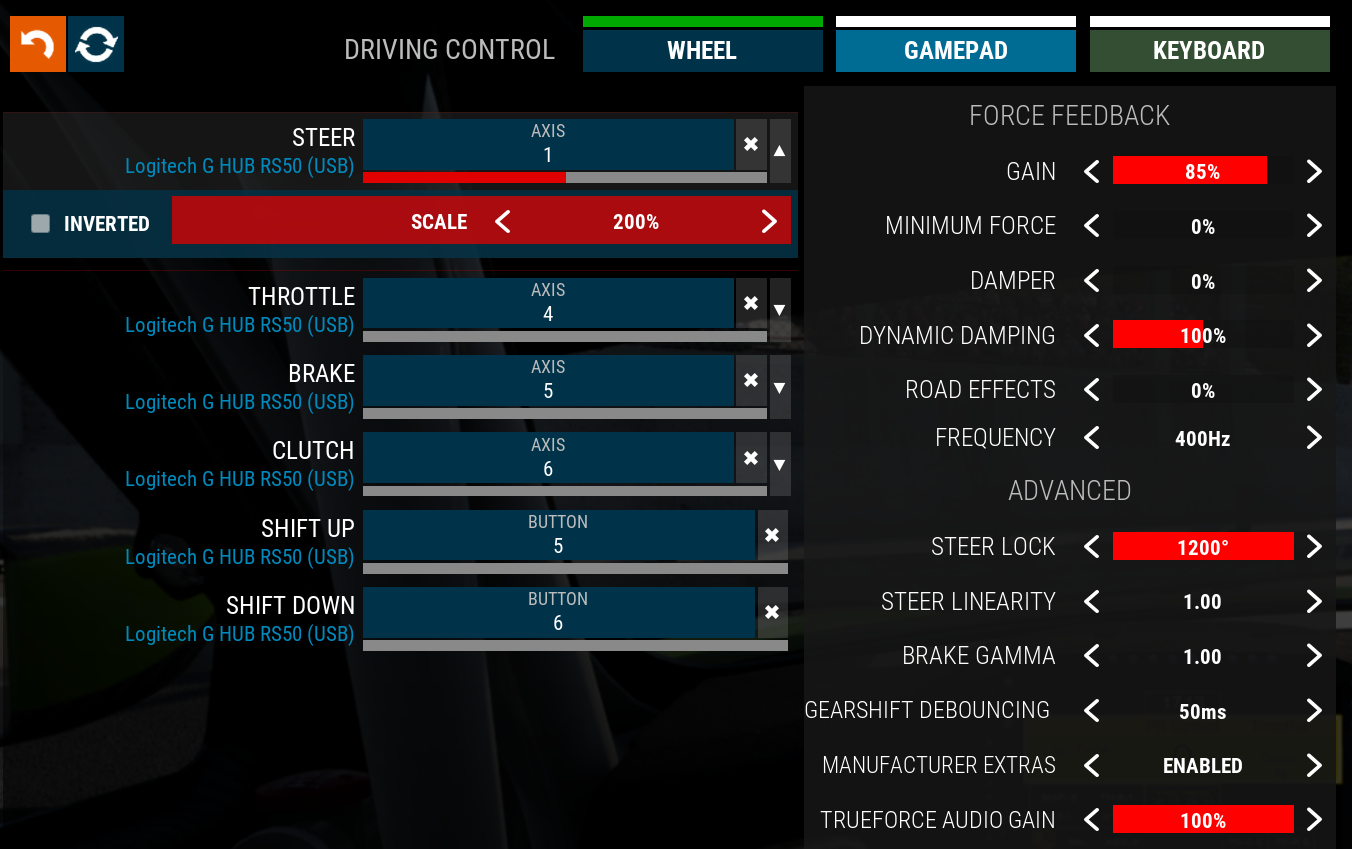
Assetto Corsa EVO
Kunos’s early access title already has TrueForce running, and Logitech’s cranked it to 85 – one of the highest values on this entire list. Zero dampener and a mid-range filter while the physics engine’s still being refined. Expect these to shift as updates land.
- Compatibility Mode: RS
- FFB Filter: 5
- Dampener: OFF
- TrueForce Audio: 85
- Angle: 1080°
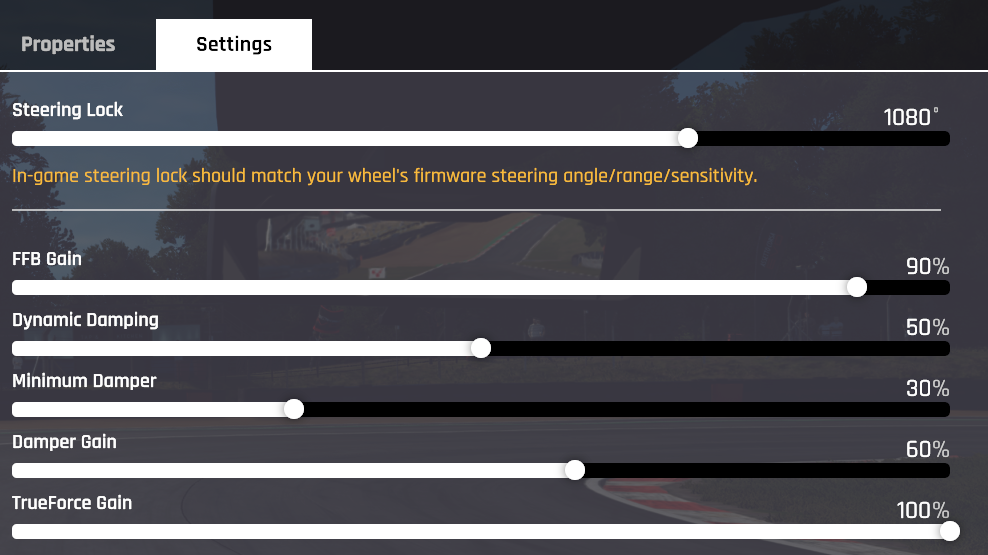
Assetto Corsa Rally
Kunos’s rally spinoff runs without TrueForce, and the angle drops to 900° for tighter rally-style input. The filter’s set to 7 here, which takes the edge off the constant gravel chatter you’d otherwise get through the rim on loose surfaces.
- Compatibility Mode: RS
- FFB Filter: 7
- Dampener: OFF
- TrueForce Audio: N/A
- Angle: 900°
Automobilista 2
One of five PC titles that needs PRO compatibility mode. Reiza’s Madness engine produces detailed FFB, so filter sits at just 1 with dampener off. TrueForce at 40 adds a decent layer of road feel without overwhelming the tyre feedback. Switch to PRO mode before launching – AMS2 won’t detect the wheel properly in RS mode.
- Compatibility Mode: PRO
- FFB Filter: 1
- Dampener: OFF
- TrueForce Audio: 40
- Angle: 1080°
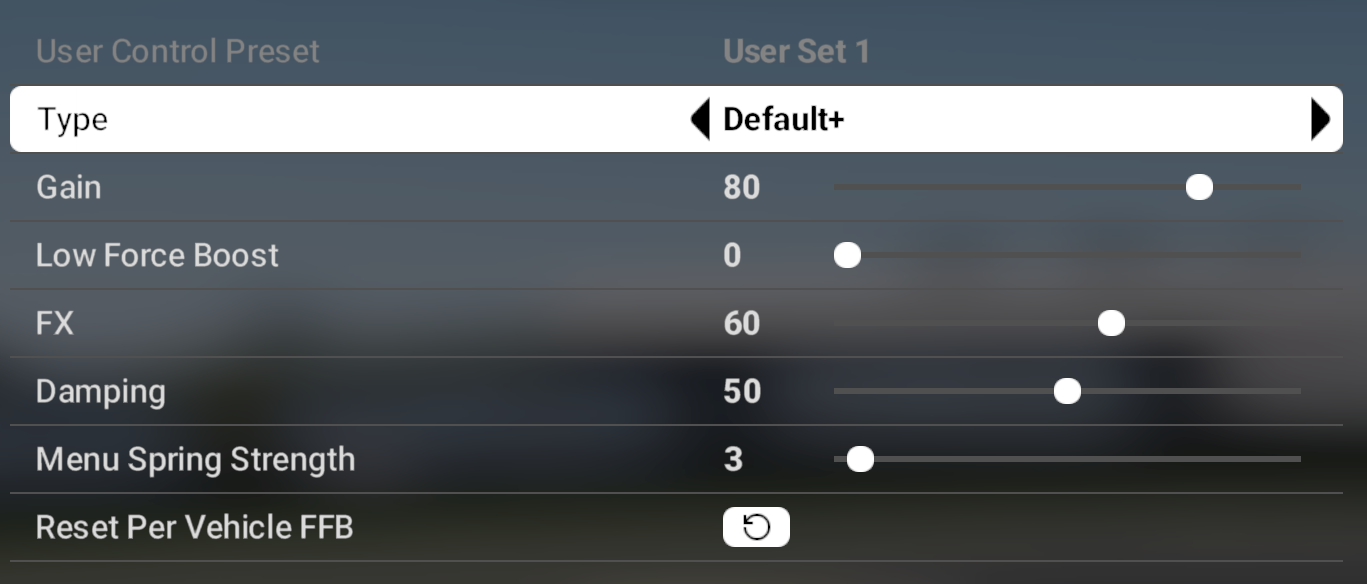
BeamNG Drive
BeamNG’s soft-body physics push a lot of detail through the wheel, especially mid-crash. TrueForce sits at 80, which is high by PC standards – but it suits a game where you actually want to feel the car disintegrating. No dampener either, so the steering stays responsive right up until the moment your front axle detaches.
- Compatibility Mode: RS
- FFB Filter: 5
- Dampener: OFF
- TrueForce Audio: 80
- Angle: 1080°
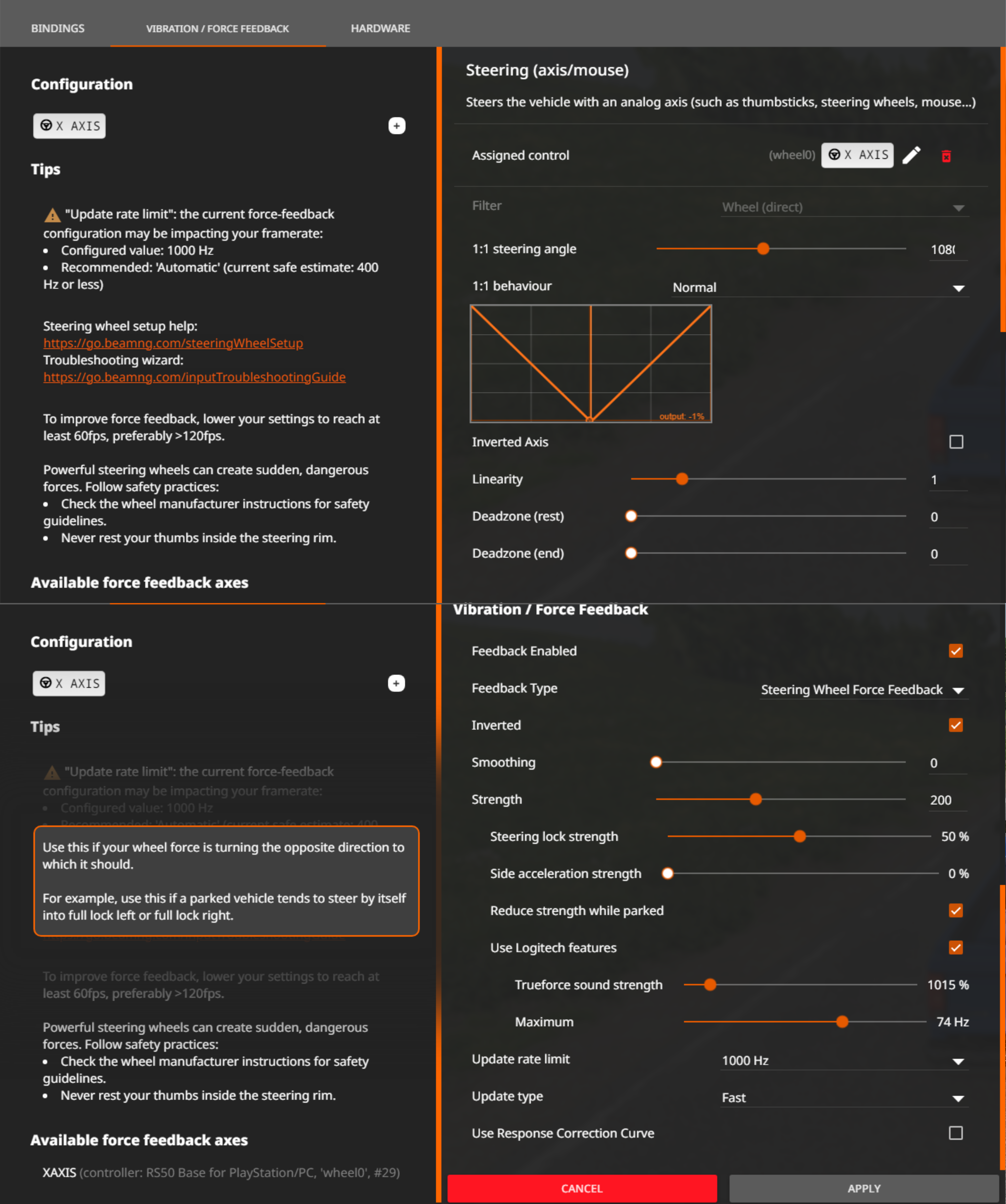
CarX Drift Racing Online
Drifting wants fast wheel response, so the FFB filter’s at 1 here. The dampener’s at 50 to keep things controlled through sustained slides without the wheel snapping back too aggressively. TrueForce isn’t in the mix, but the base FFB does enough for what’s primarily a drift game.
- Compatibility Mode: RS
- FFB Filter: 1
- Dampener: 50
- TrueForce Audio: N/A
- Angle: 1080°
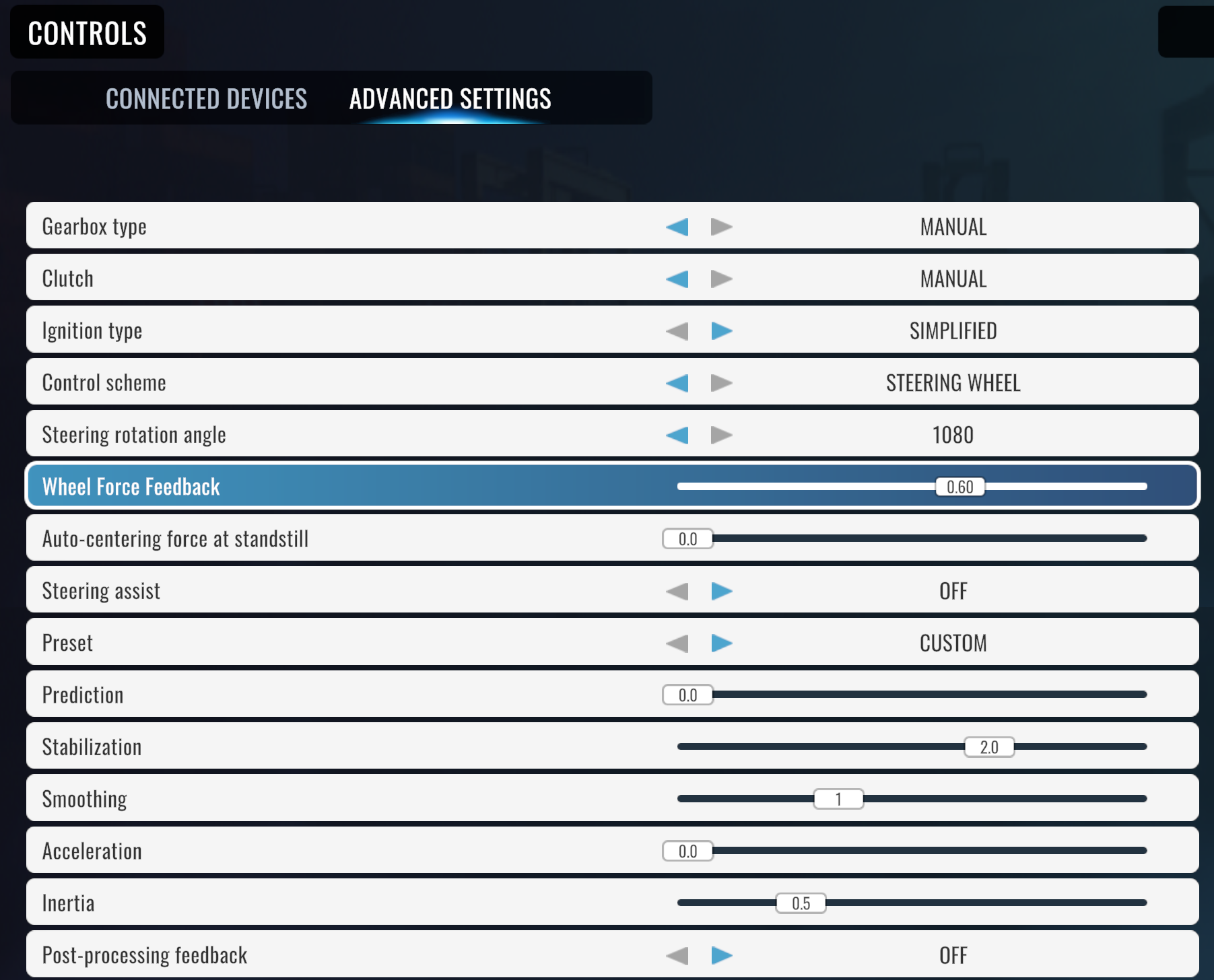
CarX Street
The street variant flips things compared to CarX Drift. Filter’s cranked to 11 and the angle halves to 540°. Heavy smoothing and narrow rotation suit the arcade-style street racing here.
- Compatibility Mode: RS
- FFB Filter: 11
- Dampener: 60
- TrueForce Audio: N/A
- Angle: 540°
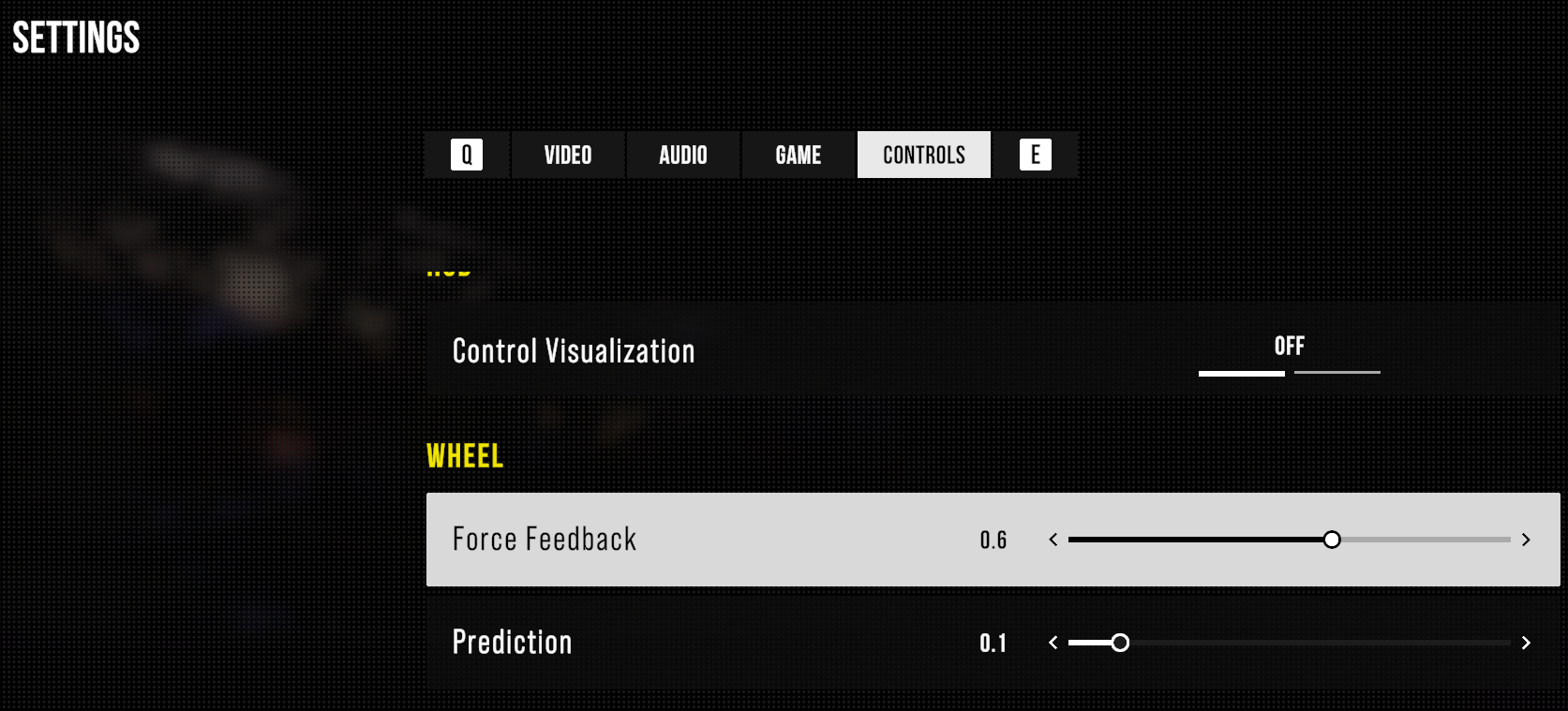
Dakar Desert Rally
Long desert stages over rough terrain, and the filter at 7 takes the edge off constant surface noise from sand and rocks. 900° works well for rally-width inputs. No TrueForce implementation in this one, so it’s all FFB signal.
- Compatibility Mode: RS
- FFB Filter: 7
- Dampener: OFF
- TrueForce Audio: N/A
- Angle: 900°
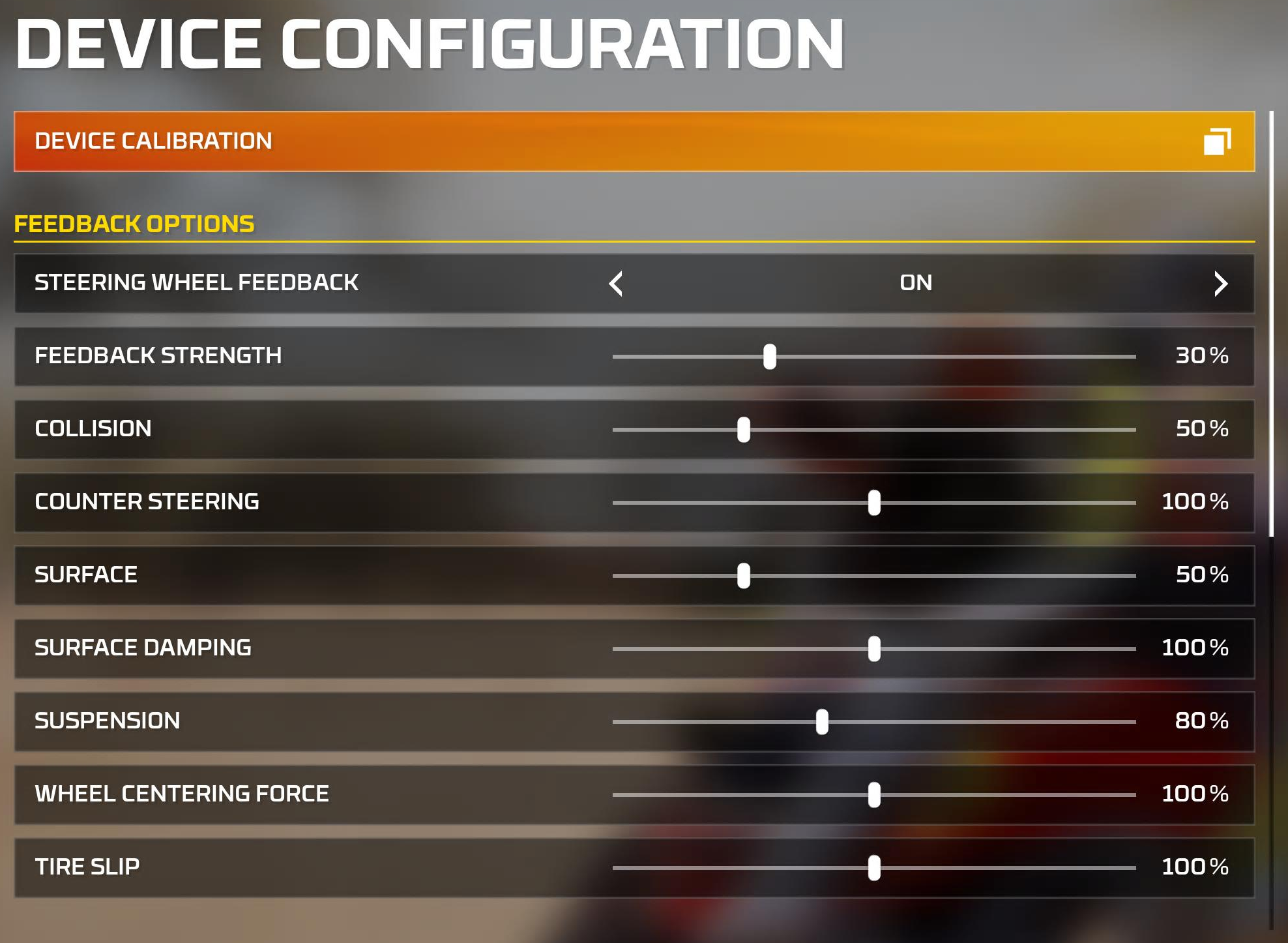
Dirt Rally
Codemasters’ first crack at the rally reboot, and it still plays well on modern hardware. The game handles rotation per car, so leave the angle setting alone and let it do its thing. Predates TrueForce by years, obviously. Dampener’s at a moderate 50 here.
Visit Our Sponsors
- Compatibility Mode: RS
- FFB Filter: 6
- Dampener: 50
- TrueForce Audio: N/A
- Angle: Set Per Car
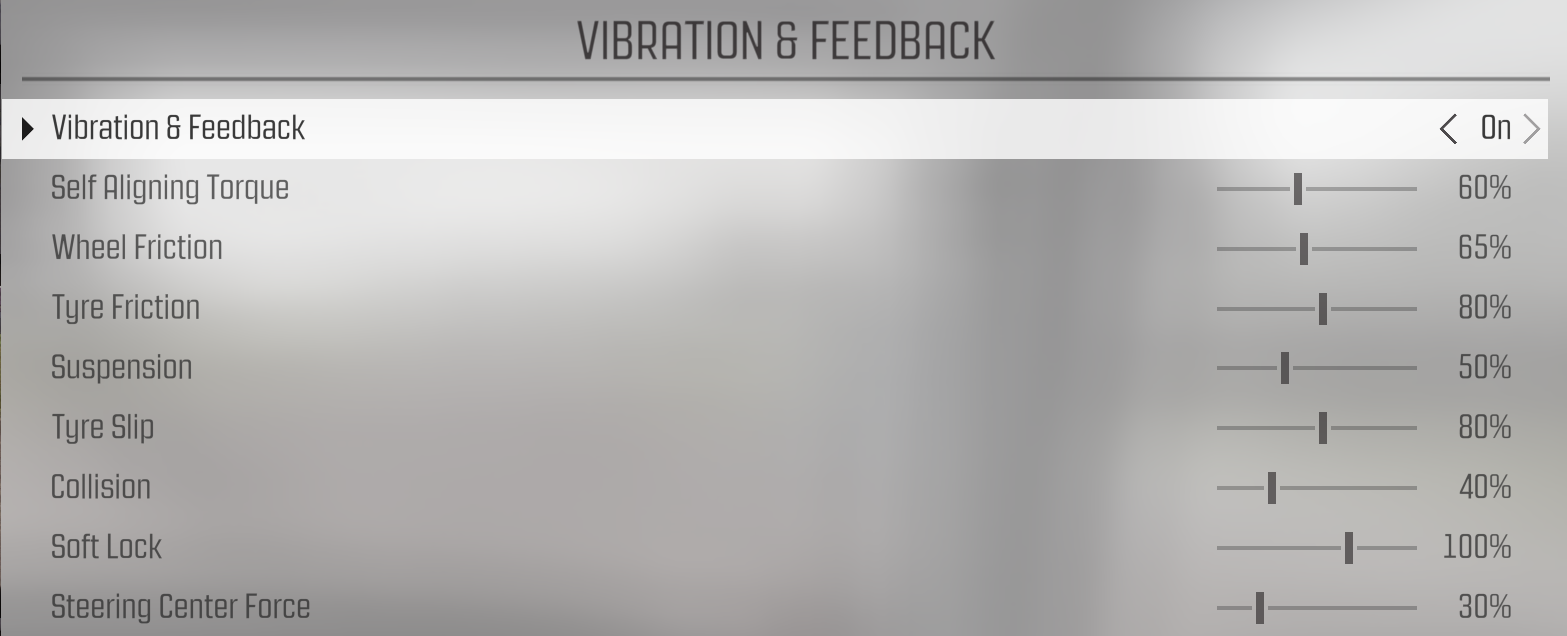
Dirt Rally 2.0
The sequel added TrueForce, which at 30 gives you a layer of surface texture without drowning out the tyre model’s own feedback. Dampener bumps up to 60 versus the original’s 50. Angle’s still car-dependent, same as DR1.
- Compatibility Mode: RS
- FFB Filter: 5
- Dampener: 60
- TrueForce Audio: 30
- Angle: Set Per Car
EA Sports WRC
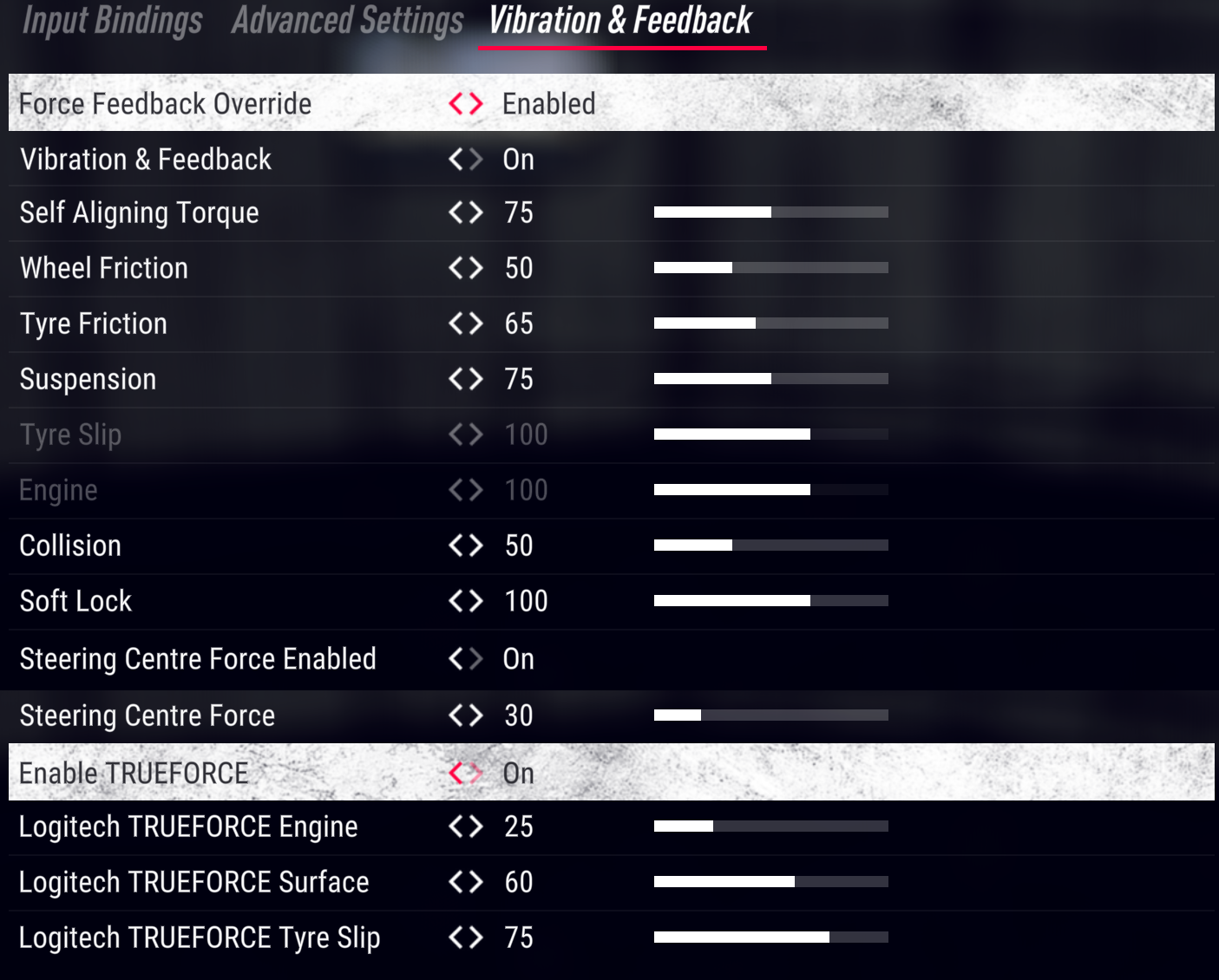
PRO mode on PC – and this catches people out more than you’d think. Double-check you’ve flipped compatibility on the OLED before you hit launch, because EA’s WRC title won’t see the wheel in RS mode. TrueForce at 30, dampener at 60, and 1080° that the game narrows per car class on its own.
- Compatibility Mode: PRO
- FFB Filter: 5
- Dampener: 60
- TrueForce Audio: 30
- Angle: 1080°
Endurance Motorsport Series
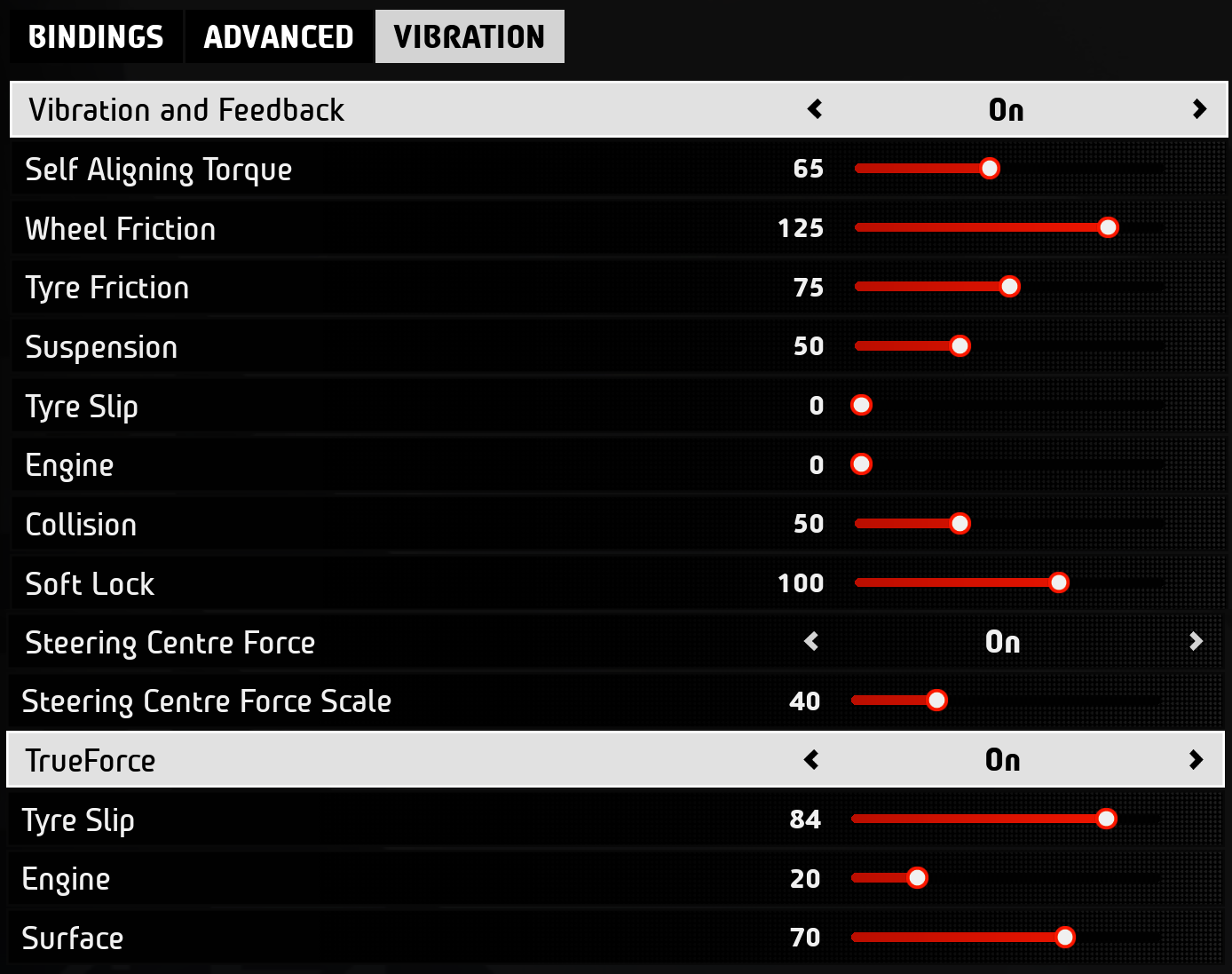
Smaller community but the FFB is genuinely impressive. Shares the joint-highest TrueForce value on PC with iRacing – both maxed at 100. The tight 360° angle points to a prototype and open-wheel focus, and the dampener’s barely there at 20.
- Compatibility Mode: RS
- FFB Filter: 4
- Dampener: 20
- TrueForce Audio: 100
- Angle: 360°
Euro Truck Simulator 2
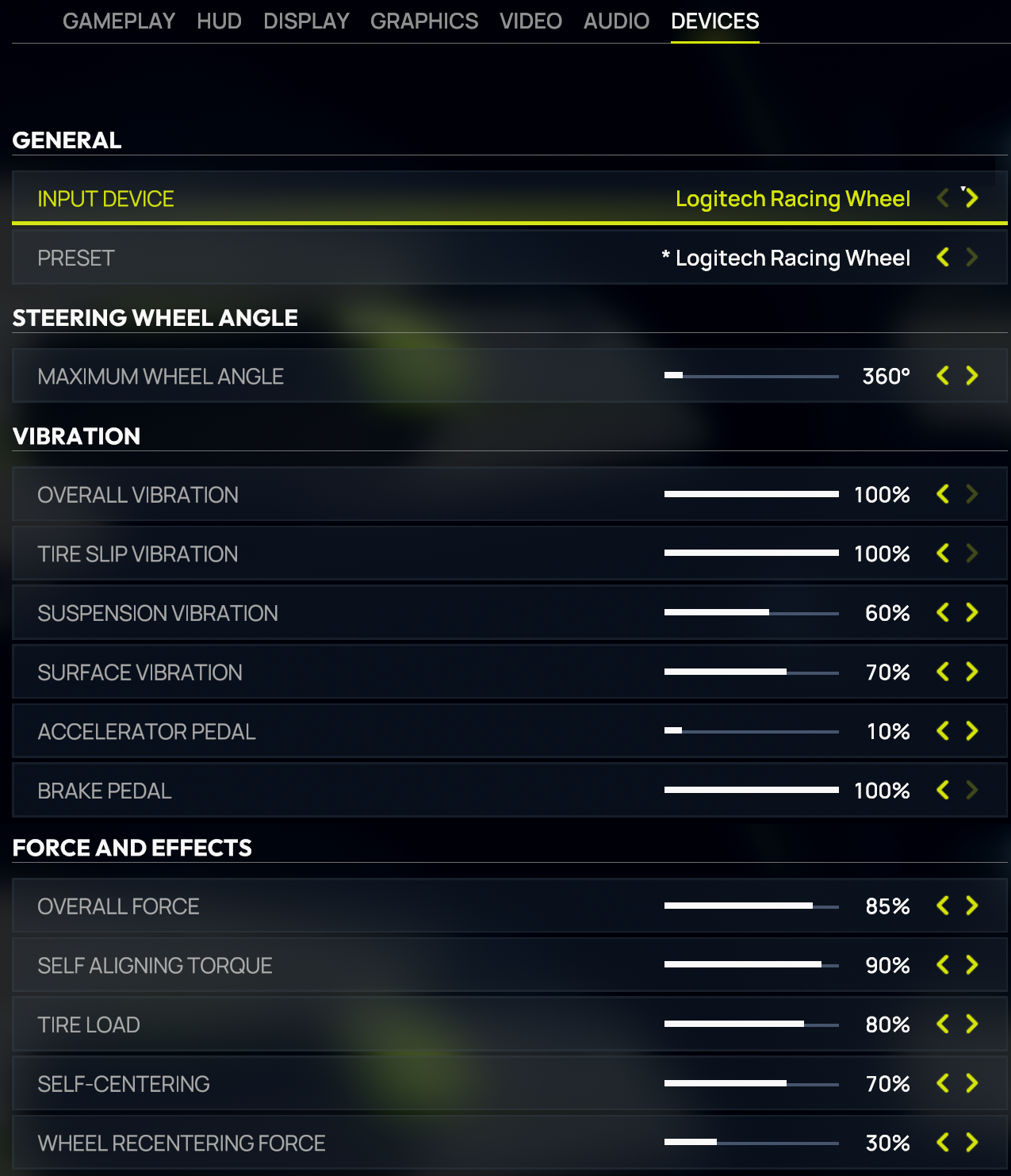
Same 2520° as ATS – seven turns lock-to-lock for proper truck feel. You’d expect heavy filtering on a trucking game, but Logitech’s gone relatively low at 3, which lets the road surface come through while the 60 dampener stops things getting twitchy on long motorway stretches.
- Compatibility Mode: RS
- FFB Filter: 3
- Dampener: 60
- TrueForce Audio: N/A
- Angle: 2520°
F1 25 (and F1 22, 23, 24)
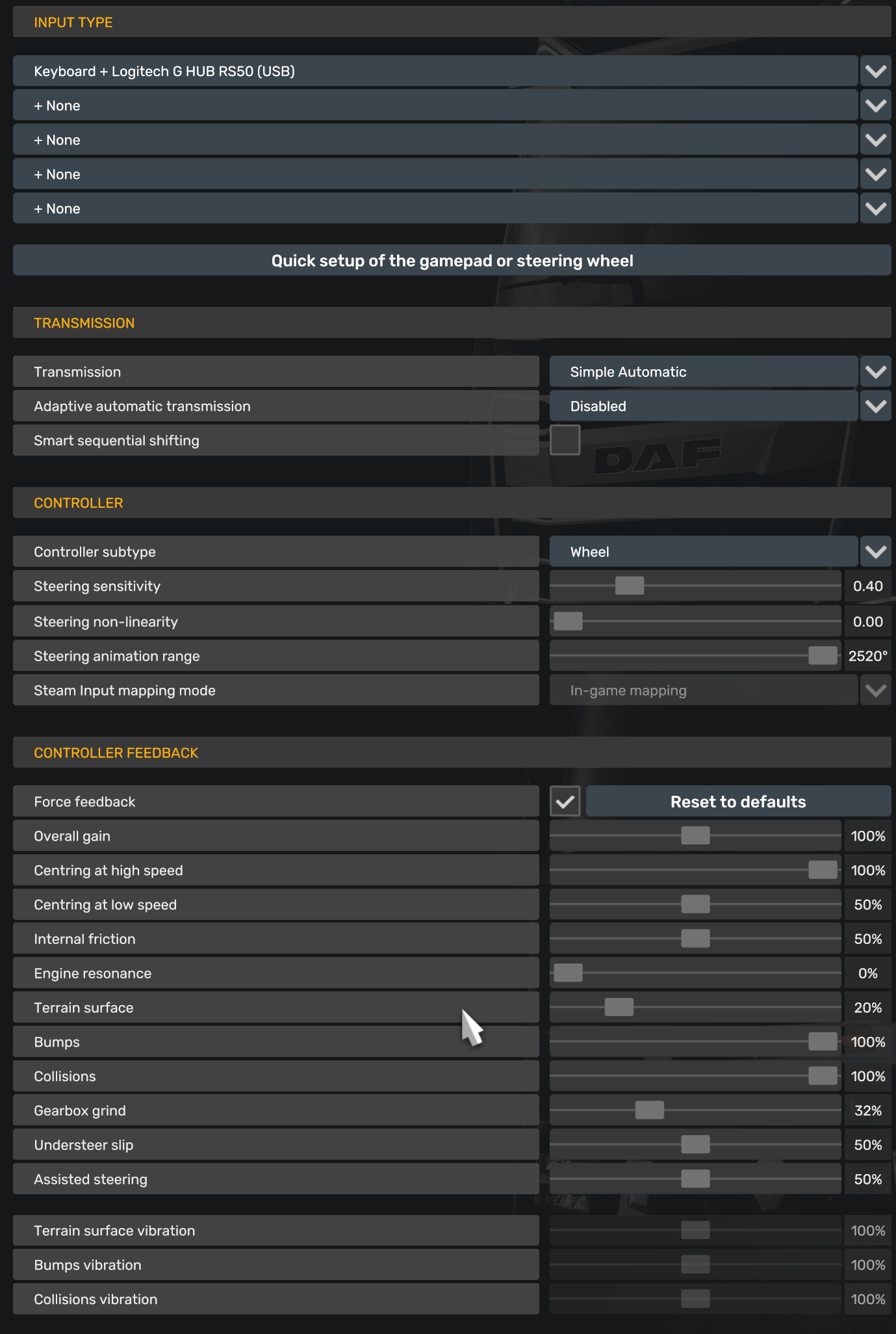
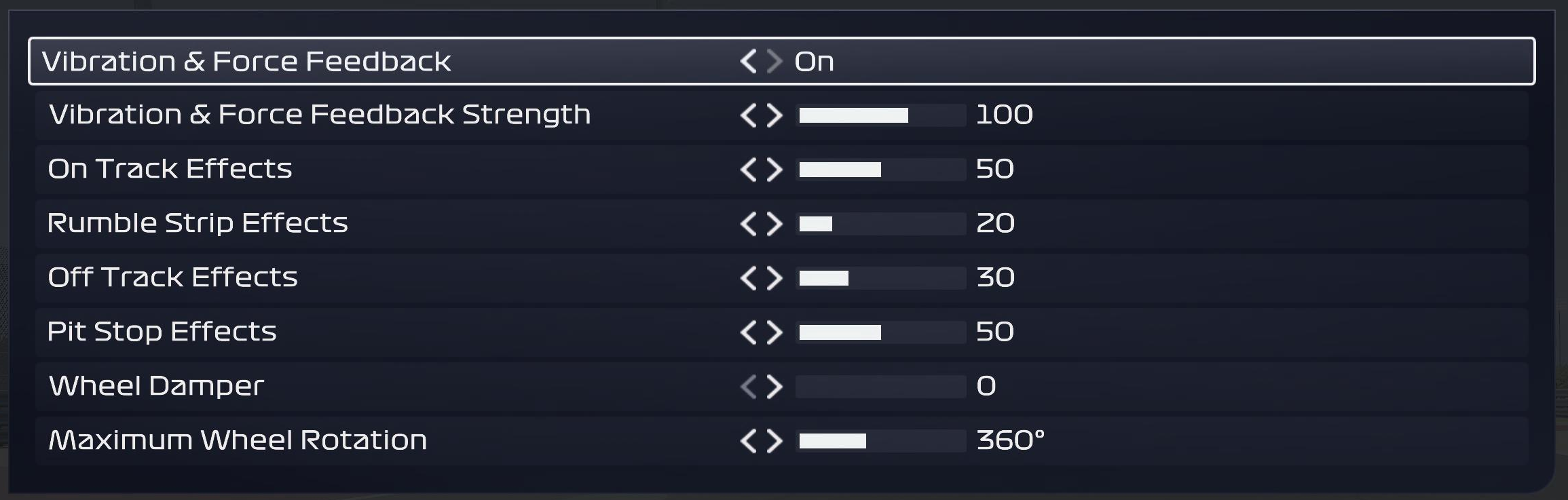
Open-wheel rotation at 360°. These values cover all recent EA F1 titles since the Codemasters engine hasn’t fundamentally changed its FFB implementation between versions. The 70 dampener’s one of the higher values you’ll see anywhere in this guide – kerb strikes in the F1 games can be genuinely violent through a direct drive base, so Logitech’s clearly trying to tame that. TrueForce at 20 adds subtle texture without competing with the main FFB signal.
- Compatibility Mode: RS
- FFB Filter: 5
- Dampener: 70
- TrueForce Audio: 20
- Angle: 360°
Forza Horizon 5
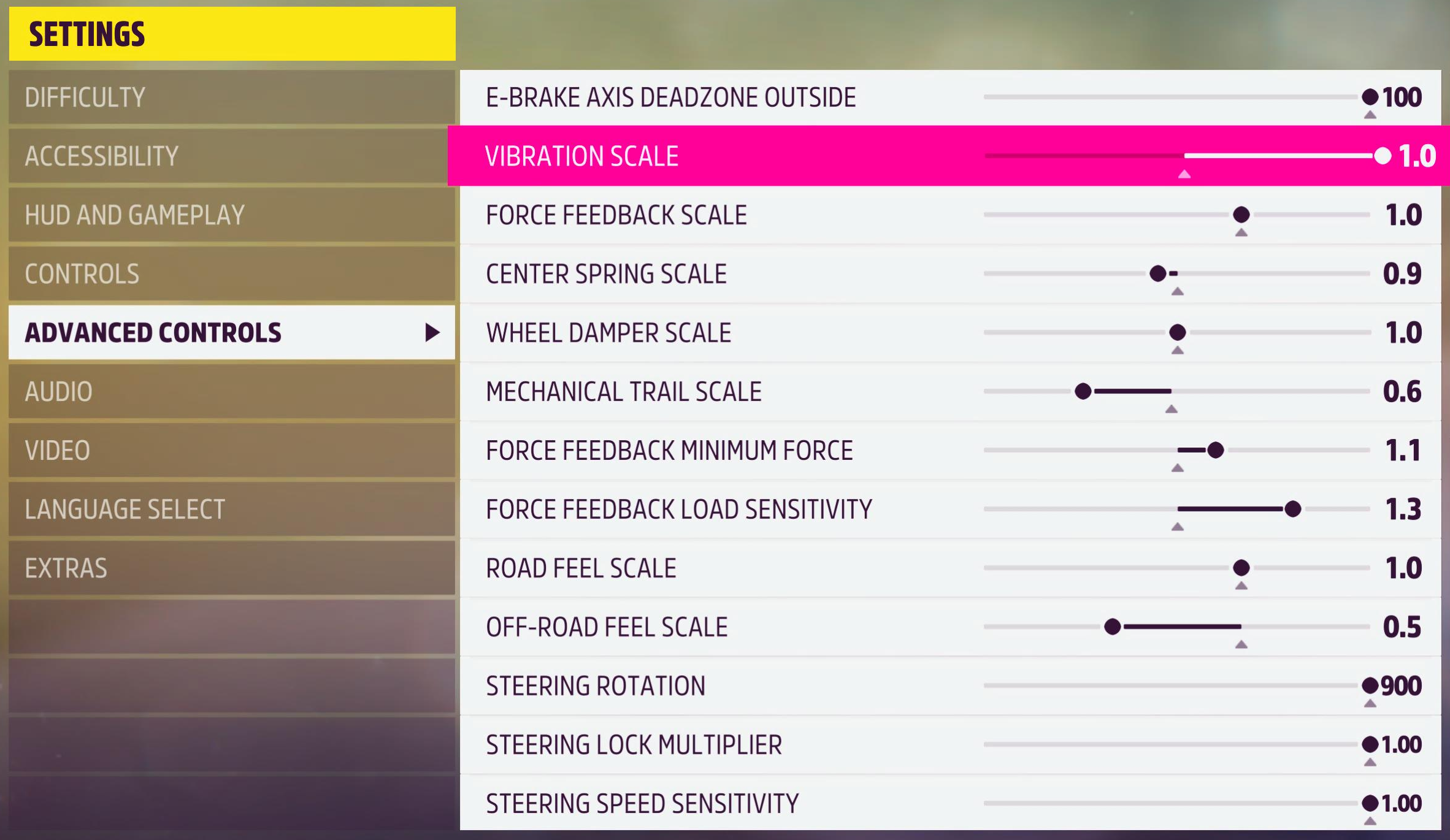
PRO mode required – Forza Horizon 5 won’t see the RS50 in RS mode. It’s open-world arcade racing, so the dampener’s moderate at 30 and the filter sits a touch higher at 6 to smooth things out. 900° suits the mix of road cars and cross-country events. Playground Games hasn’t added TrueForce to this one.
- Compatibility Mode: PRO
- FFB Filter: 6
- Dampener: 30
- TrueForce Audio: N/A
- Angle: 900°
Forza Motorsport (2023)
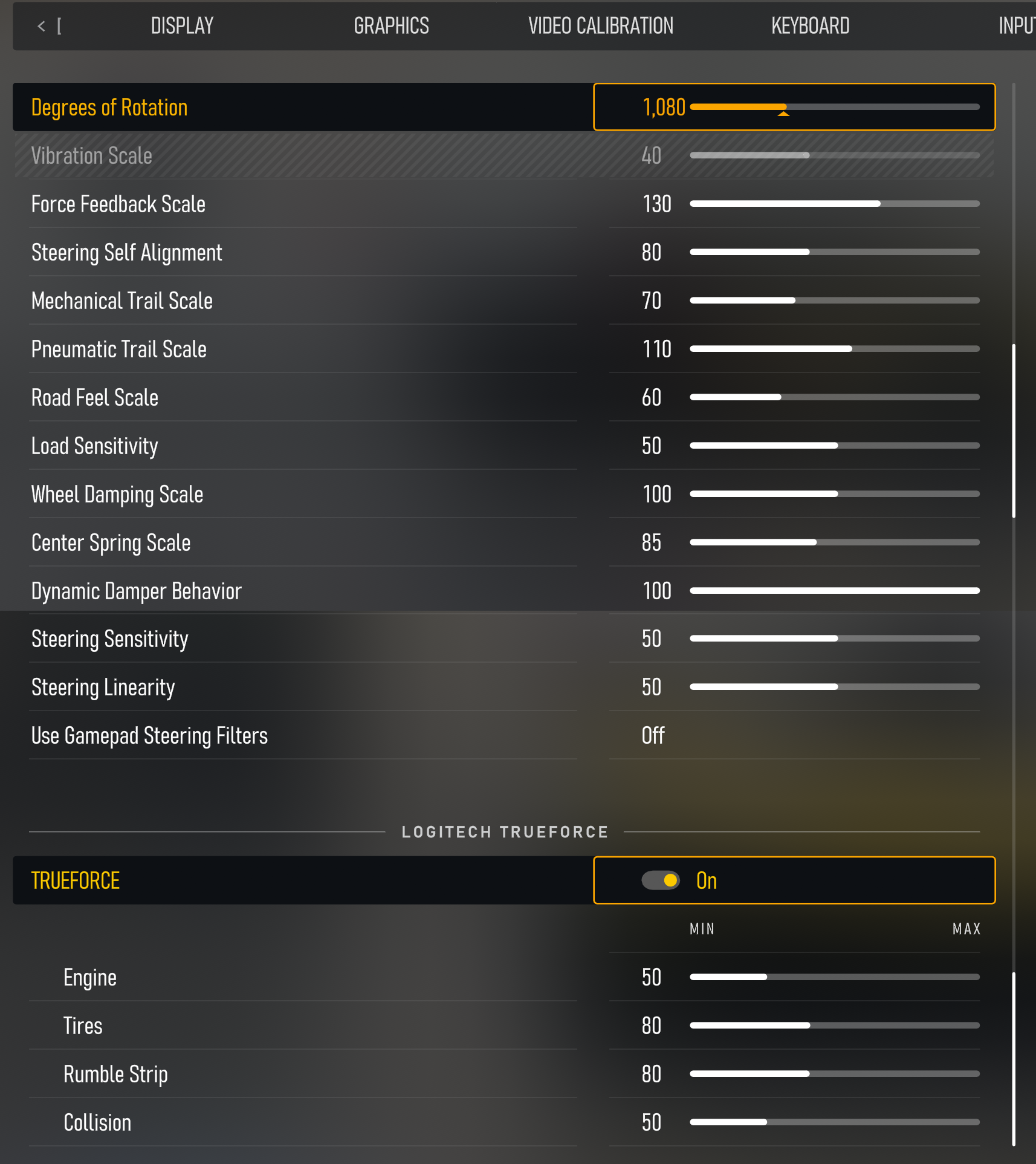
PRO mode again, but the settings here are surprisingly raw for a Forza title. Filter at 1, dampener off, TrueForce at 40. Feels much more like a sim setup than you’d expect from Turn 10. One Reddit user found that switching to RS mode and inverting the FFB in-game also works, though PRO mode’s the cleaner approach.
- Compatibility Mode: PRO
- FFB Filter: 1
- Dampener: OFF
- TrueForce Audio: 40
- Angle: 1080°
GRID (2019)
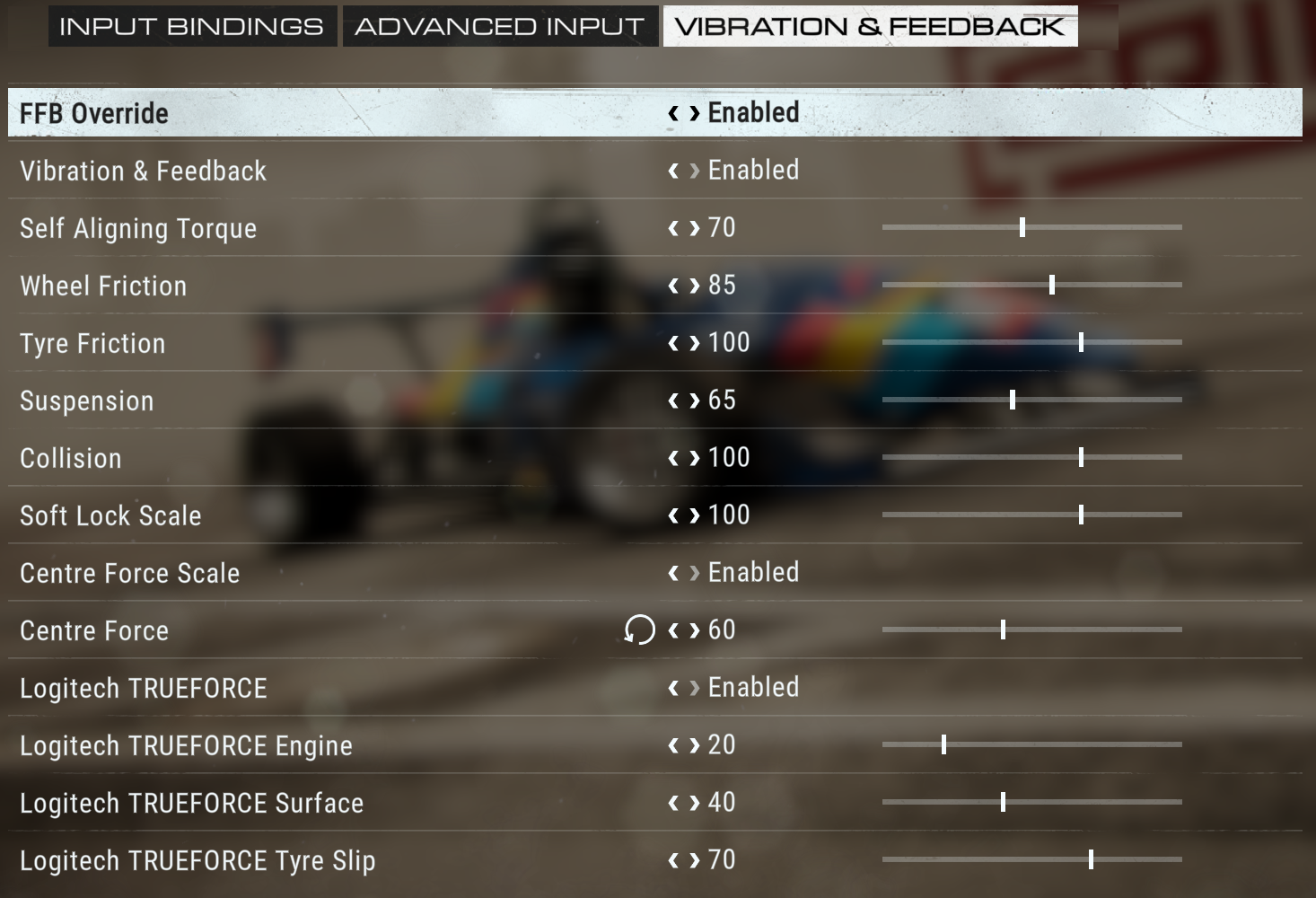
GRID’s always sat between sim and arcade, and the RS50 settings reflect that split. TrueForce goes to 80 here – among the highest on this list – which adds a lot of texture to GRID’s already dramatic car handling. The 40 dampener reins in the wilder moments without making it feel sluggish.
- Compatibility Mode: RS
- FFB Filter: 5
- Dampener: 40
- TrueForce Audio: 80
- Angle: 1080°
GRID Legends
Much lower filter than the original GRID at just 2, and Codemasters dropped TrueForce from this entry. With the dampener down at 20 the wheel stays light and snappy. One of the simpler setups on this list – RS mode, 1080°, crack on.
- Compatibility Mode: RS
- FFB Filter: 2
- Dampener: 20
- TrueForce Audio: N/A
- Angle: 1080°
iRacing
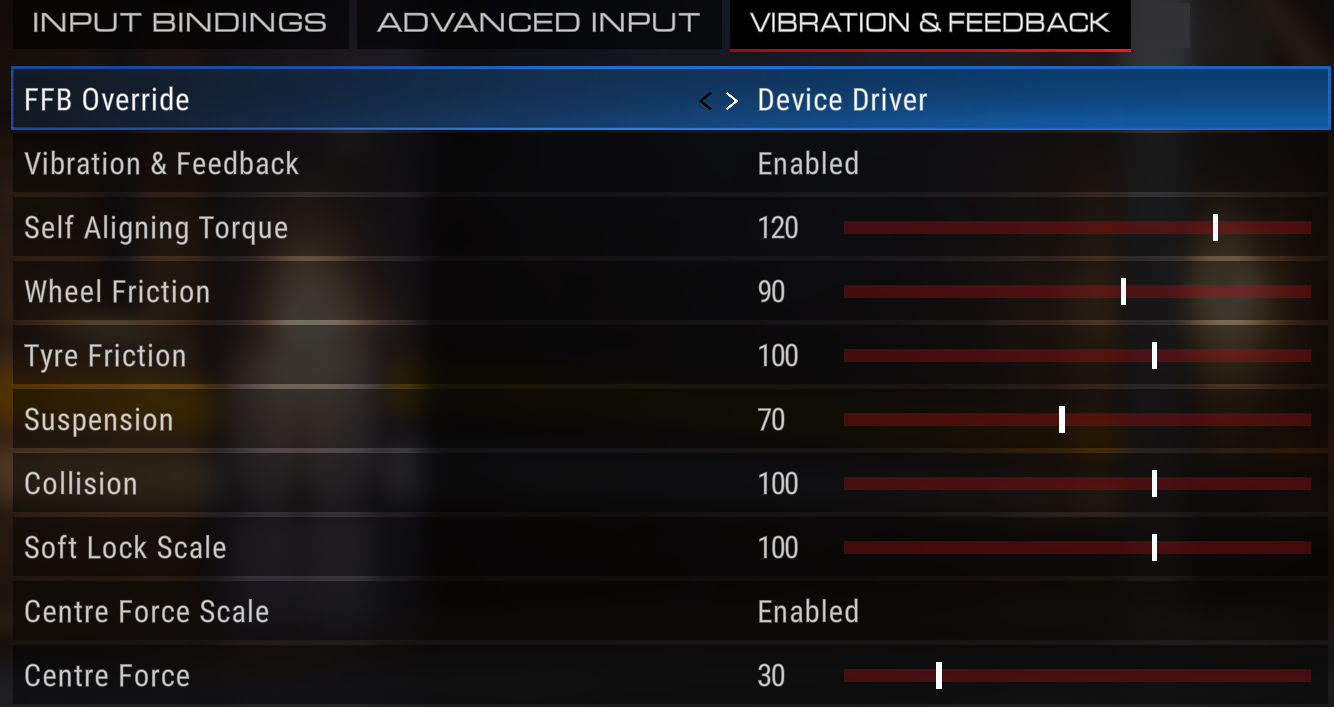
The big one. Filter at 1, dampener off, TrueForce cranked to 100. This is about as raw as Logitech’s baselines get for any title on this page. iRacing’s FFB implementation is clean enough that filtering and dampening would just get in the way – the sim’s tyre model handles everything itself. Pretty much everyone on r/simracing agrees: run it wide open and let the wheel tell you what’s happening.
- Compatibility Mode: RS
- FFB Filter: 1
- Dampener: OFF
- TrueForce Audio: 100
- Angle: 1080°
Japanese Drift Master
PRO mode with a tight 500° angle suited to narrow mountain touge roads. It’s a relatively new title still getting regular updates, so don’t be surprised if Logitech adjusts these as the developers refine their FFB. Dampener at 20 and TrueForce isn’t supported yet.
- Compatibility Mode: PRO
- FFB Filter: 4
- Dampener: 20
- TrueForce Audio: N/A
- Angle: 500°
Le Mans Ultimate
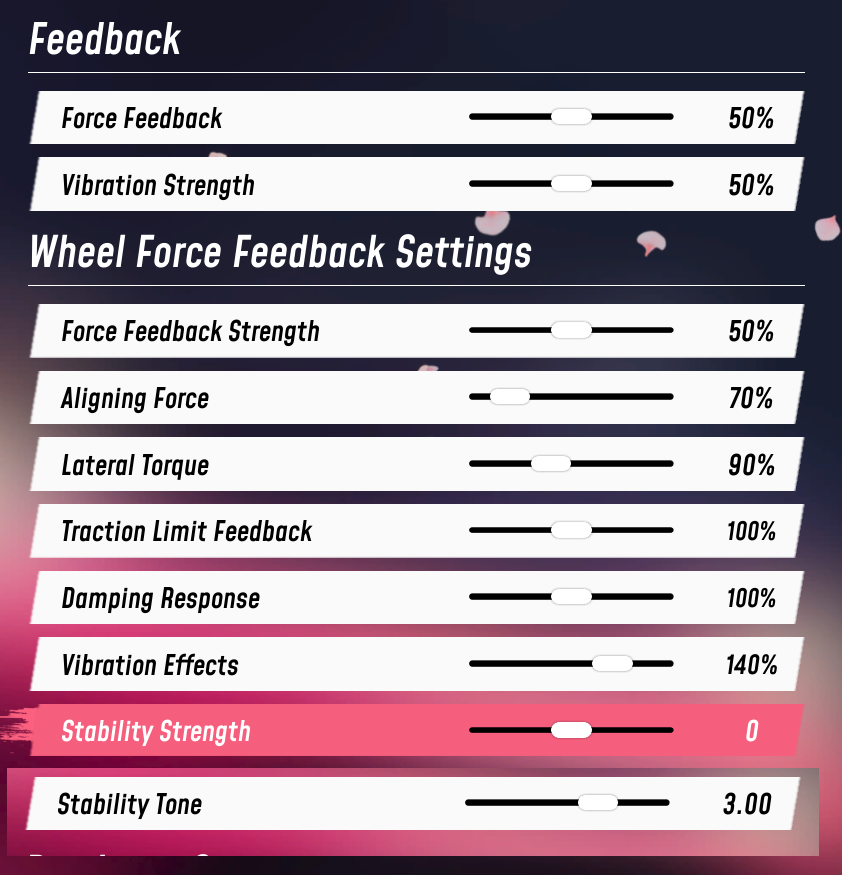
Motorsport Games’ successor to rFactor 2, and it rewards a raw feel. Filter at 4, dampener at 20, no TrueForce. One Reddit user running an LMU-specific setup goes even further: “11Nm on the base, 0 filter, 900 degrees rotation” with about 50% strength and 7 smoothing in-game. That’s more aggressive than Logitech’s baseline, but it shows LMU’s FFB engine can handle minimal filtering.
- Compatibility Mode: RS
- FFB Filter: 4
- Dampener: 20
- TrueForce Audio: N/A
- Angle: 1080°
NASCAR 25
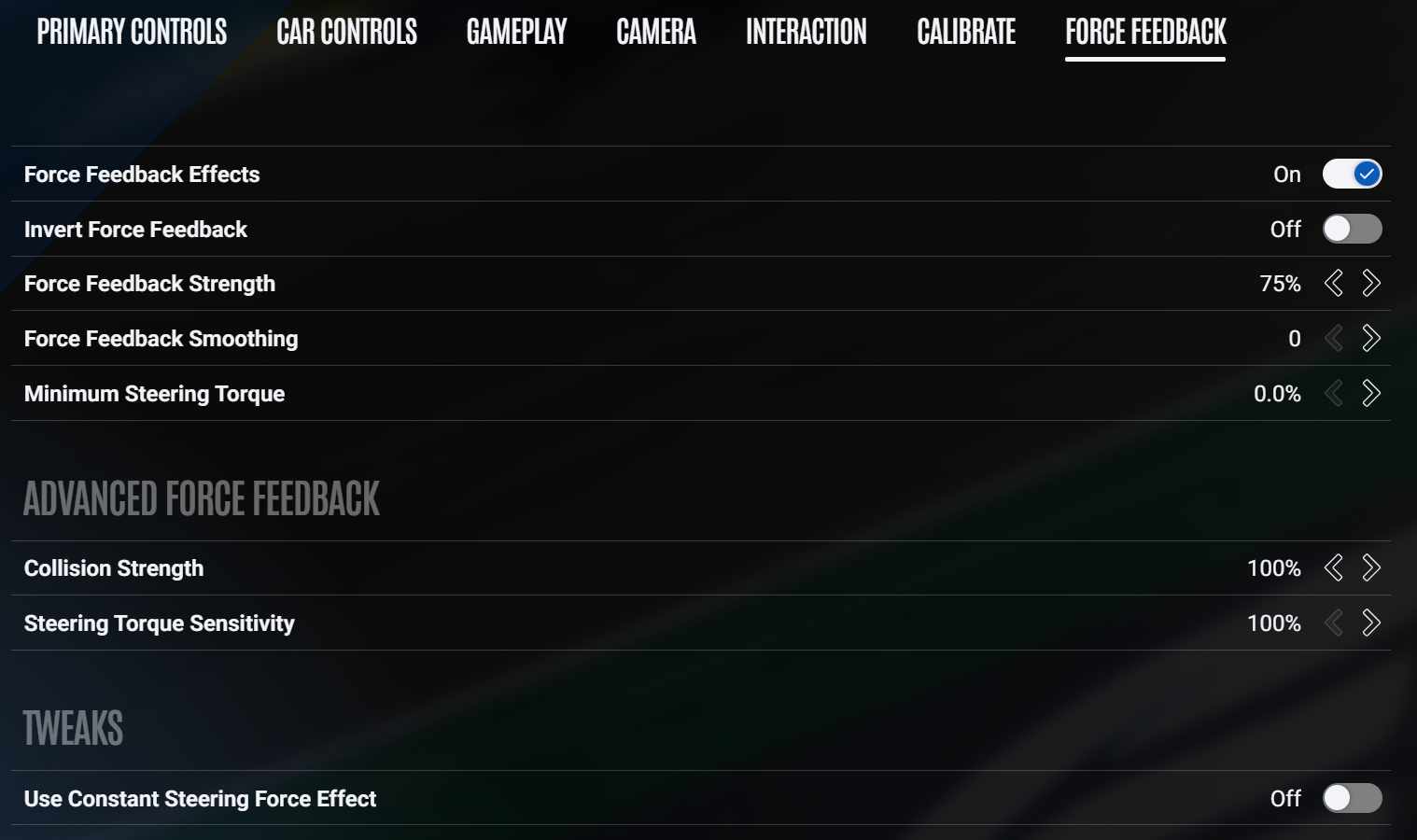
Conservative settings for oval racing: 900° rotation, dampener at 20, no TrueForce to speak of. Makes sense when you think about it – NASCAR cars don’t need a lot of granular detail through the rim. You’re reading push and loose through weight transfer more than surface texture, and 900° with a mid-range filter at 5 captures that without overdoing it.
- Compatibility Mode: RS
- FFB Filter: 5
- Dampener: 20
- TrueForce Audio: N/A
- Angle: 900°
Project Cars 2
Still popular despite Slightly Mad Studios moving on. Standard RS50 settings, nothing unusual. Filter at 5, dampener at 20, 1080° angle. Gets the job done.
- Compatibility Mode: RS
- FFB Filter: 5
- Dampener: 20
- TrueForce Audio: N/A
- Angle: 1080°
Project Motor Racing
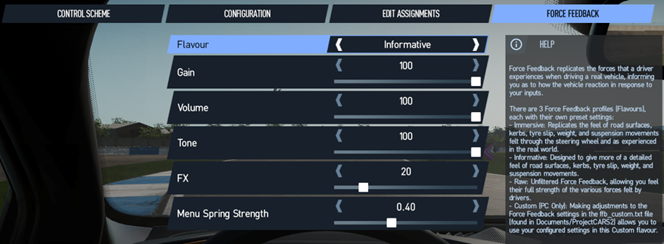
Newer addition to the RS50’s supported list. The filter’s cranked to 11 here, tying with CarX Street for the heaviest smoothing of any PC title. Interesting contrast with the low 20 dampener though, and the angle sits at 900°. Logitech’s page actually shows two separate settings screenshots for Project Motor Racing, worth checking both.
- Compatibility Mode: RS
- FFB Filter: 11
- Dampener: 20
- TrueForce Audio: N/A
- Angle: 900°
RaceRoom Racing Experience
Free-to-play with surprisingly good FFB. High filter at 9, dampener off, and angle set per car. RaceRoom handles rotation per vehicle class, so let it do its thing. No TrueForce support.
- Compatibility Mode: RS
- FFB Filter: 9
- Dampener: OFF
- TrueForce Audio: N/A
- Angle: Change Per Car
Rennsport
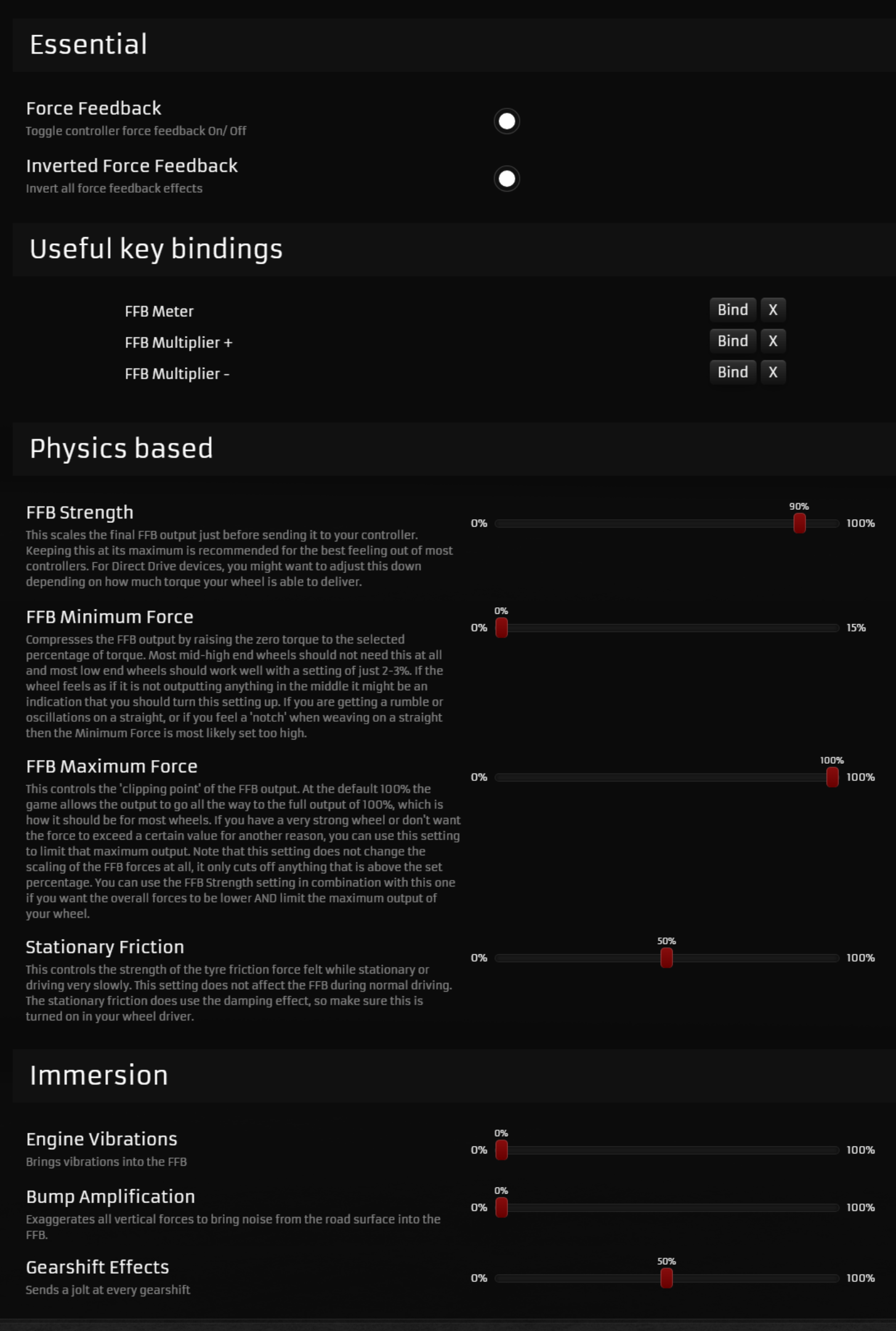
Competition-focused early access sim from ex-iRacing developers. Filter at 1 and dampener off puts it in the same “zero interference” camp as iRacing and rFactor 2. Tight 500° angle suits the prototype and GT car focus. TrueForce hasn’t been implemented yet, but given the dev team’s pedigree I’d expect it eventually.
- Compatibility Mode: RS
- FFB Filter: 1
- Dampener: OFF
- TrueForce Audio: N/A
- Angle: 500°
rFactor 2
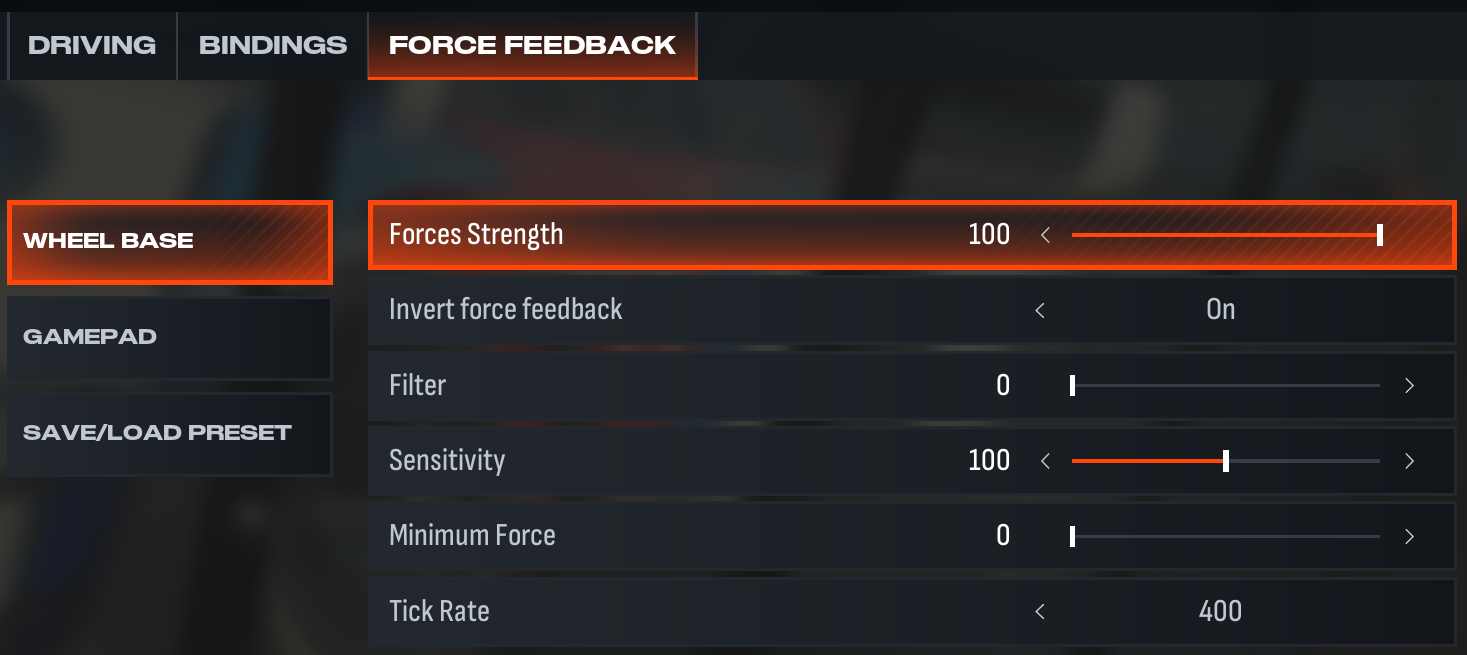
The modding workhorse. Filter at 1, dampener off, angle set per car. Minimal base-level interference, because rFactor 2’s physics engine is detailed enough to handle its own output. If you’re running community mods, you might want to experiment with slightly higher filter values depending on how well the mod’s FFB is implemented.
- Compatibility Mode: RS
- FFB Filter: 1
- Dampener: OFF
- TrueForce Audio: N/A
- Angle: Set Per Car
The Crew Motorfest
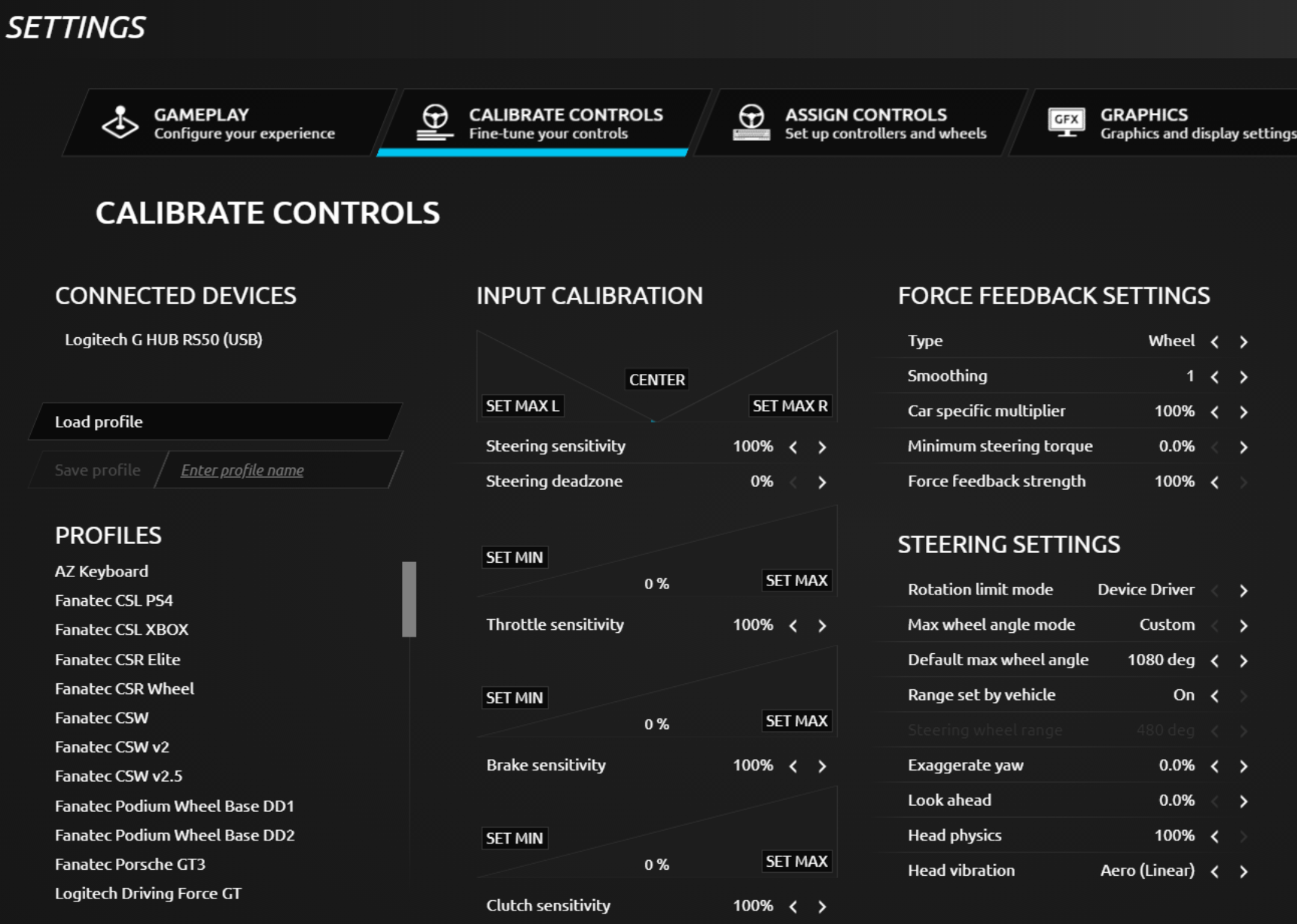
Ubisoft’s open-world racer, and the dampener being off surprised me given how arcade-leaning it is. Most casual-friendly games run with some dampening to stop the wheel feeling twitchy, but Logitech’s gone without it here. Filter at 4 and 1080° angle. TrueForce isn’t wired in.
- Compatibility Mode: RS
- FFB Filter: 4
- Dampener: OFF
- TrueForce Audio: N/A
- Angle: 1080°
Tokyo Xtreme Racer
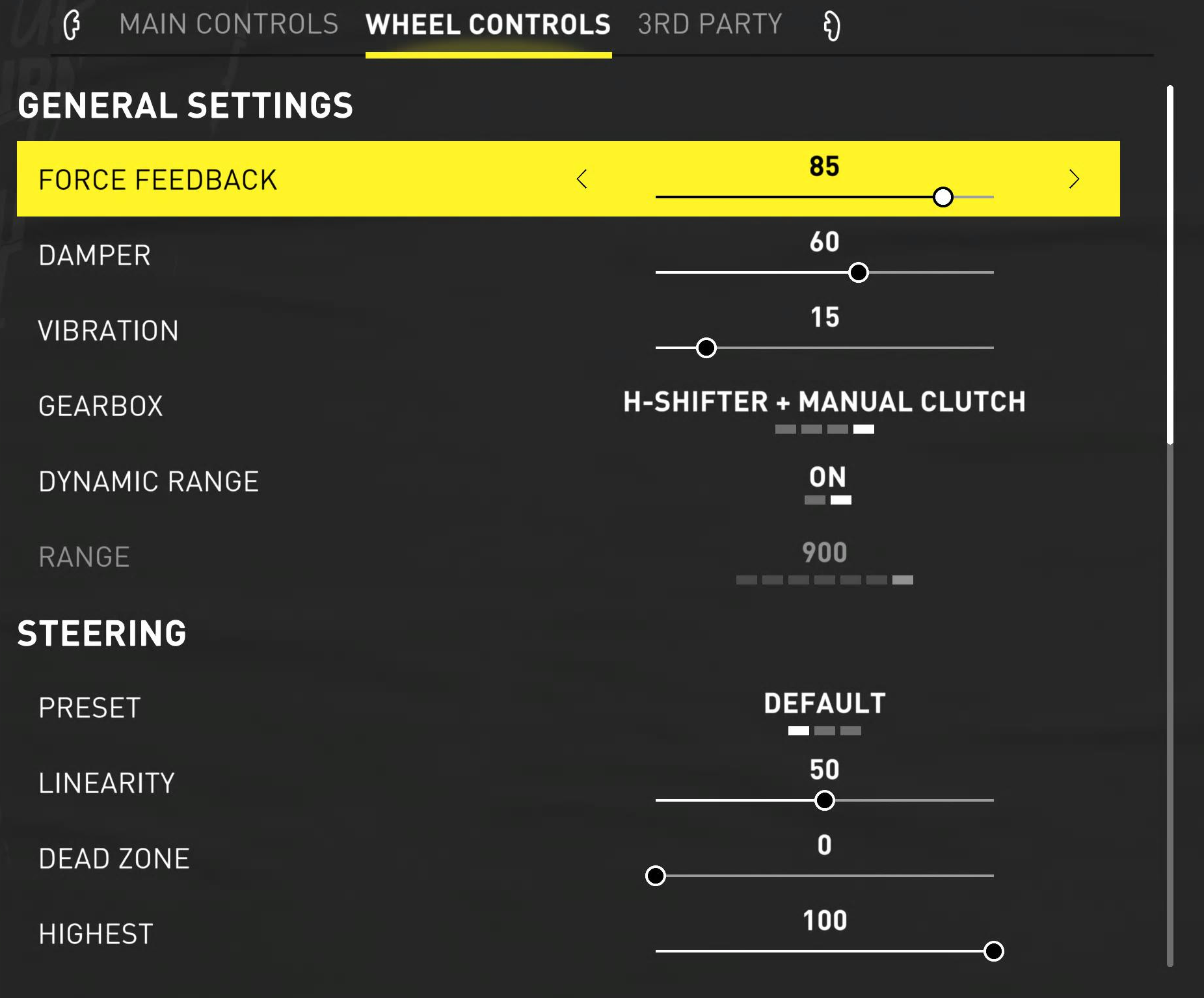
The highway racing revival. Tight 360° keeps the steering extremely responsive for high-speed lane changes on Tokyo’s expressways – you need quick inputs when you’re weaving through traffic at 300kph. Dampener at 60 and filter at 6 smooth things out enough to stay controlled. TrueForce isn’t in the picture.
- Compatibility Mode: RS
- FFB Filter: 6
- Dampener: 60
- TrueForce Audio: N/A
- Angle: 360°
Wreckfest
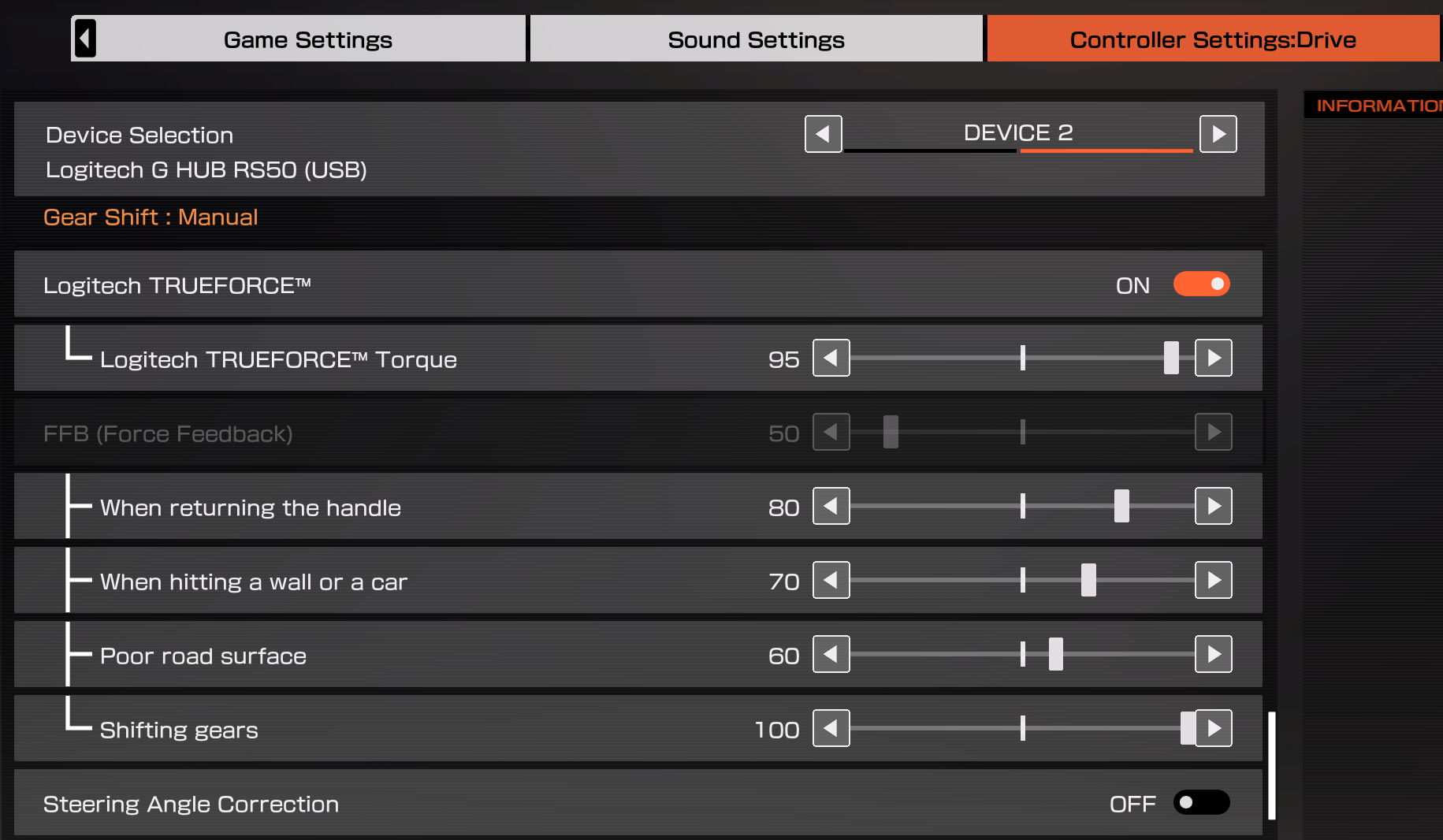
Demolition derby physics can get genuinely violent through a direct drive wheel. Filter at 8 and dampener at 70 are both on the higher side – Logitech’s clearly trying to stop the wheel from ripping itself out of your hands when 15 cars pile into you at once. Car-dependent angle because the vehicle roster ranges from lawnmowers to school buses.
- Compatibility Mode: RS
- FFB Filter: 8
- Dampener: 70
- TrueForce Audio: N/A
- Angle: Set Per Car
Tips and Common Mistakes
- Start with Logitech’s baselines. Sounds obvious, but I’ve watched people on Reddit spend hours tweaking community settings only to come back and admit the official numbers were better all along. Save yourself the hassle.
- Change compatibility mode before launching the game. Switching mid-session doesn’t always register. Set it on the OLED, then open the game.
- Power cycle the base if FFB feels wrong. Turn it off with the rear button, wait a few seconds, turn it back on. This fixes most “the wheel isn’t doing anything” issues, especially after switching profiles.
- Adjust in small increments. If the wheel feels too smooth, drop the filter by 1. If it oscillates too much, add 10 to the dampener. Don’t change three settings at once – you won’t know what helped.
- These are 8Nm settings. If you’re running the RS50 at lower strength, reduce dampener values proportionally. A dampener of 70 at 8Nm will feel different at 5Nm.
- TrueForce N/A means the game doesn’t support it. You can’t force it on. If you don’t see TrueForce effects in a supported game, check that the setting isn’t at zero in both the wheel menu and the game’s own options.
That covers all 32 PC titles on Logitech’s RS50 compatibility list. If you’re running the RS50 on PlayStation or Xbox, I’ve got a separate console settings guide covering those platforms – the values are often different, even for the same game. And if you want the full RS50 hardware breakdown, head over to my Logitech RS50 review.
Got your own per-game tweaks that work better than these baselines? Drop them in the comments – always interested to see what the community’s running.
Racing Cockpits Buyer’s Guide
Best VR Headsets for Flight Simulation
Fanatec ClubSport Steering Wheel GT3 for Xbox Review
Simagic Sim Racing: The Complete Buyer’s Guide (2026)
Corsair for Sim Racers: Ecosystem Buyers Guide 2026