

I’m a sim racer and amateur racer with a passion for Motorsport, good racecraft and the technical and setup aspect of sim racing.
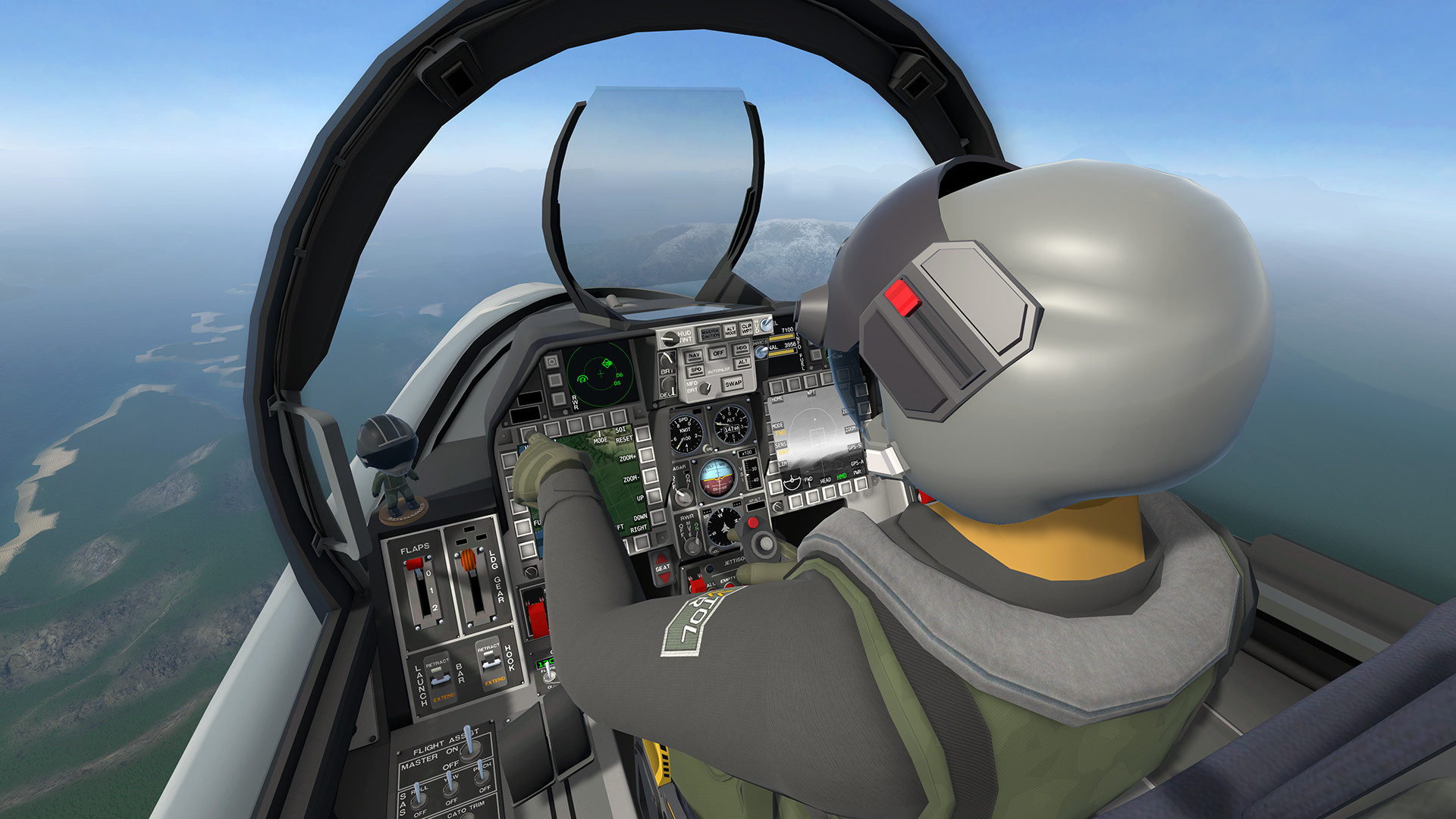
Featured image: a jet cockpit in VTOL VR (Image: Boundless Dynamics)
I’ve been casually flying with VR since my Valve Index days, and as I tested the headsets for racing, the hobbyist in me had to try flight too. I very much prefer flight in VR – the head movements make more sense as does the FOV, and for whatever reason, cables bother me less. I switch between monitors and VR as I often mention, but for in-simulation work, VR wins every time.
My verdict: it has to be the Pimax Crystal Light for the superior FOV (if the widest, most open scenery on a very high powered machine is your goal), with the Crystal Super (57 PPD) as my 2nd choice. While the optics are better, the FOV is slightly smaller and there’s a price trade-off to consider.
If you’re OK to trade off some FOV for visuals then you could choose the Dream Air if weight of the unit is an issue for long sessions, for which the SLAM version in my opinion is the more reliable tracking unit.
The Dream Air SE is the lighter, less power-hungry way into micro-OLED, and it’s the one to look at if your PC doesn’t have a top-end graphics card. The Quest 3 is where most people start, and it’s a perfectly good way to try VR flying before you spend more.
Pimax discount codes: use SIMRACINGCOCKPIT for 2% off, or SIMRACINGCOCKPIT25 for $25 off, at pimax.com.
Quick Navigation
Jump directly to what you’re looking for:
Before you buy |
Why fly in VR? |
Pimax Crystal Light |
Pimax Crystal Super |
Pimax Dream Air |
Dream Air SE |
Meta Quest 3 |
Bigscreen Beyond 2 |
What about the Steam Frame? |
Which sims in VR |
Quest or PC VR? |
VR setup |
Best for DCS |
The PC you’ll need

When you’re considering a VR headset for flight simulation
Flying asks different things of a headset than racing does. The numbers a listing leads with, resolution and refresh rate, matter less than PPD. PPD (pixels per degree) is how many pixels sit in each degree of your view, which is what decides whether you can read the altimeter without leaning in. After that it’s weight and ventilation, because a long leg is a long time to have a headset strapped to your face. If you want the optics side explained properly, I’ve written up how VR headsets work.
In VR you can’t see your keyboard, HOTAS or yoke, so muscle memory does the work, and you’ll take the headset off to change a setting more often than you’d like. Cables can still get in the way, though less than when I’m racing, and every so often the tracking needs recentring.

I’ve had my Valve Index since April 2020. Since then the Quest 2, the Quest 3 and the Pimax headsets have all been through my office (Pimax sent me their range for testing), and I’ve flown MSFS 2024 and DCS in the Crystal, the Crystal Light, the Crystal Super and the Dream Air SLAM. If you also race and you’re weighing up a headset against a set of screens, I’ve written about VR or triple monitors for sim racing too.
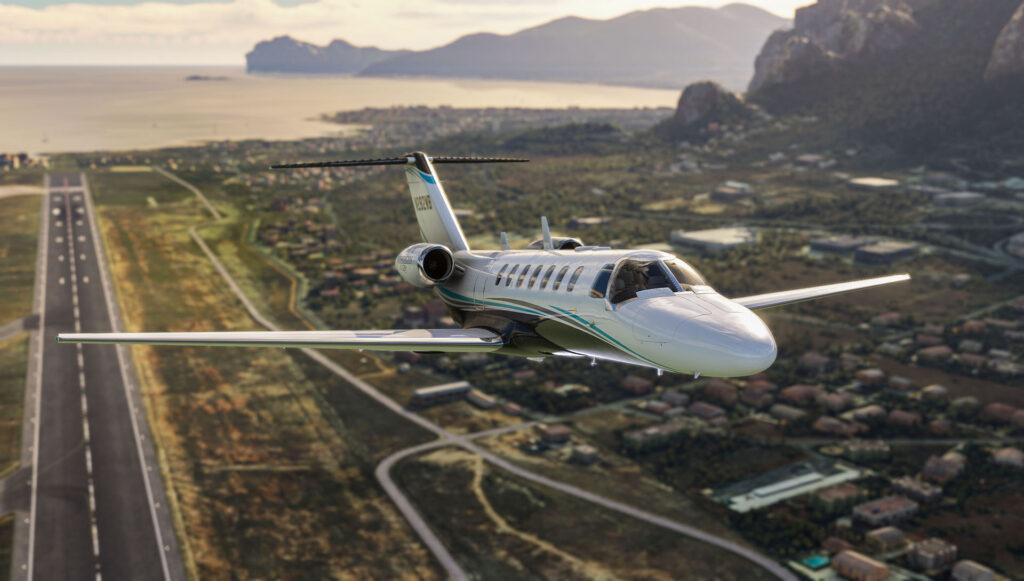
So, why should you add VR to your flight sim setup?
You’re sat still in a cockpit for the whole of a flight, which is exactly what a VR headset is good at.
Looking around the cockpit
In MSFS 2024 you glance out at the wing, check over your shoulder for traffic and lean in to the panel to read something. The aircraft has a scale around you that a monitor just doesn’t give.
In DCS the canopy is over your head, the MFDs sit either side of your knees and you check your six by turning your head. The instrument scan works the way it does in a real cockpit, because the gauges are where they’d be.
Depth on approach and in formation
A headset gives you stereoscopic depth, and that changes what you can judge by eye. Your height in the flare, the distance to a wingman and how quickly you’re closing on him become things you can see rather than work out from the instruments. That’s why flying formation in DCS or IL-2 Sturmovik and lining up a visual approach are a lot easier in VR.
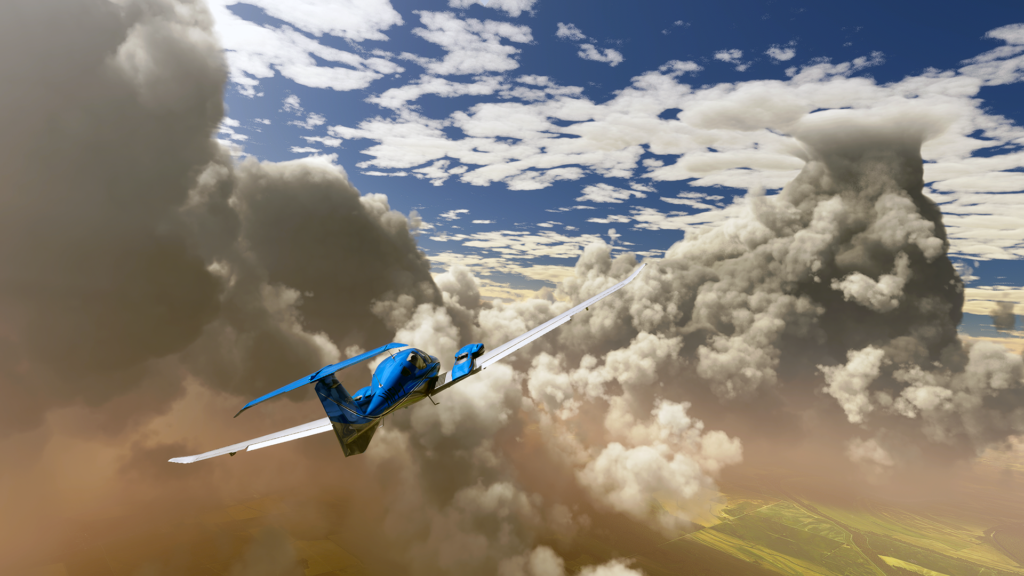
You get the same depth in cloud layers and fog sitting in a valley, which helps when you’re picking your way through the hills VFR.
Where a monitor still wins
The same PC drives a monitor far more easily than a VR headset, so you can hold more scenery detail and a higher frame rate on a screen. You can also see your physical controls, where in a headset you find the HOTAS by feel (the Quest 3’s passthrough helps with that).
Head tracking on a monitor, TrackIR for example, turns the view as you turn your head. That gives you the look-around, but not the depth.

Will using VR in a flight simulator make you a better pilot?
Up to a point. The depth helps you judge an approach, but it won’t replace an instructor.
What makes a great Flight Sim VR headset?
For flying you want more vertical view than you would for racing, because in a cockpit you’re looking up and down as much as ahead, and you want to read gauges at a distance.
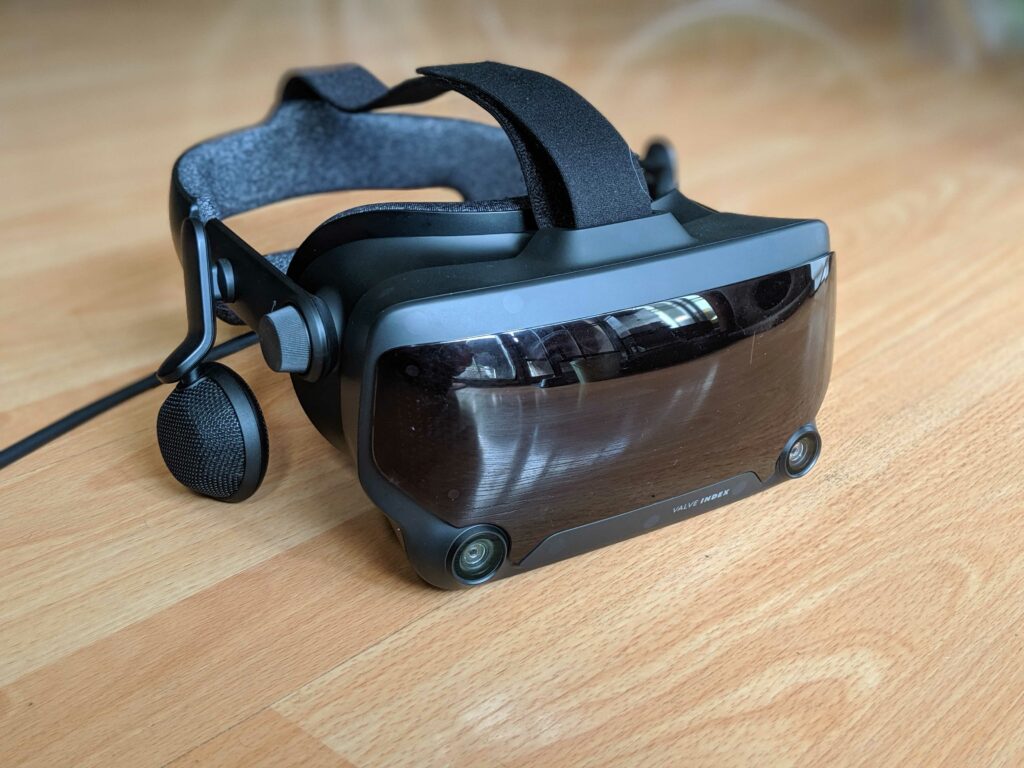
In an airliner the gauges are further away and the FMS text is small, which pushes you toward a higher PPD headset, whereas a VFR hop in a Cessna asks much less of it because you’re mostly looking outside. On a long flight, the Quest 3 is on its battery if you’re using it wirelessly. The Pimax headsets are cabled to the PC, so they’ll go for as long as you do.
Before you spend anything, SimHanger Flight Simulation‘s advice is to buy from somewhere with a decent returns policy, because by his reckoning 5-8% of people don’t get on with VR. If you wear glasses, he recommends prescription lens inserts, which also sit your eyes a little closer to the lens. And his baseline graphics card for flying in VR is an RTX 4070, 4070 Ti or RX 7900 XT.

What are the best VR Headsets for Flight Simulation?
My three are the Crystal Light, then the Crystal Super if the budget and the graphics card are there, then the Dream Air if weight is what decides it. After those come the Dream Air SE for a PC without a top-end card, the Quest 3 as a first headset, and the Beyond 2 for someone who already owns base stations. They all run MSFS 2024 and DCS, through OpenXR or SteamVR. For the full spec write-ups and a headset finder, there’s our VR headset comparison.
Pimax Crystal Light
The Pimax Crystal Light is the one I’d buy for flying, and it’s the field of view that puts it there. It’s a QLED headset with 2880 x 2880 per eye (35 PPD) and glass aspheric lenses, and it runs at up to 120 Hz. Tracking is inside-out, or Lighthouse if you have base stations. It runs off DisplayPort and USB from your PC, so there’s no battery to think about. I’ve written up my first thoughts on the Crystal Light, installation and setup included.

For something this size the Crystal Light is comfortable, and it’s well ventilated, which you’ll appreciate a couple of hours into a flight. There’s no eye tracking, so the foveated rendering is fixed rather than dynamic. It’s still easier on your PC than the Crystal Super, because it has fewer pixels to drive. Pimax sell it with a DCS Mirage F1 bundle, an IL-2 bundle or an Orbx MSFS scenery bundle at the headset price, and Trak Racer stock it too.
Pimax Crystal Super
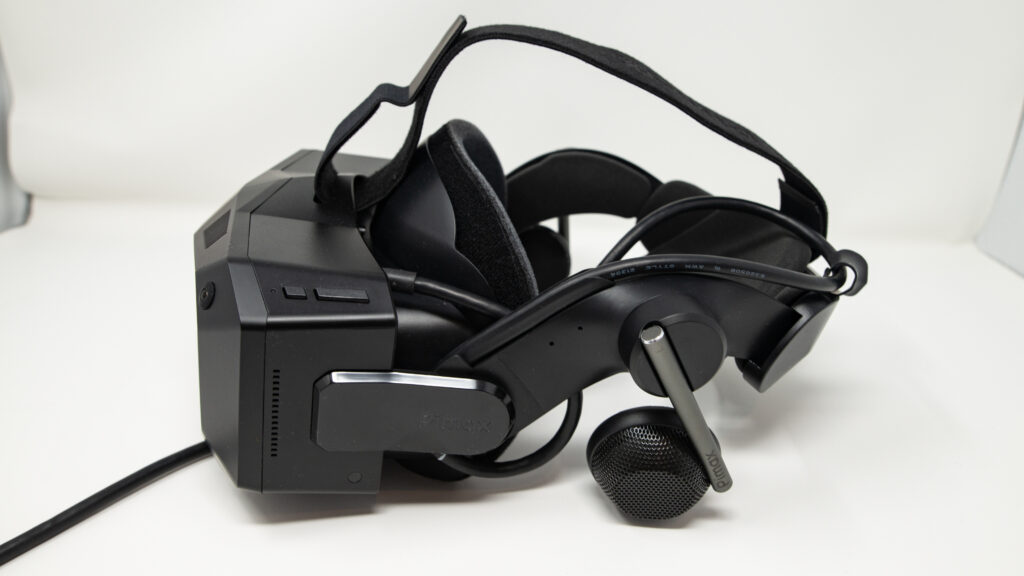
The Pimax Crystal Super is 3840 x 3840 per eye with swappable optical engines, and the engine you choose decides your FOV. The 57 PPD engine I recommend is the sharpest and the narrowest at 106 degrees horizontal, the 50 PPD engine opens that up to 127 and the Ultrawide to 140. Pimax also sell a Sony micro-OLED engine for it.
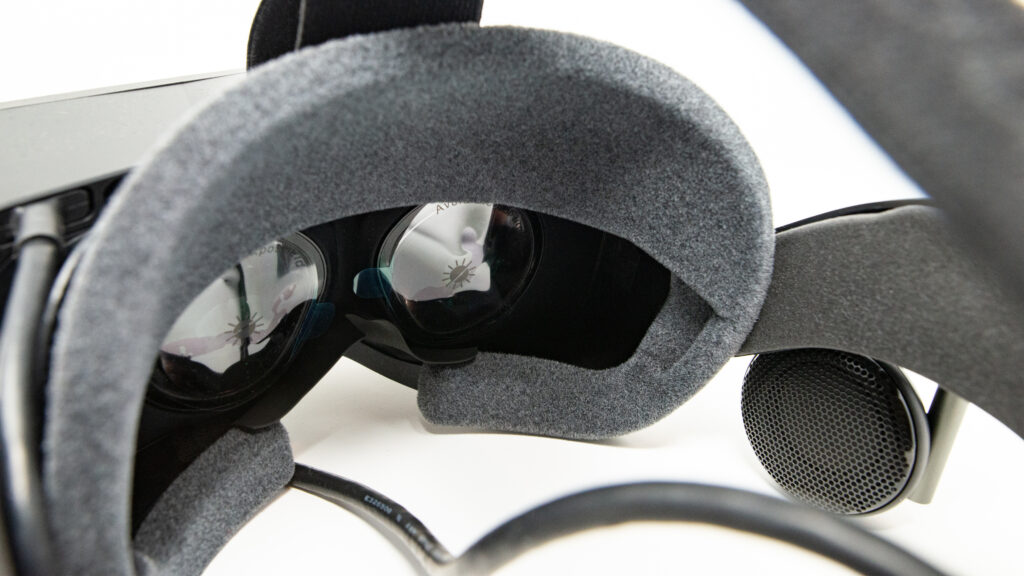
You pay for the Crystal Super twice, once at the till and again in the graphics card. The eye tracking is a big help in MSFS 2024 and DCS. Dynamic foveated rendering uses it to tell the graphics card where you’re looking, so only that spot renders at full resolution and the rest of the view gets by on less. AirNOTT, who flew one in MSFS 2024 for a Pimax-sponsored video, says “you need a very substantial PC to get the most from it”.
The Crystal Super is for the simmer with an RTX 4090 or 5080-class card who puts instrument clarity above everything else and doesn’t mind spending an evening in the settings. If your PC is anything less than that, buy the Crystal Light.
Pros
- The 57 PPD engine for reading small cockpit text
- The optical engine you choose sets the FOV
- Eye tracking with dynamic foveated rendering
- Inside-out tracking, with Lighthouse as an option
Cons
- Needs a top-end graphics card to feed it
- Big, and heavier than the Dream Air
- Costs a good deal more than the Crystal Light
Pimax Dream Air
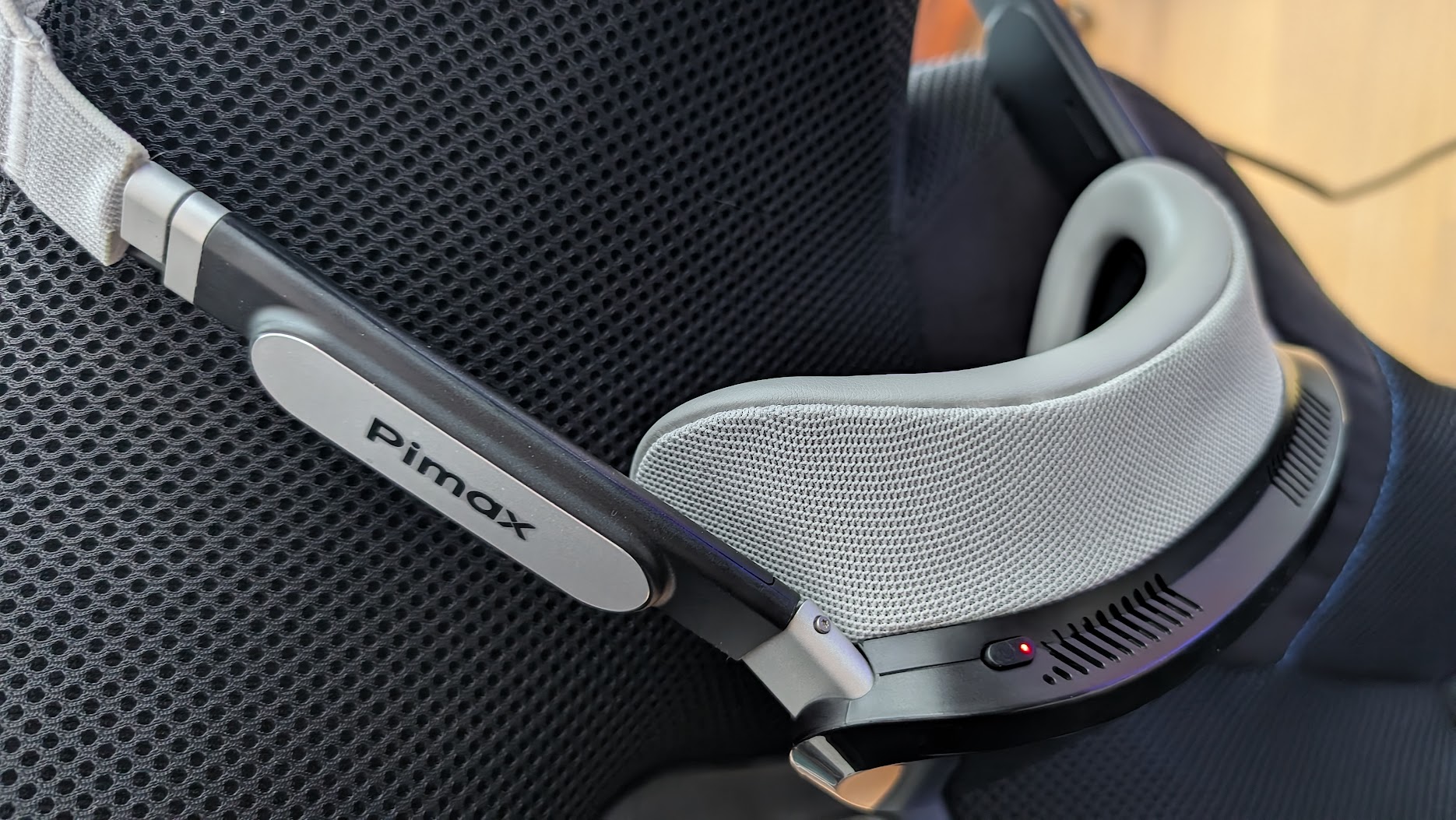
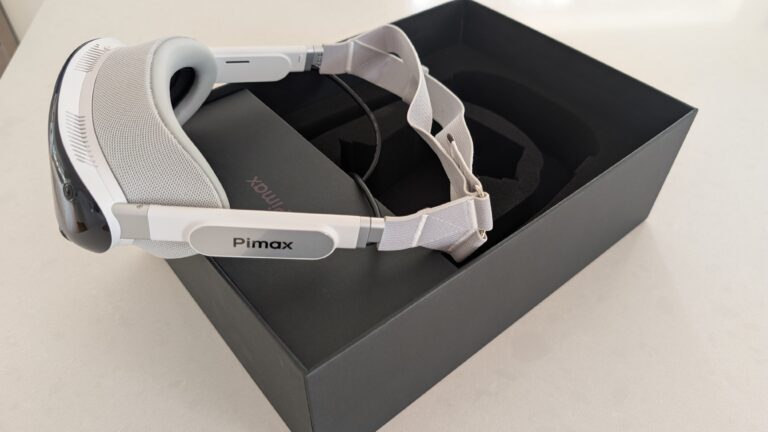
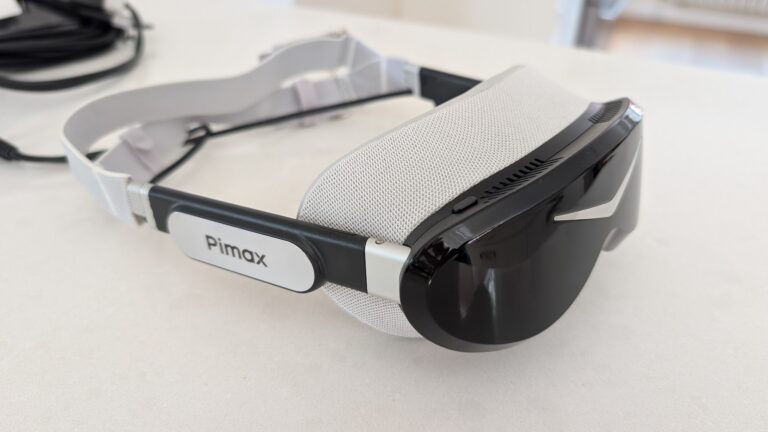
The Sony panelled Dream Air is Pimax’s slim, light headset, with micro-OLED panels at 3840 x 3552 per eye, pancake lenses, 110 degrees horizontal and eye tracking, all at 170 g. It’s PC VR only, and it does SLAM and Lighthouse tracking on the one headset. SLAM means the headset tracks itself with its own cameras, with no base stations. The rest is in my Dream Air review.
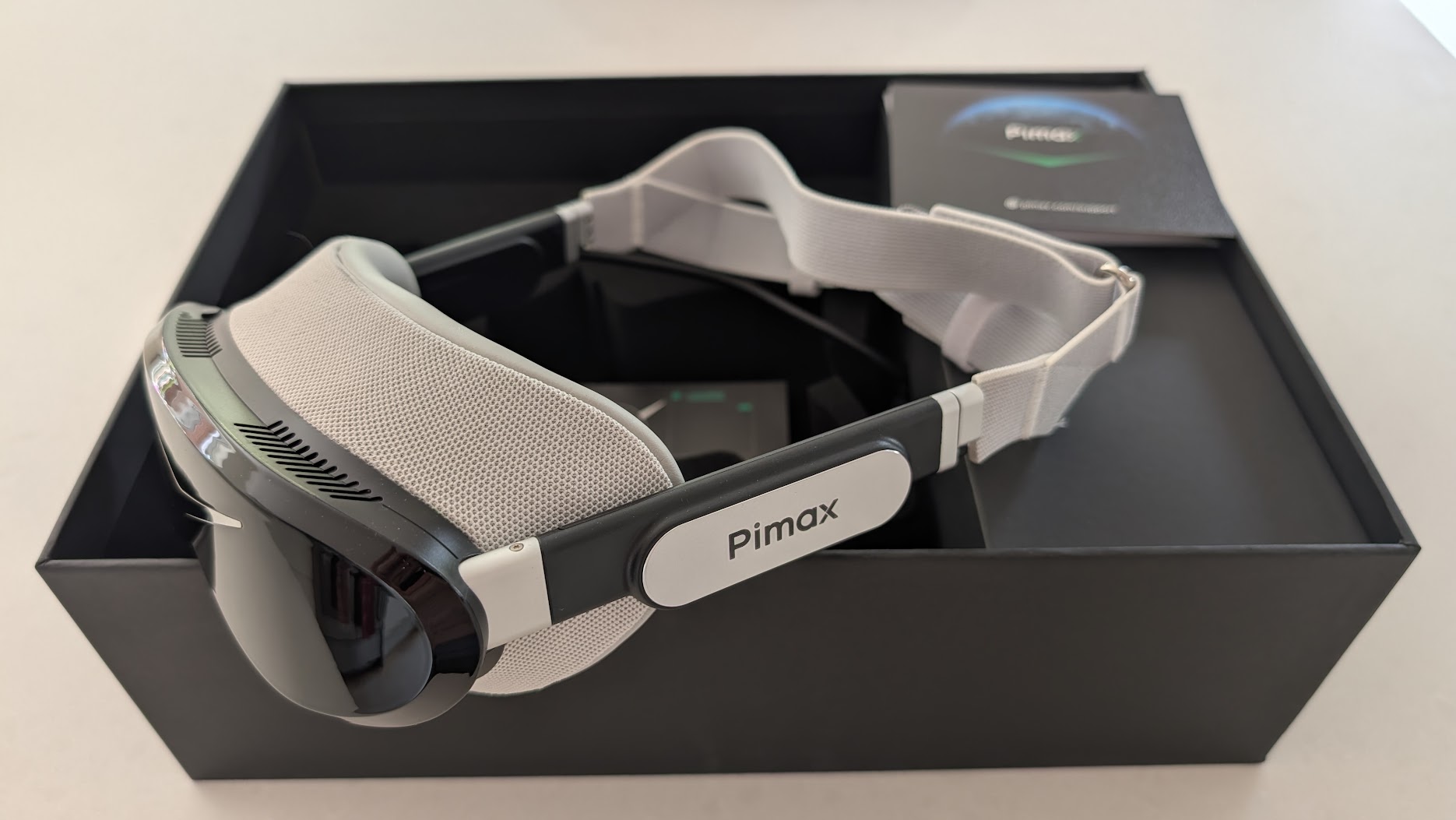
On my own rig there’s a Dream Air Lighthouse on the main sim with two Base Station 2.0s, and a Dream Air SLAM on my testing setup, because it’s so much easier to set up. My Dream Air SLAM review has more on that setup, and my guide to SteamVR base stations covers the Lighthouse side. Like every Pimax that’s come through my office, it takes its time to start up the first time.
Flying and racing on the Dream Air SLAM
Dream Air SLAM is actually a great bit of all round kit for both if you like to generally game. A high end flight sim setup should probably follow the FOV preference advice – I’m not feeling limited by my Dream Air SLAM at all and it transfers between the two well. The reduced vertical view in the Dream Air is the limiting factor which is why the original units with the higher FOV are the better choice for flight sim.
Pimax don’t publish a vertical FOV figure for the Dream Air, so that shorter vertical view is simply what I’ve noticed flying my Dream Air SLAM.
Pros
- Light, at 170 g
- Sony micro-OLED blacks and sharpness
- SLAM or Lighthouse tracking on one headset
- Eye tracking for dynamic foveated rendering
Cons
- Shorter vertical view than the Crystal Light or Super, for all that looking up and down
- Needs a strong graphics card
Pimax Dream Air SE
The Pimax Dream Air SE is micro-OLED at 2560 x 2560 per eye, under 140 g, with eye tracking and SLAM tracking (Lighthouse is optional). With the ProFit interface fitted, Pimax quote 105 degrees horizontal. I’ve reviewed the Dream Air SE for sim racing, and I see it as a different entry point to the Sony panelled Dream Air. The SE is much less power hungry, and it sits in the middle ground between a Quest 3 and the top-end headsets, for someone whose PC doesn’t have the latest high-end card.
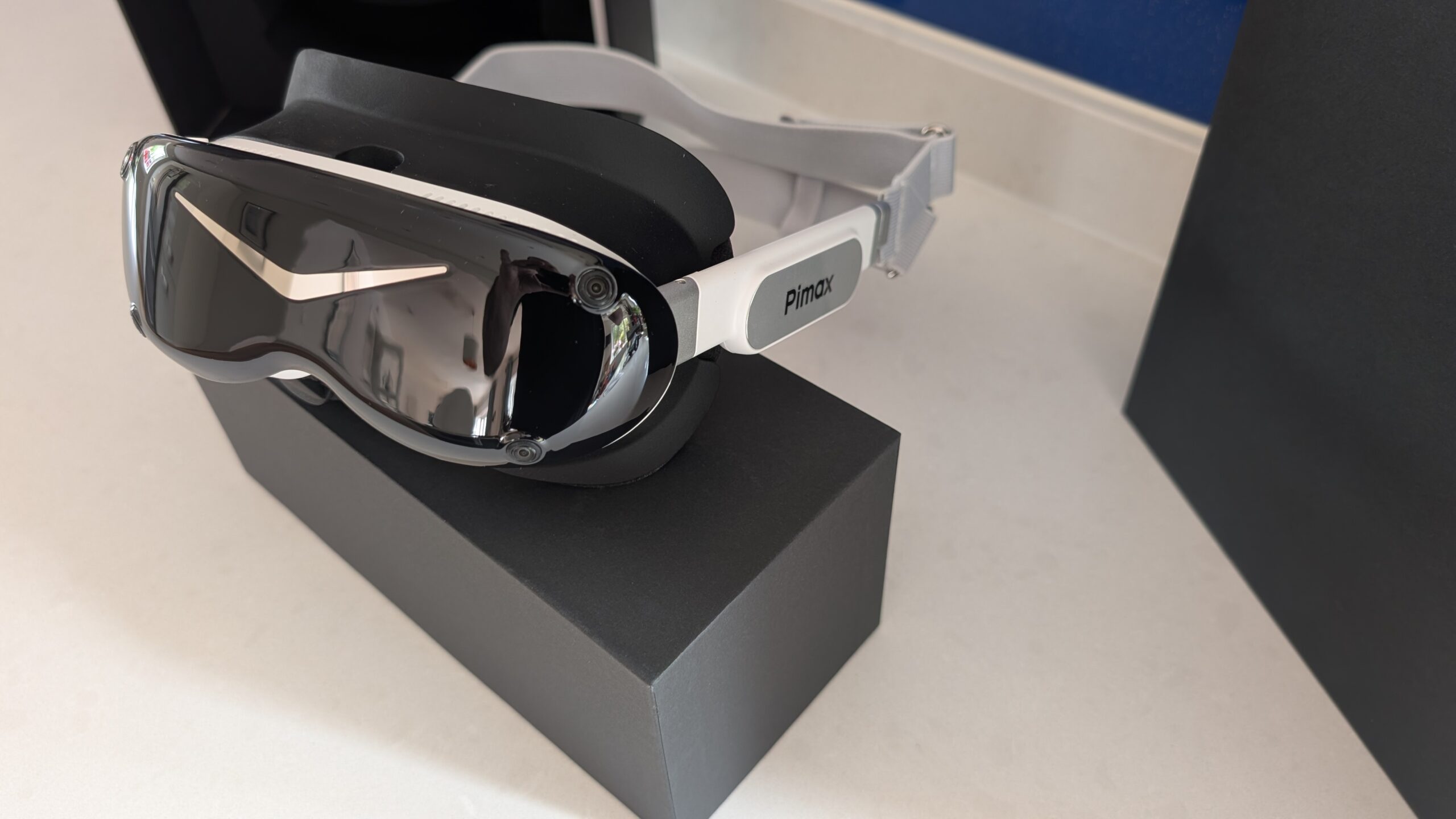
For flying, VR Flight Sim Guy would take the SE over the Quest 3 because of the DisplayPort picture. He does say its lenses show glare, and he measured about 98 degrees horizontal with the new ProFit interface, against Pimax’s 105. He still calls buying one a gamble on build quality.
Meta Quest 3
The Meta Quest 3 is the sensible headset to begin with if you’re new to VR. It uses pancake lenses and 2064 x 2208 per eye, which is about 25 PPD. That means small cockpit text makes you lean in, which is fine for VFR and GA, and frustrating for IFR on steam gauges. The colour passthrough lets you find your keyboard without taking the headset off. There’s more in our Quest 3 review.


On a PC the Quest 3 streams the picture, either over the Link cable or over Wi-Fi with Virtual Desktop. Most flight simmers use Virtual Desktop. The stock strap is poor, so I fitted a BOBOVR strap with a battery to mine, which I’ve written about in fixing the Quest 3’s headstrap.

Bigscreen Beyond 2
The Bigscreen Beyond 2 is the lightest headset here at 107 g, with micro-OLED at 2560 x 2560 per eye and up to 90 Hz. For a three- or four-hour leg, the weight is most of the argument for it.
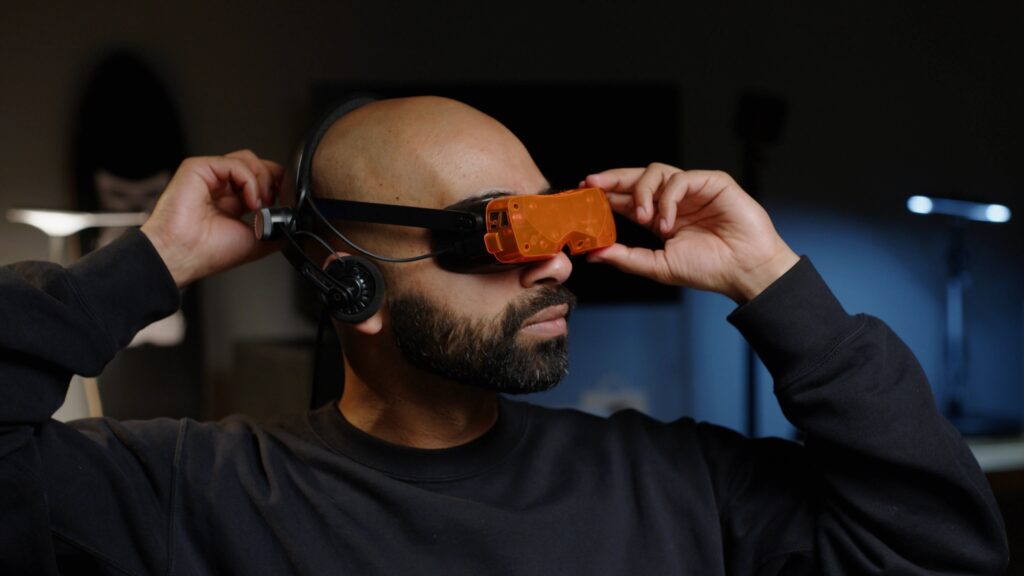
The Beyond 2 uses SteamVR tracking only, which means base stations, and Bigscreen don’t include them – fine if you already own a pair from a Valve Index. The 2e adds eye tracking. For most flight simmers, though, I’d put the money towards a Crystal Light, with no base stations to buy.
What about the Valve Steam Frame?
The Valve Steam Frame is on sale on Valve’s store at $1,059 for the 256GB kit and $1,299 for the 1TB kit (prices as of late September 2026), sold through a queue that has now become a waitlist. It streams PC VR wirelessly through an adapter that comes in the box, with Foveated Streaming, and the panels are 2160 x 2160 LCD per eye.
For me, the Steam Frame is the high-end upgrade for Quest 3 owners who are more into general gaming. I haven’t flown one, and for now I’m sticking with my Dream Air. The full comparison is in Steam Frame vs Dream Air.
Which flight sims are worth flying in VR?
The sim you fly shapes the headset choice, so here’s how the main four get on in VR. My flight simulation guide covers the rest of the rig, and if you want force feedback in your stick or yoke there’s a guide to force feedback flight sim controls as well.
Microsoft Flight Simulator 2024
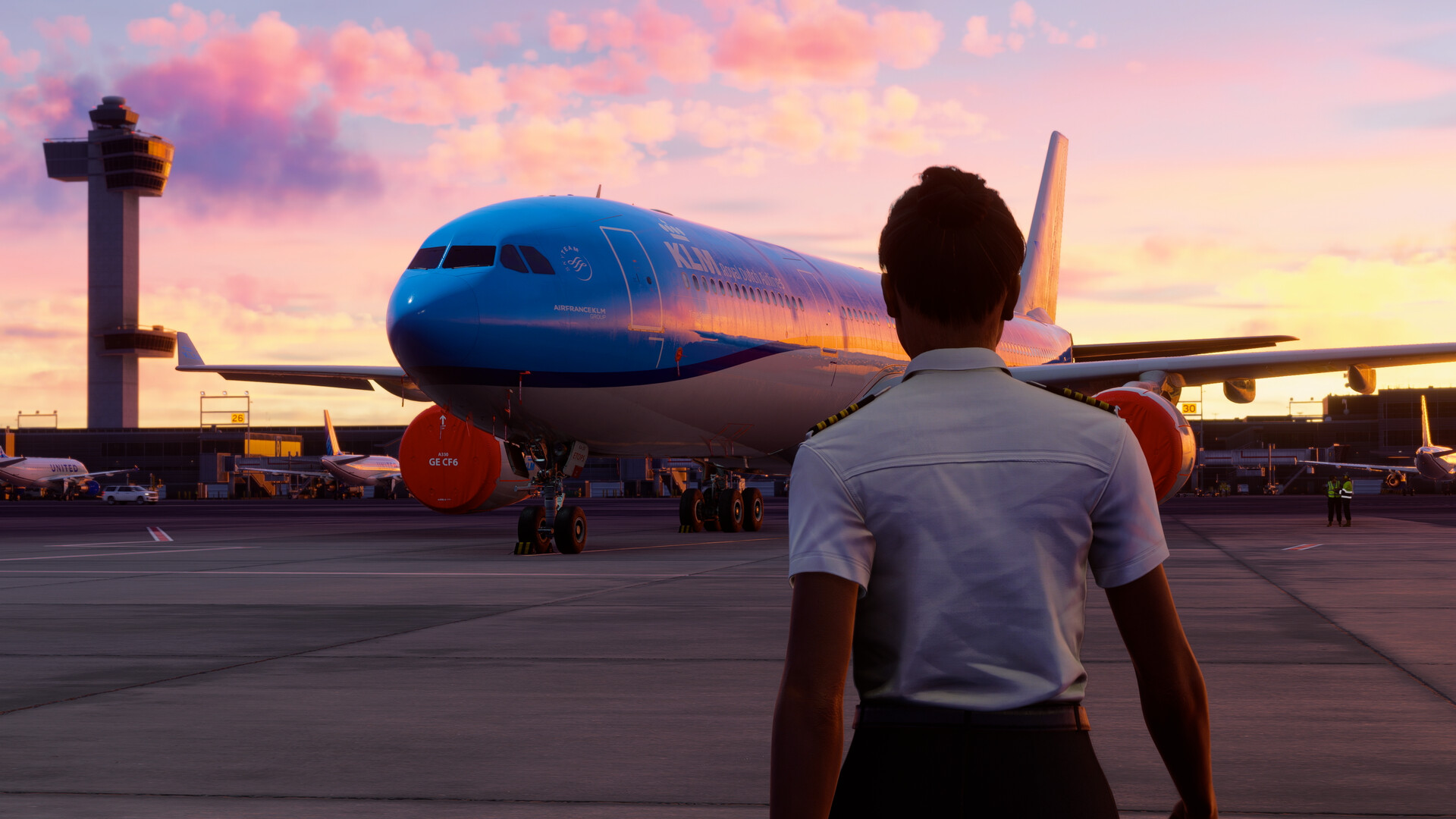
Microsoft Flight Simulator 2024 is one of the two sims I fly in VR myself. VR is built in and runs through OpenXR. It’s also GPU-hungry, especially in a headset, so budget for the graphics card at the same time.
DCS World
DCS World is the other sim I fly in VR. The switch labels are tiny and a bandit is a speck against the ground, and both of those come down to PPD. VR runs through OpenXR here too. Eagle Dynamics have a Vulkan renderer on their 2026 roadmap, but it hasn’t been released, so I wouldn’t let it sway your choice of headset.
X-Plane 12
I don’t fly X-Plane 12, so I’ve nothing first-hand to add here. It supports VR, and the video below is from VR Flight Sim Guy, who does fly it properly in a headset.
IL-2 Sturmovik
If props and dogfights appeal more than a cockpit full of MFDs, IL-2 Sturmovik is the sim for WWII flying and formation work.
Quest or PC VR for flight? How I’d decide
MSFS 2024 and DCS are PC sims. A Quest runs games from its own store on its own chip, but for these two it becomes a screen for your PC, over Link or Virtual Desktop, and both of those are compressed. I’ve flown this way on my Quest 3 and it works, but the compression costs you some clarity on fine cockpit text.
A DisplayPort headset skips the compression altogether. The Pimax range does, and so did my old Valve Index. That’s why a simmer chasing instrument clarity tends to end up on a Crystal Light or a Crystal Super.

Already own a Quest? Start there. Give it a couple of evenings on the settings and you’ll know within a week whether VR flying is for you.
In it for the long haul, and after the clearest instruments? I’d go straight to a DisplayPort headset, which for most people means the Crystal Light, or the Crystal Super if your graphics card can take it. And on a tight budget, a used Quest 3 doing PC VR duty is a respectable way in.
Setting up VR in MSFS 2024 and DCS
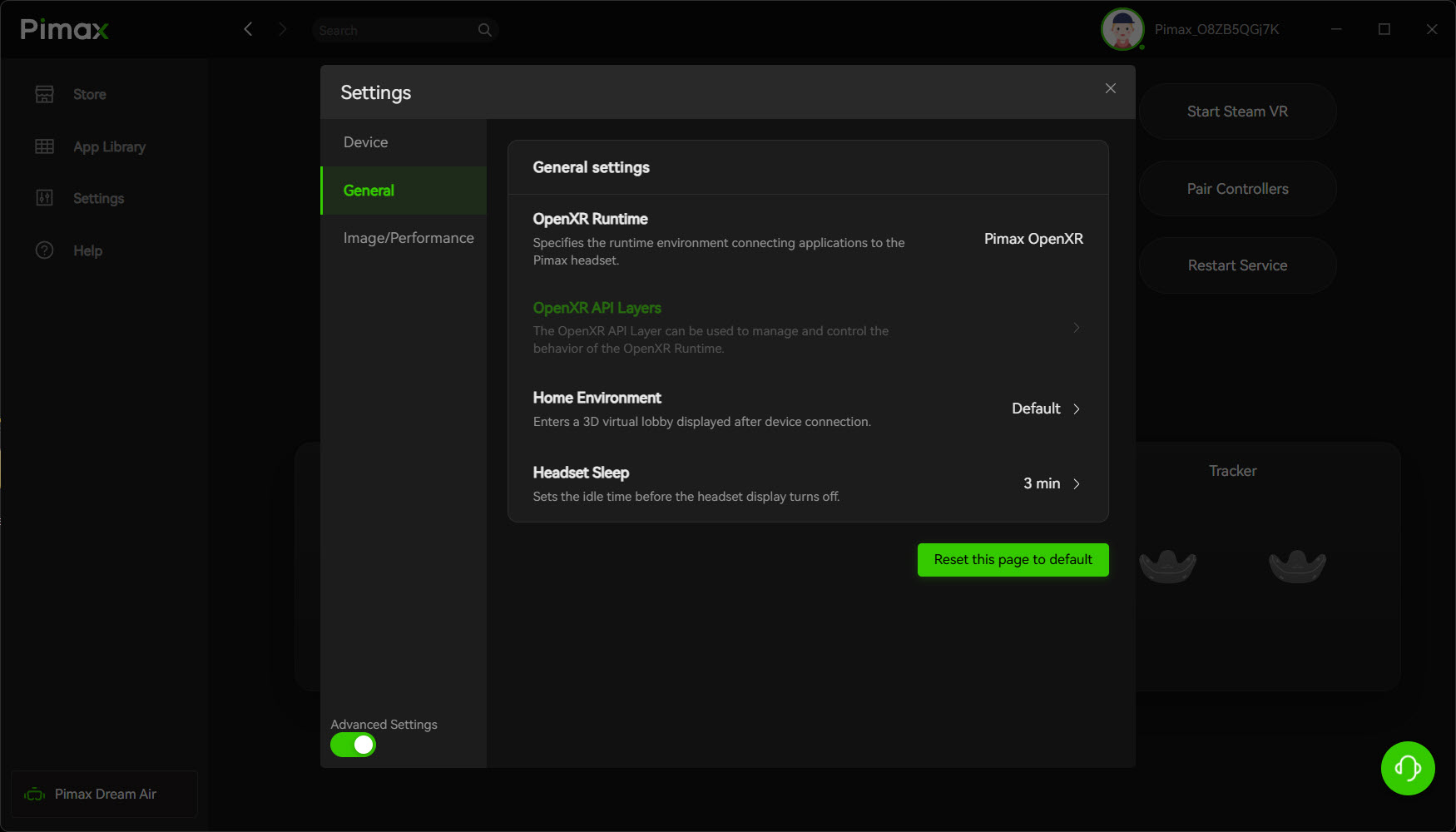
OpenXR is the standard the sim uses to talk to your headset’s software. MSFS 2024 and DCS both go through it, so the first job is setting the active OpenXR runtime to match your headset. On a Pimax you set it to Pimax OpenXR in Pimax Play, as in the screenshot below. A Lighthouse-only headset uses SteamVR, and a Quest over Link uses the Meta runtime.
Start with the render resolution, which you may need to drop below 100%, then set the VR graphics to medium and work up from there. If your headset has eye tracking, which means the Crystal Super and the Dream Air family, turn on dynamic foveated rendering.
Aim for a steady frame rate over a high one that wobbles, because the steady one is far more comfortable. For Pimax settings there’s my Crystal settings guide, sorted by GPU, and if you’re on an Index, my Valve Index graphics settings are still up.
The best VR headset for DCS specifically
For DCS I’d take the Crystal Super with the 57 PPD engine if you can stretch to it, because PPD does more than FOV or refresh rate to make the switch labels and MFDs readable. Otherwise it’s the Crystal Light, which is still the value pick for flight sim and doesn’t need a 4090 to feed it.
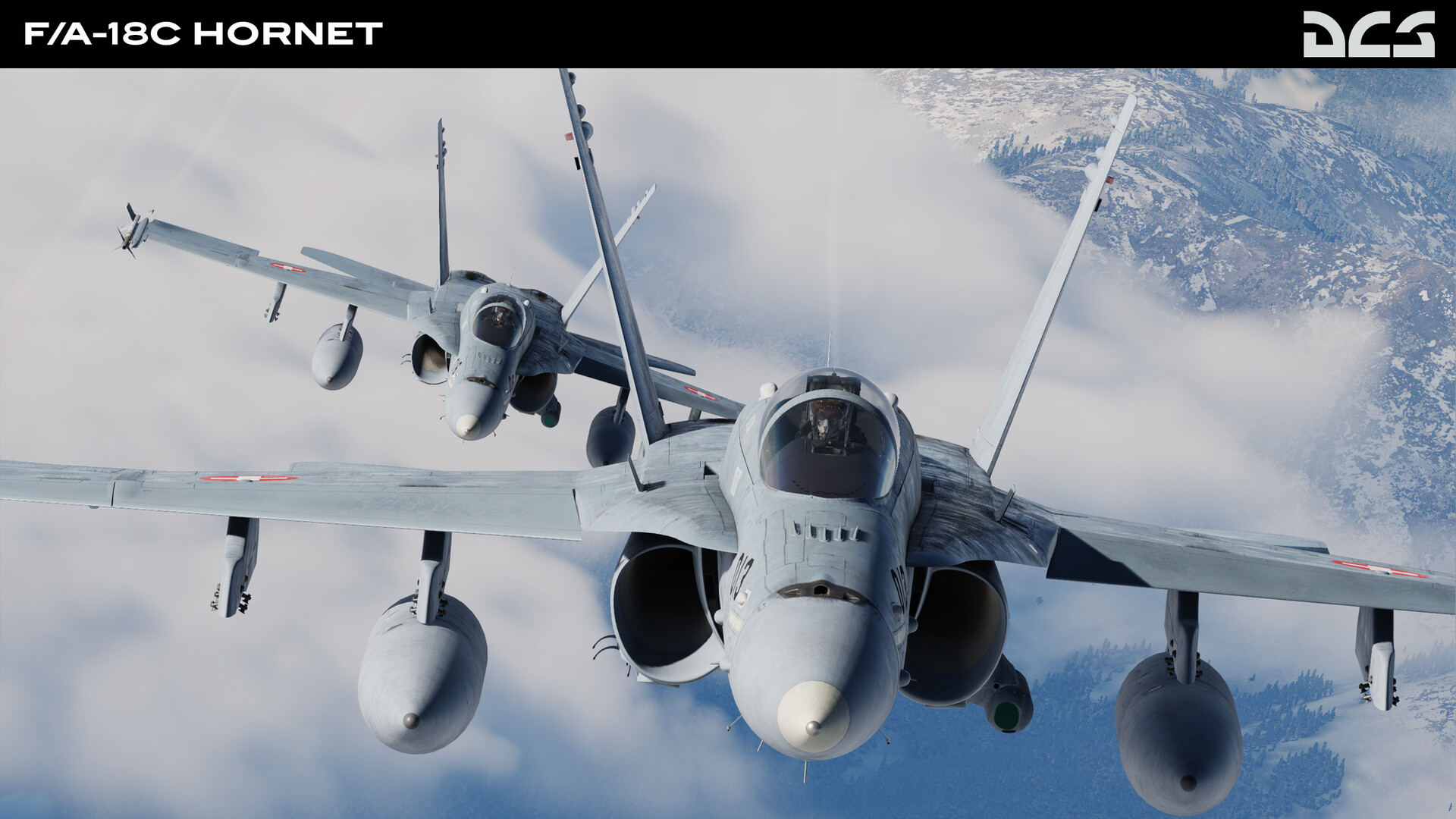
Pimax sell both the Crystal Light and the Crystal Super with a free DCS Mirage F1 add-on at the headset price, so it’s worth checking for the bundle before you buy.
Final thoughts: the PC you’ll need
Whichever headset you do choose, I think probably the most important thing to remember is that with the rapid progress of the development of the headsets, particularly for Pimax, you really need to be aiming for a strong GPU. If you can get your hands on something like an RTX 5080, that’s a very, very good choice to run these headsets. They’re very power hungry. But I’d also say that if you’re going out just to buy a brand new GPU, you really need to think about the CPU as well. Even my 12th-gen i9 seemed just to struggle a little with an RTX 4090, which I felt was very slight bottlenecking in very, very high intensity settings. If you absolutely want the cutting edge, yes, the headset choice is pretty key. You need to match that to a powerful enough GPU, but don’t accidentally limit yourself by assuming that the CPU has no say in any of this. And if you want any advice on gaming PC setups, just take a look at our gaming PC guide.
Good luck and let me know how you get on in the comments!
Related Articles
Should Sim Racers Wait for the Pimax Crystal Pro, or Buy Today?
Pimax Crystal Pro: Everything We Know So Far
Bigscreen Beyond 2 for Sim Racing: What to Know in 2026
Pimax Dream Air vs Dream Air SE: Which Should a Sim Racer Buy?
SteamVR Base Stations for Sim Racing: Lighthouse vs SLAM on the Pimax Dream Air
How to Install the SBoys3 Driver on the Pimax Dream Air Lighthouse
Topic: VR Headsets