

I’m a sim racer and amateur racer with a passion for Motorsport, good racecraft and the technical and setup aspect of sim racing.
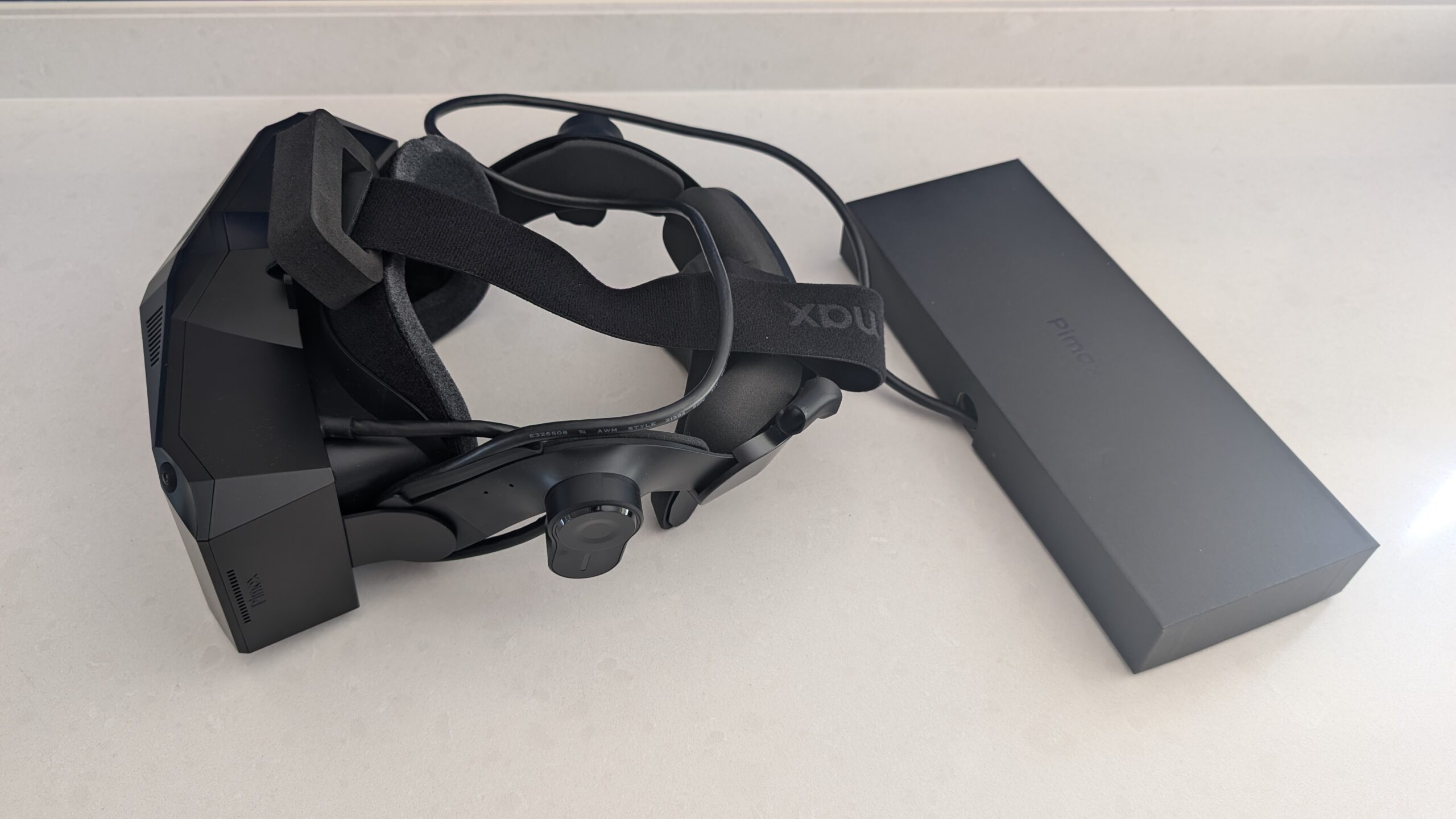
I bought my first VR headset, a Valve Index, in April 2020. Since then there’s been an HP Reverb G2, a Meta Quest 3, the Pimax Crystal series and now a Pimax Dream Air SLAM running on an RTX 4090. I’ve had an on/off relationship with VR in sim racing since my Valve Index days. Sometimes I like the quick jump-in-jump-out-ness of my triples, and sometimes I feel like getting more deeply involved.
So today we’re going to look at what’s inside a VR headset, and which of the numbers on the box actually matter once you’re sat in a cockpit. That means the lenses, PPD, the panel, field of view, the work your PC has to do, tracking and weight. Then we’ll get to which headset suits which kind of sim racer, in an effort to help you make a decision.
Pimax discount codes: use SIMRACINGCOCKPIT for 2% off, or SIMRACINGCOCKPIT25 for $25 off, at pimax.com.
Quick Navigation
Jump directly to what you’re looking for:
What’s inside a VR headset? |
How do VR lenses work? |
What is PPD? |
Which panel? |
How much field of view? |
What’s happening on the PC? |
SLAM or Lighthouse? |
Weight, heat and comfort |
2026 headsets compared |
Which headset to buy?
What’s inside a VR headset?
Strip a PC VR headset back and there are only a handful of parts. There’s a display for each eye (or one panel split in two), a lens in front of each display, sensors that track where the headset is, and a cable or wireless link back to the PC that renders the image. Each eye gets a slightly different view of the scene, and your brain reads the difference between the two as depth. The panel itself sits far too close to your eye to focus on unaided, so the lens does the focusing and magnifies the panel to fill your view.
The gap between the lens and your eye is called eye relief. It changes how much of the view you actually get, which is why two people with different face shapes can see a different field of view through the same headset. Eye-tracked headsets add IR LEDs around each lens and small cameras inside that watch your pupils. The Dream Air SE, for example, uses Tobii eye tracking with 10 IR LEDs per eye.
How do VR lenses work?
There are three lens families in today’s headsets: Fresnel, pancake and aspheric. A Fresnel lens is cut into concentric rings so it can stay thin, an idea that came from lighthouse optics. It’s cheap and light, but light scatters around those rings, which produces glare and the streaks people call god rays, especially on high-contrast scenes. The sweet spot is the sharpest region of a lens. On a Fresnel lens it’s small and sensitive to exactly where the headset sits on your face, and because Fresnel needs distance from the panel, the headsets that use it are deep.
A pancake lens folds the light path. Light bounces back and forth inside the lens stack (polarisers, wave plates and a half-mirror), so the panel can sit much closer and the headset gets slim. The downside is that a lot of the panel’s light never reaches your eye. Pimax’s own lens video says pancake lenses “cannot get more than 25% light efficiency”, and a 2024 peer-reviewed optics paper agrees that 25% is the theoretical ceiling, or 12.5% if the panel emits unpolarised light. So pancake headsets need very bright panels, and that brightness makes heat right next to your face. In return you get a big sweet spot and good clarity from edge to edge.
Aspheric glass is a single lens element with no rings, and the light doesn’t bounce back and forth inside it. The sweet spot is large, there’s very little glare, and glass transmits more light than resin and resists scratches better. Glass aspheric lenses are heavier and cost more, though, and they can also show pupil swim. That’s distortion that shifts slightly as your eye moves around the view.
In a cockpit you scan with your eyes far more than you turn your head, flicking to the mirrors, the dash or a brake board, so a lens with a small sweet spot blurs the things you glance at.
Clarity can be an issue, where distant objects seem blurred, and that was more of a problem on my Valve Index than on my G2. The G2 was a higher-resolution device with less sensitivity to your eye alignment with the screens, and that alignment is what the sweet spot is all about. You can go a long way to improving the clarity of the image by making sure the headset is adjusted properly for your face. But even after a lot of fiddling around with the Index, it still wasn’t perfect.

The Pimax Crystal Light and the Crystal Super’s QLED engines use glass aspheric lenses. The Dream Air, the Dream Air SE, the Crystal Super’s 8K micro-OLED engine, the Meta Quest 3, the Bigscreen Beyond 2 and the Steam Frame all use pancake lenses, and the Quest 3S uses Fresnel. Chromatic aberration is where different colours focus at slightly different points, which shows up as colour fringes on high-contrast edges such as dash text. The software also pre-warps the image so that the lens un-warps it, and if that profile is wrong, straight lines bend.
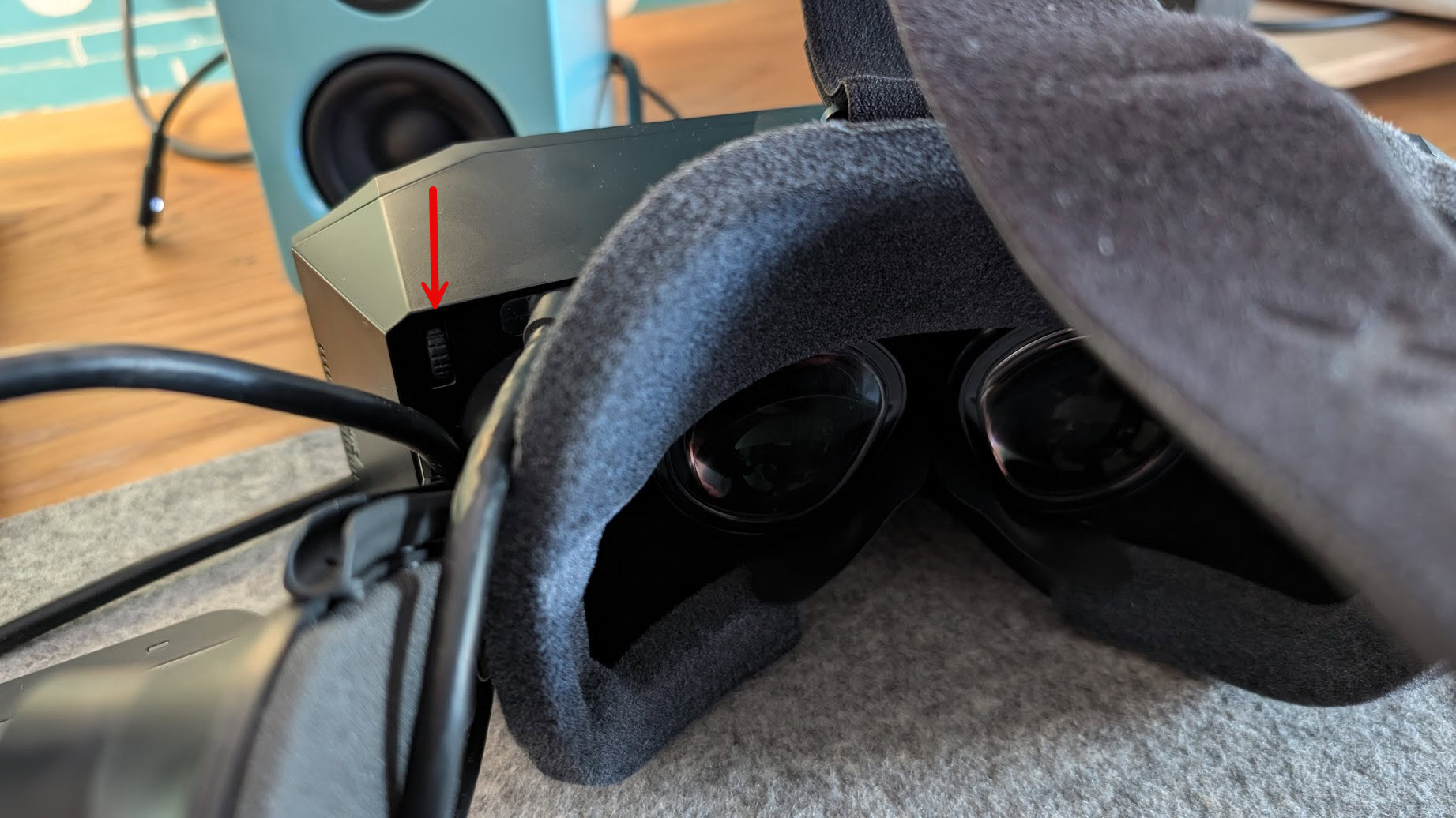
IPD (interpupillary distance) is the distance between the centres of your pupils. If the lenses don’t line up with your eyes you lose clarity, comfort and depth. Hardware IPD physically moves the lenses, and the Crystal Light has an adjuster on the headset to do it. Software IPD moves the image on the panel instead, which can push it away from the centre of the lens. Eye-tracked headsets can set IPD for you automatically.
What is PPD (pixels per degree)?
PPD (pixels per degree) is how many pixels are packed into one degree of your field of view. Meta calls it “system resolution”, because it’s the display and the optics working together rather than the panel on its own. The higher the PPD, the sharper the image. Around 60 PPD is generally treated as retinal resolution, which Meta says is enough to show the 20/20 line on an eye chart.
Most of the maker figures sit well below that. Meta quotes 20 PPD for the Quest 2 and 25 for the Quest 3. The Pimax Crystal Light is 35, the Bigscreen Beyond 2 is 32 (Bigscreen calls that its peak) and the Crystal Super is 50, 53 or 57 depending on which optical engine you choose. Pimax doesn’t publish a PPD figure for the Dream Air at all, and the 30 to 32 it gives for the Dream Air SE is its own estimate.
If you work it out yourself, dividing the horizontal pixels per eye by the horizontal FOV, you get lower numbers. The Quest 3 comes out at about 19 against Meta’s 25, and the Crystal Light at about 26 against Pimax’s 35. That’s partly because the arithmetic averages across the whole view, while some makers quote a peak figure. Bigscreen and Vrgineers label theirs “peak”, and Meta doesn’t say where in the lens its 25 is measured. So PPD compares fairly within one maker’s range and less so across makers.
From the cockpit, more PPD means you can read distant detail sooner, whether that’s a brake board coming up or a car closing in your mirrors.
Which panel: LCD, QLED or micro-OLED?
The current headsets use one of three kinds of panel. An LCD has a backlight behind the pixels, and because that backlight glows through, blacks look greyer. The Meta Quest 3 and the Steam Frame are both LCD. QLED with mini-LED local dimming is still an LCD, but it adds a quantum-dot layer and splits the backlight into zones that dim independently, which deepens the blacks. The Crystal Light, the Crystal Super’s QLED engines and the Somnium VR1 work this way, and the Somnium has 576 dimming zones per eye.
With micro-OLED, each pixel makes its own light, so black is properly black. The panels are tiny and very dense, and they’re usually paired with pancake lenses. The Dream Air, the Crystal Super’s 8K engine and the Bigscreen Beyond 2 all use micro-OLED, and Pimax says the Dream Air’s Sony panel is the same one used in the Apple Vision Pro. For me, the OLED screens on my Dream Air SLAM are stunning. You’ll also see low persistence on spec sheets. The panel flashes each frame briefly rather than holding it lit, which cuts motion blur when you turn your head.
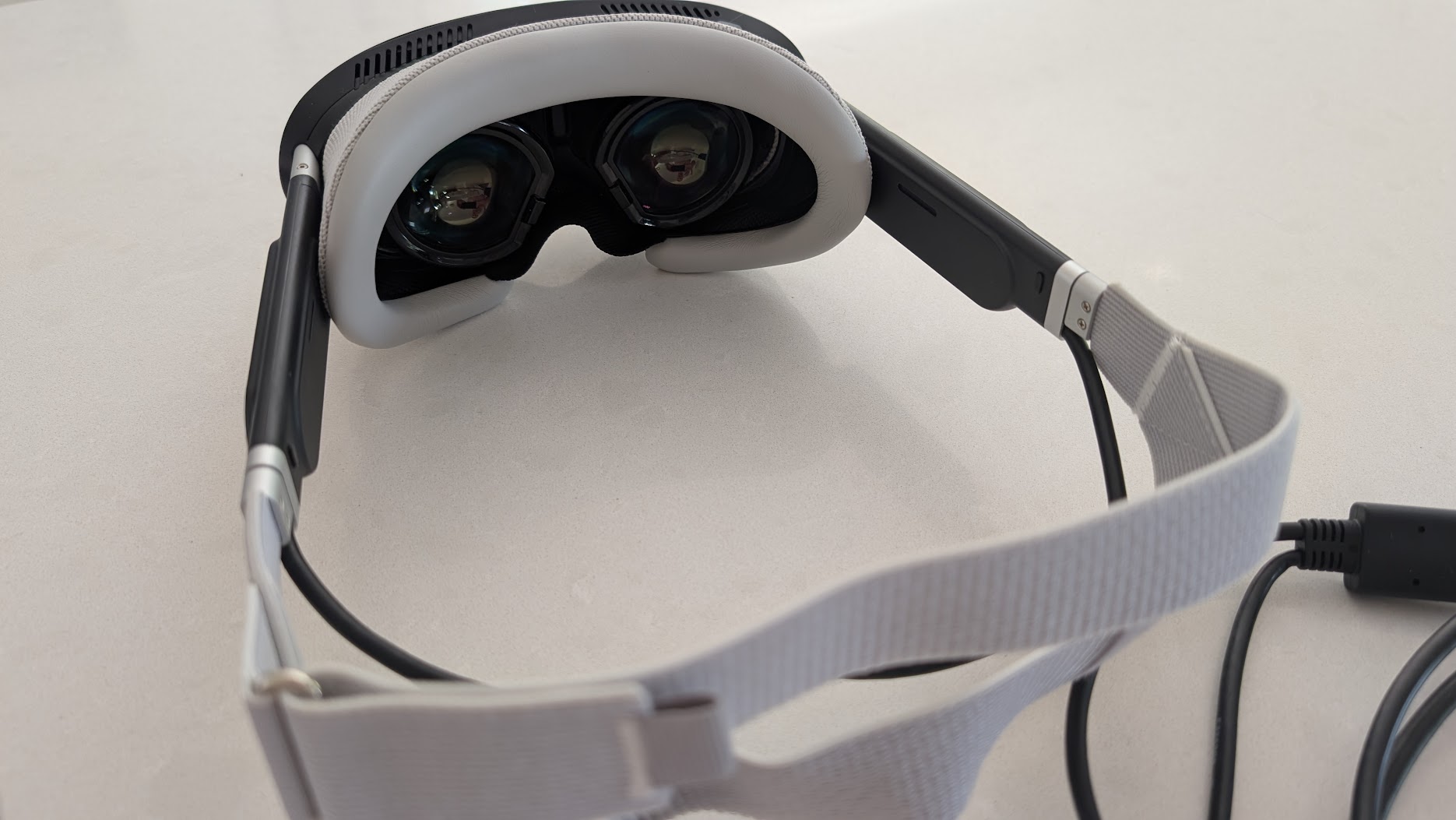
Across the 2026 line-ups, the Dream Air, the Dream Air SE and the Bigscreen Beyond 2 pair micro-OLED with pancake lenses, the Crystal Light and the Crystal Super’s QLED engines pair QLED with glass aspheric lenses, and the Steam Frame pairs an LCD with pancakes. Bright panels make heat, and the Dream Air SE has two fans, one per panel, so it can run at full brightness.
How much field of view do you need in a cockpit?
Field of view (FOV) is how much of the scene you can see at once, and the spec sheets don’t make it easy to compare. Some makers quote horizontal, some vertical and some diagonal. The Bigscreen Beyond 2 is 108° horizontal, 96° vertical and 116° diagonal by Bigscreen’s own measurement, while Valve says the Steam Frame is “up to 110 degrees” without saying which.
A wider FOV spreads the same pixels over more degrees, which lowers PPD, and it asks your GPU to render more scenery. Pimax sells that trade on the Crystal Super as separate optical engines: 57 PPD at 106° or 50 PPD at 127°, on the same 3840 x 3840 panel. Binocular overlap is the part of the view both eyes see, and less overlap widens the total FOV. In an October 2025 blog post, Pimax described testing selectable overlap profiles on the Crystal Super micro-OLED and the Dream Air, and narrowing the horizontal FOV from 116° to 103° cut the pixel load by up to about 7%.
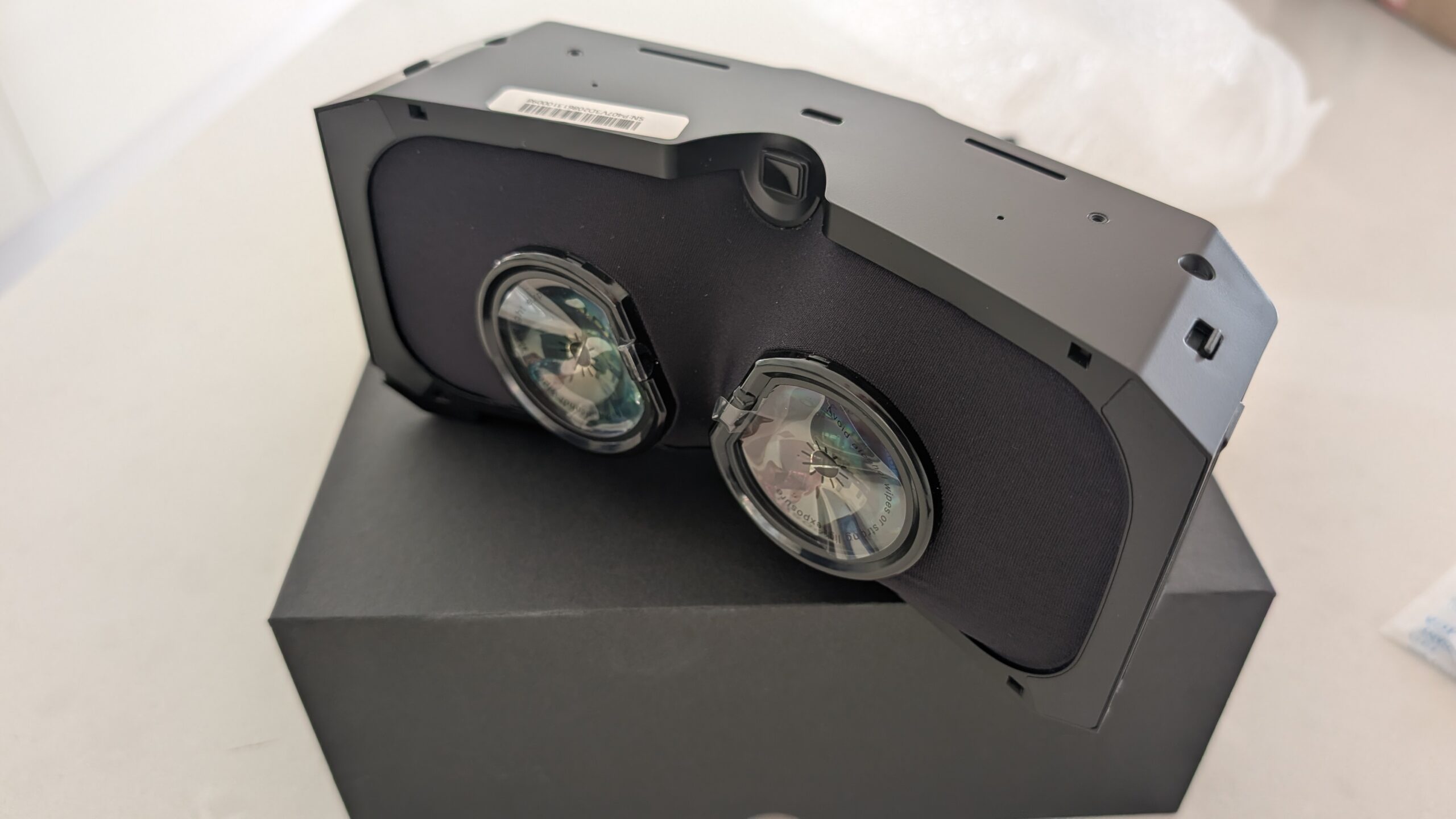
As a driver, I care less about the Dream Air’s slightly reduced vertical FOV than other reviewers seem to. I’m used to wearing a helmet, so you can’t see all that much in real life anyway. The Dream Air doesn’t need so much of the vertical FOV because you’re driving, not looking up and down! Flight is a different matter, because there you spend a lot more time looking down at the instruments and up at the sky.
What’s happening on the PC?
Your PC renders the scene twice every frame, once for each eye, at or around the headset’s resolution. On a Pimax Crystal Light that’s 2880 x 2880 per eye, which comes to 16.6 million pixels a frame. A 1440p monitor is 3.7 million, so the Crystal Light asks for about 4.5 times as many pixels, 90 times a second.
Render resolution doesn’t have to match the panel. Set it higher and you’re supersampling, which is sharper and expensive, and set it lower and you’re subsampling. On a low-resolution headset, pushing render resolution up costs frames without improving the picture. The Dream Air SE goes the other way and reaches 90 Hz by upscaling a 1920 x 1920 render to 2560 x 2560 per eye (it’s 72 Hz native). My Dream Air SLAM is a bit GPU intensive, and it runs on an RTX 4090.
A runtime is the software layer between the sim and the headset, such as SteamVR, OpenXR or the maker’s own. Whether a sim runs optimally in VR now has little to do with the brand of headset and almost everything to do with the runtime sat between the headset, your PC and the game. On a Pimax that runtime is Pimax Play using Pimax OpenXR, which is Pimax’s own flavour of the OpenXR runtime. Pimax Play was at version 2.0.4 in September 2026.
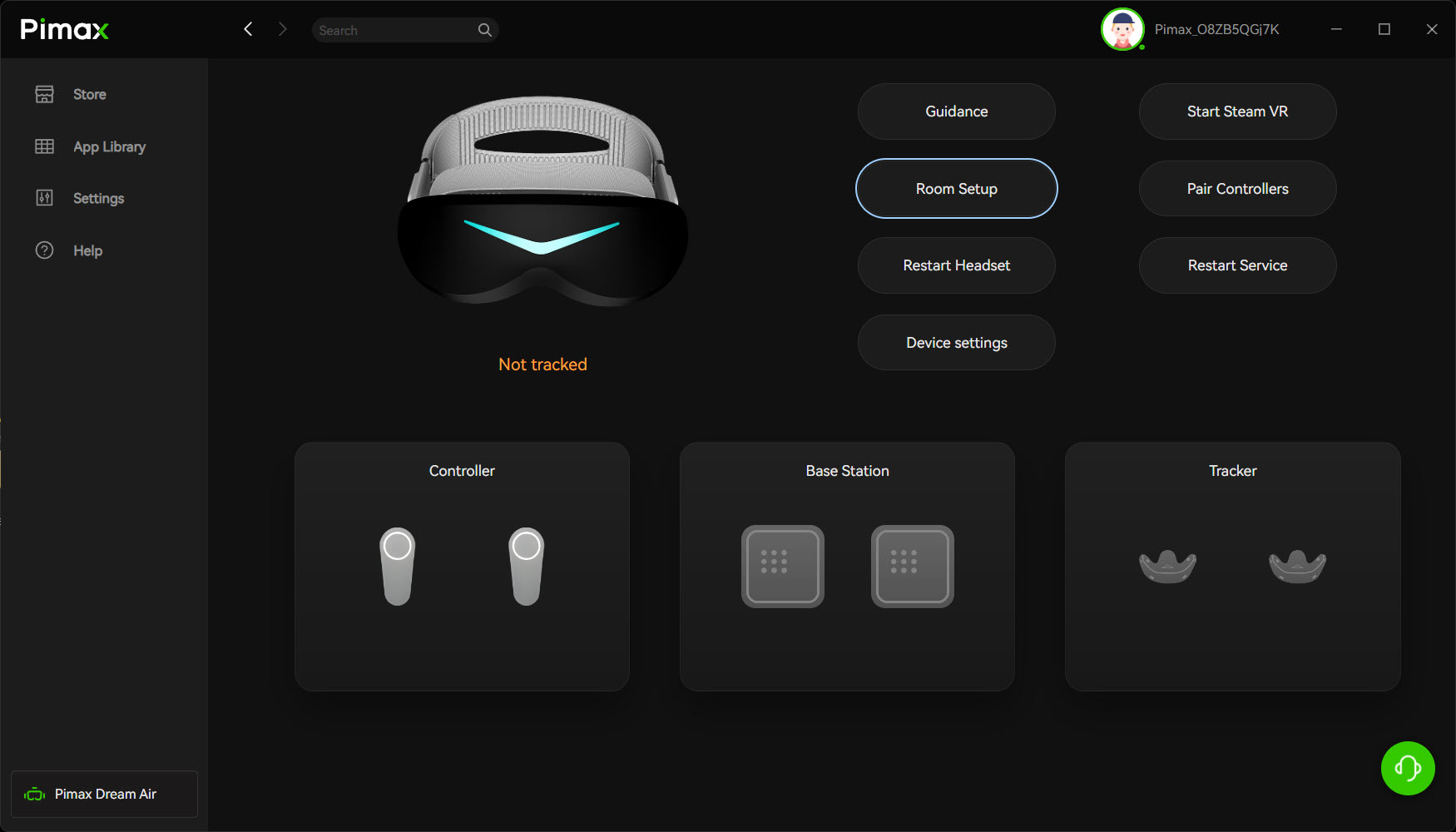
The refresh rate is how many times a second the headset’s panels update, and the PC’s job is to hold it. When it can’t, the runtime drops to a fraction of the refresh rate and makes up the in-between frames. That’s reprojection, sometimes called motion smoothing, and you see it as wobble and artefacts. So tune your settings for the worst case, which means rain, night and a full grid, and take the frame rate that survives that as your target.
Foveated rendering saves GPU work by drawing full detail only where you’re looking. Fixed foveated rendering assumes you’re looking at the centre of the view, while dynamic foveated rendering uses eye tracking to follow your pupils. iRacing added fixed foveated rendering in the 2025 Season 3 build and eye-tracked dynamic foveated rendering in 2025 Season 4 for OpenXR headsets that support it, and both need an NVIDIA RTX 2000-series GPU or newer. Microsoft Flight Simulator 2024 added foveated rendering in Sim Update 2, although it can add some CPU overhead. Pimax claims dynamic foveated rendering gives a boost “equivalent to getting a GPU upgrade”. The OpenXR Toolkit hasn’t had a release in about three years, so treat it as legacy and use the sims’ own foveated options first.
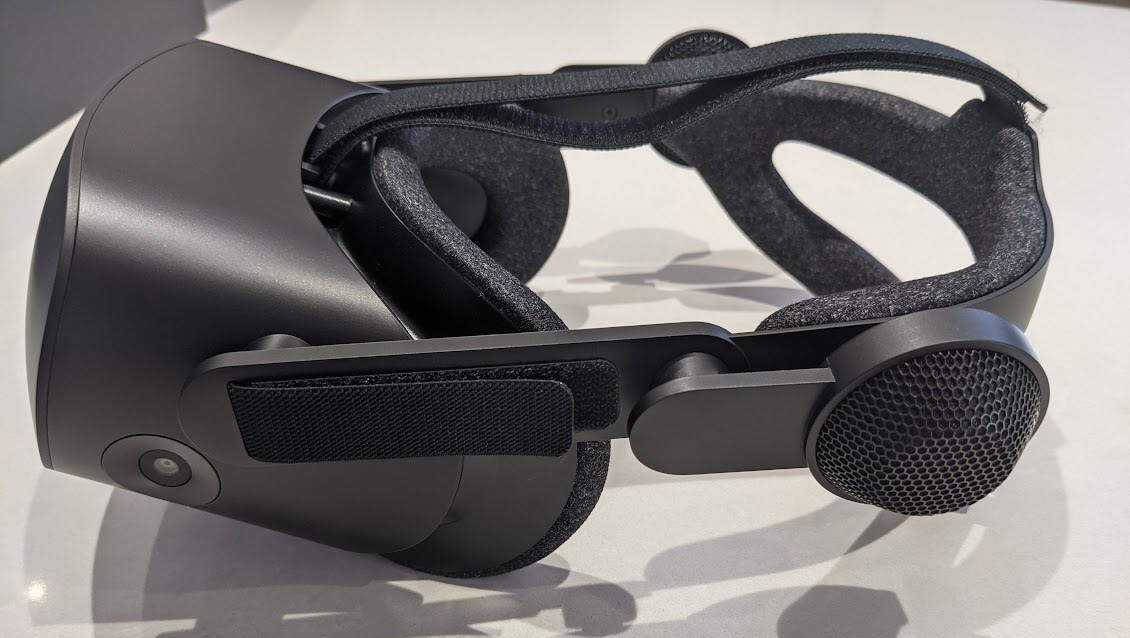
Windows Mixed Reality was removed in Windows 11 24H2, which means my old G2 just won’t run on a new Windows / sim racing setup out of the box. The free Oasis Driver for Windows Mixed Reality, on Steam, runs WMR headsets through SteamVR without the Mixed Reality Portal.
The Pimax Crystal Light and Dream Air get the image from the PC over a DisplayPort cable. The Meta Quest 3 connects to the PC with a cable (Link) or over Wi-Fi (Air Link), and the Steam Frame streams from the PC through an included Wi-Fi 6E adapter using eye-tracked foveated streaming, with no DisplayPort at all.
SLAM or Lighthouse tracking?
There are two ways a headset knows where your head is. SLAM, or inside-out tracking, uses cameras on the headset to map the room, so there’s nothing else to install and it’s quick to start. The Dream Air SLAM has four cameras on the headset and comes with controllers. Avoid bright lights pointing at the headset and give the cameras a room with some visible structure to work with.
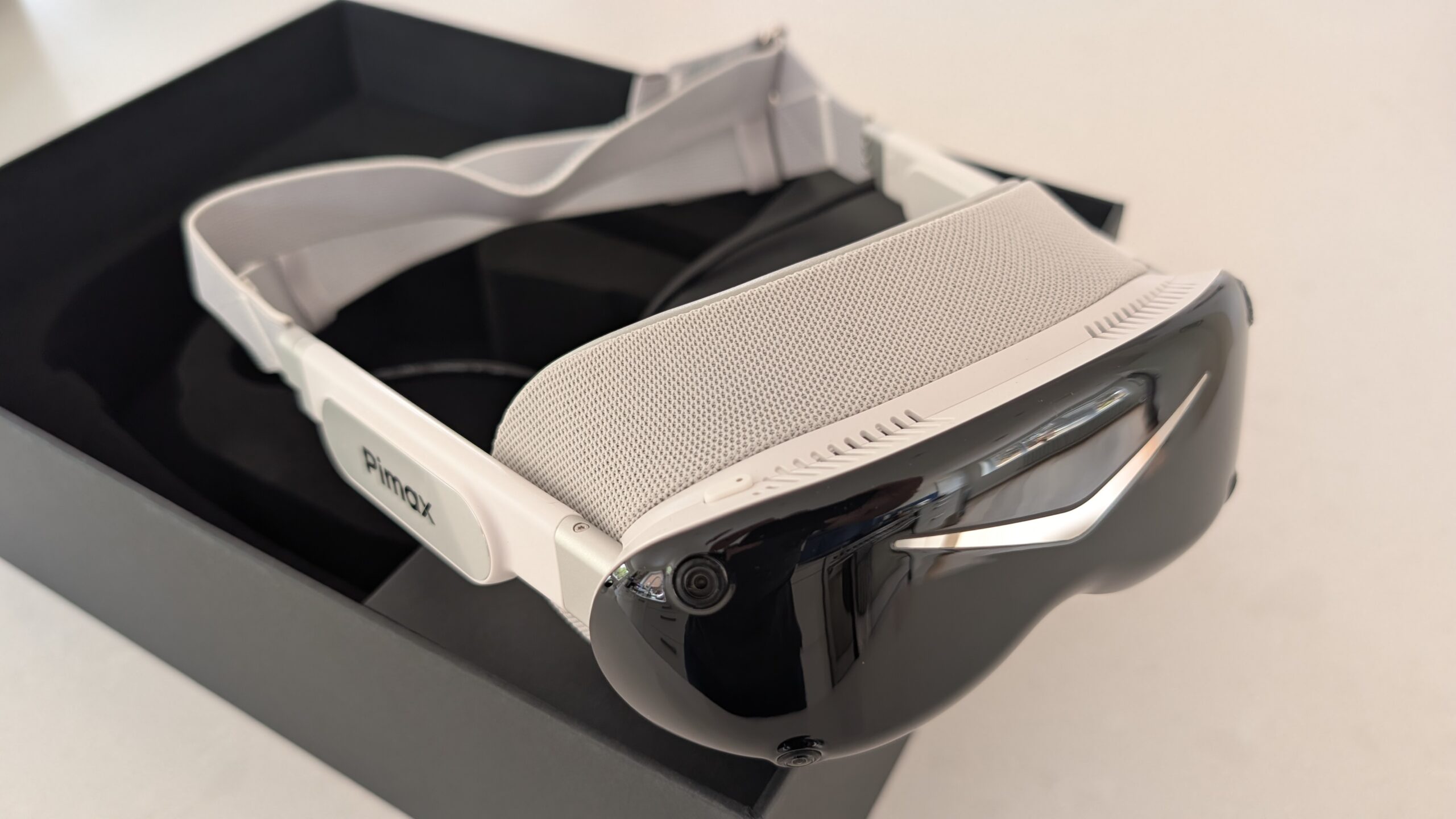
Lighthouse, or outside-in tracking, puts base stations on the wall or shelves to sweep the room while sensors on the headset read them. It’s regarded as the highest-quality tracking, but it takes more setup and costs more. The Bigscreen Beyond 2 and the Somnium VR1 are Lighthouse-only. The Crystal Light can take an optional Lighthouse faceplate, but Pimax says it only fits units with P2 or F2 as the 7th and 8th digits of the serial number. The Dream Air comes in both versions, and the Dream Air Lighthouse needs one or two base stations (not included) and comes without controllers. For a seated driver the headset only moves a little, so either system works for racing.
I have two base stations, both v2s, on my main sim. The only real inconvenience with base stations is the early config, getting the lighthouses positioned properly and the extra power cables for each, which is a bit of a peeve for me as I’m already inundated with cables! On my testing setup I use SLAM tracking on my Dream Air SLAM for ease of setup, and in my opinion the SLAM version is the more reliable tracking unit. Back in my Index and G2 days, every headset I’d used had presented a tracking problem at some stage, usually right before a race!
Weight, heat and comfort
By the makers’ own figures, the Pimax Crystal Light is 815 g and the Meta Quest 3 is 515 g. The Steam Frame is 440 g with its headstrap, of which the core module is 185 g. The Dream Air is under 170 g for the headset, the Dream Air SE under 140 g and the Bigscreen Beyond 2 107 g, although Bigscreen doesn’t say what that figure includes. Pimax publishes no weight for the Crystal Super QLED, and Vrgineers publishes none for the Somnium VR1.
My Dream Air SLAM is a lot lighter and more comfortable than the Crystal series. I very much appreciate the slimmer cables it uses, too, as they’re a lot less distracting. VR makes you sweat, and after many hours of use the padding on my Valve Index really needed a clean.
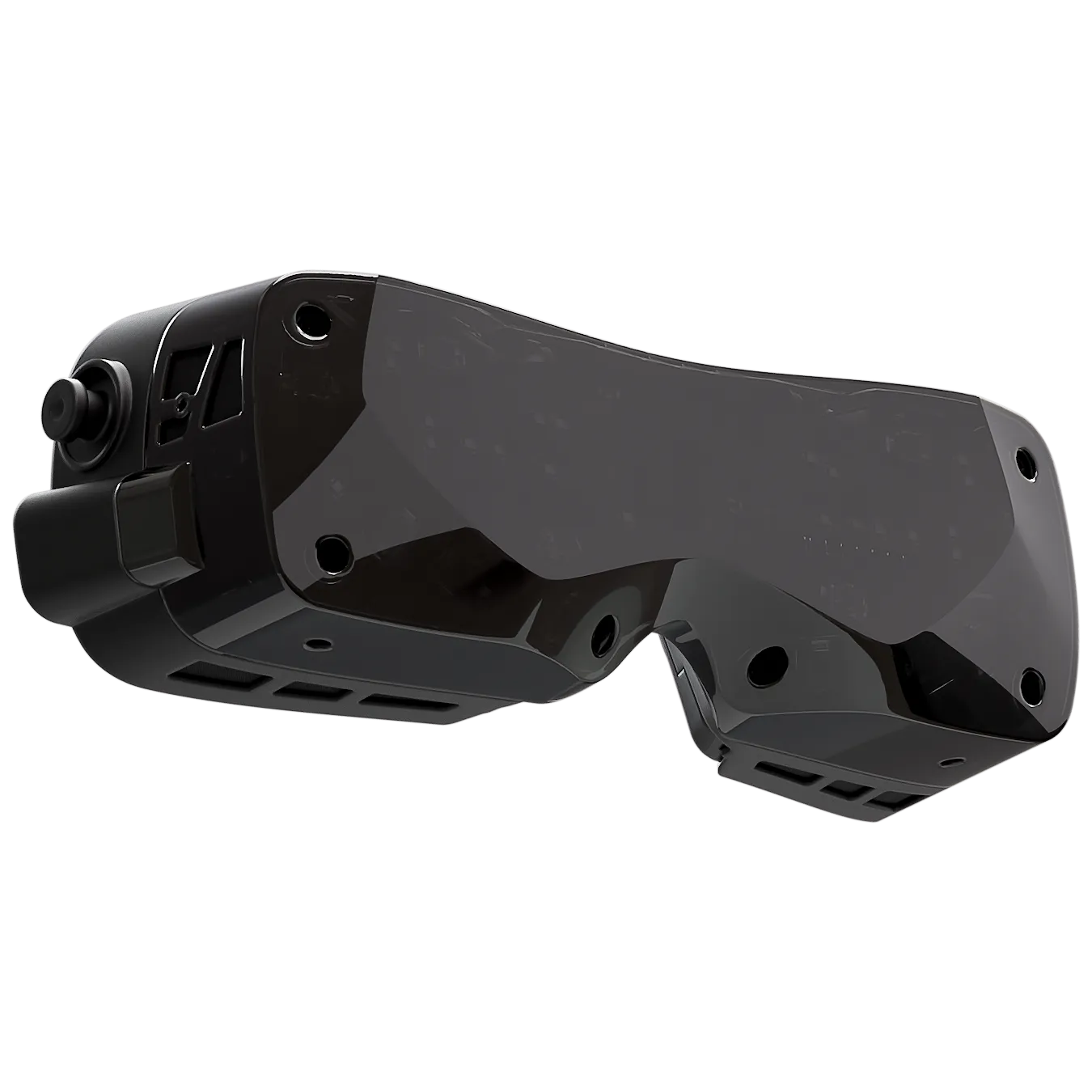
In a cold room the lenses can fog up as the warm, moist air from your face condenses on the cold optics. Some people feel motion sickness at first, but not for long, and I found after two laps I’d become used to the sensation of moving without moving. If it bothers you, build up in short sessions in a slow car.
The 2026 headsets side by side
The table below holds the current PC VR headsets a sim racer might shortlist.
| Headset | Display | Resolution per eye | Refresh | FOV | PPD (maker) | Lens | Tracking | Weight (maker) |
|---|---|---|---|---|---|---|---|---|
| Pimax Crystal Light | QLED + mini-LED | 2880 x 2880 | up to 120 Hz | 110° H | 35 | Glass aspheric | Inside-out (Lighthouse faceplate optional on P2/F2 serial units) | 815 g (headset) |
| Pimax Crystal Super (57 PPD QLED engine) | QLED + mini-LED | 3840 x 3840 | 72 / 90 Hz | 106° H | 57 | Glass aspheric | Inside-out (Lighthouse optional) | Not published |
| Pimax Crystal Super (8K micro-OLED engine) | Sony micro-OLED | 3840 x 3552 | 72 / 90 Hz | 116° H | 53 | Pancake | Inside-out | Under 600 g |
| Pimax Dream Air | Sony micro-OLED | 3840 x 3552 | 72 / 90 Hz | 110° H | Not published | Pancake | SLAM or Lighthouse version | Under 170 g (headset only) |
| Pimax Dream Air SE | Micro-OLED | 2560 x 2560 | 72 Hz (90 Hz upscaled) | 105° H | ~30-32 (Pimax estimate) | Pancake | SLAM or Lighthouse version | Under 140 g (headset) |
| Meta Quest 3 | LCD | 2064 x 2208 | up to 120 Hz | 110° H | 25 | Pancake | Inside-out | 515 g |
| Bigscreen Beyond 2 / 2e | Micro-OLED | 2560 x 2560 | 75 / 90 Hz | 108° H (116° diagonal) | 32 (peak) | Pancake | Lighthouse only | 107 g / 108 g |
| Valve Steam Frame | LCD | 2160 x 2160 | 72-144 Hz (144 experimental) | Up to 110° (unspecified) | Not published | Pancake | Inside-out | 440 g with strap (185 g core) |
| Somnium VR1 | QLED + mini-LED | 2880 x 2880 | 90 Hz (120 / 144 experimental) | 130° H | 35 (peak) | Dual aspheric | Lighthouse only | Not published |
Maker specifications, checked 3 October 2026. FOV is horizontal (H) unless marked; PPD is the maker’s own figure.
The Dream Air, the Dream Air SE and the Bigscreen Beyond 2 all come in under 170 g. Of the published weights, the glass aspheric Crystal Light is the heaviest at 815 g. The Steam Frame streams the image from the PC over Wi-Fi, and like the Meta Quest 3 it uses LCD panels. The Crystal Super’s engines have the highest published PPD here, at 50, 53 and 57.
Which VR headset should a sim racer buy?
The optics on the Meta Quest 3 are really acceptable, the sweet spot is huge, and it’s the easiest VR entry point on the market (mine was an eBay refurb). Once you’re past your first hundred or so hours in a headset, though, its compromises start to feel a bit limiting. There’s the resolution ceiling, the lossy wireless link (you really should get a good USB-C Quest compatible cable), the standalone-first design that fights against a committed PC VR setup, and the need for accessories to keep it cool and comfortable in long sessions. The Quest 3S keeps Fresnel lenses, so its sweet spot is smaller.
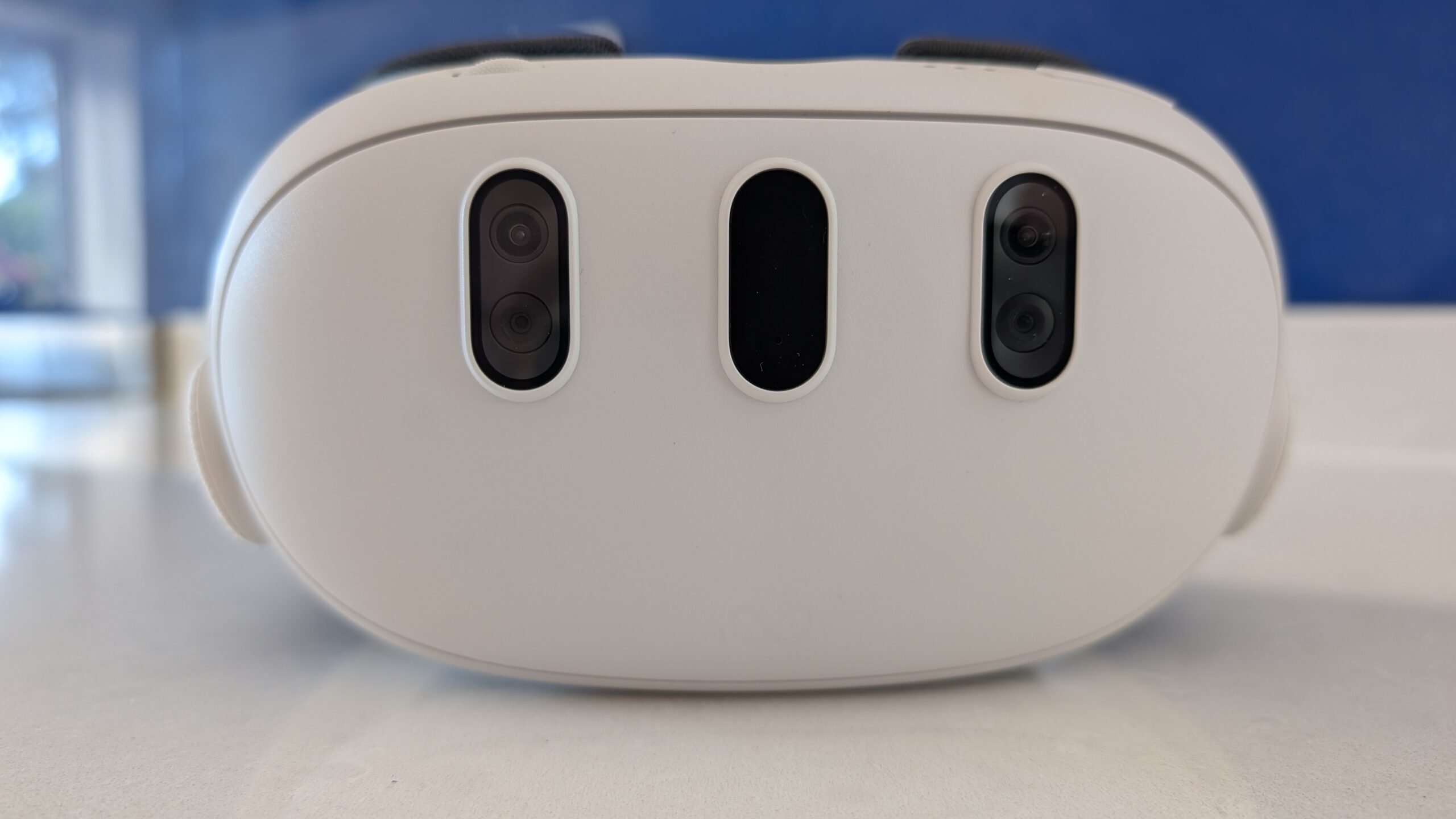
The Dream Air SE is a different kind of entry point, for a different kind of sim racer. I think it’s great because it’s much less power hungry than the Sony panelled Dream Air, and there’s a trade-off with resolution that, if you’re upgrading from something like a Quest 3, you’re in my opinion quite unlikely to notice. You might be a hobbyist sim racer who’s really proud of their rig, with a gaming PC that might not have the latest high-end RTX GPU, and you want something that’s going to just work. On price and performance, the Dream Air SE feels to me like it occupies that comfortable middle ground between sticking with your Quest 3 and going all the way to the highest of high-end headsets. There’s more on it in our Dream Air SE review.
The Sony panelled Dream Air is what I race in iRacing now, in its SLAM version. You could choose it over the Crystal series if weight is an issue for you in long sessions, as long as your graphics card is up to it. Our Dream Air SLAM and Lighthouse review goes into both tracking versions.
For flight, where the Dream Air’s reduced vertical FOV is the limiting factor, I still recommend the Pimax Crystal Light or the Crystal Super. The Crystal Light’s glass aspheric lenses give a big sweet spot, and the Crystal Super’s wider engines go out to 127° and 140° horizontally.
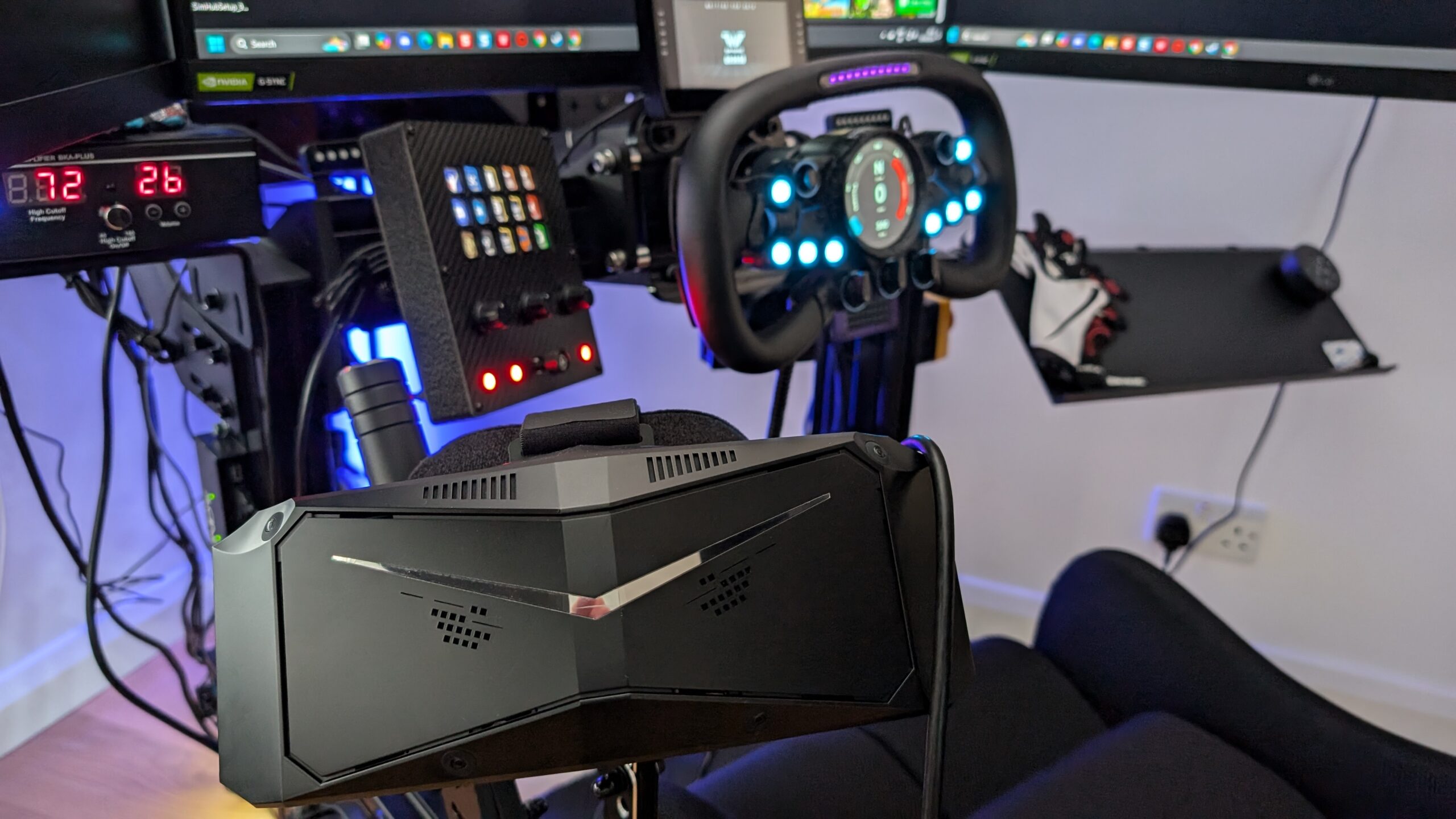
Set up correctly, VR makes it so much easier to judge corner entry and use your vision for the exit. This is where VR beats monitors, in my opinion, because your mind is able to process a sort of spatial awareness that monitors simply don’t deliver. That said, I still race on my triples when I’ve only got time for a quick session. Good luck!
Related Articles
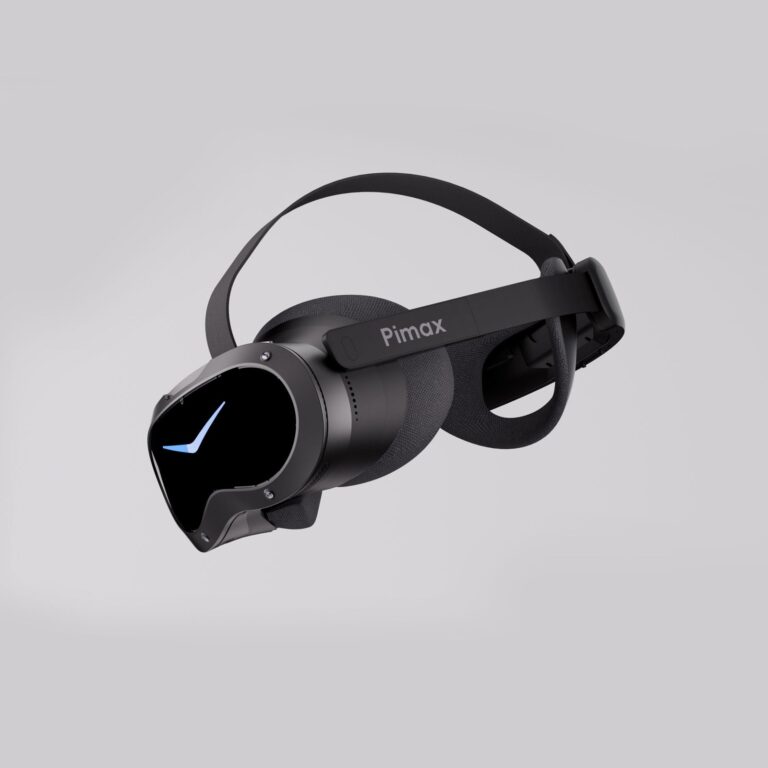
Should Sim Racers Wait for the Pimax Crystal Pro, or Buy Today?
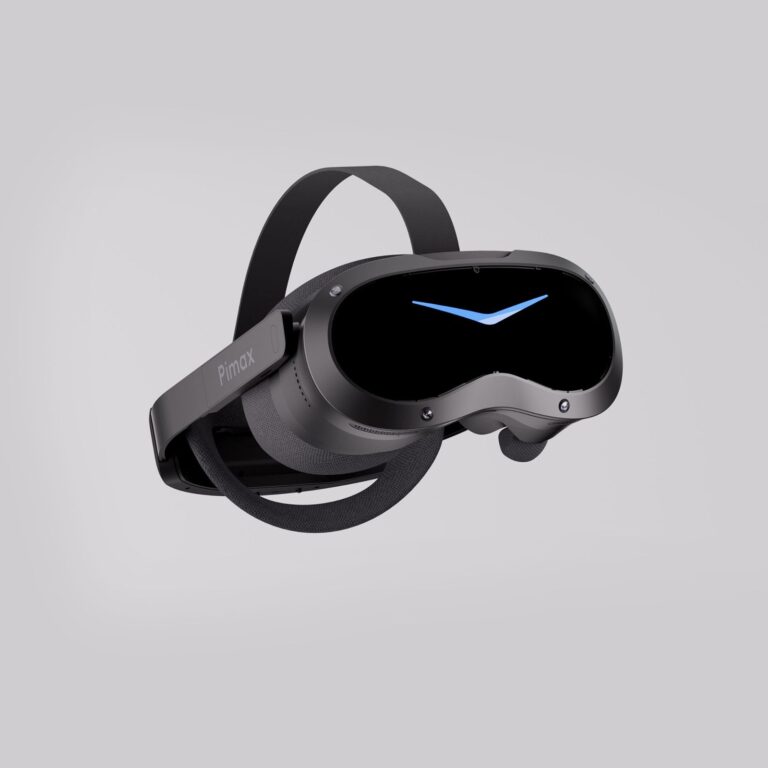
Pimax Crystal Pro: Everything We Know So Far
Bigscreen Beyond 2 for Sim Racing: What to Know in 2026
Pimax Dream Air vs Dream Air SE: Which Should a Sim Racer Buy?
SteamVR Base Stations for Sim Racing: Lighthouse vs SLAM on the Pimax Dream Air
How to Install the SBoys3 Driver on the Pimax Dream Air Lighthouse
Topic: VR Headsets