

I’m a sim racer and amateur racer with a passion for Motorsport, good racecraft and the technical and setup aspect of sim racing.
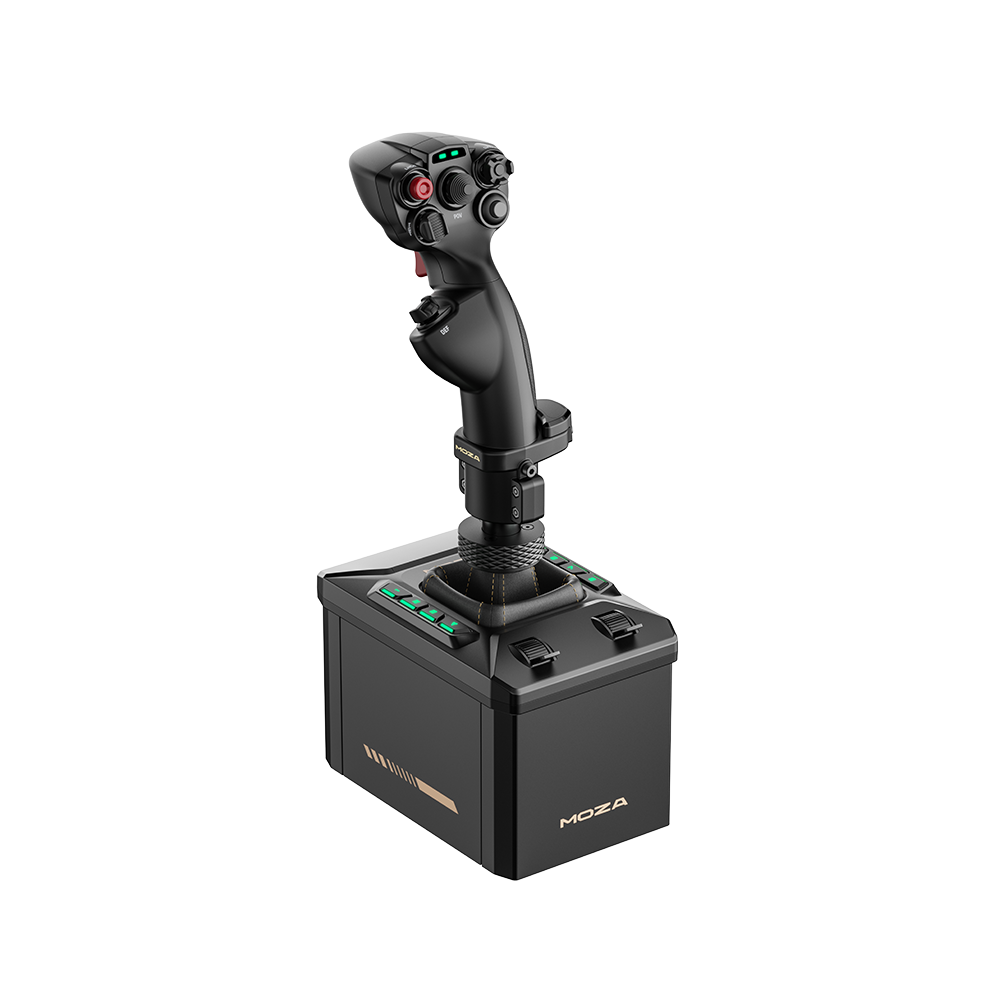
The MOZA AB9 is MOZA’s flagship force feedback flight stick base, and it’s a very good one. It’s smooth, quiet and all-metal, and it costs a good deal less than the high-end bases. It’s too tall to sit on top of a desk, though, so plan on a clamp or a rig. MOZA Cockpit, the flight software, is deep but still being finished. The base alone was $499 at mozaracing.com on 29 September 2026, and the stick is extra.
Moza discount code: use SIMRACINGCOCKPIT at checkout for 3% off at mozaracing.com.
Quick Navigation
Jump directly to what you’re looking for:
What is the MOZA AB9? |
Who is it for? |
Build and mounting |
How does it feel? |
Which sims? |
MOZA Cockpit |
What sticks fit? |
AB9 or AB6? |
Pros and cons |
Verdict
What is the MOZA AB9?
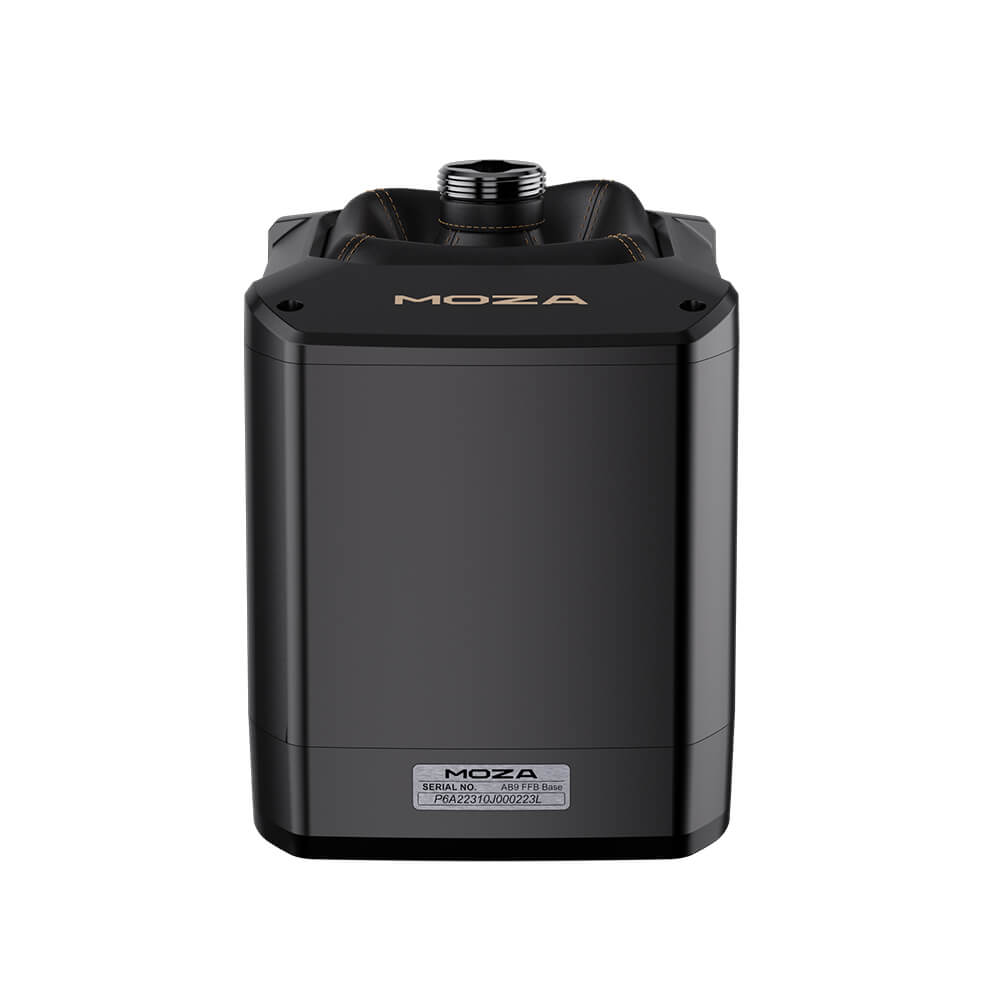
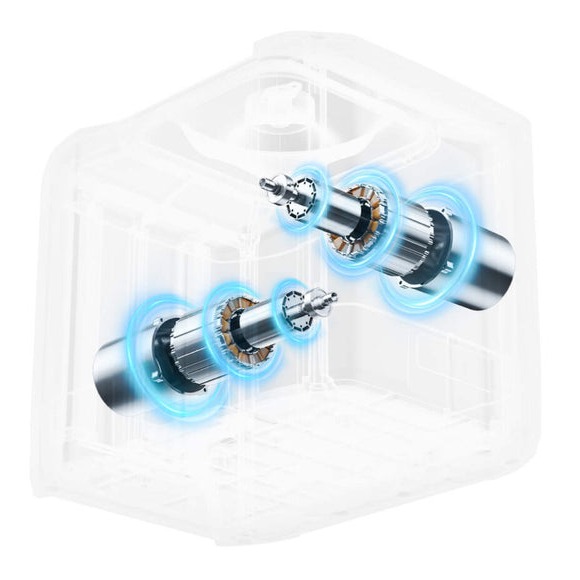
The MOZA AB9 uses two servo motors with segmented winding, driven by what MOZA calls MCLS (MOZA Control Loading System). MOZA rates it at 12 Nm peak, with a constant 9 Nm in a single direction. The stick travels ±20°, and you can adjust that. The housing is aviation-grade aluminium, sealed and fanless. It’s PC only, with no Xbox or PlayStation support. It’s sold as the base alone, so you’ll need a grip to go on top.
If you’re new to force feedback (FFB), it’s the motors pushing back through the stick, so you feel it centre itself, get heavier as the airspeed builds, shake in a buffet and bump over rough ground. Our guide, force feedback for flight sim explained, goes into it properly.
| Spec | MOZA AB9 |
|---|---|
| Motors | Two servo motors, segmented winding |
| Force feedback system | MCLS (MOZA Control Loading System) |
| Peak torque | 12 Nm |
| Constant torque | 9 Nm (single direction) |
| Travel | ±20°, adjustable |
| USB polling rate | 1000 Hz |
| Rated power | 216 W |
| Housing | Aviation-grade aluminium alloy |
| Cooling | Sealed, fanless |
| Platform | PC only |
| MOZA grips | MH16, MHG, MA3X |
| Third-party grips | Many fit directly; some need MOZA’s optional adapter and data cable |
| In the box | Base, data cord, wrench, manual (clamp sold separately) |
| Sims (MOZA’s list) | MSFS 2024 and 2020, X-Plane 12/11/10, DCS World, IL-2, War Thunder |
The 12 Nm of peak torque in the table above is plenty with the grip fitted straight to the base, or with the AB9 on a side mount, but a long extension costs you leverage, which means the stick starts to feel weak. There’s no fan inside, so there’s no fan noise, and MYSH makes the point that the more powerful bases cost more and usually need active cooling.
Who is the AB9 for?
The MOZA AB9 suits DCS pilots best, because that’s where its effects are at their most complete. Airbus flyers are well looked after too, and Airliners Live reckons that if you’re committed to your flight sim and you love flying the Airbus, you’re not going to find a better sidestick. If you fly GA in MSFS, trimming and flaring feel natural, and the trim takes the load off the stick.
It’s less suited to a long extension on a centre mount. G-LOC MEDIA found it felt a little weak on an extension of about 200 mm or longer, and MrNikolaoss gives the same caveat. Console players are out, as it’s PC only. And if you’d rather have buttons and sliders on the base itself at a lower price, the AB6 is the one to look at.
Build, size and mounting
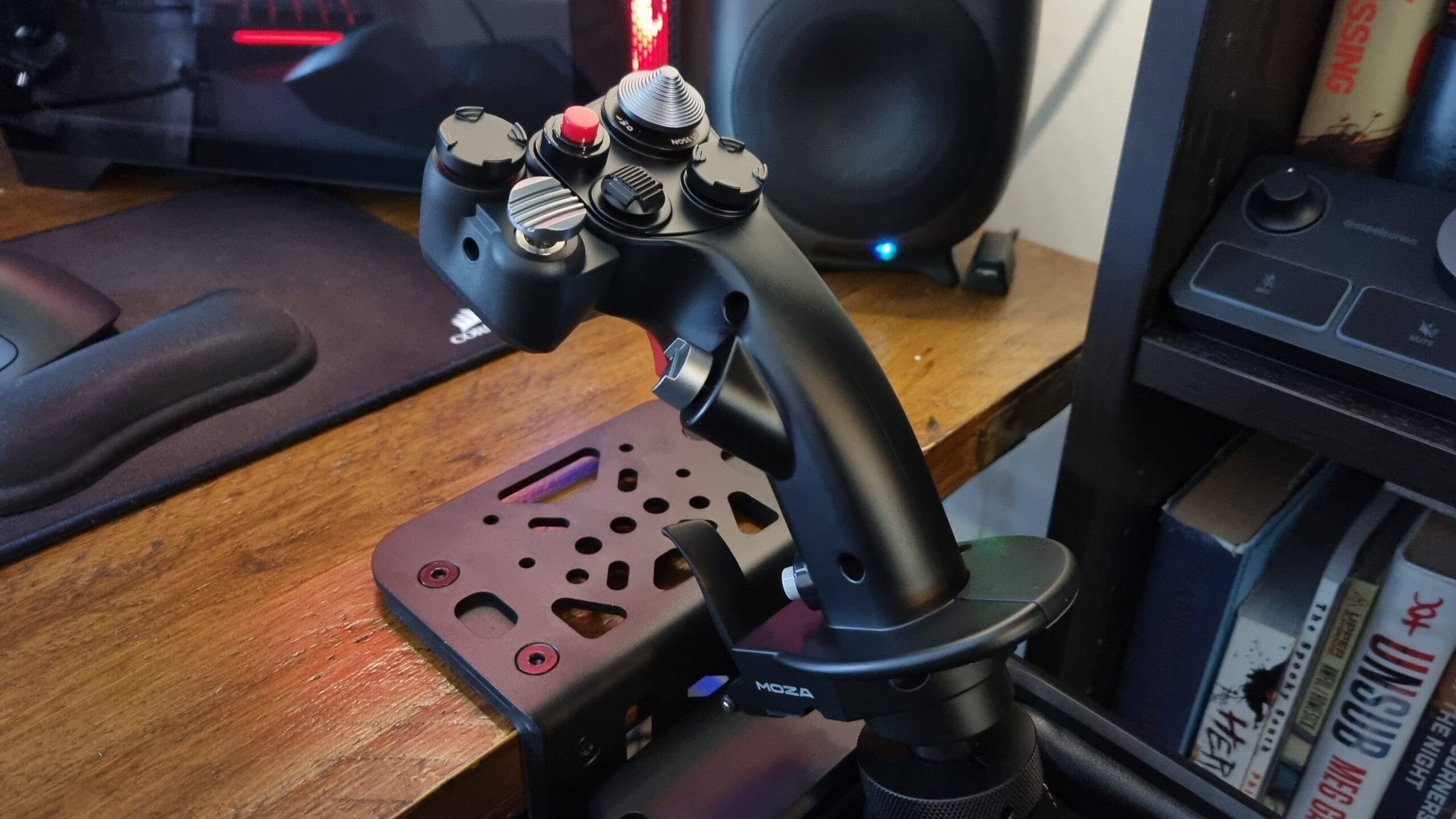
The MOZA AB9 is heavy and all-metal, and it feels like it costs more than it does. It’s also tall. Sat on top of a desk, the stick ends up too high to be comfortable, so clamp it at or under the desk edge, or mount it in a rig.
In the box you get the base, a data cord, a wrench and the manual. The Flight Base Table Clamp is sold separately, and Airliners Live thinks it should be included at the price.

How does the force feedback feel?
The MOZA AB9 is smooth and quiet. Cogging is a notchy feel some motors have as they turn. MOZA claims low cogging torque, and in its AB6-versus-AB9 FAQ it says the AB9 has “no gear sensation”. VR Flight Sim Guy had noticed cogging on his force feedback yoke, so he went looking for it on the AB9 and felt none. Airliners Live summed up the feel as “responsive without feeling light”. On noise, G-LOC MEDIA put it “not too far off” a Brunner.
The one dissent came from G-LOC’s early unit, which had “a small muted notch on the elevator axis”. He asked his viewers whether their units did the same, and the other four reviewers didn’t mention one.
Which sims does the AB9 work with?
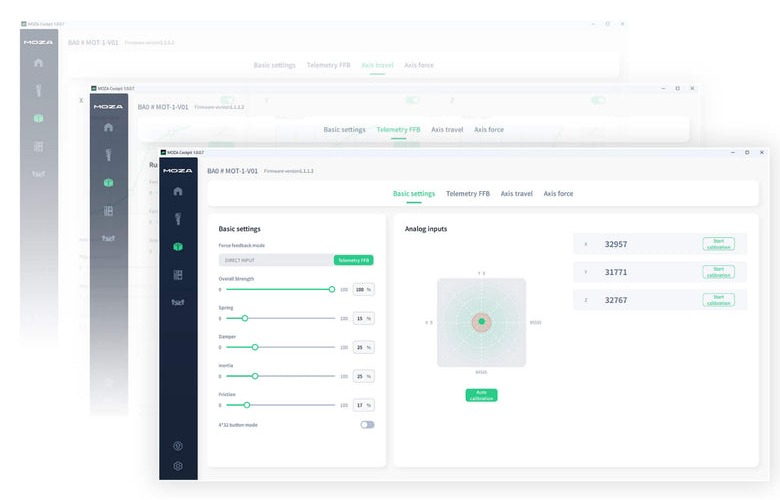
MOZA lists MSFS 2024 and 2020, X-Plane 12, 11 and 10, DCS World, IL-2 and War Thunder. MOZA Cockpit has three FFB modes. Direct passes the sim’s own force feedback straight through, telemetry has MOZA build the effects from the sim’s data, and hybrid mixes the two.
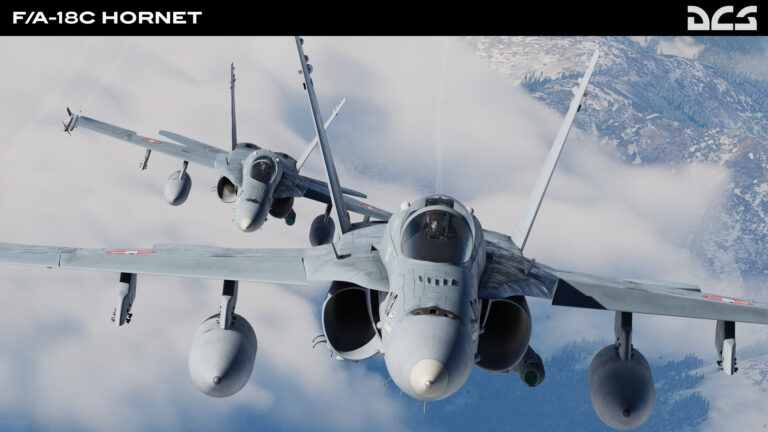
In DCS you feel stall buffet, gunfire, afterburner and damage through the stick, and G-LOC MEDIA called the Heatblur F-14 “stunning”. DCS 2.9.29 added MOZA default profiles for the F/A-18, F-16C, AH-64D and F-15C. The real F-16’s stick barely moves; it reads the pressure you put on it. The F-16 profile limits travel to mimic that force-sensing stick, and at launch in 2024 G-LOC found it made the jet harder to fly accurately.
Flying GA in MSFS, you feel the elevator get heavier with airspeed, the prop wash on the take-off roll, the difference between grass and runway, and the jolt of a hard landing. G-LOC couldn’t get any mechanical trim working in MSFS at launch in 2024, VR Flight Sim Guy had trim going in the C182 two months later, and by 2026 MrNikolaoss found it working properly. IL-2 had no support at launch, and VR Flight Sim Guy got round it by running the DCS Spitfire preset, which worked well. By 2025 MYSH still only had basic direct input in IL-2. None of the five reviewers tested X-Plane or War Thunder, and at launch G-LOC found neither supported yet.
MOZA Cockpit software
You set the MOZA AB9 up in MOZA Cockpit, a separate app from MOZA Pit House, which runs MOZA’s racing kit. The interface is clean, with presets to start from and a slider for each effect when you want to go further. There are soft limits, a no-centring mode for helicopters and a force-sensing mode, which MOZA suggests for aircraft like the F-16.
It’s still unfinished in places. At launch in 2024, G-LOC MEDIA hit a bug saving profiles. In 2025 MYSH found the dampers only worked on one side of the Y axis unless spring simulation was switched on, and the AB9 showed up twice in Windows’ game controllers. MrNikolaoss says in his 2026 video that recent updates have broken the elevator weight now and then. MOZA Cockpit still didn’t support the F-100D, a new DCS module, about six weeks after its release, so owners were editing Lua files themselves.
For the Airbus, the default A320 profile works, but Airliners Live prefers the community sidestick profile from V1 Simulation’s Discord.
What sticks work with the MOZA AB9?
The MOZA AB9 takes three MOZA grips. The MH16 is an aluminium, fighter-style stick, the MHG is the carbon-fibre-reinforced composite one that comes bundled with the AB6, and the MA3X is an Airbus-style sidestick, which is right-hand only. Other makers’ grips fit too, though some need MOZA’s adapter and data cable, which are sold separately. MrNikolaoss connects VIRPIL grips directly and uses the adapter for WinWing, while G-LOC MEDIA couldn’t get the buttons on a VIRPIL F-14 grip working through an extension.
MYSH rates the MH16 “undeniably better” than Thrustmaster’s Warthog grip, though Airliners Live found its side buttons a stretch. The Z-Axis Module adds twist. MOZA also says the AB9 supports AY210 yoke integration, which you can read about in the AY210 and MFY yoke review.
All three grips are in our daily price monitor below, so use the prices there.
AB9 or AB6?
On MOZA’s own spec sheets, the AB6 is rated at 4.4 Nm continuous in roll and 6 Nm peak combined, against the MOZA AB9’s 12 Nm peak. The AB6 has eight RGB buttons and two sliders on the base, and MOZA suggests it if you want those controls built in at a lower price. The AB9 is MOZA’s pick if you want the smoothest force feedback and room to expand, since it takes the Z-Axis Module and the AY210 yoke.
At mozaracing.com on 29 September 2026, the AB6 was $399 with the MHG stick and a clamp included, and an AB9 with the same stick and MOZA’s clamp came to $647. In his AB6 video, G-LOC MEDIA says that if you’ve flown an AB9 and you’re hoping the AB6 will give you “something close-ish”, it doesn’t. The AB6 review and the AB6 vs AB9 comparison go into the differences in more detail.
Pros and cons
Pros
- Smooth and quiet, with no cogging to speak of
- All-metal build that feels dearer than it is
- 12 Nm peak, plenty with the grip mounted on the base
- Open grip connector for other makers’ sticks
- Deep tuning in MOZA Cockpit, and the full set of DCS effects
Cons
- Too tall for on-desk use, and the clamp is extra
- Runs short of strength on a long extension
- Software bugs, and new DCS modules can wait weeks for support
- PC only
- The stick costs extra
Verdict and where to buy
So, is the MOZA AB9 worth the money? For DCS or the Airbus, yes, as long as you’ve got a desk to clamp it to or a rig to put it in. MrNikolaoss, a year into owning one, says buy it now unless you want a long centre extension, which is where a stronger base would help. VIRPIL’s new ATLAS base, which he reckons has double the force, is still only on pre-order.
On 29 September 2026 the AB9 base was $499 at mozaracing.com, the MH16 $149, the Z-Axis Module $89 and the clamp $49. Prices move, so check them at the checkout. If you fly airliners, MOZA’s MTQ throttle at $199 goes well with it, and the MTQ is in the flight sim throttle guide too.
If you’re kitting out the rest of the cockpit, the flight stick and HOTAS guide and the flight VR guide are the next reads. Good luck, and enjoy the flying!
Related Articles
The Best VR Flight Games and Sims
Best Throttle for Flight Simulator 2026: MOZA, Honeycomb, Thrustmaster, WinCTRL Compared
MOZA AY210 + MFY Yoke Review: The Autopilot-Moves-the-Yoke Setup That Earns Its $848
Force Feedback for Flight Simulation: What It Is, What It Costs, and When You Should Spend on It (2026)
MOZA AB6 vs AB9: Which Force Feedback Flight Base Should You Buy in 2026?
MOZA AB6 Review: Budget Force Feedback Flight Stick Bundle
Topic: Flight Simulation