

I’m a sim racer and amateur racer with a passion for Motorsport, good racecraft and the technical and setup aspect of sim racing.
If you’re running a Meta Quest 3 for sim racing and you’ve been staring at the Pimax Dream Air wondering whether to make the jump, here’s the short version: for a PC rig, yes, it’s a real upgrade, and a big one. But it isn’t the upgrade the spec sheet alone makes it look like, and it very much isn’t for everyone. I’ve spent proper time in both, so let me talk you through where the Dream Air pulls ahead, where the Quest 3 is still the smarter buy, and who it’s really for.
Quick Navigation
Jump to what you need:
The short answer |
Where the Quest 3 holds you back |
What the Dream Air changes |
The numbers, side by side |
What you give up |
SLAM or Lighthouse? |
So, should you upgrade?
The short answer
The Quest 3 is a brilliant little headset, and I say that as someone who rates it – my full Quest 3 review is largely positive. The catch is that for PC sim racing it’s always doing an impression of a PC VR headset rather than being one. The Dream Air removes that compromise. If your priority is the sharpest, most immersive seated cockpit you can get, and you’ve got the PC to drive it, the Dream Air is the upgrade and you’ll feel it the first time distant braking boards stay crisp instead of smearing.
Who shouldn’t jump? If you value playing standalone on the sofa, or wireless VR, or you’re on a mid-range GPU, or the budget simply isn’t there – stay on the Quest 3, and don’t feel bad about it. This is a jump from a £550 do-everything headset to a near-£2,000 single-purpose one. That gap is the whole story, so I’ll keep coming back to it.
Where the Quest 3 holds you back
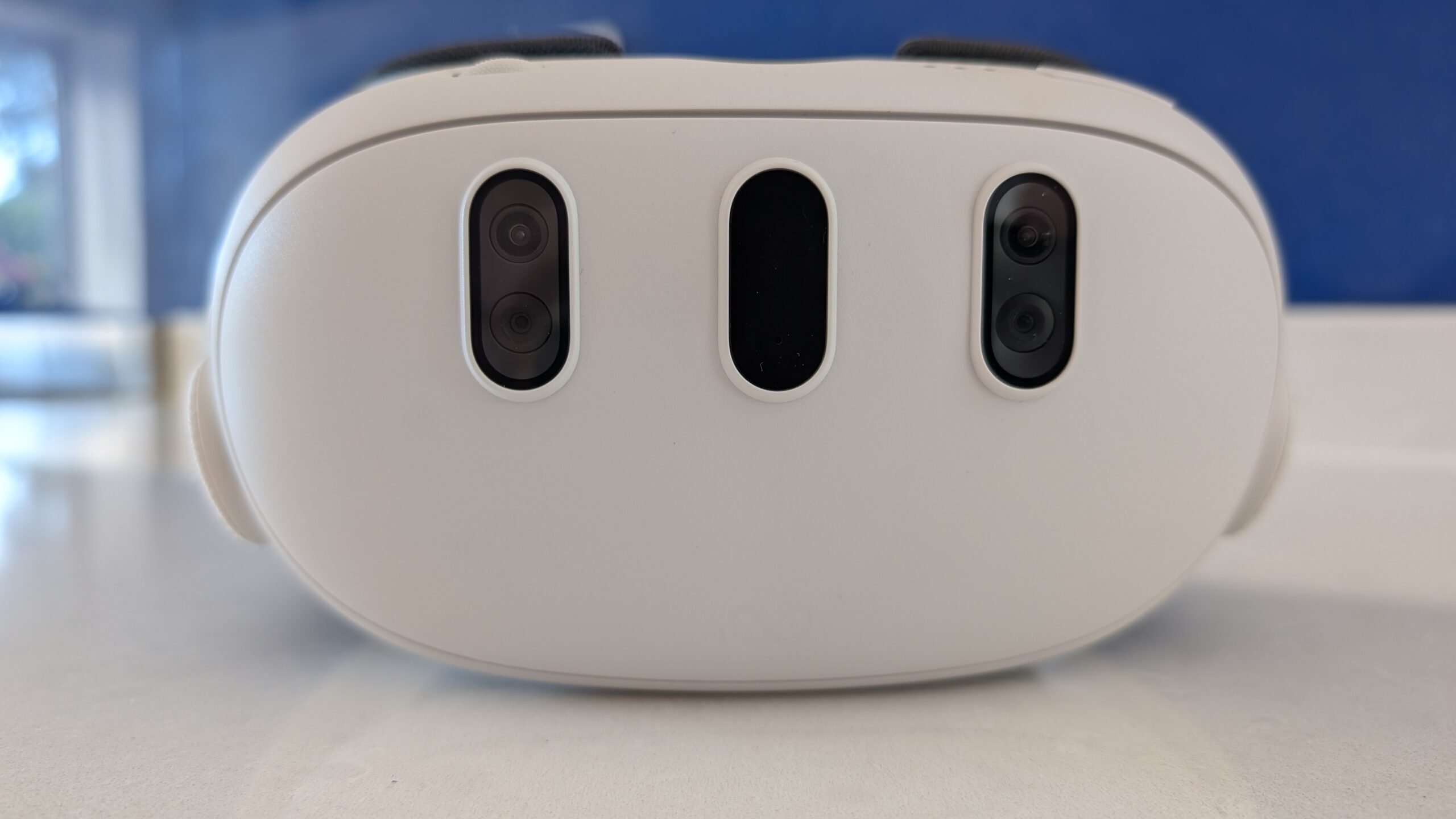
Nothing here is a knock on the Quest 3 as a device. It’s the way it talks to your PC that costs you. To run PCVR, the Quest 3 compresses the image on the PC, sends it over a USB cable or Wi-Fi, and decodes it in the headset. That compression is where the sim racing detail goes: distant signs, kerb edges, the tiny numbers on an iRacing dash – the exact fine detail you’re straining to read at speed is the first thing the encoder smooths over. Even dialled right up, there’s a slightly soft, washed-out look you can’t fully tune out, and the occasional micro-stutter over both Wi-Fi and cable.
Then there’s the panel and the weight. The Quest 3 runs dual LCD screens at 2064 x 2208 per eye – seriously good, but LCD blacks are grey rather than black, which hurts night races and cockpit shadow. And at 515g it’s not heavy exactly, but on a two-hour endurance stint you know it’s there, and the battery adds to the front-load. None of this stops you racing well. It just means you’re always aware you’re looking at a screen, not through a windscreen.
What the Dream Air changes
The Dream Air fixes the compression problem at the root: it’s a wired PC VR headset with a native, uncompressed DisplayPort feed. No encoder, no artefacts, no smearing on the far end of the straight. The first time I ran it, the thing that struck me was simply the sharpness – everything that used to shimmer or blur in the distance was just there, pin-sharp. My full Dream Air review goes deeper, but the headline is that it looks like a different generation of hardware.
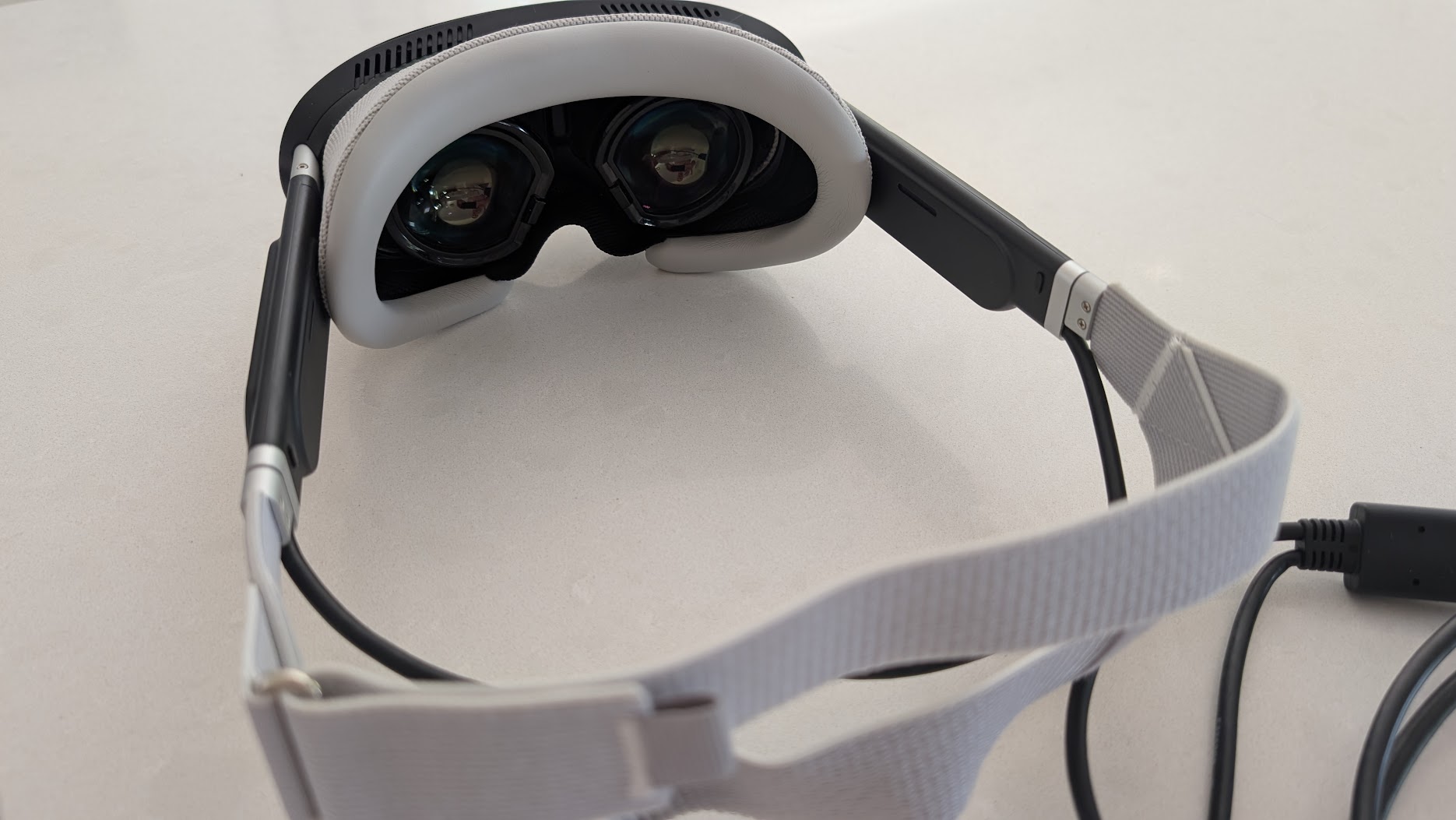
A lot of that comes down to the screens. The Dream Air uses Sony micro-OLED panels at 3840 x 3552 per eye – the same type of panel you’ll find in kit costing far more – and OLED means proper inky blacks, no screen-door effect and colours that really pop. There’s a faint bit of glare and a slight brown tinge at the very edge of the lenses, which is a micro-OLED trait rather than a fault, and dropping the brightness a touch sees most of it off.
Two other things matter for us specifically. First, weight: Pimax quotes the visor at under 170g. On your head with the strap and facial interface it’s more than that, of course, but it’s in a completely different league to the Quest 3’s 515g, and it runs off a mains adapter so there’s no battery to die mid-race. Second, it has Tobii eye tracking built in, which unlocks dynamic foveated rendering – the headset only renders full detail where you’re looking. In sim racing that’s close to a free GPU upgrade, and it’s something the Quest 3 can’t do at all.
The numbers, side by side
Specs never tell the whole story, but they frame the gap well here. The resolution and panel rows are the ones that translate straight into what you see on track; the price and PC rows are the ones that decide whether it’s sensible.
| Spec | Meta Quest 3 | Pimax Dream Air |
|---|---|---|
| Panel | Dual LCD | Dual Sony micro-OLED |
| Resolution / eye | 2064 x 2208 | 3840 x 3552 |
| Field of view | ~110° H / 96° V | ~110° H / ~90° V |
| Refresh rate | Up to 120Hz | 90Hz |
| Weight | 515g | Under 170g (visor) |
| Lenses | Pancake | Pancake |
| Tracking | Inside-out cameras | SLAM cameras or Lighthouse base stations |
| Runs as | Standalone + wireless/wired PCVR (compressed) | PCVR only, native DisplayPort (uncompressed) |
| Eye tracking | None | Tobii, with dynamic foveated rendering |
| Price | £549.99 (512GB) | From ~$1,999 (Lighthouse) / ~$2,299 (SLAM) |
One thing to clear up so you don’t buy the wrong box: the figures above are the flagship Dream Air. Pimax also sell a cheaper Dream Air SE, which drops to 2560 x 2560 per eye and costs a fair bit less. It’s a different headset, so if the micro-OLED clarity is your reason for upgrading, make sure you’re looking at the standard Dream Air, not the SE.
What you give up
This is the part a lot of upgrade guides skip. The Dream Air is a specialist. In exchange for those visuals you give up real things:
- The price. It’s roughly three to four times a Quest 3. That’s a wheelbase-and-pedals amount of money for a headset.
- Standalone and wireless. There’s no sofa mode and no untethered VR – it only works plugged into a capable PC. No standalone games, no Gorilla Tag on the sofa.
- The PC bar. To feed those panels properly you want a high-end GPU (think 4070 Ti and up). On mid-range hardware you’ll be leaning hard on the foveated rendering just to keep up.
- Pass-through and glasses. The Lighthouse version has no pass-through at all (the SLAM version has a basic black-and-white one), and the lenses sit too close for spectacles – you’ll want magnetic prescription inserts if you need them.
- Comfort out of the box. The stock facial interface hasn’t suited everyone, mine included at first. Pimax now ship a revised one, and there are good third-party interfaces, but factor it in.
- Refresh ceiling. It’s capped at 90Hz where the Quest 3 will go to 120Hz. For seated racing 90 is fine, but it’s worth knowing.
None of these are dealbreakers for a dedicated PC sim racer. But if even two or three of them land on something you care about, that’s the Quest 3 telling you it’s still your headset.
SLAM or Lighthouse?
If you do go for it, there’s one more fork in the road, and it trips people up. The Dream Air comes in two flavours. SLAM uses onboard cameras for inside-out tracking, exactly like your Quest 3 does now – you plug in and go, no extra hardware, and it’s the one most people coming off a Quest 3 will want. Lighthouse ditches the cameras and instead needs SteamVR base stations mounted in the room; it’s a little cheaper and the tracking is rock-solid, so it’s the pick if you already own base stations from another headset. For a seated cockpit either is fine – the tracking barely moves – so this is really a question of whether you want plug-and-play or you’ve already got the Lighthouse kit. I dug into that choice properly in the Dream Air SLAM review.
So, should you upgrade?
Here’s where I land. If you race on a PC, you want the best seated VR image money can reasonably buy, and the cost doesn’t make you wince – upgrade, and don’t look back. The step from a compressed Quest 3 feed to the Dream Air’s uncompressed micro-OLED is the biggest single jump in clarity I’ve had in VR sim racing, and the weight and eye tracking are the sort of thing you stop noticing precisely because they just work. NL Sim Gaming has a good video walking through the same upgrade if you want a second opinion before you commit.
If, on the other hand, you like that your Quest 3 does everything, or the PC and the price aren’t there, then keep it and put the money into your rig instead – a better base or pedals will do more for your lap times than a headset swap will. There’s no wrong answer here, only the real question of whether you’re chasing the absolute best seated image or a do-it-all headset. For me, on a dedicated PC rig, the Dream Air won that argument comfortably. If you want to see how it stacks up against everything else out there first, our VR headset comparison is the place to start.
Buying a Dream Air? Use code SIMRACINGCOCKPIT for 2% off, or SIMRACINGCOCKPIT25 for $25 off, at Pimax. New to Pimax’s software? Our Pimax troubleshooting guide and Dream Air iRacing settings will get you set up quickly.
Whichever way you go, you’re spoiled compared to where sim racing VR was a couple of years ago. Enjoy it, and I’ll see you out on track.
Pimax Black Friday 2026: Price Protection, and Why I Rate the Move
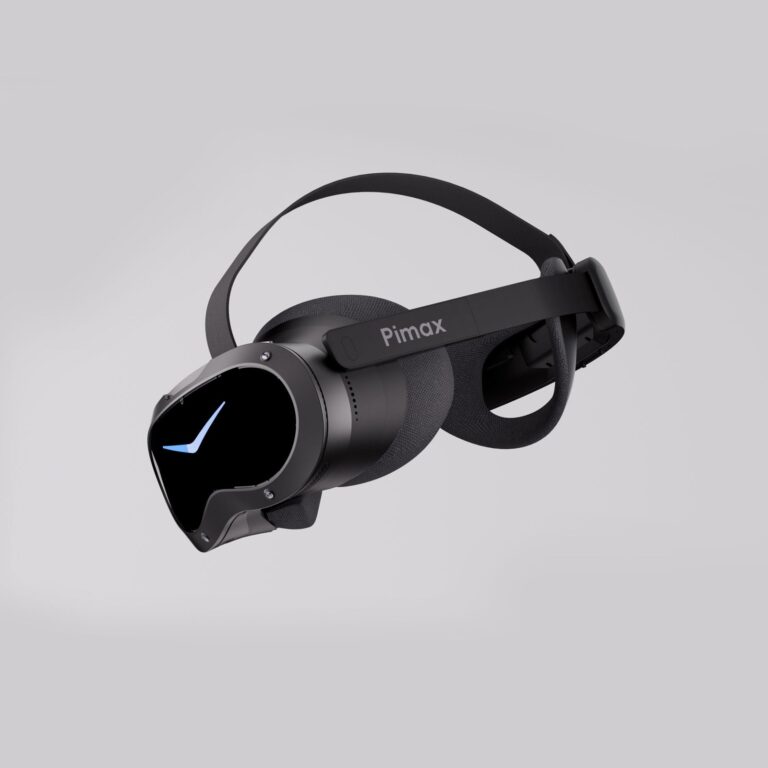
Should Sim Racers Wait for the Pimax Crystal Pro, or Buy Today?
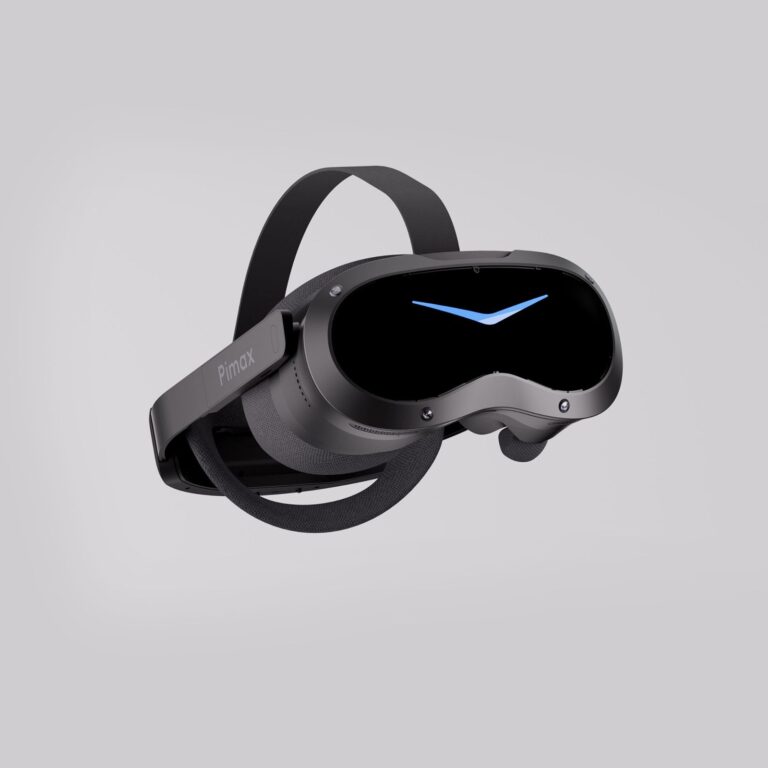
Pimax Crystal Pro: Everything We Know So Far
Bigscreen Beyond 2 for Sim Racing: What to Know in 2026
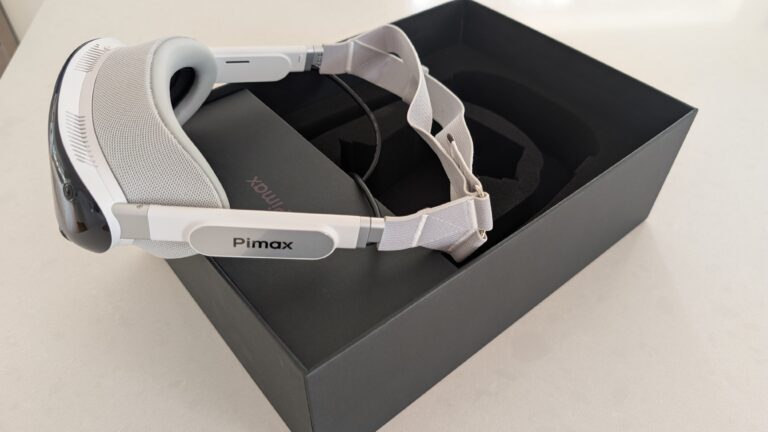
Pimax Dream Air vs Dream Air SE: Which Should a Sim Racer Buy?
SteamVR Base Stations for Sim Racing: Lighthouse vs SLAM on the Pimax Dream Air
Topic: Pimax Dream Air