

I’m a sim racer and amateur racer with a passion for Motorsport, good racecraft and the technical and setup aspect of sim racing.
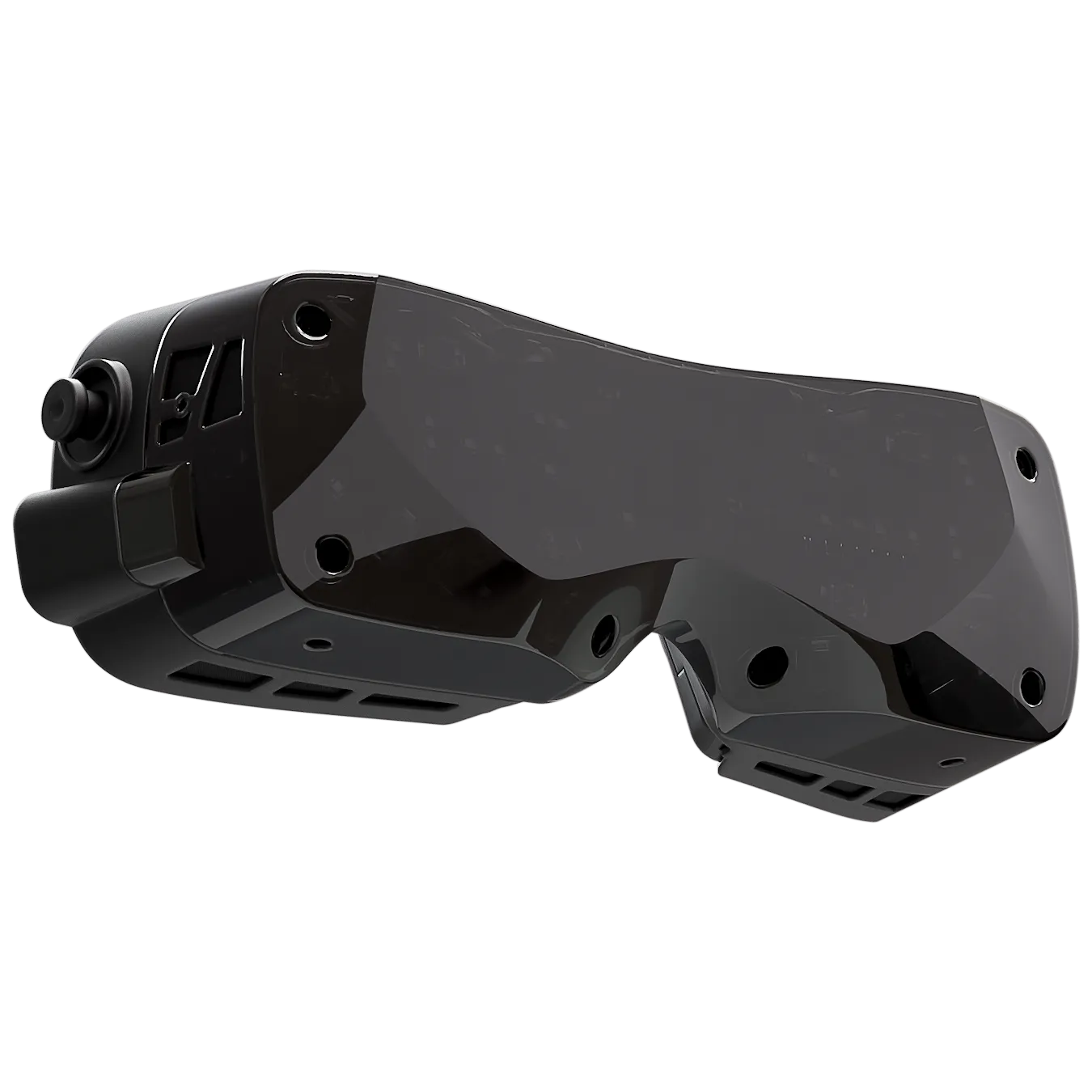
Featured image: the Bigscreen Beyond 2 in black (Image: Bigscreen)
The Bigscreen Beyond 2 and the Beyond 2e are 107 g micro-OLED headsets, and in 2026 the one they get measured against for sim racing is the Pimax Dream Air. Today we’re taking a closer look at what they are, what else you’ll need to buy, the settings Bigscreen and the reviewers recommend, and how they compare with the Dream Air. I’ve tested the Bigscreen Beyond in a brief capacity and agree with the reviewers producing comparisons of the two. The Beyond is the most comfortable way to race in micro-OLED, while the Dream Air has the sharper, brighter picture with less glare.
Quick Navigation
Jump directly to what you’re looking for:
What it is | What else you need | Picture and FOV | Comfort | Eye tracking | Settings | vs Dream Air | Worth it?
What the Bigscreen Beyond 2 is
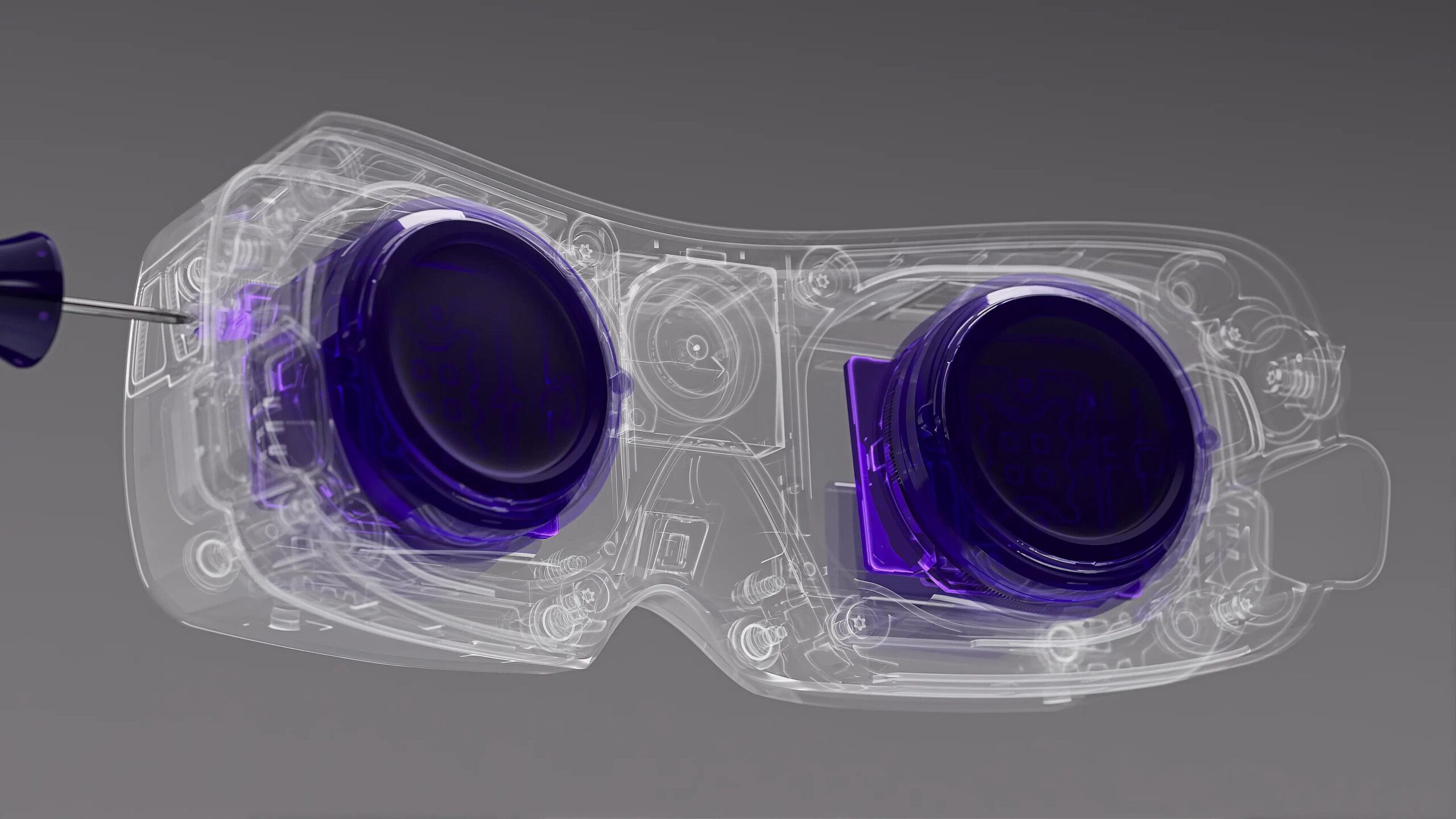
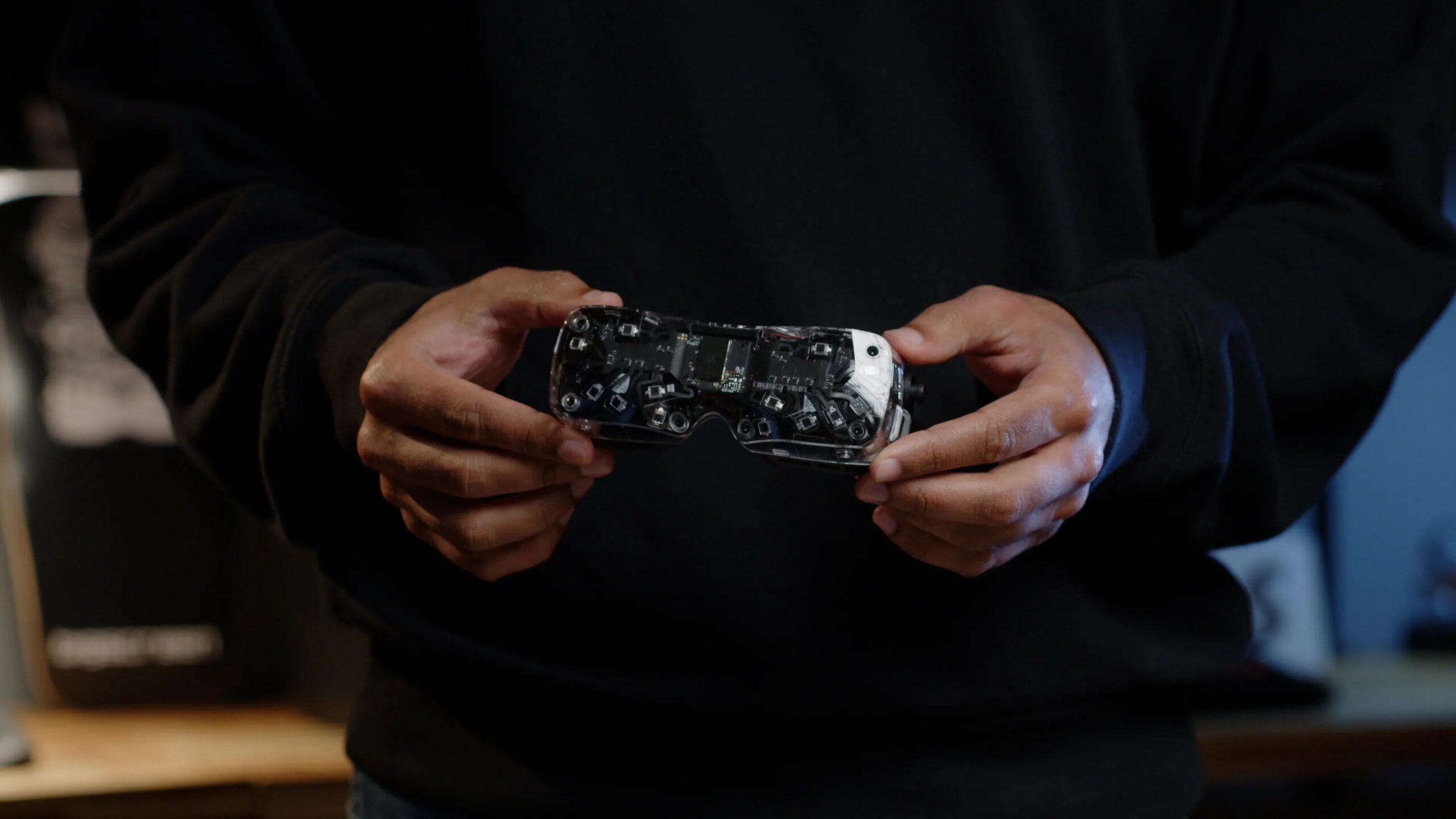
The Bigscreen Beyond 2 is a PC VR headset built around two micro-OLED panels, one per eye, each running at 2560 x 2560. The lenses are pancake lenses, as they are on the Dream Air. The Beyond weighs 107 g without its strap. It tracks with SteamVR Lighthouse only, so there are no cameras, no passthrough, no controllers and no speakers.
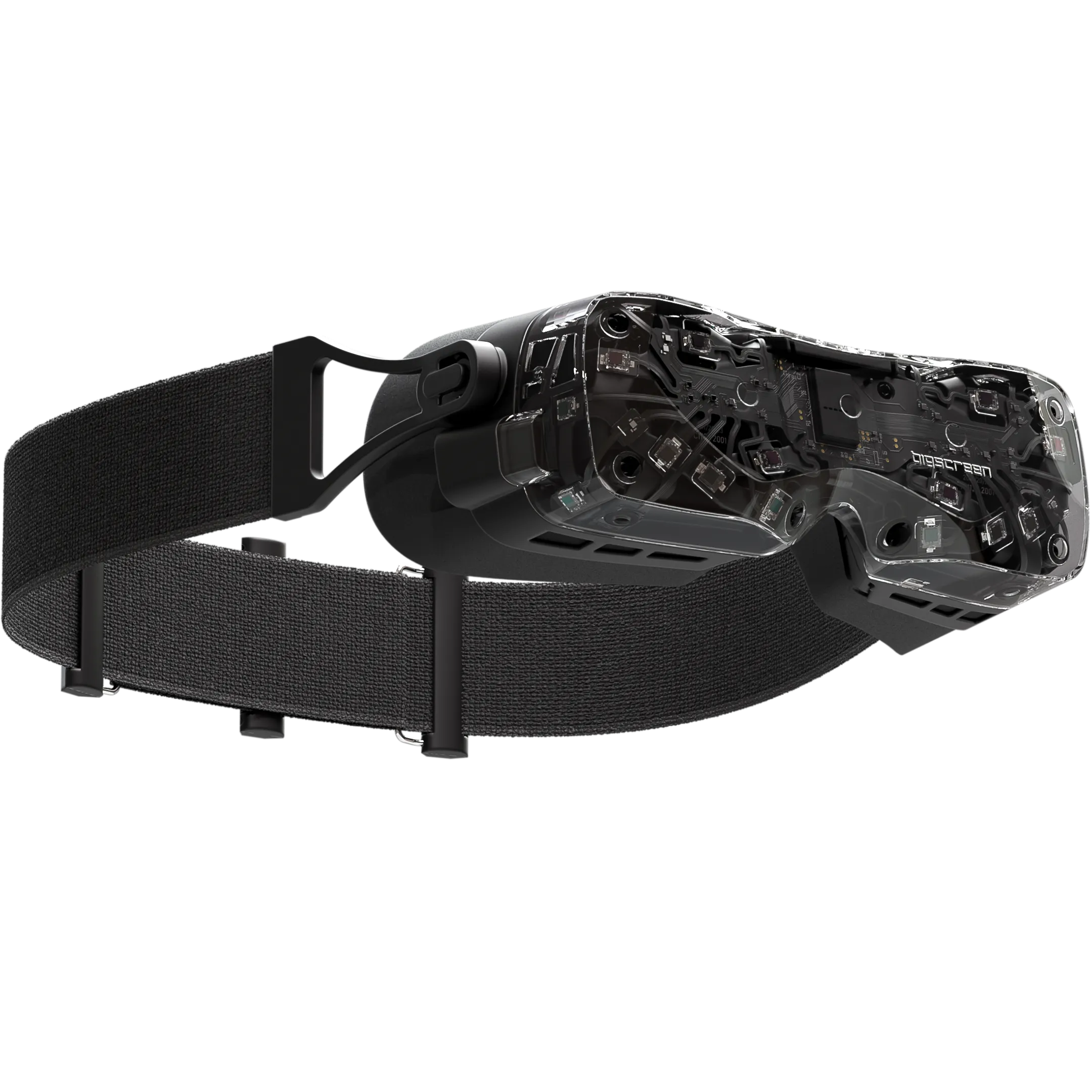
The Beyond 2e is the same headset with eye tracking built in. Eye tracking can’t be added to a Beyond 2 later on.
Since Bigscreen’s price cut on 31 August 2026, the Universal-Fit Cushion ships as standard. The Custom-Fit Cushion, made from a 3D scan of your face on an iPhone, was $120 more on Bigscreen’s store on 26 September 2026. Glasses don’t fit inside the Beyond, so if you wear them you’ll need the $89 magnetic prescription inserts. IPD (interpupillary distance, the gap between your pupils) is set per eye with the hex tool, anywhere from 53 to 70 mm.
The video below is random callsign‘s review, shot in a sim racing cockpit. It covers the Beyond 2 rather than the 2e, and it was made before the price cut, so its prices are out of date.
What else you need, and what it costs
The Beyond needs at least one base station, and none come in the box. Bigscreen doesn’t sell them either, so you’ll be buying Valve or HTC units, 1.0 or 2.0 but never a mix of the two. One is enough on a sim rig and two is better, and each one needs to be at least 1 m from the Beyond.
On the PC side, the minimum is an RTX 2070 or an RX 5700 XT with DisplayPort 1.4 and DSC (Display Stream Compression). The panels won’t light without DSC, so a GTX 1080 Ti won’t run the Beyond at all. You’ll also need two free USB 3.0 ports.
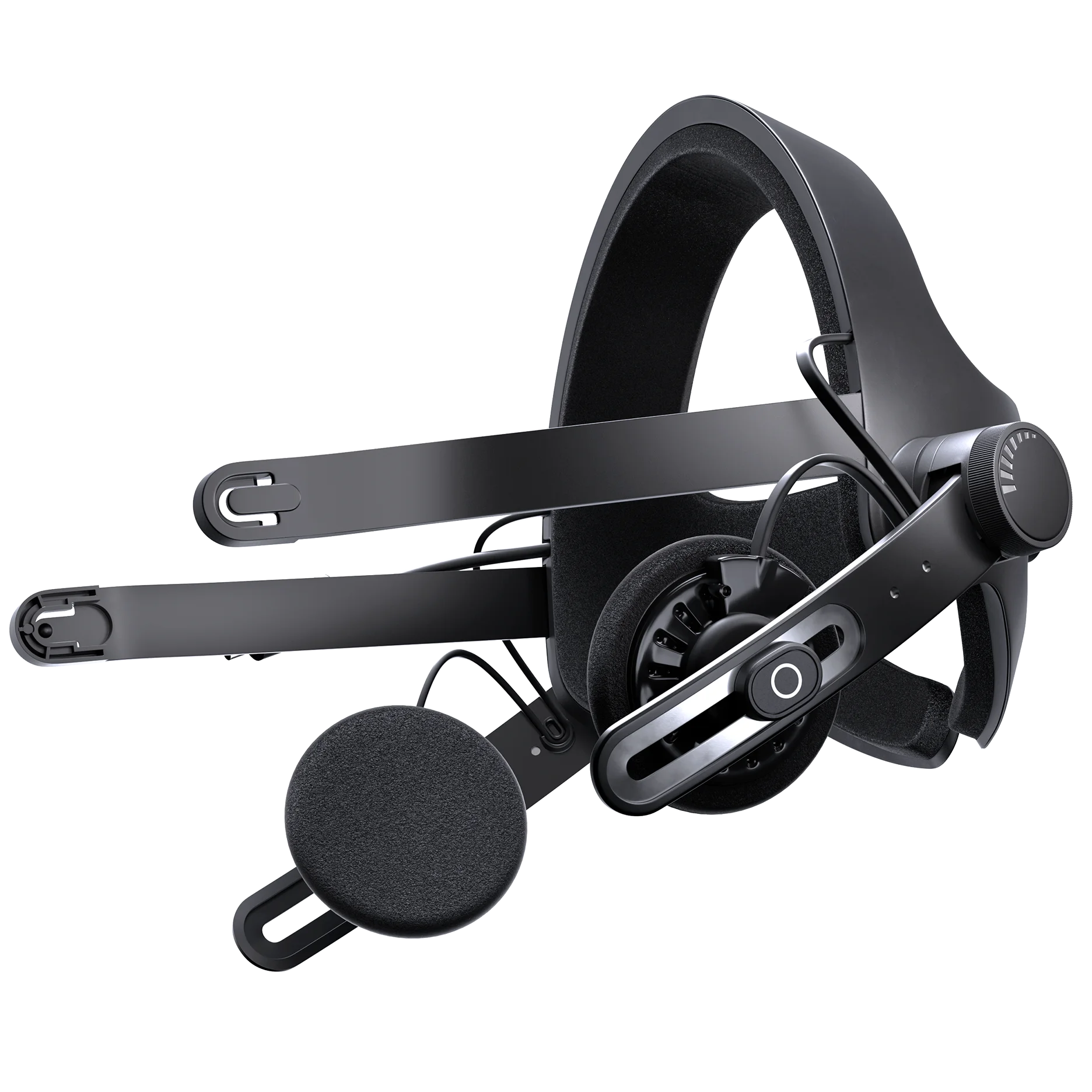
The Beyond has no built-in audio, so you either buy the $129 Audio Strap or plug USB-C headphones into its accessory port. Most reviewers call the strap near-essential and say it sounds good, although a few owners find it flimsy.
On 26 September 2026, Bigscreen’s store had the Beyond 2 from $959 and the Beyond 2e from $1,159, both with the Universal-Fit Cushion, or $899 and $1,099 without the cushion. Prices move, so check what it says at the checkout rather than trusting a figure in an article, including mine!
Clarity, glare and field of view
The Bigscreen Beyond 2’s picture is sharp from edge to edge, which is a strong result for pancake lenses. The blacks are excellent, so night racing is where the Beyond looks its best.
Glare is the biggest complaint. MRTV, VR Flight Sim Guy and immrchris all see more of it than on the Dream Air, and VR Flight Sim Guy calls it the worst thing about the Beyond. One sim racing owner on Reddit finds it worst in daytime driving, with a bright windscreen against a dark cabin, and says it’s almost gone at night.
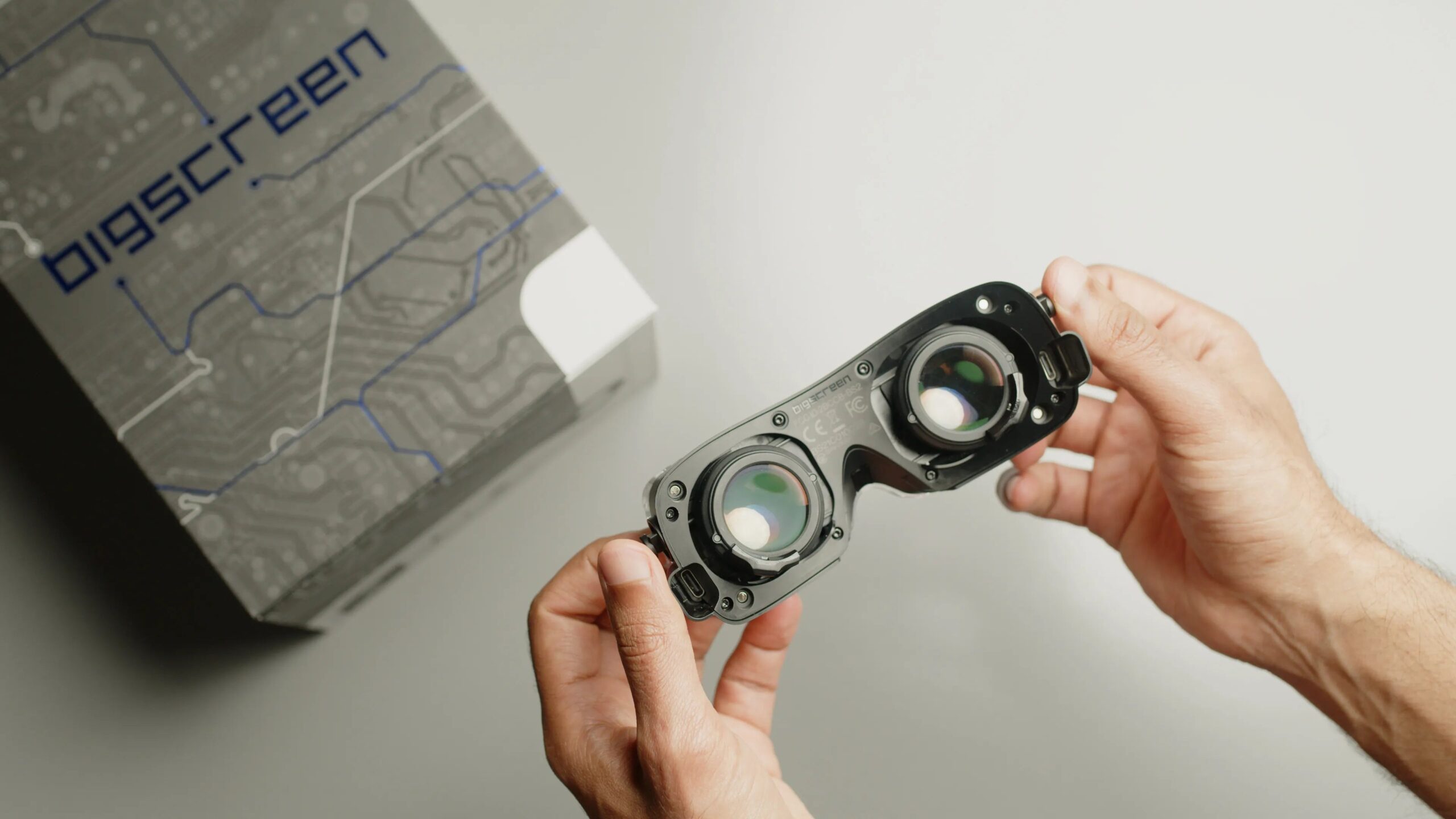
The Beyond’s panel also runs on the dim side. You can raise the brightness in the Beyond Utility, but Bigscreen says that adds persistence and runs the fan at 100%. Bigscreen describes persistence as a sort of motion blur.
Bigscreen claims a 108° horizontal FOV (field of view). Measured, it’s around 106-108° depending on the cushion (MRTV got 106 x 92° with the Universal-Fit Cushion). Binocular overlap (the part of the view both eyes see at the same time) is lower on the Beyond, at about 73%. VR ManCave measured about 85% on the Dream Air.
The colour divides reviewers, with some finding it shifted towards green or brown and SimHangerFS calling it realistic and vibrant. MRTV can still make out individual pixels, where random callsign and Suellio Almeida see none.
Comfort and heat
The Bigscreen Beyond 2 is the most comfortable PC VR headset the reviewers have worn. The low weight helps in the car too, and Suellio Almeida points out there’s less inertia when you turn your head into a corner or check a mirror.
Heat builds up behind the Beyond’s cushion, and that’s part of why reviewers tend to prefer the Universal-Fit Cushion to the sealed Custom-Fit one. Some owners do like the Custom-Fit’s seal. random callsign keeps his sessions to an hour or an hour and a half because of the heat and eye strain, though he says that may just be him. Suellio Almeida, on the other hand, races for 7-9 hours with air conditioning and a small fan on his face.
Bigscreen’s own fixes are to lower the brightness, raise the fan speed in the Beyond Utility, get some air moving in the room and fit 3 x 1 mm magnets under the cushion as spacers.
Eye tracking and foveated rendering on the Beyond 2e
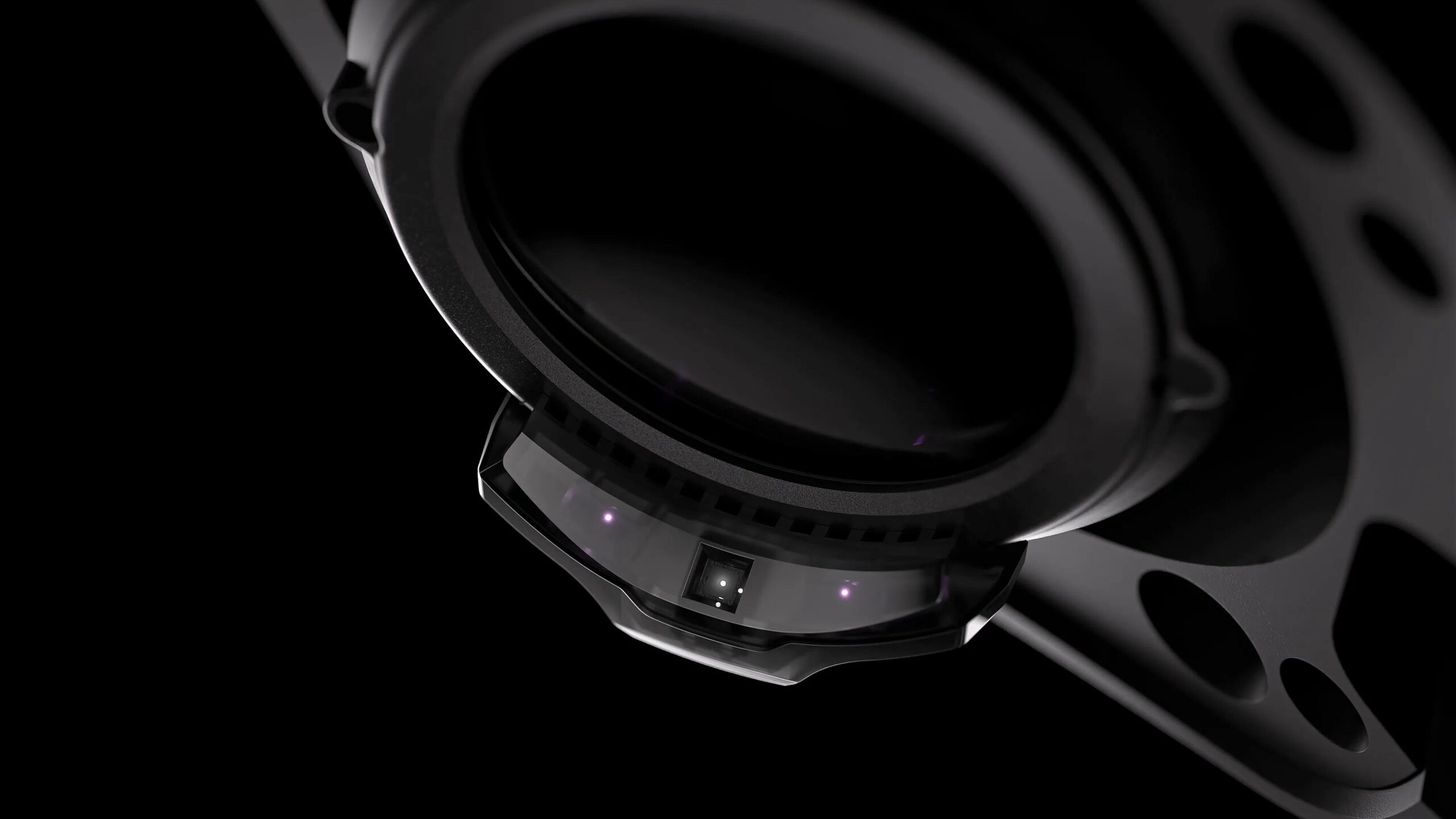
The eye tracking in the Beyond 2e drives dynamic foveated rendering (DFR). Foveated rendering draws what you’re looking at in full detail and the rest at lower resolution, which saves GPU work. It’s been in early access since 22 December 2025. iRacing, MSFS 2024 and DCS all support it, though in iRacing it only works on NVIDIA cards. Bigscreen doesn’t list ACC, LMU, AMS2 or Assetto Corsa, so don’t count on it there.
Bigscreen claims DFR gives you the equivalent performance of an RTX 5090 from an RTX 4090. VR Flight Sim Guy measured about 70 fps in MSFS 2024 on an RTX 5090 with it on, against 45-50 without. That’s the only figure at the moment, and there’s none yet for iRacing.
Any change to the IPD, the cushion or the strap means re-enrolling, which is re-running the eye-tracking calibration. On a motion rig, Bigscreen also flags a possible clash between its DFR layer and the Motion Compensation and XRNeckSafer layers.
| Sim | Foveated rendering on the Beyond 2e |
|---|---|
| iRacing | Native, NVIDIA cards only |
| MSFS 2024 | Native, NVIDIA and AMD |
| DCS World | Through the Quad Views layer |
| ACC, LMU, AMS2, Assetto Corsa | Not listed by Bigscreen |
VR Flight Sim Guy has the Beyond 2e’s eye tracking working well with a Studioform interface, while MRTV says it forgives nothing unless you wear the Beyond exactly as you calibrated it, to the millimetre, and immrchris could never get it to work properly. Pimax’s Tobii tracking in the Dream Air is the better of the two.
Setting up the Beyond for sim racing
Start with the firmware, which Bigscreen highly recommends updating through the Beyond Utility.
In iRacing, with the Beyond running in SteamVR, head to Settings > Interface > Default Sim Display Mode and select OpenXR before you run the graphics configuration. If you don’t, iRacing defaults to OpenVR and you get what Bigscreen’s help centre calls “fun mirror” distortion.
| Setting | What to do | Source |
|---|---|---|
| Firmware | Update through the Beyond Utility before anything else | Bigscreen |
| iRacing | Select OpenXR before running the graphics configuration, with the Beyond running in SteamVR | Bigscreen help centre |
| DCS World | Launch normally, not in SteamVR mode, then enable VR in the settings | Bigscreen help centre |
| Refresh rate | 75 Hz for the sharpest (native) image; 90 Hz for more frames (upscaled from about 1920) | Bigscreen; reviewers |
| Render resolution | Supersample in SteamVR if you have headroom; below 100% still looks reasonable on a weaker card | Bigscreen; random callsign |
| Base stations | At least one, at least 1 m away, reflective surfaces out of view | Bigscreen help centre |
| Direct drive grey screens | Wrap the Beyond’s main cable 7-8 turns round an FT240-31 ferrite core; wall-mount the stations if it lines up with force feedback | Bigscreen help centre |
| Heat and glare | Lower brightness, raise the fan in the Beyond Utility, add airflow | Bigscreen help centre |
| Foveated rendering (2e) | iRacing on NVIDIA; MSFS 2024 on NVIDIA or AMD; DCS through Quad Views; re-enrol after any fit change | Bigscreen |
Bigscreen says the Beyond’s 75 Hz mode gives the sharper image and 90 Hz can be better for fast-paced titles. That’s down to DisplayPort bandwidth, which means the full 2560 x 2560 only arrives at 75 Hz, and at 90 Hz the Beyond receives about 1920 x 1920 per eye and upscales it. For racing, random callsign runs 90 Hz, because frame rate in traffic matters more to him than detail. Suellio Almeida runs 75 Hz at full resolution in iRacing, with 40 cars on track and the sim running on an RTX 4090, and calls it “extremely stable”. So run 75 Hz if clarity is what you’re after, and 90 if you’d rather have the frame rate, or if your card struggles in a big field.
If your GPU has headroom, supersample through the render resolution in SteamVR, which Bigscreen says improves the image at 90 Hz. On a weaker card, random callsign found that dropping below 100% still looks quite reasonable.
On a direct drive rig, a grey screen is the Beyond losing tracking, which Bigscreen puts down to electrical interference from the wheelbase. The fix is to wrap the Beyond’s main cable 7-8 times round an FT240-31 ferrite core. If the grey screens line up with force feedback, that points to vibration, so wall-mount the base stations instead of fixing them to the rig.
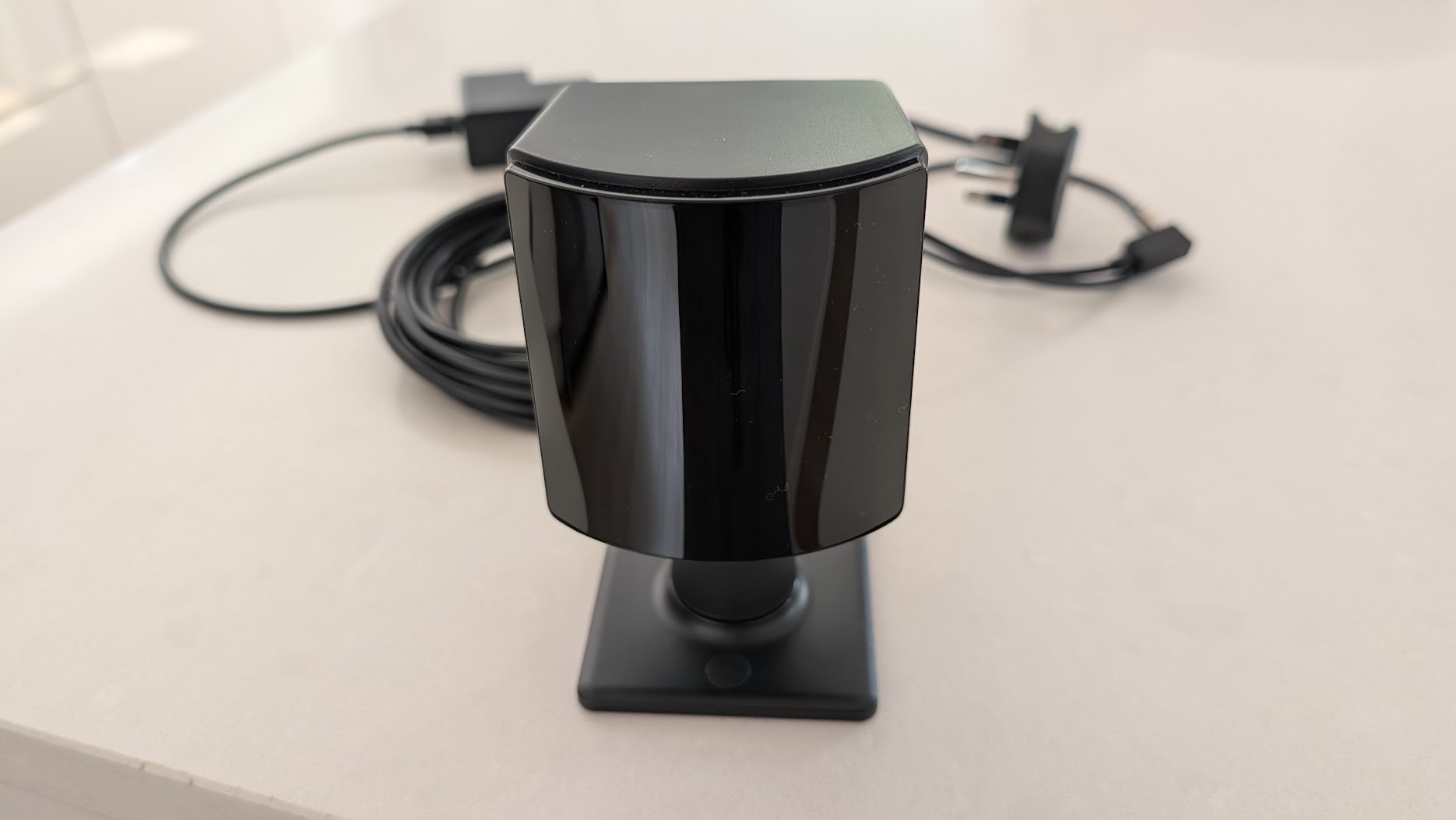
On triple screens, if the Beyond won’t start with several high-resolution monitors connected, unplug some or drop their resolution. Keep mirrors, windows, glass PC panels and reflective monitors out of the base stations’ view as well.
Neither Bigscreen nor the reviewers publish Beyond-specific settings for ACC, LMU or AMS2, so the generic SteamVR advice applies. Motion Smoothing works because the Beyond is a native SteamVR headset, but there’s no settled advice on whether to use it for racing.
Bigscreen Beyond 2e vs Pimax Dream Air
| Bigscreen Beyond 2e | Pimax Dream Air (Sony panel) | Pimax Dream Air SE | |
|---|---|---|---|
| Panel | Micro-OLED, 2560 x 2560 per eye | Sony micro-OLED, 3840 x 3552 per eye | Micro-OLED, 2560 x 2560 per eye |
| Refresh | 75 Hz native / 90 Hz | 72 / 90 Hz | 72 Hz native / 90 Hz |
| FOV (claimed, horizontal) | 108° | 110° | 105° |
| Weight (headset) | 107 g | Under 170 g | Under 140 g |
| Tracking | Lighthouse only | SLAM or Lighthouse | SLAM or Lighthouse |
| Eye tracking | Bigscreen, DFR early access | Tobii, DFR | Tobii, DFR |
| Audio | None built in (optional Audio Strap) | Built in | Built in |
| Best for | Comfort and long stints | The best picture | Budget micro-OLED |
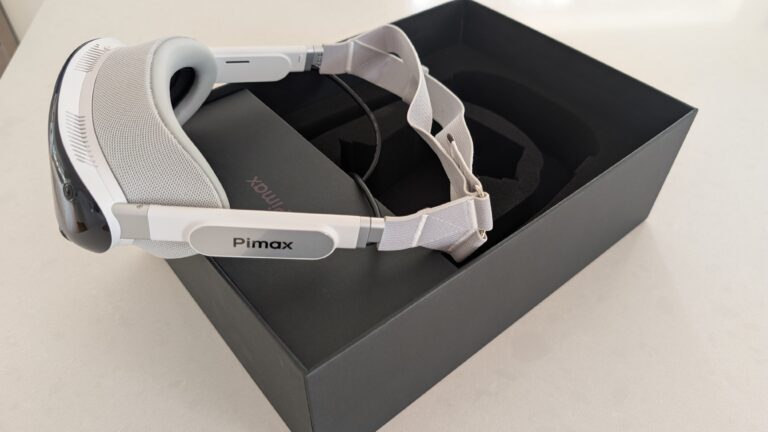
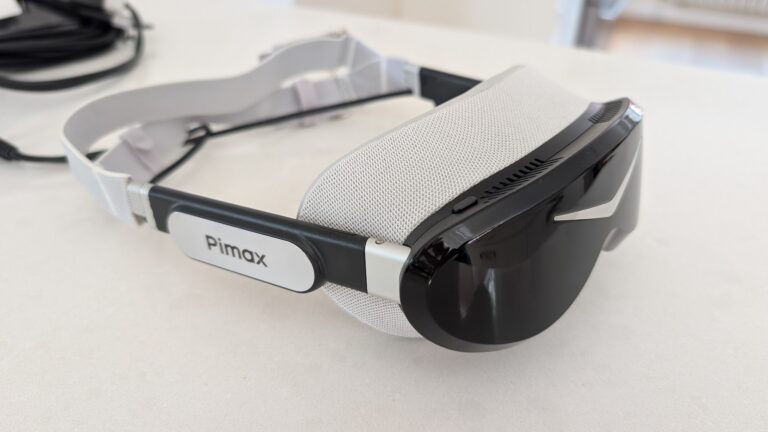
The Sony panelled Pimax Dream Air has the better picture. It’s sharper and brighter with a bigger sweet spot and less motion blur, though MRTV says it isn’t a night-and-day gap. The Dream Air also has less glare, better eye tracking, built-in audio and a choice of SLAM or Lighthouse tracking. SLAM uses cameras on the Dream Air itself, so there are no base stations to buy.
The Beyond wins on weight and comfort, at 107 g against under 170 g, and immrchris calls it the most comfortable headset he’s ever worn. It’s easier on the GPU (2560 x 2560 per eye against 3840 x 3552). Like for like, with both on Lighthouse tracking, a Beyond 2e with the Audio Strap was $1,288 on 26 September 2026, and the Dream Air Lighthouse was $1,999. The Beyond also gets native SteamVR Motion Smoothing, though the SBoys3 driver now brings that to the Dream Air.
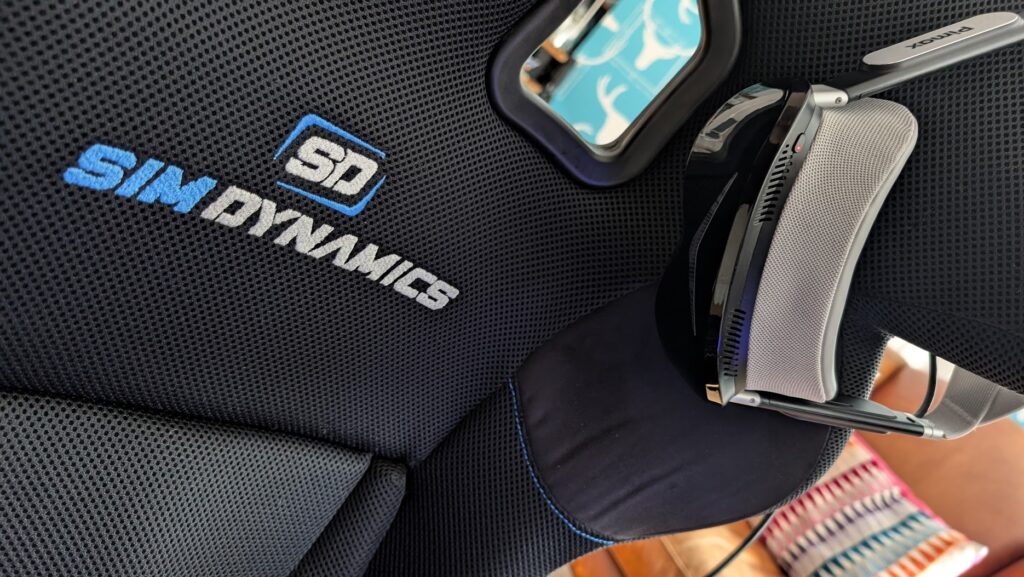
There’s not much between them on FOV. Pimax claims 110° for the Dream Air, but on the stock cushions the Beyond is slightly wider horizontally, by about half a mirror’s length in immrchris’s comparison. The Dream Air has the better overlap.
The Dream Air SE uses the same class of panel as the Beyond. The Beyond has the wider FOV and the better build and comfort. The SE costs less, and it has Tobii eye tracking and the option of SLAM tracking. VR Flight Sim Guy picks the Beyond 2e over the SE, and VR ManCave and SimHangerFS go the other way.
Pimax discount codes: use SIMRACINGCOCKPIT for 2% off, or SIMRACINGCOCKPIT25 for $25 off, at pimax.com.
My Dream Air is the best I’ve raced with.
Is the Bigscreen Beyond 2 worth it?
For comfort and cost, the Beyond is worth it, but the Dream Air still has the better picture. The Beyond 2e is the one to pick if you race long stints, don’t wear glasses and already own base stations. If you want the best picture, less glare and fewer extras to buy, then pick the Dream Air.
On a budget, pick the Dream Air SE, or the Beyond 2 at $959 if you want the comfort and can do without eye tracking. If you race on a motion rig, check that your motion compensation software works alongside DFR before you buy. And on an AMD card, the Beyond 2e’s DFR won’t work in iRacing.
Bigscreen hasn’t recalled the Beyond 2. The nearest thing was in April 2025, when it scrapped more than 5,000 circuit boards over controller-tracking consistency and delayed shipments while it fixed the problem in production. The warranty is one year (two in the EU), with 14-day returns that exclude the Custom-Fit Cushion and the prescription inserts.
If you do go for the Beyond, get the base stations placed and the ferrite core on its cable before your first race. I’ll see you out on track!
Related Articles
Should Sim Racers Wait for the Pimax Crystal Pro, or Buy Today?
Pimax Crystal Pro: Everything We Know So Far
Bigscreen Beyond 2 for Sim Racing: What to Know in 2026
Pimax Dream Air vs Dream Air SE: Which Should a Sim Racer Buy?
SteamVR Base Stations for Sim Racing: Lighthouse vs SLAM on the Pimax Dream Air
How to Install the SBoys3 Driver on the Pimax Dream Air Lighthouse
Topic: VR Headsets