

I’m a sim racer and amateur racer with a passion for Motorsport, good racecraft and the technical and setup aspect of sim racing.
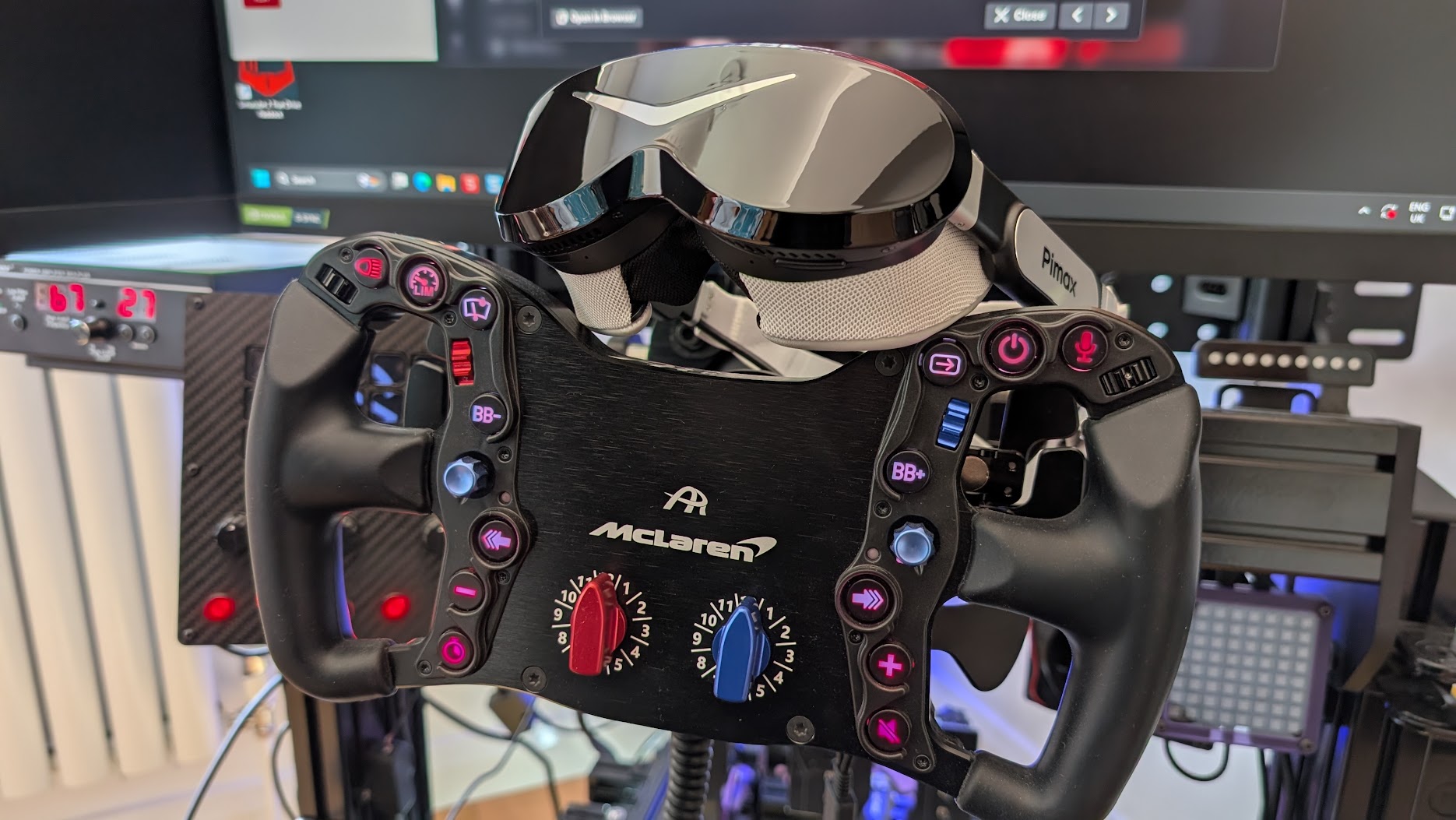
Specs have never really been Pimax’s problem. A Crystal, a Crystal Light and a Crystal Super have all come through my office, and every one of them put a stunning picture on my face attached to what felt like half a house brick. The Dream Air is the first Pimax I’ve unboxed and almost laughed at, because it’s such a different beast – it’s so small.
This is the most exciting headset Pimax has made. The OLED picture is the best I’ve raced with, the weight changes how the headset feels on track, and as a driver I care far less about the trimmed field of view than the reviewers who test these for a living. The stock headstrap is the one thing I’d change on day one. Everything else, I’m sold on.
Quick Navigation
The specs | Setting it up | Build & weight | The display on track | FOV for racers | Compatibility & tracking | Things to know | Vs the Crystals | Who it’s for | Pricing
Let’s look at the specifications first
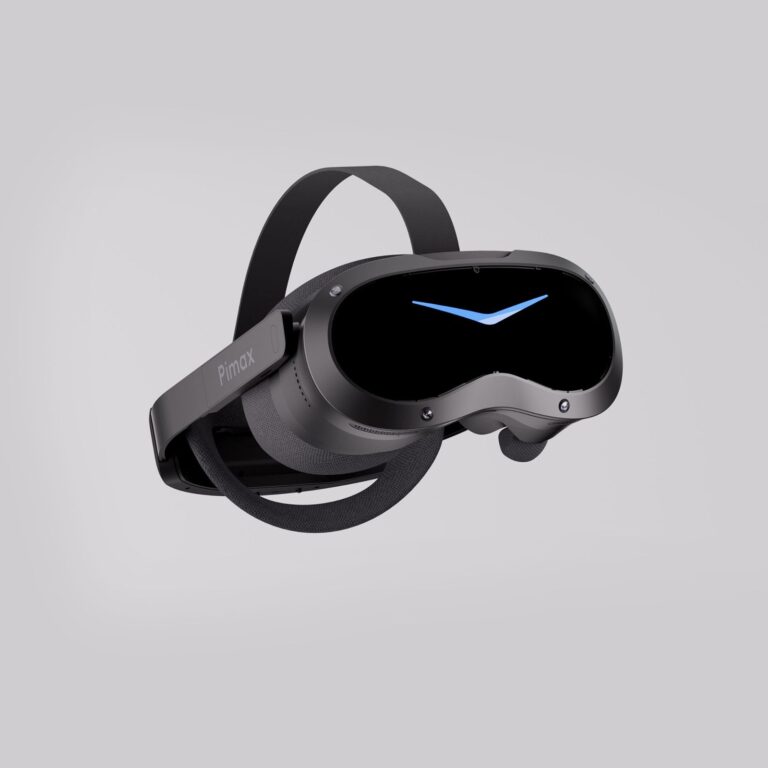
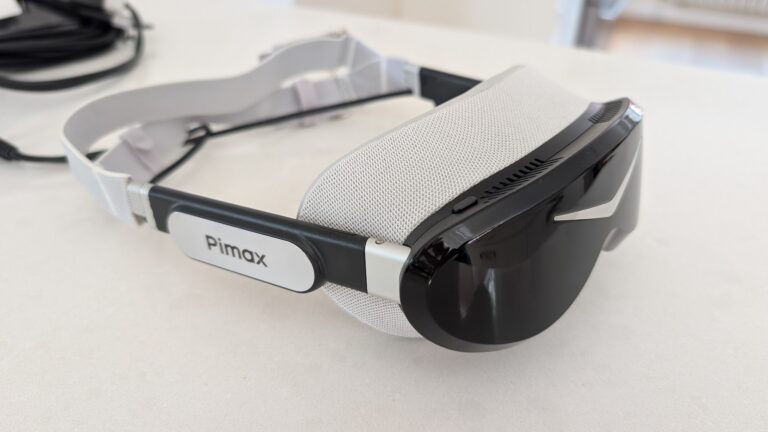
Today’s review hardware is the Dream Air Lighthouse. This is the edition tracked by SteamVR base stations, its faceplate studded with infrared sensors instead of the onboard cameras the inside-out SLAM version uses. They’re physically different front ends, not a firmware toggle, so you pick your tracking when you buy. Mine also came with a pair of Pimax Sword controllers – Pimax’s own lighthouse-tracked, trackpad-style pads with a hot-swap battery. They stayed in the box for this test, since you’re holding a wheel and not a motion controller, but I do plan to keep using this headset for flight simulation and some fun games with my nine, soon to be ten, year old. Here’s the full picture.
| Specification | Pimax Dream Air (Lighthouse) |
|---|---|
| Panel | Sony Micro-OLED |
| Resolution per eye | 3840 x 3552 (about 13MP per eye) |
| Refresh rate | 90Hz native, 120Hz mode |
| Lenses | Pimax ConcaveView pancake |
| Pixel density | 53 PPD |
| Field of view | 110 degrees horizontal (vertical sits tighter) |
| IPD | 58-72mm, motorised automatic adjustment |
| Headset weight | Under 170g (visor), around 300g assembled |
| Tracking | SteamVR Lighthouse 1.0 / 2.0 base stations |
| Eye tracking | Tobii, drives automatic foveated rendering |
| Cable | 5m split DisplayPort to USB-C, no bulky link box |
| Audio | Integrated off-ear speakers (DMAS hardstrap upgrade available) |
| Software | Pimax Play plus SteamVR (DisplayPort 1.4a + USB 3.0) |
| Price | Around £1,500 / $1,999 (Lighthouse edition) |
Being a state-of-the-art VR headset, the Dream Air comes packing some seriously impressive specs. For a sim racer, two of them matter most, and neither is the headline resolution: the weight (under 170g for the visor, around 300g assembled) and the Sony Micro-OLED panel, which on track does more than the pixel count ever could. Both get their own section below.
Setting it up (and the Pimax first-boot ritual)
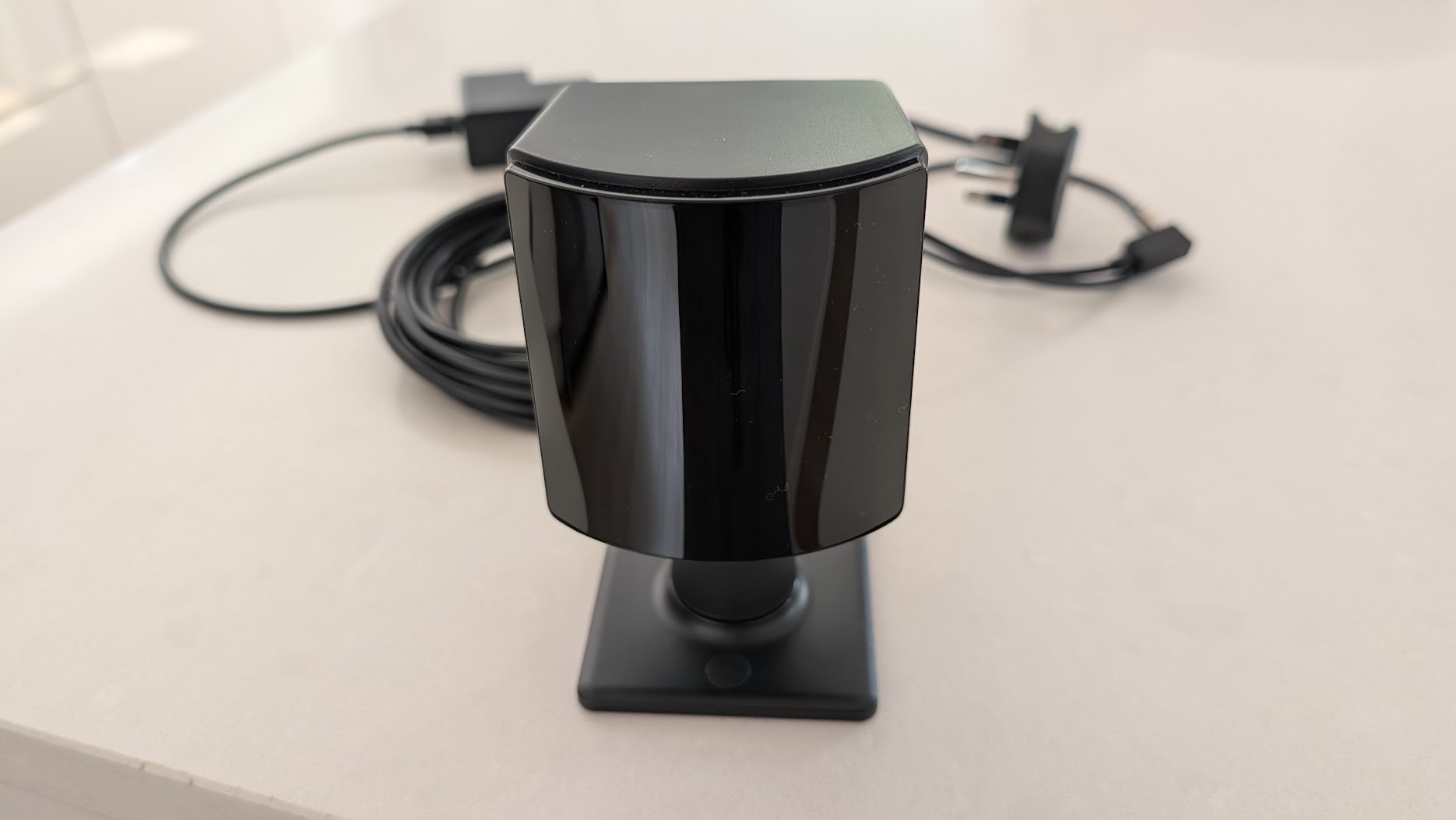
Setup is really easy. You stand a SteamVR base station in front of the rig, power it, unpack the headset, and install two pieces of software: Pimax Play and SteamVR. For a seated cockpit you only need the one base station, set a bit high and angled down – your body never gets between your head and the front of the rig, so a single unit tracks dead solid. And that’s it, almost. There’s one Pimax thing I’ll come to.
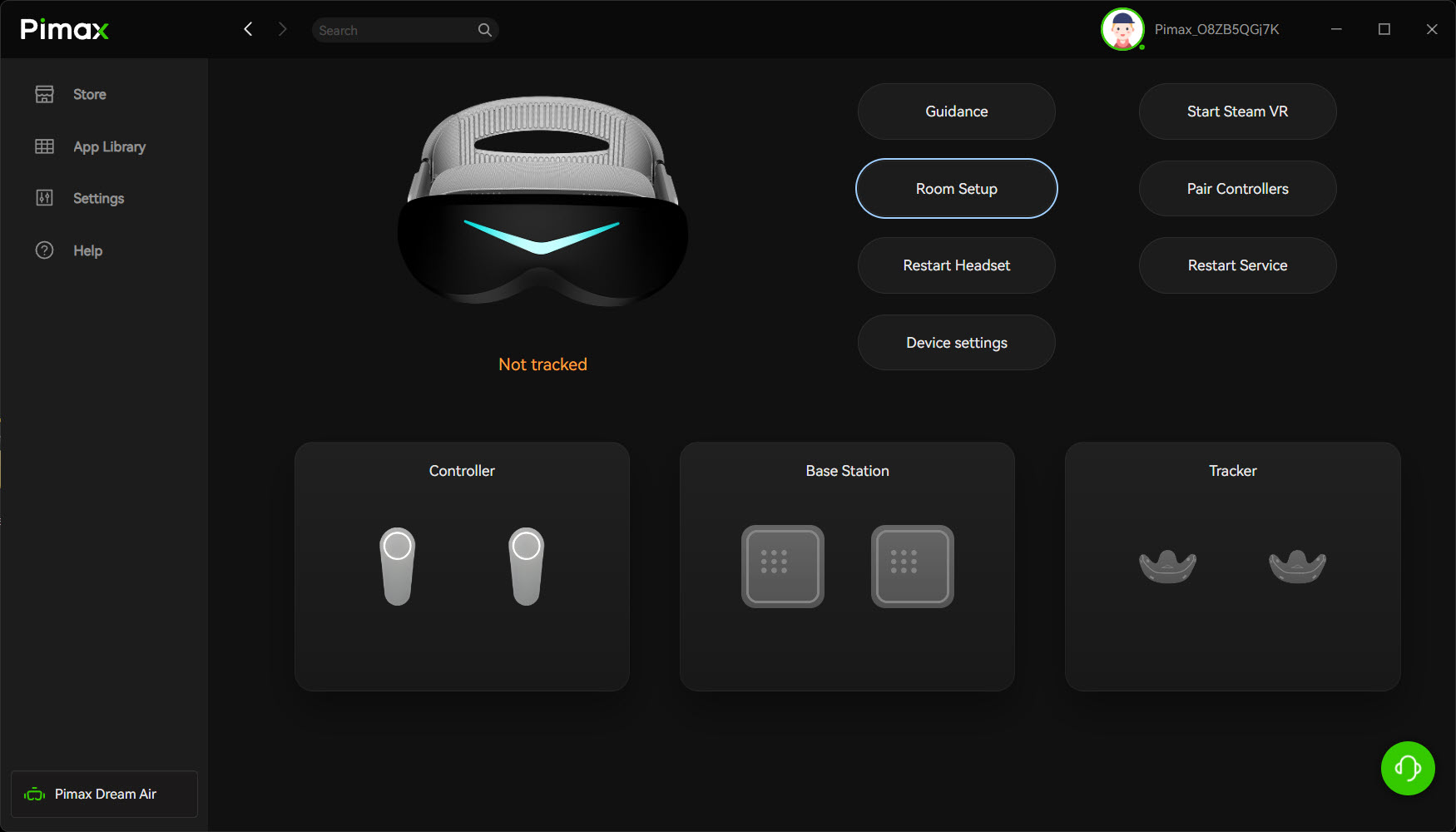
Now the wrinkle. A few reviewers have said the Dream Air “just works” out of the box, and I believe them – Matteo311 reckoned 90 to 95 per cent of the old Pimax headache is gone, that he plugged it in and everything worked. My experience getting set up was near enough issue-free too, with one exception. Like every Pimax headset I’ve owned, it took its time on the very first boot. Pimax Play installs, it sees the base station, then the power button just sits there with a little red light daring you to press it. Which of course I did. Nothing.
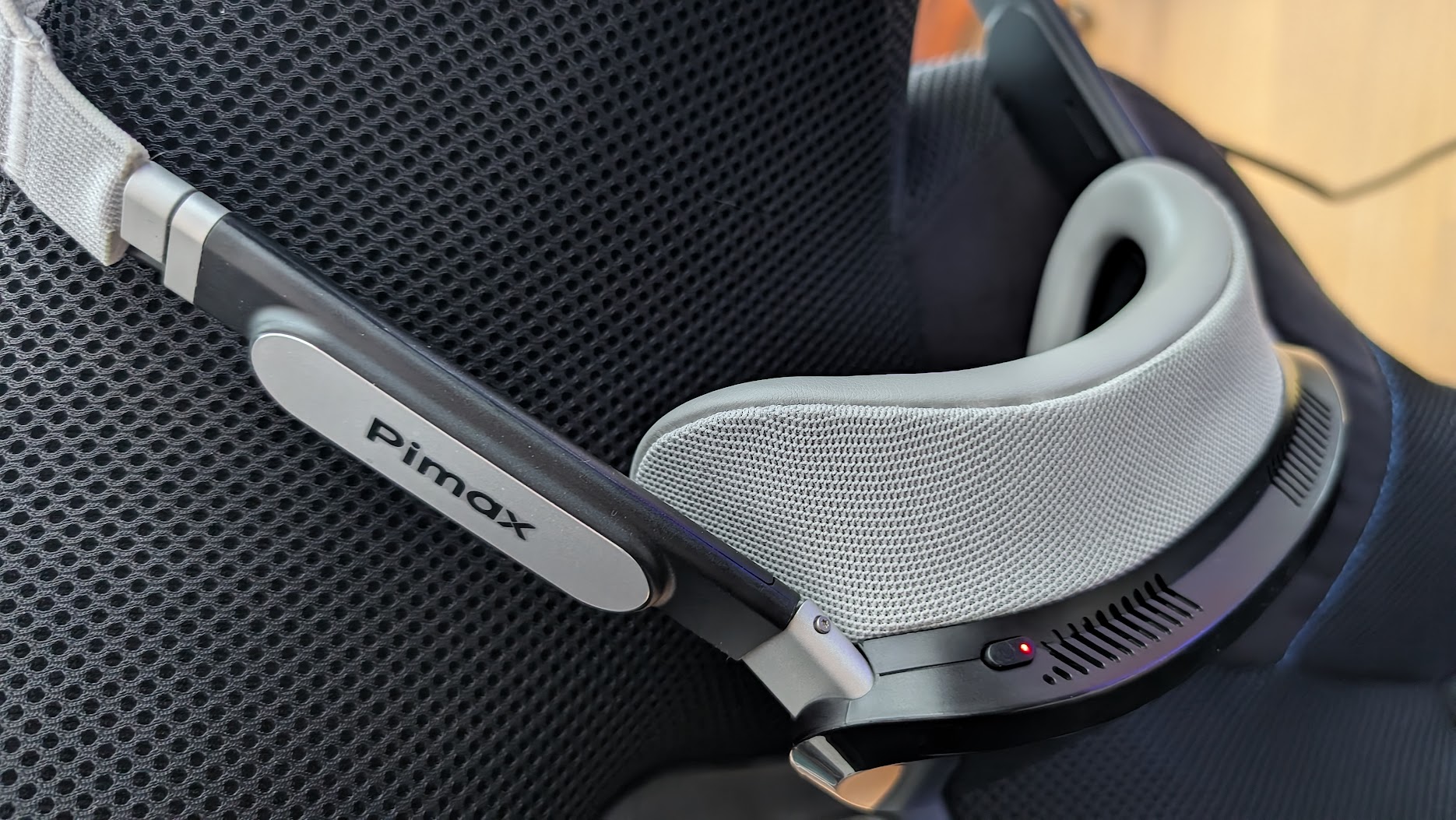
The fix, every time, is to let it pull its firmware update, restart, and then unplug and reinsert the USB – even though Pimax Play doesn’t prompt you to do that after the first run. Do that and it wakes up. I’ve never fully understood why Pimax kit likes to start its first session on its own schedule. If you’ve owned one before, you’ll recognise the dance immediately. If this is your first Pimax, don’t panic when the red light ignores you – it isn’t broken, it’s just being a Pimax.
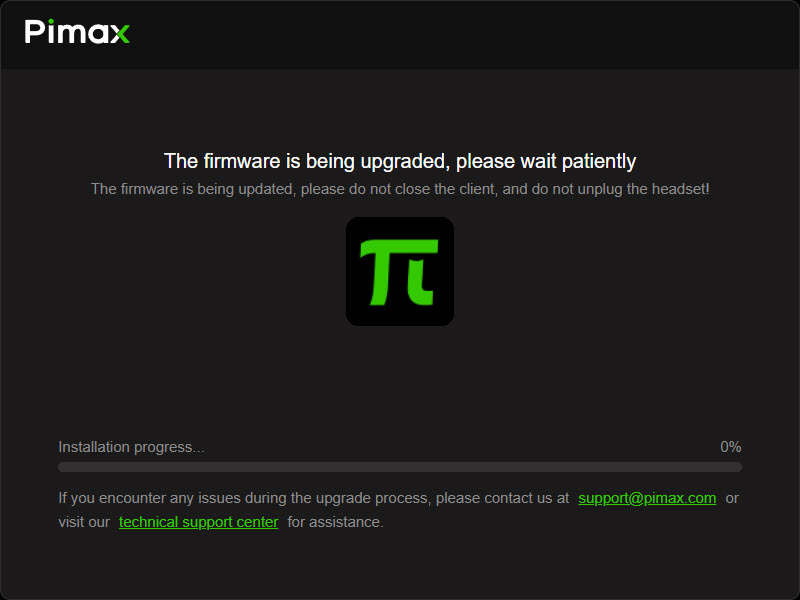
Once it’s up, the first thing I hit was a tiny in-headset UI – and that was on iRacing’s side, not the headset’s. iRacing was still set up for monitors in its graphics settings even though I’d switched the output to OpenXR, so the menus came up minute. Here’s the telling part: despite that absolutely tiny UI, I could still read all of it and set the sim up properly, such is the clarity the Dream Air gives you. A couple of minutes later I’d assigned recentre to a HUD button and mapped a rotary to the UI size, and I was away.
Build, design, and that weight
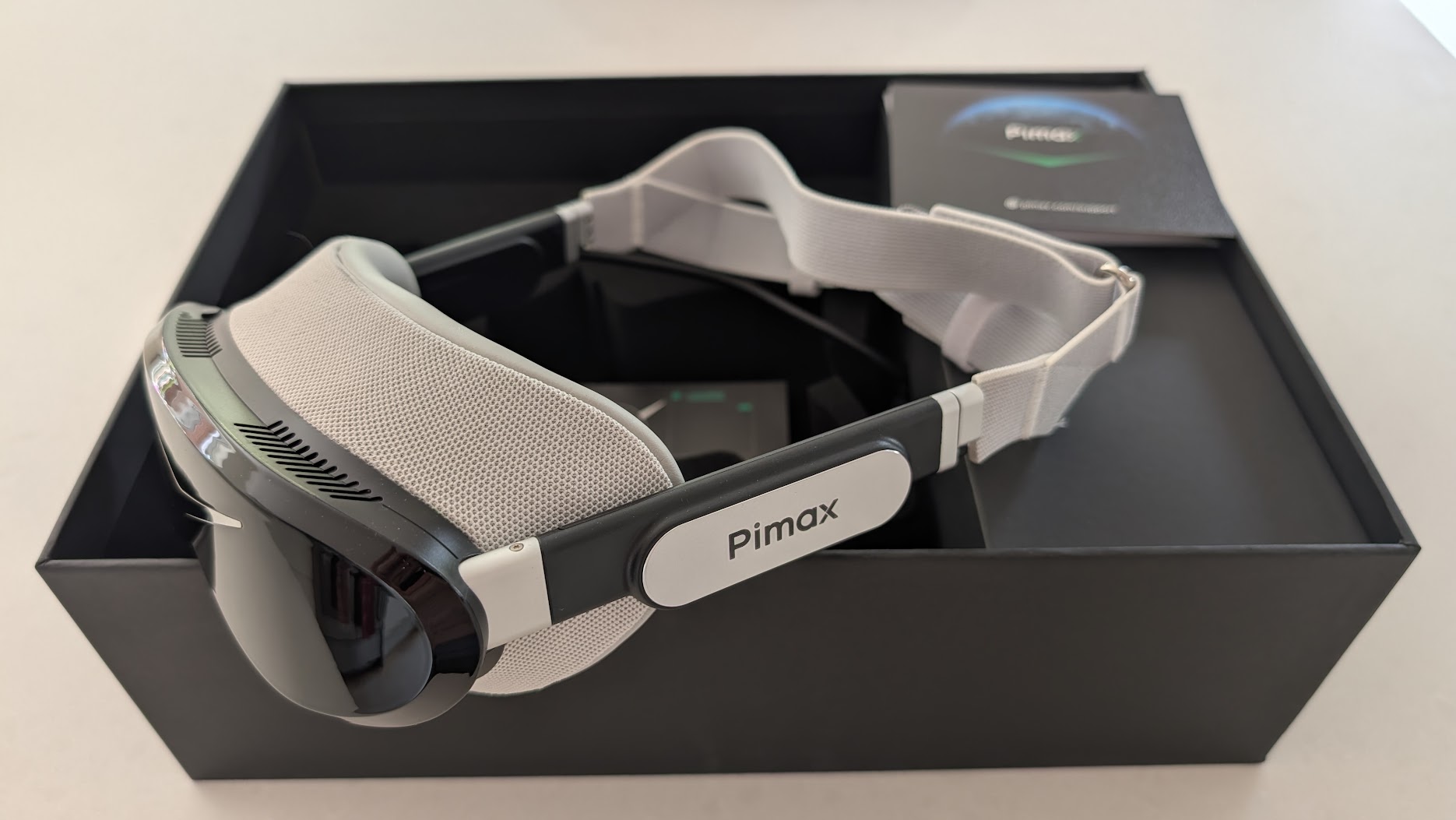
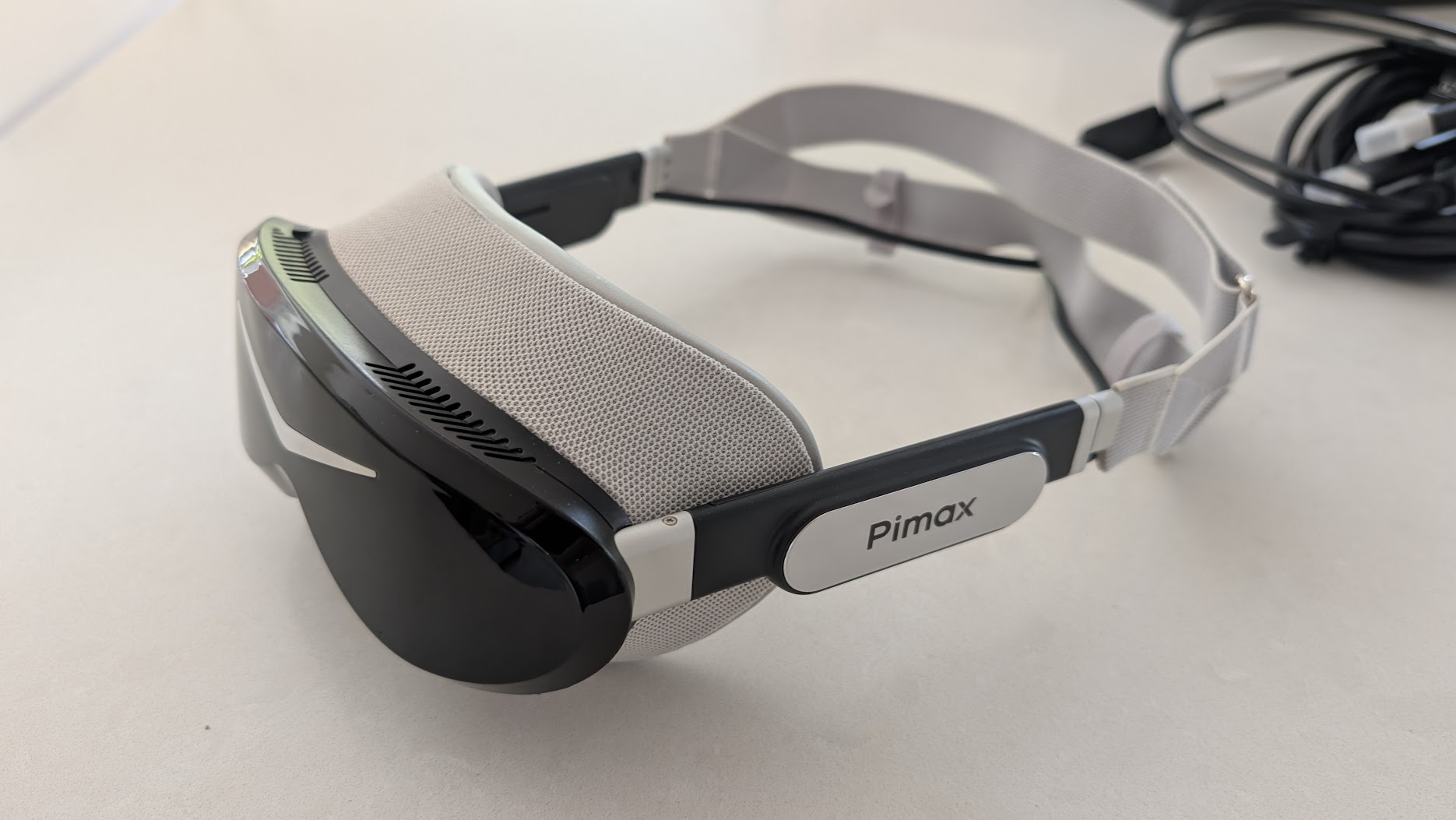
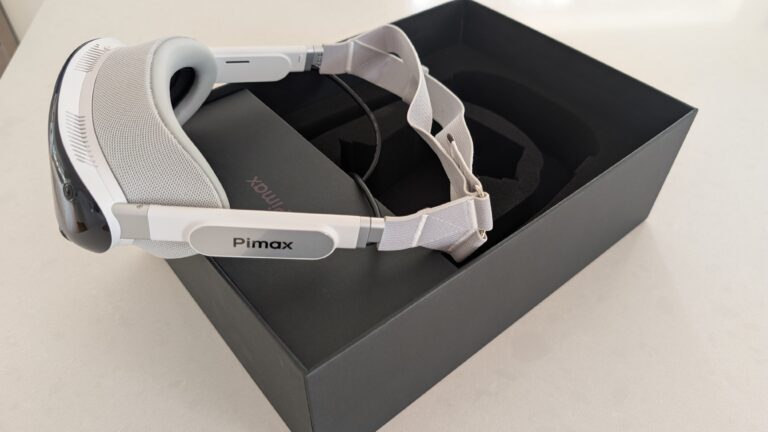
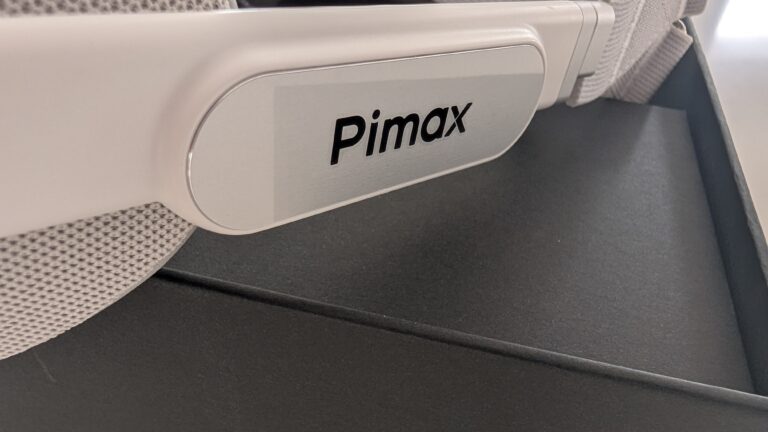
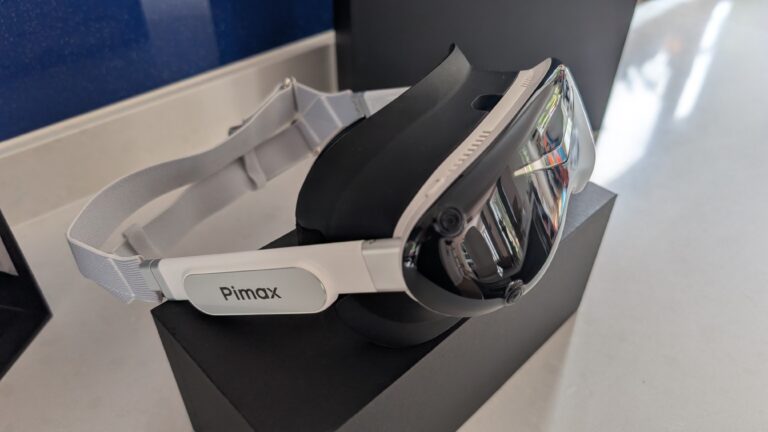
This is the bit that gets you before you’ve even switched it on. The Crystal Super is a tank – a beautifully made one, but a tank, somewhere around the kilo mark once it’s strapped up. The Crystal Light shaves that down and is still a big lump on your face. The Dream Air weighs around 300g assembled. You pick it up and your brain expects more. It’s a strange little moment.
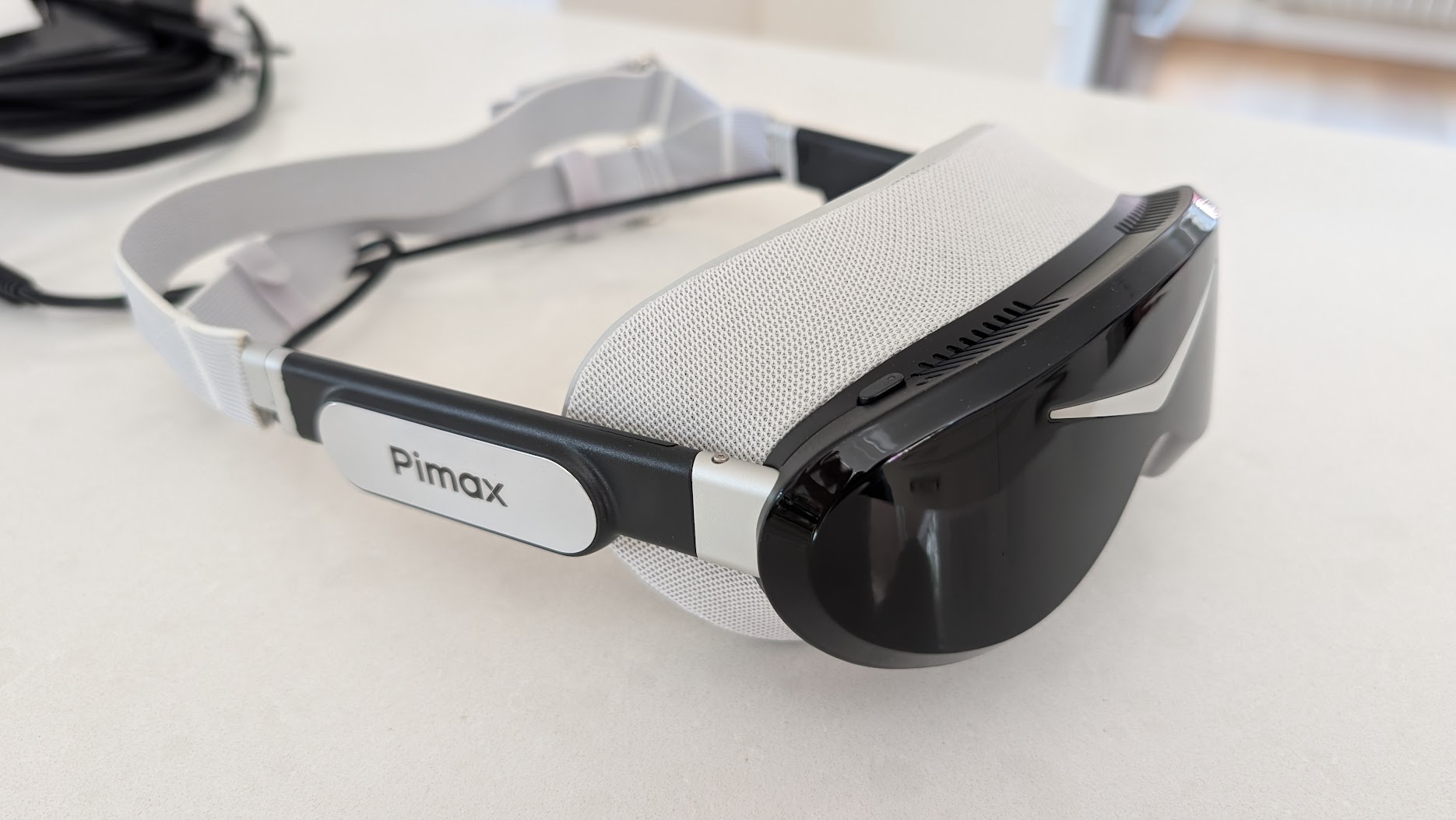
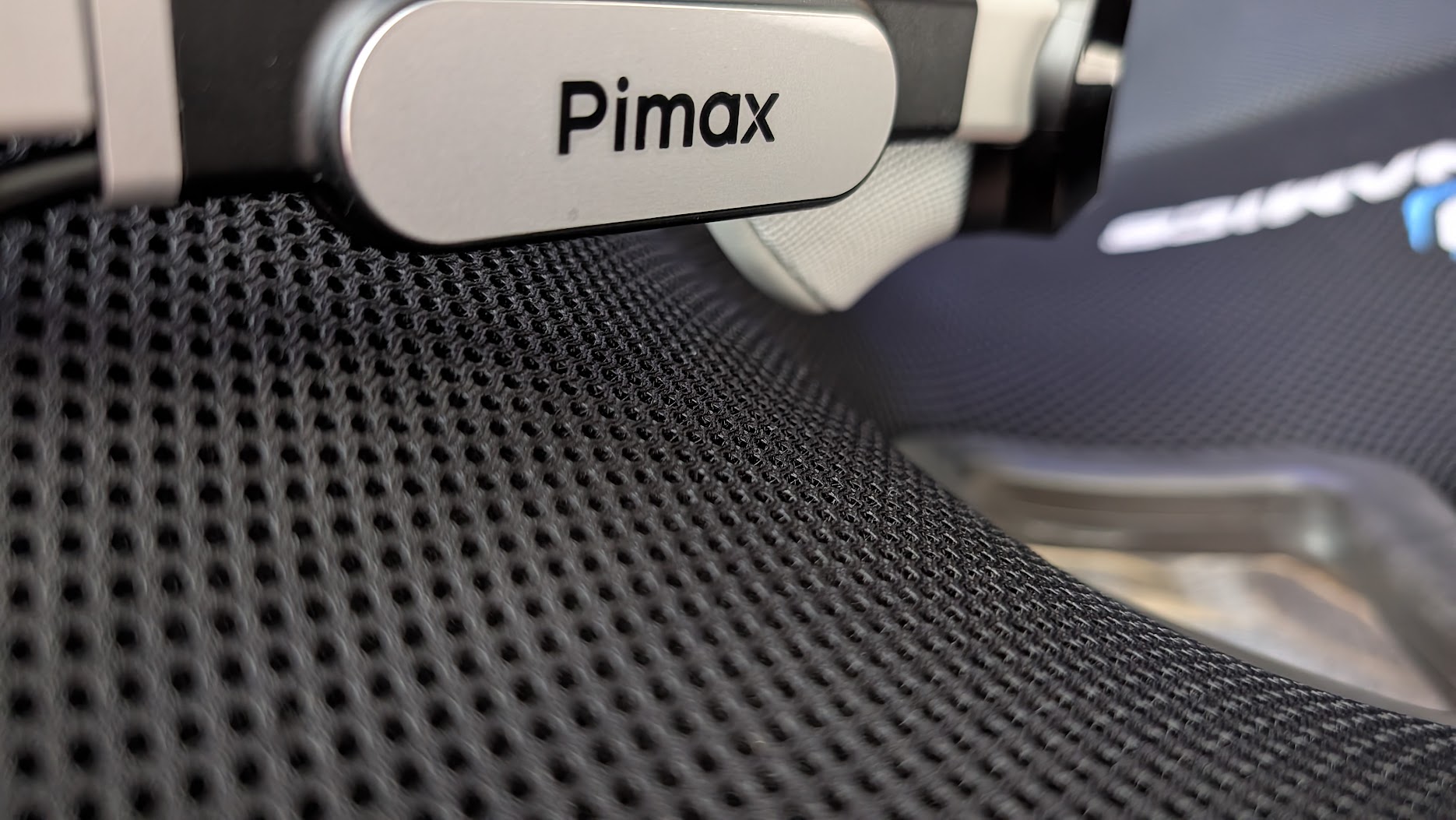
I like the design a lot. It’s a refreshing change after years of the larger Crystals, and it’s good-looking in a way sim racing kit rarely bothers to be. Build quality is good rather than bulletproof. It’s a more delicate-feeling object than the Super, which is partly just physics – there’s so much less of it. immrchris made the same point in his side-by-side with the Crystal Super: the Super feels like it would shrug off a knock, the Dream Air feels like something you’d handle with a bit more care. Both are fine. They’re just different objects.
The stock strap is a fabric one, and it’s the part I’ve seen other reviewers be hardest on. SimRacing Arnout built a whole review around the line that “lightweight is not comfort”, arguing it’s the small shape pressing foam into your forehead that nags after an hour. I didn’t find that, though. With a bit of time spent messing about with the straps – and feeding the cable through the seat-belt apertures on the race seat, if yours has them – the fit was genuinely fine for me, and comfort is a million miles better than the older Crystals. The fabric will want a clean down the line (it’s going to drink up sweat), and if you do fancy a swap the aftermarket’s already moving: Pimax’s own DMAS hardstrap, Studioform’s comfort straps, even 3D-printed adapters for other bands – the same itch I scratched on my Quest 3 with a replacement strap. But I’m in no hurry.
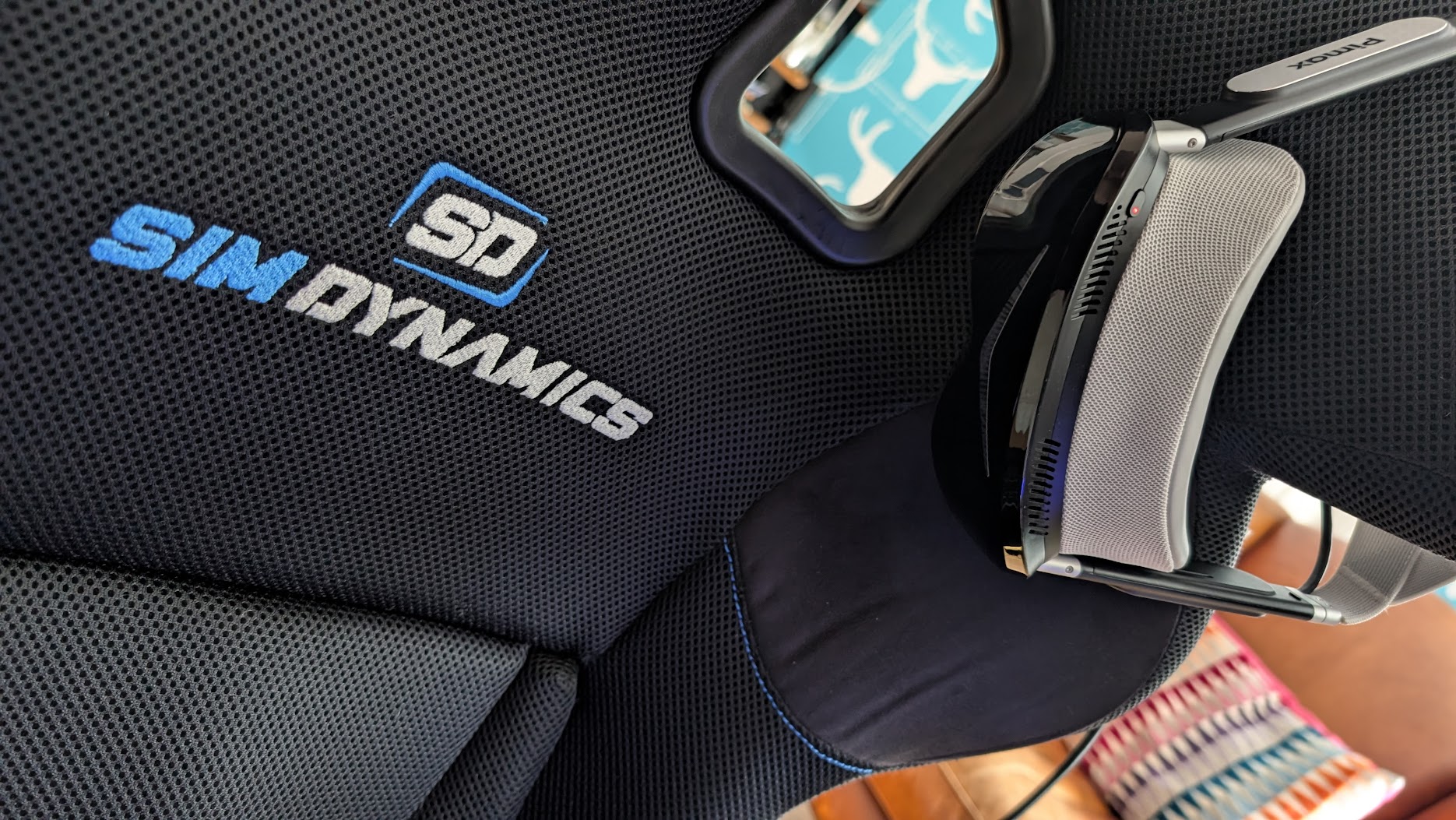
Where the low weight really pays off is in the sessions themselves. Campbell Racing, who’s been in his for a couple of months, puts the comfort around eight out of ten – good for a couple of hours before you want it off. If you do find the stock setup nags, the common fixes are a third-party gasket or Pimax’s own DMAS hardstrap, which swaps the fabric strap for a rigid frame and adds better off-ear speakers in one go. More on that with the accessories below.
The display on track
This is the reason the Dream Air exists, and the reason I’d put up with the strap. The OLED panel is astonishing. I went out on track with my default monitor settings – iRacing with the graphics features that earn their keep set high, foliage and the rest – and with my 4090 driving it, the headset handled it well from the off. Detail isn’t a problem with this thing. Distant kerbs, mirrors, the apex you’re aiming at, all sharp.
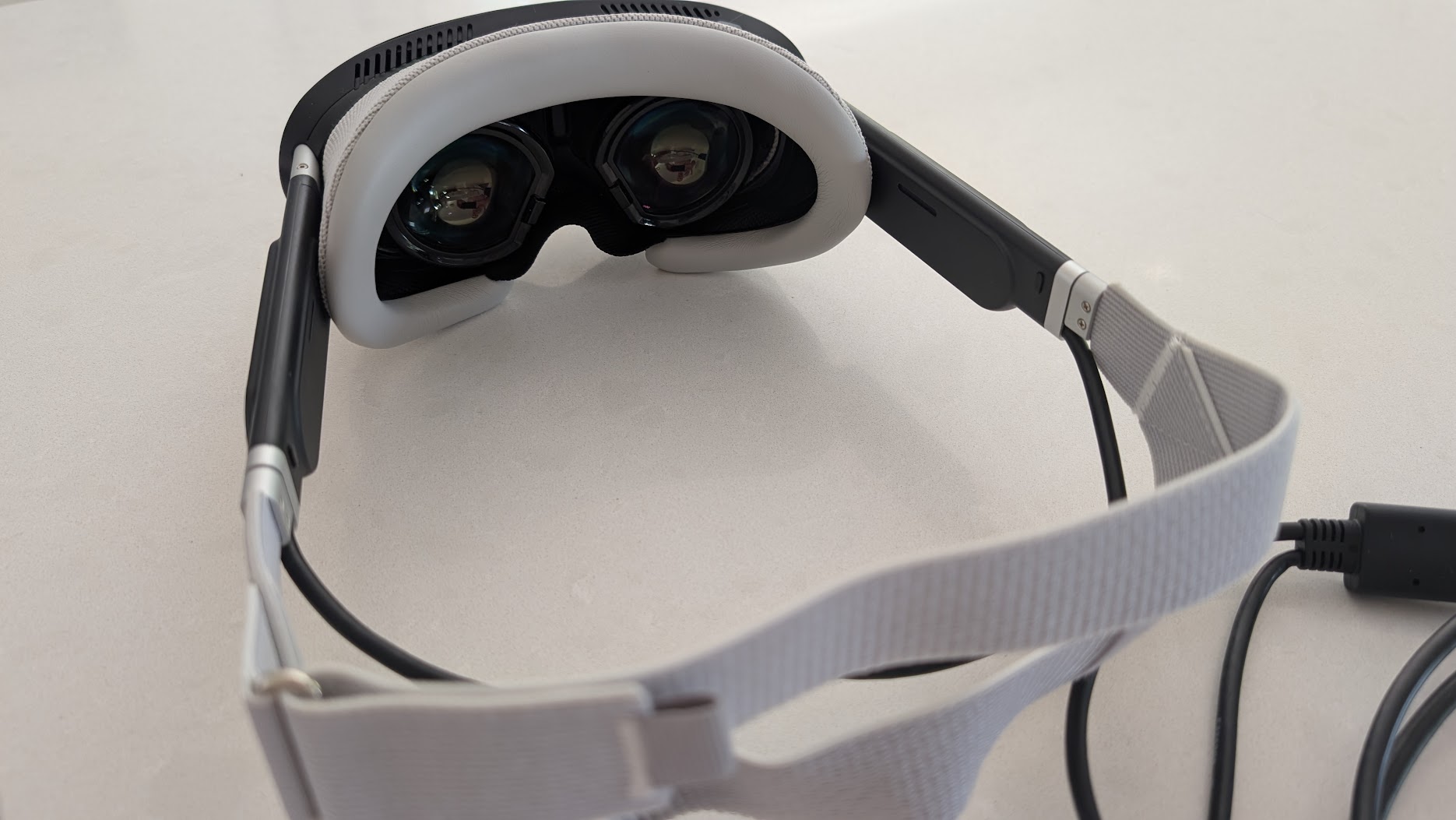
What the OLED gives you that the LCD-based Crystals can’t is contrast. Black is black, not dark grey. immrchris put it well next to his Crystal Super 50PPD: the Super is the brighter panel, but beside the Dream Air it looks slightly washed out no matter what you do with the settings. His 50PPD runs the Super’s QLED (LCD-based) optical engine, which auto-dims and haloes on night scenes; the Dream Air’s OLED doesn’t. (The Super can be fitted with a micro-OLED engine too, but that’s a pricier module and a slightly different comparison.) Night racing on this thing genuinely transforms – brake lights, headlights and lit dials all glow the way they should against a properly dark cockpit. A night stint in the Dream Air is a different experience, and I’d back that up entirely.
Then there’s the refresh rate. I’ve been running it at 90Hz. Campbell Racing flagged something I’d not have thought to test on its own: at lower refresh rates, when you flick your eyes from the mirror down to the gauge cluster and back, you get a faint smear on anything close to your face, almost a wipe. At 90Hz in the Dream Air, it’s gone. Everything stays clean as you move through the cockpit. For most of a lap you’re looking into the distance and wouldn’t notice, but mid-corner glances around the cockpit are where it shows. Matteo311 called the panel the best micro-OLED screen he’s used in VR – “like using new eyeballs” was his line – and I’m not going to argue. One settings note: HDR is on by default, and I turned it off. The colours are genuinely impressive without it, and HDR added nothing I missed.
The Dream Air uses the same calibre of Sony panel as the Crystal Super, but its narrower field of view means it’s pushing far fewer pixels than that wide Super. SimRacing Arnout made the point directly: the picture is arguably the sharpest of any Pimax headset precisely because the smaller FOV is so much friendlier on the GPU, letting him run near-native resolution with steady frame times. On top of that, the automatic dynamic foveated rendering (the Tobii eye tracking renders full detail only where you’re looking) is doing real work. So you get a flagship Sony image that an ordinary high-end rig can drive. I’m still a few weeks off having mine perfectly dialled in – I dropped detail on the less important stuff to lock the frame rate – but the first run was good enough that I’m happy to put that time in. If you want a head start on the in-game numbers, our Pimax VR settings pages are a sensible place to begin.
The FOV question, from a driver’s seat
Here’s where I part company with a lot of the reviews. The Dream Air’s field of view is narrower than the big Crystal Super – the horizontal is noticeably trimmed and a few testers describe the vertical as a touch letterbox. If you’re coming from the Super and you want every last degree of peripheral vision, you’ll feel it, and Arnout is fair when he says it’s “on the edge of what you can accept”.
But I’m a driver, and as a driver I genuinely don’t mind. Think about real life. You’re sitting in a car, often in a helmet, and you don’t see much in your periphery anyway – you look where you’re going. For sim racing the Dream Air’s field of view is fine, more than enough to read a corner, place the car and check a mirror. There’s a neat second-order effect that immrchris spotted, too: because the headset is so light, you naturally move your head to look into corners the way you would in a real car. On the heavy Super you tend to keep your head still and move your eyes, because shifting that weight has inertia and the headset whips around after you. So the lighter headset with the smaller FOV ends up feeling more immersive, not less. I didn’t expect that, but it’s true. And as I covered in the display section, that narrower view is also the thing that makes the picture runnable in the first place.
Compatibility, tracking and the GPU you’ll need
The Dream Air comes in two flavours, and for sim racing the choice matters. The Lighthouse version I tested tracks off SteamVR base stations through that infrared-sensor faceplate; the SLAM version swaps those for onboard cameras and inside-out tracking. For a seated cockpit, base-station tracking is the one you want. It’s rock solid, the gold standard, and because it works off infrared lasers rather than cameras it tracks perfectly in a pitch-black room. If you race with the lights off, as a lot of us do, that’s a real edge – the camera-based SLAM version wants some ambient light to lock onto.
You don’t need a wall of base stations, either. For a fixed rig a single station in front does the job, and it’ll run off SteamVR 1.0 or 2.0 hardware – just don’t mix the two generations in one setup. I did get a little tracking stutter at first; the fix was to move the base station onto a high shelf, dead centre of my eyeline, so the headset and the lighthouse could always see each other cleanly. That sorted it. My Sword controllers pair straight to the headset’s built-in dongles with no extra kit, though as I said they stay in the box for racing. Matteo311 ran the SLAM unit and rated its headset tracking highly but found the controllers slow to re-acquire after resting at his side. On the Lighthouse version that doesn’t happen, and it’s why most Pimax owners point sim racers at this edition. I’d take it every time.
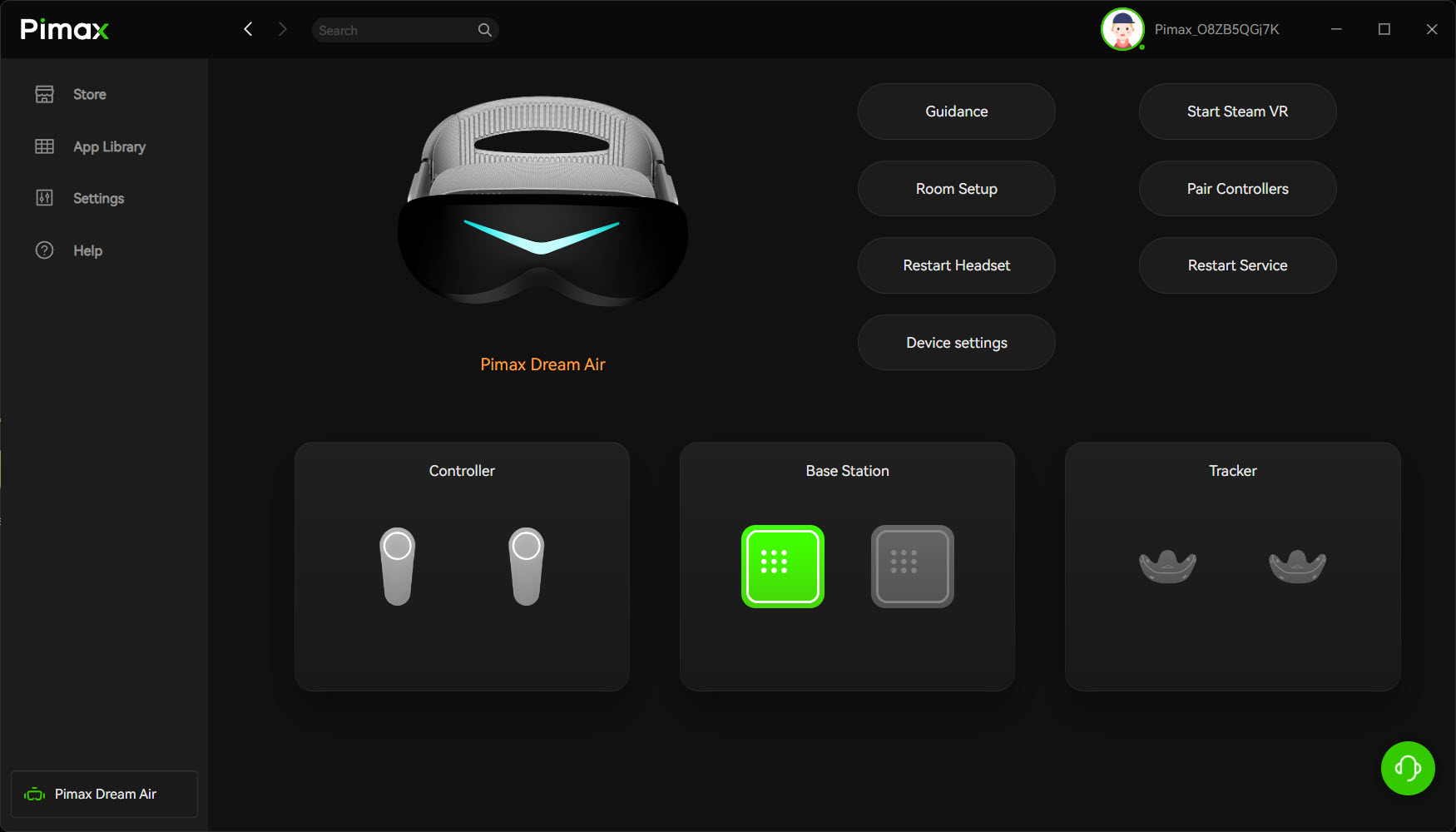
On the PC side, be honest with yourself about the GPU. The headset runs over DisplayPort 1.4a plus USB 3.0, through Pimax Play and SteamVR, and it’ll happily talk to iRacing, ACC, Assetto Corsa EVO, Le Mans Ultimate and AMS2 via OpenXR. But you’re driving a lot of pixels at 90Hz. Pimax quote an RTX 3070 as a floor, and thanks to the narrower FOV and that automatic foveated rendering, an RTX 3070 Ti – a seriously impressive card in its day – can technically get you in. For native resolution in a demanding sim, though, you want something near the top of the stack – my 4090 coped well. If you’re weighing up whether your rig is ready, our guide to what makes a good gaming PC for sim racing covers the GPU question properly. This is a headset that rewards a strong card.
Two accessories are worth knowing about. If you wear glasses, Pimax sells magnetic prescription Vision lens inserts that snap straight onto the optics. And the DMAS hardstrap is the upgrade I’d budget for if you’re spending serious time in the headset – it swaps the fabric strap for a rigid frame and adds off-ear speakers that handle engine rumble far better than the built-in audio. Speaking of which, the built-in audio is the next thing on the list.
Things to know before you buy
No headset is all upside, and this one ships with a few rough edges worth going in clear-eyed about. The strap I’ve covered – it’d be on my list to upgrade eventually. The audio is the next one. The built-in off-ear speakers are fine, perfectly usable, but nothing special, and you’ll miss a bit of low-end engine rumble. That’s no issue for me, mind – I run a proper sound system at the rig and a Buttkicker bolted under the seat, which is the single best haptic mod you can make to a non-motion sim. But if you lean on the headset’s own speakers, the DMAS hardstrap is the upgrade that sorts the audio and the strap in one go.
The cable gets mixed press. It’s a 5m split cable that joins at a small junction box sitting near the back of your neck, and some reviewers have called it short and noticed that box warming up over a long session – one wasn’t sure how Pimax hadn’t caught it. I didn’t have the length problem at all: it was ample for my 8020-profile Sim Dynamics rig, routed naturally through the frame. There are a couple of firmware-era niggles too: some owners report an occasional white-screen flash on very long sessions – the common fixes are turning off Hardware-Accelerated GPU Scheduling in Windows and disabling G-Sync for the Pimax client – and there’s mild chromatic aberration at the very edge of the lenses that you’ll spot on a desktop overlay but not, in my experience, while you’re driving.
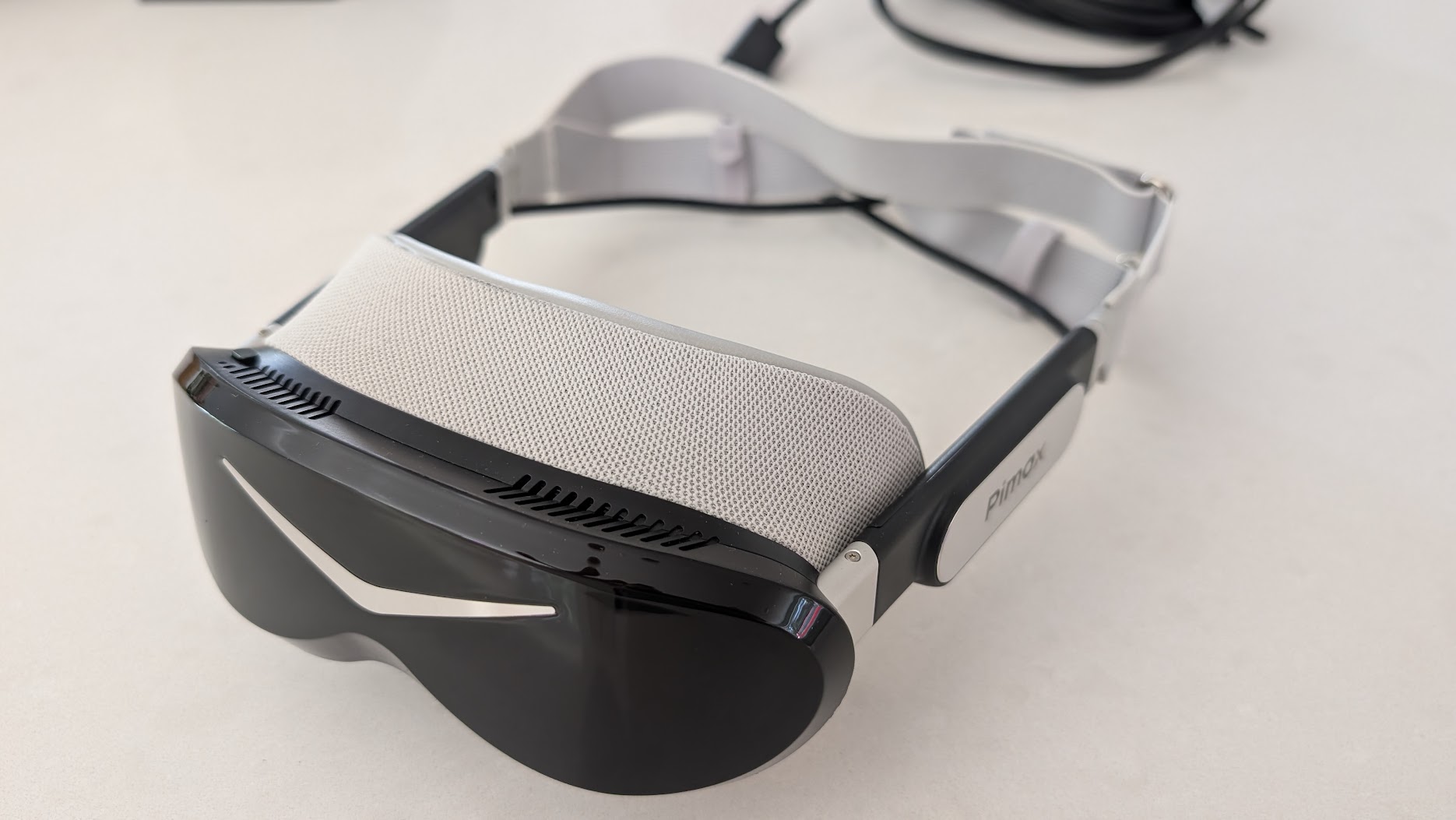
The last thing is the early-adopter reality. These first units shipped with some non-final parts – a temporary fabric strap and an early facial gasket – and Pimax has said early buyers get the finalised versions (a rigid 3D strap and a redesigned, wider gasket) free of charge, due to start landing around now. So if you bought early, expect a few revised bits to turn up. None of this stops the Dream Air being a brilliant headset. It just isn’t a fully finished one yet, and at this price you should know where the seams are.
How it sits against the Crystal Super and Crystal Light
If you’re already in the Pimax world, this is the comparison you actually care about. On paper the Crystal Super is the more complete headset – wider field of view, swappable optical engines, a bigger gasket that seals out light better, and a more finished feel. It’s also heavy, and in its common QLED form it’s brighter but flatter beside the Dream Air’s OLED, and it demands an even beefier GPU to feed that wide, dense panel. immrchris, who ran both back to back, landed on the Super being the safer all-rounder and the Dream Air being the one that makes him enjoy the drive more every time he puts it on. The OLED wins on clarity, colour, contrast and black levels. The Super wins on FOV, audio options and outright build.
Against the Crystal Light, the Dream Air is the obvious step up in image quality and the obvious step down in weight. The Light is still a sizeable headset, and once you’ve worn the Dream Air for an evening, going back feels like strapping a brick to your face. So: if you’ve got a Crystal Super and you love the wide view, I wouldn’t tell you to switch. If you’re on a Crystal Light, or you’re coming in fresh and you want the best image in the lightest package Pimax makes, the Dream Air is the one. Our Crystal Super review is worth a read if you’re torn, and the Pimax settings finder will help you dial in whichever you land on.
Who should buy the Dream Air
This is a headset for the sim racer who wants the best image quality going and is done carrying a kilo of plastic on their face. If you run a lighthouse-tracked rig, you’ve got a strong GPU, and you value contrast and comfort over the widest possible field of view, it’s an easy recommendation. If your priority is maximum horizontal FOV, or you want a fully sorted, no-rough-edges product on day one, the Crystal Super is the steadier buy for now. One honest caveat from me: for flight simulation the jury’s still out. That’s the use case where the wider field of view of a Crystal Light or Crystal Super likely has the edge, and it’s something I want to test properly before I call it – which I’ll be doing over the coming weeks. If flight sim is your main thing, our flight simulation guide and VR headsets for flight simulation are the better starting point.
Pros
The OLED display is the best I’ve used in VR – contrast, colour and night-racing clarity are on another level to the LCD Crystals. The weight, at around 300g, changes how you drive, encouraging natural head movement into corners. The narrower FOV that comes with it is also what makes the picture runnable on a sensible GPU. Lighthouse tracking is rock solid. And the design is, for once, genuinely lovely to look at and to handle.
Cons
None of these is a showstopper for me, for what it’s worth. The stock strap is the least finished part and some will want to upgrade it, though I found the fit fine after a bit of adjustment. The built-in audio is merely adequate. The field of view is narrower than the Super – a non-issue for me as a driver, but worth flagging, and possibly a factor for flight sim. It needs a strong card to run at native. And early units carry a few non-final parts that Pimax is replacing. Nothing there stops me enjoying it, and I’m looking forward to getting it more dialled in over the next few weeks.
Pricing and where to buy
The Dream Air Lighthouse is premium money – around £1,500 (roughly $1,999), depending on the payment option you pick at checkout. There’s also a cheaper Dream Air SE at around $899 if you want the small-and-light micro-OLED experience for less. It drops to 2560 x 2560 per eye and a slightly smaller field of view but keeps the eye tracking and foveated rendering. It’s worth being clear about the SE, though: it’s a noticeably bigger compromise on image quality, and reviewers who’ve used both tend to say that if you can stretch to the full-fat Sony OLED of the standard Dream Air, you should. Where the SE does make sense is if you’re on a more modest graphics card or PC, since its lower resolution is far easier to drive – so it’s worth weighing against our best graphics card and gaming PC guides before you decide. The standard Dream Air is the one I tested and the one I’d point a serious sim racer towards. Current pricing and stock across the range is below.
Reader discount: if you do buy any Pimax gear, use code simracingcockpit at the pimax.com checkout for 2% off, or simracingcockpit25 for $25 off your order. Whichever works out better for your basket.
For me, the Dream Air is the most exciting headset Pimax has made, with the caveat that you’ll want a strong card behind it and the early-adopter parts still to settle. I’ve got a few weeks of fine-tuning ahead before mine’s perfect, and flight sim still to put it through properly. But the hardware is there, the picture is the best I’ve raced with, and I keep wanting to put it back on. For now, I’m impressed.
Pimax Crystal Pro: Everything We Know So Far
Bigscreen Beyond 2 for Sim Racing: What to Know in 2026
Pimax Dream Air vs Dream Air SE: Which Should a Sim Racer Buy?
SteamVR Base Stations for Sim Racing: Lighthouse vs SLAM on the Pimax Dream Air
How to Install the SBoys3 Driver on the Pimax Dream Air Lighthouse
Steam Frame vs Dream Air: What We Know
Topic: VR Headsets
2 thoughts on “Pimax Dream Air Review: A Sim Racer’s Verdict”
Comments are closed.
Hi there,
Great review!
Just wondering why the discount code “simracingcockpit” only provides a 2% discount, and not a 3% as you stated. Let me know! Thanks!
Hey Alex, that was a legacy issue – it used to be 3% but Pimax dropped it to 2% a little while ago. I missed the email at the time – all fixed (it’s still a working voucher)