
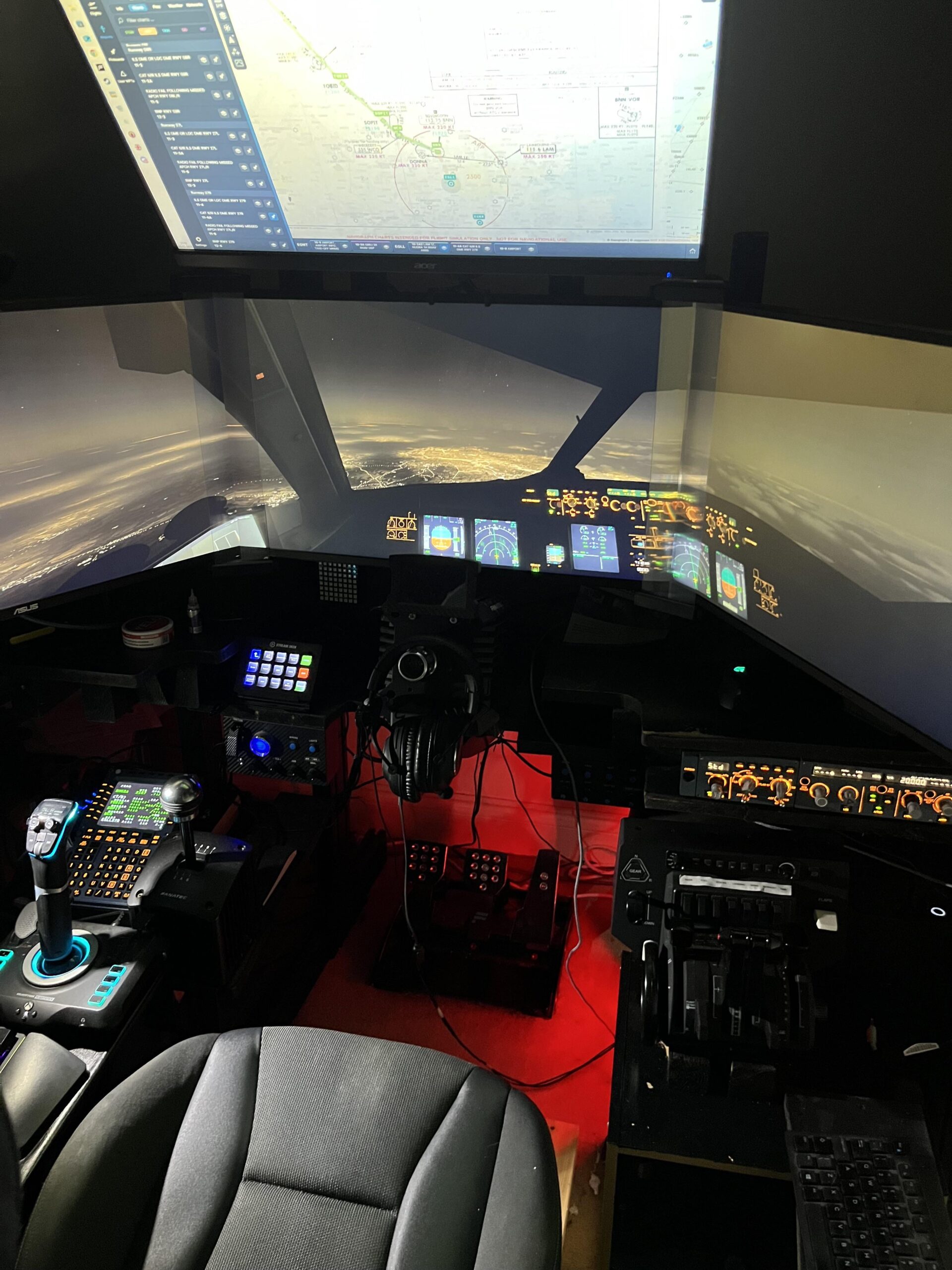

I’m a sim racer and amateur racer with a passion for Motorsport, good racecraft and the technical and setup aspect of sim racing.
Sim racing taught me something I didn’t expect: the gap between consumer hardware and what real pilots use shrinks faster than anyone predicted. Five years ago a £350 belt-driven wheel was the ceiling for what a passionate amateur could justify on a sim. Now most committed rigs have a 12Nm direct drive base and the wheel costs more than the base. Flight simulation is on exactly the same trajectory, just five years behind, and 2026 is the moment to get in.
MOZA is shipping force feedback yokes that physically move with autopilot exactly like the real thing. Honeycomb brought airliner authenticity to a desk-mounted price point three years ago, and Prodesksim built an entire aircraft-specific add-on ecosystem on top of the Bravo throttle on the back of it. Pimax is putting Vienna under the wing at a clarity the original Microsoft Flight Simulator team would have considered impossible. The catalogue is mature enough to choose from properly. The kit is finally credible. This is the window.
Here’s how to do it without making the mistakes I made. Four phases – the question you should actually be asking before you spend anything, the rig and software stack underneath, the hardware that delivers on the promise, and how to make it sing in the cockpit. First-hand throughout. Where I’m leaning on someone who knows more than me – and there are real-world pilots in this space worth listening to – I’ll say so.
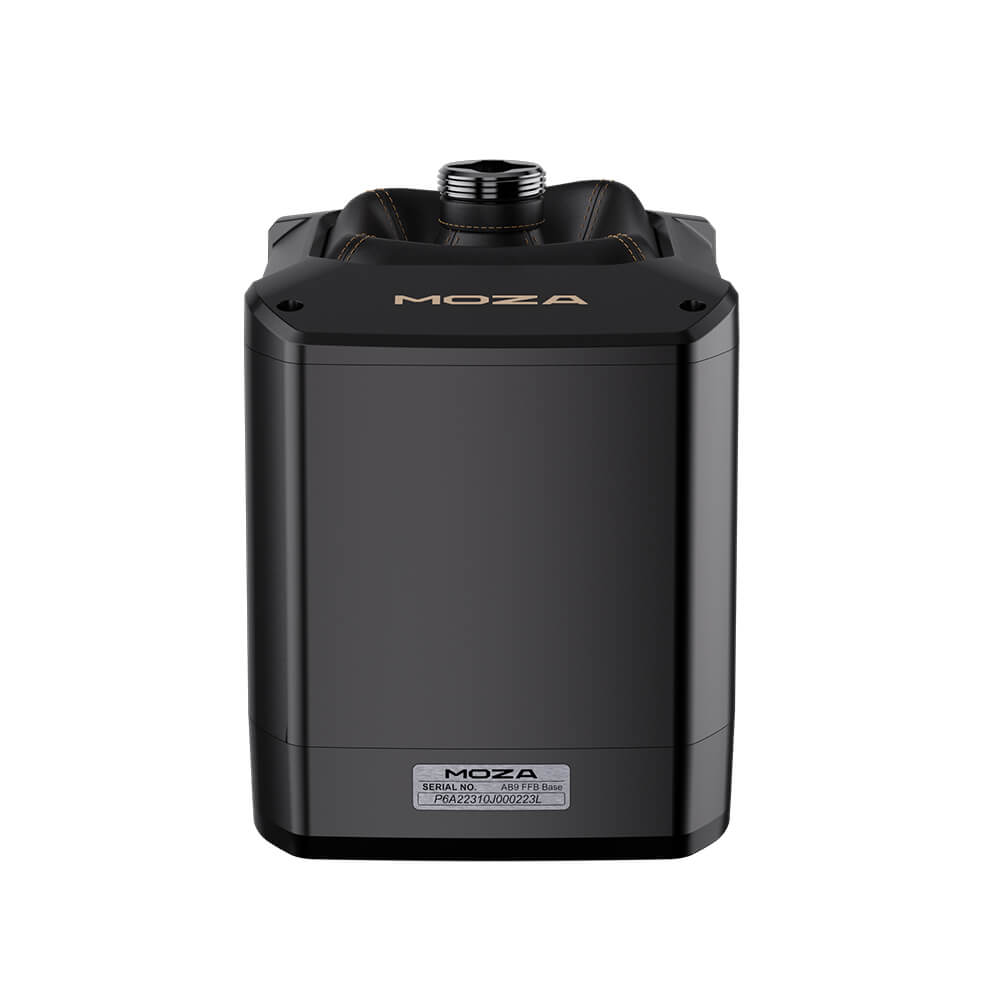
The four phases
Jump to where you are now:
Beginning – should you, and where to start |
Build – the rig underneath the gear |
Buy – the gear that delivers |
Fly – making it sing |
What’s coming in 2026 |
Sister clusters and cross-references
Beginning – should you, and where to start
The biggest mistake new flight simmers make is buying gear before they know what they want to fly. A yoke that’s perfect for a 737 is useless in an F-16. A HOTAS for War Thunder won’t help you taxi a Pilatus PC-12 onto a runway. A rudder pedal that’s set up for fixed-wing won’t behave right if you’ve decided helicopters are your thing. So the first thing to settle is what kind of flying you actually want to do, and from there everything else falls out of the decision tree.
Pick your sim by what’s in it, not by what’s “best”. Microsoft Flight Simulator 2024 is the most accessible, has the prettiest world, and is where the airliner and general aviation crowd lives. X-Plane 12 is for the people who want the most physically accurate flight model – it’s also where Laminar’s payware-friendly Cessnas, Pipers and bigger jets feel most alive. DCS World is the combat sim that lives or dies on the module you buy into (F-16, A-10C, Apache, Hornet, the upcoming F-100 Super Sabre). IL-2 Great Battles and the upcoming IL-2 Korea are where WW2 and Cold War prop-and-jet warfare lives. Aces of Thunder, just released by Gaijin, is the VR-first combat sim that’s been picking up speed. If you don’t know yet, MSFS 2024 with Game Pass and a controller is the cheapest way to find out.
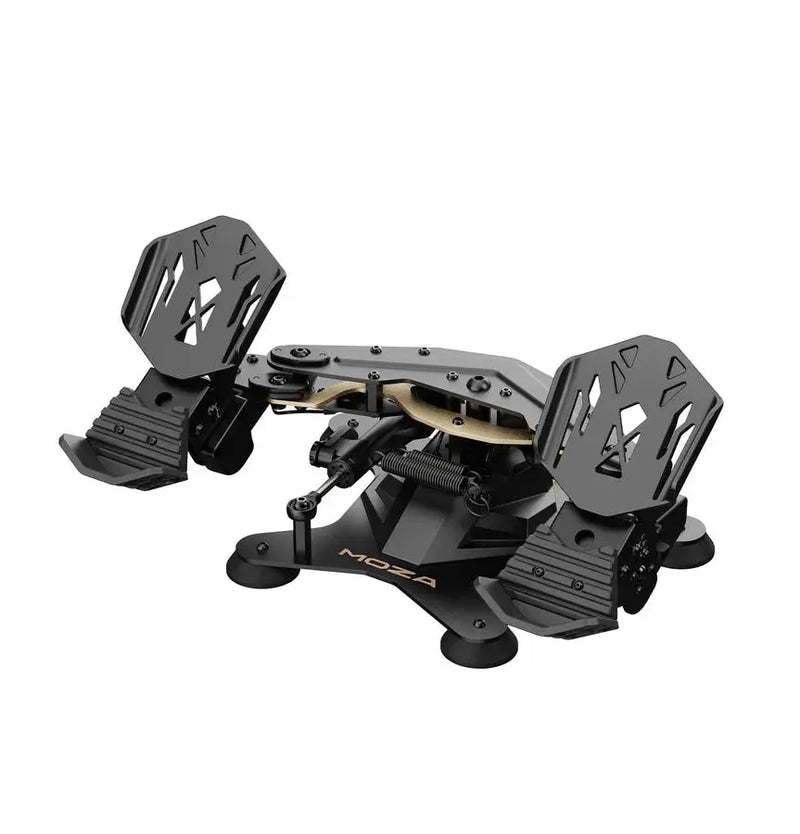
Once you know the sim, the type of flying decides the gear architecture. Airliners and GA means yoke + throttle quadrant + rudder pedals. Fighters and combat means HOTAS (stick + throttle) + rudder pedals. Helicopters means collective + cyclic + anti-torque pedals, which is its own thing entirely. Most people start with whichever they think looks cool, change their mind once, and end up with the right combination after a year. There’s no shame in starting wrong – I did.
Two products that anchor the journey – the FFB stick base for the fighter / aerobatic / helicopter feel, and the FFB yoke base for the airliner / GA feel. Pick the one that matches the flying you do most.
Build – the rig underneath the gear
There’s a tier above “desk” for flight sim that’s worth thinking about earlier than you might want to. A clamp on a kitchen table will get you airborne but it’ll move under torque from a force feedback base, and that’s the moment your immersion breaks. Trak Racer’s flight rigs – the TR8 Pro Flight, the RS6 Flight, the TR40S/TR80S/TR120S/TR160 Flight cockpits – all pair cleanly with MOZA’s mounting kit, the AB9 base table mount and the Flight Base Table Clamp. Even before that decision, the question is whether your desk can hold what you’re about to put on it. A MOZA AB9 weighs more than most people expect and the 12Nm peak torque has to go somewhere.
The software stack is the other half of the build, and it’s where flight sim differs most from sim racing. You’re not just running the sim – you’re running the sim plus Navigraph for charts, plus SimBrief for flight planning, plus FSLTL or AIG for AI traffic, plus VATSIM or IVAO if you want live ATC, plus a payware aircraft or two from PMDG / iniBuilds / Aerosoft / Heatblur. It looks overwhelming written down. In practice you add them one at a time as your flying matures – navigation and charts first, AI traffic and live ATC later, payware aircraft when a specific route pulls you in.
VR for flight is the underrated upgrade. The OLED-through-canopy moment over Vienna at sunset
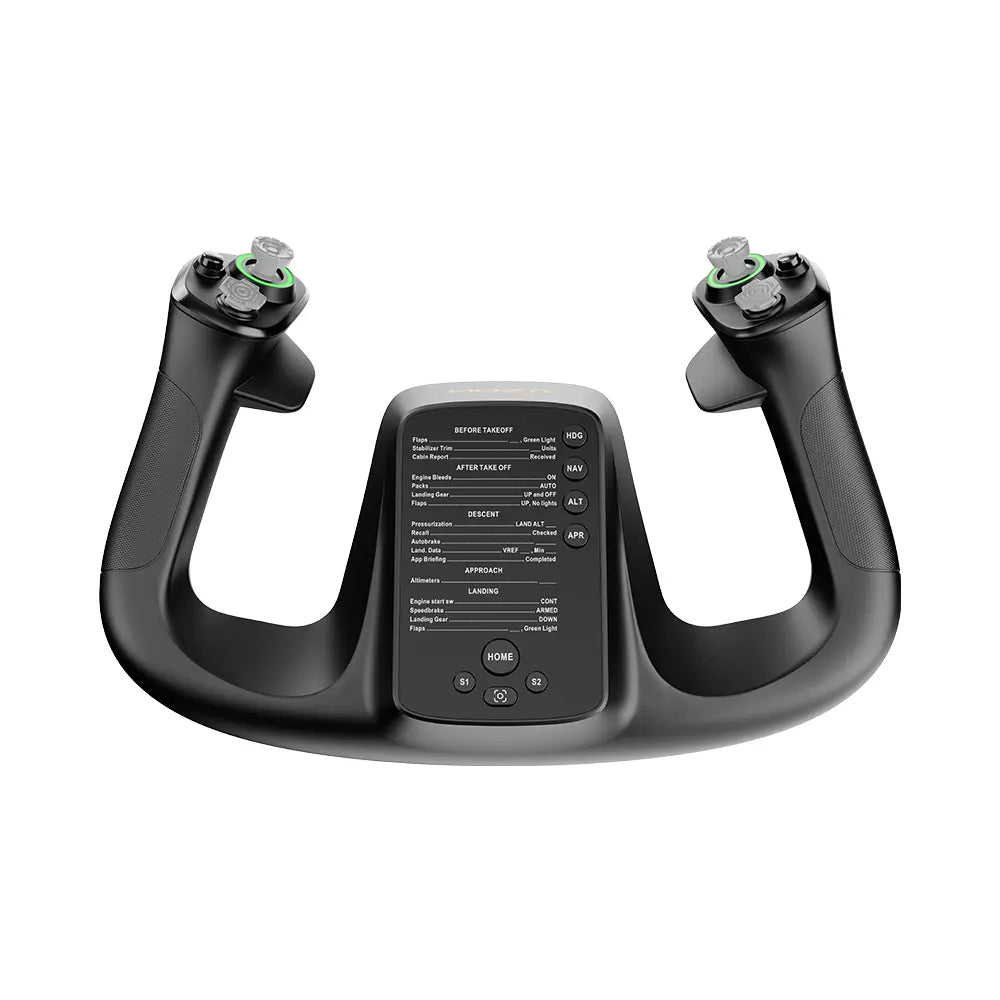
PC requirements are the other half of the VR question. My best graphics card for Microsoft Flight Simulator guide covers the GPU tier ladder for MSFS 2024 from RTX 4060 Ti through RTX 5090. The short version: MSFS 2024 is more CPU-bound than people expect; the GPU matters most if you’re committed to VR or high-density payware aircraft like the PMDG 777 or iniBuilds A350.
Force feedback for flight sim explainer
MOZA AB9 vs AB6 vs Brunner vs FFBeast vs VPforce vs the upcoming WinCTRL FFB. Why it matters and when it doesn’t.
VR headsets for flight simulation
Pimax Crystal Light/Super, Quest 3, Beyond 2, PSVR2 PC for flight. FOV matters more than refresh rate here.
Best GPU for MSFS 2024
RTX 4060 Ti through 5090 tier ladder. CPU-bound truth. Payware aircraft cost.
Buy – the gear that delivers
This is the long bit, and it deserves to be. Here’s the cheat sheet so you can jump straight in: stick + throttle (HOTAS) for fighters and military, yoke + throttle quadrant for airliners and GA, rudder pedals matter regardless. Force feedback is genuinely worth it for fixed-wing in 2026 – MOZA’s AB9 base made that real, the AB6 bundle made it affordable, and the WinCTRL Cyber Taurus FFB base (now shipping) made it a category. The reviews and guides below cover the main categories.
One small observation worth flagging: the MOZA RJ11 daisy-chain port
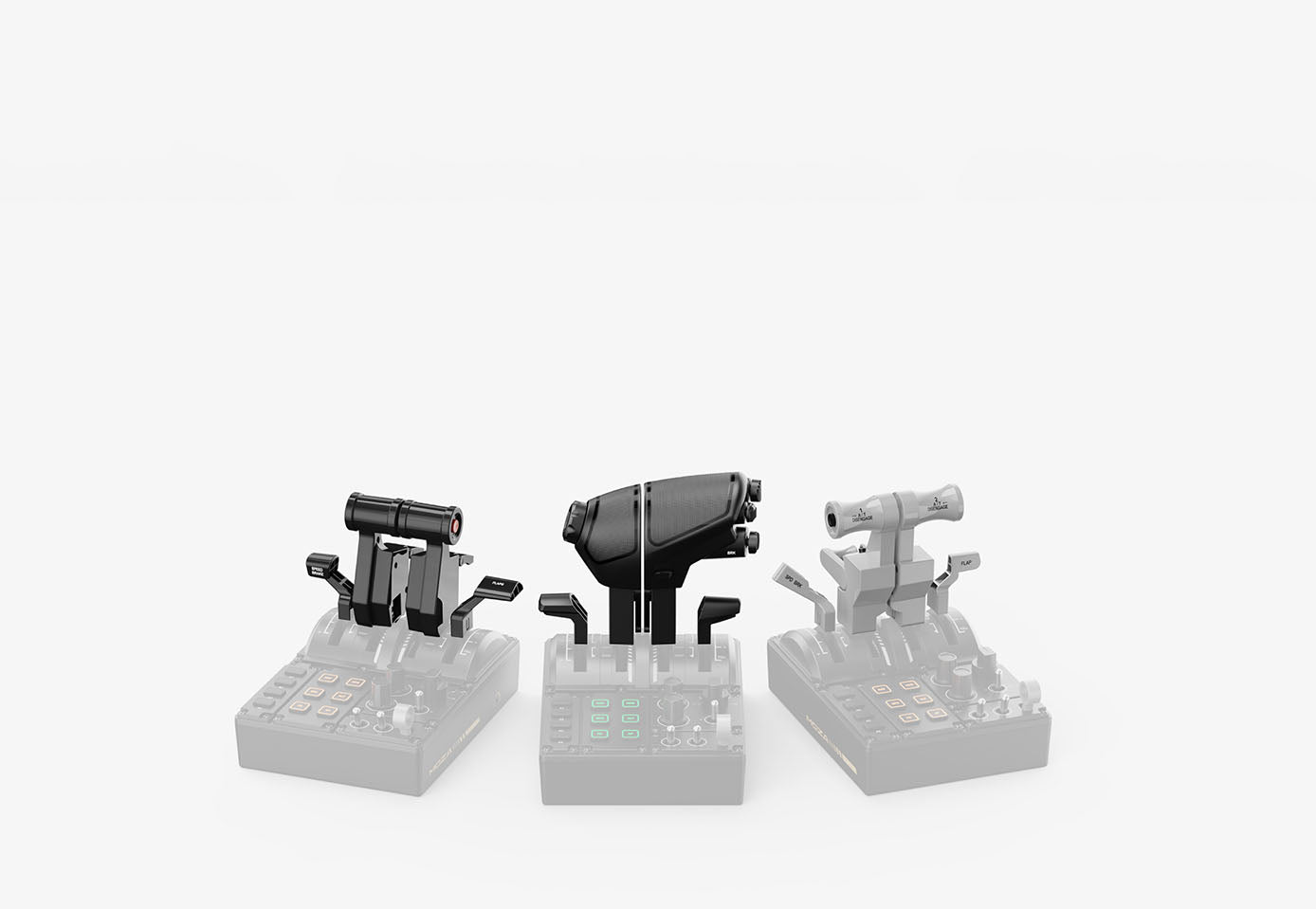
MOZA AB9 review
The 12Nm belt-driven force feedback base that defined the 2026 category. What it does that the AB6 doesn’t, and what to pair it with.
MOZA AB6 review
The $399 gear-driven FFB stick that brings force feedback to entry budgets. The cogging is real and it’s fine.
MOZA AB6 vs AB9
Belt vs gear, 12Nm vs 6Nm, what you actually feel in the airliner vs the F-16. The decision tree.
MOZA AY210 + MFY Yoke
The $848 yoke setup where autopilot physically moves the yoke. The closest a home cockpit gets to a real Boeing or Airbus column. Belt-driven FFB.
Best flight stick / joystick
MOZA AB6, Thrustmaster T.16000M FCS, HOTAS Warthog, WinWing Orion 2, VKB Gladiator, VIRPIL.
Best throttle for flight simulator
MOZA MTQ + MTP, Honeycomb Bravo + Prodesksim aircraft-specific addons, Thrustmaster TCA Boeing/Airbus, Warthog, WinCTRL Orion 2. Boeing-vs-Airbus-vs-fighter decision tree.
Fly – making it sing
The settings are where flight sim either gives you back the hours you put in or quietly wastes them.
The piece I keep flagging to new flight simmers from sim racing is that flight settings reward patience in a way sim racing settings don’t. In iRacing you can dial in FFB strength in three minutes and the rest is muscle memory. In MSFS or X-Plane or DCS, you’re tuning per-aircraft, sometimes per-airframe-variant, and the difference between “feels right” and “feels broken” is genuinely subtle. It’s worth taking slowly, one aircraft at a time.
What’s coming in 2026
If you’re reading this between June and December 2026 you’re going to see new MOZA flight kit drop quarterly. The MFY Pro with the screen replacing the blank panel was previewed at FS Weekend 2025 – Pete Campbell at MOZA confirmed it’s targeting 2026. The MGX 1000, a G1000-style monitor with a real button panel that also operates as a regular monitor for pop-out instruments, was a working prototype at FS Weekend. The Airbus Captain side stick (the left-hand A320 position – the MA3X is the right-hand variant we have now) was shown as a first prototype. The MCDU – which is the bit of an Airbus cockpit pilots interact with most for procedural flying – was on stand for the first time. The electronic FCU control modules too. Pete couldn’t pin a quarter on any of them but the framing was “we’re trying to get these out as quickly as possible”. Worth watching.
WinWing rebranded to WinCTRL at the start of 2026 and the Cyber Taurus FFB base started shipping in late April/May 2026 – the first credible mass-market competitor to MOZA’s AB9. The flight sim FFB category is finally a two-player race. Force feedback for flight sim explainer covers the choice. Virpil’s new VPC Vector Yoke went up for pre-order in early 2026; first deliveries are still tracking. Honeycomb’s Echo aviation controller launched late 2025, the Sierra TPM throttle is shipping. Meridian GMT are quietly previewing a modular flight control system that’s worth watching. The point is the catalogue is getting wider, not narrower. Anyone telling you the flight sim hardware market is mature has stopped paying attention.
Sister clusters and cross-references
This guide threads into a few sister clusters across the rest of the site. The VR headsets hub covers Pimax Crystal Light/Super, Quest 3, Bigscreen Beyond 2, PSVR2 PC and the rest for sim racing – the same kit, same cluster, but the flight piece (linked from the Build tier above) shifts the calculus toward FOV and clarity at landing speed. The interactive Pimax Settings Tool covers sim racing in detail, and the same FOV-and-clarity calculus carries straight over to flight. The direct drive wheel settings hub is the sim racing counterpart to this guide – the same kind of editorial spine, applied to wheels rather than flight controls. Worth a look if you’ve come here from sim racing and want to see how the cluster pattern repeats.
And the existing flight content on the site: flight sim gear (the broad overview), VR headsets for flight, best flight stick / joystick, best graphics card for MSFS. Those four feed into this hub. The hub feeds back out into all four.
Pimax flight bundle discount: use code SIMRACINGCOCKPIT at checkout on pimax.com for $25 off any Crystal Light, Crystal Super or Dream Air – both Crystal models also ship with free MSFS add-on bundles in 2026.

The Best Rally Games in 2026

The Best PS5 Racing Games in 2026
The Best VR Flight Games and Sims

Best Pimax VR Settings for F1 25 in 2026: A Damage-Control Guide

Best Pimax VR Settings for Le Mans Ultimate in 2026
