

I’m a sim racer and amateur racer with a passion for Motorsport, good racecraft and the technical and setup aspect of sim racing.
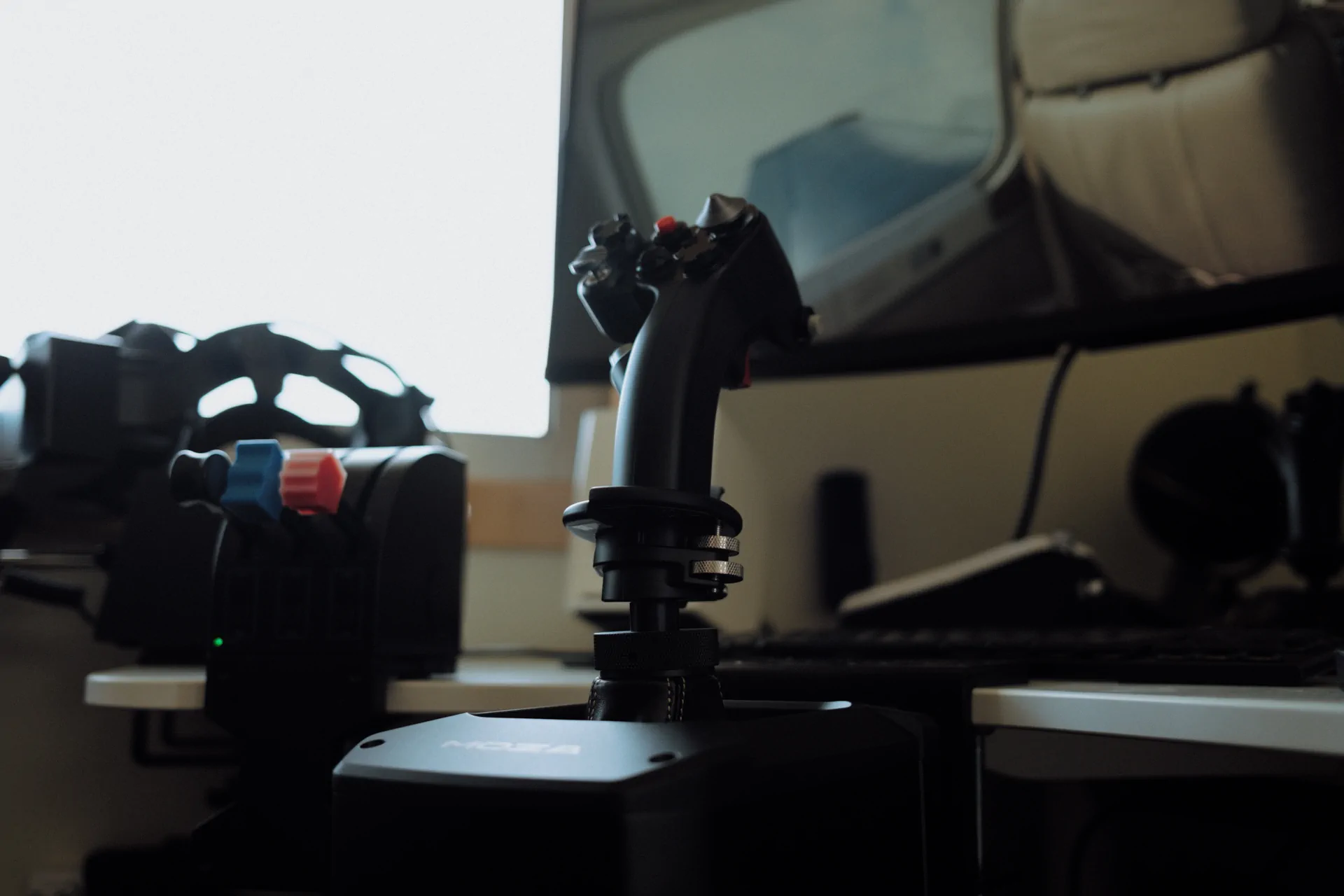
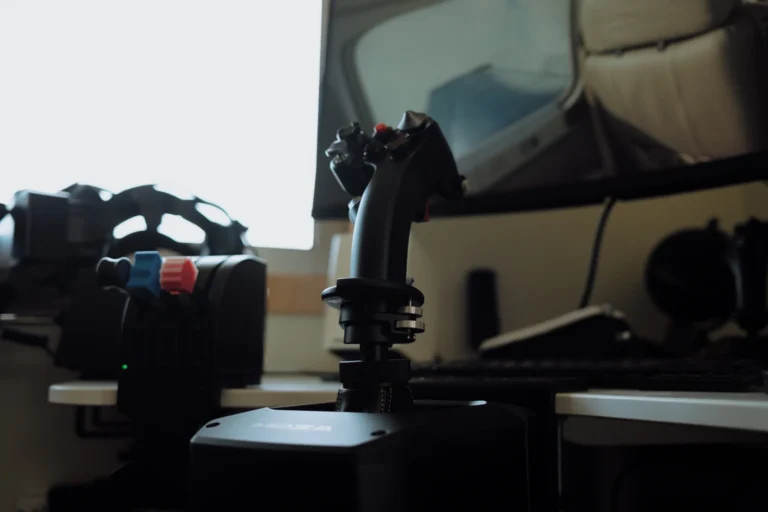
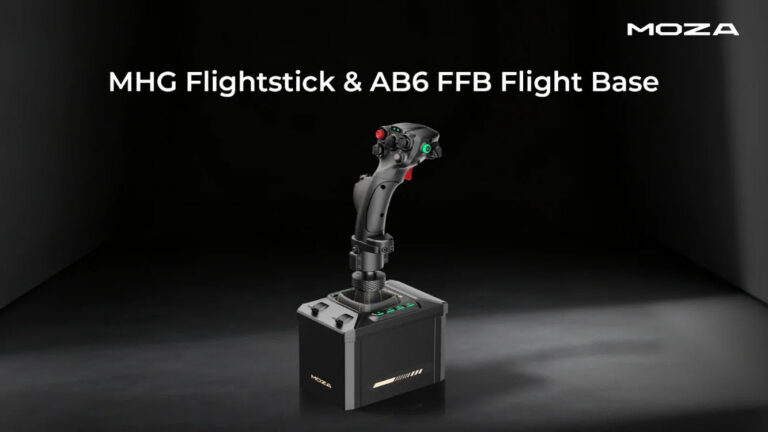
I’ve got one of MOZA’s flight sticks on the bench for review at the moment, the MOZA AB6 bundle, and it’s just so impressively built. The software ecosystem behind it is really mature. Basically, the AB6 is the complete, compact kit, with a stick and a clamp in the box and buttons on the base itself. The MOZA AB9 is the stronger base (12 Nm peak against 6 Nm), and it’s sold on its own. I haven’t had an AB9 here, so what I say about it comes from MOZA’s own specs and from reviewers who’ve had both.
In today’s post I’m taking a closer look at both bases, from the torque figures and what’s in each box to whether the AB9 is belt driven, and why I’d start most people on the AB6.
Moza discount code: use SIMRACINGCOCKPIT at checkout for 3% off at mozaracing.com.
Quick Navigation
Jump directly to what you’re looking for:
The short answer |
Specs side by side |
What’s in the box |
Torque |
Is the AB9 belt driven? |
Size and mounting |
Buttons and sliders |
Sticks, software and sims |
What to add next |
Which one would I buy?
The short answer
If this is your first force feedback stick and it’s going on a desk, the AB6 is the one to look at. The MHG flightstick and a table clamp come in the box with the AB6 base, so it can go on the desk the day it arrives. You also get eight buttons and two sliders on the base itself, which means landing gear, flaps and a throttle axis are covered before you’ve bought anything else.
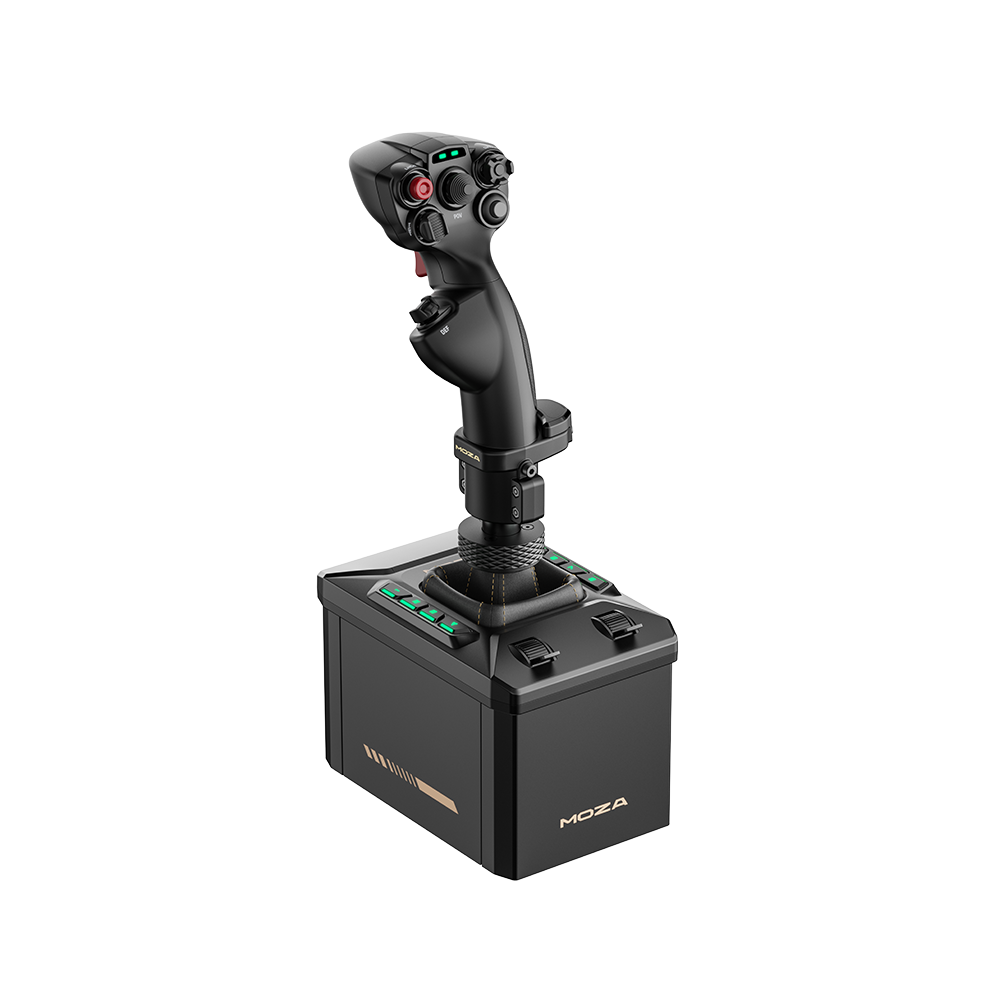
The AB9 is for someone who wants more force than the AB6 can give, whether that’s for heavy warbirds or just stronger effects all round. It makes most sense if you already have a stick and a rig to bolt it to, because the AB9 comes without a stick or a clamp.
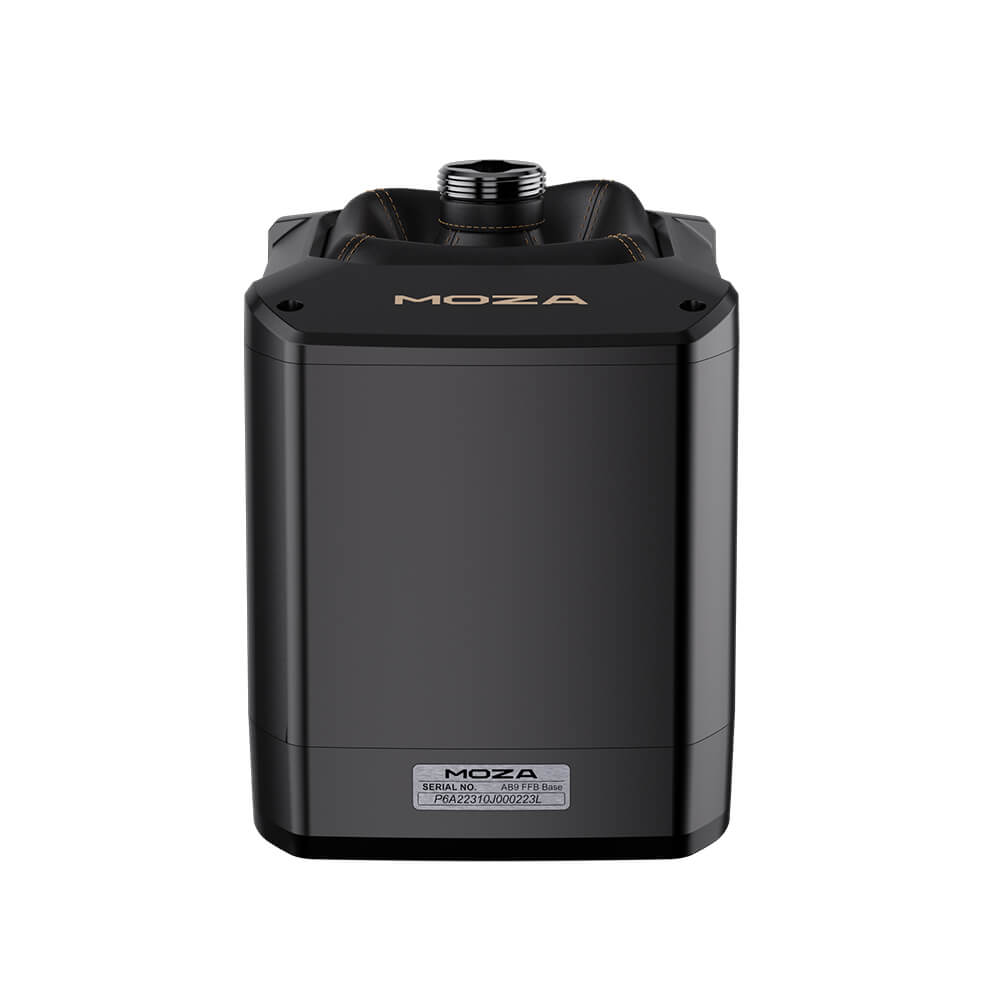
AB6 vs AB9 specs side by side
The numbers in the table below come from MOZA’s own spec pages, manuals and dimension drawings. MOZA quotes torque two ways, peak and continuous. Peak is the most the motors can push for a moment, and continuous is what they can hold.
| Spec | MOZA AB6 | MOZA AB9 |
|---|---|---|
| Peak torque | 6 Nm (combined) | 12 Nm |
| Continuous torque | 4.4 Nm (roll axis) | 9 Nm (single direction) |
| Motors | Dual servo motors, outrunner design | Dual servo motors, segmented winding |
| Travel | ±20° roll, ±17° pitch | ±20° |
| Controls on the base | 8 RGB buttons, 2 analogue sliders | None (status light) |
| In the box | Base, MHG flightstick, table clamp | Base only (stick and clamp sold separately) |
| Size | 188 x 123 x 163 mm | 227.9 x 157 x 204.5 mm |
| Weight | 2.95 kg | Not published by MOZA |
| Power | 12 V, 72 W | 36 V, 216 W |
| Mounting | 4 x M6 at 54 x 82 mm | 4 x M6 at 54 x 82 mm |
| Connection | USB-B, 1000 Hz | USB-B, 1000 Hz |
| Software | MOZA Cockpit | MOZA Cockpit |
| Platform | PC | PC |
What comes in the box
In the US, MOZA only sells the AB6 as a bundle. In the box you get the AB6 base, the MHG flightstick, a table clamp made for the AB6, the power adapter and cords, and a toolkit. The AB6 is also the newer of the two, on sale since 30 October 2025, while MOZA opened pre-orders for the AB9 back on 27 June 2024.
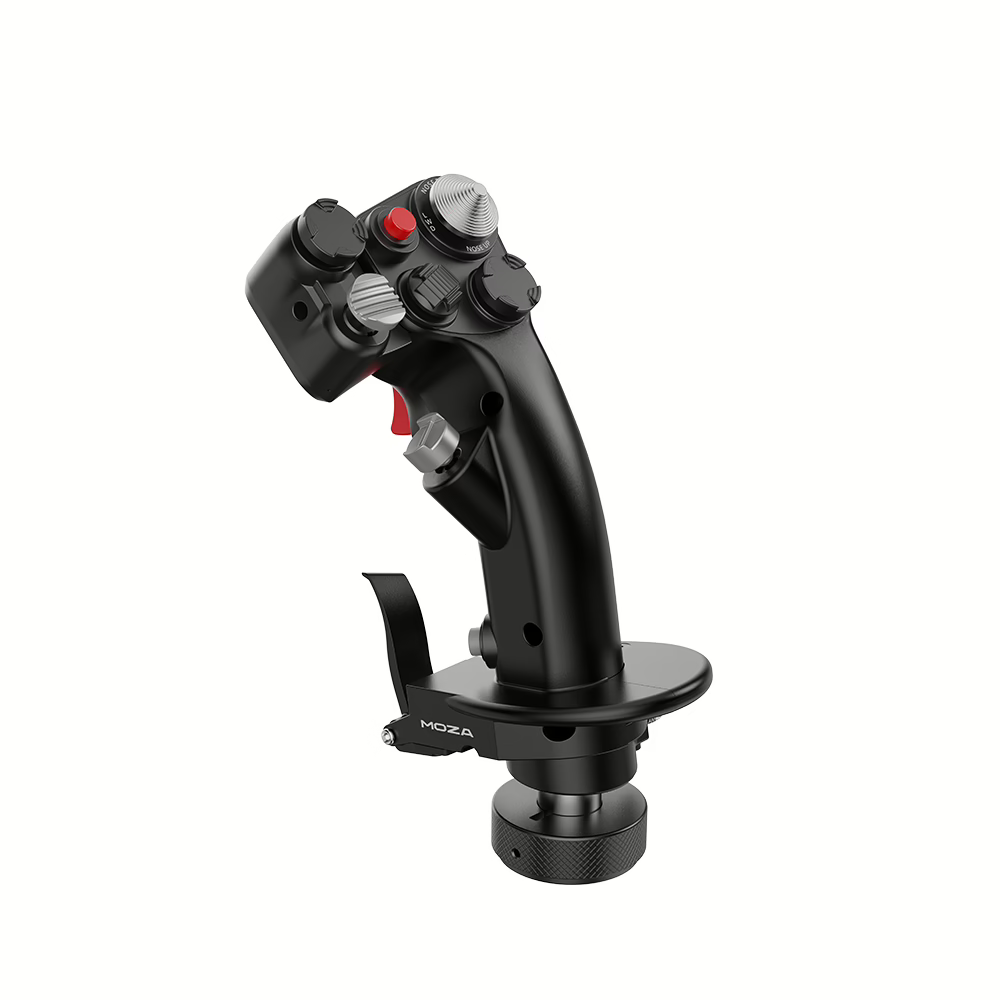
The AB9 comes with a lot less, just the base, a data cord, a wrench and the manual, with no stick and no clamp. MOZA sells the Flight Base Table Clamp separately, and there’s no AB9 bundle from MOZA US. So for an AB9 setup you’re really buying three things, the base, a stick (the MHG, the MH16 or the MA3X) and either the clamp or a rig to mount it on.
Torque: 6 Nm against 12 Nm
MOZA rates the AB6 at 4.4 Nm continuous on the roll axis and 6 Nm peak combined. The AB9 is rated at 12 Nm peak, with a constant 9 Nm in a single direction. It also runs off a much bigger power supply, 36 V and 216 W against the AB6’s 12 V and 72 W.
For most flying the AB6 has plenty of force, especially if force feedback is new to you. The AB9 is clearly the stronger of the two, though, and by all accounts you can feel the difference.
Huddison, a YouTuber who owns both, turned the AB9 down because at high settings his arm would ache, and had to turn many of the AB6’s settings up to get something close to the same feel.
Is the AB9 belt driven? Motors and low-speed feel
MOZA doesn’t say. It publishes “dual servo motors” for both bases, with an outrunner motor design on the AB6, and segmented winding on the AB9 alongside MOZA’s MCLS (MOZA Control Loading System) force feedback. There’s nothing on either spec sheet about a belt, gears or the motor driving the stick directly, and across the two bases, reviewers and retailers have used all three descriptions.
Reviewers don’t agree on the low-speed feel either. Cogging is the faint, notchy feel some motors have at slow speed as the magnets pass. G-LOC MEDIA felt a “muted cogging” on both of the AB6’s axes and found the AB9 smoother. G-LOC reckons you’d notice it on slow, precise corrections, like an approach in an Airbus, far more than on quick fighter inputs. C.W. Lemoine didn’t feel any notchiness around the centre.
MOZA’s software for the AB6 includes a cogging-torque calibration routine, and MOZA claims ultra-low cogging for the AB9.
Size, weight and mounting
The AB6 measures 188 x 123 x 163 mm and weighs 2.95 kg. The AB9 is 227.9 x 157 x 204.5 mm by MOZA’s drawing. MOZA doesn’t publish its weight, but it’s much the heavier of the two. On a desk the AB6 takes up about two-thirds of the AB9’s area.
Underneath, both share a four-hole M6 pattern at 54 x 82 mm, which means a rig plate drilled for that pattern takes either.
The AB6 can wobble a little on its included clamp when it sits further out from the desk edge, and MOZA’s FAQ says as much and calls it normal. A solid desk or a cockpit mount sorts it out. MOZA’s manuals also say not to use its flight gear with its racing gear.
The AB6’s buttons and sliders
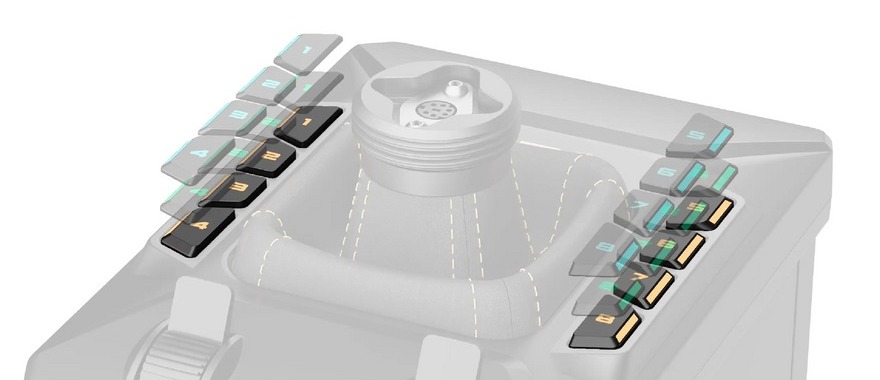
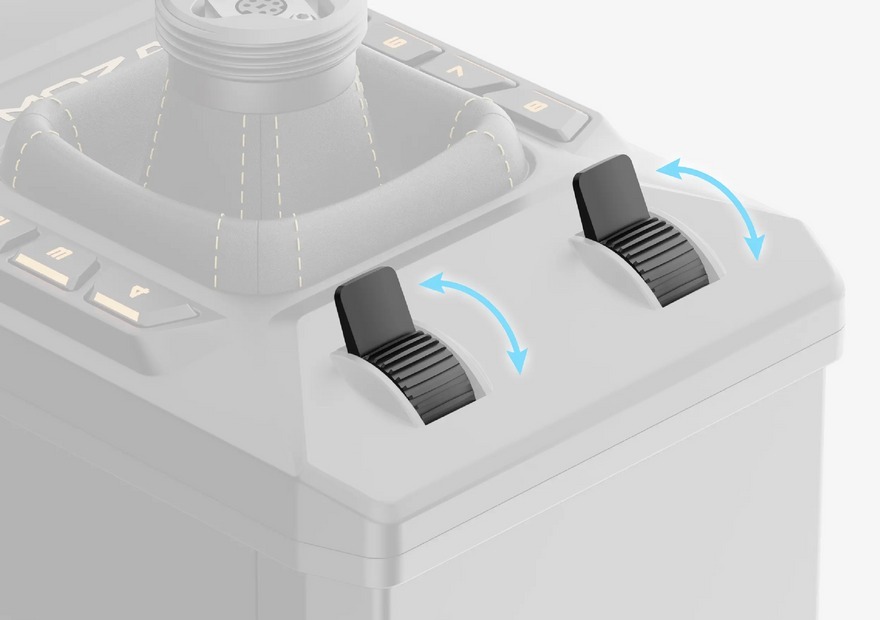
The AB6 has eight programmable buttons on its base, each one RGB backlit, and two analogue sliders that MOZA calls dual throttle sliders. Each slider can work in button, axis or mixed mode. The AB9 base has none of this, just a status light.
On the AB6 you can map your views, the landing gear and the flaps to those buttons and leave the keyboard alone. The sliders can also stand in for a throttle until you buy one, and Huddison did exactly that, using the AB6’s sliders as his only throttle on a laptop.
Sticks, software and the sims
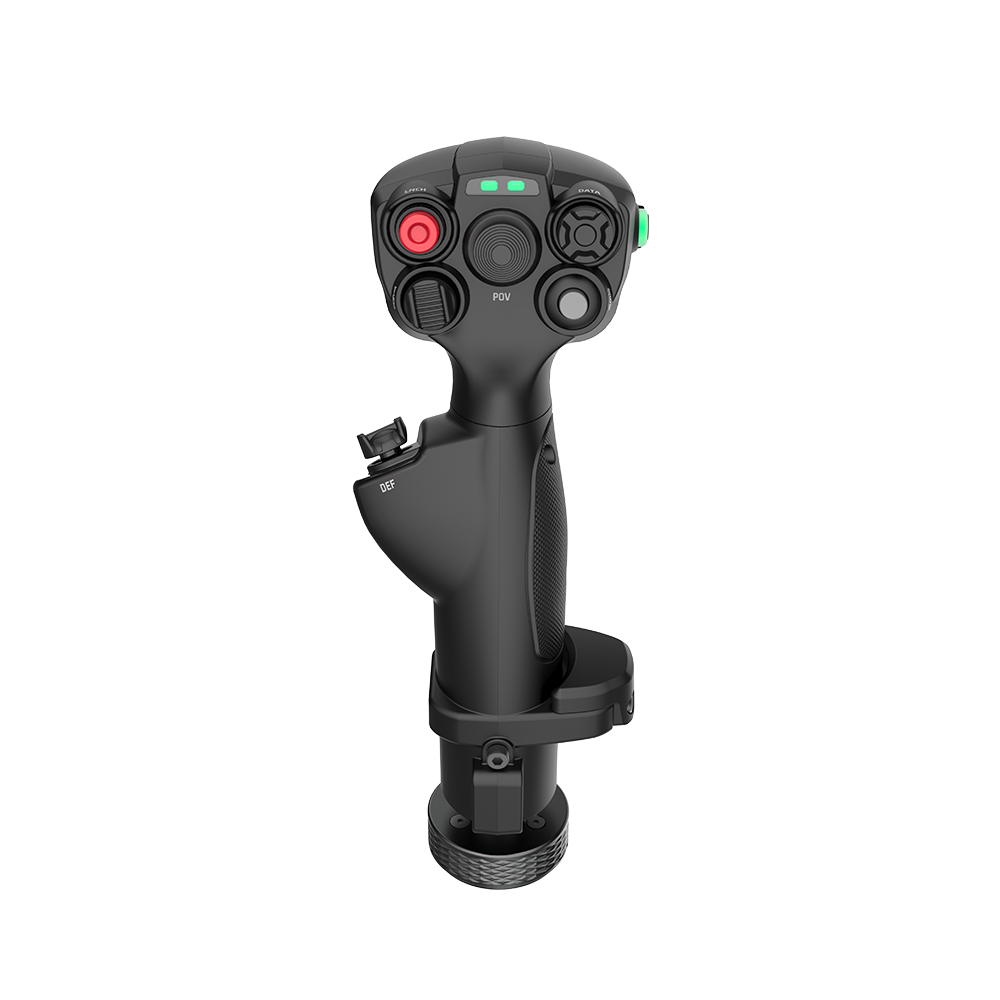
The MHG, the MH16 and the MA3X all plug into either base, so a MOZA stick bought for one moves to the other. MOZA also lists third-party grips that fit the AB6, including the Thrustmaster F-16C Viper and F/A-18C Hornet add-on grips, the Virpil Constellation ALPHA and MongoosT-50CM2, and the WinWing ViperAce. MOZA warns that some batches of the T-50CM2 may not fit. The AB9 takes select third-party grips through adapters.
Both bases run on MOZA Cockpit, and both are PC only, with no Xbox or PlayStation support. MOZA Cockpit takes a while to learn because there’s so much depth in it, and the updates keep coming. Both bases can also work as a force feedback gear shifter with MOZA’s Active Shifter Knob.
Telemetry force feedback means MOZA Cockpit reads the sim’s flight data and turns it into forces. It’s how Microsoft Flight Simulator 2024 and X-Plane 12 get force feedback at all, because neither has any of its own (there’s more on how that works in our guide to force feedback for flight sim). MOZA supports it in MSFS X, MSFS 2020, MSFS 2024, X-Plane 11 and 12, and DCS World, although DCS has its own force feedback as well. IL-2, War Thunder and Star Citizen are on MOZA’s list of supported sims too, but none of them is marked for telemetry force feedback.
What to add next
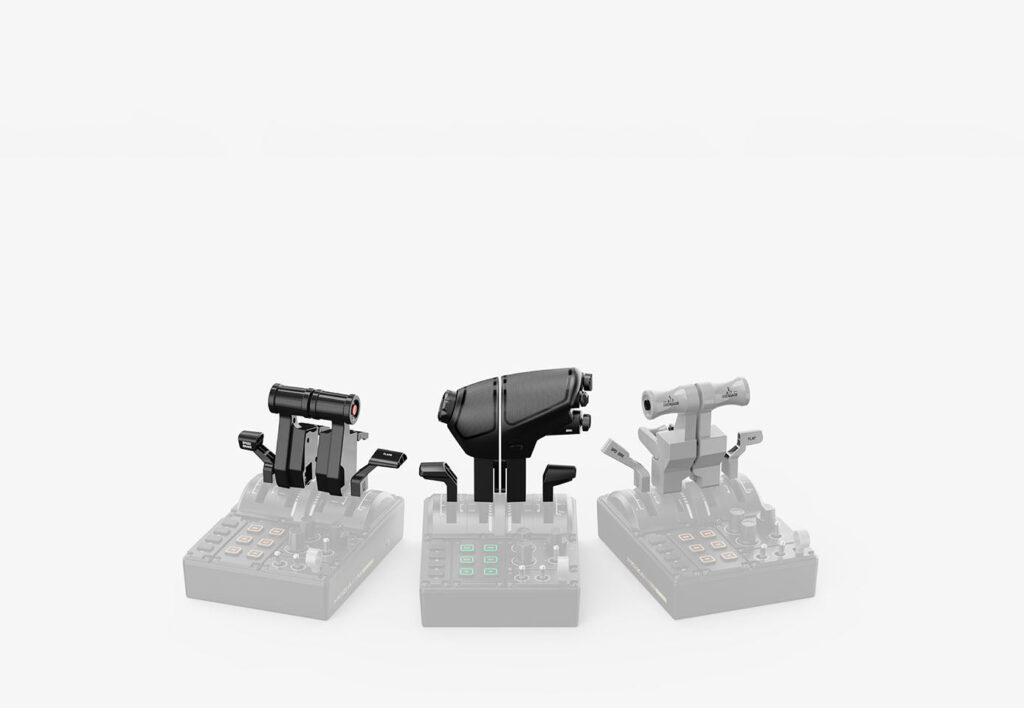
Unless you’re happy on the AB6’s sliders, a throttle is the obvious next step. The MTQ throttle quadrant ships with fighter levers, and MOZA sells Airbus (TQA) and Boeing (TQB) lever sets separately, so it can follow you from a fighter into an airliner. If you’re still weighing it up against other makes, our guide to the best throttle for flight simulator setups has the wider picture.
The MRP rudder pedals come after that, with the damper sold as a separate add-on. The Z-Axis Module adds a twist axis to the MH16 (the MHG has one built in), and MOZA’s FAQ points out that an extension like this reduces the force you feel. For sticks and bases beyond MOZA, there’s our best joystick for flight simulator guide.
Which one would I buy?
For most people starting out on a desk, I’d buy the AB6 bundle. You get the whole kit in one box, and it takes up about a third less room than the AB9.
I’d go for the AB9 if you already know you want the stronger forces and you’re bolting it to a rig with a stick you’ve chosen yourself. And if you start on the AB6 and move up later, the MHG goes straight across to the AB9. My full review of the AB6 is on its way from the bench, and in the meantime our flight simulation guide covers the rest of the cockpit.
Related Articles
The Best VR Flight Games and Sims
Best Throttle for Flight Simulator 2026: MOZA, Honeycomb, Thrustmaster, WinCTRL Compared
MOZA AY210 + MFY Yoke Review: The Autopilot-Moves-the-Yoke Setup That Earns Its $848
Force Feedback for Flight Simulation: What It Is, What It Costs, and When You Should Spend on It (2026)
MOZA AB6 vs AB9: Which Force Feedback Flight Base Should You Buy in 2026?
MOZA AB6 Review: Budget Force Feedback Flight Stick Bundle
Topic: Flight Simulation