

I’m a sim racer and amateur racer with a passion for Motorsport, good racecraft and the technical and setup aspect of sim racing.
The best flight stick for most people starting out is the Thrustmaster T.16000M FCS, and adding the TWCS throttle turns it into a full HOTAS (Hands On Throttle And Stick). If you fly airliners, the TCA Sidestick Airbus Edition is the better buy. For combat in DCS, the step up is a HOTAS such as the Warthog MKII or a base from one of the enthusiast brands. If you want a stick that moves and pushes back on its own, MOZA’s AB6 and AB9 bases are the ones to look at. Xbox and PS5 owners have the T.Flight range.
Which stick suits you depends on the kind of flying you do. If you’ve come over from sim racing to take MSFS 2024 or DCS seriously, look at what sits under the grip as well, because the gimbal and the sensors go a long way to deciding how a stick feels and how long it lasts.
Quick Navigation
Jump directly to what you’re looking for:
Stick, HOTAS or yoke? | Gimbals and sensors | Best first stick | Budget and consoles | Best for airliners | Combat HOTAS | Force feedback | Enthusiast sticks | Yokes, throttles, pedals | Which should you buy?
Do you need a stick, a HOTAS or a yoke?
Civil flying in MSFS 2024, whether that’s GA (general aviation) or airliners, often suits a yoke or a sidestick better than a fighter stick, and there’s more on those near the end of the page. A combat pilot in DCS wants a HOTAS. Space sims like Star Citizen and Elite Dangerous are different again, and a pair of sticks, one in each hand, starts to make sense there.
HOTAS is a fighter-cockpit idea. The switches sit on the stick and the throttle, so the pilot’s hands never leave the controls. That’s why a combat stick usually comes with a throttle to match.
In a real aircraft the rudder is worked by the pilot’s feet. A twist rudder puts it on the stick instead, so twisting the handle moves the rudder. Some sticks give you a rocker lever on the throttle for the same job, and some don’t twist at all, which means rudder pedals go on the shopping list. Most of the sticks here are PC only. On a console, it’s the T.Flight range in the budget section, or the TCA Sidestick X Airbus Edition on Xbox.
Gimbals, sensors and force feedback
The gimbal is the mechanism under the stick, and MYSH reckons it’s the most important part of the whole system, more than any button. It takes the forces and it’s the part that breaks, with the twist axis the next to go. The gimbal carries the stick in pitch and roll and gives it its centring feel, with cams setting the force curve (a centre detent or none), springs setting the weight and, on some bases, a clutch adding friction. In MYSH’s breakdown, budget sticks use a ball-and-cup gimbal, which has plastic friction, a bump at the centre and stiff centring. Pincer gimbals put a spring on each axis and move more smoothly, and a metal cam-and-spring gimbal running on ball bearings is the high-end standard.
Then there’s the sensor that reads where the stick is. A potentiometer is a wiper rubbing along a resistive track. Dust and wear on the wiper and the track make the output noisy over time and the part has a limited life, which is where stick drift and jitter come from. A Hall effect sensor reads a magnet’s position with no physical contact at all, and Thrustmaster calls its version H.E.A.R.T (HallEffect AccuRate Technology). Thrustmaster says its H.E.A.R.T sensors work “without any drifting”.
Force feedback (FFB) takes the springs out and puts motors in to drive the stick. In MOZA’s words, a force feedback base “actively generates the centring force, damping and resistance”. Brunner, who make professional FFB controls, say the stick can get heavier at speed and lighter as the airflow weakens, and that it moves with the trim and the autopilot. Runway texture and buffeting come through as well, and a stall shows up as weakening authority and vibration.
Force feedback costs a good deal more than a spring stick, so MOZA’s AB6 and the bigger AB9 get their own section after the Thrustmaster picks.
Thrustmaster T.16000M FCS – the best first flight stick
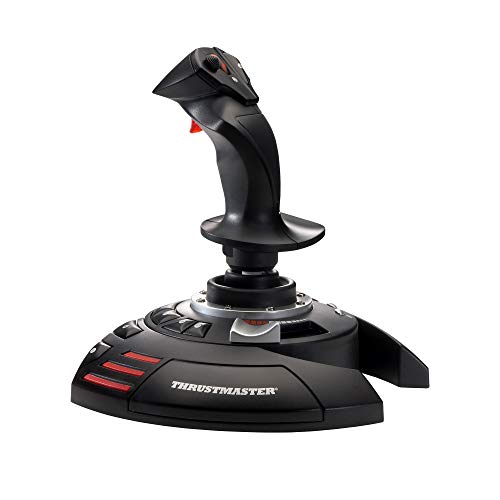
The Thrustmaster T.16000M FCS uses Thrustmaster’s H.E.A.R.T Hall effect sensors on its main axes, with a resolution of 16000 x 16000 values. It carries 16 action buttons, an 8-way hat and a trigger. It’s also ambidextrous, so it can be switched over for a left-hander.
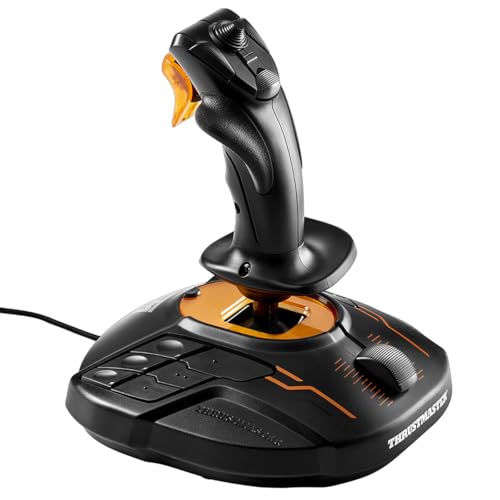
The twist rudder is one of its four axes, and it locks, so you can turn it off once pedals arrive. Two T.16000Ms can be used together in games that support two joysticks, which is the space sim setup. It’s PC only, and Thrustmaster’s free T.A.R.G.E.T software programs it.
The T.16000M FCS HOTAS adds the TWCS throttle, for 5 axes, 30 buttons and two 8-way hats in total. The TWCS slides on rails with 80 mm of travel and has a port for Thrustmaster’s TFRP rudder pedals. MYSH rates the TWCS as the real reason to buy the kit, though he says its axes are cheap potentiometers that jitter over time. He also warns you to twist the stick gently, because that twist uses a mechanical potentiometer that’s prone to breaking. Thrustmaster’s own game list names DCS, X-Plane 11 and 12, MSFS 2020, Star Citizen, Elite Dangerous and War Thunder. MSFS 2024 isn’t on it.
T.Flight HOTAS One and Hotas 5 – best budget HOTAS and best for consoles
If you’re on a console, or you want a HOTAS for the least money, the T.Flight range is where to look. The T.Flight HOTAS One works on PC and Xbox, with a detachable throttle and 5 axes. You can work the rudder by twisting the handle (the twist locks) or by tilting the lever on the throttle.
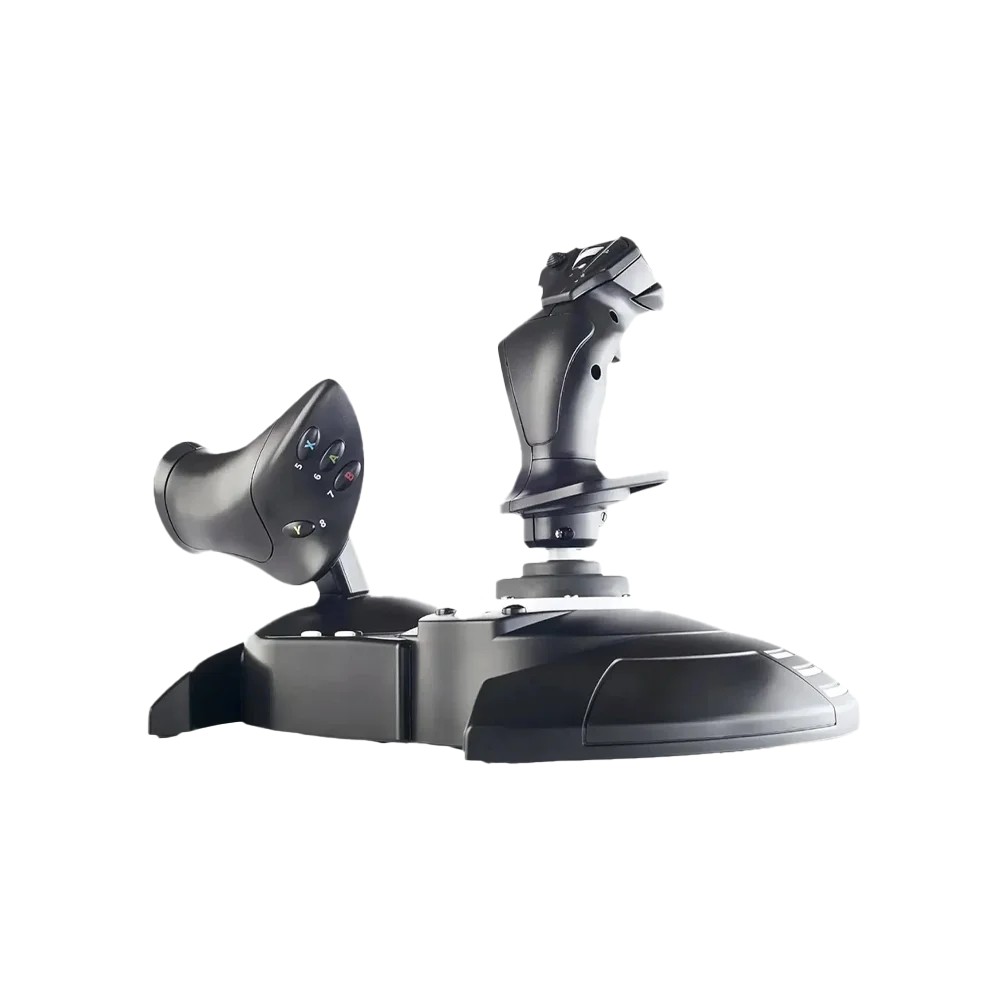
The T.Flight Hotas 5 Microsoft Flight Simulator Edition is the PlayStation option, working on PC, PS5 and PS4. It’s officially licensed for Microsoft Flight Simulator, and Thrustmaster says it’s plug and play in MSFS 2024. It has 5 axes, 14 buttons, a trigger and a hat, with the same twist-or-rocker rudder and a detachable throttle. On Thrustmaster’s site it has taken the Hotas 4’s place.
The T.Flight Stick X is the cheapest stick here. It works on PC and PS3, with 12 buttons, 4 axes, a twist rudder and a throttle built into the base. Thrustmaster doesn’t say which sensors these three use, so there’s no telling whether they’re Hall effect or potentiometer. Beyond them the choice on consoles is thin, and MYSH points out it’s thinnest of all on PS5.
Thrustmaster TCA Sidestick Airbus Edition – best for airliners
For airliners, the pick is the Thrustmaster TCA Sidestick Airbus Edition. It’s a 1:1 replica inspired by the Airbus sidestick, with H.E.A.R.T contactless sensors and no potentiometers at all, and Thrustmaster claims an “unlimited lifespan” for them. It has 17 buttons and a twist rudder that locks, and four swappable button-head modules come in the box.
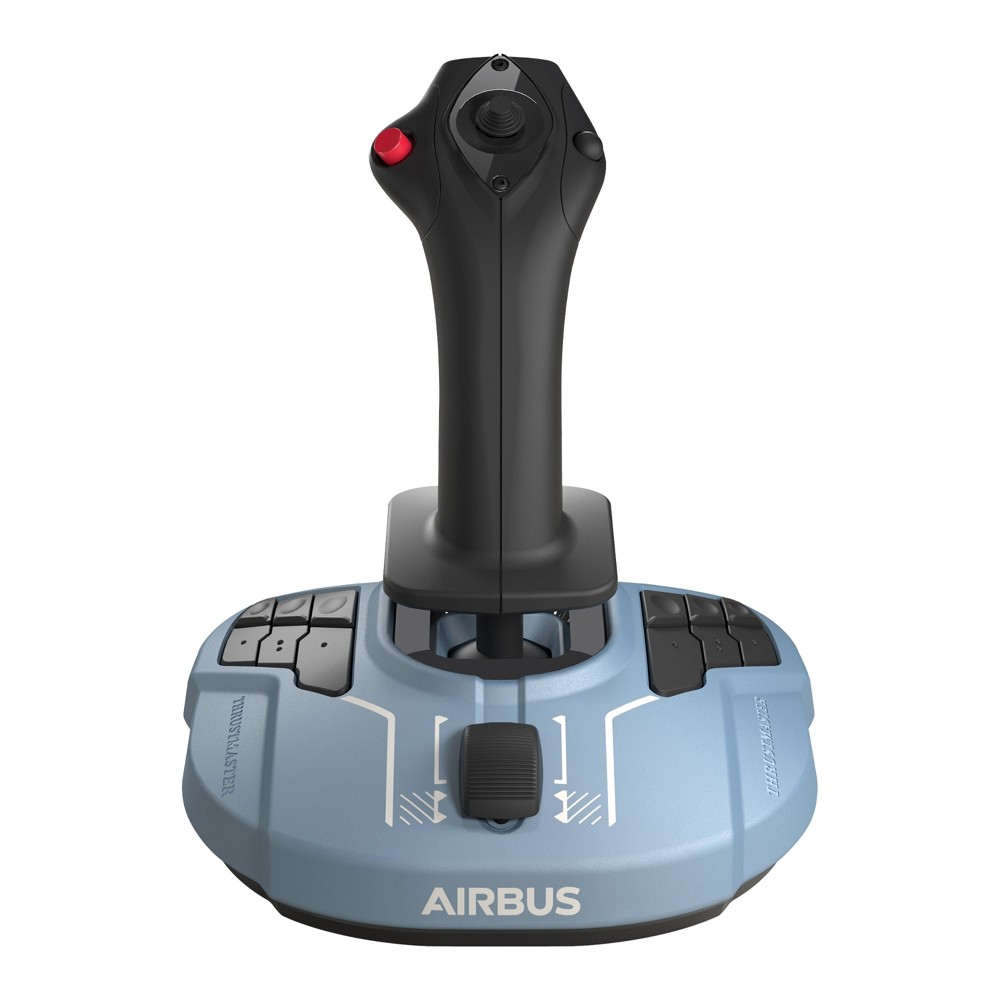
The Airbus Edition is PC only, and the TCA Sidestick X Airbus Edition adds Xbox. Its partner is the TCA Quadrant Airbus Edition, with A320neo-style thrust levers and Airbus-style detents. Two quadrants link together for four levers. Thrustmaster also sells a bundle, the TCA Captain Pack X Airbus Edition.
Thrustmaster HOTAS Warthog MKII – the combat HOTAS
The Thrustmaster HOTAS Warthog MKII has replaced the original Warthog. The MKII is officially licensed by the US Air Force, and it pairs a 1:1 replica of the F-16 VIPER stick grip with the A-10C dual throttle. The grip is 100% metal, with 19 buttons plus an 8-way hat. The throttle has independent levers for both engines that lock together, and an integrated control panel.
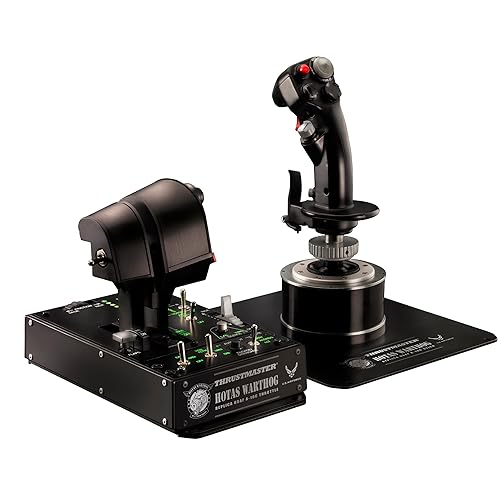
MYSH says the original Warthog’s stick base is a plastic ball-and-cup gimbal, and at its current price he calls that a deal breaker. He reckons the Orion 2 base from WINCTRL (WinWing’s new name) is a better Warthog for less money. The MKII has a redesigned metal base with ball bearings, which Thrustmaster says give smoother movement around the centre. It also has a new 6-pin connector that takes all Thrustmaster grips and handles up to 128 buttons and 8 axes.
The MKII uses H.E.A.R.T Hall effect sensors, 16-bit by Thrustmaster’s figure. It’s PC only, and it was US$599.99 on Thrustmaster’s US store on 28 September 2026. MYSH also notes the original Warthog has no twist, so rudder pedals are part of the budget with it. The original Warthog stick is still on sale.
MOZA AB6 and AB9 – force feedback on a desk
I’ve got one of MOZA’s flight sticks on my bench for review at the moment, the AB6 with its MHG grip. It’s just so impressively built, and the software ecosystem is really mature. MOZA is owned by Gudsen, and they’re a deceptively large company, capable of iterating on their product range at quite an alarming pace. Their kit is really, really inexpensive too, I think because of the economies of scale.
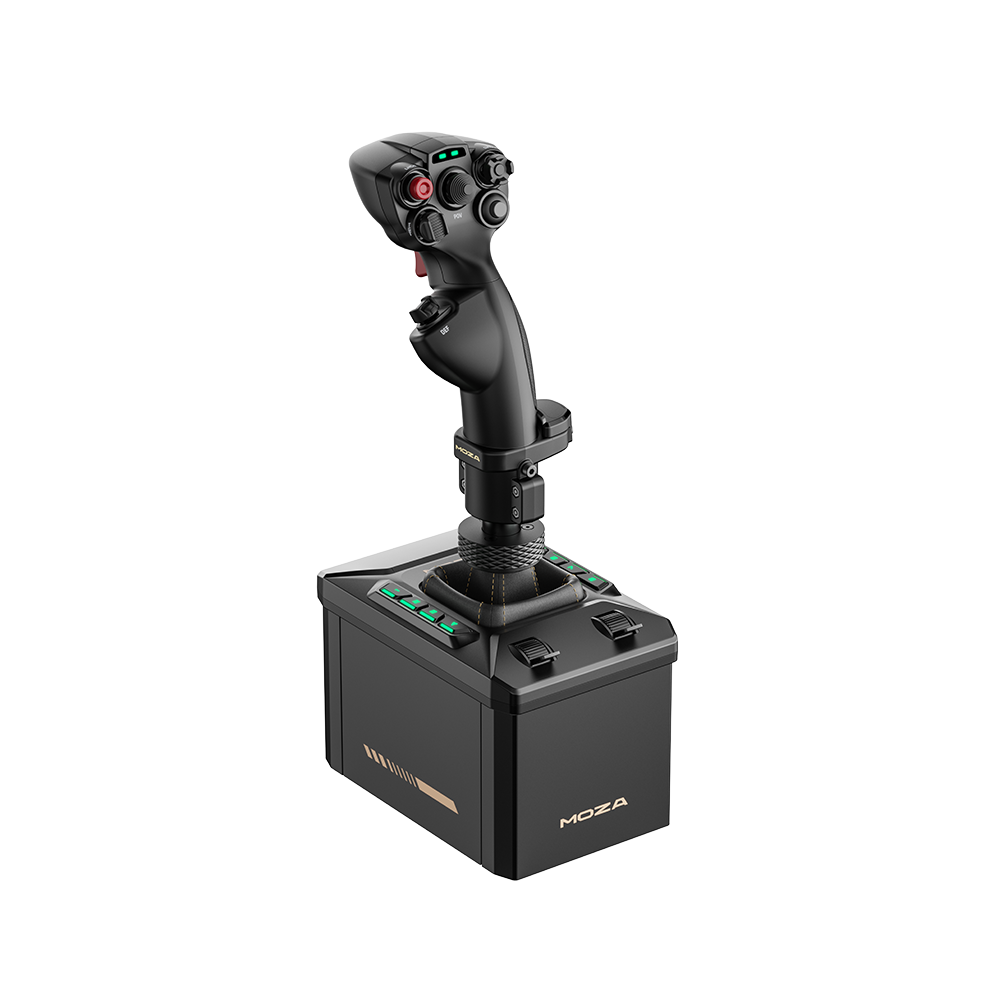
The AB6 comes as a bundle with the MHG flightstick and a desk clamp, for US$399 on MOZA’s US store on 28 September 2026. Dual servo motors give it 4.4 Nm of continuous roll torque and 6 Nm peak combined. A 15-bit magnetic encoder reads the stick, which moves ±20° in roll and ±17° in pitch. Eight RGB-backlit buttons and two axis sliders sit on the base itself, which the AB9 doesn’t have. It’s PC only and runs in MOZA Cockpit, and MOZA lists MSFS 2020 and 2024, X-Plane, DCS World, IL-2, War Thunder and Star Citizen. MOZA says the force feedback is built from each sim’s telemetry, with no plugin needed.
G-LOC MEDIA’s review found a muted cogging in both axes, because the AB6 is gear-driven. You won’t notice it in fighter manoeuvring, but it shows more in the tiny corrections of an Airbus approach. Which effects you get also varies from one sim to the next. The AB6 also needs a very solid desk or a cockpit, because the supplied clamp flexes and some of the effect is lost into it. The MHG grip in the bundle has no brake lever. Even so, at the price, the reviewer doesn’t think he could recommend a stick without force feedback over the AB6, because it’s “just too much fun”.
Moza discount code: use SIMRACINGCOCKPIT at checkout for 3% off at mozaracing.com.
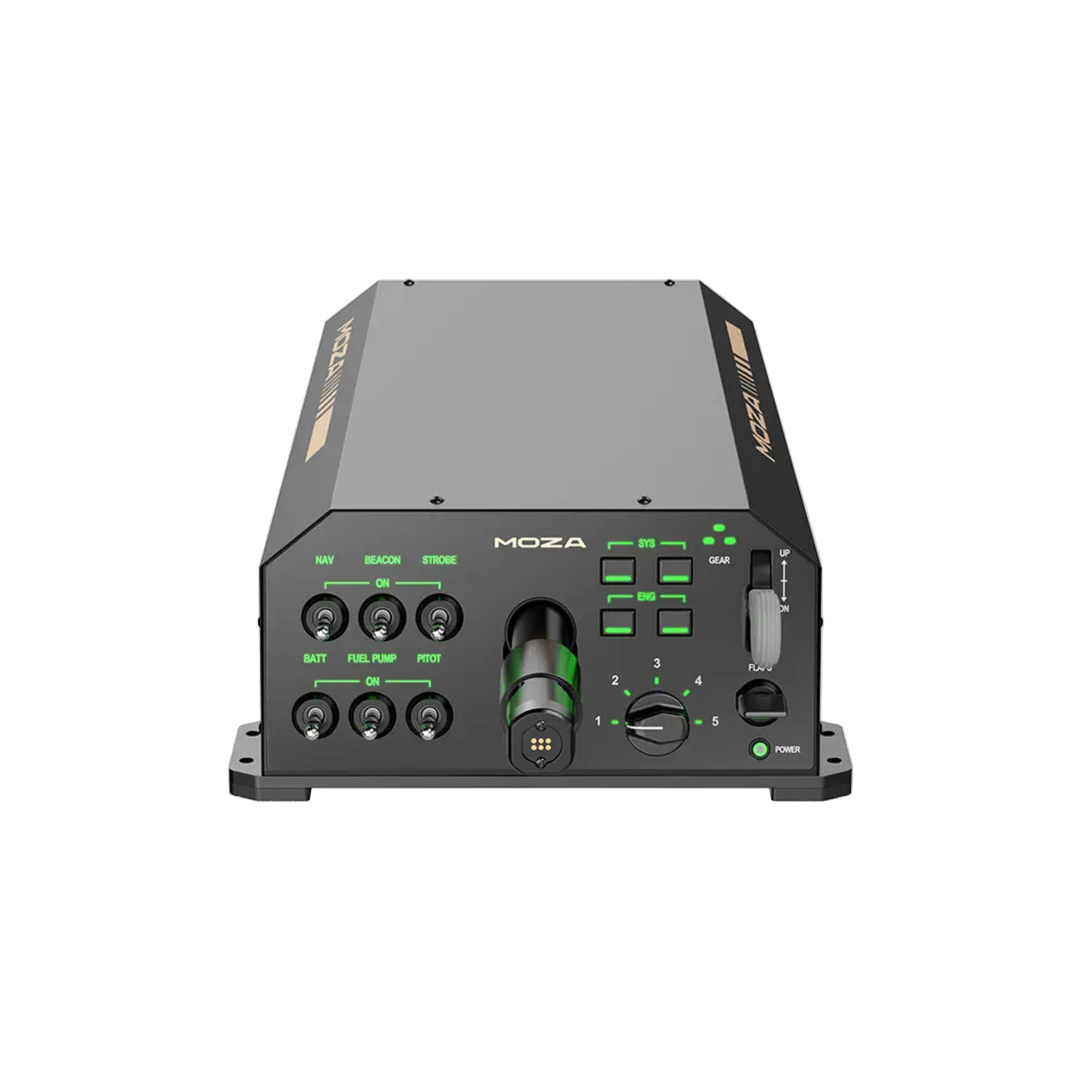
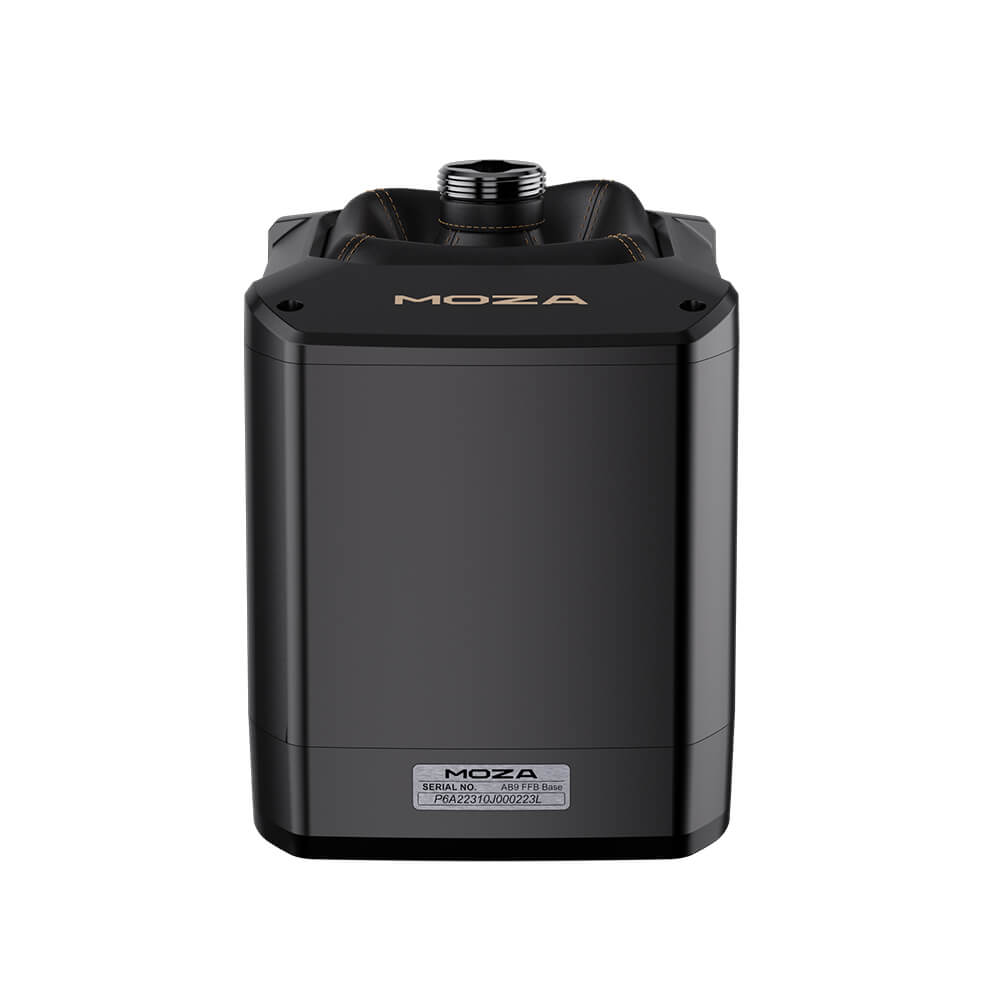
The MOZA AB9 is the bigger base, with dual servo motors giving 9 Nm constant and 12 Nm peak torque. It’s built from aviation-grade aluminium in a sealed, fanless body, and it polls over USB at 1000 Hz. For the base alone, it was US$499 on MOZA’s US store on 28 September 2026. It takes MOZA’s MH16, MHG and MA3X grips, and third-party grips such as Warthog-type ones fit with an optional adapter. It also supports a twist (Z-axis) module, a no-centring mode for helicopters and MOZA’s AY210 yoke. MOZA pitches the AB6 at buyers who want the controls built into the base for less money, and the AB9 at those after “the smoothest force feedback and expansion flexibility”. G-LOC MEDIA found the AB6 strong enough for a newcomer to FFB, but a long way short of an AB9 for anyone who has used one.
DCS has added default MOZA profiles for the F/A-18, F-16C, AH-64D and F-15C. MOZA only entered flight sim with the AB9 in June 2024, and the AB6 followed in June 2025. MYSH includes MOZA more as a mention than a full recommendation, because its long-term reliability is still unproven. On grips, the MHG has 4 buttons, three 5-way switches, a 3-way switch and a hat. The MH16 is aluminium and inspired by classic fighter aircraft controls, with 30 inputs and no twist, and the MA3X is a civil sidestick-style grip with 12 inputs, right-hand only.
VKB, Virpil and WINCTRL – the enthusiast sticks
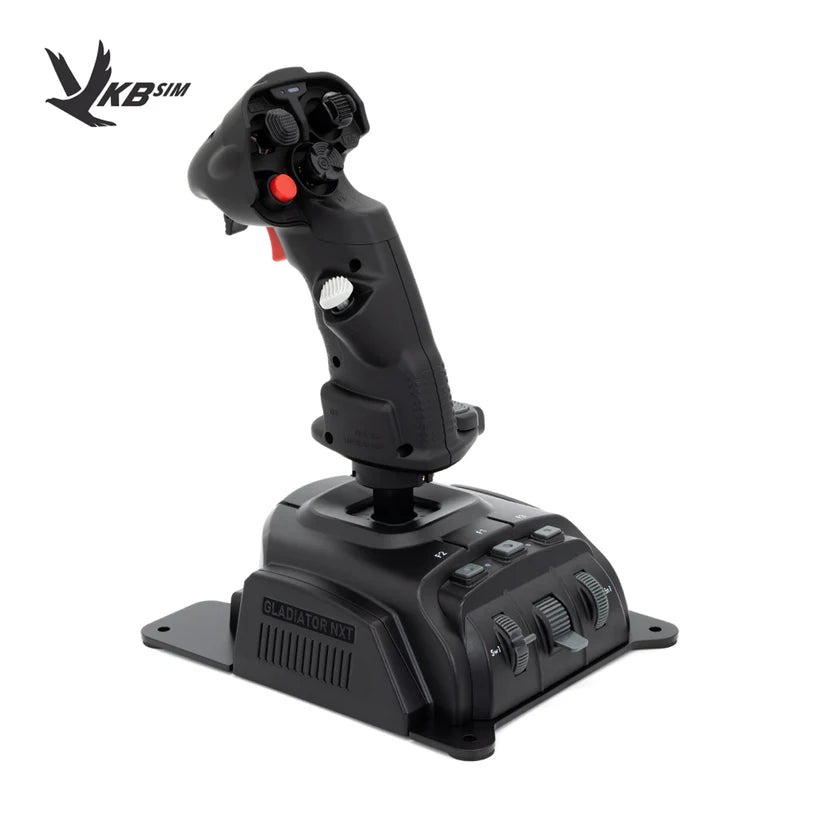
The VKB Gladiator NXT EVO is MYSH’s value pick, and he says that at its price “there’s no competition at all”. He calls it the best long-term base too, because VKB’s conversion kits let the grip move to a Gunfighter base later. It uses VKB’s contactless MaRS sensors on X, Y and the lockable twist, a ball-bearing gimbal with an adjustable dry clutch, and it sits on a steel desk baseplate. It was showing sold out on VKB’s US store on 28 September 2026.
Virpil’s MongoosT-50CM3 base is all-metal (D16T duralumin), with 14-bit contactless sensors. It comes with three spring weights and five cam profiles, one of them with no centre, and it takes Thrustmaster grips as well as Virpil’s own. The WarBRD-D is Virpil’s lower-priced base. The CM3 was showing backorder on Virpil’s US store the same day.
WINCTRL sells the Ursa Minor joysticks in Fighter, Space and Airline versions, alongside the all-metal Orion 2 base. According to MYSH, the Orion 2 has no twist, like the original Warthog. All three sell through their own online stores.
When a yoke, throttle or rudder pedals are the better buy
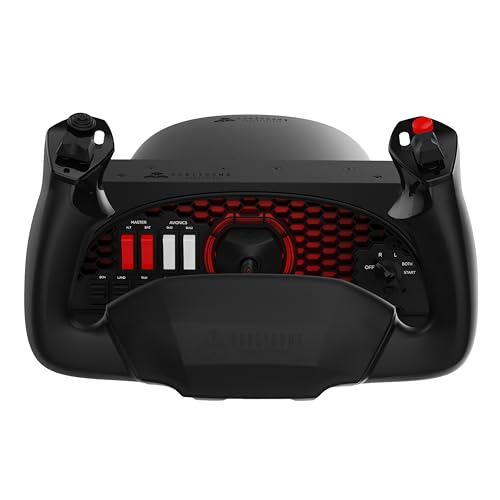
For GA flying in MSFS, the Honeycomb Alpha Flight Controls pairs a yoke with a switch panel, and Honeycomb sells the Bravo Throttle Quadrant to go with it. MOZA’s AY210 force feedback yoke base has its own review on the site. Honeycomb has also announced its first stick, the Foxtrot Aviation Stick (Hall effect, ambidextrous, twist yaw, PC and Mac), but its US store still said “Available soon” at the time of writing, so it isn’t a pick yet.

Honeycomb Alpha Flight Controls
A yoke with its own switch panel, for GA and airliner flying in MSFS.
As an Amazon Associate, SimRacingCockpit earns from qualifying purchases.
The MOZA MTQ is a throttle quadrant with four axes and detents, fighter-style levers in the box, and Airbus (TQA) and Boeing (TQB) lever sets as options. The MOZA MTP is the fighter-style throttle, in aluminium with a vibration module, and it gets to 35 switches once you add its matching MTLP panel. The throttle guide covers the rest of the field.
Any stick without a twist needs rudder pedals, and so does anyone who’d rather work the rudder with their feet. The MOZA MRP is all-metal, with ±30° of rudder, up to 150 mm of travel and Hall-sensor toe brakes.
Which flight stick should you buy?
For a first stick on PC, buy the T.16000M FCS, or the FCS HOTAS if you want the TWCS throttle with it. Airliner flyers should go for the TCA Sidestick Airbus Edition and add the TCA Quadrant. DCS pilots after a combat HOTAS should look at the Warthog MKII and a set of rudder pedals. The T.Flight HOTAS One is the Xbox pick, and on PS5 it’s the Hotas 5. For force feedback, the AB6 is the way in and the AB9 is the base to grow into. The AB6 vs AB9 comparison weighs the two up.
The flight sim gear hub covers the rest of the cockpit, and the flight simulation guide and the flight VR guide pick up the sims and the headsets. Enjoy the flying!
Related Articles
The Best VR Flight Games and Sims
Best Throttle for Flight Simulator 2026: MOZA, Honeycomb, Thrustmaster, WinCTRL Compared
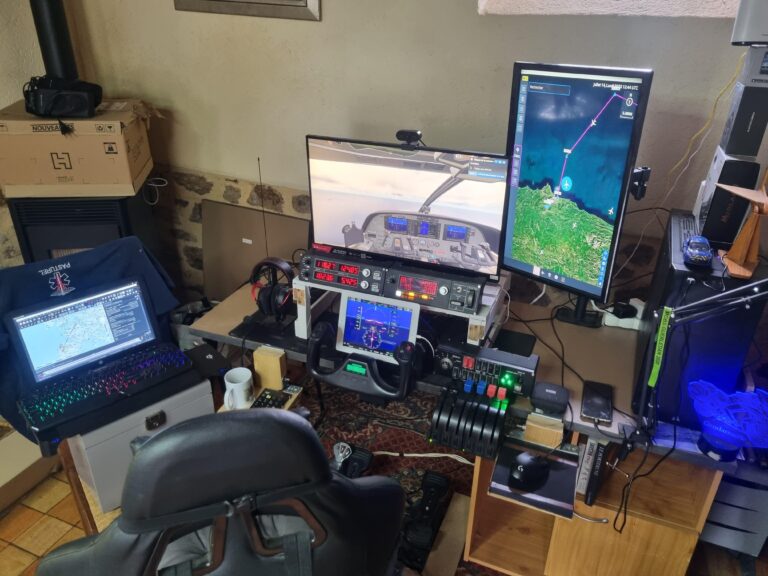
MOZA AY210 + MFY Yoke Review: The Autopilot-Moves-the-Yoke Setup That Earns Its $848
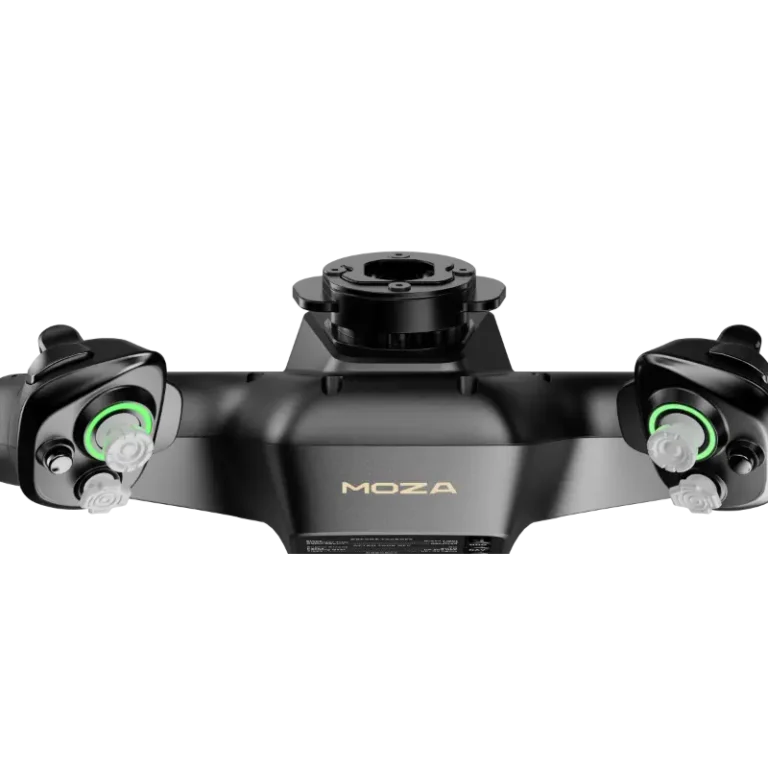
Force Feedback for Flight Simulation: What It Is, What It Costs, and When You Should Spend on It (2026)
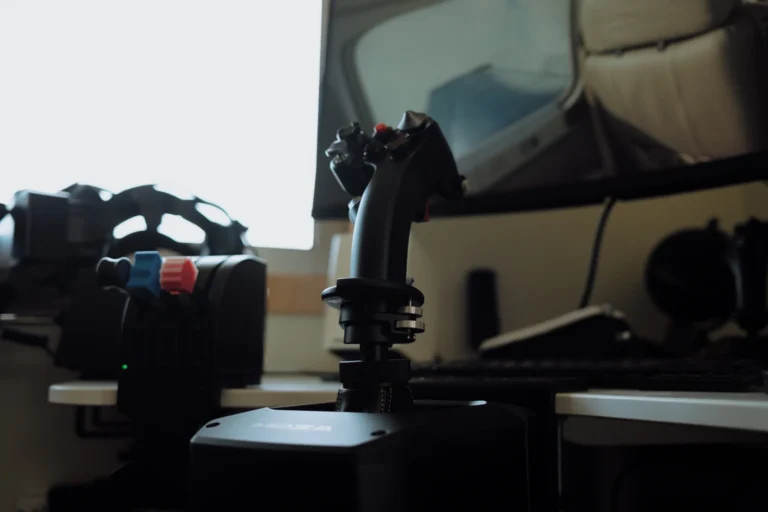
MOZA AB6 vs AB9: Which Force Feedback Flight Base Should You Buy in 2026?
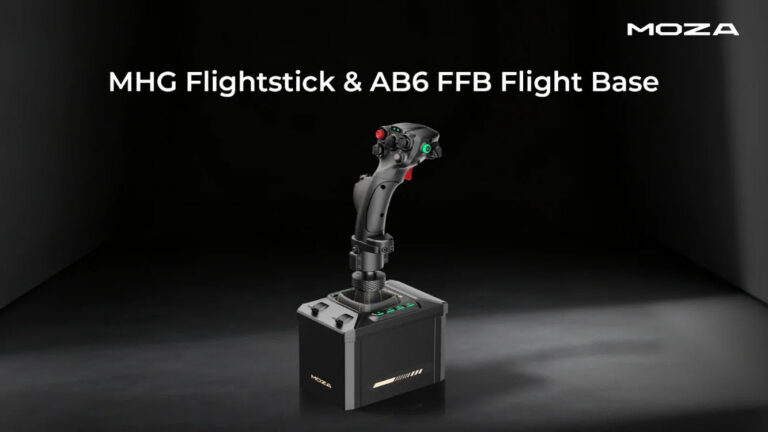
MOZA AB6 Review: Budget Force Feedback Flight Stick Bundle
Topic: Flight Simulation