

I’m a sim racer and amateur racer with a passion for Motorsport, good racecraft and the technical and setup aspect of sim racing.
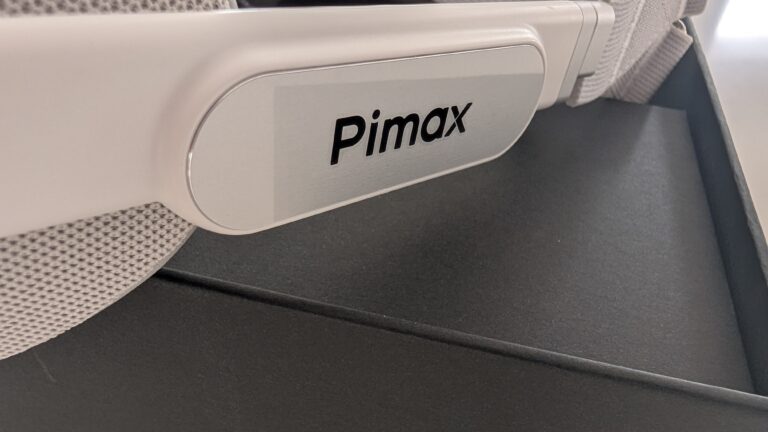
Featured image: the Pimax Dream Air SLAM badge, close up
Today we’re looking at Lighthouse tracking, specifically on the Dream Air – whether it’s the right choice for static, seated gaming like flight or sim racing, what the pitfalls are, how to get set up, and whether you need Lighthouses in your life in 2026. Two base stations is preferable for sim racing and, if like me, you still have monitors, you need to mount them in a way the monitors can’t block tracking.
Quick Navigation
Jump directly to what you’re looking for:
What they share | How many and where | Setup and cables | CPU | Tracking quality | 1.0 vs 2.0 | Flight sim | Which to choose
What the Lighthouse and SLAM Dream Air share
Lighthouse tracking works from base stations, small boxes that sweep the room with infrared lasers, and sensors on the headset use the timing of those sweeps to work out where you are. SLAM works the other way round, with cameras on the headset mapping the room and the maths running on your PC.
The Dream Air Lighthouse and the Dream Air SLAM share the same Sony Micro-OLED panel at 3840 x 3552 per eye, the same lenses, the same weight of under 170 g and the same Tobii eye tracking. You choose the tracking when you buy, and there’s no faceplate to swap later, so a Dream Air SLAM can never use base stations. On a wheel you don’t need controllers with either one, and the Dream Air Lighthouse ships without them anyway.
| Dream Air Lighthouse | Dream Air SLAM | |
|---|---|---|
| Tracking | Base stations (Lighthouse), outside-in | Cameras on the headset (SLAM), inside-out |
| Base stations | Required, not included (1.0 or 2.0) | Not used |
| Controllers in the box | None | Two |
| Tracking CPU cost | Lower | Higher, as it’s worked out on the PC: 5-6% more CPU in MSFS 2024 and 6-8% in ACC (Pimax’s benchmark) |
| Dark room | Works | Needs light and texture |
| Passthrough | No | Yes |
| Panel, lenses, weight | Same | Same |
| Best for | A fixed cockpit with somewhere high to mount two stations | No stations to mount, in a well-lit room |
How many base stations, and where to mount them in a cockpit
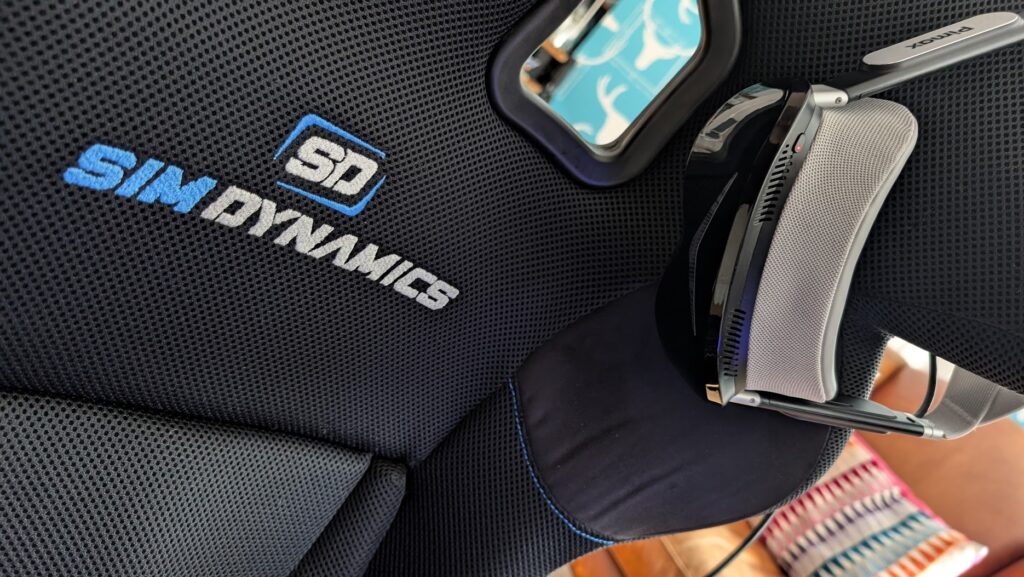
I have two Base Station 2.0s on my main sim. In my case that’s on the shelves above my sim, angled to peer down into the cockpit. That way the monitors can’t block them.
Valve’s own guidance is to mount base stations above head height, about 2 m up, angled down 30-45°, no more than 5 m apart and on something solid. On a sim rig, vibration upsets a 2.0 station, and its LED flashes blue when it can’t hold steady, so think twice before bolting one to the frame of a direct drive rig.
Monitors block the line of sight, and their screens reflect the lasers too, which is why Valve lists monitor screens alongside windows, mirrors and TVs as things that interfere with tracking.
Once your stations are placed, leave them alone, because moving one means re-running room setup.
Is one base station enough for a seated rig?
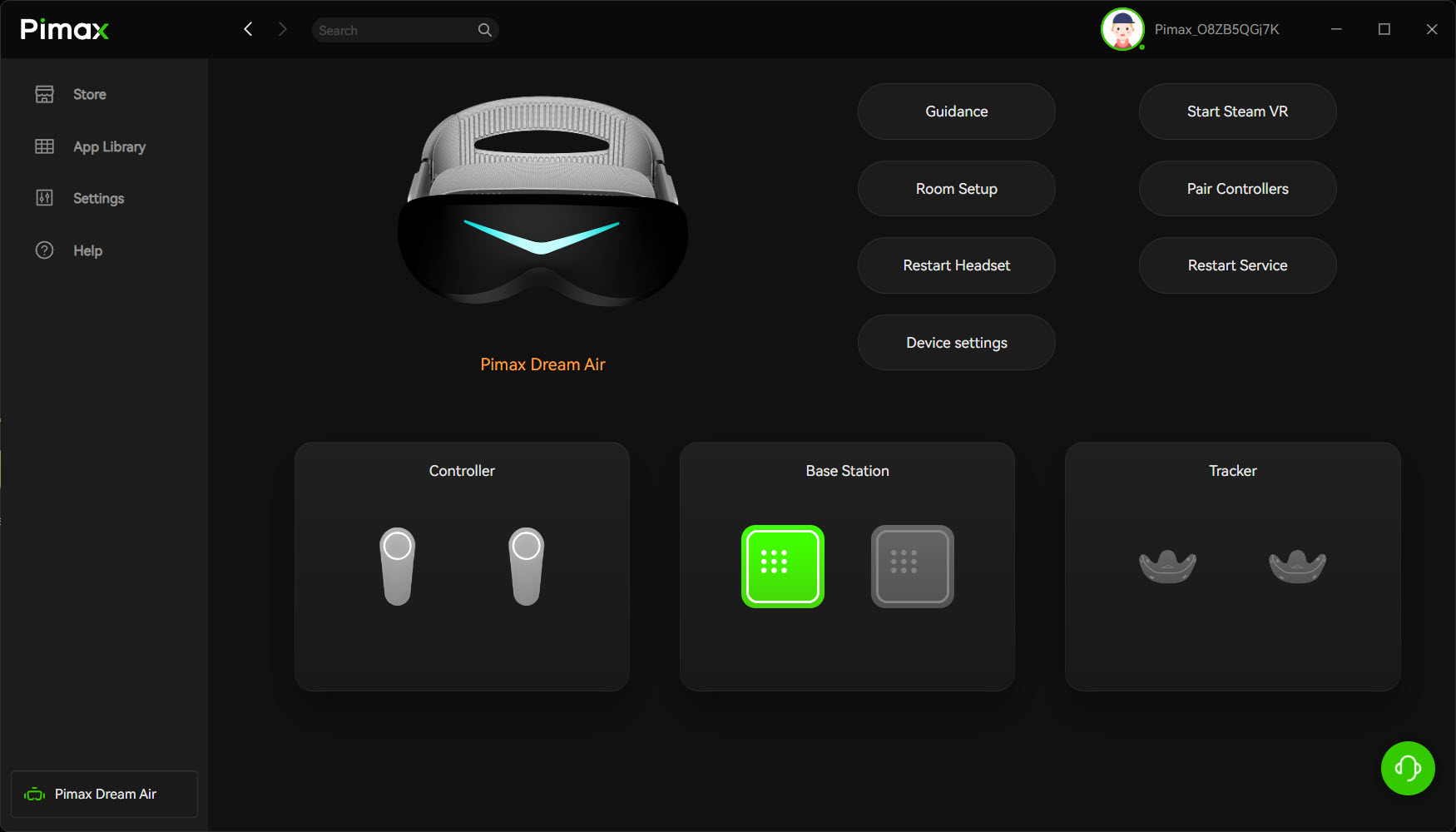
It can be. Valve says one base station can be sufficient for seated play but still recommends two. People running a single station find tracking holds while they’re facing it, then drops out when they turn their head a long way from it. For sim racing I’d still go with two.
Setting up base stations: channels, power and standby
On my rig, the pitfalls were just the inconvenience of early config, getting the Lighthouses positioned properly and the extra power cables for each. That’s a bit of a peeve for me as I’m already inundated with cables! Each base station needs its own mains socket, and none of them connect to your PC.
Once your base stations are positioned and powered, install Pimax Play and SteamVR, then let the firmware update and restart. Every Pimax headset that’s come through my office has been awkward on its first start, and the Dream Air Lighthouse was no different. Pimax Play had found the base station, but I couldn’t power the Dream Air Lighthouse on. The power button sat there with a red light tempting me to press it (which of course I did) – no bueno. I unplugged the USB and plugged it back in, and after that everything just worked.
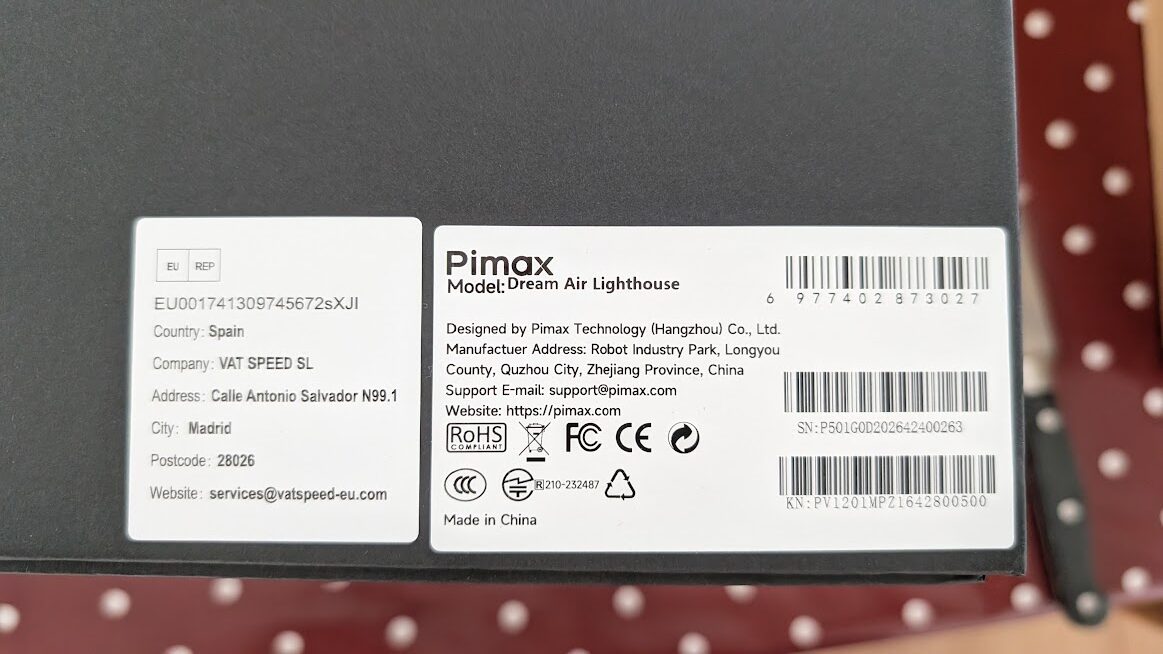
Channels are each station’s ID, so that two stations don’t clash. On Base Station 2.0 you set them in SteamVR over Bluetooth. Head to Devices > Base Station Settings > Configure Base Station Channels and let Auto-Configure do the work for you. On Base Station 1.0 it’s the button on the back.
SteamVR’s base station power management is off by default, which means the stations stay on and emitting whenever they’re plugged in. It works over Bluetooth, and Dream Air owners switch their stations off with OVR Lighthouse Manager, the Base Station Companion app or smart plugs.
It’s a trade-off – well-configured Lighthouse tracking with the SBoys3 driver works really well after you’ve tweaked the positioning and you have good coverage.
Does Lighthouse tracking use more CPU than SLAM?
My intuition, based on what I’d read, was that the Lighthouses add CPU load, and I’d have pointed anyone on less than a 12th-gen Intel CPU at the SLAM Dream Air SE. I checked, and I stand corrected. Pimax’s own benchmark on YouTube says the opposite.
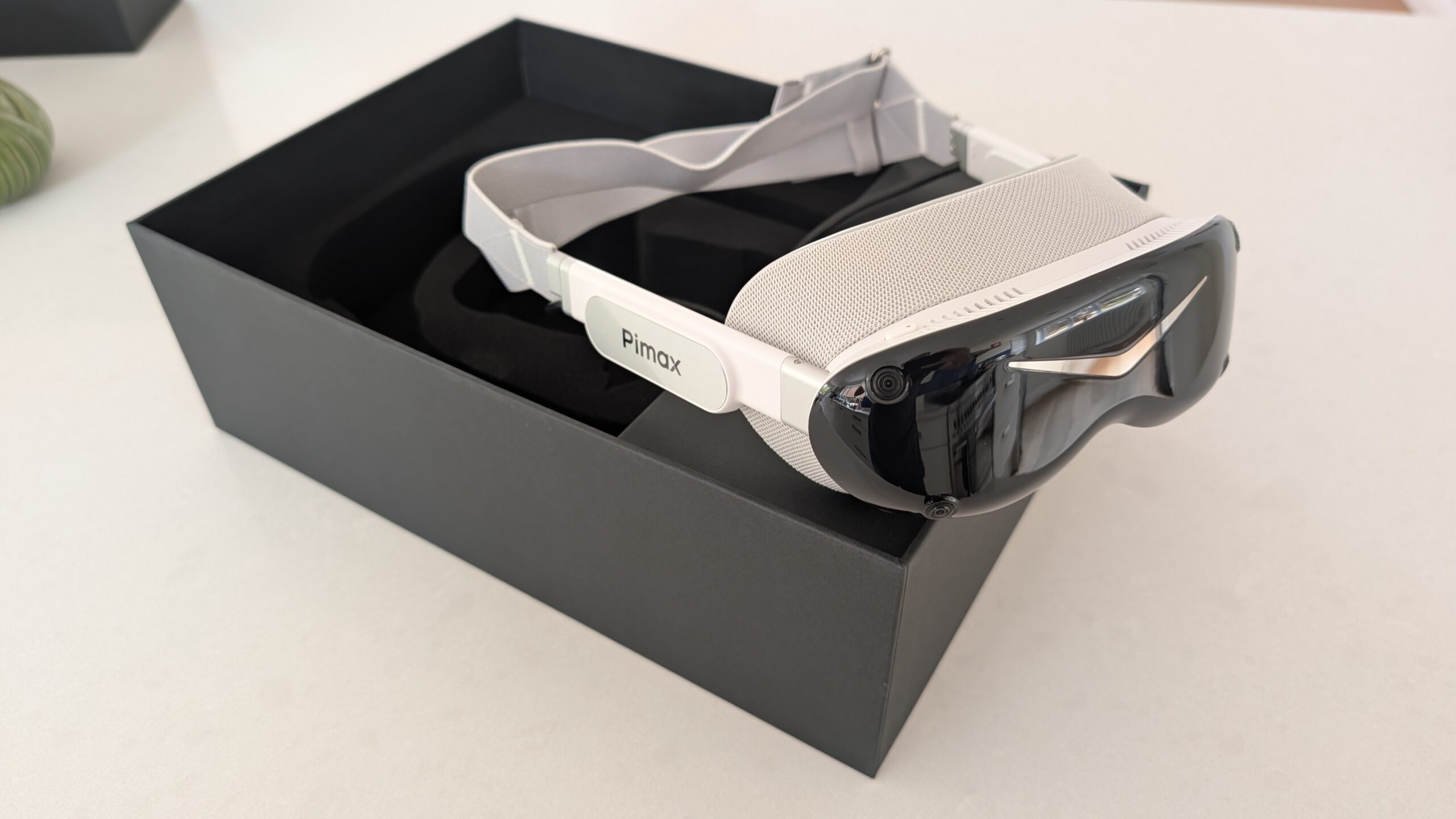
SLAM is worked out on your PC, so it’s SLAM that costs you CPU. On a Ryzen 9 5950X with an RTX 4090, Pimax measured 5-6% more CPU on the tracking process in MSFS 2024 and 6-8% more in ACC, which came out at a frame or two at most. On an old RTX 2080 laptop, SLAM head tracking on its own kept up with Lighthouse – it was the two SLAM controllers that froze games, and on a wheel you won’t be using them. Even so, Pimax’s advice from that test is that an older CPU is better off with the Dream Air Lighthouse.
As with all things VR, CPU spec is as important as GPU spec. A powerful GPU bottlenecked by the CPU will give you the worst of all worlds. If you’re running, say, an i7-14700K, you’ll have no problem whatsoever.
Tracking quality in a seated rig
Reviewers split on seated head tracking. MRTV and VR Flight Sim Guy find Lighthouse the steadier of the two, while others find SLAM holds its own sat down, on the Dream Air SLAM and the Dream Air SE alike. My take is that a well set up SLAM beats a marginally placed Lighthouse, and the wobble lives in the controllers, not the head tracking.
Lighthouse works in the dark, because the headset is tracking the stations’ infrared lasers rather than the room. SLAM needs light and texture to see by, and it starts to drift in a dim room, in front of glowing monitors or facing a blank wall.
Some Dream Air Lighthouse owners have reported micro-jitter, and Pimax said in July that it was following up with its engineering team. Other owners measure none at all.
Base Station 1.0 vs 2.0, and which to buy
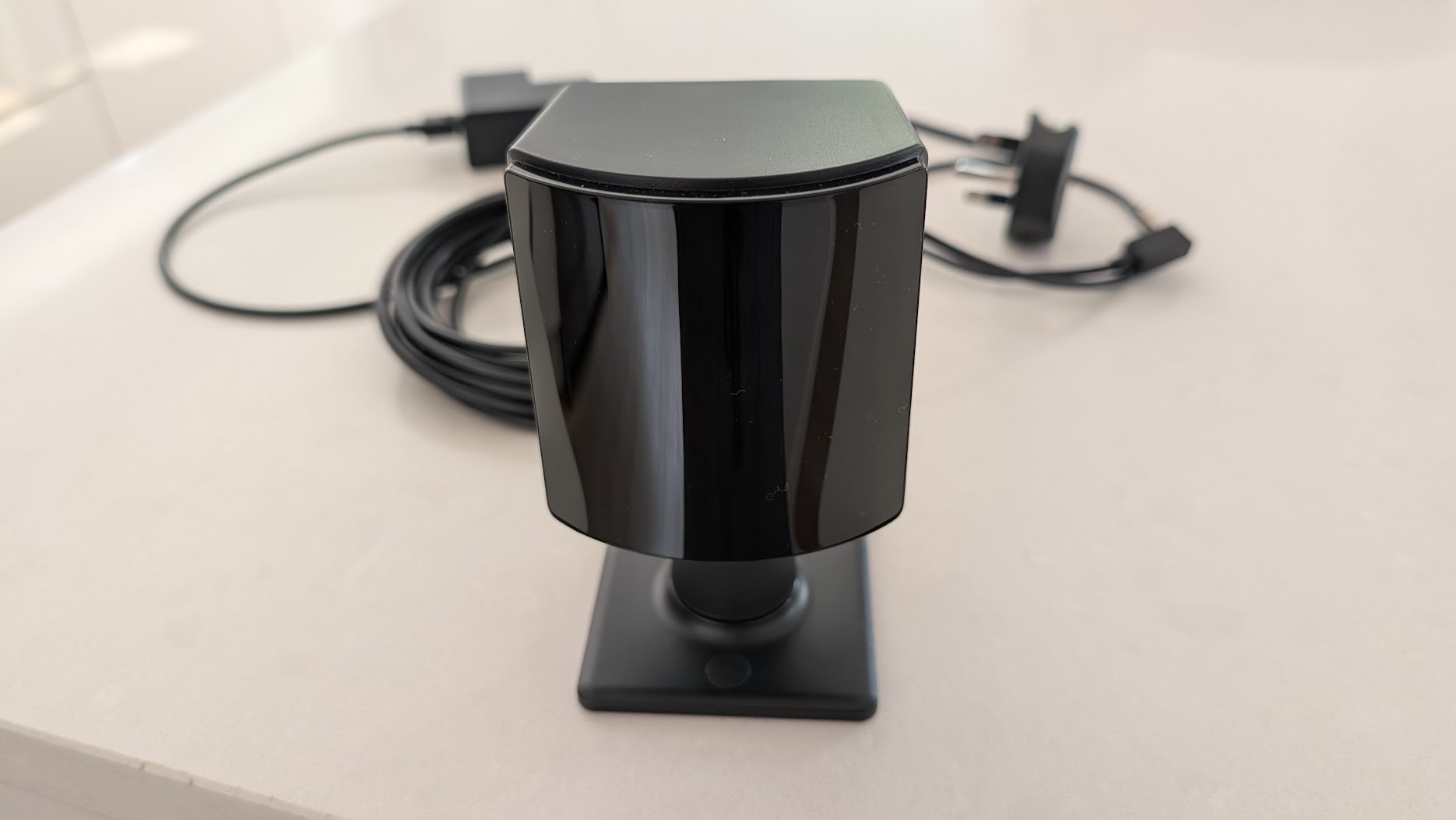
If you’re buying base stations new, buy 2.0. Base Station 2.0 has a 160° x 115° field of view and 7 m of range, and you can run up to four in a room. Base Station 1.0 tops out at two, and the pair have to see each other to stay in sync unless you run a sync cable between them.
The Dream Air Lighthouse works with both. Base Station 1.0 needed a channel fix early on (B and C for two stations, per Pimax staff), and one report of 1.0 stations flashing green was still unresolved in August.
| Base Station 1.0 | Base Station 2.0 | |
|---|---|---|
| Field of view | 120° | 160° x 115° |
| Range | Stations up to 5 m apart | 7 m range |
| Stations per room | Two | Up to four |
| Sync | Stations must see each other, or share a sync cable | No line of sight needed between stations |
| Channels | Button on the back | SteamVR over Bluetooth |
| Power | One mains socket each | One mains socket each |
The stations that came with a Valve Index are 2.0s, and they carry straight over to a Dream Air Lighthouse. New 2.0s are harder to find. On 25 September 2026 Valve’s store listed them at $149, but out of stock, which leaves other retailers and the used market. Check the price at the checkout rather than trusting a figure in an article, including mine!
Can you mix 1.0 and 2.0 base stations?
No. Valve and Pimax both say never to mix the generations in one setup, so pick one and stick with it.
What about flight sim?
For flight sim, just go for the Crystal Super with the 57 PPD (pixels per degree) lens, or the Crystal Light. Superior FOV (field of view) and better, less fiddly tracking. Both track by SLAM out of the box, so there are no base stations to place.
Pimax discount codes: use SIMRACINGCOCKPIT for 2% off, or SIMRACINGCOCKPIT25 for $25 off, at pimax.com.
VR Flight Sim Guy sees it the other way and prefers the Dream Air Lighthouse for flight, because it never loses tracking when he looks down at the consoles and it works in the dark.
So which should you choose?
If you already own base stations from a Valve Index or a Vive Pro, buy the Dream Air Lighthouse and reuse them.
If you’re starting from nothing and want the easiest setup, with no stations to mount and no extra power cables, pick SLAM. The Sony panelled Dream Air SLAM comes with controllers. At the budget end, the Dream Air SE has its own 2560 x 2560 Micro-OLED panel, and you can have it with SLAM or Lighthouse tracking.
If your CPU is on the older side, pick Lighthouse. With triples in the way, Lighthouse only works out if the stations can go high above them – otherwise go SLAM, keep the room lit and give the cameras more to look at than a wall of screens.
For my part, it’s Lighthouse on my main sim, and for my testing setup I use SLAM tracking on my Dream Air SLAM for ease of setup.
Good luck and let me know how you get on in the comments!
Related Articles
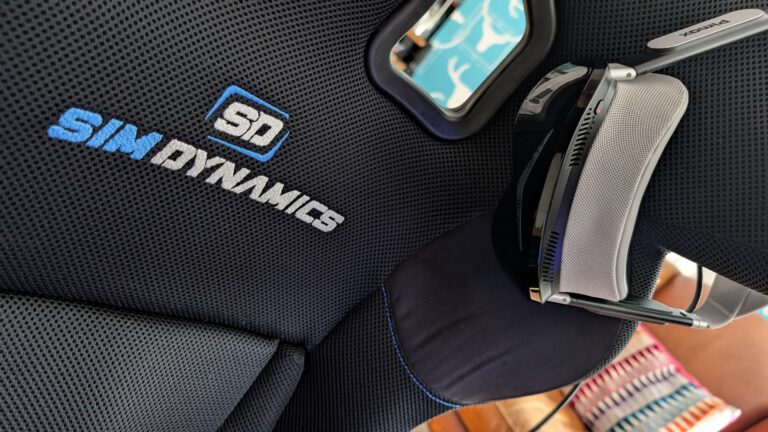
Pimax Black Friday 2026: Price Protection, and Why I Rate the Move
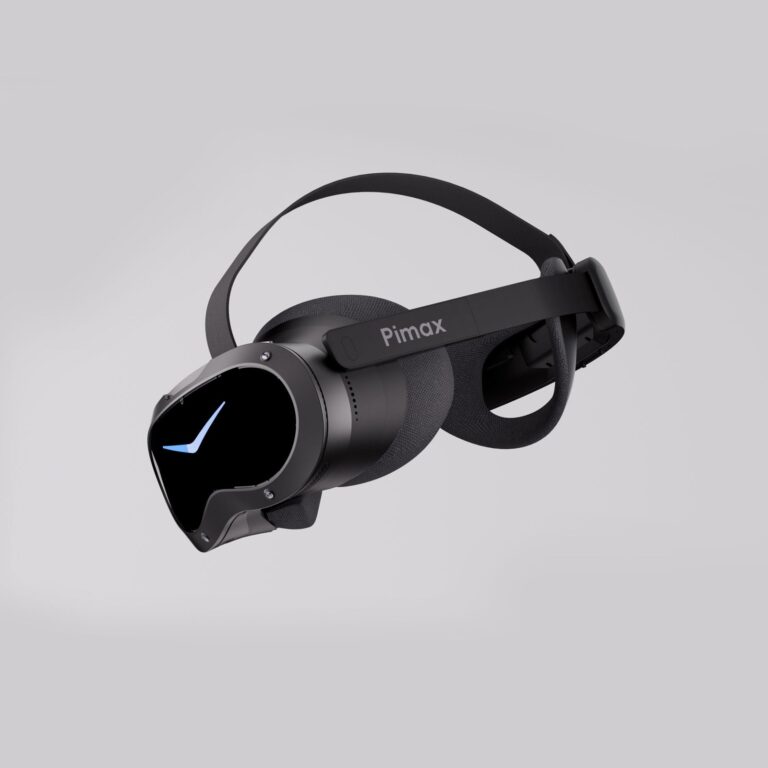
Should Sim Racers Wait for the Pimax Crystal Pro, or Buy Today?
Pimax Crystal Pro: Everything We Know So Far
Bigscreen Beyond 2 for Sim Racing: What to Know in 2026
Pimax Dream Air vs Dream Air SE: Which Should a Sim Racer Buy?
SteamVR Base Stations for Sim Racing: Lighthouse vs SLAM on the Pimax Dream Air
Topic: VR Headsets