

I’m a sim racer and amateur racer with a passion for Motorsport, good racecraft and the technical and setup aspect of sim racing.
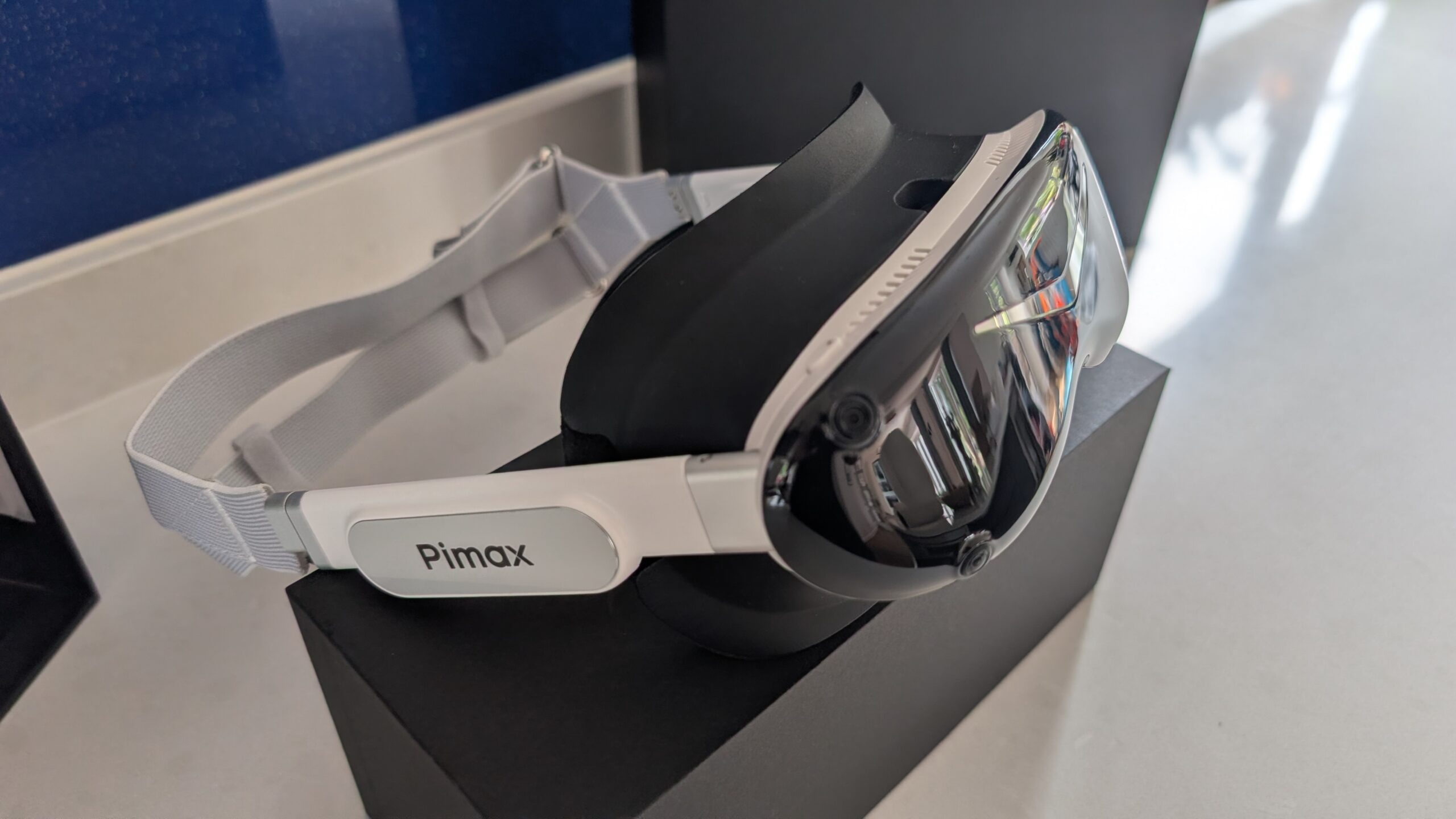
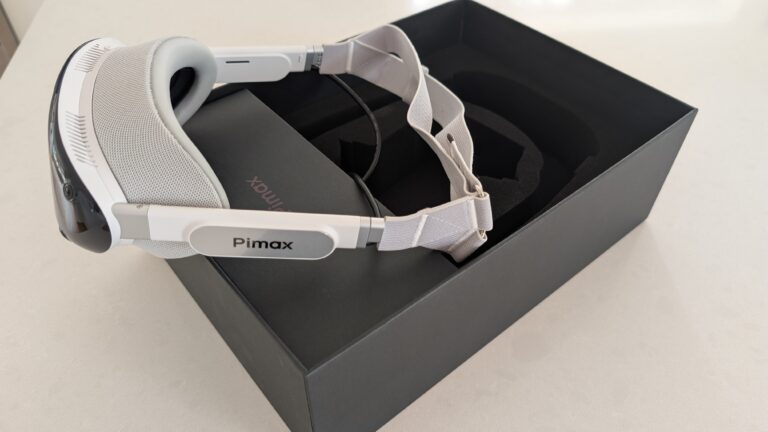
Featured Image: Pimax Dream Air SE SLAM
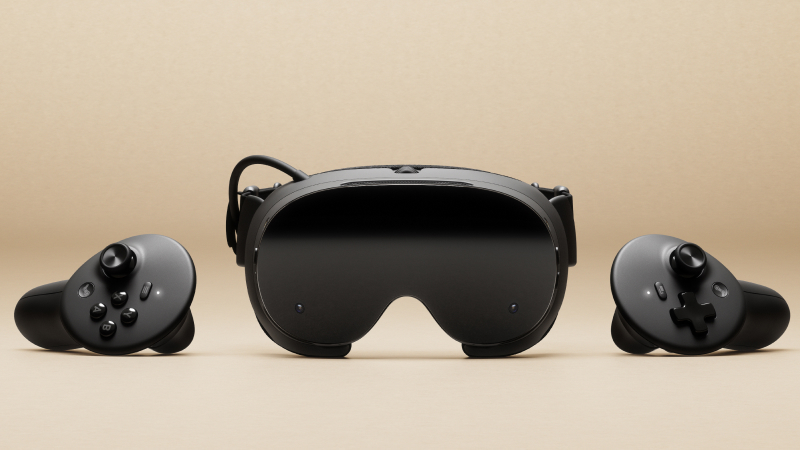
For your VR enthusiast sim racer who naturally sits in their racing seat and just drives, these two headsets are built for quite different jobs. The Steam Frame is a standalone and wireless headset that streams from your PC. Meanwhile, the Dream Air is a wired PC headset that puts the picture first.
My immediate reservation about the Steam Frame is bandwidth on wireless. Generally speaking, it’s quite difficult to achieve the same level of consistent visual bandwidth via wireless versus a HDMI cable. In the back of my mind, there’s always the risk of wireless dropping out or glitching or whatever. Obviously, the best image quality for your PC setup while you’re in the car matters most. And in my opinion, this is where the Dream Air is superior. And actually I’m not alone on that view; I watched an MRTV video that had tried both and said “the Dream Air looks way better than this”.
The Frame does have strengths like comfort and convenience, and it’s wired into the Steam ecosystem, which counts far more, in my opinion, for casual desktop gamers who just want to be able to plug and play, who have their game library in Steam. But, in short, I’m sticking with the Dream Air for my rig for now.
Quick Navigation
Jump directly to what you’re looking for:
What they have in common |
Picture quality |
Do you need wireless in a racing seat? |
Comfort and weight |
Software and tracking |
After-sales support |
Price |
So which should you choose?
What do the Steam Frame and Dream Air have in common?
Both of them play your SteamVR library from the PC. The Steam Frame streams wirelessly, and the Dream Air takes it over a DisplayPort cable. On paper, they quote the same 110 degrees of FOV (field of view), too. In most reviewers’ tests the Dream Air measures between 108 and 113 degrees wide and 88 to 90 degrees tall, and we haven’t seen a measured figure for the Frame yet. The Dream Air doesn’t need so much of the vertical FOV because you’re driving, not looking up and down!
Both have pancake lenses, and both have eye tracking. The Dream Air uses it for foveated rendering, and MRTV reports the Frame uses it for foveated streaming from the PC. And neither of them is cheap.
Picture quality: wired micro-OLED vs streamed LCD
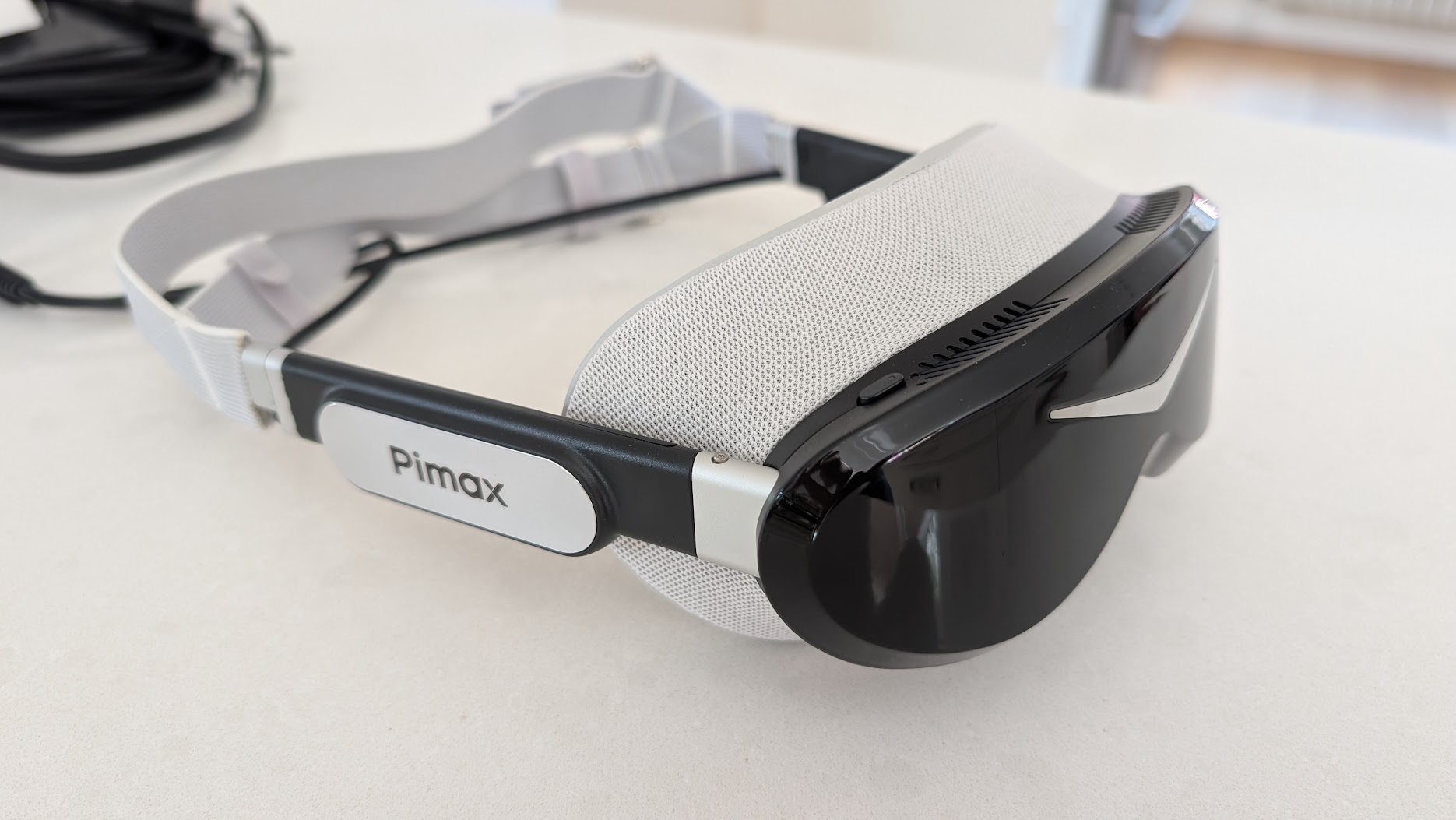
If you sit in a rig and drive, the decision comes down to the picture. The Steam Frame uses LCD panels at 2160 x 2160 per eye, and the Dream Air uses Sony micro-OLED panels at 3840 x 3552 per eye. The first place you see the difference between the two panel types is in the blacks. On the Frame’s LCD panels the blacks read as dark grey, and MRTV says the colours can’t compete with OLED either.
As for clarity, the Frame sits in the same class as a Quest 3, which is to say not better and not worse. ThrillSeeker found the panels “a little disappointing”, because headsets have sat at 2K per eye for the past three years or so. The lenses are well liked, though, with very little glare, and ThrillSeeker says the sweet spot is bigger than the one the Valve Index had.
Reviewers (including me!) praise the Dream Air’s clarity, on the other hand, and 89 of the 94 verdicts on it in our research are positive. It’s wired, too, and Pimax says the DisplayPort 1.4a link carries the image to the headset with no compression.
| Spec | Steam Frame | Dream Air |
|---|---|---|
| Display | LCD | Sony micro-OLED |
| Resolution per eye | 2160 x 2160 | 3840 x 3552 |
| Refresh rate | 72-144Hz (144Hz experimental) | 72 / 90Hz |
| FOV (maker's figure) | Up to 110 degrees | 110 degrees horizontal |
| Weight (maker's figure) | 440 g with headstrap (185 g core module) | Under 170 g, headset only |
| Connection | Wireless streaming (Wi-Fi 6E adapter included) or standalone | Wired, DisplayPort 1.4a |
| Tracking | Inside-out cameras | Lighthouse (base stations) or SLAM (inside-out) |
| Battery | 21.6 Wh | None – powered over the cable |
| Best for | Room-scale, standalone and Steam-library gaming | Seated sim racing, picture first |
MRTV reckons the Frame should have the best wireless PC VR streaming you can get right now, which is down to foveated streaming and the dedicated 6 GHz adapter that Valve includes. Even so, ThrillSeeker found that “especially in motion, there are specific times that you can still tell this is a streamed image”, and in a race the picture is moving the whole time.
MRTV also ran a night race in Automobilista 2 on the Dream Air and said it “looks spectacular”. Nobody in our research has raced the Frame at night yet, but grey LCD blacks show up most where the scene is dark, so we’d expect a night race to be where the Frame falls furthest behind.
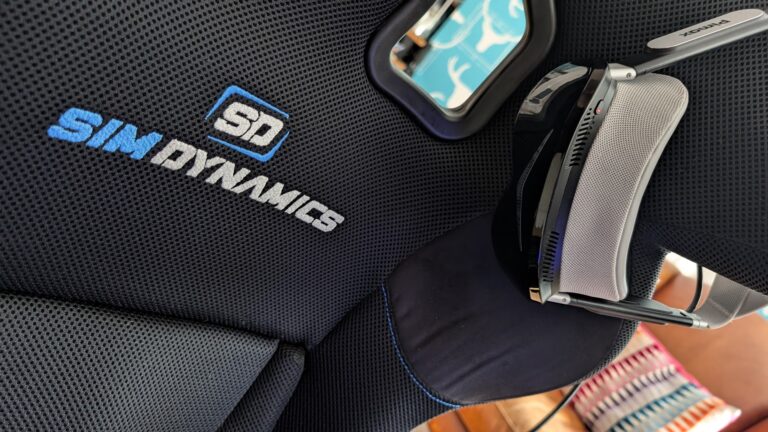
I’m currently enjoying my Pimax Dream Air SLAM in iRacing – for me, the OLED screens are stunning, although it’s a bit GPU intensive.
Do you need wireless in a racing seat?
ThrillSeeker ran Half-Life: Alyx on the Frame with no PC involved, and found you can connect a keyboard and mouse and use it like a desktop. MRTV rates the SteamOS integration highly as well. If you’re the kind of player who stands up and moves around, you’ll make the most of all that.
And how long does the battery last? About an hour if you’re playing a game on the Frame itself, and longer when you’re streaming from your PC. Expect around one and a half to two hours that way. There’s no power supply in the box either, so bear that in mind as an extra cost from Valve.
According to MRTV, the 6 GHz streaming range drops very quickly through walls, which is a problem if your PC isn’t in the room you play in (that would be a pretty unusual setup but never say never). And, if you’re on a mesh wi-fi network – forget about it.
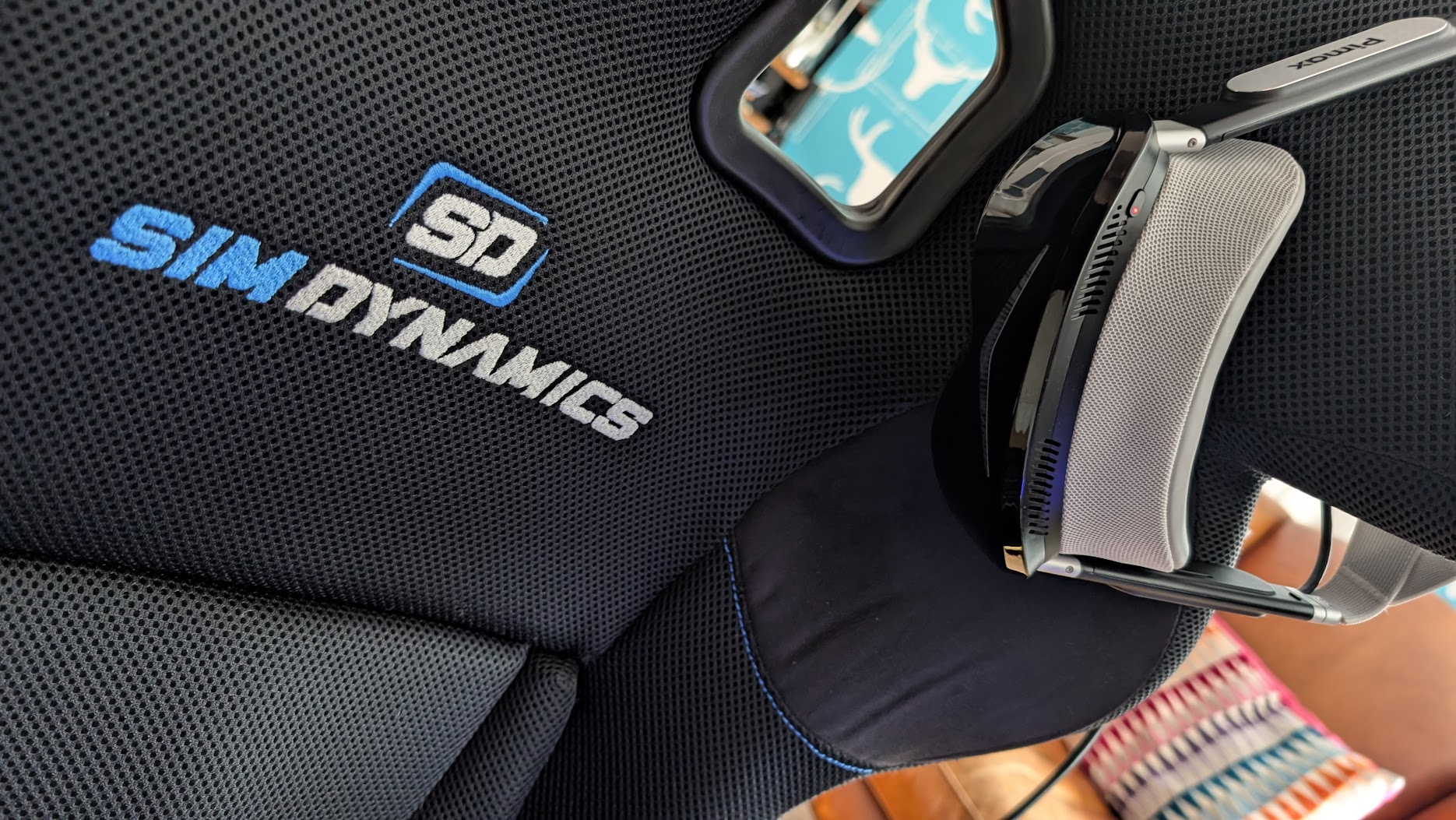
Like any other sim racing enthusiast, the battery isn’t something I need; I stay connected and static in my racing seat.
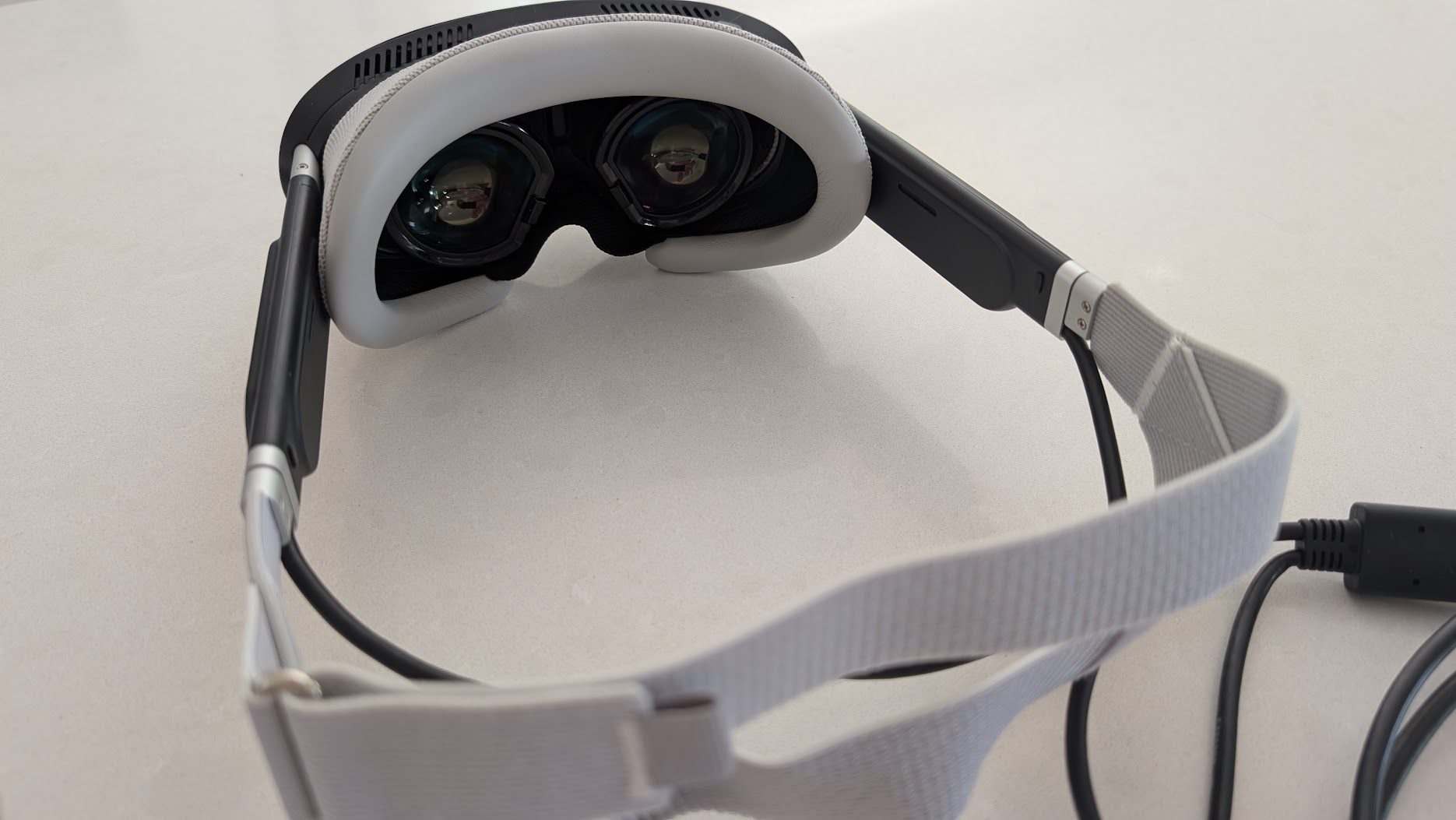
In a rig, then, the question is whether a cable bothers you, and with DisplayPort the Dream Air has to have one. I very much appreciate the slimmer cables the Dream Air uses – they’re a lot less distracting.
It’s a different answer if sim racing is only part of what you do in VR. For someone who also plays standing up, or away from the PC, the Frame’s freedom counts for a lot more than it does in a racing seat.
Comfort and weight
The reviews agree that the Steam Frame is very comfortable and well balanced, with the battery sat at the back. ThrillSeeker went further and called it “by far the most comfortable VR headset that I’ve used for long periods of time”. MRTV did find that light leaks in around the nose unless you add the extended light blocker, which comes in Valve’s Ergonomic Accessories Kit along with a top strap and hand straps.
Valve’s weight figure for the Frame is 440g with its headstrap and battery, or 185g for the core module on its own. Pimax quotes under 170g for the Dream Air, headset only, so it isn’t like for like with the Frame’s 440g. On paper, the Dream Air is still the lighter headset.
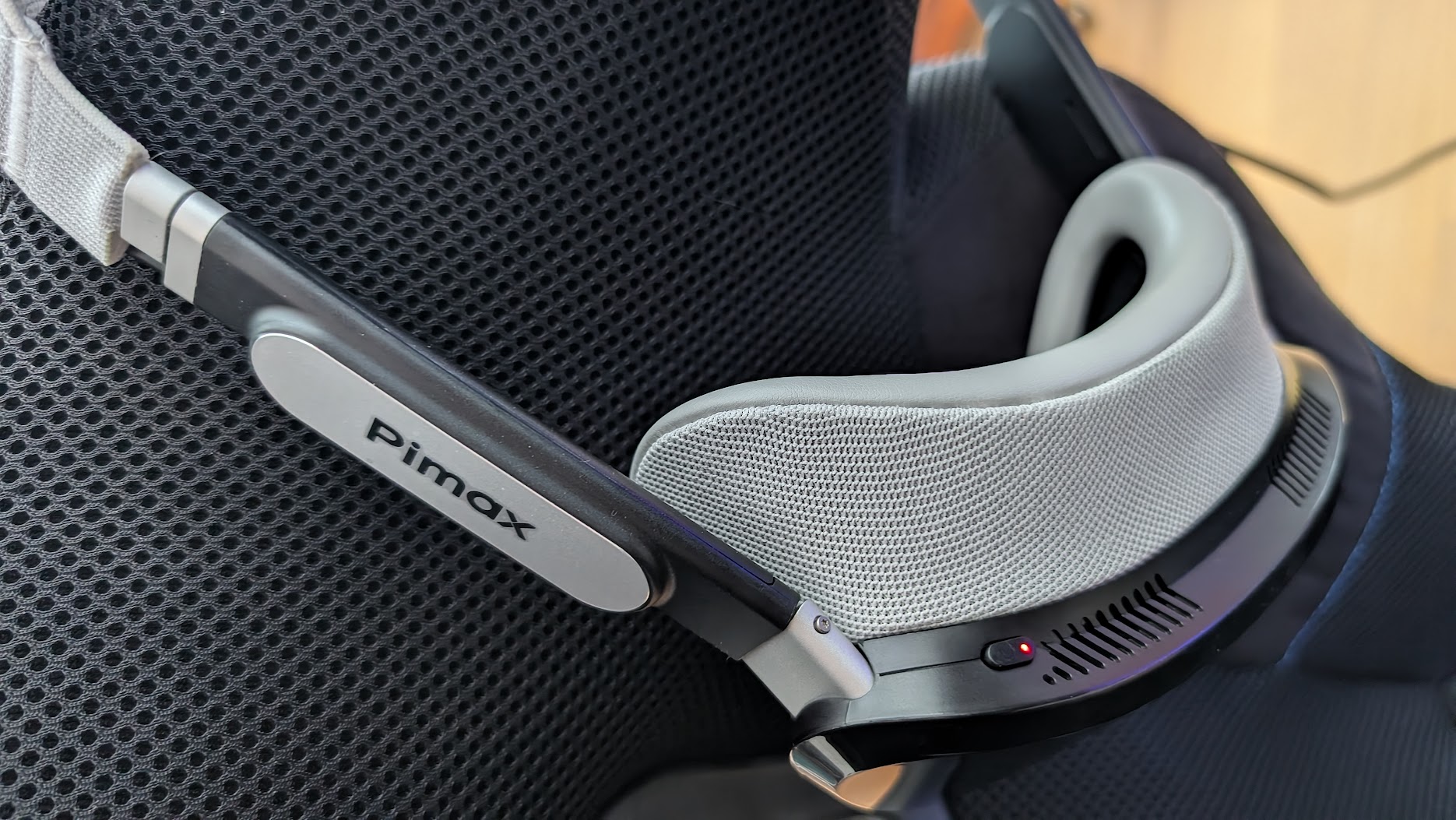
My Dream Air is a lot lighter and more comfortable than the Crystal series.
The Dream Air has had a comfort problem of its own, though, with the original face gasket pressing on the forehead after 20 to 45 minutes for the reviewers who wore it. Pimax has acknowledged it, and anyone who got the original gasket is having it replaced free of charge. Every order now includes the revised Dream Air mask, although it may ship separately.
Software, smoothing and tracking
Whether a sim runs optimally in VR now has little to do with the brand of headset and almost everything to do with the runtime sat between the headset, your PC and the game. And your PC specs, obviously.
On the Frame, the runtime is all Valve’s, because it’s Valve’s own SteamOS hardware and it streams SteamVR natively. The Dream Air runs through Pimax Play, which is rock solid and stable.
For motion smoothing, the Dream Air uses Pimax’s own smart smoothing, and MRTV’s view is that it’s “not on the same level” as SteamVR motion smoothing. The community SBoys3 driver gets round it on the Dream Air by making it a native SteamVR headset, which unlocks SteamVR motion smoothing, but the driver can’t currently use eye tracking.
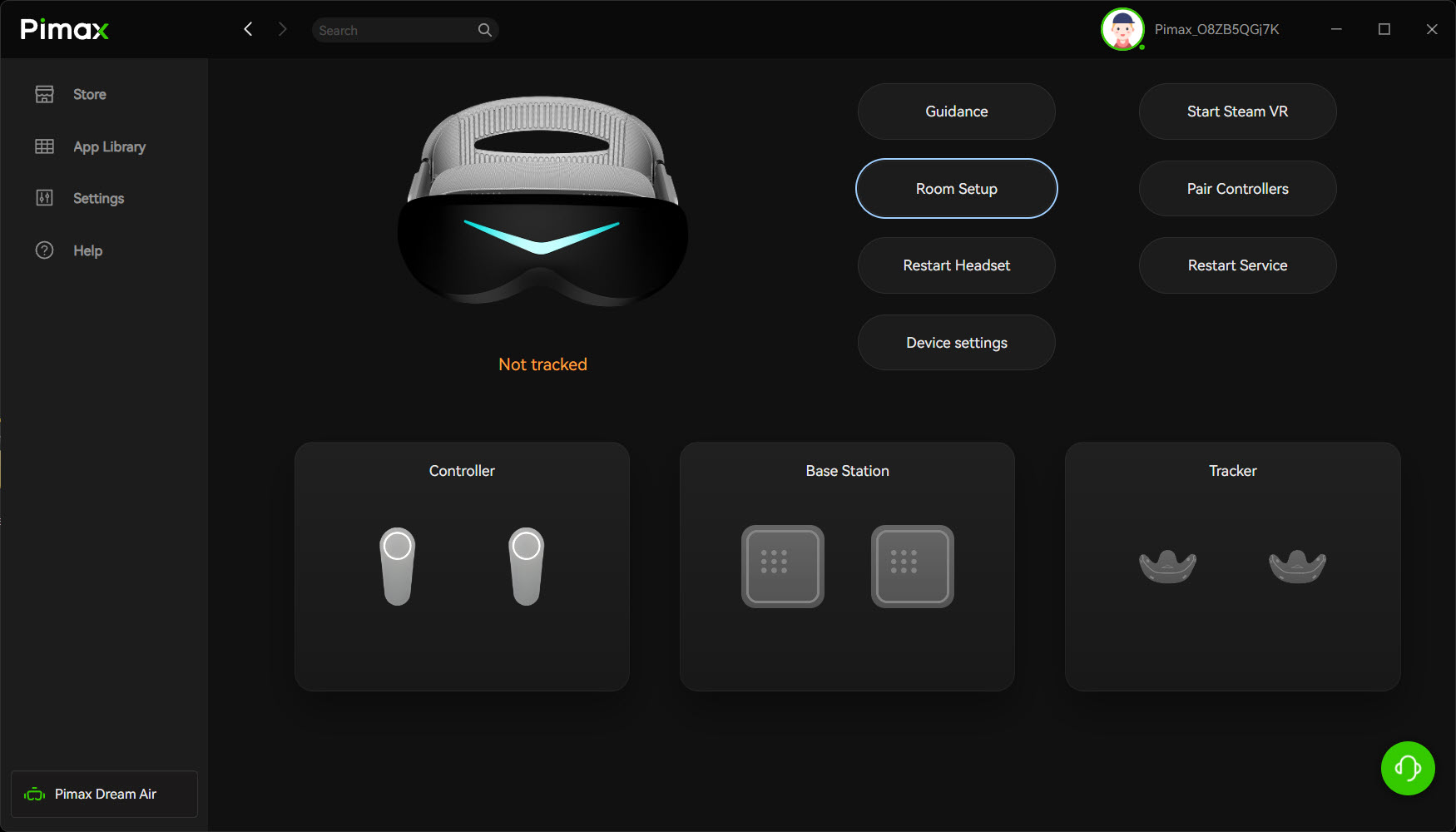
The Frame tracks itself with its own cameras (inside-out tracking), and it does that very well.
There are two versions of the Dream Air, and they track in different ways. The Dream Air Lighthouse uses Lighthouse tracking, which needs one or two SteamVR base stations, and the base stations are not included. The Dream Air SLAM has four onboard cameras that track the headset, so it needs no base stations, and its two controllers are in the box. The SLAM version in my opinion is the more reliable tracking unit but more CPU intensive.
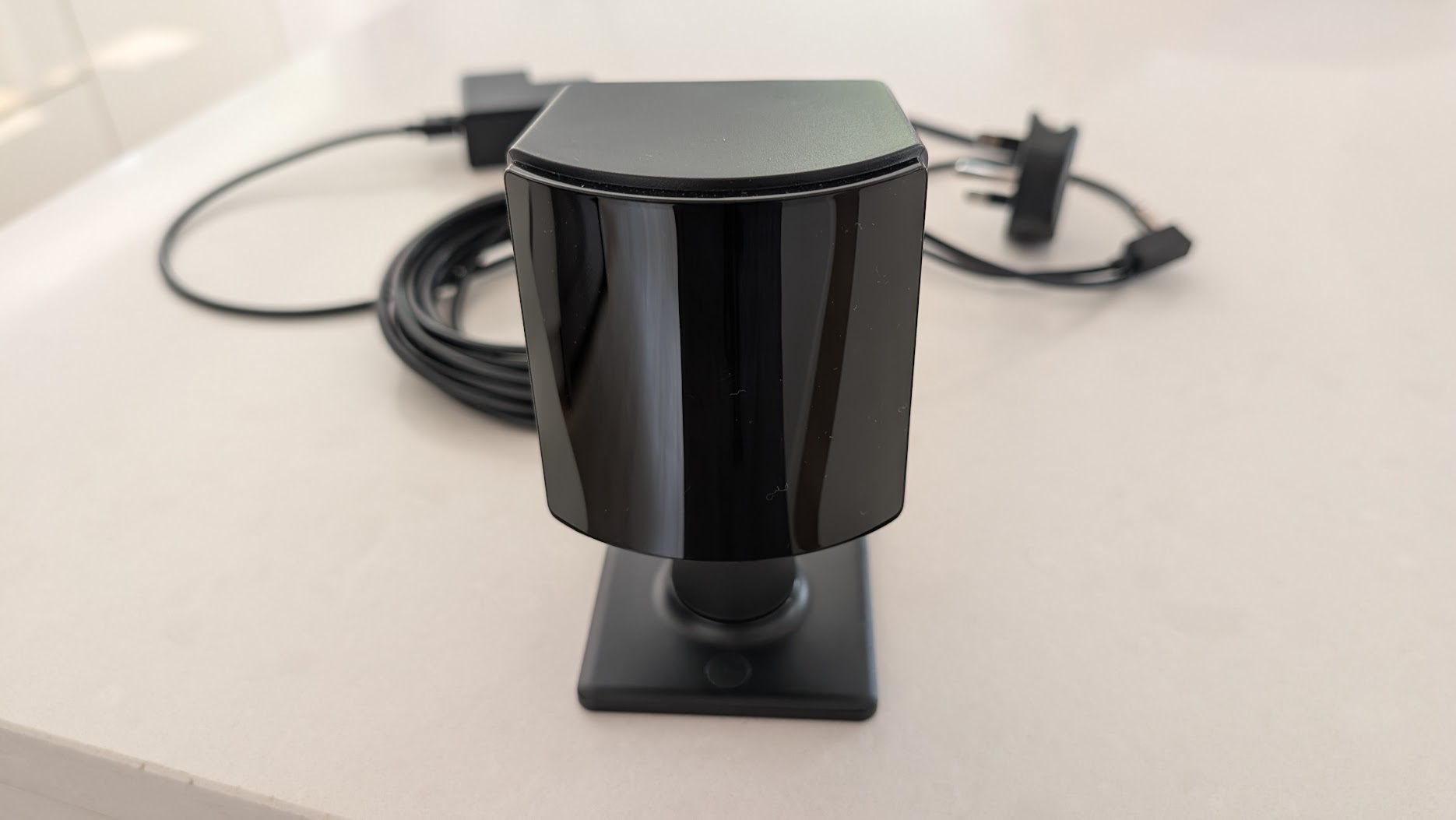
If you’ve come from a Valve Index, there’s a saving to be had, because you can buy the Dream Air Lighthouse and reuse your base stations.
For a seated racer, though, there’s very little between the Frame and the Dream Air on tracking.
After-sales support
You’re parting with over $1,000 whichever of these you buy, so it’s worth spending a moment on the support and the warranty behind each one.
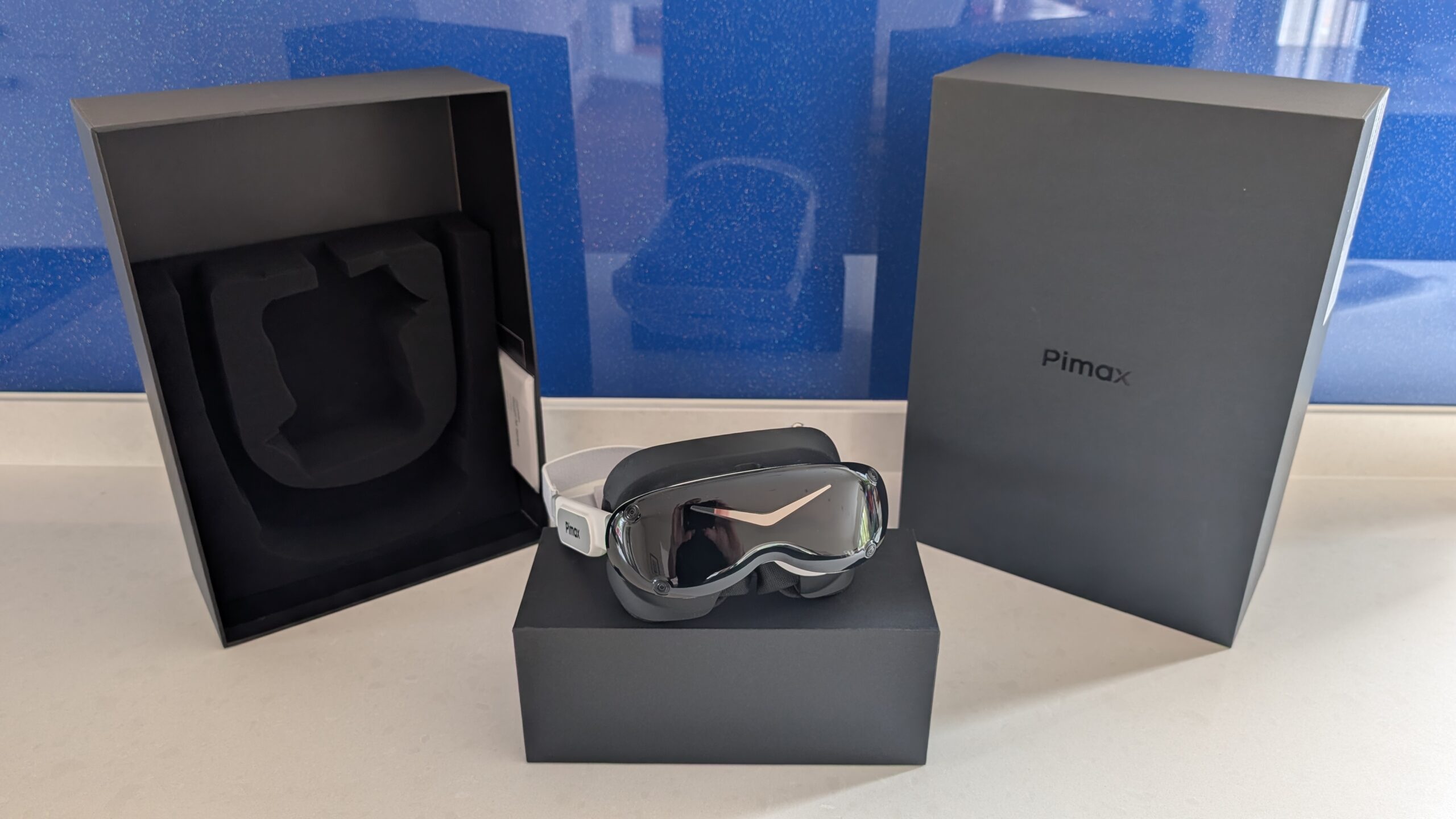
Pimax’s own terms are a 1-year warranty and 14-day returns. If a Dream Air develops a fault in warranty that isn’t down to you, Pimax replaces it at no cost, shipping included.
Valve only opened reservations for the Frame on 14 September 2026, and we’ve found no reports of its after-sales support. Valve’s Hardware Limited Warranty is linked from the store page, but we haven’t a figure for its length that we can quote. We don’t know yet how Valve looks after a Frame owner when something goes wrong.
Price
On 13 November 2026 the Steam Frame was $1,059 for the 256GB kit and $1,299 for the 1TB kit, with the controllers and Half-Life: Alyx included. The power supply was another $29 and the Ergonomic Accessories Kit was $59. With both of those added, the 1TB kit comes to $1,387. You couldn’t simply buy one that day either, because Valve’s Steam Frame page was offering a waitlist only.
Is that good value? Most reviewers say no, and MRTV makes the point that at that price enthusiasts “can get headsets with micro OLED”. MRTV also thinks it’s “worth it to pay that premium over the Quest 3”.
The Dream Air is $1,999 for the Lighthouse edition, with the base stations and controllers extra, and $2,299 for the SLAM edition with its controllers included. That’s roughly double the Frame’s entry price. These are the prices as we read them on 13 November 2026, and they do move, so for the Dream Air go by the live prices in our daily price monitor below.
Pimax discount codes: use SIMRACINGCOCKPIT for 2% off, or SIMRACINGCOCKPIT25 for $25 off, at pimax.com.
So which should you choose?
So, does the new Steam Frame tempt a sim racer off a Dream Air? It depends on where you do your VR.
If your VR is mostly in the rig, seated, and the picture comes first, then pick the Dream Air. MRTV says much the same from the other direction, that the Frame isn’t for “people who want to have the highest fidelity headsets, simmers, flight simmers, race simmers”.
If you already own Valve Index base stations, then pick the Dream Air Lighthouse and reuse them.
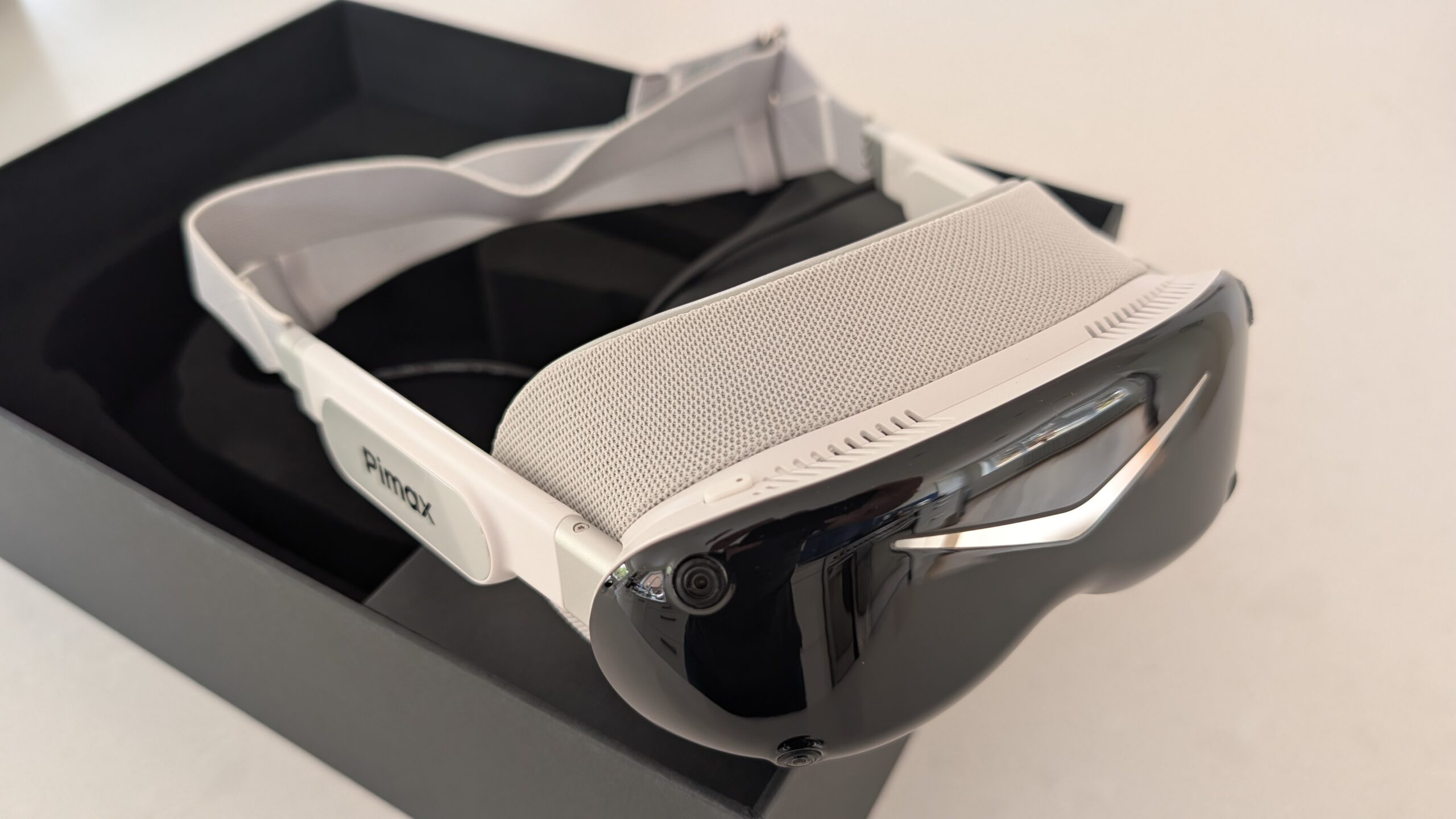
If you want one headset for everything, which means room-scale games, standalone play and a big Steam library, then pick the Steam Frame. My view is that the Steam Frame is a Steam ecosystem device for gamers that look for mobility. The Steam Frame is the high-end upgrade for Quest 3 users who are more into general gaming and VR applications.
If budget leads, then the Frame costs about half what the Dream Air does at the entry price. Its value is still argued over, though, and at the time of writing you’d be joining a waitlist.
If you’re cautious about after-sales support, then weigh Pimax’s record, good and bad, against a Valve record for the Frame that doesn’t exist yet.
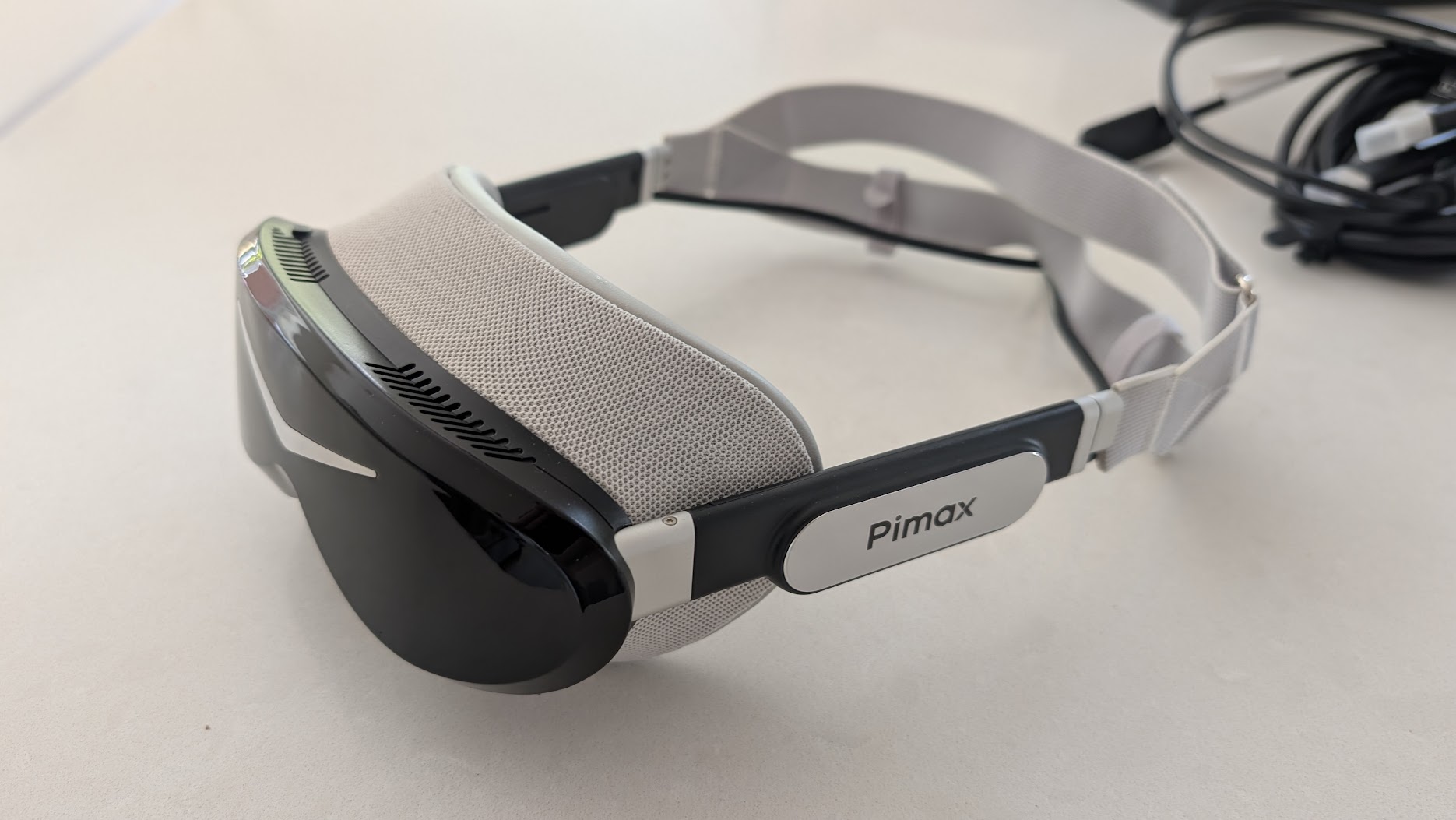
I feel extremely fortunate to have owned the Valve headset some years ago. At the time, it felt like a huge leap forward on all of the specifications and comfort levels that today, we sometimes take for granted. The Frame is Valve’s next step, and for your everyday gaming away from the rig it’s a lot of headset. In the car it’s a different job. For now, I’m sticking with the Dream Air as the better, lighter and now well embedded-into-my-simulator device.
Related Articles
Steam Frame vs Dream Air for Sim Racing: Which Should You Buy?
Pimax Black Friday 2026: Price Protection, and Why I Rate the Move
Should Sim Racers Wait for the Pimax Crystal Pro, or Buy Today?
Pimax Crystal Pro: Everything We Know So Far
Bigscreen Beyond 2 for Sim Racing: What to Know in 2026
Pimax Dream Air vs Dream Air SE: Which Should a Sim Racer Buy?
Topic: VR Headsets