

I’m a sim racer and amateur racer with a passion for Motorsport, good racecraft and the technical and setup aspect of sim racing.
Every "best gaming PC" guide seems to open with the same ultimate build, and most of the people reading it do not need one. What you need comes down to two things - the games you play and the monitor you play them on. The GPU is the part that moves frame rate most, so that is where the money goes first. Below are picks by budget and by resolution, each grounded in what today's most-played games ask of a PC, and then what to upgrade first if you already own one.
Quick Navigation
Jump directly to what you're looking for:
What your games need |
Best value |
Best for 1080p |
Best for 1440p |
Best for 4K |
Best built-for-you |
The 5090 halo |
VRAM |
DLSS and frame gen |
Prebuilt vs DIY |
What to upgrade first |
What else you need
What today's games need
Steam's most-played list splits into two kinds of game, and they want different PCs. The first kind is the competitive stuff - Counter-Strike 2, Apex Legends, Dota 2, Overwatch 2, Rainbow Six Siege. These lean on the CPU, run on plain raster with no heavy ray tracing, and use very little VRAM. VRAM is the memory on the graphics card. Their players chase very high frame rates for 240Hz-and-up monitors, which is CPU work, so a fast chip with a big cache and a fast monitor matter more than a top GPU, and several of these games limit or switch off upscaling anyway. A halo GPU is wasted here.
The second kind is the modern AAA and Unreal Engine 5 stuff - Cyberpunk 2077, Battlefield 6, Marvel Rivals, ARC Raiders, Call of Duty, Helldivers 2. These lean on the GPU, want 12 to 16GB of VRAM, and this is where the current DLSS feature set decides whether the game is playable at the settings you paid for. DLSS is upscaling. The card renders at a lower resolution and reconstructs the image up to your monitor's, which claws back frames. Frame generation goes a step further and inserts frames between the real ones. Ray tracing simulates how light bounces around a scene, path tracing is the full version of it, and a path-traced game at maximum settings is not playable without upscaling and frame generation multiplying the frame rate back up.
How the two groups pull a build in different directions.
So spec to the games you play, not to an average of everything. And when you compare frame rates, look at the 1% lows as well as the average. The 1% lows are the worst frames in any second, and that is where stutter is felt.
Corsair VENGEANCE a7500 (Ryzen 7 9800X3D, RTX 5070) - best value all-rounder
This is the one most people reading this should buy. The Ryzen 7 9800X3D is the default gaming CPU at the moment, and it is the part that wins the competitive games, where the CPU is the limit. X3D means extra cache stacked on the chip, and games lean on that cache. The RTX 5070 is a 1440p card with 12GB of VRAM, which is the floor for the modern AAA group at that resolution, and with upscaling and frame generation switched on it clears them at 1440p. 32GB of DDR5 is the right amount of memory and it is already in the box, which counts for more than usual with memory priced the way it is at the time of writing.
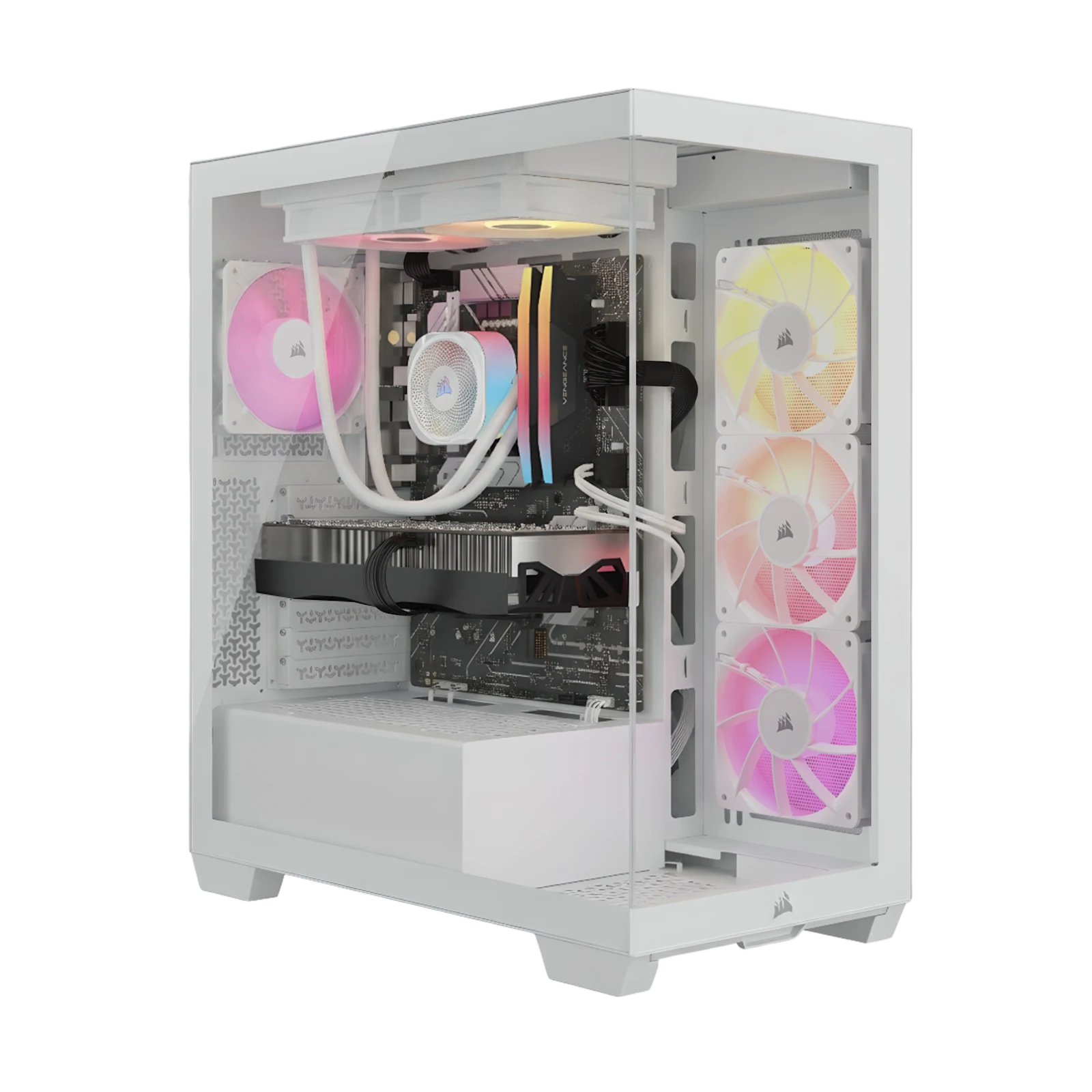
The catch is simple: this is a 1440p machine. Put a 4K monitor in front of the RTX 5070 and you are leaning on upscaling for everything in the second group, and the 12GB starts to pinch. On a 1440p monitor, this is where we'd stop.
Corsair VENGEANCE i7600 (RTX 5060 Ti) - best for 1080p
Budget is where most guides go wrong, because an 8GB graphics card looks fine on a spec sheet. The RTX 5060 Ti comes in 8GB and 16GB versions, and the 16GB card is the honest buy - the 8GB version is already short of VRAM above 1080p and in the newer texture-heavy games. The VENGEANCE i7600 is built around that card, and it is one to check before you buy - Corsair's own listing names the 5060 Ti without the memory figure, and you want the 16GB version here, not the 8GB. Its Intel Core Ultra 5 is a capable CPU, if not the gaming-first choice an X3D chip is. 16GB of system memory is the one spec we'd want higher, since 32GB is the sweet spot, and it is the easy upgrade later.
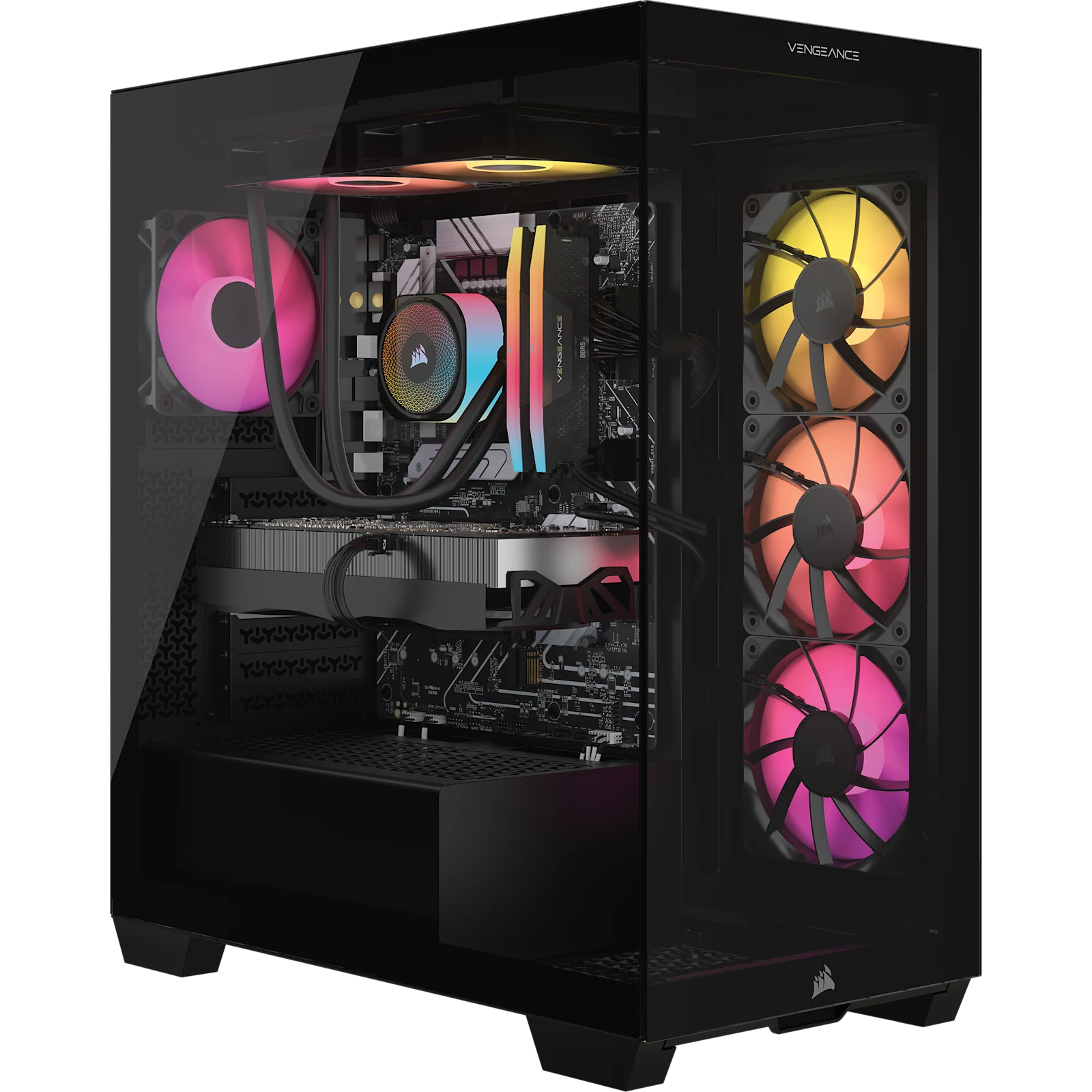
The one limit here is resolution - this is a 1080p-high machine. It will run the competitive games at 1440p happily, because they barely touch the VRAM, but it is not a 1440p-maxed machine for Cyberpunk. Buy it for a 1080p monitor, or for a 1440p one if the first group is what you play.
Corsair VENGEANCE a7500 (RTX 5070 Ti) - best for high-refresh 1440p
Same machine as the value pick, one card up. The RTX 5070 Ti carries 16GB of VRAM and sits on the 1440p-to-entry-4K rung, which is where a fast 1440p monitor starts to be fed properly. This is the card where the second group's feature set really pays: upscaling and Multi-Frame-Gen are what let a path-traced Cyberpunk run at a frame rate that suits a fast panel rather than a slideshow, and Multi-Frame-Gen is RTX 50 only. The Ryzen 7 9800X3D is still in the box for the competitive games.
The trade-off is the price step over the RTX 5070, and it buys frames you only see on a high-refresh panel or at the edge of 4K. If your monitor is a 1440p panel at 60 or 75Hz, the RTX 5070 is enough and the difference is better spent on the monitor.
Corsair VENGEANCE a7500 AIR (RTX 5080) - best for 4K
The RTX 5080 is the 4K card. It has 16GB of VRAM and the full current DLSS feature set, and AMD has nothing to rival it this generation - the RX 9070 XT is the top of their stack and it is a strong 1440p card that does 4K with FSR. The a7500 AIR pairs it with the Ryzen 7 9850X3D, a small step up from the 9800X3D, and a 2TB drive, which modern games at 100 to 150GB apiece fill quickly.
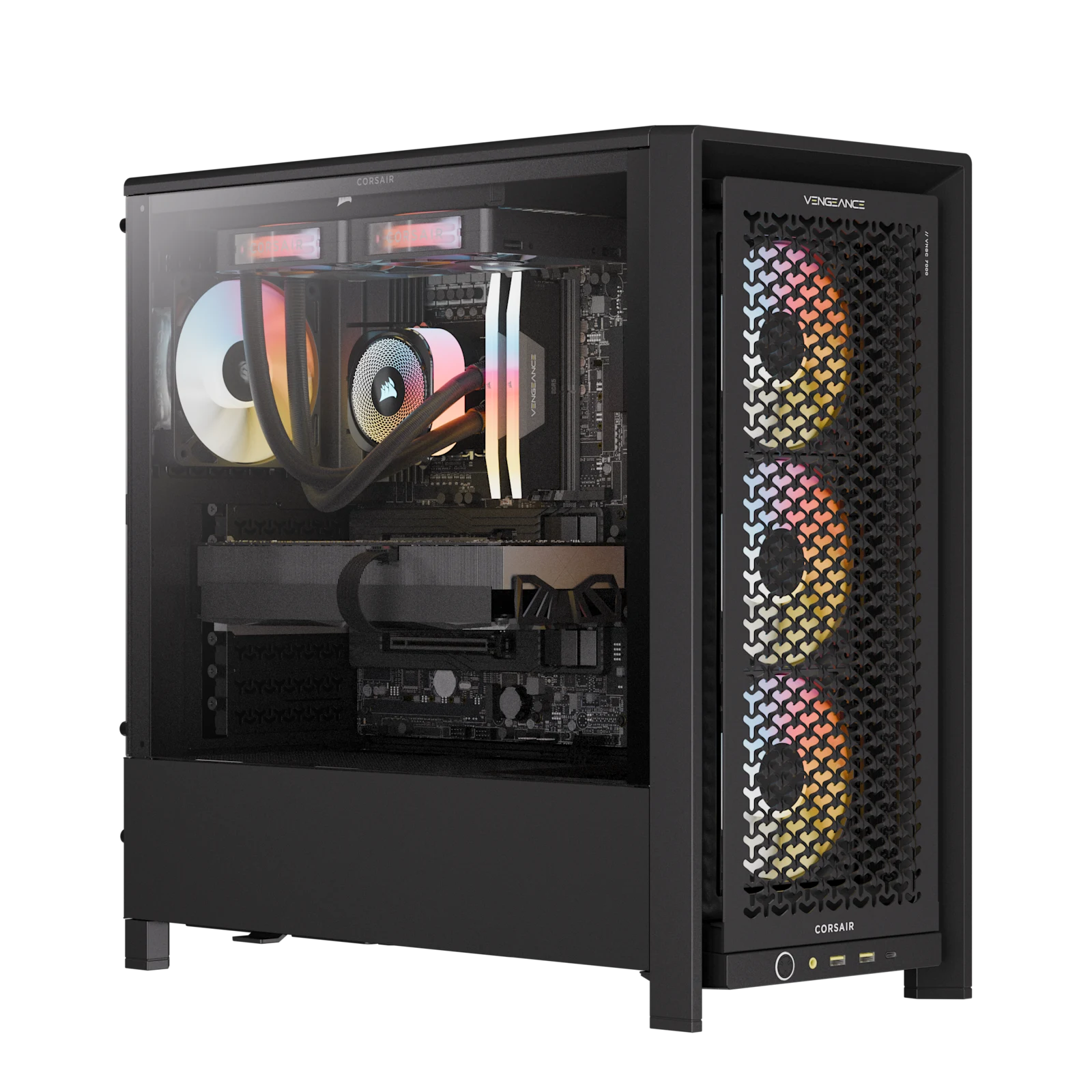
On the 5080 against the 5090, GeekaWhat, in a video built around an RTX 5090, says the RTX 5080 is the better buy on price to performance, and we agree. The snag is that 4K maxed in the heaviest path-traced games still leans on upscaling and frame generation, and that holds for every card on sale, not just this one.
Velocity Micro Raptor - best built-for-you
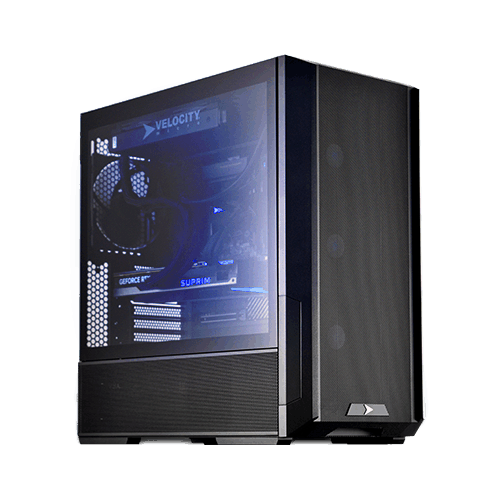
The Raptor range from Velocity Micro is the built-for-you route: one machine, assembled, tested and covered by one warranty from the people who built it. The range runs from a small-form-factor entry model up to full-tower 4K machines and a Signature Edition with custom cooling, on either Ryzen 9000 or Intel Core Ultra. What you are paying for is the assembly and the support, not different silicon - the same money buys the same tier of CPU and GPU elsewhere, so compare the configuration line by line against the Corsair picks above before you choose. It is a sensible call when you would rather the box turned up working than spend a weekend building it. Configure the GPU to your monitor using the same ladder as everything else on this page: an RTX 5070 for 1440p, a 5070 Ti for a fast 1440p panel, a 5080 for 4K.
The RTX 5090 halo build - and why you probably shouldn't
The halo build exists - a Corsair VENGEANCE with a Core Ultra 9 285K, an RTX 5090, 64GB of memory and 4TB of storage. Most people should not buy it. The RTX 5090 has 32GB of VRAM and a 575W power draw, and it earns its keep in two places: 4K with everything maxed in the heaviest path-traced games, and creator work that actually uses the memory. The two RTX 4090s in my dev PC are there for work, not games, which is the real reason to own that much graphics card. For the competitive games the 5090 is wasted, because the CPU is the limit there, and the Core Ultra 9 285K trails the X3D chips in games. For the second group the RTX 5080 does the job at 4K for a lot less, and even the GeekaWhat video built on a 5090 lands on the 5080 as the better buy.
If you do buy it, buy it for the 4K-maxed games or the render queue, not because it is at the top of the list. And budget the power supply properly, because the 5090 is the one card where the 1000W recommendation is not padding.
VRAM: 8 vs 12 vs 16GB
VRAM holds the textures and the frame being drawn; run out of it and the game stutters or drops texture quality, whatever the rest of the card can do. 8GB is a 1080p and competitive-games figure. The RTX 5060, the 8GB RTX 5060 Ti and the 8GB RX 9060 XT are all 1080p parts, and 8GB is already a ceiling in the newer texture-heavy games. 12GB is the floor for the second group at 1440p, which is where the RTX 5070 sits. 16GB is comfort at 1440p and headroom for 4K, and it is what the RTX 5070 Ti, the RTX 5080, the RX 9070 cards and the 16GB RTX 5060 Ti carry. Two cards with the same name and a different memory figure are not the same card, so when a listing says "RTX 5060 Ti" with no number, find the number. Frame generation uses a little VRAM of its own, on top of what the game is already using.
DLSS, FSR and frame generation
DLSS on NVIDIA and FSR on AMD are the two upscalers here, and on the current cards the reconstruction is good enough that the frames it gives back are the whole point of the card in the second group of games. Frame generation inserts a generated frame between two real ones. Multi-Frame-Gen inserts several, and that part is RTX 50 only - the previous RTX 40 generation gets the newer upscaling model and single-frame generation, but never Multi-Frame-Gen. The RTX 4090 in my own sim rig is in that boat. FSR 4 is AMD's answer, and it runs only on the RX 9000 cards; an older Radeon does not get it.
Where it helps is the GPU-bound single-player and co-op stuff in the second group, where a path-traced game at maximum settings goes from a 4K frame rate in the 20s to something smooth. Where it does not is the competitive games. Generated frames add latency, which competitive play will not tolerate, and several of those games restrict or refuse frame generation outright. It is not a fix for a card that cannot hold a decent base frame rate in the first place, either: the guidance is to have a solid real frame rate before you turn frame generation on, because it multiplies what is there, latency included. A "4X" multiplier on a marketing slide is generated frames, not rendered ones. It is good technology - it is the reason the RTX 5070 is a 1440p pick for the second group at all - but it is not free, and it is not for every game.
Prebuilt vs building it yourself in 2026
Building your own used to save a lot of money. At the time of writing it saves a good deal less, because DDR5 memory and some of the GPUs are in a price spike, so a prebuilt from a reputable builder is a fair call for many people now. If you do build, build on AM5 - the socket is supported through at least 2029, which is the one argument for building that the spike does not touch.
What to look for on a prebuilt listing is what it leaves out. A headline GPU hiding a cheap power supply is the classic, and it is the one that produces a black screen the first time the card spikes. Then a bare-minimum motherboard, 8GB of RAM, a tiny SSD, and proprietary parts that make the next upgrade a replacement rather than a swap. The Corsair configurations above name every part down to the drive, which is what you want from any builder. If a listing will not tell you the power supply, assume the worst.
Your upgrade path: what to change first
Start with the GPU, because it is the single biggest frame-rate lever in the box. The caveat is the power supply. The RTX 50 cards have big, brief power spikes well above their rated draw, and an undersized or cheap unit trips its protection and shuts the machine down - the black-screen-after-a-GPU-upgrade problem in an old prebuilt. NVIDIA's own guide is roughly 650W for an RTX 5070, 750W for a 5070 Ti, 850W for a 5080 and 1000W for a 5090. Buy a quality ATX 3.1 unit, and GeekaWhat's steer, which we'd follow, is one with a native 12V-2x6 connector rather than the 8-pin adapter. ATX 3.1 and 12V-2x6 are the current power-supply and connector standard, built to ride out exactly those spikes.


As an Amazon Associate, SimRacingCockpit earns from qualifying purchases. Prices accurate as of 1 November 2026 and may change.
Next the CPU, if your motherboard takes it. AM5 is a long-lived socket - AMD supports it through at least 2029 - so a newer Ryzen drops into an existing AM5 board. The caveat: a board made before the Ryzen 9000 chips usually needs a BIOS update first, to AGESA 1.1.7.0 or newer. AGESA is the AMD part of the board's firmware, and BIOS FlashBack updates it with no CPU fitted - a USB stick and the power cable. Intel's current LGA1851 socket does not take the previous generation's chips and is effectively a dead end, so an older Intel machine means a new board as well. AM4 and AM5 never cross, and nor do DDR4 and DDR5. The X3D chips lead gaming, and GeekaWhat is right that "X3D" branding on a motherboard is marketing, not a requirement - any AM5 board with the right BIOS runs them.



As an Amazon Associate, SimRacingCockpit earns from qualifying purchases. Prices accurate as of 1 November 2026 and may change.
Then memory. 32GB of DDR5-6000 at CL30 is the sweet spot on both platforms. The kit's rated speed is not automatic, though. It arrives running at a slow default until you turn on its EXPO profile on AMD or XMP on Intel in the BIOS; those are the memory's rated-speed profiles, off out of the box. And the board has to actually support the speed - check its QVL, the board maker's list of tested kits - because a board that "supports 6000" has not validated every 6000 kit. Push past about 6000 on AM5 and the memory controller drops to a divider that gives most of the gain back. DDR5 is in a real price spike at the time of writing, so the prices in the table below are the ones to believe.


As an Amazon Associate, SimRacingCockpit earns from qualifying purchases. Prices accurate as of 1 November 2026 and may change.
Last the SSD, and it is last for a reason. A Gen4 NVMe is plenty for gaming. A Gen5 drive loads a game around half a second to a second faster, changes frame rate not at all, runs hotter and costs more. DirectStorage, the Windows feature that lets the GPU decompress game assets, is barely used by anything popular, so there is no feature to chase there either. Buy capacity - modern games run to 100 to 150GB each - and put the Gen5 premium on the GPU.


As an Amazon Associate, SimRacingCockpit earns from qualifying purchases. Prices accurate as of 1 November 2026 and may change.
What else you need
The monitor decides the GPU as much as the games do. A 240Hz-plus panel for the competitive group means the money goes on the CPU and the refresh rate; a 4K panel for the second group means the RTX 5070 Ti at the least and the RTX 5080 to do it properly. Our monitor guide covers the panels, and the right way round is to choose the monitor and the PC as a pair. My own three 32-inch LG 1440p monitors run off a single RTX 4090, and triples multiply the pixel count, so the GPU has to follow the screens.
A headset is the one peripheral worth naming here. And if you are here because you race, the sim-racing PC guide is the specialist version of this page, where triples and VR change the GPU sums - go there next.
Match the GPU to the games you actually open, and leave the ultimate build to the people who need it. If that monitor happens to be three of them, the sim-racing PC guide is next door - see you out there.
Related Articles
The Best Gaming PCs: Buyer’s Guide (2026)
How to Disable Integrated Graphics in BIOS (and Whether You Need To)
What Your CPU and GPU Are Actually Doing While Running iRacing: A Technical Deep Dive
The Best Sim Racing PCs: Buyer’s Guide: 2026
