

I’m a sim racer and amateur racer with a passion for Motorsport, good racecraft and the technical and setup aspect of sim racing.
Pimax Crystal Light, Crystal Super, Crystal, Dream Air. One game, one settings stack that works for the Evo flavour of Assetto Corsa.
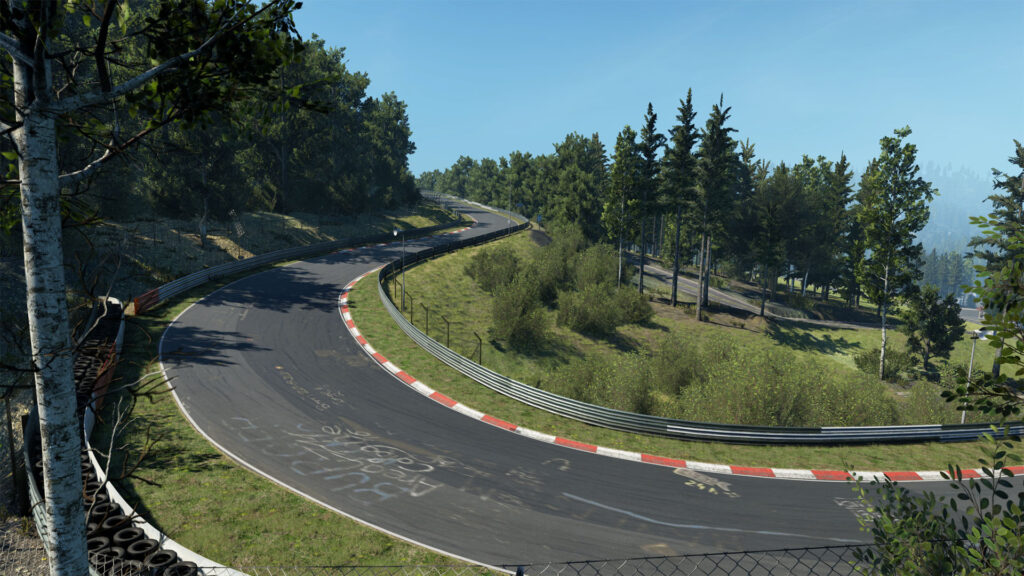
Assetto Corsa Evo turned a few corners with the 0.5 update and v0.6 in April 2026. The early access “everything on Low or it tanks” era with this software is hopefully behind us. With a Pimax Crystal Light or Crystal Super and a sensible stack, you can run AC Evo at Ultra-ish settings, 72-90 Hz in the headset, and still keep frame times honest at the Nordschleife, Spa, and now Sebring.
Today’s article is naturally Pimax-specific, given my Pimax Crystal Light. I’ve tied this article back back to the wider Pimax Crystal settings library sorted by GPU and the Pimax Settings Tool on this site, too.
On this page: What’s new in AC Evo 0.6 | Pimax Play 2.0 settings | In-game graphics by GPU tier | Foveated rendering and Quad Views | The right mirror gotcha | Which Pimax to pick | Common mistakes | Sources and credits
What’s new in AC Evo 0.6 and why your vr settings need a refresh
AC Evo Update 0.6 dropped on 15 April 2026 with Sebring International Raceway and six new cars including the Ford Mustang GT3. The bigger story for VR sits underneath: the perf improvements that started with 0.5 carried through to 0.6, and the engine handles improved peripheral visuals the way you’d hope a modern sim would.
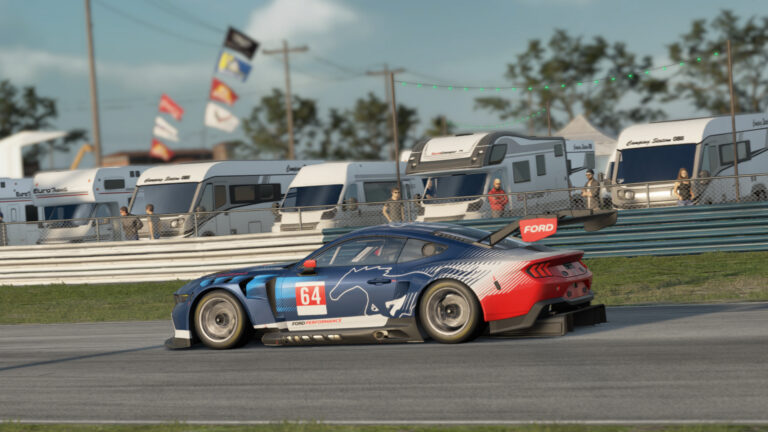
Three main things have changed how I set Pimax up between 0.3 and 0.6:
- The right-eye DLSS glitch from early access is fixed (Kunos moved to DLSS 4.5 in 0.5).
- You can actually run shadows at Ultra now without the frame time collapsing. That used to be a Low-only switch.
- Pimax Play 2.0 became the right runtime to use. PimaxXR is retired. The Quad Views path is built into Pimax Play itself.
FYI: AC Evo still doesn’t have native Quad Views Dynamic Foveated Rendering of its own. The community has been asking Kunos for it through every patch thread. The Pimax-side path works well enough, though, in the meantime, which I’ll cover below. Non-Pimax headsets typically need mbucchia’s Quad Views Foveated layer to get there.
Pimax Play 2.0 settings for Assetto Corsa Evo
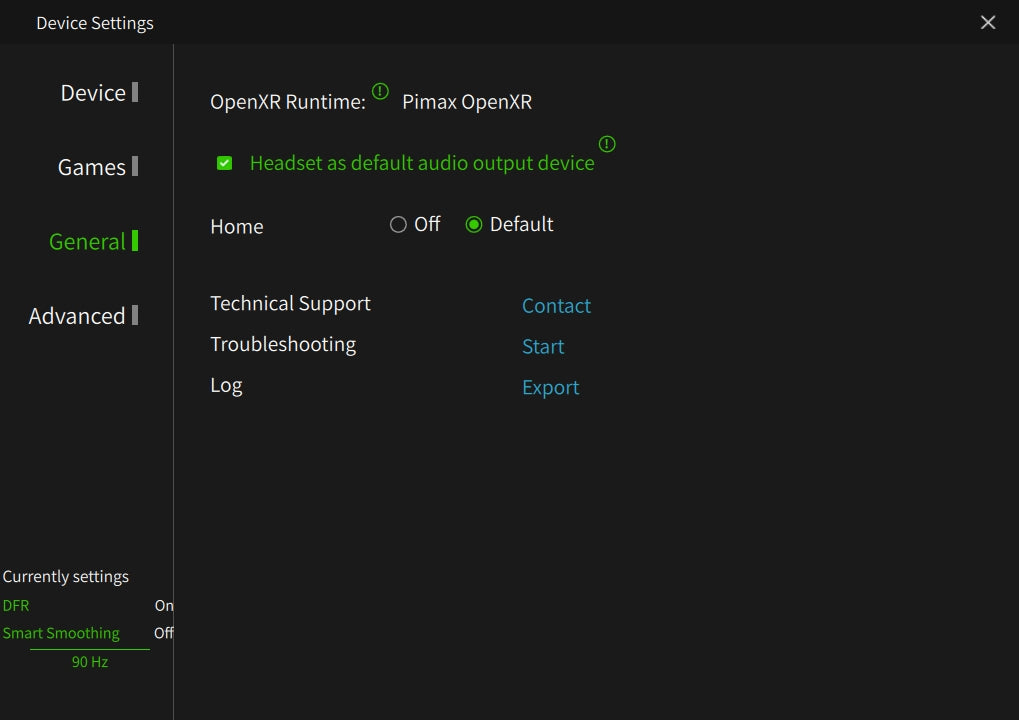
Pimax Play is the front-end you used to fight with. Pimax Play 2.0 is the one that quietly does the right thing and really helps with the fiddle factor that comes with vr. The relevant screens are General, Device, and Games.
General tab
Set OpenXR Runtime to Pimax OpenXR. This bypasses SteamVR entirely. Unlike vanilla Assetto Corsa (which is OpenVR-native and needs the OpenComposite middleware DLL to reach OpenXR runtimes – covered in the AC VR settings guide), AC Evo speaks OpenXR natively. No middleware DLL, no OpenComposite hop, just point Pimax Play at it and go. Less software in the chain, fewer frame time spikes, and the Quad Views Foveated path becomes available without needing the old PimaxXR layer. SteamVR-as-OpenXR still works for non-Pimax sims you might run on the same PC, but AC Evo prefers the Pimax runtime by a clear margin.
Device tab
This is where you pick refresh rate. There are two sensible Pimax choices for AC Evo:
- 90 Hz if you’re on a 4090 or 5090 and want headroom in the headset. AC Evo’s frame rate cap should match (90 in-game).
- 72 Hz if you’re on a 7900 XTX, 4080, or anything slower. Locking 72 frames is far kinder than aiming for 90 and missing but it’s more than acceptable particularly just after an upgrade.
120 Hz is on offer on the Crystal Light. Don’t use it for AC Evo. You will not lock 120 even on a 5090 in a full grid at Sebring or Spa, and the engine punishes you for missing more than it rewards you for hitting a high refresh ceiling. I really think NVIDIA and Pimax need to work more closely on why this is – the 5090 is so outrageously powerful with an ultra modern cpu that this is a solvable problem (in my opinion!)
Games tab per-app settings
Find AC Evo in the list in Pimax Play. Here are the fields that matter:
- Program render quality: 60-65% for Crystal Light on 4080/7900 XTX class GPUs. 80-100% if you’re on a 5090. Below 60% the text on the dash gets soft and braking-zone signs lose their bite.
- Open XR Quad Views: enabled. Set the preset to Performance. The peripheral degradation is invisible in a race car cockpit because your eyes are pointed at the apex, not the corners of the headset.
- Center quality: Performance. Same logic.
- FSR: 1.9-2.0 on AMD, off on Nvidia (you’ll use DLSS in-game instead).
- Field of view: Narrow. Free frame rate on the Crystal Light’s wide native FOV without losing the in-helmet feel.
One thing the Pimax Play HUD will tell you when AC Evo is running: FFR On in green. That’s fixed foveated rendering active. If it doesn’t show, Quad Views isn’t being applied. Re-check the per-app box and relaunch the game from cold.
In-game graphics by GPU tier
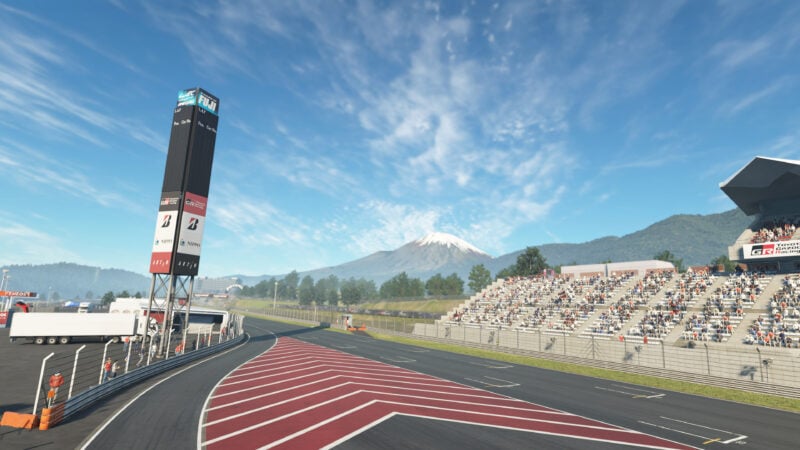
One framing note before the numbers. AC Evo’s Settings > Video uses one set of values for flat-screen and VR. There’s no separate VR preset (yet). What follows is what to set when you intend to race in the headset.
RTX 5090 / RX 9070 XT class
- Preset: Ultra
- Shadows: Low (yes, on a 5090 – shadows are the single biggest VR cost in AC Evo)
- Screen space shadows: Half resolution
- Grass density: Low (no real perceptual loss in cockpit view)
- Clouds: Low
- Anti-aliasing: 2x Sharp (or try 4x if you have headroom)
- Depth of field: Off
- Motion blur: Off
- Mirrors: Show all (then see the right-mirror note below)
- Frame rate limit: 72 or 90 to match your Pimax refresh
65-73 fps locked through most of a Sebring race, dipping into the low 60s only in the caravan paddock area where the geometry stacks up. Even on a 5090, certain corners of AC Evo still want optimisation from Kunos.
RTX 4080 / 4090 / RX 7900 XTX class
- Preset: High (custom)
- Shadows: Medium
- Screen space shadows: Half resolution
- Grass density: Low
- Clouds: Low
- Anti-aliasing: DLSS Quality on Nvidia, FSR via Pimax Play on AMD
- Depth of field: Off
- Motion blur: Off
- Frame rate limit: 72
This is the bracket most Crystal Light owners sit in. Aim for 72 Hz in the headset and 72 fps in-game and the experience holds together end-to-end. Melon Popper’s 7900 XTX results at 65% render quality match the same shape: solid 50-60 fps with Ultra-ish details on, which feels much better in a helmet than the old “everything Low” runs.
RTX 4070 / 5070 / RX 6800 XT class
- Preset: Medium
- Shadows: Low
- Screen space shadows: Off
- Grass density: Low
- Clouds: Low
- Anti-aliasing: DLSS Balanced or FSR 2.0
- Frame rate limit: 72
You can still race AC Evo in VR on this tier, but it’s a more aggressive trim. Pimax Play render quality drops to 50-55% and the game’s in-game preset comes down to Medium. The cabin still looks right. The grass and the distant tree cover does the bulk of the giving-up.
Foveated rendering and Quad Views in AC Evo
This is the section that changed the most since the early access days, so worth taking slowly.
AC Evo has no native foveated rendering as of v0.6. That’s still a Kunos to-do. The community asks for it every patch.
What you get instead, on Pimax, is the Pimax Play 2.0 Quad Views Foveated path. There are four render regions, two outer regions running at lower resolution than the centre, which gives back the frame budget AC Evo wants for shadows and geometry. It’s a runtime feature of Pimax Play, not an AC Evo feature. The game neither knows nor cares.
Two practical points:
- Quad Views only activates when AC Evo is launched through the Pimax OpenXR runtime. Confirm with the FFR indicator in the Pimax Play HUD.
- If you’re on a non-Pimax headset (Quest 3 PCVR, Bigscreen Beyond, etc.), mbucchia’s Quad Views Foveated layer is the equivalent. It’s no longer the only show in town – it’s the parallel show for headsets without a vendor runtime that does it.
The legacy OpenXR Toolkit FFR route still works but you don’t need it on a Pimax. Pimax Play 2.0 does a tighter job and updates faster.
The right mirror “black” gotcha
The original right-mirror-renders-black bug was patched in early access 0.1.4, with further mirror logic fixed in 0.6. What looks like the same bug now is actually a default. To save rendering overhead, AC Evo ships with the right mirror set to disabled, even when the mirror mode is set to Multi. Turn each mirror on individually in Settings > View (or the equivalent in-race mirror panel) and the right side starts rendering again.
It’s the same deal with the right eye blanking under DLSS in older builds. That was Kunos’s DLSS 3.x integration. They upgraded to DLSS 4.5 in 0.5 and the right-eye glitch went with it.
Which Pimax Headset should I use for Assetto Corsa Evo specifically?
If you already own a Pimax Crystal Light, Crystal Super, Crystal, or even a Dream Air, you’re set. The settings above apply across the line. If you’re buying for AC Evo first and other sims second, the picture is straightforward enough:
- Pimax Crystal Light is the right starting point for AC Evo VR. Glass aspherics, native 35 PPD, a class-leading wide FOV (~115 degrees horizontal). The 7900 XTX / 4080 / 4090 combination above was built around it.
- Pimax Crystal Super is the upgrade when you have the GPU to back it. The 50 PPD engine bumps text legibility on dash gauges noticeably, which AC Evo’s modern interior modelling actually shows off. Pair it with a 5090.
- Pimax Dream Air is the latest generation and the latest batches are essentially problem-free. The lightweight headset for marathon Nordschleife sessions.
For the wider field, the VR headset comparison 2026 piece on this site sets Pimax against Bigscreen Beyond 2, Somnium VR1, and the Quest 3 baseline. My VR sim racing games 2026 guide has the picture for every other sim worth running in the headset.
Common mistakes that flatten the frame rate
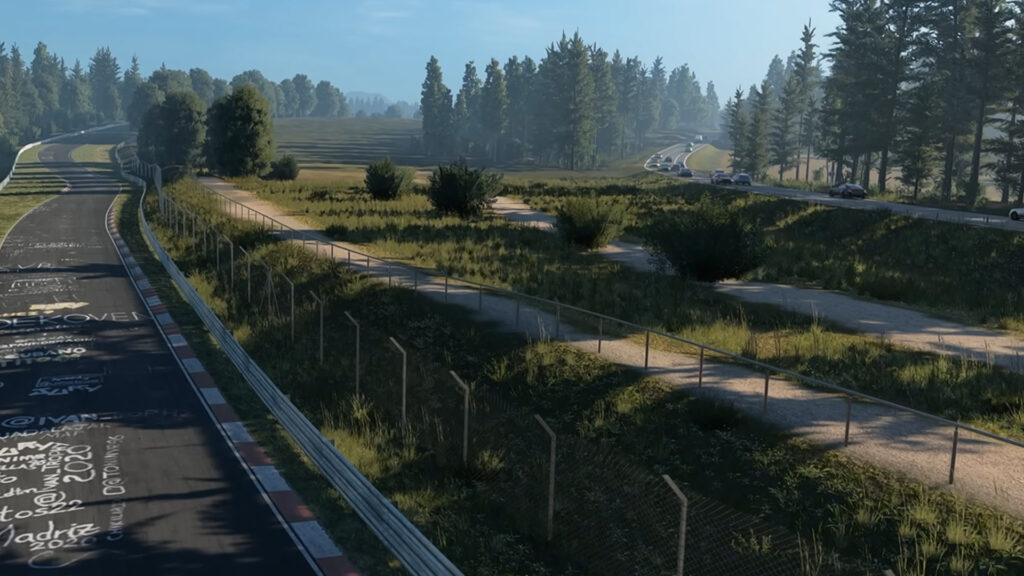
Patterns I see in the r/Pimax AC Evo threads, including the Mellonpopr v0.3 setup guide thread that’s still good background even though the version has moved on:
- Leaving SteamVR as the OpenXR runtime. Adds latency, costs frames, and leaves the Quad Views path inactive. Switch to Pimax OpenXR in the General tab. This has been my worst habit over the years but no more!
- Render quality at 100% on a 4080. AC Evo will accept it. Your frame time won’t. Drop to 65% and the picture is still razor sharp on a Crystal Light’s PPD.
- Shadows on Ultra on a midrange GPU. The single most expensive setting in AC Evo. Medium or Low first, then add back if you have headroom.
- Refresh rate higher than the frame rate. Lock both to 72. Or both to 90 if your hardware permits. Don’t mix.
- Leaving the Pimax Play window open. Earlier AC Evo builds had a micro-stutter triggered by Pimax Play being focused. Minimise after launch.
- AMD AFMF 2.1 frame generation in VR. Doesn’t work. Don’t bother. Turn it off before you launch.
- Right mirror “broken”. See the gotcha section above. Turn each mirror on individually.
Sources and credits
The numbers in this guide come from three places: Pimax’s own Pimax Play 2.0 documentation, the Reddit r/Pimax thread for AC Evo 0.3 setup (still the best community baseline), and Melon Popper’s two YouTube walkthroughs on the 0.5 and 0.6 patches.
Melon Popper’s longer 0.5 walkthrough on the Crystal Light + 7900 XTX is the best mid-tier reference for the in-game settings above. The shorter v0.5.2 follow-up on the 5090 is the reference for the high-tier numbers.
For the wider Pimax settings library, the Pimax Crystal settings sorted by GPU guide covers iRacing, ACC, Le Mans Ultimate, AMS2, and the rest of the sim lineup. The Pimax Settings Tool on this site lets you drop in your specific headset and GPU and pull the right baseline. For the wider sim racing games landscape AC Evo sits in, my best sim racing PC games guide ranks every credible title for 2026.
Settings change with every AC Evo patch. v0.7 has landed since I wrote this – the Porsche 935 I flagged is in it, and it moves a couple of the graphics options around. The v0.6 numbers below still get you most of the way; I’ll come back and re-test on v0.7.
Related posts
Best Pimax VR Settings for F1 25 in 2026: A Damage-Control Guide
Best Pimax VR Settings for Le Mans Ultimate in 2026
Best Pimax VR Settings for Automobilista 2 in 2026
Best Pimax VR Settings for Assetto Corsa in 2026
iRacing VR Settings (2026): Meta Quest 3, PSVR2, Pimax and Valve Index
Assetto Corsa VR Settings 2026: Pimax, Quest 3, PSVR2 & More
Topic: VR Headsets