


I’m a sim racer and amateur racer with a passion for Motorsport, good racecraft and the technical and setup aspect of sim racing.
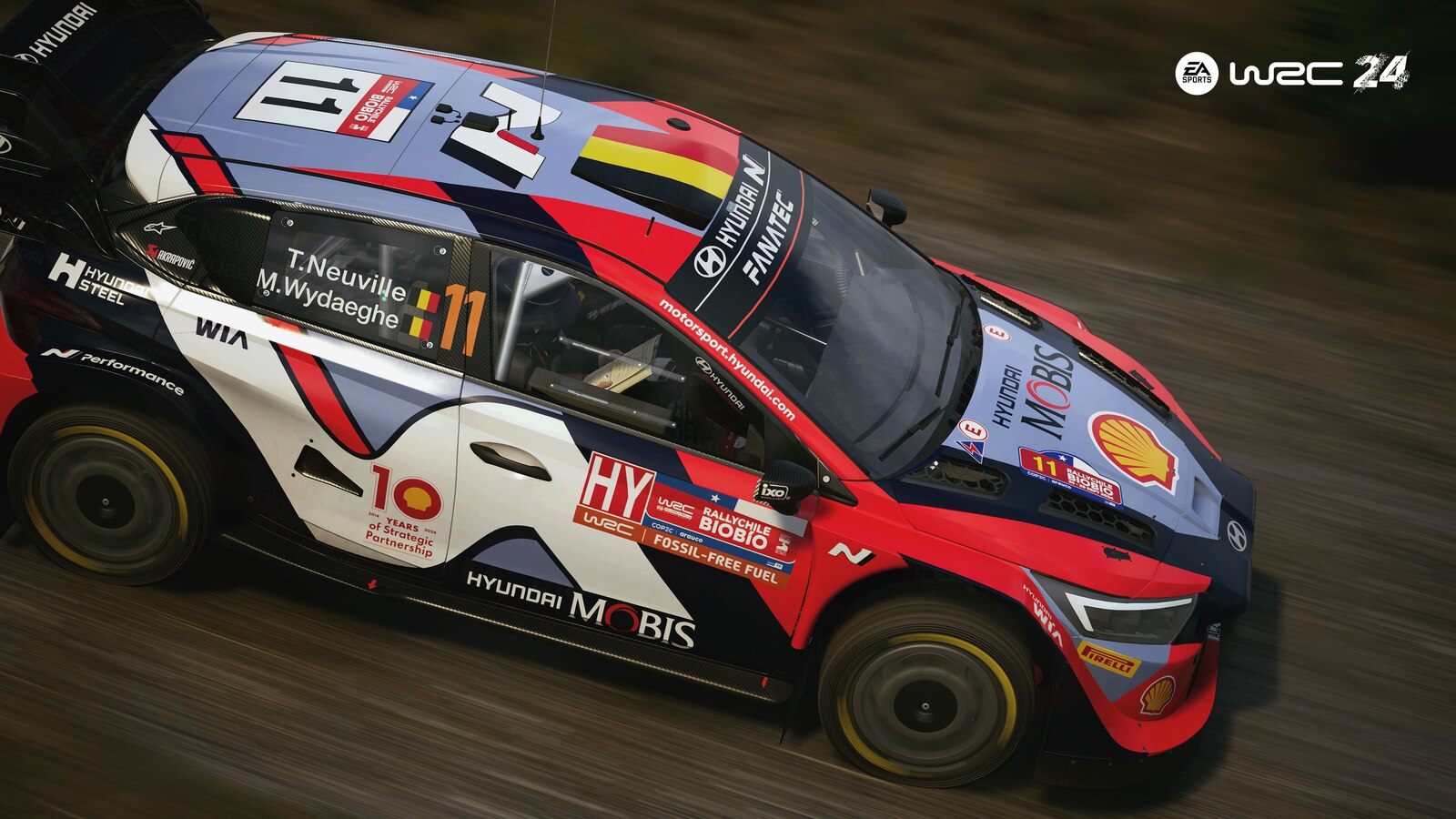
Featured image: a classic rally car on an asphalt mountain stage in EA SPORTS WRC (Image: EA SPORTS)
If you’ve got a Moza base and EA SPORTS WRC on PC, you’ll want a decent starting point for the FFB (force feedback). Moza hasn’t published any EA WRC values beyond its built-in preset, so here are the Pit House and in-game settings RALLY Technical worked out on an R9 in a video Moza backed, and Team O’Neil’s setup as the alternative.
Quick Navigation
Jump directly to what you’re looking for:
EA WRC with Moza |
Pit House |
In-game settings |
Alternative approach |
Fine-tuning
EA WRC with a Moza base
Since v2.1.5 (October 2024), the R3, R5, R9, R12, R16 and R21 have been natively supported on PC, so the old job of adding Moza’s device IDs to the game’s device_defines.xml file by hand has gone. Pit House has an EA SPORTS WRC preset built in, too.
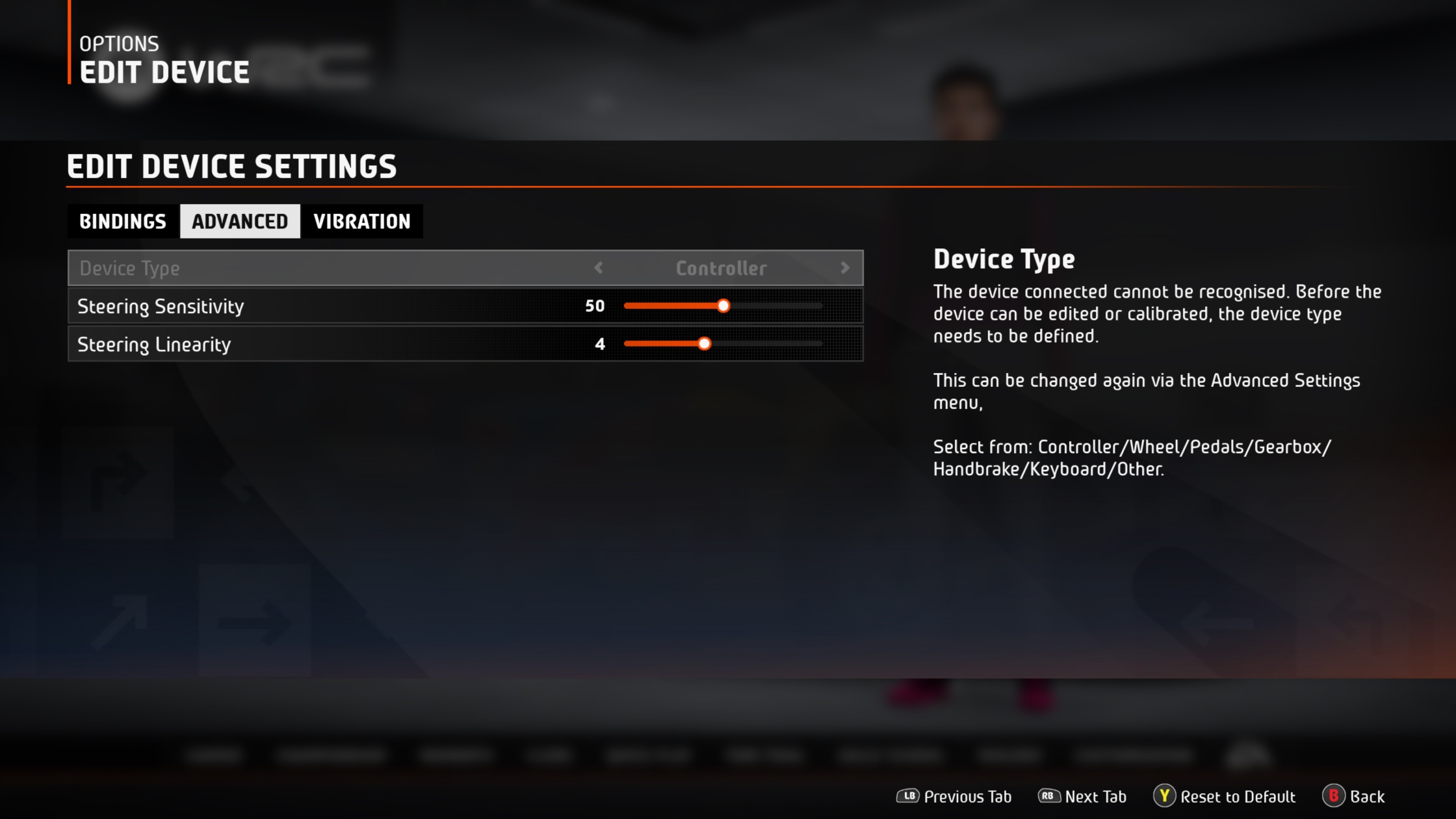
In the game, press F1 and go to Options and Extras > Controls > Edit Device on your wheelbase. Set Device Type to Wheel on the Advanced tab first, as the game won’t let you edit or calibrate a device until it knows what it is. The FFB sliders are on the Vibration tab. There’s no master strength slider on PC, so Self Aligning Torque sets the overall force you feel through the wheel. The game’s Wheel Friction controls the weight of the wheel and Tyre Friction changes the understeer effect, and the two work in tandem. RALLY Technical doesn’t say what he runs either of them at, though. With Soft Lock on, the game matches the wheel’s rotation to the car you’re driving.
The values below were set on a Moza R9. Moza doesn’t publish anything per base for this game, so they’re the same starting point if you’re on an R5 or an R21. v2.3.1 (25 March 2025) was the last update, and no patch has moved them since. They’re PC values; the Xbox version has no Wheel Friction or Tyre Friction sliders.
Pit House settings
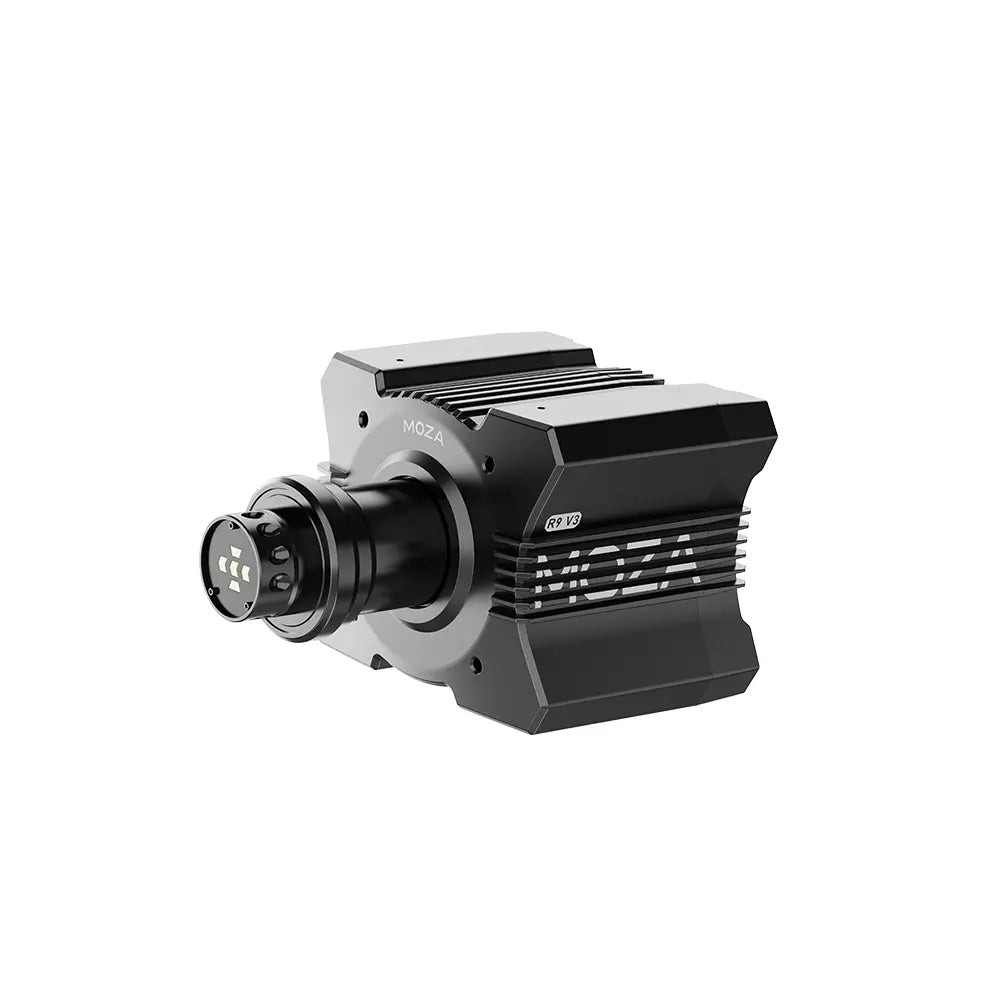
RALLY Technical’s video was made in January 2024 at Moza’s invitation, on an R9. He never runs Wheel Spring Strength in a game that has its own force feedback, as no real car has a spring in the steering to return the wheel to centre. He switched Speed-dependent Damping off as a stopgap. In EA WRC it carried extra damping into slow corners after a fast straight, and he said he’d run it at about 25% if that got fixed.
Start with these settings in Pit House, as he runs them on the R9:
- Basic Settings:
- Game Force Feedback Intensity: 100% (he manages clipping in the game)
- Wheel Spring Strength: 0% (off)
- Wheel Damper: 20% (he keeps it between 15% and 25% in most games)
- Maximum Steering Angle: kept in sync with the limit angle (the game’s Soft Lock sets the lock per car)
- Advanced Settings:
- Force Feedback Reversal: Off
- Maximum Output Torque Limit: 100%
- Hands-off Protection: On
- Wheel Friction: 50%
- Speed-dependent Damping: Off (for now)
- FFB Effect Equalizer and Base FFB Curve:
- 100 Hz band: 0
- Base FFB Curve: linear
EA WRC in-game settings
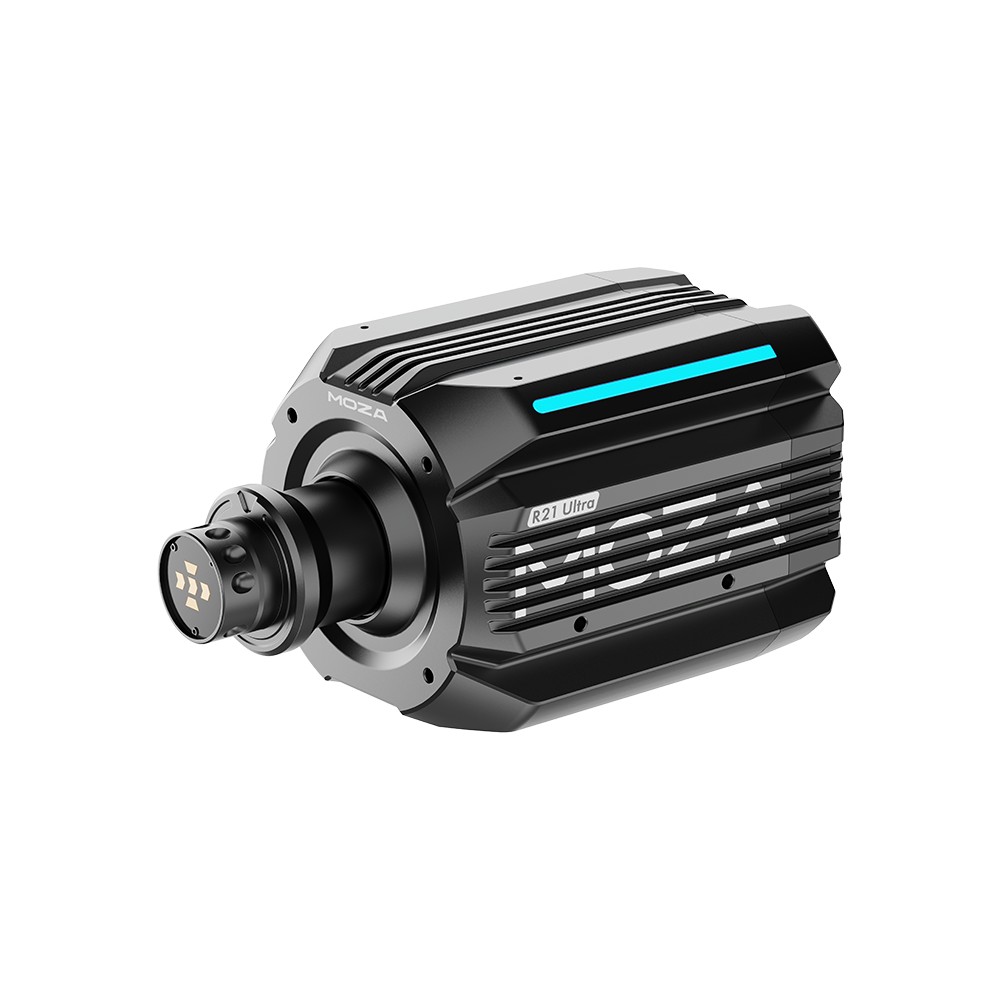
In EA WRC itself, RALLY Technical leaves Suspension and Collision at 100 and shapes the road feel in Pit House’s FFB Effect Equalizer instead. He sets degrees of rotation to 1,120°, because that’s the most lock any car in the game has.
And these are his settings on the game’s Vibration and Advanced tabs:
- Vibration tab:
- Vibration and Feedback: On
- Self Aligning Torque: 51 (49-53 is fine)
- Suspension: 100
- Tyre Slip: 90
- Collision: 100
- Steering Centre Force: Off
- Advanced tab:
- Device Type: Wheel
- Steering Linearity: 0
- Degrees of rotation: 1,120°
- Soft Lock: On
Alternative approach: Team O’Neil’s setup
Team O’Neil Rally School instructor Jamie Beliveau started from Pit House’s EA WRC preset on the school’s own R9. He turned Game Force Feedback Intensity down a little from 100%, and brought Road Sensitivity up from 7 and Wheel Friction up from about 20%, though he didn’t say where he left any of them. These are the three he did put a number on:
- Maximum Steering Angle: 540° in Pit House (he finds it more realistic for rally driving, though you could go up to 720°)
- Wheel Damper: 15% in front- and rear-wheel-drive cars, higher in four-wheel drive
- Natural Inertia: 150%
Moza discount code: use SIMRACINGCOCKPIT at checkout for 3% off at mozaracing.com.
Fine-tuning
If something still doesn’t feel right, start here:
- If there’s too much or too little force overall, change Self Aligning Torque.
- When the wheel feels heavy into slow corners after a fast straight, turn Speed-dependent Damping off in Pit House.
- If the wheel spins itself back to centre when you let go, set Steering Centre Force to Off in the game and Wheel Spring Strength to 0 in Pit House.
- When the steering lock is wrong for the car, calibrate the wheel, turn Soft Lock on in the Advanced tab and set degrees of rotation to 1,120°.
For Fanatec, Logitech and Asetek bases, the EA WRC wheel settings page has the values for each. The direct drive wheel settings guide explains each brand’s settings, and its Settings Finder includes EA WRC. If Pit House or your wheelbase misbehaves, head to the Moza troubleshooting page. Our Moza guide covers the rest of the range. Enjoy!
Related Articles

Best Pimax VR Settings for F1 25 in 2026: A Damage-Control Guide

Best Pimax VR Settings for Le Mans Ultimate in 2026

Best Pimax VR Settings for Automobilista 2 in 2026

Best Pimax VR Settings for Assetto Corsa in 2026

iRacing VR Settings (2026): Meta Quest 3, PSVR2, Pimax and Valve Index

Assetto Corsa VR Settings 2026: Pimax, Quest 3, PSVR2 & More
Topic: Direct Drive Wheel Settings