

I’m a sim racer and amateur racer with a passion for Motorsport, good racecraft and the technical and setup aspect of sim racing.
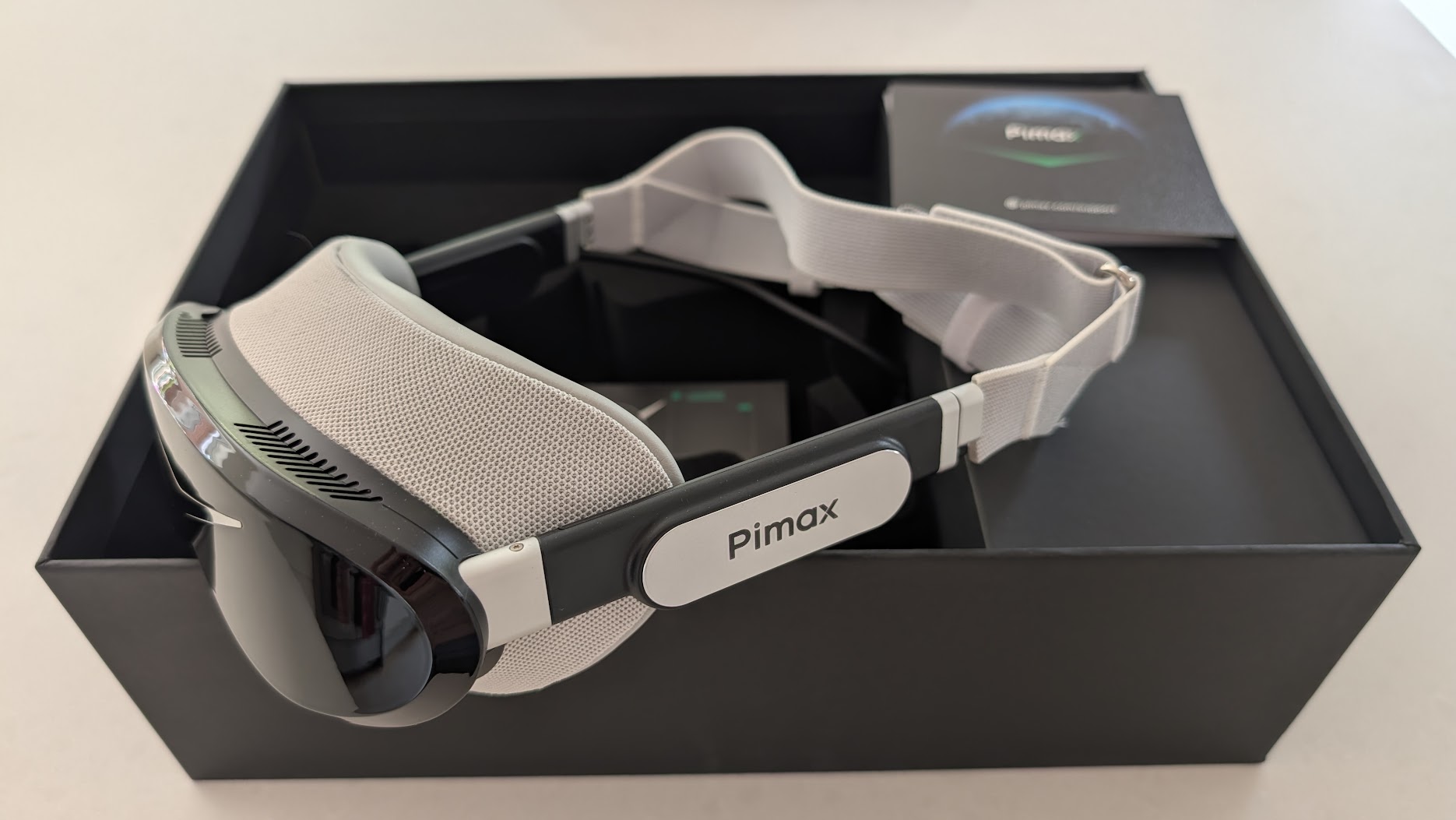
A Crystal, a Crystal Light and a Crystal Super have all come through my office, and every one of them put a stunning picture on my face attached to what felt like half a house brick. The Dream Air is the first Pimax I’ve unboxed and almost laughed at, because it’s such a different beast – it’s so small.
This is the most exciting headset Pimax has made. The OLED picture is the best I’ve raced with, the weight changes how the Dream Air feels on track, and as a driver I care far less about the trimmed field of view than the reviewers who test these for a living. The stock headstrap is the one thing I’d change on day one. Everything else, I’m sold on.
The Dream Air Lighthouse is $1,999 as a headset only and the Dream Air SLAM is $2,299 with two controllers (pimax.com, 9 October 2026). Both use the same Sony micro-OLED panel. I wrote this review on the Lighthouse edition and have since run the SLAM for my Dream Air SLAM review. Having had both on the rig, I’d say it doesn’t matter which version you have, particularly. There’s also the cheaper Dream Air SE, with a lower-resolution panel, and our Dream Air vs Dream Air SE comparison covers how the two differ. Our daily price monitor in the table below has the current figures.
Pimax discount codes: use SIMRACINGCOCKPIT for 2% off, or SIMRACINGCOCKPIT25 for $25 off, at pimax.com.
| Specification | Pimax Dream Air (Lighthouse and SLAM) |
|---|---|
| Panel | Sony Micro-OLED |
| Resolution per eye | 3840 x 3552 (about 13.6 million pixels) |
| Refresh rate | 72Hz / 90Hz |
| Lenses | Pimax ConcaveView pancake |
| Field of view | About 110 degrees horizontal (vertical sits tighter) |
| IPD | 58-72mm, automatic adjustment |
| Headset weight | Under 170g (headset, Pimax’s figure) |
| Tracking | Lighthouse: SteamVR base stations, bought separately. SLAM: four onboard cameras |
| Eye tracking | Integrated, drives dynamic foveated rendering |
| Cable | 5m split DisplayPort to USB-C, no bulky link box |
| Audio | Integrated off-ear speakers (DMAS hardstrap upgrade sold separately) |
| Software | Pimax Play plus SteamVR (DisplayPort 1.4a + USB 3.0) |
| GPU (Pimax’s tiers) | Minimum from an RTX 2070; recommended RTX 3080 / 4070 and up |
Quick Navigation
The specs | Setting it up | Build & weight | The display on track | FOV for racers | Compatibility & tracking | Things to know | Vs the Crystals | Who it’s for | Pricing
Let’s look at the specifications first
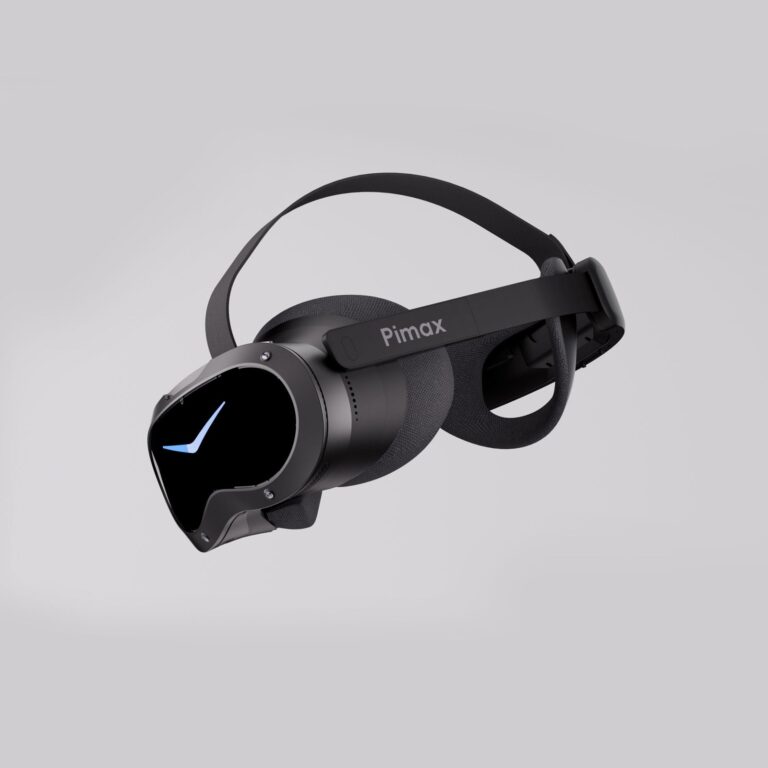
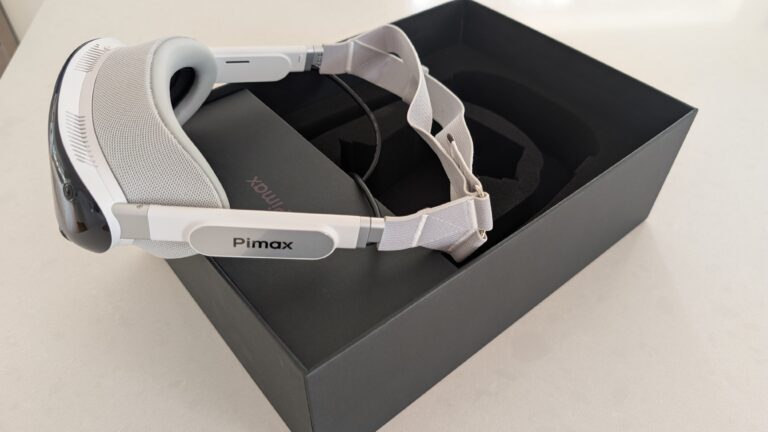
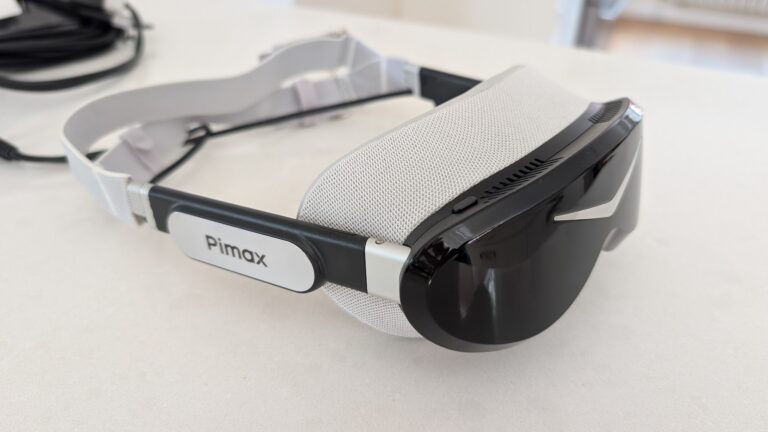
Today’s review hardware is the Dream Air Lighthouse. This is the edition tracked by SteamVR base stations, its faceplate studded with infrared sensors instead of the onboard cameras the inside-out SLAM version uses. They’re physically different front ends, not a firmware toggle, so you pick your tracking when you buy. The Lighthouse edition is sold as the headset only, so the base stations and controllers are extra. My review kit included a pair of Pimax Sword controllers, in their own box. They stayed in the box for this test, since you’re holding a wheel and not a motion controller, but I do plan to keep using this headset for flight simulation and some fun games with my nine, soon to be ten, year old.
There are two specs a sim racer will notice on track, and neither of them is the headline resolution. One is the weight (under 170g for the headset, by Pimax’s figure), and the other is the contrast of the Sony micro-OLED panel.
Setting it up (and the Pimax first-boot ritual)
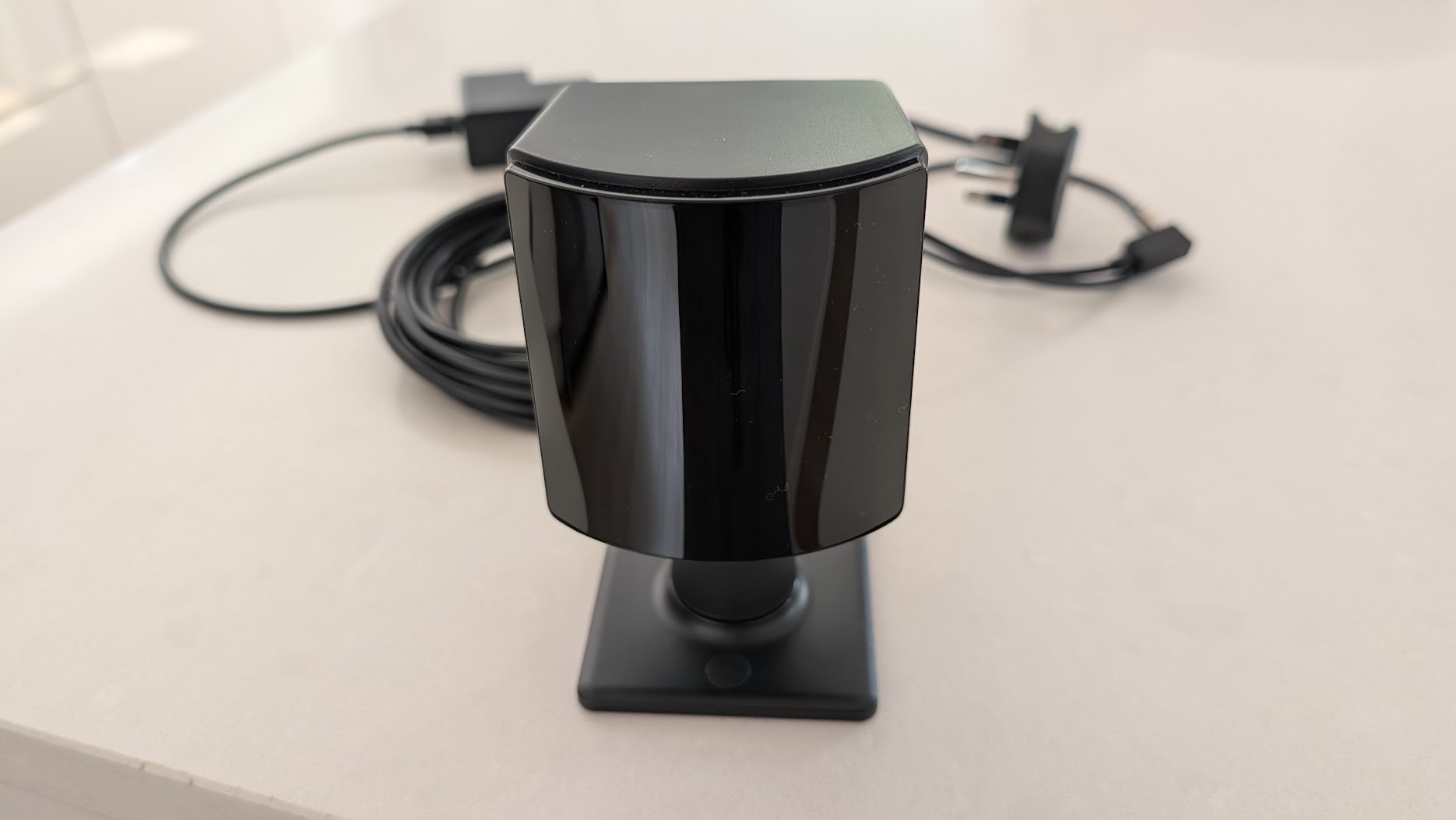
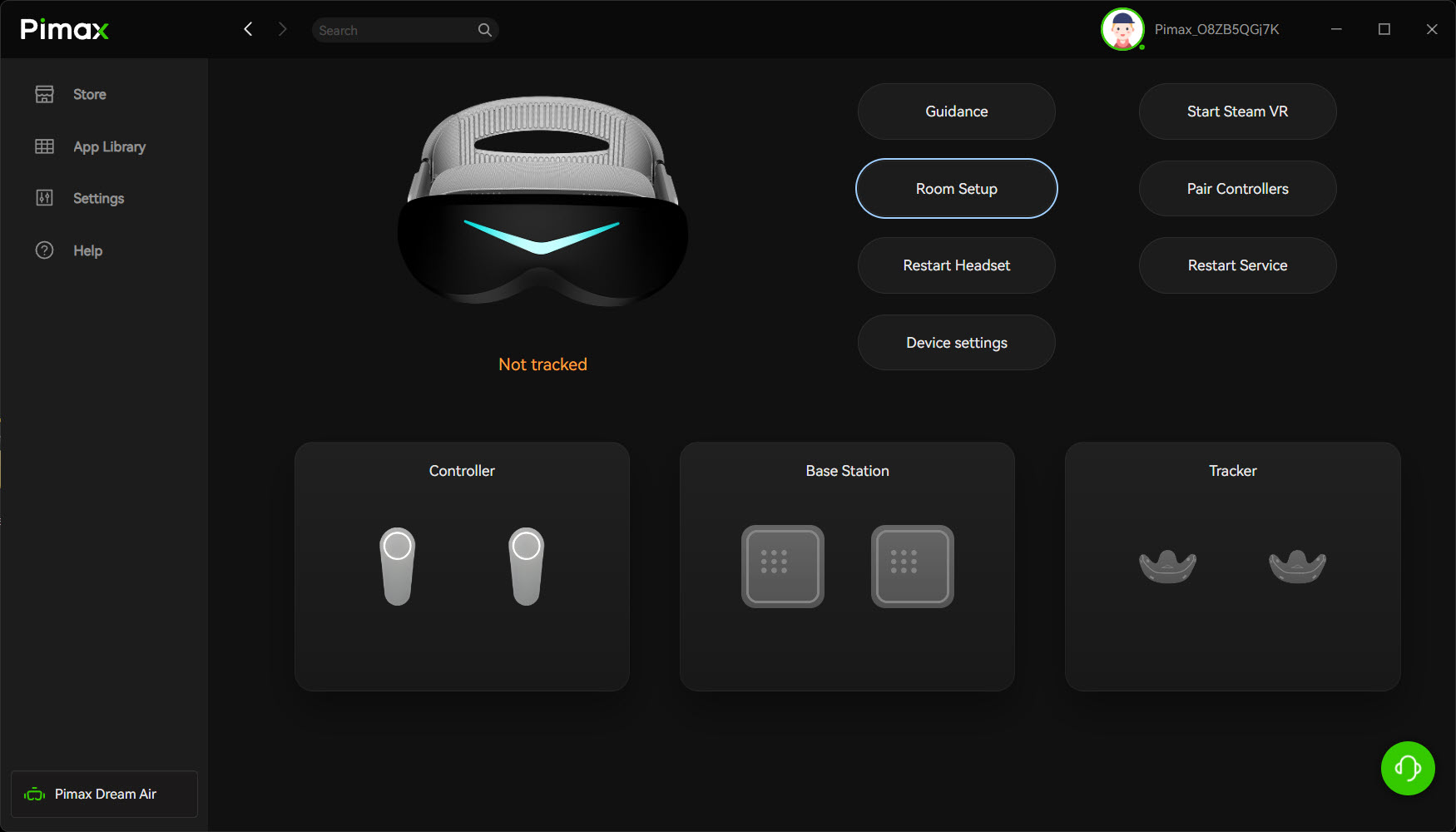
Setup is really easy. You stand a SteamVR base station in front of the rig, power it, unpack the headset, and install two pieces of software: Pimax Play and SteamVR. For a seated cockpit you only need the one base station, set a bit high and angled down – your body never gets between your head and the front of the rig, so a single unit tracks dead solid. And that’s it, almost.
A few reviewers have said the Dream Air “just works” out of the box, and I believe them – Matteo311 reckoned 90 to 95 per cent of the old Pimax headache is gone, that he plugged it in and everything worked. My experience getting set up was near enough issue-free too, with one exception. Like every Pimax headset I’ve owned, it took its time on the very first boot. Pimax Play installs, it sees the base station, then the power button just sits there with a little red light daring you to press it. Which of course I did. Nothing.
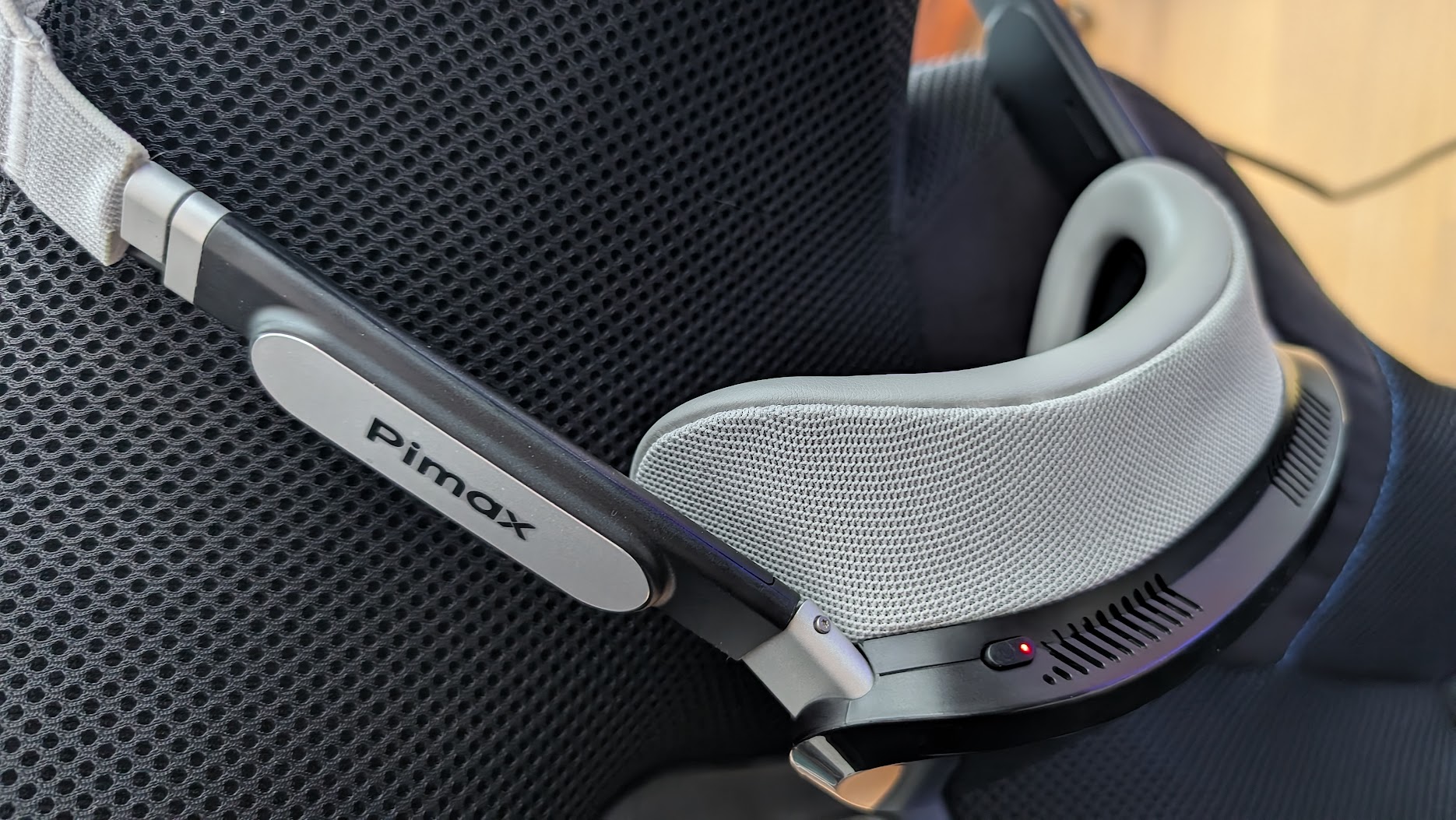
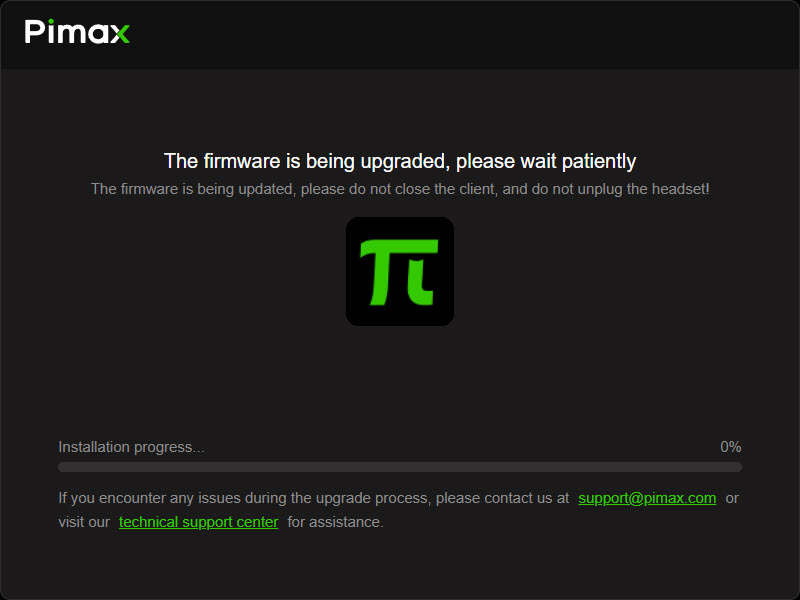
The fix, every time, is to let it pull its firmware update, restart, and then unplug and reinsert the USB – even though Pimax Play doesn’t prompt you to do that after the first run. Do that and it wakes up. I’ve never fully understood why Pimax kit likes to start its first session on its own schedule. If you’ve owned one before, you’ll recognise the dance immediately. If this is your first Pimax, don’t panic when the red light ignores you – it isn’t broken, it’s just being a Pimax.
Once it’s up, the first thing I hit was a tiny in-headset UI – and that was on iRacing’s side, not the headset’s. iRacing was still set up for monitors in its graphics settings even though I’d switched the output to OpenXR, so the menus came up minute. Despite that absolutely tiny UI, I could still read all of it and set the sim up properly, such is the clarity the Dream Air gives you. A couple of minutes later I’d assigned recentre to a HUD button and mapped a rotary to the UI size, and I was away.
Build, design, and that weight
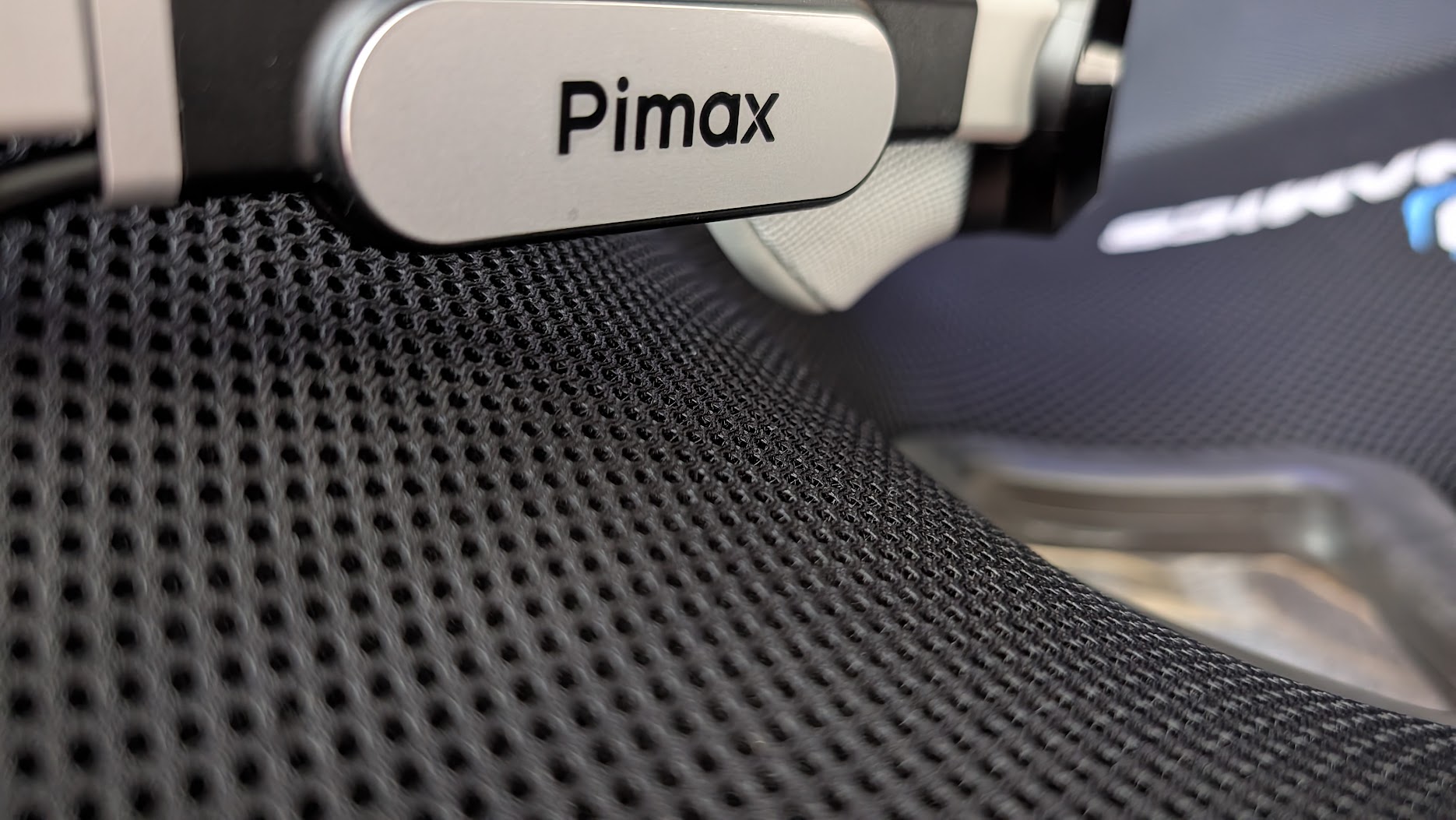
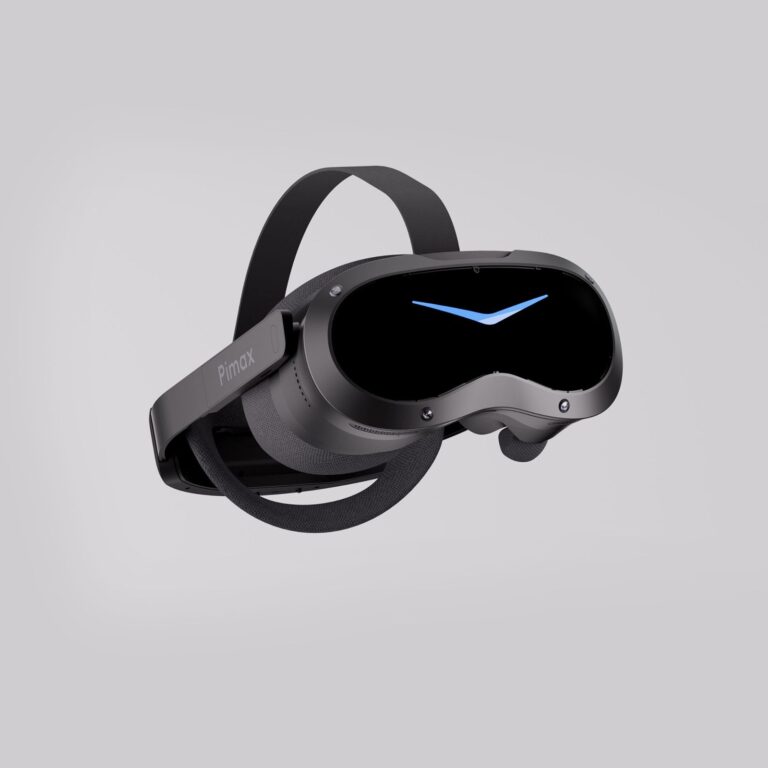
This is the bit that gets you before you’ve even switched it on. The Crystal Super is a tank – a beautifully made one, but a tank, in the 600g class by Pimax’s own figures. The Crystal Light is a big lump on your face too. The Dream Air headset weighs under 170g. You pick it up and your brain expects more. It’s a strange little moment.
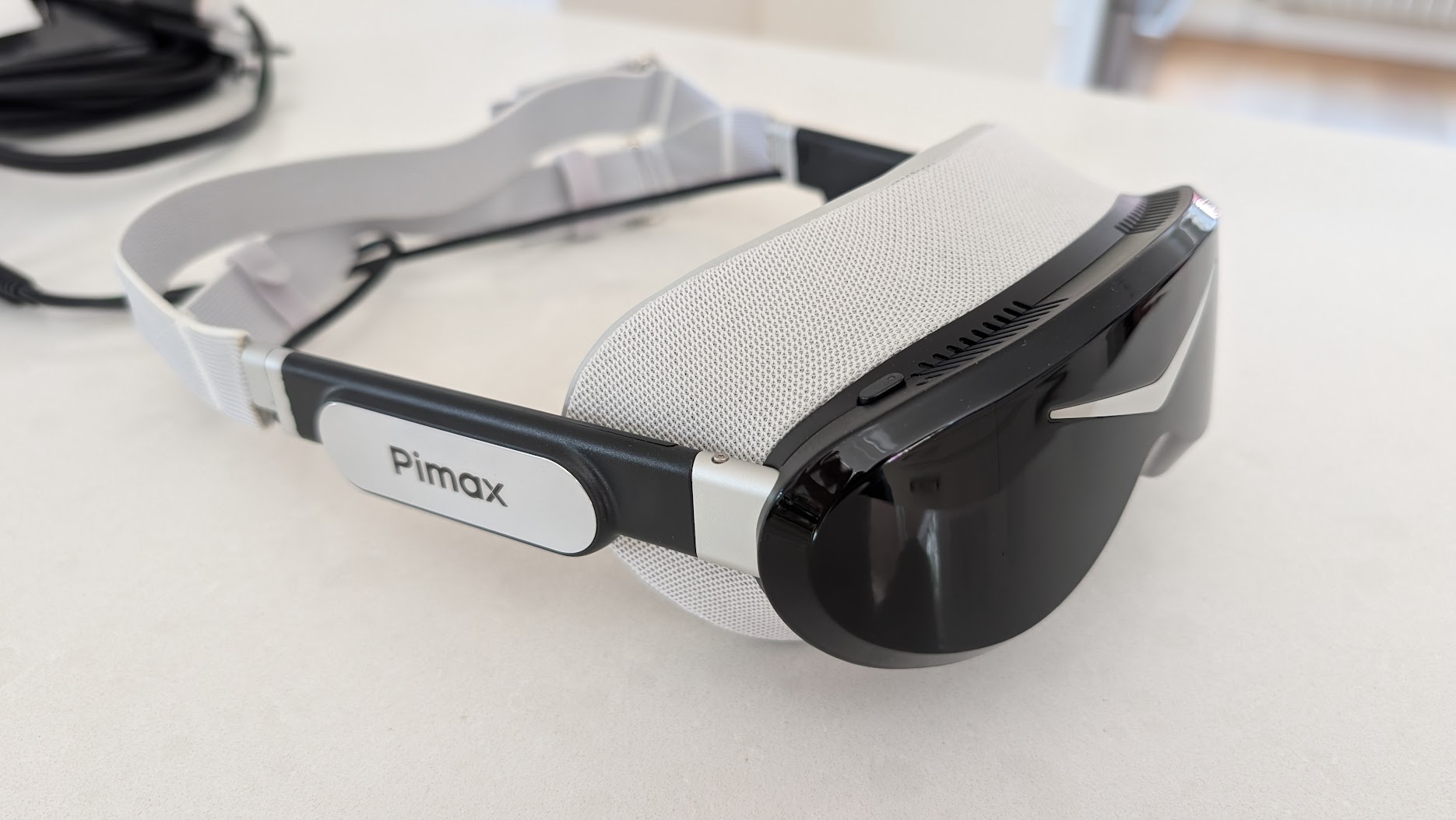
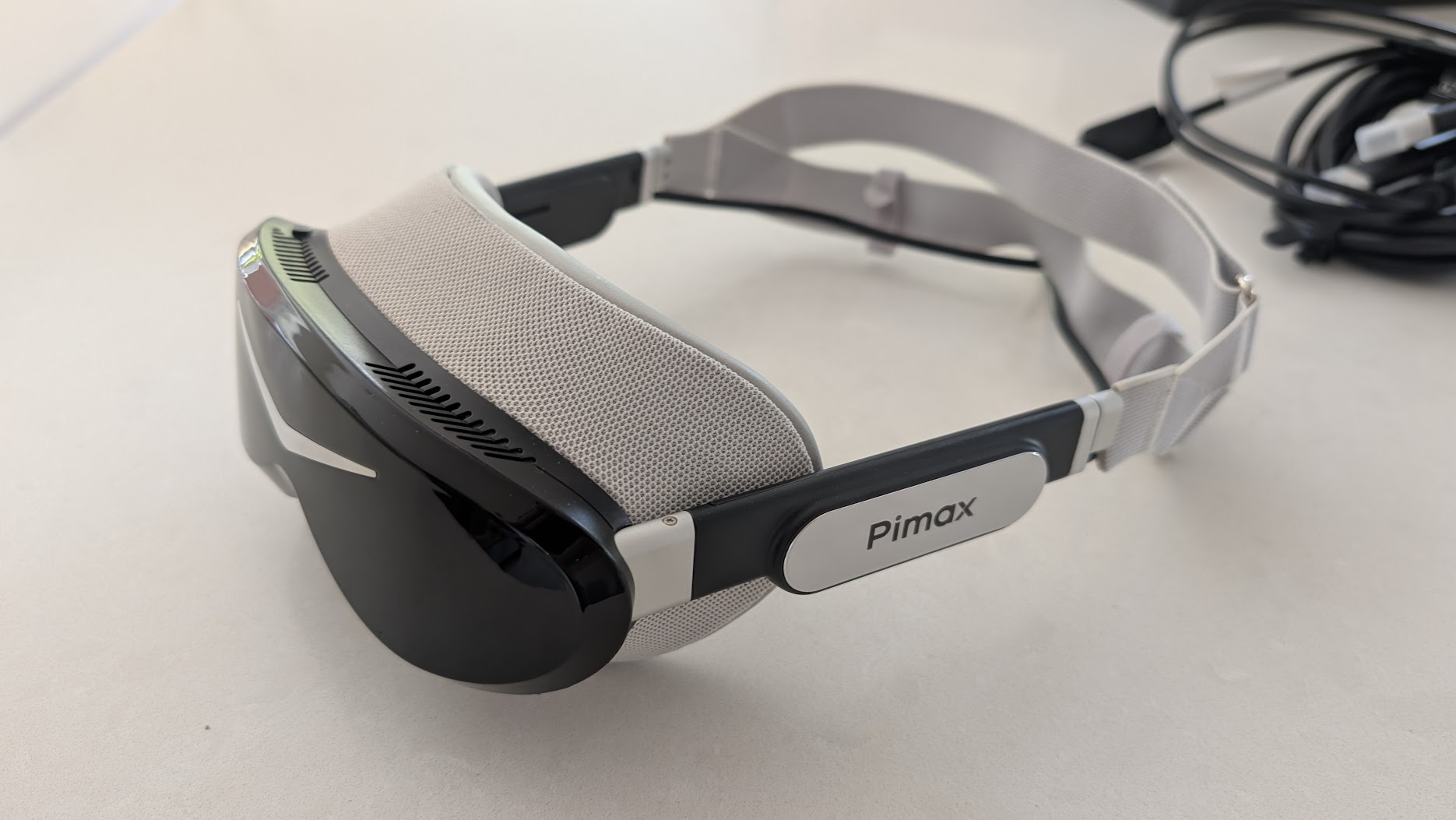
I like the design a lot. It’s a refreshing change after years of the larger Crystals, and it’s good-looking in a way sim racing kit rarely bothers to be. Build quality is good rather than bulletproof. It’s a more delicate-feeling object than the Super, which is partly just physics – there’s so much less of it. immrchris made the same point in his side-by-side with the Crystal Super, where the Super feels like it would shrug off a knock and the Dream Air like something you’d handle with a bit more care.
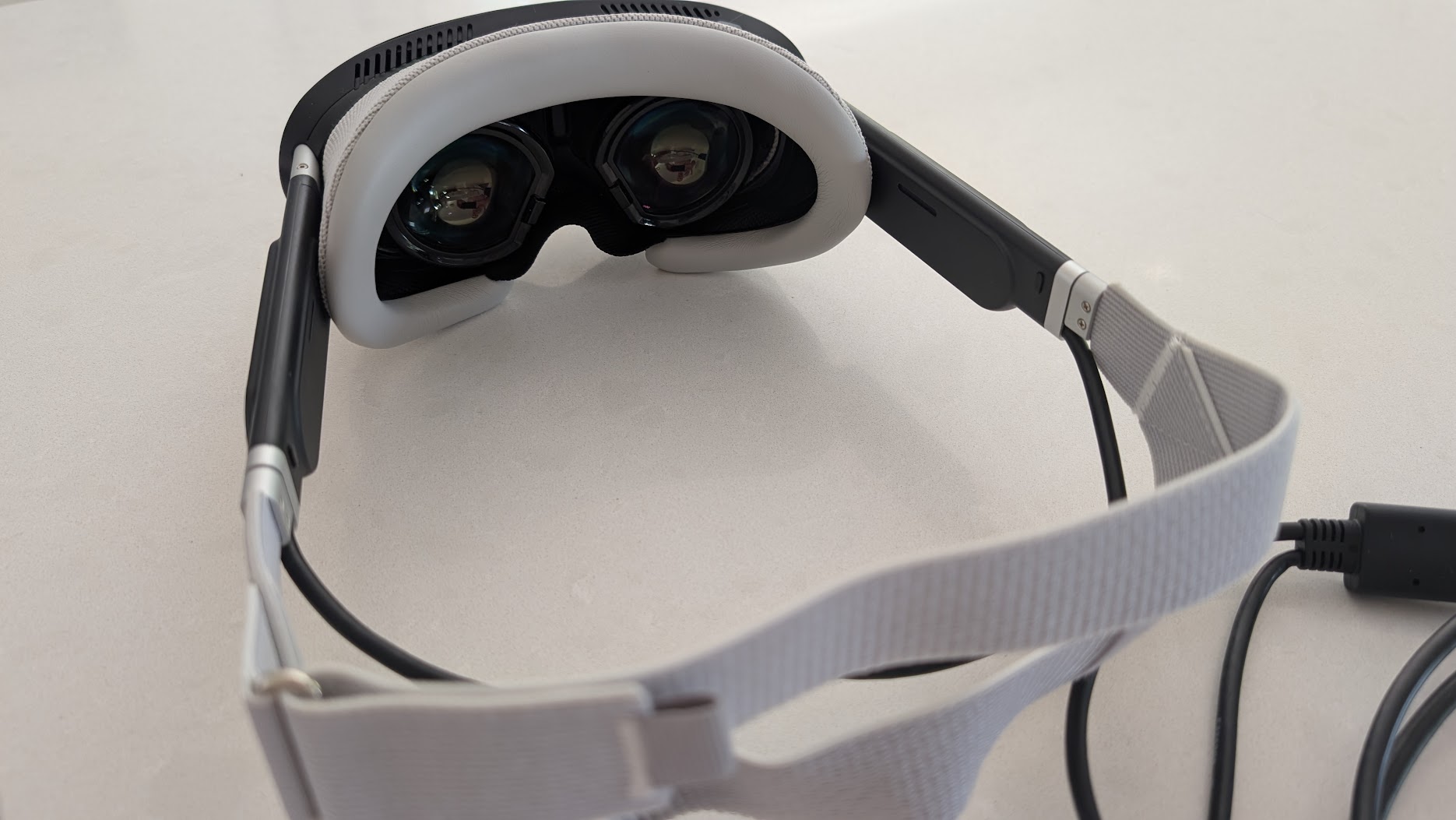
The stock strap is a fabric one, and it’s the part I’ve seen other reviewers be hardest on. SimRacing Arnout built a whole review around the line that “lightweight is not comfort”, arguing it’s the small shape pressing foam into your forehead that nags after an hour. I didn’t find that, though. With a bit of time spent messing about with the straps – and feeding the cable through the seat-belt apertures on the race seat, if yours has them – the fit was fine for me. And the Dream Air is a lot lighter and more comfortable than the Crystal series. The fabric will want a clean down the line (it’s going to drink up sweat), and if you do fancy a swap the aftermarket’s already moving: Pimax’s own DMAS hardstrap, Studioform’s comfort straps, even 3D-printed adapters for other bands – the same itch I scratched on my Quest 3 with a replacement strap. But I’m in no hurry.
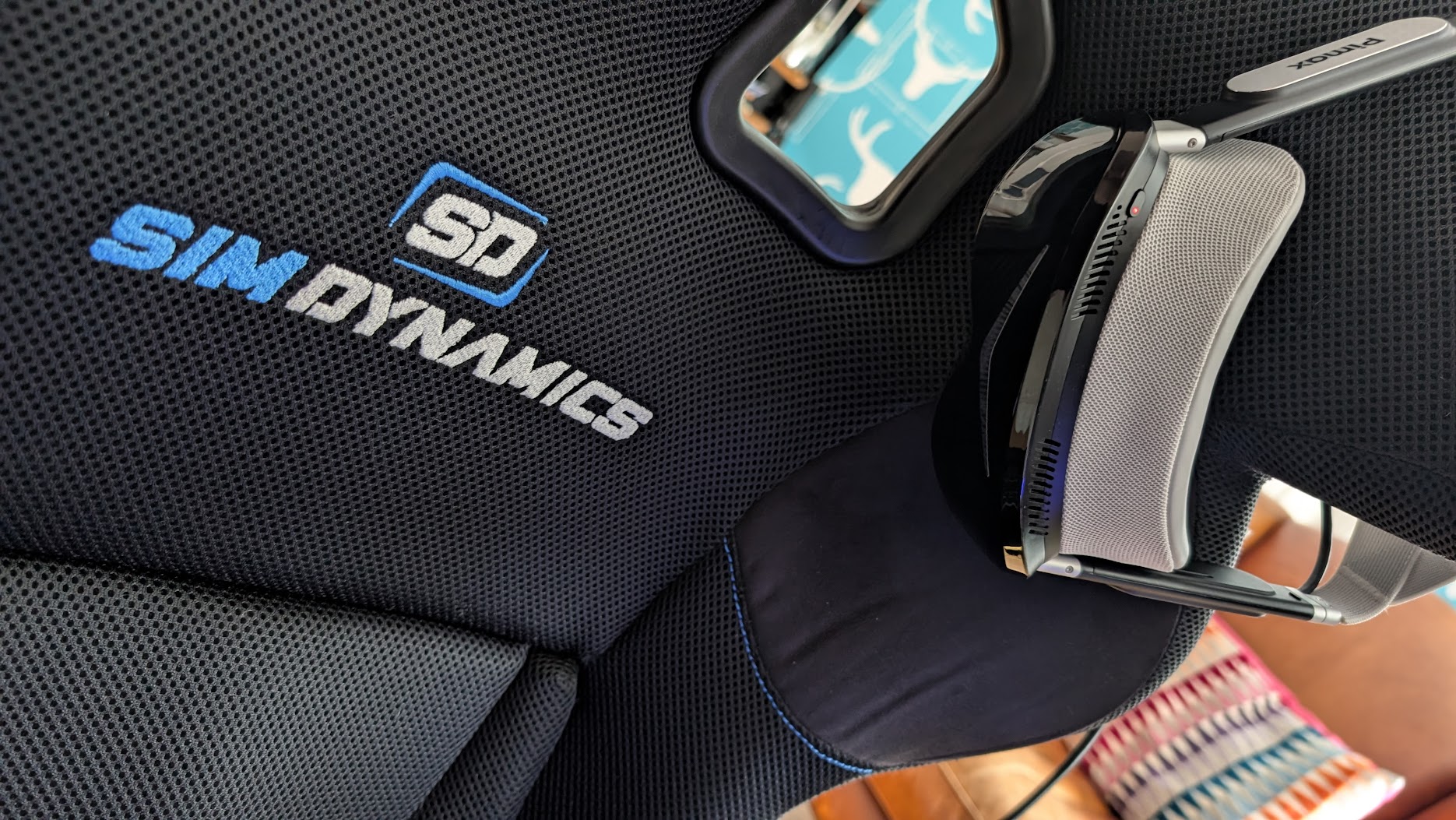
Where the low weight really pays off is in the sessions themselves. Campbell Racing, who’s been in his for a couple of months, puts the comfort around eight out of ten – good for a couple of hours before you want it off. If you do find the stock setup nags, the common fixes are a third-party gasket or Pimax’s own DMAS hardstrap. More on that with the accessories below.
Pimax has since revised the Dream Air’s facial interface, and its progress update of 1 July 2026 said it expected the new face mask to start shipping in late July. immrchris on YouTube has been sent the new one (“Dream Air Mask Wide” on the box), and after about an hour and ten minutes of racing he had no discomfort and no light leakage. The new mask is much thicker all round than the original. It’s PU leather, though, which he found makes you sweat a bit, so he’d rather have cloth.
The display on track
This is the reason the Dream Air exists, and the reason I’d put up with the strap. The OLED panel is astonishing. I went out on track with my default monitor settings – iRacing with the really important graphics features, like foliage, set high – and with my 4090 driving it, the Dream Air handled it well from the off. Detail isn’t a problem, and distant kerbs, the mirrors and the apex you’re aiming at are all sharp.
What the OLED gives you that the LCD-based Crystals can’t is contrast. Black is black, not dark grey. immrchris ran the Dream Air next to his Crystal Super 50PPD and found the Super is the brighter panel, but it looks slightly washed out by comparison no matter what you do with the settings. His 50PPD runs the Super’s QLED (LCD-based) optical engine, which auto-dims and haloes on night scenes; the Dream Air’s OLED doesn’t. (The Super can be fitted with a micro-OLED engine too, but that’s a pricier module and a slightly different comparison.) For him, the Dream Air absolutely transforms night driving.
I’ve been running the Dream Air at 90Hz, its top refresh rate. Campbell Racing noticed that at lower refresh rates you get a faint smear on anything close to your face, almost a wipe, when you turn your head from the mirror down to the gauge cluster and back. For most of a lap you’re looking into the distance and wouldn’t notice, but mid-corner glances around the cockpit are where it shows. At 90Hz in the Dream Air he found it gone. Matteo311 called the panel the best micro-OLED screen he’s used in VR – “like using new eyeballs” was his line – and I’m not going to argue. HDR is on by default, and I turned it off. The colours are impressive without it, and HDR added nothing I missed.
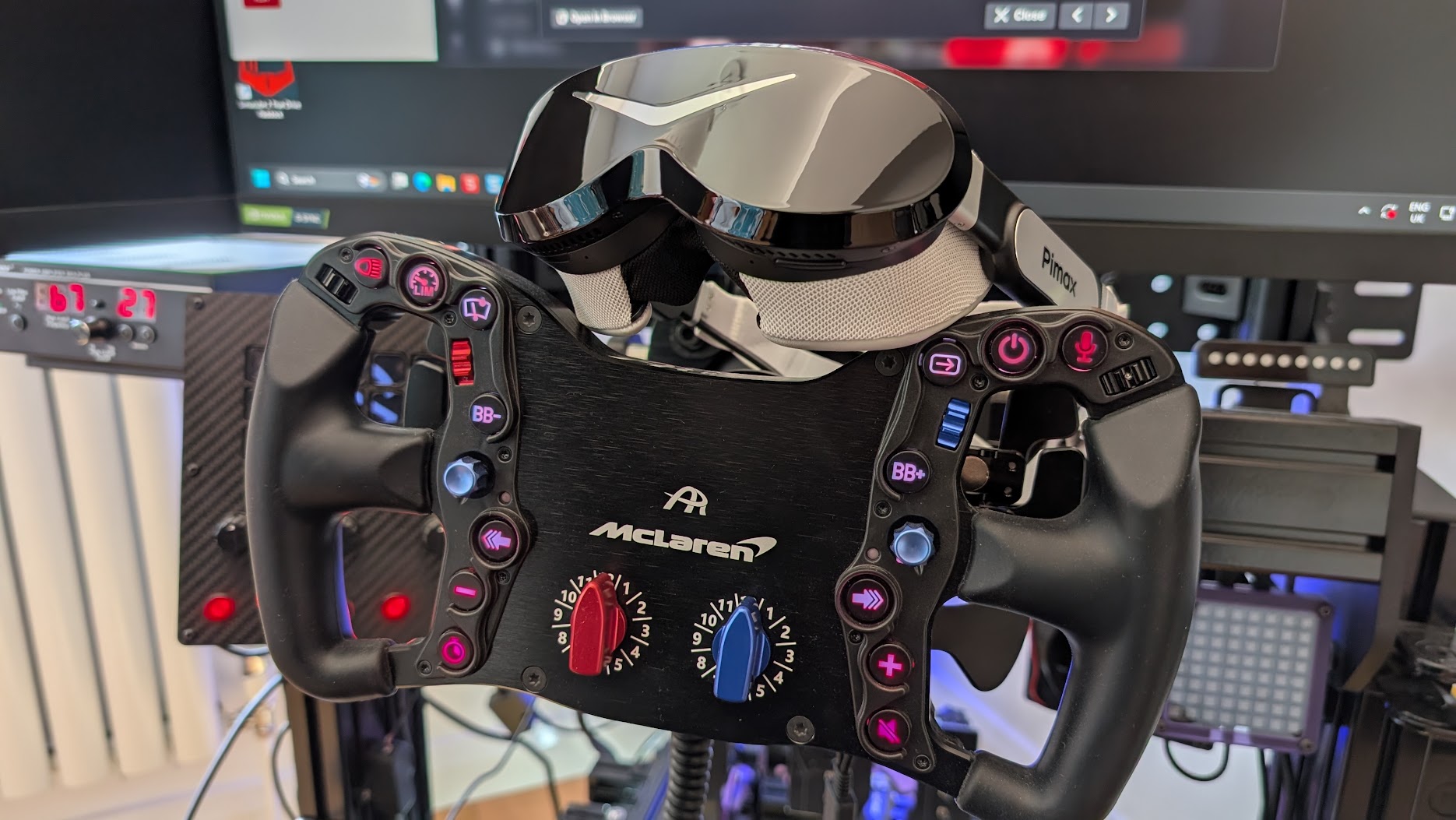
The Dream Air uses the same calibre of Sony panel as the Crystal Super, but its narrower field of view means it’s pushing far fewer pixels than that wide Super. SimRacing Arnout reckons the picture is arguably the sharpest of any Pimax headset precisely because the smaller FOV is so much friendlier on the GPU, letting him run near-native resolution with steady frame times. On top of that, the automatic dynamic foveated rendering (the eye tracking renders full detail only where you’re looking) is doing real work. So you get a flagship Sony image that an ordinary high-end rig can drive. Back in June I was still a few weeks off having mine perfectly dialled in (I’d dropped detail on the less important stuff), but the first run was good enough that I was happy to put that time in. If you want a head start on the in-game numbers, our Pimax VR settings pages are a sensible place to begin.
The FOV question, from a driver’s seat
Here’s where I part company with a lot of the reviews. The Dream Air’s field of view is narrower than the big Crystal Super – the horizontal is noticeably trimmed and a few testers describe the vertical as a touch letterbox. If you’re coming from the Super and you want every last degree of peripheral vision, you’ll feel it, and Arnout is fair when he says it’s “on the edge of what you can accept”.
But I’m a driver, and as a driver I genuinely don’t mind. Think about real life. You’re sitting in a car, often in a helmet, and you don’t see much in your periphery anyway – you look where you’re going. For sim racing the Dream Air’s field of view is fine, more than enough to read a corner, place the car and check a mirror. immrchris noticed, too, that because the Dream Air is so light, you naturally move your head to look into corners the way you would in a real car. On the heavy Super you tend to keep your head still and move your eyes, because shifting that weight has inertia and the headset whips around after you. So the lighter Dream Air ends up feeling more immersive than the Super, smaller FOV and all.
Compatibility, tracking and the GPU you’ll need
The Dream Air comes in two flavours, Lighthouse and SLAM. The Lighthouse version I tested tracks off SteamVR base stations through that infrared-sensor faceplate; the SLAM version swaps those for onboard cameras and inside-out tracking. In a seated cockpit, base-station tracking has a lot going for it. It’s rock solid, the gold standard, and because it works off infrared lasers rather than cameras it tracks perfectly in a pitch-black room. If you race with the lights off, as a lot of us do, that’s a real edge – the camera-based SLAM version wants some ambient light to lock onto.
You don’t need a wall of base stations, either. For a fixed rig a single station in front does the job, and it’ll run off SteamVR 1.0 or 2.0 hardware – just don’t mix the two generations in one setup. I did get a little tracking stutter at first; the fix was to move the base station onto a high shelf, dead centre of my eyeline, so the headset and the lighthouse could always see each other cleanly. That sorted it. Lighthouse controllers such as the Sword pair to the Dream Air’s built-in dongles with no extra kit, though as I said mine stay in the box for racing. Matteo311 ran the SLAM unit and found the controllers slow to re-acquire after resting at his side. Base stations were my pick in June, before Pimax sent the SLAM edition and I ran both on the same rig. My Dream Air SLAM review compares the two. For racing the version barely matters, because the controllers are where SLAM tracking wobbles and a sim racer has both hands on a wheel.
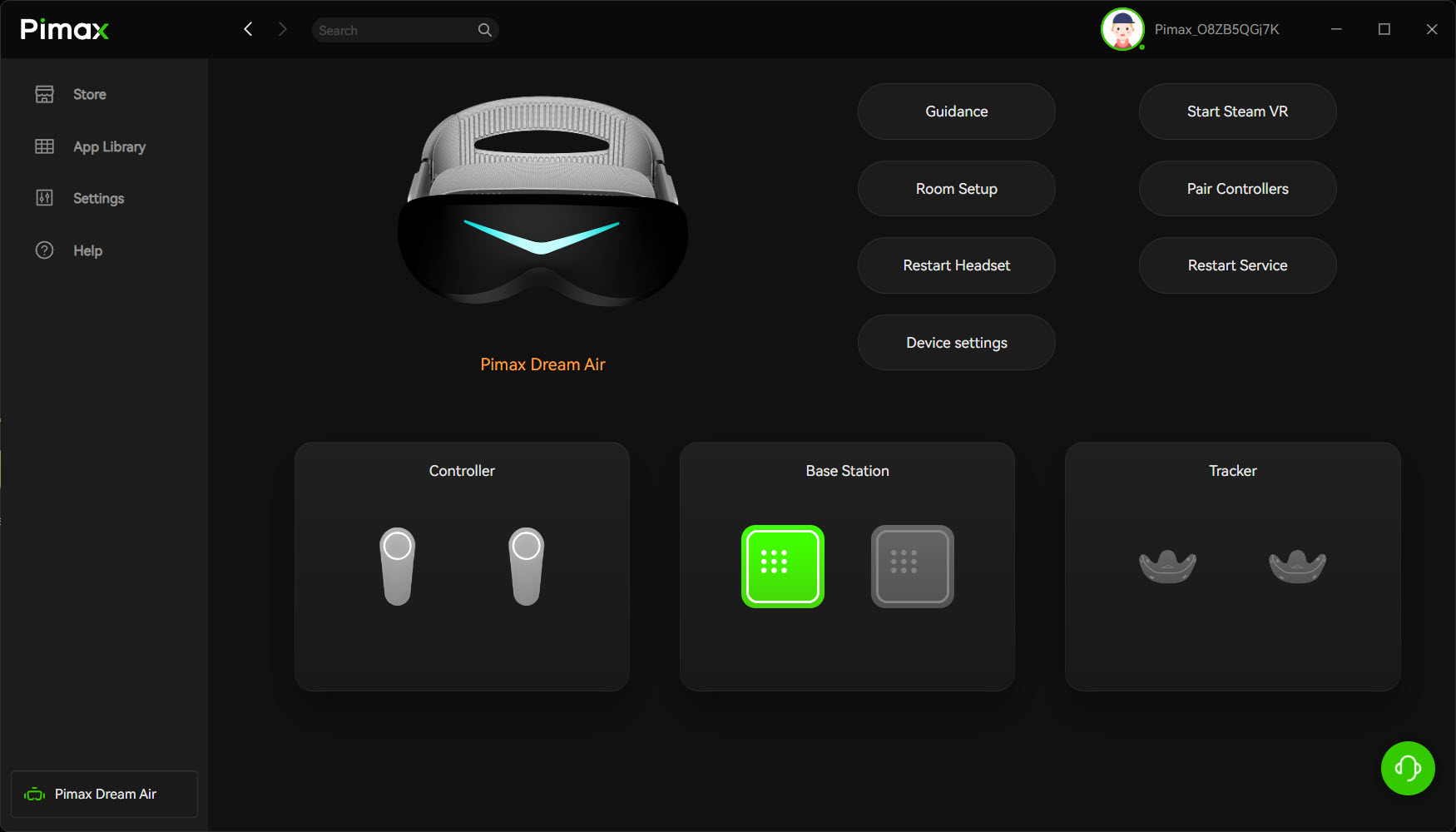
On the PC side, be honest with yourself about the GPU. The Dream Air runs over DisplayPort 1.4a plus USB 3.0, through Pimax Play and SteamVR, and it’ll happily talk to iRacing, ACC, Assetto Corsa EVO, Le Mans Ultimate and AMS2 through OpenXR or SteamVR. There’s also the SBoys3 driver, a free community-made download that turns the Dream Air into a native SteamVR headset, and the SBoys3 driver guide covers the install. Whichever route you take, you’re driving a lot of pixels at 90Hz. Pimax lists a minimum from an RTX 2070 up to a 3070 Ti or 4060 Ti. It recommends an RTX 3080, 3090, 4070 or 4070 Super, and its top tier goes from the RTX 4070 Ti to the 4090 and 5090. For native resolution in a demanding sim, though, you want something near the top of the stack – my 4090 coped well. If you’re weighing up whether your rig is ready, have a look at our best graphics card guide.
If you wear glasses, Pimax sells magnetic prescription Vision lens inserts that snap straight onto the optics. And the DMAS hardstrap is the upgrade I’d budget for if you’re spending serious time in the headset – it swaps the fabric strap for a rigid frame and adds off-ear speakers that handle engine rumble far better than the built-in audio. It was out of stock on pimax.com on 10 October 2026, though.
Things to know before you buy
The Dream Air does ship with a few rough edges. Besides the strap, which I’d upgrade eventually, there’s the audio. The built-in off-ear speakers are fine, perfectly usable, but nothing special, and you’ll miss a bit of low-end engine rumble. That’s no issue for me, mind – I run a proper sound system at the rig and a Buttkicker bolted under the seat, which is the single best haptic mod you can make to a non-motion sim. But if you lean on the headset’s own speakers, the DMAS hardstrap is the upgrade that sorts the audio and the strap in one go.
The cable gets mixed press. It’s a 5m split cable that joins at a small junction box sitting near the back of your neck, and one reviewer noticed that box warming up over a long session and wasn’t sure how Pimax hadn’t caught it. As for the length, it was ample for my 8020-profile Sim Dynamics rig, routed naturally through the frame. I also very much appreciate how slim the Dream Air’s cables are, which makes them a lot less distracting. Pimax has put up a free 3D-printable cover for the spot where the two cables join, and it clips onto the fabric back strap. There are a couple of firmware-era niggles too: some owners report an occasional white-screen flash on very long sessions, and there’s mild chromatic aberration at the very edge of the lenses that you’ll spot if you look off-centre but not, in my experience, while you’re driving.
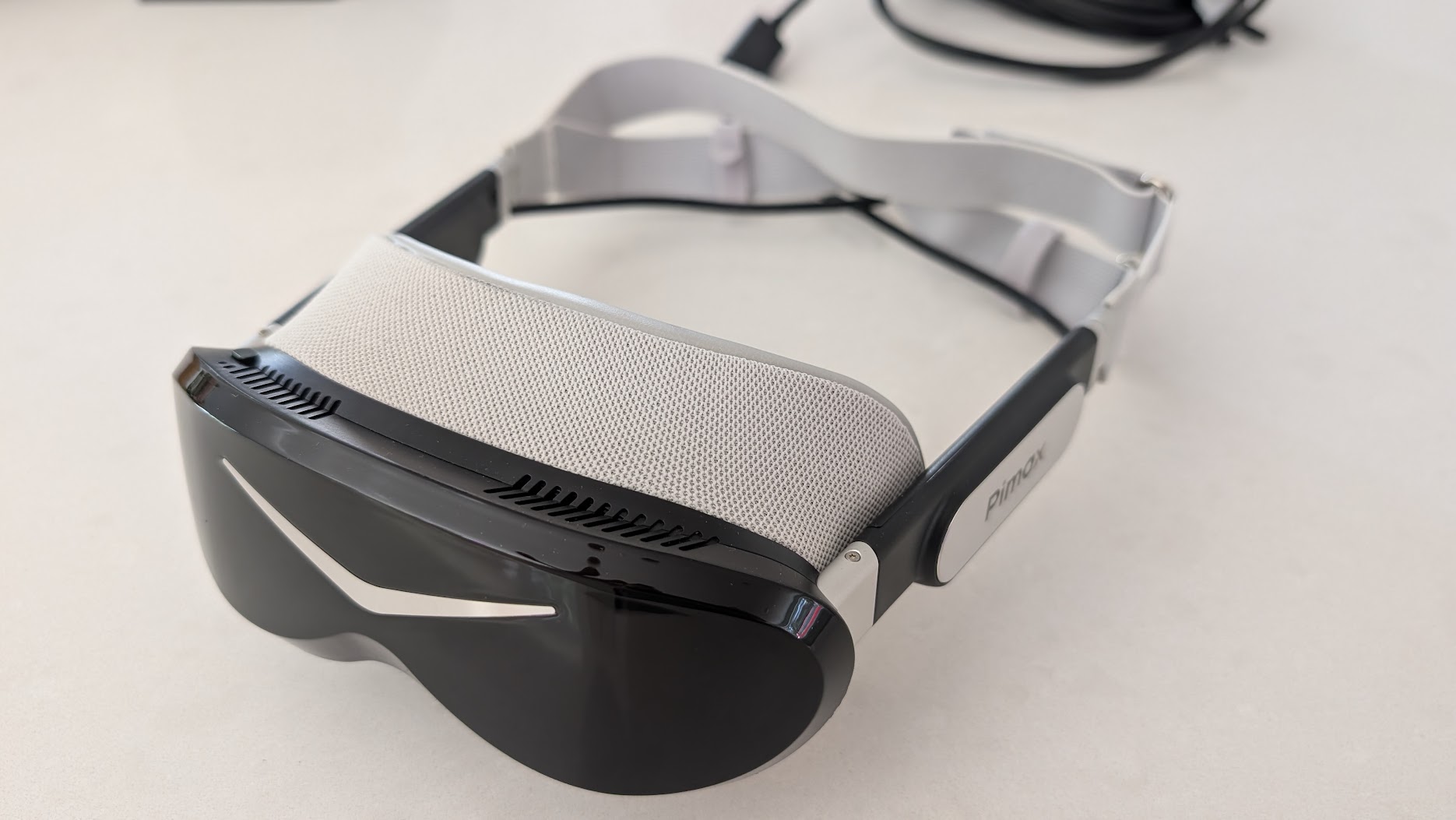
The first Dream Air units shipped with two non-final parts, a temporary fabric strap and an early facial interface. Pimax said on 1 July 2026 that it expected to fulfil all existing pre-orders by August. Since then, immrchris has been sent the new facial interface.
How it sits against the Crystal Super and Crystal Light
On paper the Crystal Super is the more complete headset – wider field of view, swappable optical engines, a bigger gasket that seals out light better, and a more finished feel. It’s also heavy, and in its common QLED form it’s brighter but flatter beside the Dream Air’s OLED, and it demands an even beefier GPU to feed that wide, dense panel. immrchris, who ran both back to back, landed on the Super being the safer all-rounder and the Dream Air being the one that makes him enjoy the drive more every time he puts it on.
Against the Crystal Light, the Dream Air is the obvious step up in image quality and the obvious step down in weight. The Light is still a sizeable headset, and once you’ve worn the Dream Air for an evening, going back feels like strapping a brick to your face. So if you’ve got a Crystal Super and you love the wide view, I wouldn’t tell you to switch. If you’re on a Crystal Light, or you’re coming in fresh and you want the best image in the lightest package Pimax makes, the Dream Air is the one. Our Crystal Super review is worth a read if you’re torn, and the Pimax settings finder will help you dial in whichever you land on.
Who should buy the Dream Air
The Dream Air is for the sim racer who wants the best image quality and is done with wearing something as heavy as a Crystal Super. You’ll need a strong graphics card, and you’ll value contrast and comfort over the widest possible FOV. Either tracking version will do. If maximum horizontal FOV is your priority, the Crystal Super is the one to look at. For flight I still recommend the Pimax Crystal Light or the Super, but the Dream Air doesn’t need so much of the vertical FOV because you’re driving, not looking up and down! I’m not feeling limited by my Dream Air at all and it transfers between the two well. If flight comes first, start with our flight simulation guide and VR headsets for flight simulation.
Pros
The OLED display is the best I’ve used in VR – contrast, colour and black levels are on another level to the LCD Crystals. The weight, under 170g for the headset, changes how you drive, encouraging natural head movement into corners. The narrower FOV that comes with it is also what makes the picture runnable on a sensible GPU. Lighthouse tracking is rock solid. And the design is lovely to look at and to handle.
Cons
None of these is a showstopper for me, for what it’s worth. The stock strap is the least finished part and some will want to upgrade it, though I found the fit fine after a bit of adjustment. The built-in audio is merely adequate. The field of view is narrower than the Super – a non-issue for me as a driver, but worth flagging, and possibly a factor for flight sim. It needs a strong card to run at native. The first units shipped with an early facial interface, which Pimax has since revised.
Pricing and where to buy
Pimax sells the Sony panelled Dream Air at $1,999 for the Lighthouse headset on its own and $2,299 for the SLAM with its two controllers, and both were in stock on pimax.com on 9 October 2026. The Dream Air SE is $899 as a Lighthouse headset and $1,199 as a SLAM kit with controllers. For that you get a 2560 x 2560 micro-OLED panel per eye and about 105 degrees of horizontal FOV, against 3840 x 3552 and about 110 degrees on the Dream Air. The SE gives up a fair bit of image quality, but it’s far easier to drive on a more modest card. The Dream Air SE review and our Dream Air vs Dream Air SE comparison go into that properly, and our best graphics card guide covers the cards themselves. I’d go with what we know. The Dream Air SE or SLAM are tried and tested. Pimax’s November deals will be tracked on our Black Friday page. Prices move, so check the table below before you buy.
The Dream Air is still what’s running on my 4090 at the moment, and for me, the OLED screens are stunning. Just make sure you’ve got a strong card to drive yours. I’ll see you out on track!
Related Articles
Should Sim Racers Wait for the Pimax Crystal Pro, or Buy Today?
Pimax Crystal Pro: Everything We Know So Far
Bigscreen Beyond 2 for Sim Racing: What to Know in 2026
Pimax Dream Air vs Dream Air SE: Which Should a Sim Racer Buy?
SteamVR Base Stations for Sim Racing: Lighthouse vs SLAM on the Pimax Dream Air
How to Install the SBoys3 Driver on the Pimax Dream Air Lighthouse
Topic: VR Headsets
2 thoughts on “Pimax Dream Air Review: A Sim Racer’s Verdict”
Comments are closed.
Hi there,
Great review!
Just wondering why the discount code “simracingcockpit” only provides a 2% discount, and not a 3% as you stated. Let me know! Thanks!
Hey Alex, that was a legacy issue – it used to be 3% but Pimax dropped it to 2% a little while ago. I missed the email at the time – all fixed (it’s still a working voucher)