

I’m a sim racer and amateur racer with a passion for Motorsport, good racecraft and the technical and setup aspect of sim racing.
You’ve got a PS5, you’ve been playing Gran Turismo 7 on the pad, and now you want the feel of a proper wheel and pedals. A lot of people getting into sim racing are like me, they just want to go racing and don’t want to spend too much time on heavy config details. I much prefer a quick start. A PS5 racing simulator is a licensed wheel base with a wheel and pedals, something solid to bolt it to, and a screen. The wheel base is where the PS5 gets fussy, because it has to be licensed for PlayStation.
Today we’re taking a look at what goes around that licensed base, like where to mount it, the brake and the screen, and why I’d think about the rig and the pedals together. Last of all, I’ll tell you what I’d buy.
Fanatec discount code: use SIMRACINGCOCKPIT5 at checkout for 5% off at fanatec.com.
Quick Navigation
Jump directly to what you’re looking for:
What a PS5 setup needs |
The GT DD Pro bundle |
Desk, stand or cockpit? |
Pedals |
TV, monitor or PS VR2? |
The games |
Fixes |
What I’d buy
What does a PS5 racing simulator need?
The PS5 looks for Sony’s security chip, which comes with the PlayStation licence, and Fanatec always puts that chip in the wheel base. So on Fanatec kit the base decides, and any Fanatec wheel, pedals or shifter plugged into a licensed base works on the PS5 too. Fanatec’s licensed bases are the Gran Turismo DD Pro and the ClubSport DD+. I own a CSL DD and a Podium DD, and neither is a PlayStation base.

Logitech’s PS5-licensed wheels are the G29, G923, G PRO and RS50, and Thrustmaster’s are the T128, T248 (and T248R), T300RS GT, T-GT II and T598. Many come in separate PlayStation and Xbox editions, so make sure you buy the PlayStation one, like my G923. Picking one is where our best PS5 steering wheels guide comes in, and it has the full list of which wheels work on a PS5 too.
Moza isn’t on that list yet, although it became an official peripheral partner of the Gran Turismo World Series on 28 July 2026 and it’s working with Polyphony Digital on a Gran Turismo-branded wheel. Moza announced its first PS5 products, the R5S Pro and the R16S Ultra, at Tokyo Game Show on 17 September 2026, but they still need Sony’s approval, and there’s no price or release date yet. Until they ship, no Moza base works natively on a PS5, and I can’t tell you when that will change.
The Gran Turismo DD Pro bundle
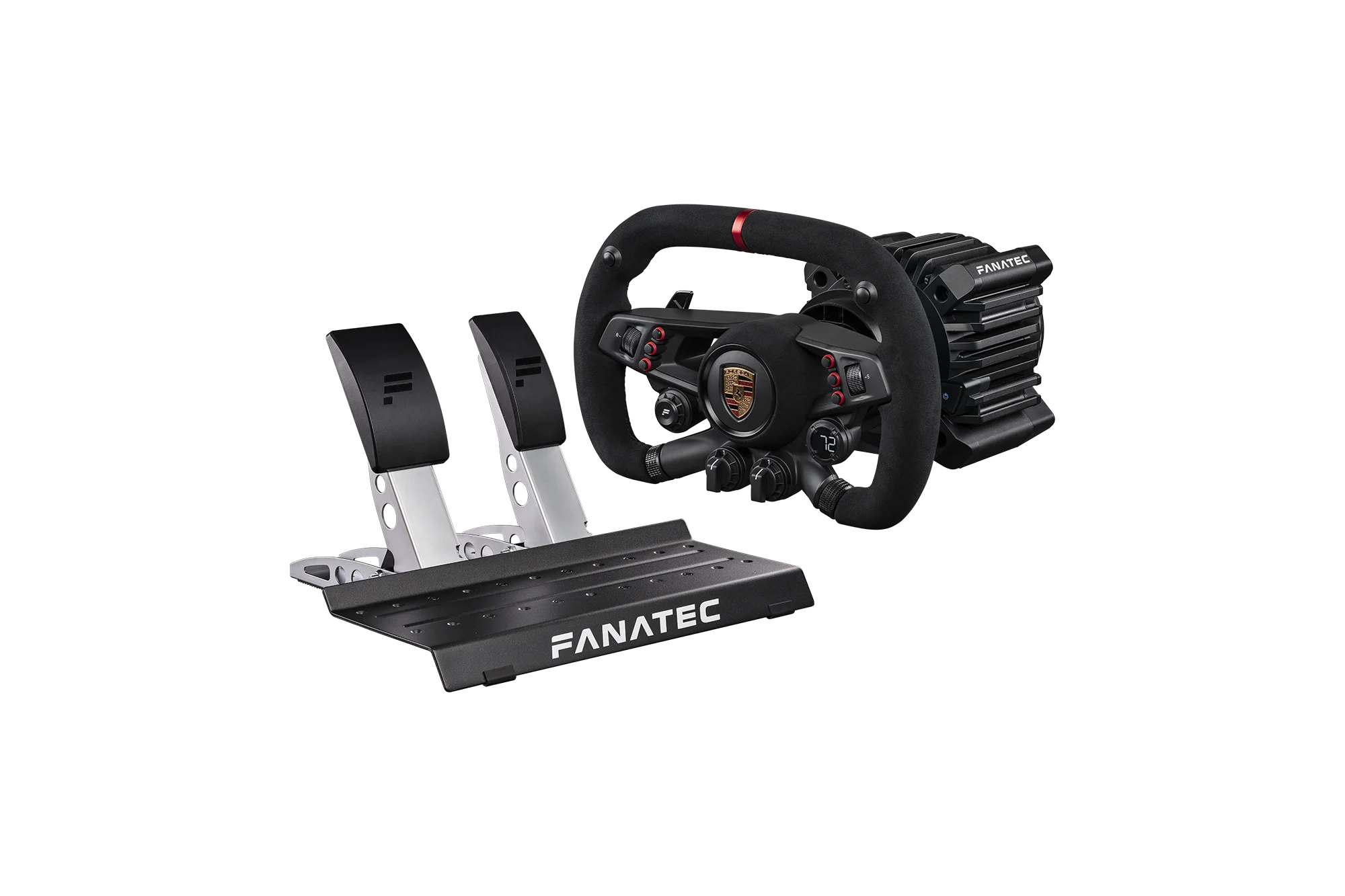
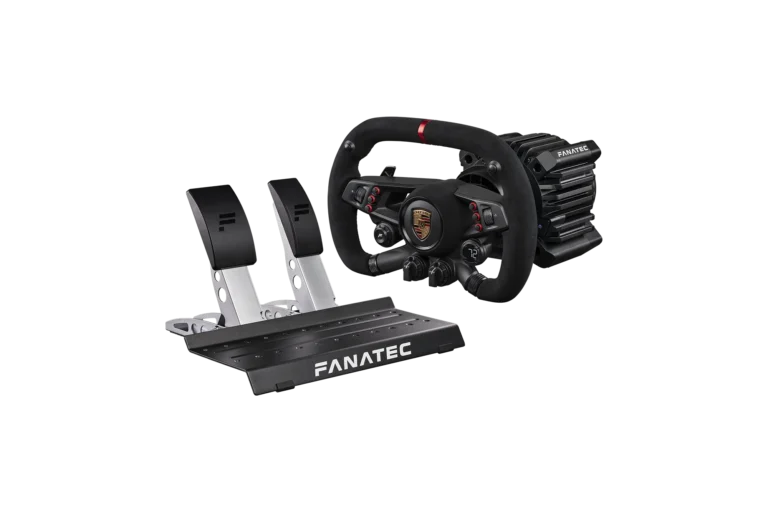
The easiest way in is Fanatec’s Gran Turismo DD Pro bundle. In the box you get the GT DD Pro base with QR2 Lite already fitted, the steering wheel made for it, a two-pedal CSL set (throttle and brake, in heavy steel) and a table clamp.
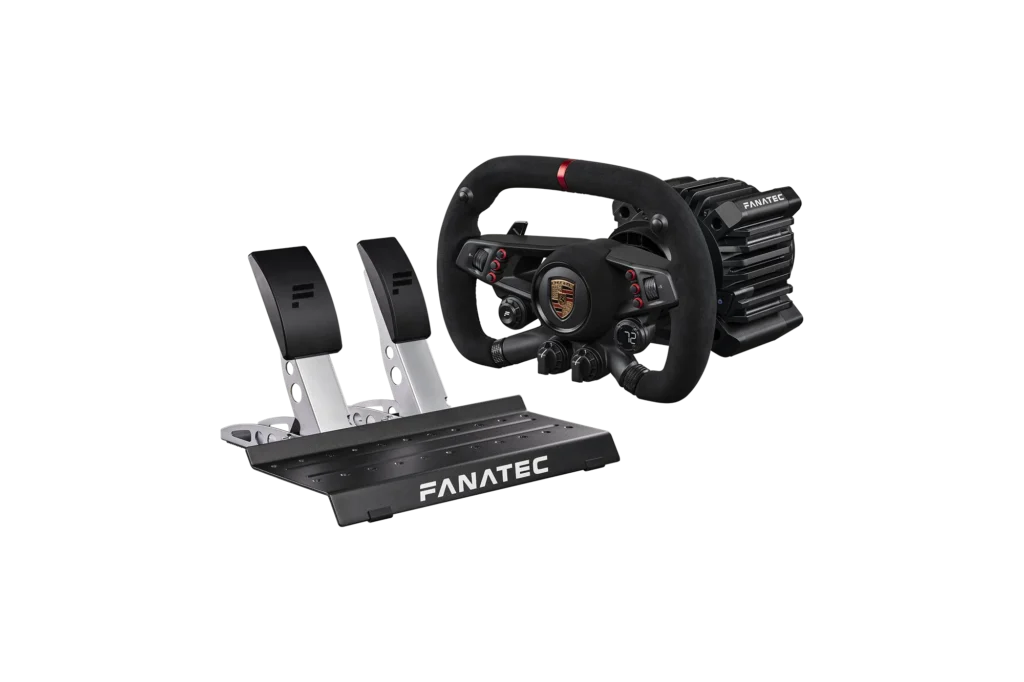
The GT DD Pro is a direct drive base, which means the wheel sits right on the motor shaft. Geared and belt-driven wheels have gears or a belt in between, and direct drive wheels don’t. Fanatec rates the GT DD Pro at 5 Nm (newton metres) of torque out of the box, or 8 Nm with the Boost Kit 180, which is sold separately. If you’d rather start at 8 Nm, the GT DD Pro Ready2Race Vision GT bundle comes with the CSL Elite Steering Wheel Porsche Vision GT and the CSL Pedals.
The CSL DD has a PlayStation-licensed twin in the GT DD Pro, with the same torque. The step up is the ClubSport DD+, also PlayStation-licensed and rated at 18 Nm.
Desk, wheel stand or cockpit?
On the desk
The GT DD Pro bundle comes with a table clamp, so a desk is the natural place to start. Bought on its own, Fanatec’s CSL DD Table Clamp fits the CSL DD and the GT DD Pro only, on desks 5 to 60 mm thick, and holds the base at a fixed 15 degree angle. Just make sure the desk itself doesn’t flex, though, as flex takes away the mechanical feeling of the equipment and the feedback you get in return.
A wheel stand
A wheel stand is the middle step between a desk and a full cockpit. Trak Racer makes a steel one, the FS3, and its own comparison table lists it for bases of 5 Nm or less. That covers a GT DD Pro at 5 Nm, but on paper not the 8 Nm you get with the Boost Kit 180.
A cockpit
Above all other things, rigidity is crucial. Higher-end sim racing wheelbases and pedals tend to create far higher forces, and this can create what we refer to as flex, the unintended movement of the rig itself under duress.
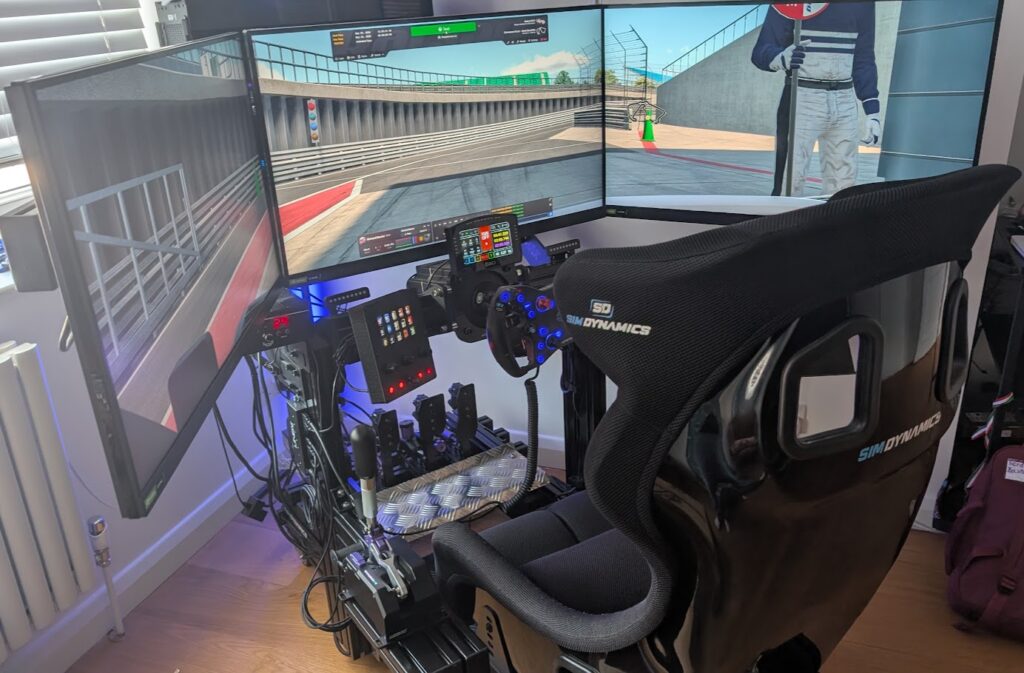
The pedal base on my old RSeat RS1 flexed around 4 degrees at a 25 kg brake force under my Heusinkveld Sprint pedals, which could handle more load than that pedal base was designed for. If you’re going to upgrade your pedals, decide whether you’ll upgrade the rig at the same time, or just buy the stiffer rig now and save the hassle later on. PlayStation owners are probably more likely to race on tubular steel rigs, and I really like that kind myself, mostly because of the simplicity of assembly, and the accessories either come packaged with them or are very easy to find. The manufacturers are building much stiffer rigs than they used to.
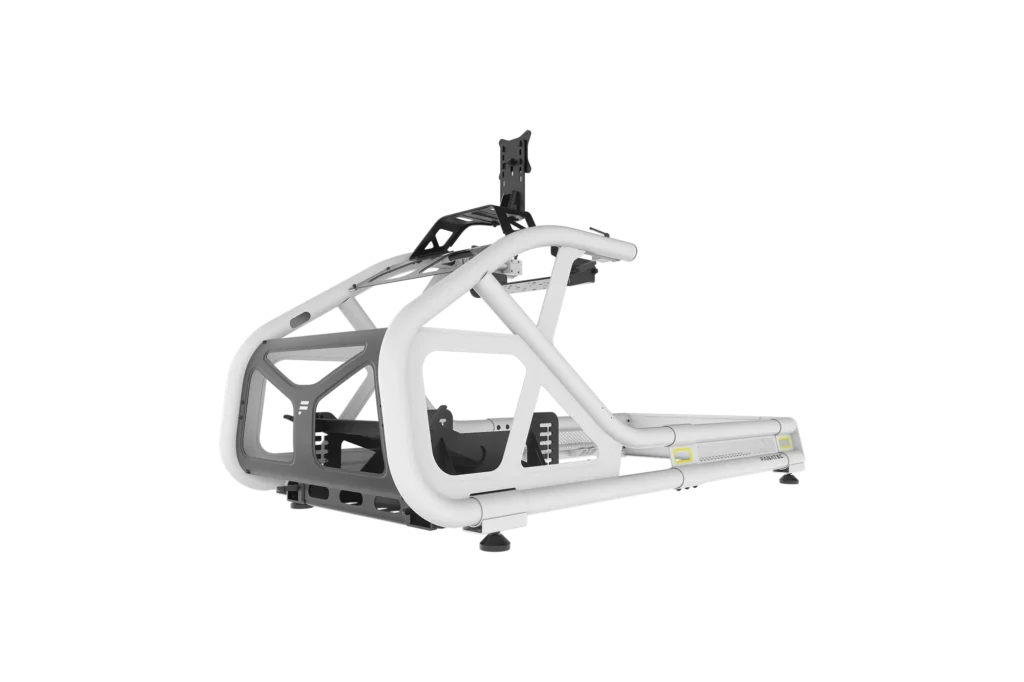
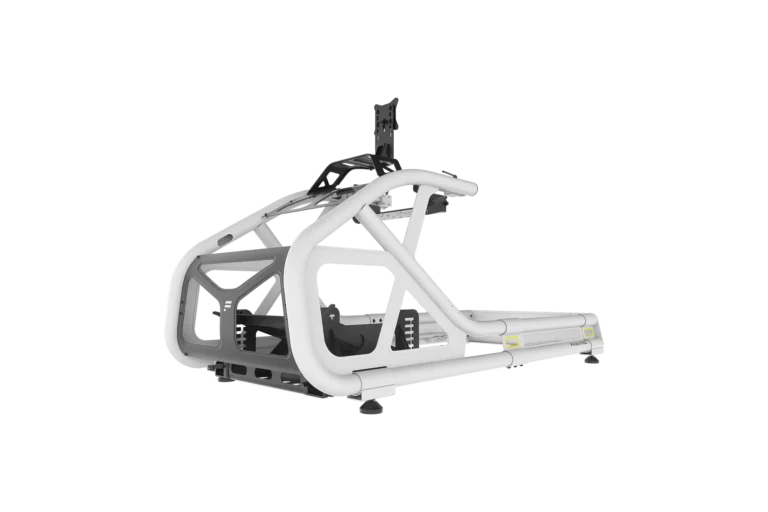
Fanatec’s lightweight cockpit is the CSL Cockpit V1.5, which takes the GT DD Pro from the side, the same as Fanatec’s other direct drive bases. It’s aluminium tubing with steel brackets, the pedal plate angles from 0 to 30 degrees, and the seat and the screen mount cost extra. One of those tubular rigs is the Trak Racer TR8 PRO V2, in 2 inch steel tube, which Trak Racer says is rigid enough for direct drive bases up to 25 Nm. It comes with seat sliders.
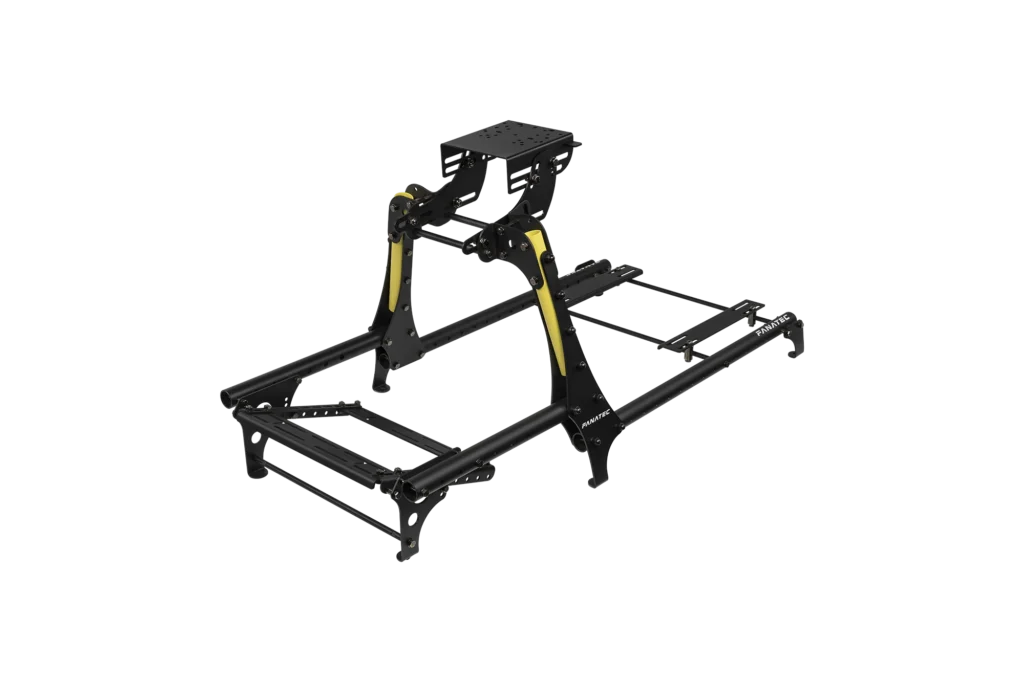
Fanatec’s steel option is the ClubSport GT Cockpit, in 50 mm tube with a screen mount on board, and like the CSL Cockpit and the TR8, it comes without a seat. My own rig is aluminium profile, and I’m a fan because there’s less flex out of the box. For lower budgets, it’s still better to go with an 8020 style extruded aluminium chassis if you can! Our best sim racing cockpits guide covers those. When you pick your rig, keep in mind the available space you have, how powerful your equipment is, and how much you want to spend.
Pedals and the load cell brake
The CSL Pedals in the bundle are two pedals with Hall effect sensors. A Hall effect sensor uses a magnet to read how far the pedal has moved, without touching anything, and that travel is what the brake goes by.
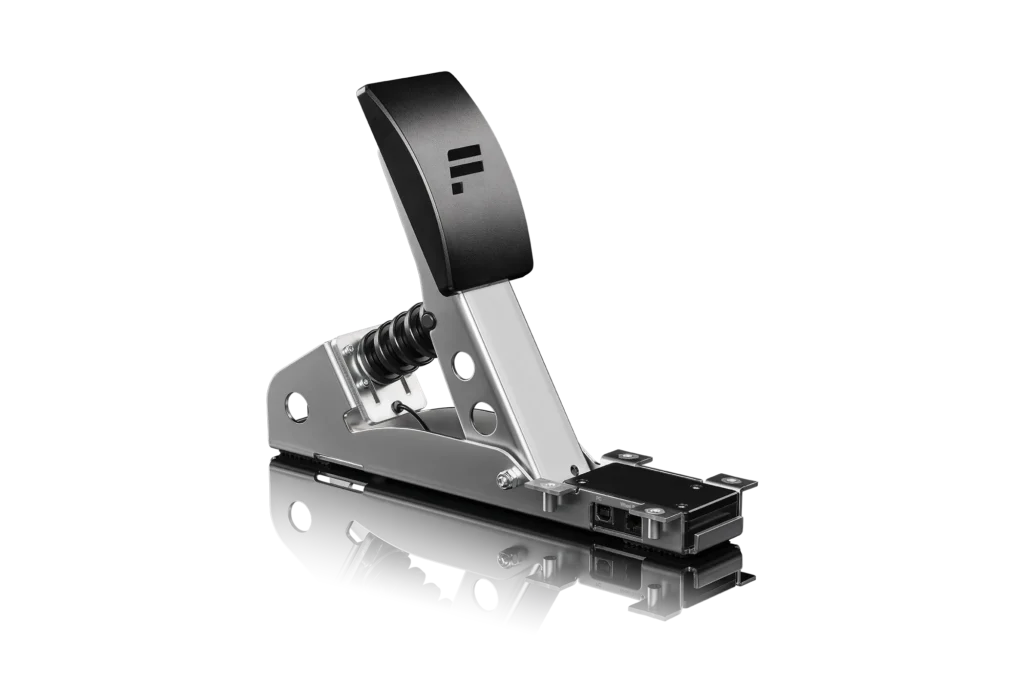
A load cell measures how hard you press rather than how far the pedal travels. Fanatec’s CSL Pedals Load Cell Kit replaces the brake pedal, and the old brake can then be used as a clutch, which gives you three pedals. Further up the range, the ClubSport Pedals V3 have a 90 kg load cell and a vibration motor in the brake.
Fanatec pedals plug into the wheel base over an RJ12 cable and take their console compatibility from it. Plugged in over USB, they won’t work on a console. There’s more on load cells, and on everything past the Fanatec range, in our sim racing pedals guide. For me, though, the rig and the pedals are really one decision, and that’s down to my old RS1 flexing under braking.
TV, monitor or PS VR2?
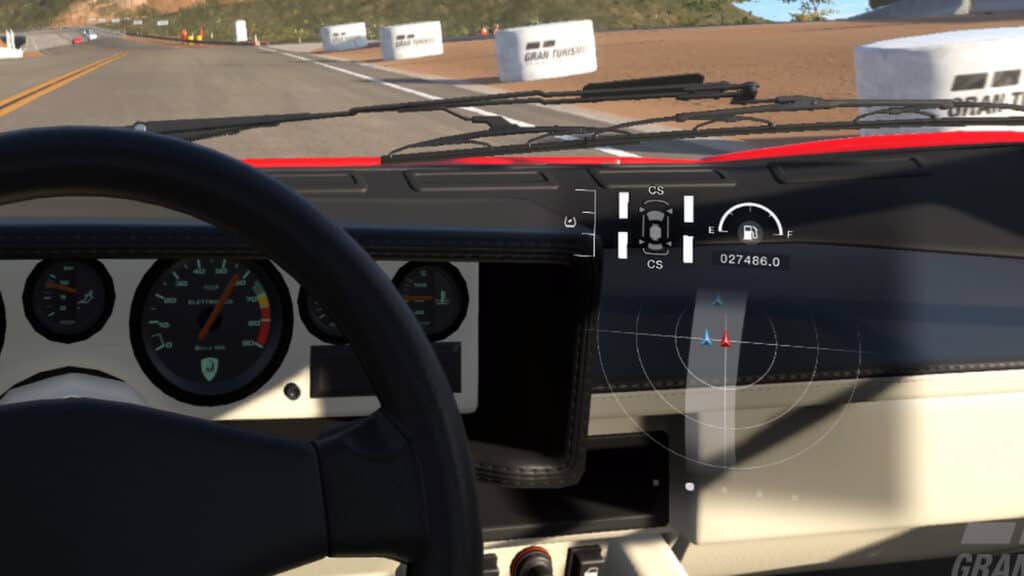
Gran Turismo 7 (GT7) added PS VR2 support for free in update 1.29, and you can use it with a supported racing wheel. You can race in VR online and offline, just not in two-player split screen. The view is limited to cockpit or bonnet, and the PS VR2 Sense controllers don’t work in GT7. For F1 25, EA only lists VR headsets on PC.
For a TV or monitor, the mount depends on the rig. The ClubSport GT Cockpit’s onboard mount takes 100×100 VESA screens from 32 to 49 inches. The CSL Cockpit’s monitor mount goes up to 34 inches, or a 49 inch ultrawide, and Fanatec also sells a freestanding CSL Cockpit Monitor Stand. Trak Racer sells optional stands for its rigs. How big the screen should be and how far away you sit from it comes down to field of view, and our FOV calculator works that out for your own setup.
The games worth building it for
GT7’s manual lists the wheels it supports, including the G923, G29, G PRO, T248, T-GT II and T598, plus Fanatec’s GT DD Pro and GT DD Extreme, and you set them up under Options > Controllers. F1 25 on PS5 supports the GT DD Pro, the GT DD Extreme, the G29, the G923, the T248 and the T598, among others on EA’s list, and the settings are on our F1 25 wheel settings page.
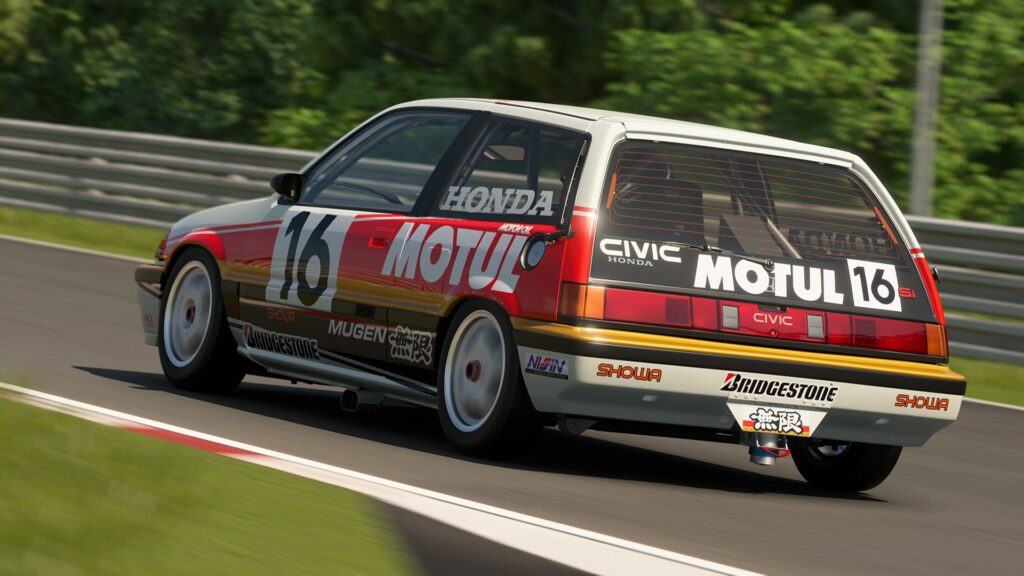
Assetto Corsa Competizione has a native PS5 version, running at 60 fps with 4K supported. Forza Horizon 6 is coming to PS5 later this year, though no date has been given. iRacing’s own games on PS5 are iRacing Arcade, which was due out on 21 August 2026, and NASCAR 25. Neither of them is the iRacing sim itself, and Le Mans Ultimate isn’t on console at the moment either. The full list is in our best PS5 racing games guide.
When the PS5 doesn’t see the wheel
Start by checking the light on the GT DD Pro, which shines blue in native PS mode and purple in its compatibility mode. In purple it shows up as the older CSL Elite Wheel Base+, so a game like F1 2020 still recognises it.
Next, check the firmware, and you’ll need a Windows PC for this part. Fanatec says the Fanatec App is required for installing the latest firmware updates for all platforms, so connect the GT DD Pro to the PC, run the app and update it there, then take it back to the PS5. After that, check the pedals are plugged into the GT DD Pro itself, since the PS5 won’t pick them up over USB or through the ClubSport USB Adapter. Our Fanatec troubleshooting guide goes through the rest.
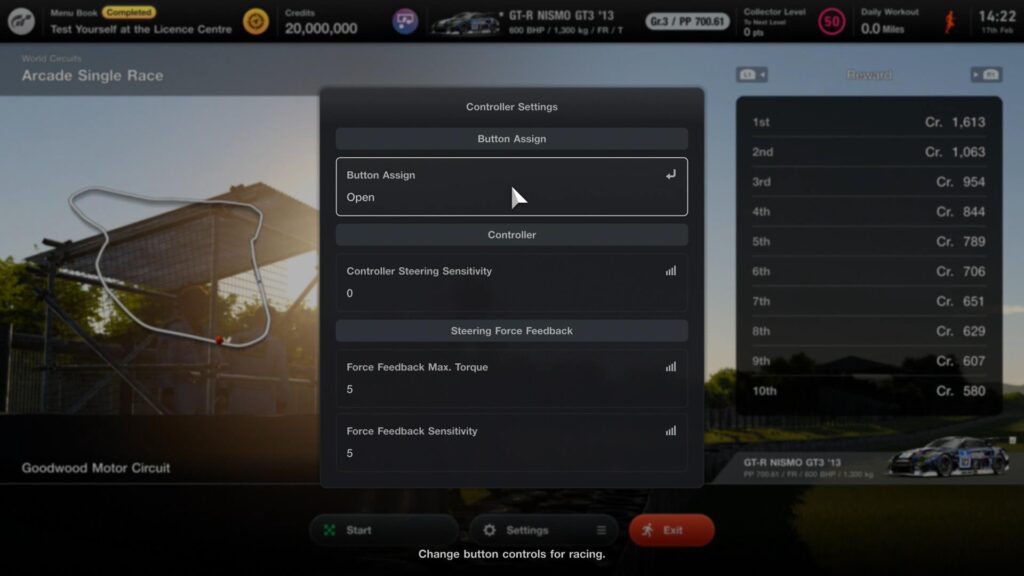
Once the PS5 sees everything, GT7 gives you two force feedback settings for the wheel, and our GT7 wheel settings guide covers where to start with both. The manual says that the higher you set Force Feedback Max. Torque, the duller the response from the tyres when you’re cornering hard, while Force Feedback Sensitivity adjusts the resistance you feel as you start to turn the wheel.
What I’d buy for a PS5
For a PS5, I’d buy the Gran Turismo DD Pro bundle and start on its table clamp. It’s a licensed direct drive base with the wheel and pedals in the same box, so it’s the quick start I’d want. If a load cell brake is on the cards, I’d sort out a cockpit first and do the pedal upgrade after that.
Whichever licensed base you buy, as long as it’s one the reviewers rate, you’re going to get used to it and get quick on it simply by getting seat time in your sim. A well set up wheelbase in terms of the tuning will usually always win in the end. So clamp it to the desk, and go and find out what GT7 feels like on a wheel. Good luck, and let me know how you get on in the comments!
Related Articles

The Best Xbox Racing Games in 2026
F1 25 Controller Settings: PS5, Xbox and PC Pad Setup
Logitech RS50 Settings for PS5 and Xbox: GT7, F1 25 and Every Compatible Game
Best Xbox Steering Wheel 2026: The Complete Xbox Sim Racing Setup
PS5 Sim Racing Setup: How to Build a Proper PlayStation Rig (2026)

Console Sim Racing: The Complete Guide
Topic: Console Sim Racing