

I’m a sim racer and amateur racer with a passion for Motorsport, good racecraft and the technical and setup aspect of sim racing.
There’s a particular sinking feeling when a routine firmware update leaves your pricey wheelbase dark, blinking, or plain invisible to the PC. I occasionally run a Podium base on my own rig, so I know the moment – the update bar stalls, you power-cycle, and now nothing’s there. Have I bricked my wheelbase? The good news, and it’s worth saying first: a base that’s gone quiet after a failed flash is almost always recoverable at home. It’s not bricked just because Windows can’t see it. Here’s the recovery that clears the vast majority of these, in the order I do it.
Quick Navigation
Jump to what you need:
What’s actually happened |
It’s the Fanatec App now |
The recovery that works |
Cable & wheel checks |
When it’s actually an RMA |
Avoiding it next time
First, don’t panic – what’s actually happening?
A firmware flash writes new code via a binary packet to the base over USB. If that gets interrupted – a USB dropout, a background app grabbing the port, the update stalling part-way (people on r/Fanatec report it hanging around the quick-release stage especially) – the base is left without a complete, valid firmware. So it boots into a low-level recovery state instead of starting normally. That’s the blinking light, or the “device not found” in the app. Fortunately, Fanatec engineers have thought about this occurring from time to time.
The important part: that recovery state exists precisely so you can re-flash and recover. Fanatec’s own support line for this starts with the cable and the steering wheel, and the community threads converge on the same handful of steps. The base isn’t gone – it’s waiting to be re-flashed cleanly.
The 2026 bit: it’s the Fanatec App now, not FanaLab
One thing that trips people coming back to a rig after a while: since the Corsair acquisition, Fanatec has retired the old split of Driver plus FanaLab and moved to a single unified Fanatec App. If you’re following an older guide that tells you to open FanaLab, that’s why it doesn’t match. Before you do anything else, go to fanatec.com, download the current Fanatec App, and install it fresh. A clean, current install fixes a fair share of “not detected” cases on its own, because the problem was the driver, not the base.
It’s worth knowing some recent app updates – the ones rolling out the newer ClubSport DD telemetry and thermal features – have been reported to time out mid-flash if an older rim or a third-party wheel is attached. That feeds directly into the recovery below: strip the base back to nothing before you flash it.
Visit Our Sponsors
The recovery that works for almost everyone
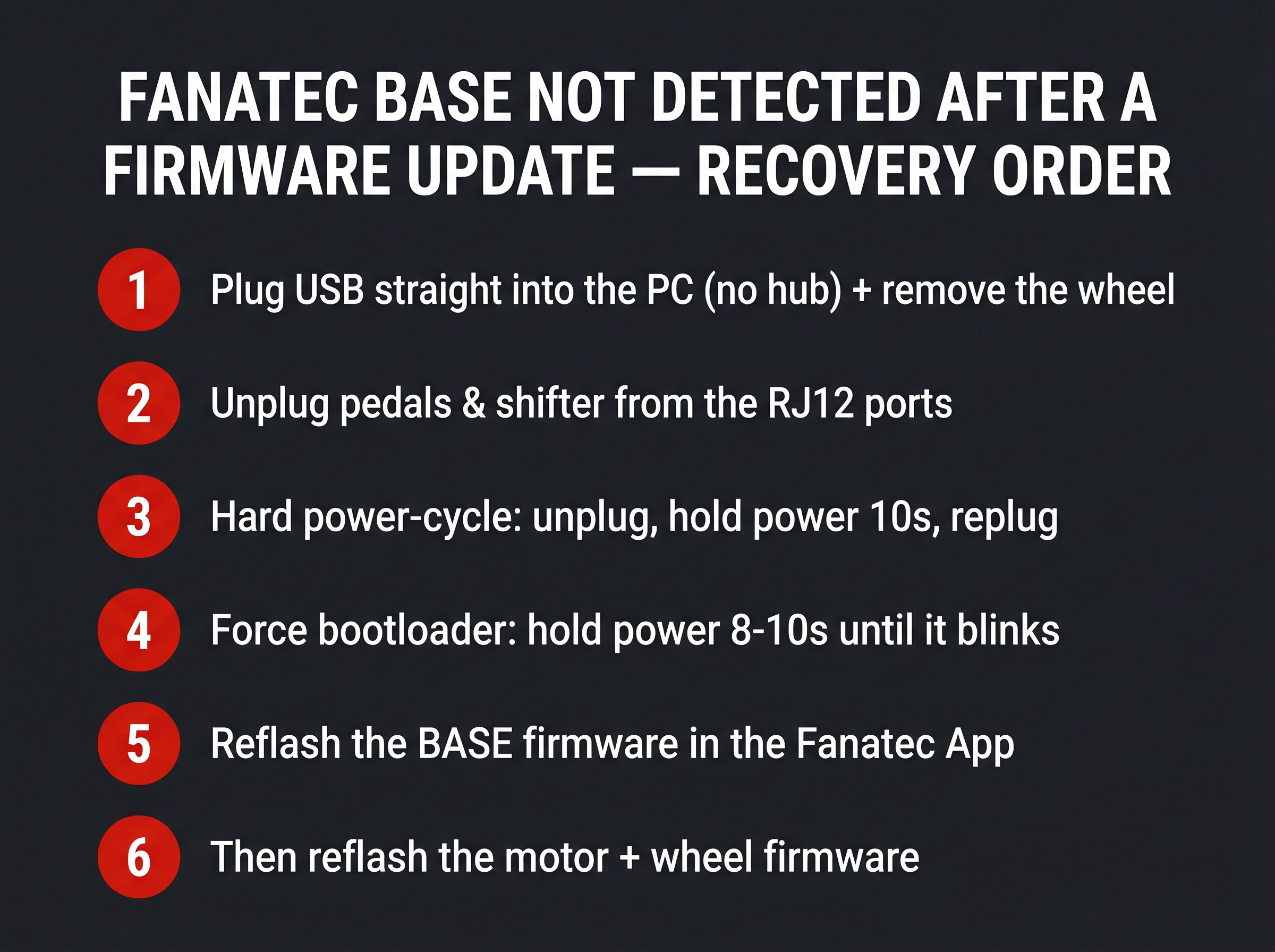
This is the sequence I run, and it’s the one that comes up again and again from people who’ve recovered their own bases. The principle is simple: take everything else out of the equation so the only thing the app can talk to is a bare base in recovery mode.
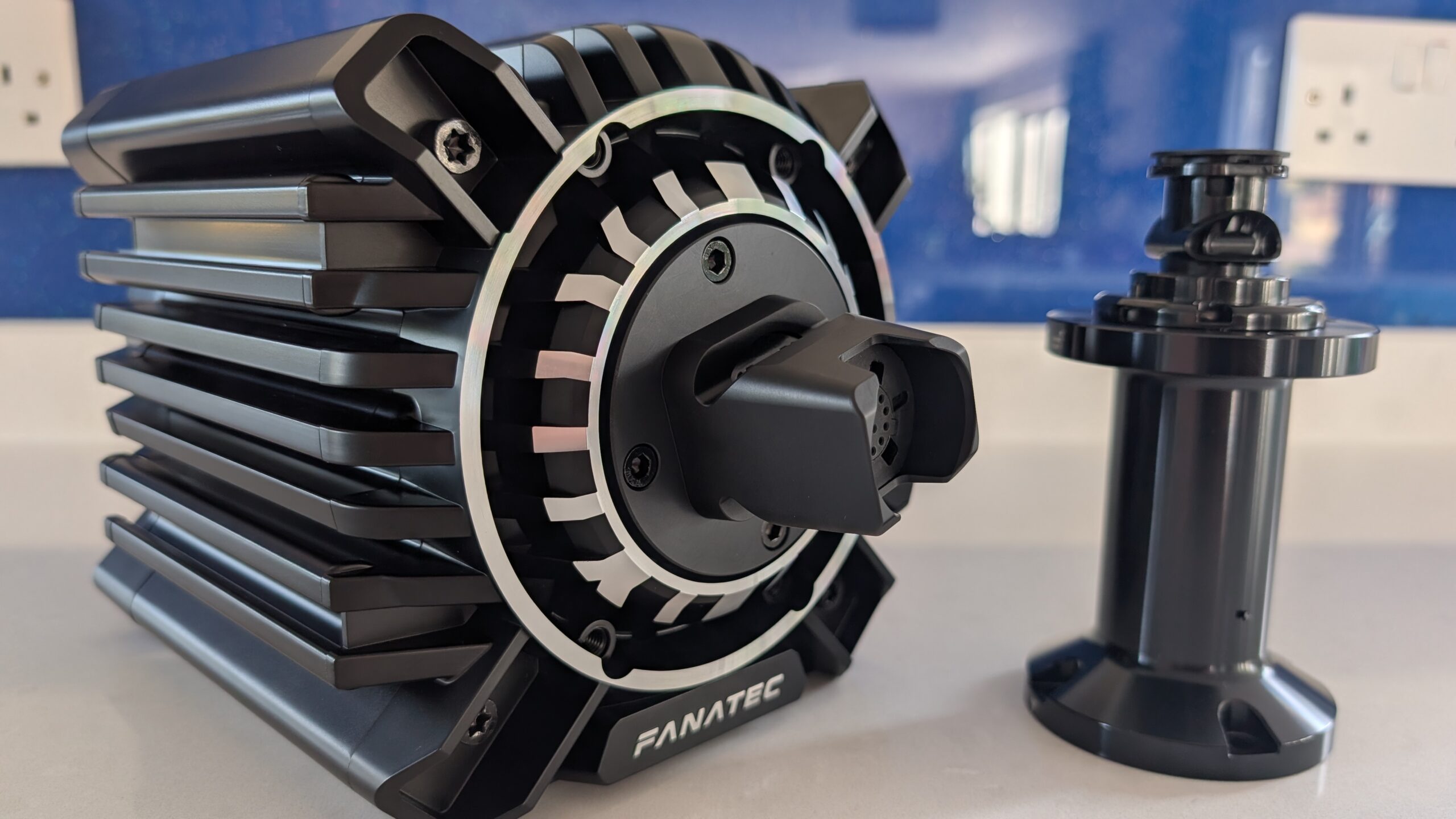
- Go direct and go bare. Plug the base’s USB straight into a rear motherboard port – no front-panel ports, no hub, no extension. Take the steering wheel off the quick release, and unplug the pedals, shifter and handbrake from the RJ12 ports on the back. USB dropouts and peripheral conflicts cause most failed flashes.
- Hard power-cycle to discharge it. Power the base off, unplug the power brick at both the wall and the base, and unplug the USB. With everything disconnected, hold the base’s power button for about 10 seconds to drain residual charge. Wait a minute, then reconnect power and USB.
- Force it into bootloader mode. With the base off, press and hold the power button for 8 to 10 seconds until the light starts blinking. That blinking state is the recovery/bootloader mode – the app should now see a device waiting to be flashed.
- Reflash the base firmware. In the Fanatec App, go to the firmware section, let it detect the base in recovery, and run the base firmware update. Let it finish completely – do not touch anything while it runs.
- Then the rest. Once the base reboots normally, attach the wheel and let the app flash the motor and steering-wheel firmware when it prompts. Do these one at a time.
That “naked” reflash – just power and USB, no wheel, no pedals, forced into bootloader – is the single step that recovers the large majority of failed updates, because it sidesteps the corrupted runtime, the peripheral handshake conflicts and the dodgy USB path all at once.
If it’s the wheel that’s not recognised: check the connection
Slightly different symptom: the base connects fine and the app sees it, but no wheel inputs register, or the wheel isn’t detected at all. That’s usually the quick release rather than the firmware. Fanatec’s own first move here is to reseat the connection – and on a wheel with pins (rather than the contactless QR2), to carefully loosen and re-tighten the small screws around the main pin block so they make proper contact.
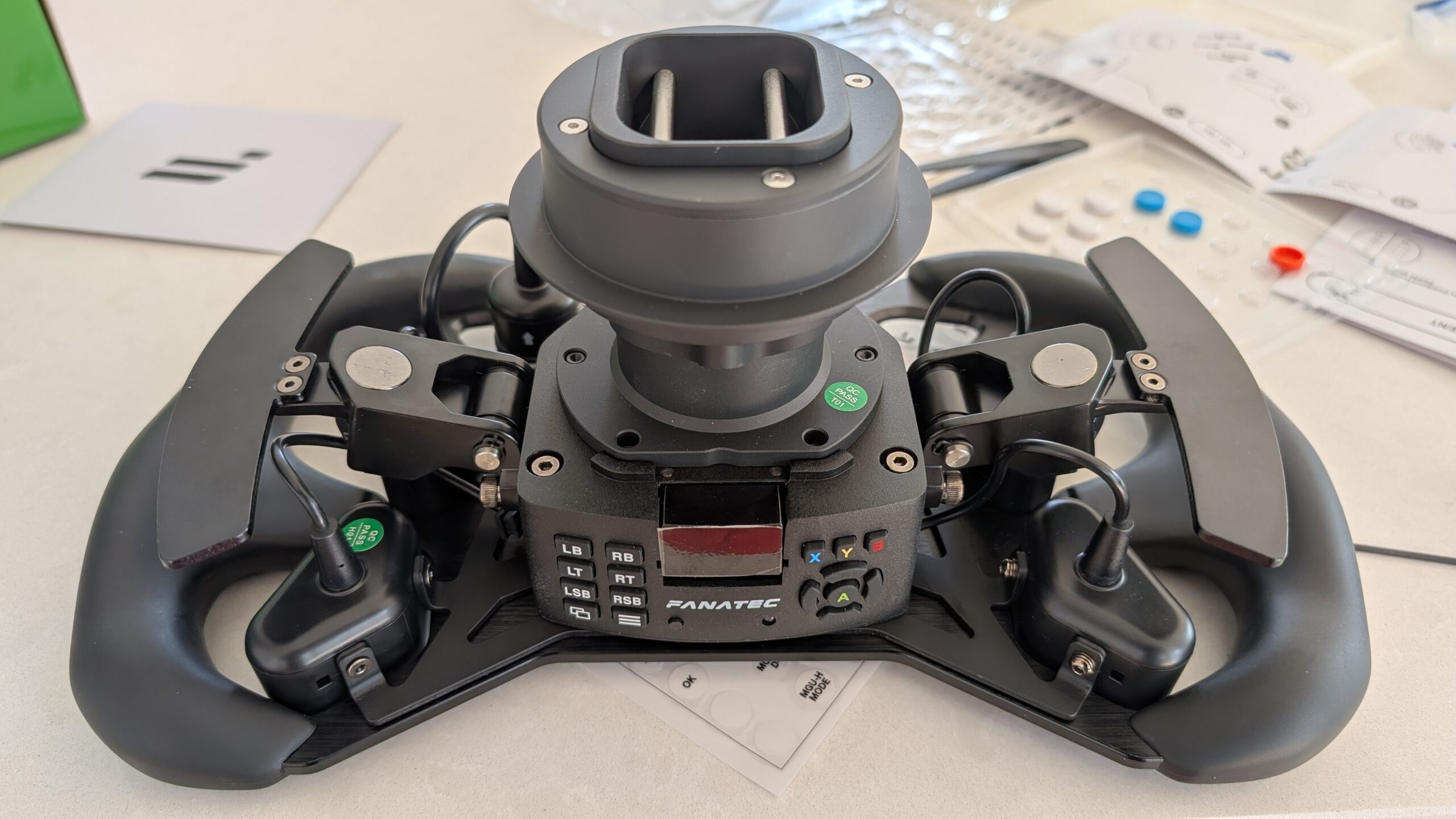
If the wheel still isn’t recognised after reseating, flash its firmware separately with the base working first – update the base, confirm it’s detected, then attach the wheel and let the app update the wheel side. Updating both at once is more likely to stall than doing them in sequence.
When it’s an RMA
Most bases recover. A few don’t, and it’s worth knowing the difference so you don’t waste days on a unit that needs to go back. You’re into RMA territory if the base is completely dead – no light at all on the power button, nothing in bootloader mode, even with the power brick showing its own indicator – or if you successfully flash the firmware in recovery, the app says it installed, but the base then errors out or disconnects the instant it restarts. That pattern usually points at a hardware fault on the board rather than corrupt firmware, and it’s a warranty job.
If you can get the blinking bootloader light and the app can see a device to flash, keep trying the recovery – that’s the recoverable case. If you can’t get any response at all, raise a support ticket rather than reflashing in circles.
How to avoid it next time
Most failed flashes are avoidable. Close SimHub, Crew Chief and any sim before you update – background telemetry apps grabbing the base mid-flash is a classic cause. Detach the steering wheel and only reattach it when the app specifically asks to update the wheel firmware. Use a direct USB connection, not a hub, for the update. And one genuine hardware caution the community repeats: don’t have your pedals connected to the PC by USB and to the base by RJ12 at the same time – keep them on one or the other.
If you’re weighing up your next base or coming from another brand, our Fanatec buyer’s guide and the wider direct drive wheels hub cover where the current lineup sits.
Work through the order above and a base that looked dead after an update will, in nearly every case, come back. The blinking light that feels like the end is actually the way back in.
Related guides
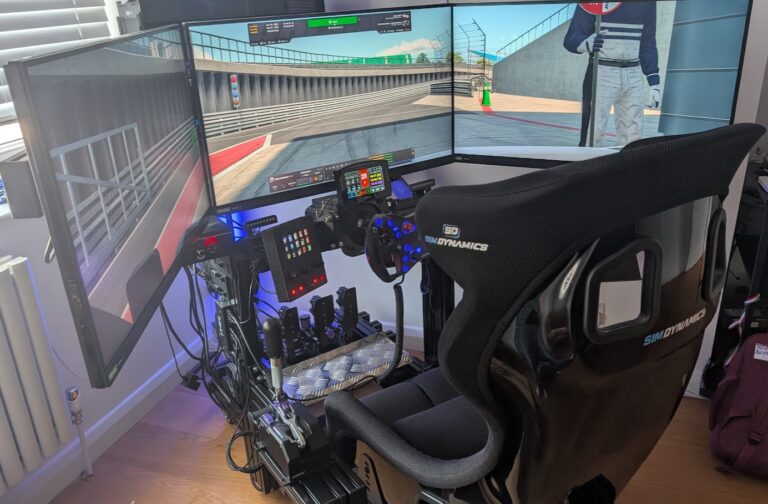
How to Set Up Triple Screens in Le Mans Ultimate (LMU)

iRacing VR Settings (2026): Meta Quest 3, PSVR2, Pimax and Valve Index

Assetto Corsa VR Settings 2026: Pimax, Quest 3, PSVR2 & More

Forza Horizon 5 Wheel Settings: FFB for Logitech, Thrustmaster and Moza

EA SPORTS WRC Fanatec Settings for the CSL DD and ClubSport DD+