

I’m a sim racer and amateur racer with a passion for Motorsport, good racecraft and the technical and setup aspect of sim racing.
You lift off the throttle on a straight and the input bar is twitching away on its own. Or the brake jumps to 3% with your foot nowhere near it. Or worse, the whole pedal set vanishes mid-race and reappears a second later. It feels like a dying pedal, and people send perfectly good hardware back over it. Here’s the thing I wish more people knew: in the age of high-torque direct drive bases and aluminium rigs, pedal flicker and dropouts are almost always electrical noise, not a fault. I’ve chased this gremlin on my own rig, and the fixes below clear the vast majority of cases, in the order I’d try them.
Quick Navigation
Jump to what you need:
It’s probably not broken |
USB power settings |
Ferrite chokes |
A powered USB hub |
Grounding the rig |
Calibration and deadzones |
When it really is broken
First, it’s probably not broken
Match your symptom before you change anything, because there are three different things going on. A rapid 1 to 5% jitter on the axis while your foot is off the pedal is electromagnetic interference. A clean full disconnect, often with the Windows disconnect chime, is usually power or USB power management. And a resting value that slowly creeps up from 0% over a long session is a calibration and deadzone thing, not a fault at all.
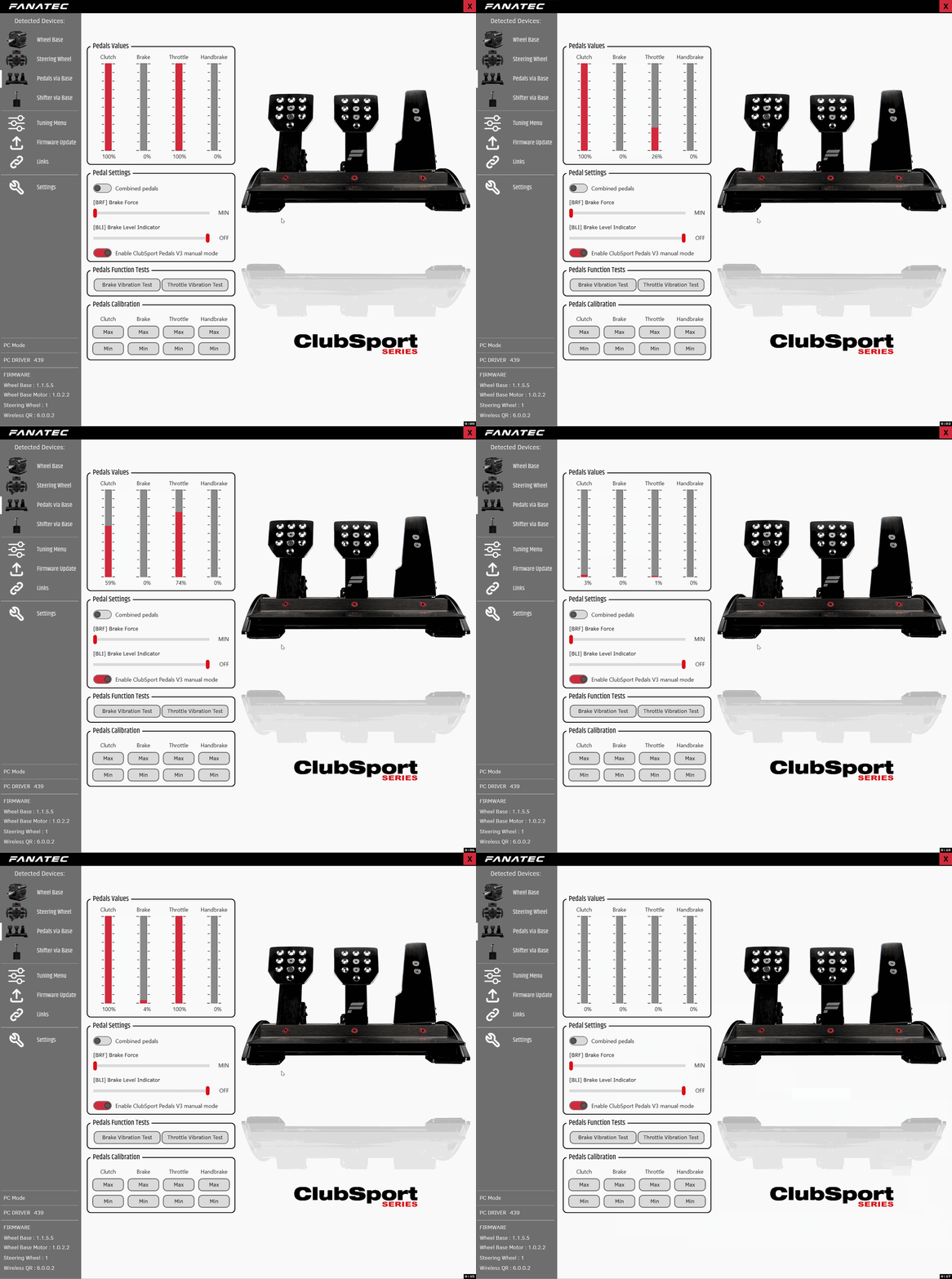
Why has this become so common? Direct drive bases. The servo motor inside a DD base pulls big, sharp spikes of current to make force feedback, and that broadcasts electrical noise. An aluminium-profile rig acts like a giant aerial, picking that noise up and feeding it straight into the sensitive little load-cell controller in your pedals. That’s why a pedal set that was flawless on a desk starts misbehaving the day you bolt it to a rig next to an 8Nm base. The pedal is fine. The environment changed.
And sometimes the fix is simpler than any of the kit below. On my own rig the culprit turned out to be a mains power board sat right against the frame – moving it a foot away stopped the flicker on its own, no ferrite needed. So before you buy anything, look at what’s sitting near your pedals and their cable: a power strip, the base’s power brick, a charger. Shift the noisy stuff away from the rig first. It’s free, and every so often it’s the whole fix.
Start with the free fix: USB power settings
If your pedals fully disconnect mid-session, do this first because it costs nothing. Windows tries to save power by putting USB ports to sleep, and since pedals send very little data on a straight, it decides they’re idle and cuts them. Two settings stop it.
- Disable USB selective suspend. Edit Power Plan, Change advanced power settings, USB settings, USB selective suspend setting, set to Disabled.
- Stop Windows powering down the hubs. In Device Manager, under Universal Serial Bus controllers, open each USB Root Hub, Power Management tab, and untick “Allow the computer to turn off this device to save power”.
This is mandatory housekeeping for any sim racing peripheral, not just pedals. If your only symptom was the occasional clean drop-and-reconnect, this might be the whole fix.
Visit Our Sponsors
For the jitter: ferrite chokes
If the problem is that endless small twitch on the axis, this is the cheap magic bullet the community swears by. A clip-on ferrite choke is a little snap-on bead that soaks up the high-frequency noise travelling along the cable before it reaches the pedal’s controller. They cost a few pounds and they work.
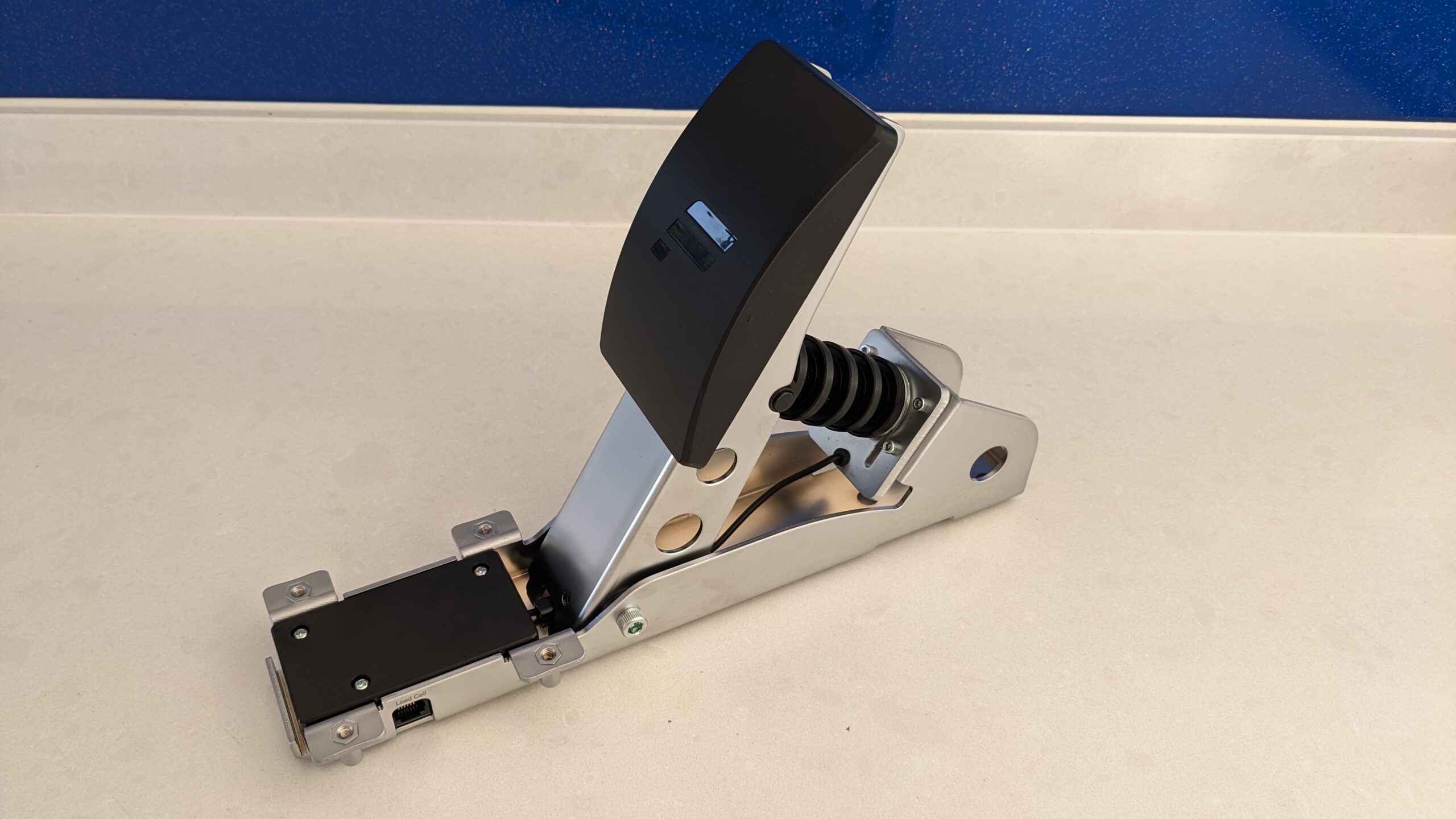
Placement is what matters. Clip the choke onto the pedal cable as close as possible to the controller box, or to the base input if your pedals run into the wheelbase. One often isn’t enough, so fit two or three near that end. And if you’ve got slack, loop the cable back through the choke a second time – that doubles its effect for free. It’s fiddly to look at but it’s the most cost-effective fix there is for mild to moderate jitter.
For dropouts under load: a powered USB hub
If the pedals reset or max out when the base, button box and shifter are all busy at once, that’s a power problem. Motherboards don’t always hold a steady 5V across every port, so when your base pulls a burst, the voltage sags and the pedals brown out. The fix is a self-powered USB hub – one with its own mains adapter, not an unpowered one that just splits the weak port power and makes things worse. Plug the pedals into the powered hub, plug the hub into the wall, and the pedals get clean, isolated power. While you’re at it, never use a front-panel case port for pedals; those internal leads are noisy and drop voltage. Rear motherboard ports or the powered hub, nothing else.
These are the two cheap bits of kit that fix most flicker and dropouts between them – a pack of ferrite chokes and a proper powered hub. Neither is dear, and they’re worth having on a rig with a DD base regardless.
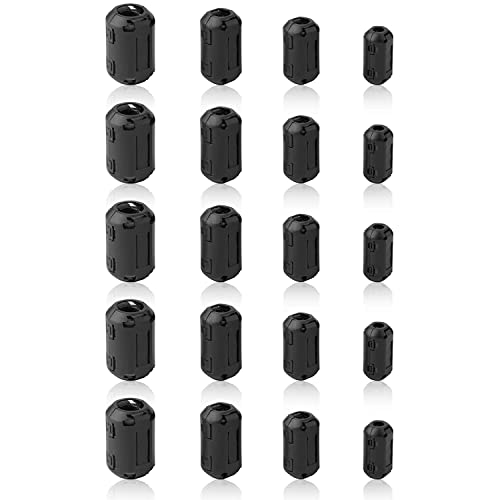
Clip-On Ferrite Core Noise Suppressors (20-Pack, Mixed Sizes)
- 20 snap-on chokes in 5/7/9/13mm inner diameters
- Fits USB, RJ12 pedal and power cables
- Clip 2-3 near the pedal controller or base input
- Loop the cable through twice for double the effect

SABRENT 4-Port Powered USB 3.0 Hub (5V/2.5A Adapter)
- Own 2.5A mains adapter – true isolated power, not bus-powered
- Individual switches with LED indicators per port
- Stops voltage sag when the base pulls a burst
- USB 3.0, plug and play, hot-swappable
If it’s still bad: ground the rig
This is the nuclear option, for when ferrite and a powered hub haven’t fully killed it – severe spiking, ghost button presses, or actual little static shocks off your aluminium frame. That’s a ground loop: your PC, base, monitors and hub sitting at slightly different electrical potentials, and the excess noise dumping into the rig.
The fix is to give that noise somewhere to drain. The safe, common approach is a length of insulated copper wire bolted to the aluminium extrusion (or the metal pedal plate) at one end, and to a screw on your PC’s metal case at the other – the PC’s power supply is already safely earthed to the wall, so the noise drains away through it rather than into your pedals. It sounds drastic, but on Fanatec, Simagic and Asetek rigs it’s the universally agreed cure for stubborn EMI. If you’re not confident working around mains earth, get someone who is to help.
If the resting value creeps: calibration and deadzones
Different symptom, and not actually a fault. If your brake or throttle rests at 1 to 3% instead of a clean zero – and especially if it creeps up over a long race – that’s mechanical settling and load-cell drift as everything warms up. The cure is a small deadzone, not an RMA.
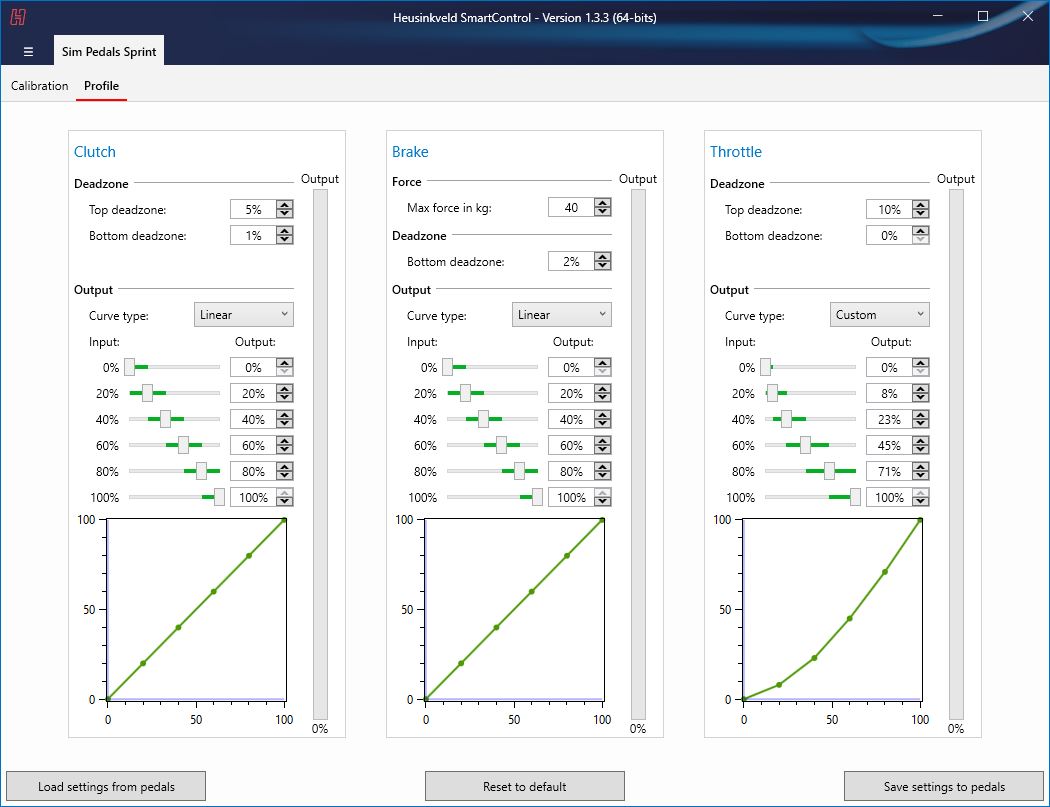
Open your pedal software – Fanatec’s control panel, Moza Pit House, Heusinkveld SmartControl, whatever you run – and set a bottom deadzone of around 2 to 5% on each axis. That way a lightly resting foot or a bit of thermal drift won’t drag the brakes on a straight. Set a small top deadzone too (2 to 5%) so you still reach a clean 100% without having to stamp the pedal through the floor. Some software auto-zeroes the resting point on boot, which handles it for you.
When it really is a hardware fault
If you’ve disabled USB suspend, fitted ferrite, moved to a powered hub, grounded the rig and set deadzones, and one axis is still spiking or capped, then it’s likely genuine. A few real faults to look for: dust or pet hair sitting in a Hall sensor (a blast of compressed air can clear that), a pinched or sliced wire from an aggressive pedal adjustment, or a cracked load cell if the brake suddenly only reads to 20% or the curve goes non-linear. Those last ones are a warranty job.
One genuine hardware warning worth repeating, because it’s an expensive mistake: if you run Fanatec pedals, connect them to the wheelbase by RJ12 or to the PC by USB – never both at once. Plugging in both at the same time can fry the pedal’s PCB. Pick one path and stick to it.
Work through it in order and a pedal set that looked dead usually comes good for the price of a few ferrite beads and a powered hub. If a wheelbase dropout sent you here, our guide to a Fanatec CSL DD that disconnects mid-race covers the base side, and the force feedback setup guide and direct drive wheels hub are good next stops once it’s all running clean.
Related guides
How to Set Up Triple Screens in Le Mans Ultimate (LMU)

iRacing VR Settings (2026): Meta Quest 3, PSVR2, Pimax and Valve Index

Assetto Corsa VR Settings 2026: Pimax, Quest 3, PSVR2 & More

Forza Horizon 5 Wheel Settings: FFB for Logitech, Thrustmaster and Moza

EA SPORTS WRC Fanatec Settings for the CSL DD and ClubSport DD+