


I’m a sim racer and amateur racer with a passion for Motorsport, good racecraft and the technical and setup aspect of sim racing.
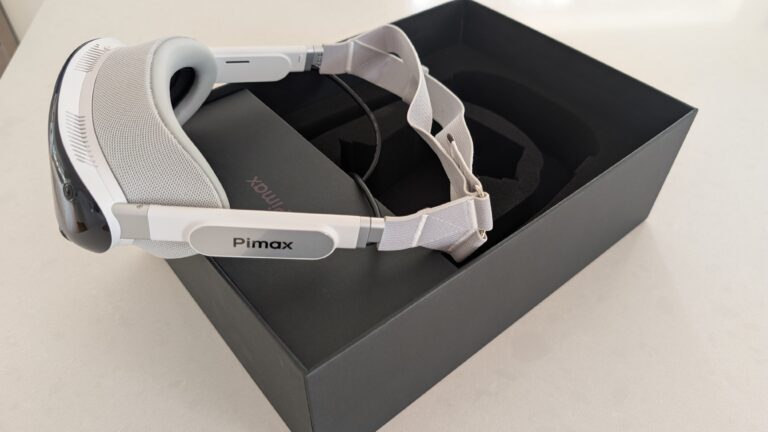
Today we’re taking a look at what sim racing games work well (or are well supported) by the current generation of VR headsets. As you’ve likely noticed, I’m heavily into my Pimax Dream Air with SLAM tracking, but I’ve had an on/off relationship with VR in sim racing since my Valve Index days. Sometimes I like the quick jump-in-jump-out-ness of my triples and sometimes I feel like getting more deeply involved. The bottom line before we go deep: iRacing and Automobilista 2 just work, the original Assetto Corsa is good, Le Mans Ultimate is finally worth the effort, and F1 25 still isn’t.
A lot of the content on this topic is either evolving rapidly or is woefully out of date; our previous generation of Index, Vive, Quest 2 and Reverb G2s are sunsetting or are obsolete. The G2, for example, just won’t run on a new Windows / sim racing setup without help (Microsoft removed its software in Windows 11 24H2; a free community driver called Oasis is the workaround) and, in any case, whether a sim runs optimally in VR now has little to do with the brand of headset and almost everything to do with the runtime sat between the headset, your PC and the game.
On that note, this guide is organised the other way round: by sim, with the headset and graphics card to match, with links to the settings pages I’ve written for it (if one exists!).
Quick Navigation
Jump directly to what you’re looking for:
How VR support works now |
The sims that just work |
Solid, but with caveats |
Not worth it in VR |
Which headset for which sim |
Where to start
How VR support works in 2026
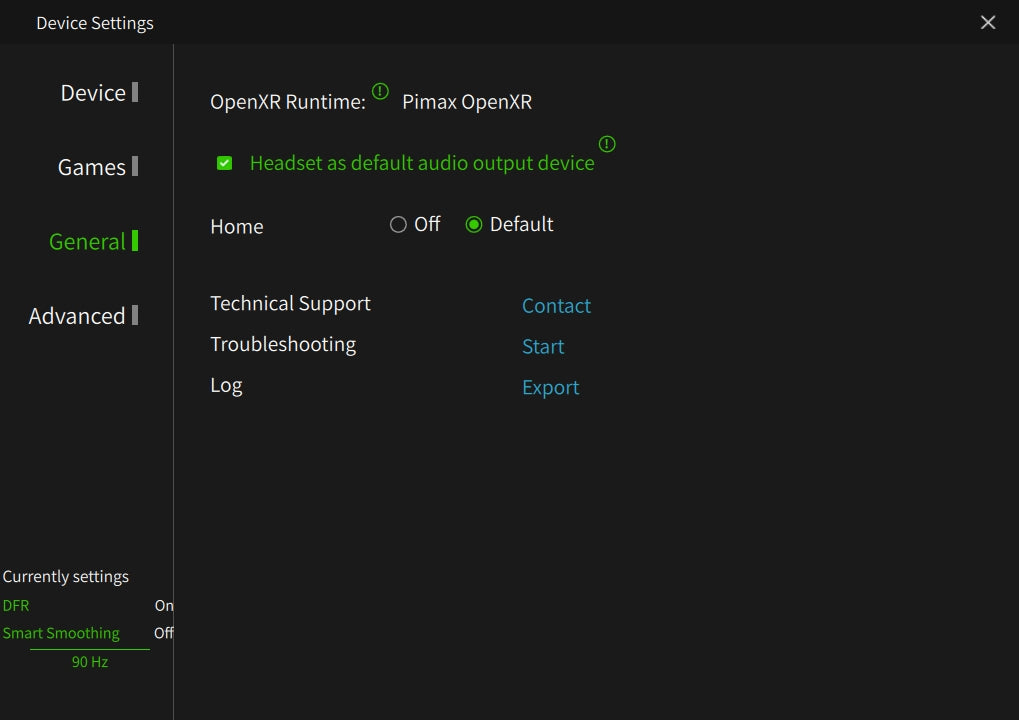
Essentially, there are two kinds of sim now. The ones that talk OpenXR natively, which are iRacing, Automobilista 2, Assetto Corsa Evo and, since the V1.4 update in July, Le Mans Ultimate, render straight into your headset’s runtime with nothing in between. On a Pimax that runtime is Pimax Play using Pimax OpenXR: Pimax’s own flavour of OpenXR’s runtime (2.0.3 at the time of writing); on a Quest 3 it’s Virtual Desktop’s VDXR or Meta’s Link; on a PSVR2 with the PC adapter it’s SteamVR. The older sims still speak OpenVR, which is SteamVR’s language: the original Assetto Corsa, ACC, RaceRoom and DiRT Rally 2.0. They run perfectly well, but they either go through SteamVR, which costs you a slice of GPU time for nothing, or through OpenComposite, a small translation layer that hands the OpenVR calls to your OpenXR runtime. Our Assetto Corsa settings page walks through that pipeline on Pimax kit.
The other thing that has changed is foveated rendering. If your headset has eye tracking (the Crystal Super and the Dream Air do, via Tobii), a sim that supports it renders full detail only where you’re looking. iRacing has done this natively since the 2025 Season 4 build and it is such a useful performance lever: our iRacing Pimax guide has a Nordschleife stint on a 5090 going from 60-70 fps with it off to a locked 90 with it on, mirrors enabled and the graphics maxed. Assetto Corsa Evo added it in update 0.8. Where a sim doesn’t support it, Pimax Play’s Quad Views can inject a fixed version from outside, and that works in some engines and not others (it does nothing useful in AMS2, for instance). Our Pimax settings guide covers the runtime and Quad Views settings headset by headset. The OpenXR Toolkit that used to do all of this is retired, so if a guide still tells you to install it, the guide is out of date.
The sims that just work in VR
iRacing
iRacing is where I’ve spent most of my VR hours since the Index days, and it’s still the easiest sim to get right in a headset. It runs native OpenXR, it has eye-tracked foveated rendering built in, and it was built to run on modest hardware, so it scales from a 4060 Ti on a Crystal Light at 72Hz up to a 5090 with everything on. The image doesn’t go soft in the distance either, which is what you want when you’re reading a braking board at Spa.
Set up correctly, it’s so much easier to judge corner entry and use your vision for the exit. This is where VR beats monitors – ‘immersion’ is just a word – your mind is able to process a sort of spatial awareness that monitors simply don’t deliver. The catch is the money: the subscription, then the cars and tracks on top, and the season rotation means you can’t buy three of each and be done.
Any Pimax headset suits it, with eye tracking if you can stretch to it. A Crystal Light on a 4070 Ti-class card holds 90Hz with sensible settings; the Crystal Super and the Dream Air want a 4080 or better and repay it. Set the OpenXR runtime to Pimax OpenXR in Pimax Play, turn Quad Views off (iRacing does its own foveation), and start from our iRacing Pimax settings guide. If you’re buying a Pimax, the iRacing membership add-on is cheaper at the Pimax checkout than direct, and our iRacing promo codes page has the rest.
Automobilista 2
Automobilista 2 is the sim every reviewer agrees on, and the one I’d point a friend at first if they just want VR to work. Reiza have kept updating a 2020 game for six years, it runs native OpenXR, it holds a locked 90 fps on a Crystal Super at 50 PPD in the rain at the Nordschleife, and the force feedback tells you what the car is doing early enough to save a slide rather than watch it happen. The weak spot is the AI, which follows its line and not much else, and the online side is thin next to iRacing.
It runs happily on a Crystal Light with a 4070 Ti, or on the Super with a 4090. As it happens, there are really only two settings that decide most of it: MSAA 4x rather than TAA, and Detailed Grass off, which on its own gives back 15-25% of your frame time. Leave Quad Views off in Pimax Play, because the Madness engine ignores it. The full run-through is on our AMS2 Pimax settings page.

Assetto Corsa (the original)
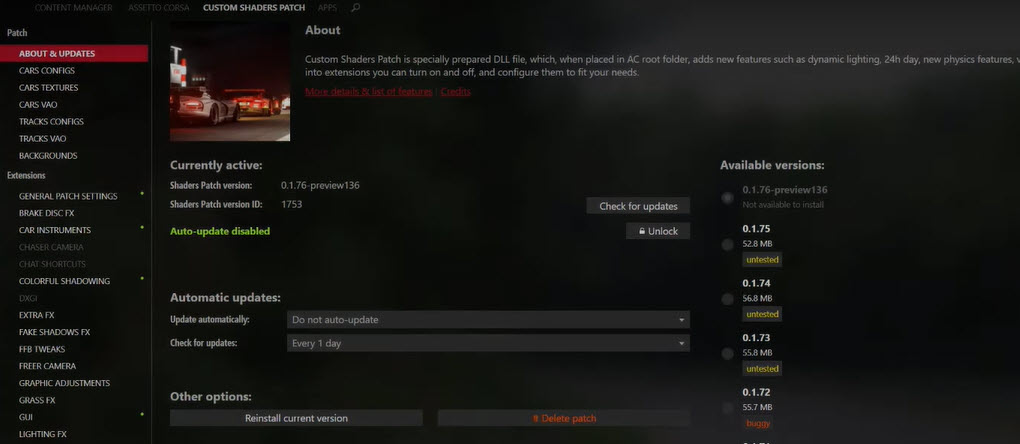
The original Assetto Corsa is twelve years old, costs a few pounds in a Steam sale, and is, as Kireth points out, still the sim that gets run on the stands when a manufacturer wants VR to look good at a show, because it runs at high frame rates on almost anything and the modding community has kept it modern. You’ll want Content Manager, Custom Shaders Patch and Pure for the lighting, and then any car or track you can think of is a download away. It’s the cheapest route to great VR by a distance, and VR ManCave, who owns every sim on this page, says he still goes back to it.
On the kit side it’s an OpenVR game, so on Pimax the pipeline is AC > OpenComposite > Pimax Play, which saves a fair chunk over SteamVR. Set Content Manager’s rendering mode to OpenVR, turn Single Pass Stereo on in CSP’s VR tweaks, and, unlike iRacing, leave Quad Views on in Pimax Play because AC has no foveation of its own. A 4070 Ti runs it well on a Crystal Light; our Assetto Corsa Pimax settings guide has the tiers.
Le Mans Ultimate
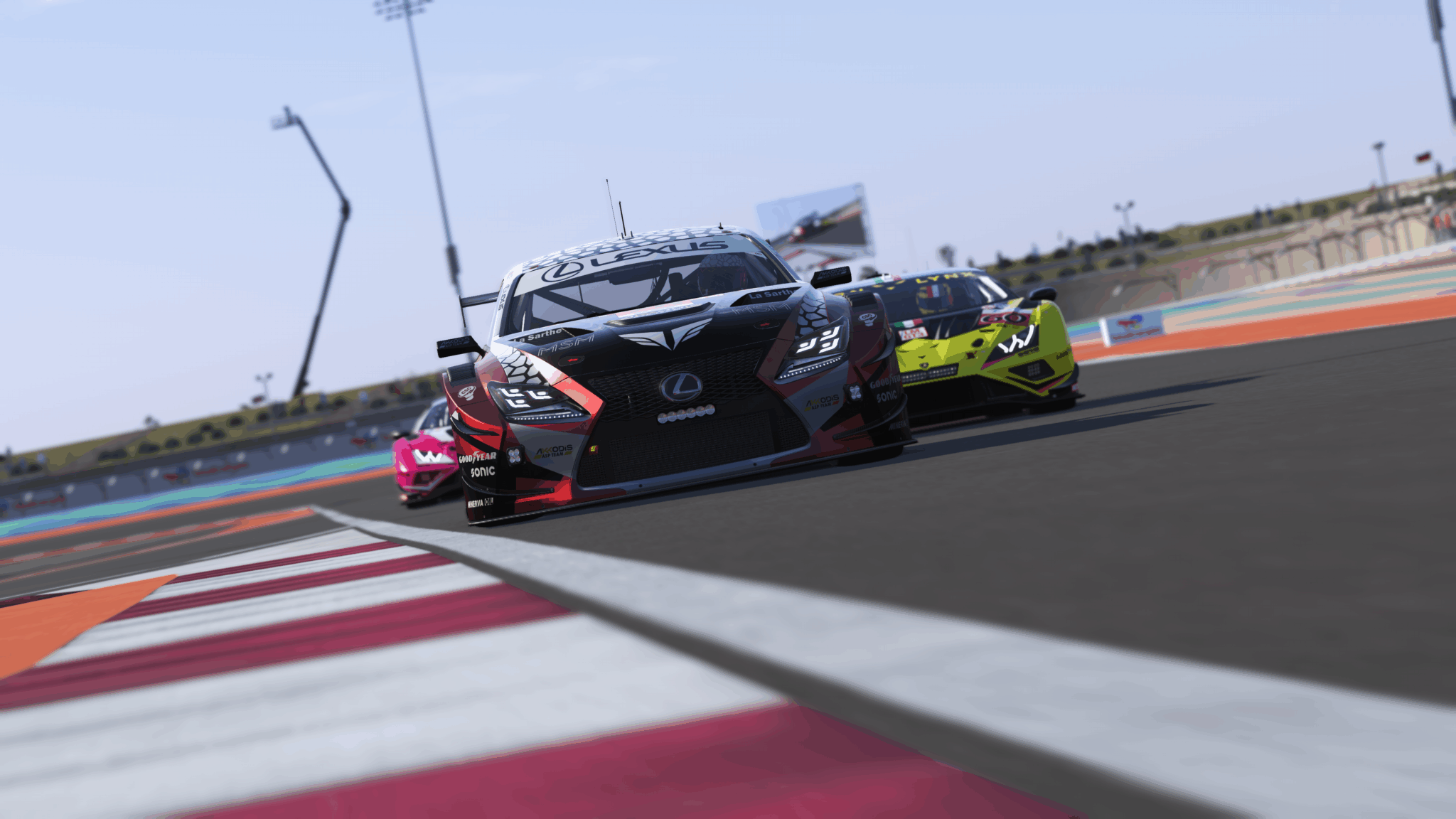
Le Mans Ultimate is the platform that has developed its VR support the most since I last updated this page. Studio 397’s V1.4 update in July added native OpenXR support, FOV resolution scaling and FSR in VR, and the 1.4.0.2 hotfix made it OpenXR 1.0 compatible so it stops arguing with the headset runtime. Before that you were cropping the field of view by hand to hold a frame rate; now the sliders are in the graphics menu. The hypercar cockpits are odd, tightly wrapped places that make no sense on a monitor and complete sense in a headset, and a night-into-day endurance race is about the best case for VR there is.
It is still the heaviest of these four, and for LMU the graphics card is most of the story: a Crystal Super at 100% render resolution and MSAA 4x at 90Hz takes a 4090 or a 5090, and on a 4080 you run Quad Views in Balance mode and take the 15-25% headroom it buys back. From our LMU Pimax guide, the early Pimax Play 2.0 builds stuttered in LMU specifically, and rolling back to 1.43.9 for that one sim fixed it, so check which build you’re on before you assume it’s your settings.
Solid, but with caveats
Assetto Corsa Competizione
ACC is the best GT3 racing (in my opinion!) on this list but, in VR, lacking by comparison to some of the others. It’s Unreal Engine 4, it shimmers badly at the fences and floats the cars in front of you, and no amount of settings makes it look like iRacing. What it does well is race, with 30-car grids at night in the rain at the Nordschleife and the best GT3 force feedback there is. On 2026 hardware most of the old complaints about ACC in VR get brute-forced away, and Kireth runs it at 120Hz on a Crystal Light with a strong card behind it.
A 4080 or better lets you run the VR pixel density at 130%; below that it’s 100%, TAA, mirrors on low at 30 fps and volumetric fog off. It’s an OpenVR title like the original AC, so the same OpenComposite route applies (the numbers are in our Crystal Light iRacing and ACC settings page).

Assetto Corsa Evo
Everything written about AC Evo’s VR before July 2026 is now out of date, which includes some of my older articles. They’re on the to-do list. Update 0.8 on 8 July was, in Kunos’s own words, the most significant VR rework of the early-access cycle: foveated rendering with an eye-tracked mode on supported headsets, a pixel-density slider from 50% to 150%, a dedicated VR video profile so what you set on the monitor no longer follows you into the headset, and an MSAA resolve tuned for VR. Before 0.8, reviewers were throwing a 5090 at it on medium settings and only just getting there; the tools to fix that are now in the game. Kireth’s line that Evo is currently the best place to drive a Formula 1 car in VR holds, since it has the 2025 Ferrari and the F1 game doesn’t do VR well.
It’s native OpenXR, so Pimax OpenXR in Pimax Play, and it is still the hungriest sim here. A 4090 or 5090 gets you ultra-ish settings at 72-90Hz on a Crystal Light or Super; on a 4080, drop Pimax Play’s render quality to 60-65% and shadows to low which, as we know, is an extremely GPU heavy setting in AC Evo. Whether 0.8’s foveation gets a 4080 to a steady 90Hz on a Super I can’t tell you yet – I’ve not seen anyone test it properly since the update. The 2026 car and track list is on our AC Evo page, and the wheel settings are on another.
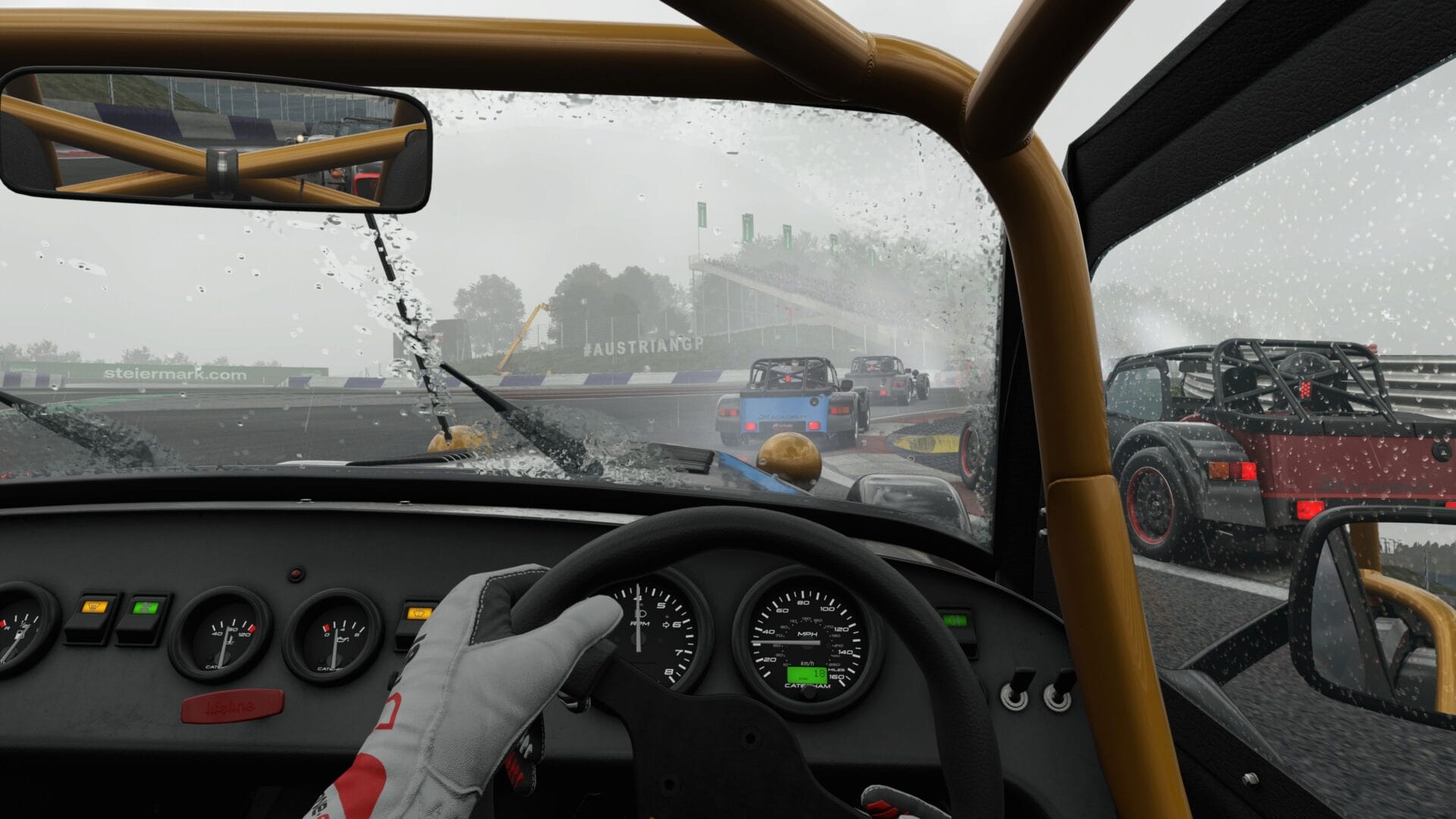
DiRT Rally 2.0
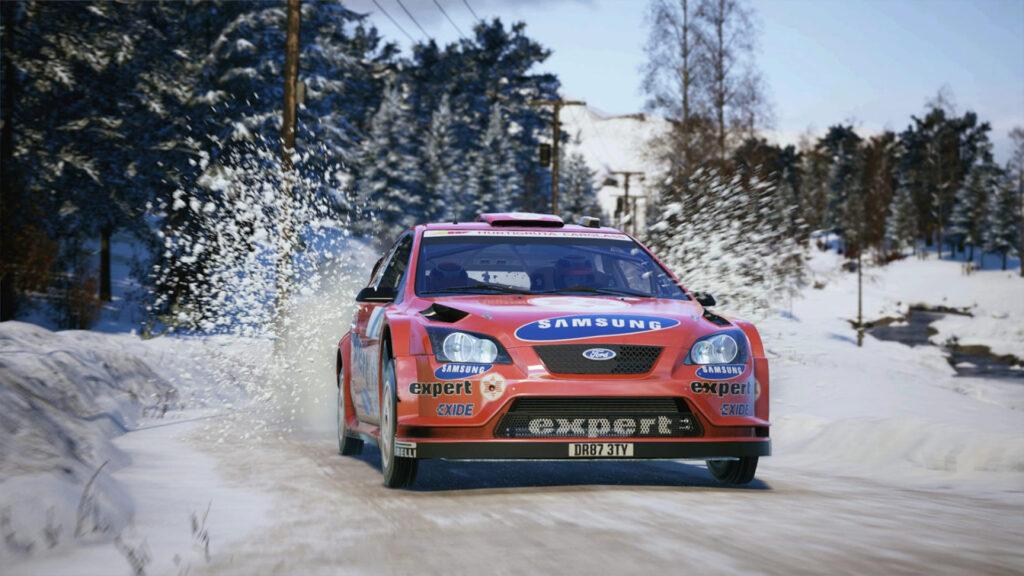
DiRT Rally 2.0 is the rally pick by some distance. It’s old enough that it runs at a locked 90 fps at maximum settings on a Dream Air without shimmer or ghosting, the driving sits at exactly the right point between simulation and something you can enjoy, and nothing else on this page gives you the adrenaline of a stage where every corner can end the run. EA Sports WRC looks better on a monitor; in a headset, its bolted-on VR isn’t worth your time (VR ManCave tested it separately and reached the same verdict).
It needs nothing special: it’s an OpenVR title on an engine that has been optimised for years, and a 4070 runs it flat out on a Crystal Light.
RaceRoom
RaceRoom is from 2013 and the driving has held up better than the graphics: the cockpit, the mirrors and the dashboard are sharp, the world outside less so, and the shadows flicker through the trees. It’s free to start and cheap to expand, and the VR is decent. A 0.67 render scale with MSAA 8x is the community’s sweet spot on a Crystal Light, and that is about all the settings work it needs. If you’re new to it, our RaceRoom beginner’s guide walks through the setup.

Not worth it in VR, or console only
F1 25 is the one that should be brilliant in VR and simply isn’t. It’s still an OpenVR title routed through SteamVR, EA’s anti-cheat blocks the OpenComposite workaround, DLSS was removed from the VR mode, and a wobble bug on Pimax and Quest headsets has been sat with EA support since the middle of last year. The image is blurry and soft, the VR feels bolted on, and the cars feel on rails. The 2026 season arrived on 3 June as a paid Season Pack for F1 25 rather than a new game, so nothing on the VR side has changed. If you must, our F1 25 damage-control guide gets it playable at 90Hz on a 5090; if what you want is to drive a Formula 1 car in VR, buy Evo.
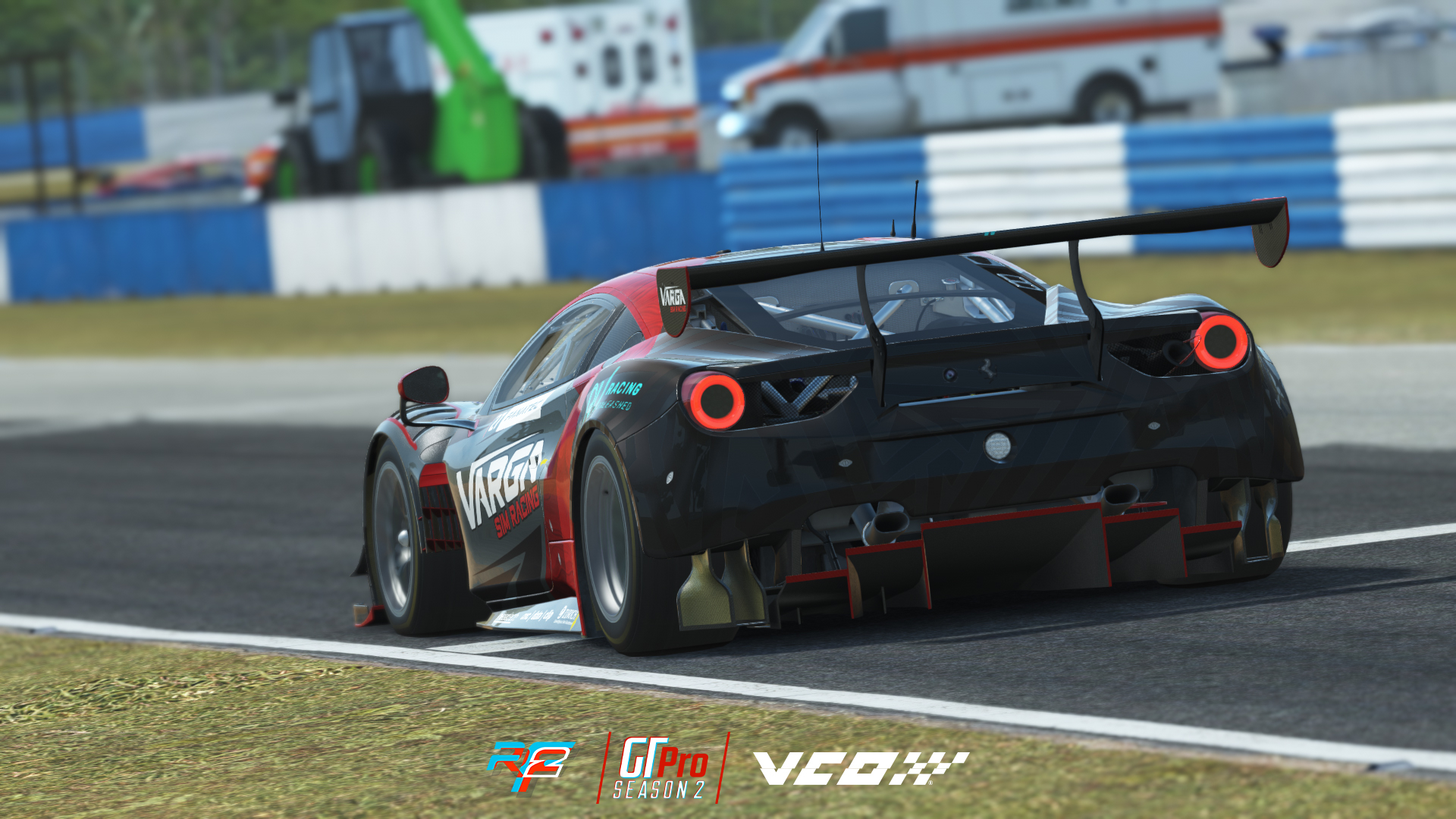
rFactor 2’s physics are still lovely and its VR is not: development stopped when Studio 397 moved across to Le Mans Ultimate, I found it stuttering even at a locked 90 fps, and it looks its age. Rennsport pulled its VR mode out, and when Kireth tested it in January it hadn’t come back. The Project CARS series is gone (PC3 sank it and PC4 was cancelled), and I’ve left it in only so nobody buys it expecting the VR the second game had.
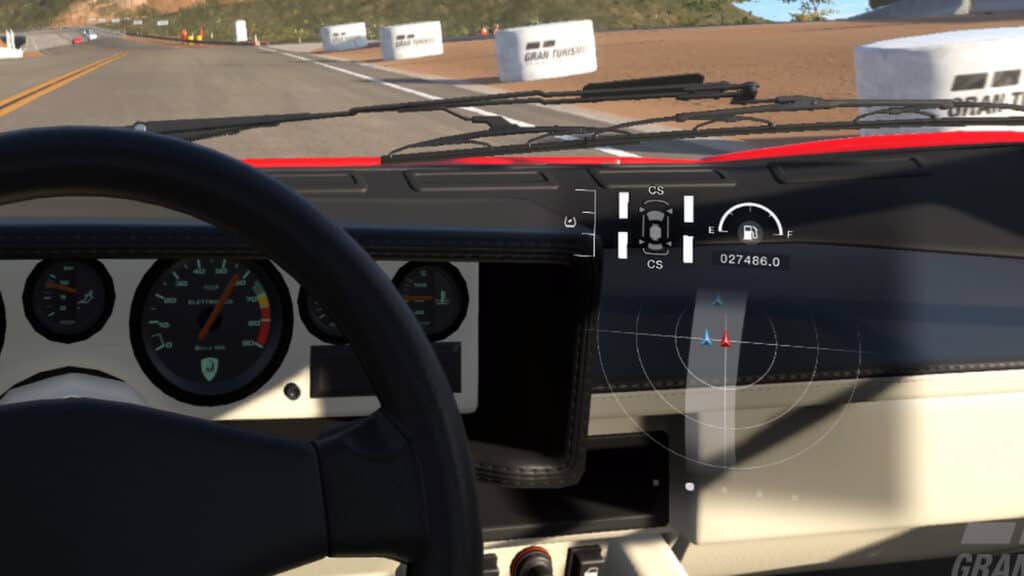
Gran Turismo 7 on PSVR2 is the plug-and-play route, and if you have a PS5 and no gaming PC it’s the best money you can spend on VR racing. The whole game runs in the headset, the car roster is enormous, and the Sophy AI actually races you rather than following a line. The image is soft on the PSVR2’s lenses even on a PS5 Pro, and you can’t turn the HUD off with a button, which matters more in a long race than it sounds. The PSVR2’s OLED panels are still the standard for blacks in VR, mind, which is why the night races look the way they do.
Which headset for which sim
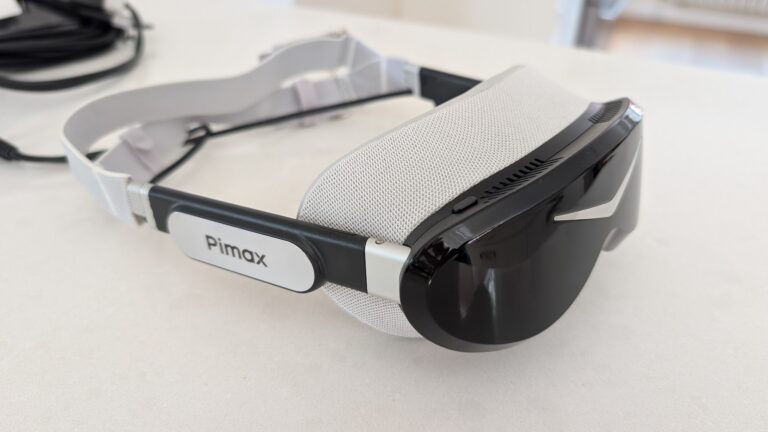
I’m currently racing iRacing on a Pimax Dream Air SLAM. For me, the OLED screens are stunning, and while it’s a bit GPU intensive, it’s a lot lighter and more comfortable than the Crystal series. I very much appreciate the slimmer cables the Dream Air uses too; they’re a lot less distracting. I still recommend the Crystal Light or the Super for flight sims, but the Dream Air doesn’t need so much of the vertical field of view when you’re driving, because you’re not looking up and down! My SLAM review is here, and the Lighthouse version is here.
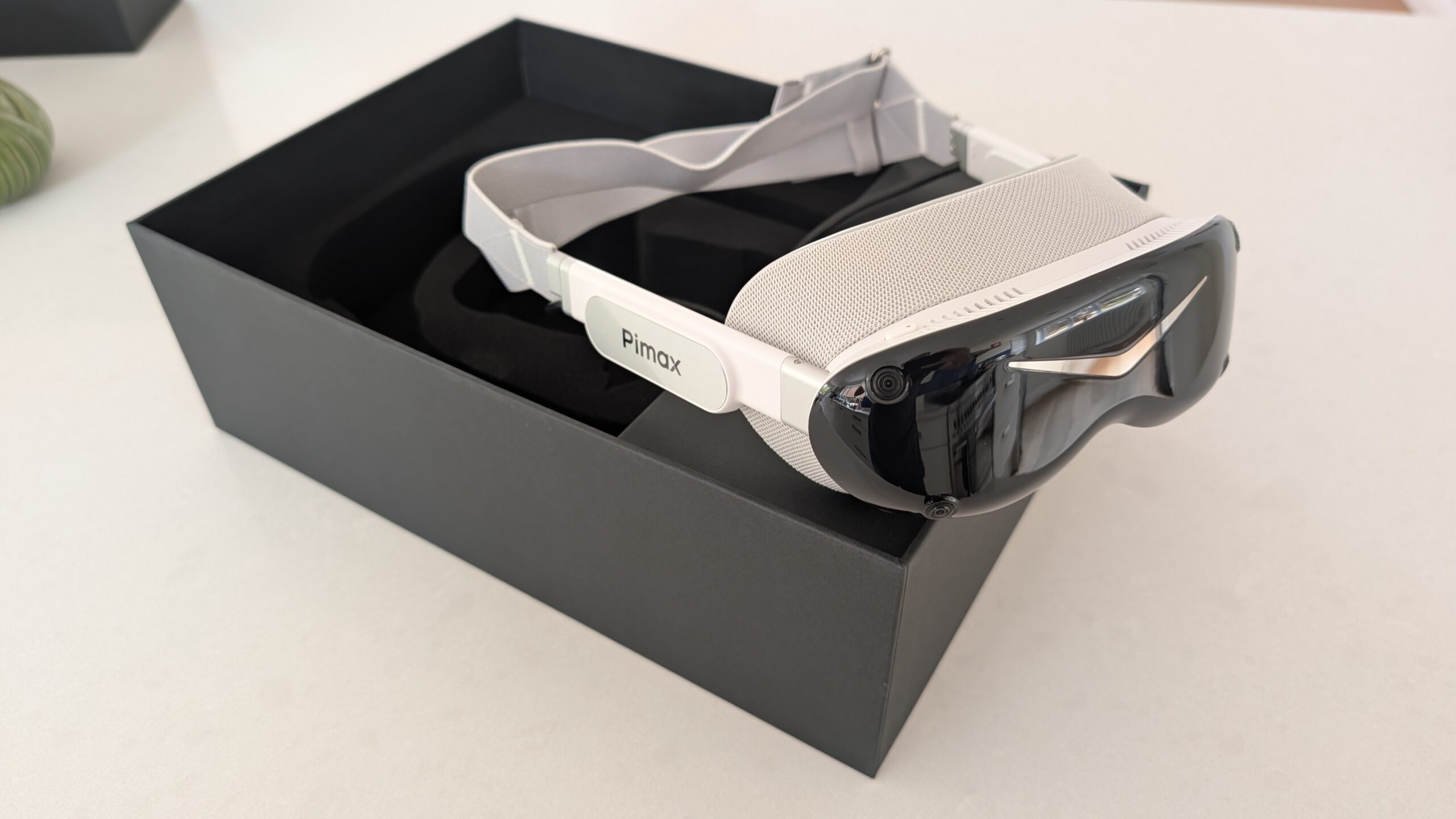
The Crystal Light at $899 is where most people should start on the PC side. It’s 2880 x 2880 per eye at 35 PPD through glass lenses, a proper DisplayPort connection with no compression, and it’s the headset most of our settings guides were written for. It wants a 4070 Ti or better; a 4080 is the comfortable minimum for high settings, and on a 3080 you’re better off with a Quest 3. The Crystal Super at $1,599 (QLED) or $2,199 with the 8K micro-OLED engine is the clarity ceiling, with the Tobii eye tracking that iRacing and AC Evo use natively, and it wants a 4090 or better – I had to turn settings down to get a decent frame rate out of it on a 4070. The Dream Air is the same class of image at 170g, at $1,999, and the Dream Air SE at $899 is the lighter route in.
The Crystal Super review and the Quest 3 to Dream Air piece go into the differences properly.
The Meta Quest 3 is the budget and wireless route, and for a lot of people, it’s the right one: it runs acceptably on a 3060 Ti or a 4070, iRacing looks fine on it, and it does everything else a standalone headset does. The trade is a compressed video signal at roughly 35 to 50ms against a DisplayPort headset’s 5 to 15, and about 25 PPD, so dashboard text and distant cars go soft. Use the cable, not Air Link. Our Quest 3 review covers it in full.

Meta Quest 3 (512GB)
Runs on a 4070-class card, does everything else a standalone headset does, and goes soft at distance where the Pimax kit doesn’t. Use the cable for sim racing.
As an Amazon Associate we earn from qualifying purchases.
The Bigscreen Beyond 2 at 107g is the comfort pick if you already own base stations. The PSVR2 with Sony’s PC adapter is the cheap OLED route on a PC, on SteamVR only and with no eye tracking on the PC side (the full headset buyer’s guide compares the lot).
| Sim | Runtime on Pimax | The headset I’d pair it with | Graphics card | Our settings page |
|---|---|---|---|---|
| iRacing | Native OpenXR, native eye-tracked DFR | Dream Air or Crystal Super; Crystal Light on a budget | 4070 Ti and up; 4080+ for the Super | iRacing on Pimax |
| Automobilista 2 | Native OpenXR, Quad Views off | Crystal Light | 4070 Ti; 4090 for the Super | AMS2 on Pimax |
| Assetto Corsa | OpenComposite, Quad Views on | Crystal Light | 4070 Ti | AC on Pimax |
| Le Mans Ultimate | Native OpenXR since V1.4 | Crystal Super | 4090 or 5090; 4080 with Quad Views Balance | LMU on Pimax |
| ACC | OpenComposite | Crystal Light | 4080 for 130% pixel density | Crystal Light iRacing and ACC |
| Assetto Corsa Evo | Native OpenXR, in-game foveation since 0.8 | Crystal Super or Dream Air | 4090 or 5090 | AC Evo car and track list |
| F1 25 | SteamVR only | Not one I’d buy for it | 5090 to make it playable | F1 25 damage control |
Where to start
If you’re new to VR sim racing, buy Automobilista 2 or the original Assetto Corsa in a sale, run them on whatever headset you have, and see whether you like it before you spend headset money. Plenty of people don’t – there’s nothing wrong with sticking with your monitors, and I race on both. I’ve compared VR and triples properly if you’re weighing them up. If you’re already sold, iRacing on a Crystal Light with a 4070 Ti or better is the combination I’d hand a friend, and the Pimax code above knocks a bit off. Then set the runtime, turn the grandstands off (always the grandstands), and go and find out how much earlier you can see the apex. Enjoy, and I’ll see you out on track!
Related Posts
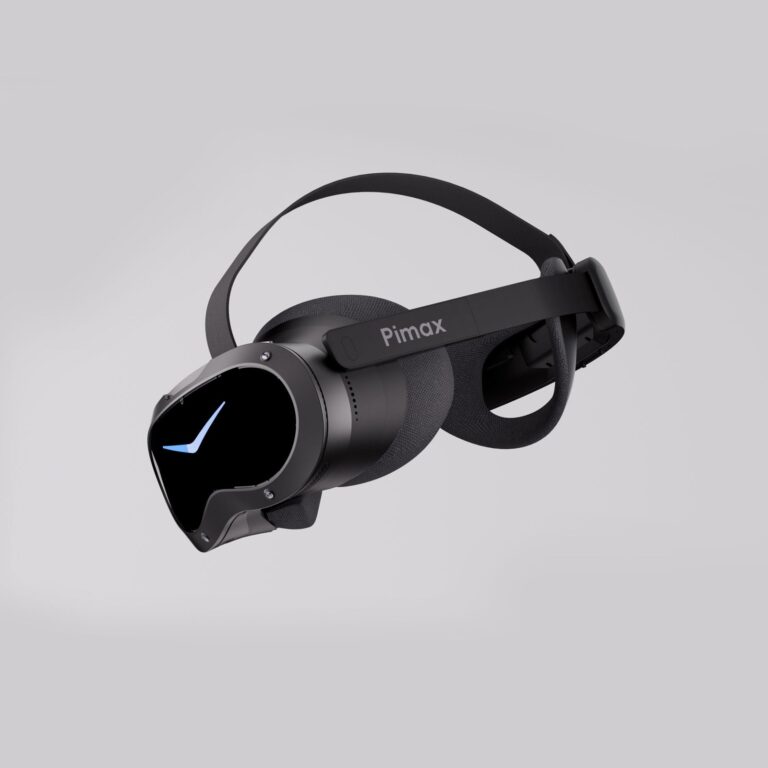
Should Sim Racers Wait for the Pimax Crystal Pro, or Buy Today?
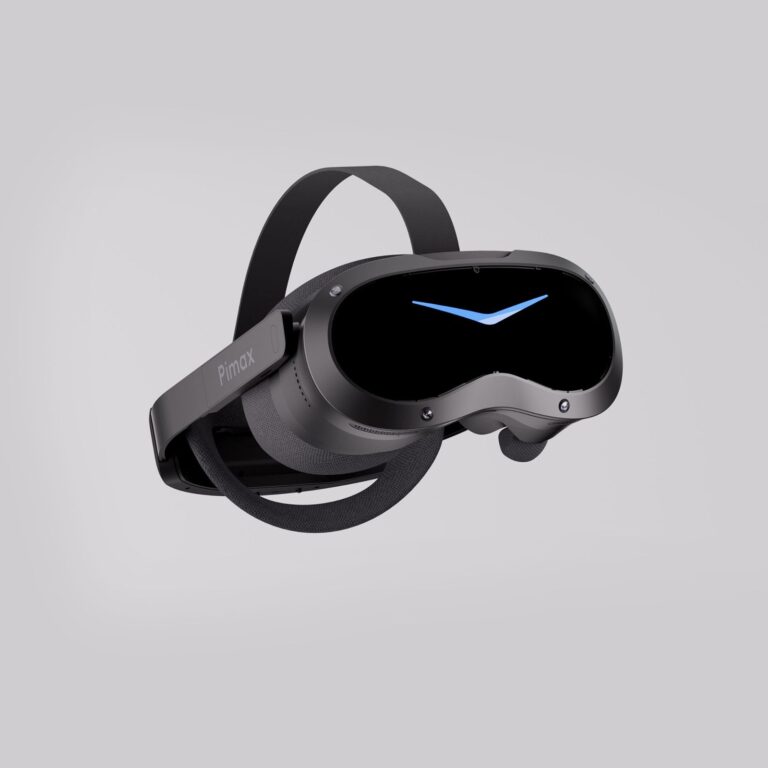
Pimax Crystal Pro: Everything We Know So Far
Bigscreen Beyond 2 for Sim Racing: What to Know in 2026
Pimax Dream Air vs Dream Air SE: Which Should a Sim Racer Buy?
SteamVR Base Stations for Sim Racing: Lighthouse vs SLAM on the Pimax Dream Air
How to Install the SBoys3 Driver on the Pimax Dream Air Lighthouse
Topic: VR Headsets