

I’m a sim racer and amateur racer with a passion for Motorsport, good racecraft and the technical and setup aspect of sim racing.
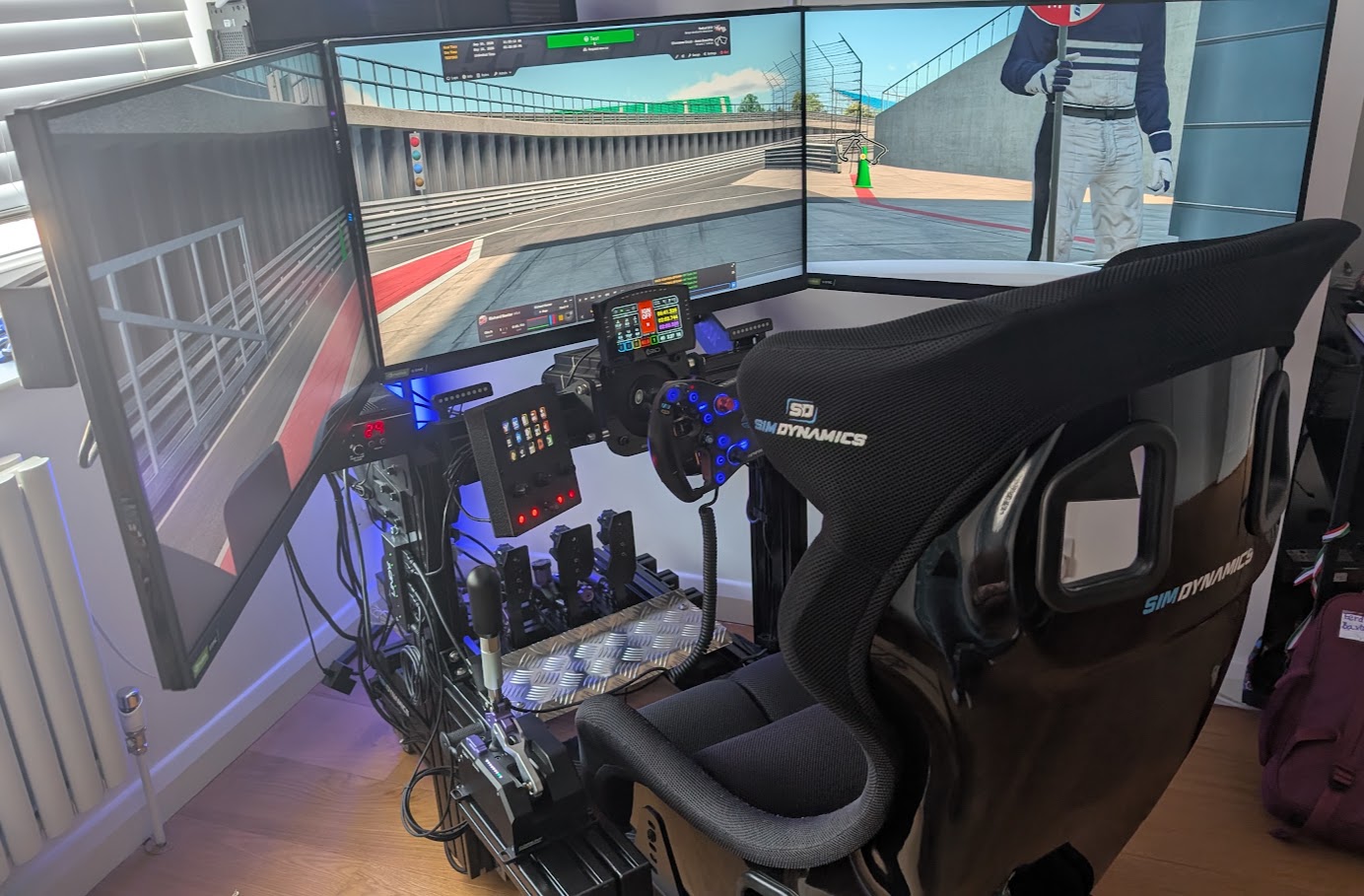
I’ve raced on three different screen setups over the years. As part of my new rig build in 2020, I upgraded my 27-inch triple monitors to a single 49-inch monitor, the original Samsung Odyssey G9. In 2023 I moved back from my Samsung G9 (which now makes an excellent work PC monitor!) to triple monitors – three LG UltraGear 32GP850-B panels, to be precise. They’re still on the rig at the moment.
If you’re weighing up the same choice, you’re probably asking whether triples beat VR or one super-ultrawide like the G9, whether to buy 27-inch or 32-inch screens at 1080p or 1440p, and whether your graphics card can keep up. The numbers answer most of that, and the rest is down to how you like to race.
Hopefully, with the table below, we can help you find a decent price on a new monitor. Prices move, so go by what the checkout says on the day rather than any figure in an article.
Quick Navigation
Jump directly to what you’re looking for:
Triples or one ultrawide? |
27-inch or 32-inch triples? |
What size monitor suits your seating distance? |
1080p or 1440p on triples? |
How hard do triples work your GPU? |
Space, mounting and alignment |
When not to buy triples |
Which would I pick today?
Triples or one ultrawide?
You might be wondering why I moved from triple monitors to a single 49-inch super-ultrawide in 2020. I’ve always found the extra cables and messing around with bezel alignment to be painful enough to find frustrating. There’s something about triples, if you’re time poor like I am, you always find yourself messing around with settings for longer than actual racing. I was also having problems with NVIDIA Surround (the driver feature that joins three screens into one wide desktop) and my 2080 Ti. I’d frequently get a black screen which was unrecoverable unless I rebooted into safe mode and uninstalled the driver. Not cool! Once I’d simplified my setup, it was easier to keep things tidy and I had next to no problems with the field of view (FOV) settings. When you’re in a racing helmet you don’t have anything like the FOV of a simulator, so I never felt like I was losing much there.
So why go back to triples in 2023? I was genuinely quite curious whether a triple monitor setup would give me that extra bit of immersion. For me, an ultrawide is the simple option and triples are the immersive one.
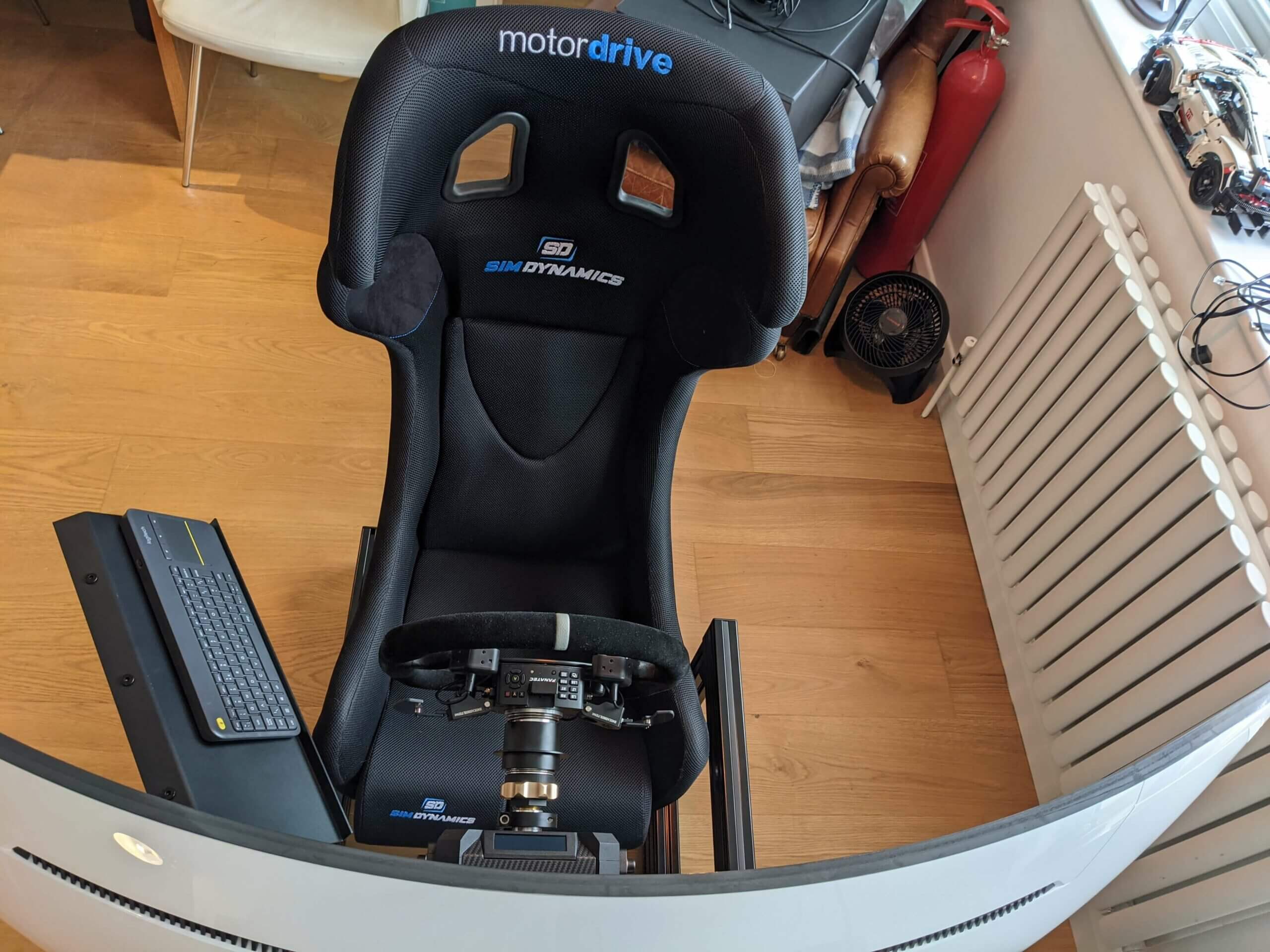
The G9 is a 49-inch, 1000R, 5120 by 1440 VA panel with a 32:9 aspect ratio, which is roughly equivalent to two 27-inch 2560 by 1440 monitors. In fact, two 2560 by 1440 grids side by side make exactly 5120 by 1440, and two 27-inch panels put together measure 1195 mm against the 49-inch’s 1192 mm of curved screen. 1000R is an expression of curvature, in that the smaller the number, the more curved the monitor is. The R stands for radius, and 1000 is a measurement in millimetres.
From 70 cm, though, a 1000R 49-inch covers about 94 degrees of your view, while three 27-inch screens angled towards you cover about 139 degrees. Three 32-inch screens at 90 cm, which is roughly how far I sit from my LGs, still reach about 127 degrees.
| Format | Resolution | Pixels | View at 70 cm | View at 90 cm |
|---|---|---|---|---|
| One 32-inch 16:9 | 2560 x 1440 | 3.69 million | 53 degrees | 42 degrees |
| 49-inch 32:9, 1000R | 5120 x 1440 | 7.37 million | 94 degrees | 75 degrees |
| Three 27-inch | 7680 x 1440 | 11.06 million | 139 degrees | 110 degrees |
| Three 32-inch | 7680 x 1440 | 11.06 million | 159 degrees | 127 degrees |
27-inch or 32-inch triples?
A 27-inch 16:9 screen is about 598 mm wide. The LG 32GP850-B is sold as a 32-inch but measures 31.5 inches on the diagonal, with about 698 mm of screen across. That’s roughly 10 cm more per panel, which soon adds up with three of them wrapped around you.
From 70 cm, three 32s fill about 159 degrees of your view, 20 more than the 27s. The 32s are wider tip to tip as well, at about 154 cm against 142 cm with the side screens angled in. Pixels per degree (ppd) counts the pixels that fit into each degree of your view. At 1440p the bigger screen spreads the same pixels across more of your view, which means the 27s show about 55 ppd from 70 cm and the 32s about 48.
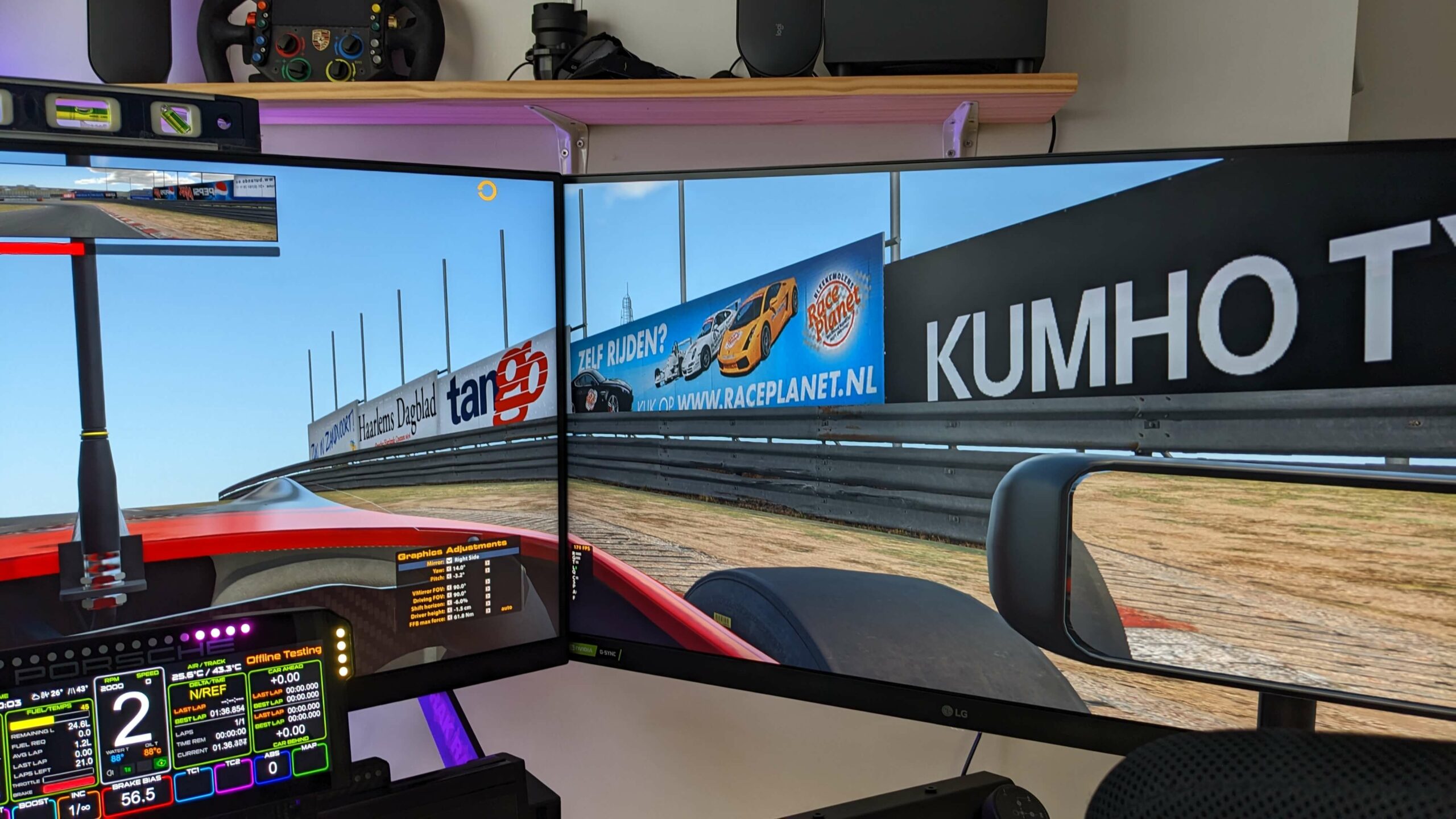
At about 90 cm, three 32-inch screens fill about 127 degrees at 60 ppd. The 27s at that distance drop to about 110 degrees, although they’re sharper at 70 ppd. On a smaller budget, I’d put the money into three of the best 27-inch panels you can afford.
What size monitor suits your seating distance?
How big a screen you want depends on how far your eyes are from the centre screen, because that distance decides how many degrees of your view the screens fill. A single 32-inch screen fills about 53 degrees from 70 cm and about 42 degrees from 90 cm.
The sim has to know that geometry as well, because the FOV you set in the game should match what the screens physically cover from your seat. Learning how to correctly calculate FOV takes time – get that wrong and it can drastically reduce your enjoyment in the simulator.
As a rule, closer seating suits 27s and sitting further back suits 32s, and the further back you sit, the flatter the side screens go. Put your own screen size and distance into the FOV calculator below and it’ll give you the number to enter in the sim.
1080p or 1440p on triples?
Triple 1080p is 5760 by 1080, about 6.22 million pixels. Triple 1440p is 7680 by 1440, about 11.06 million, which is 1.78 times as many for the graphics card to draw every frame.
What you actually see from the seat depends on ppd, not on the resolution printed on the box. 20/20 vision resolves detail of one arcminute, and there are 60 arcminutes in a degree, so 60 ppd is roughly the 20/20 line. The eye can do better than that, though, and a 2025 study in Nature Communications measured 94 ppd for fine black-and-white detail.
| Triples | Eye to centre screen | 1080p | 1440p |
|---|---|---|---|
| Three 27-inch | 70 cm | 42 ppd | 55 ppd |
| Three 27-inch | 90 cm | 52 ppd | 70 ppd |
| Three 32-inch | 70 cm | 36 ppd | 48 ppd |
| Three 32-inch | 90 cm | 45 ppd | 60 ppd |
Three 32-inch screens at 1080p from 70 cm work out at about 36 ppd, well short of 20/20. Three 27s at 1080p from 90 cm get to about 52, and my LGs, three 32s at 1440p from 90 cm, reach 60. So 1080p holds up best on smaller screens you sit well back from, and on 32-inch triples it takes 1440p and about 90 cm to reach the 20/20 line.
How hard do triples work your GPU?
A 49-inch super-ultrawide sits between triple 1080p and triple 1440p, asking the GPU for 7.37 million pixels a frame, which is about two thirds of triple 1440p.
| Format | Resolution | Pixels per frame | Against triple 1080p |
|---|---|---|---|
| One 1440p screen | 2560 x 1440 | 3.69 million | 0.59x |
| 34-inch 21:9 ultrawide | 3440 x 1440 | 4.95 million | 0.80x |
| Triple 1080p | 5760 x 1080 | 6.22 million | 1.00x |
| 49-inch 32:9 super-ultrawide | 5120 x 1440 | 7.37 million | 1.19x |
| Triple 1440p | 7680 x 1440 | 11.06 million | 1.78x |
| Triple 4K | 11520 x 2160 | 24.88 million | 4.00x |
The YouTube channel Benchmark Odysseys tested triple 1080p against triple 1440p in Le Mans Ultimate on a Ryzen 7 9800X3D, with a full grid of AI LMP2 cars and esports graphics settings. At triple 1080p the top graphics cards all bunched together, and the RTX 5080 was only 88% busy, because even a 9800X3D had become the limit. Being CPU-bound like that means the processor is setting the frame rate, with the graphics card waiting on it. At triple 1440p the cards spread out again, with the RX 9070 XT running 123 fps, about 64% of the RTX 5080’s frame rate.
My LGs are set to 120 Hz, and around 90 fps is usually the very most my RTX 4090 gets out of them. In my opinion, three 32-inch 1440p screens are about the limit for a GPU like the 4090. Back in 2020, my 2080 Ti had absolutely no problems with the G9 running in HDR at full resolution at 240 Hz.
Space, mounting and alignment
Before you buy anything, measure the space you’ve got, because with the side screens angled in, three 27s come to about 142 cm tip to tip from 70 cm and 156 cm from 90 cm, and three 32s about 154 cm from 70 cm and 173 cm from 90 cm. Laid flat in a line, three 27s would be 179 cm and three 32s 210 cm. Those figures are the screens alone, without the bezels (the frame around each panel) or the stand, so allow for both.
On triples, the edges of neighbouring screens have to line up. For absolutely ages we’ve been mounting monitors with nothing more than a thick, powder coated aluminium bracket to hang our monitors on their monitor stands. The total lack of adjustability and general messing around with alignment issues is what put me off using triple monitors in the first place. Sim-Lab’s Vario VESA mounts go some way to solving this problem, giving you fine adjustments to perfectly align the bezels. The Vario VESA Adapter Kit has 32 mm of height adjustment, 10 mm either way side to side and 5 degrees of rotation either way on both axes.
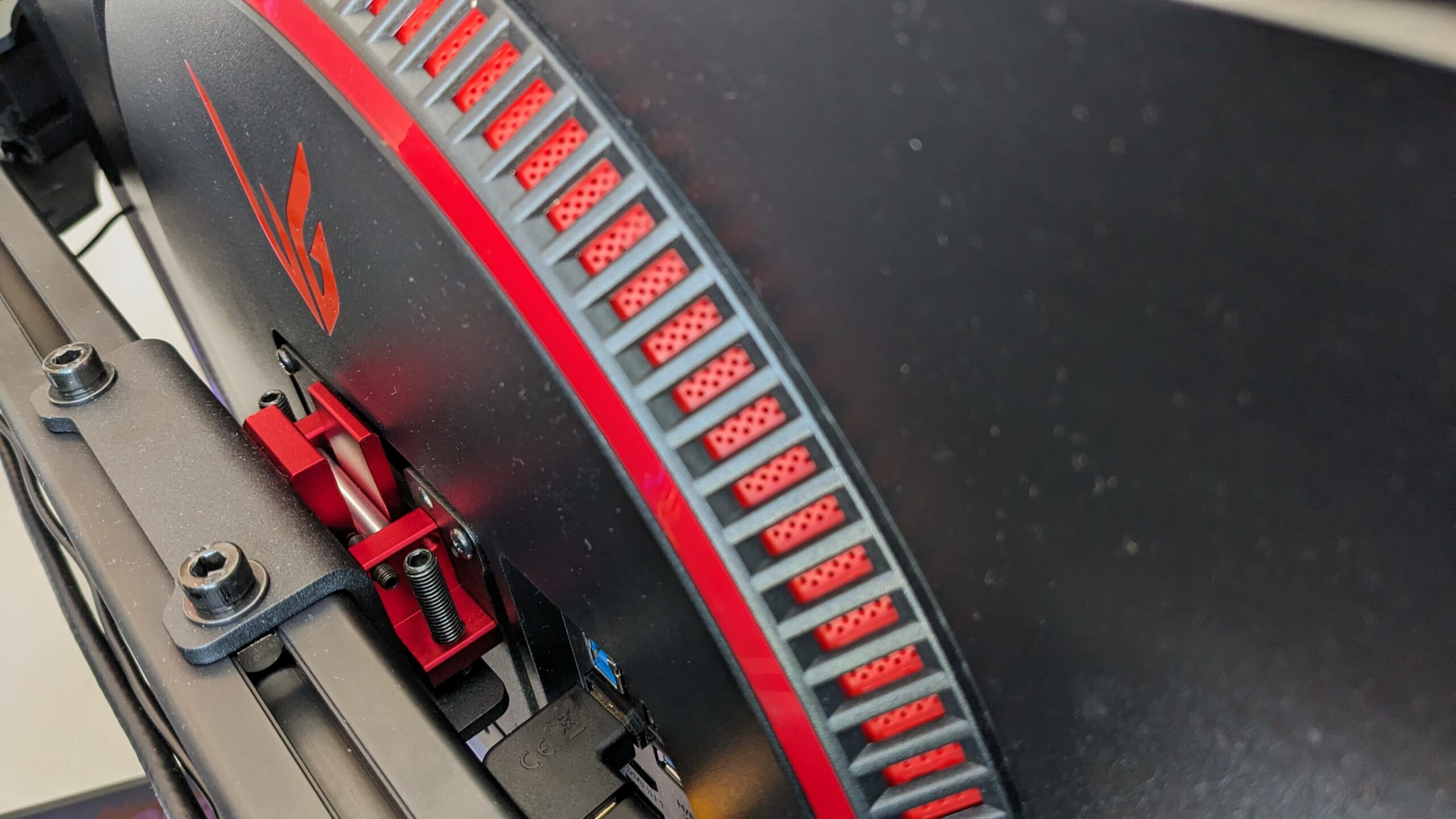
Each of my LGs has a separate power supply, which is really quite annoying because of all the extra cable tidying it causes. Every screen needs a mains cable, a power brick, one of the little low-voltage cables that runs the monitor itself and a display cable back to the PC. A lot of cables! For the stands themselves, see our monitor stands guide and the table below.
When not to buy triples
The other alternative to triples is VR, and in iRacing I’m currently enjoying my Pimax Dream Air SLAM. Once the Dream Air SLAM is set up correctly, corner entry is far easier to judge than on monitors, and so is using your vision for the exit. In VR your mind picks up a sort of spatial awareness, and monitors simply can’t give you that. I still race on both, so when I just want to jump in and jump out it’s the triples, and when I want to get more deeply involved it’s VR. When I raced on a Valve Index in 2020, I used the buttons on my GT wheel by feel, because you can’t see your controls in a headset. I got hot in it too, so I put two fans either side of the pedals, pointing towards me. I’ve written more about that choice in VR or triple monitors.
Triples take more of your time than an ultrawide, because there’s more to set up and it’s a fiddly job. With all the kit I test on my rig, my best iRacing config settings sometimes get lost, and that’s obviously quite frustrating.
If your graphics card can’t feed 11 million pixels at the refresh rate you want, or the room can’t take 1.4 to 1.7 m of screens, one ultrawide or super-ultrawide is the better buy. A 49-inch super-ultrawide is about 119 cm of screen, measured along its curve.

Which would I pick today?
For most people, I think one ultrawide beats triples. Getting set up and racing was so much easier on my G9 than configuring triples, and if that’s all you want, it’s a really great monitor. But if you’re a more serious sim racer, you want to go for immersion and you’re working with a gaming PC, then it’s triples. It’s a tougher challenge, but probably a more satisfying one. That’s the choice I made in 2023. If you’re going for triples, start with the best monitors for triples in our gaming monitors guide, then our guide to setting up triples in iRacing. If you’re not, the best ultrawides are in the gaming monitors guide too.
My G9 is five years old now, and it does occasionally flicker, then it goes back to normal.
Whichever way you go, measure from your eyes to the centre screen and put that into the FOV calculator above – good luck!
Related Articles
How to Set Up Triple Screens in Le Mans Ultimate (LMU)
Triple Monitors for Sim Racing: 27 or 32, 1080p or 1440p, or an Ultrawide?
VR or Triple Monitors for Sim Racing?
Samsung Odyssey G9 49″ Monitor – My Sim Racer’s Review
Topic: Sim Racing Monitors