

I’m a sim racer and amateur racer with a passion for Motorsport, good racecraft and the technical and setup aspect of sim racing.
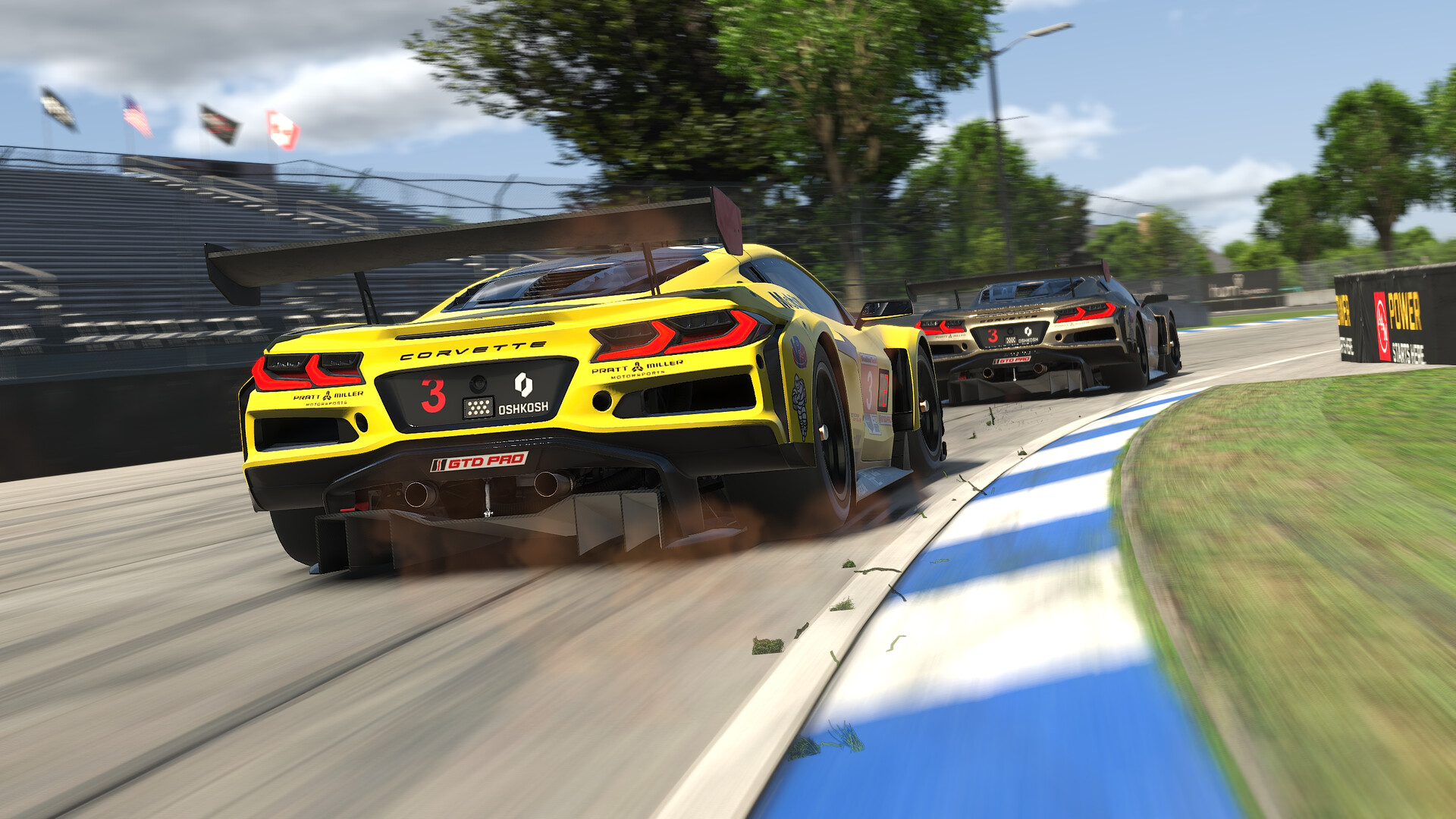
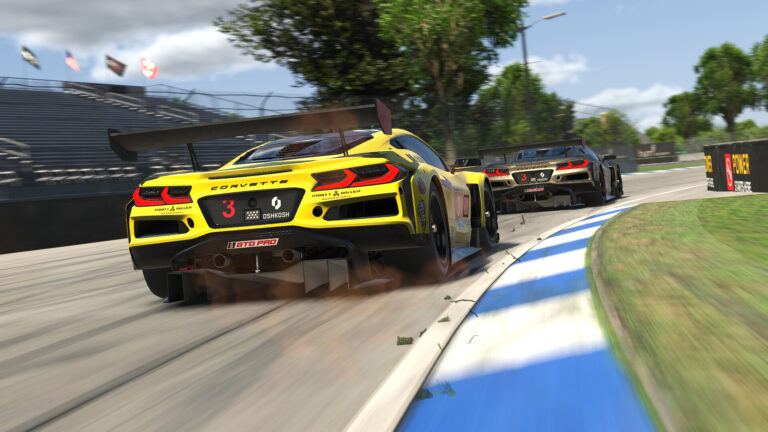
Featured image: a pair of Corvettes racing in iRacing (Image: iRacing)
You’ve got iRacing running on a Simagic base, whether that’s an Alpha EVO or one of the older Alphas, and you want the force feedback set up properly. Simagic’s own iRacing guidance and iRacing’s settings are all below, in the order you click through them, starting in SimPro Manager and then moving into iRacing.
Quick Navigation
Jump directly to what you’re looking for:
iRacing FFB |
SimPro Manager |
In iRacing |
Alpha Mini, Alpha, Alpha U |
Fine-tuning
How iRacing’s force feedback works with a Simagic base
iRacing’s own setup guide covers Wheel Force, Strength and Intensity, the three sliders that work together. Wheel Force is the ceiling iRacing works to, and it should be set to your base’s rated torque. iRacing is quite firm that you should never set it lower than the manufacturer’s figure, to prevent injury.
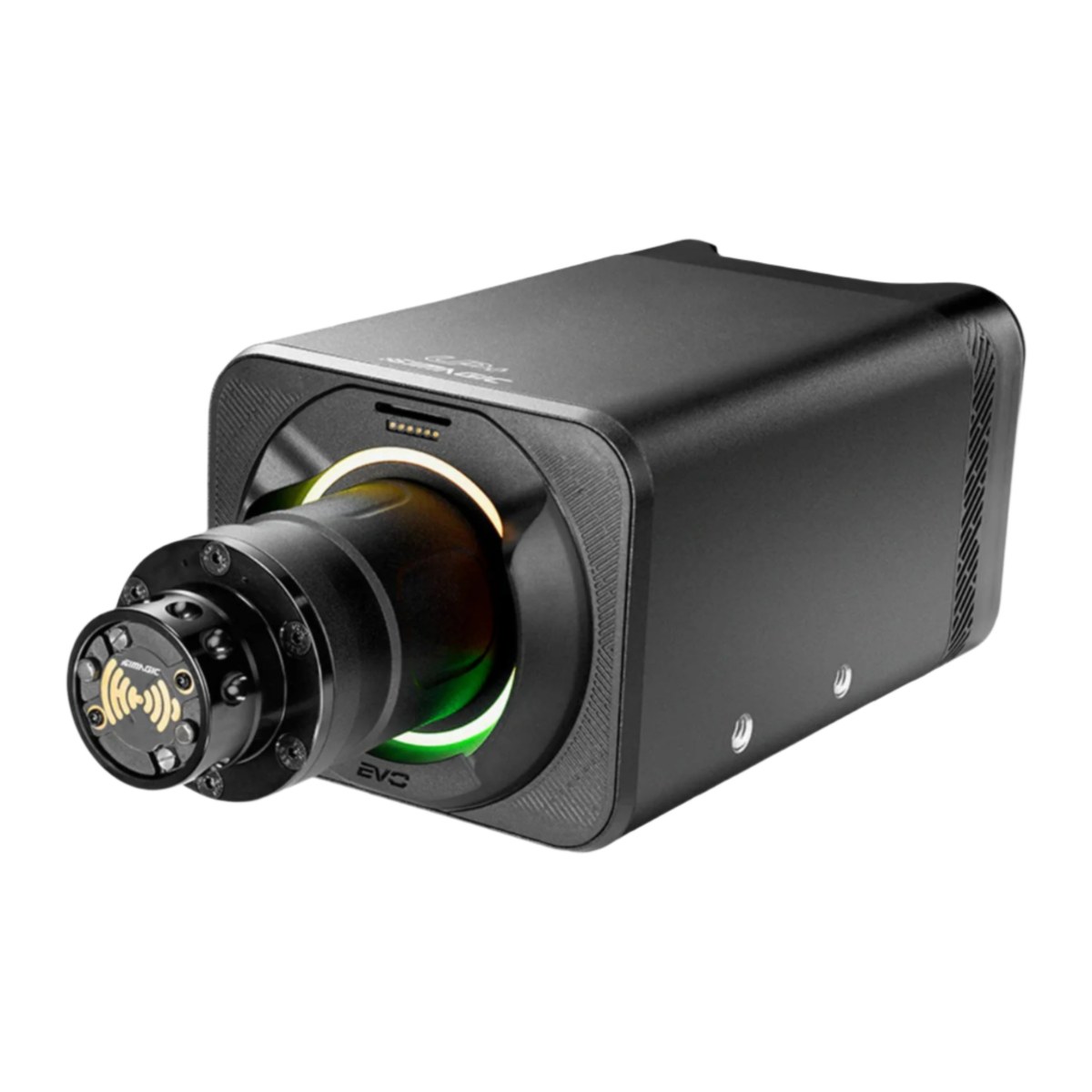
Strength sets the overall FFB (force feedback) strength. Once you’ve driven a few laps, the Auto button in the F9 black box sets Strength to the highest value that doesn’t clip. Clipping is when the sim asks for more force than the wheel is already giving at its maximum, so the detail above that point is lost. iRacing says Auto is often too strong on the more powerful direct drive bases, in which case you turn Strength down afterwards. Intensity only changes how hard Auto pushes, and it defaults to 50%. Use Linear Mode goes on for any direct drive base, which every Simagic is.
Simagic’s 360 Hz mode arrived in iRacing’s June 2024 build, and by August 2024 it was fully enabled for Simagic wheels. Your Simagic base needs the latest drivers and firmware for it to work.
The current iRacing build is 2026 Season 4 (9 September 2026), which changed nothing for Simagic. The June 2026 update before it moved the advanced force feedback settings onto their own FFB tab, kept the basics on the Driving tab as well, and added per-car control profiles. SimPro Manager is on V3.2.2 (22 September 2026). The general iRacing FFB settings page has the same sliders set out for Fanatec, Moza, Simucube, Logitech, Thrustmaster and Asetek bases.
SimPro Manager settings
Simagic’s own iRacing video starts before the game is even running, in SimPro Manager, with the dedicated iRacing preset. It went up on the Simagic Official channel in May 2025, and it was filmed on the Alpha EVO.
Simagic says its preloaded game settings were fine-tuned by experienced simulator engineers, with a separate profile for each game. It doesn’t publish the slider values inside the iRacing preset, though, so the list below is the handful of things Simagic’s video and release notes say to change, and why.
Start with these settings in Simagic’s software:
- Preset: the dedicated iRacing preset (or tick the option to load it automatically when iRacing starts)
- FFB Detail and Filter Level: less detail or more filtering on a bumpy track like Sebring
- Mechanical Damping and mechanical friction: to stabilise the force feedback on a bumpy track
- Slew Rate Control: how sharp the slip feedback feels in your hands
- Wheel speed: to match how quickly you want slip corrections to come back
- Dynamic Prediction Level: no effect in iRacing’s 360 Hz mode
On the Alpha EVO series bases, the firmware now comes in two tracks, according to Simagic’s release notes. Even-numbered versions are the default, while odd-numbered versions deliver more pronounced force feedback and have to be flashed by hand (SimPro Manager > Settings > Manual Firmware Update). Simagic optimised the force feedback processing for iRacing’s 360 Hz mode in the odd-numbered V2.3.5 firmware, released in July 2026.
iRacing in-game settings
Then head to the FFB tab in iRacing’s Settings and set these, which come from Simagic’s video and iRacing’s setup guide and release notes:
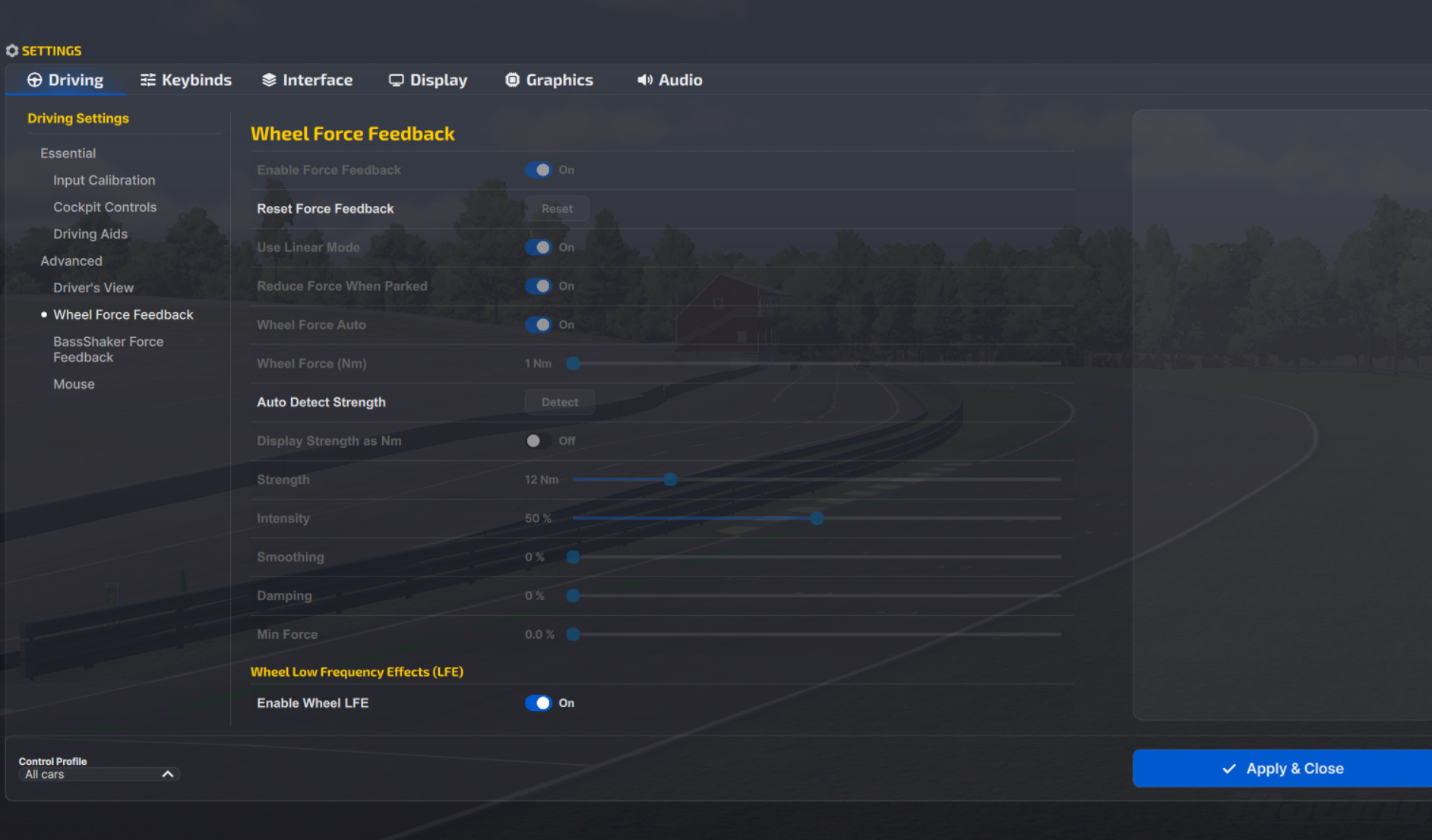
- Enable Force Feedback: On
- Use Linear Mode: On
- Reduce Force When Parked: On
- Wheel Force Auto: Off (so you can set Wheel Force by hand)
- Wheel Force (Nm): the base’s rated torque
- Alpha EVO Sport: 9 Nm
- Alpha EVO: 12 Nm
- Alpha EVO Pro: 18 Nm
- Alpha EVO Ultra: 28 Nm
- Alpha Mini: 10 Nm
- Alpha: 15 Nm
- Alpha U: 23 Nm
- Strength: leave it until you’ve driven, then Auto from the F9 black box
- Intensity: 50%
- Smoothing: 0% to start
- Damping: 0% to start
- Min Force: 0.0%
Once that’s done, drive onto the track and press F9 to open the black box. Keep an eye on the force feedback value, and when Auto appears or turns yellow, click it. It’s worth mapping Auto to a button on the wheel so you can apply it without leaving the track. Simagic says this calibration holds on to the force feedback detail while keeping clipping to a minimum. From there, fine-tune Strength or adjust Intensity to taste.
If you’d rather read Strength in real units, tick Display Strength as Nm. Bear in mind that in Nm a bigger number means a lighter wheel.
Alpha Mini, Alpha and Alpha U
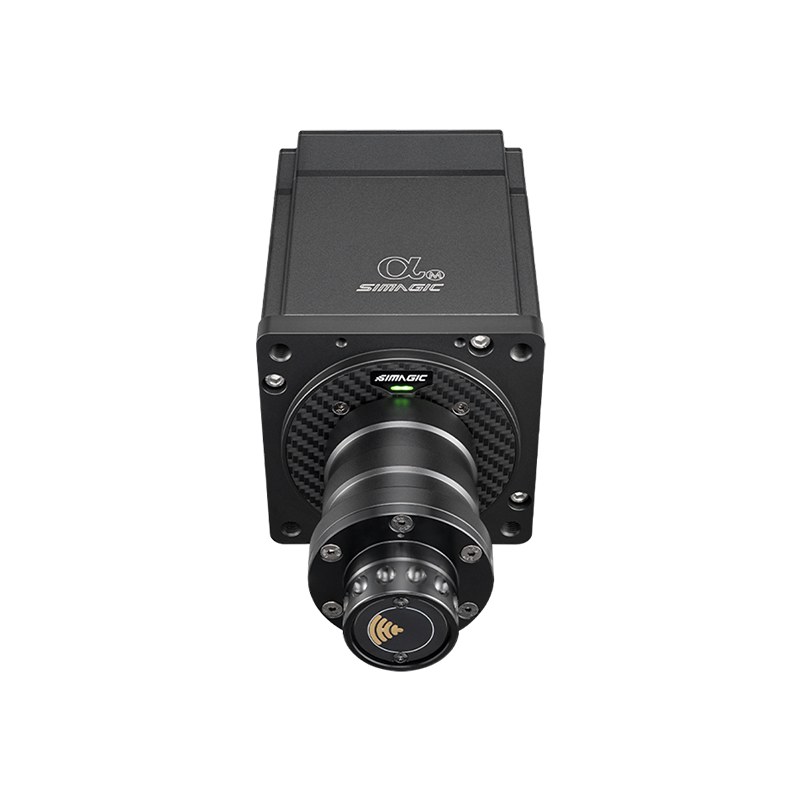
The older Alpha Mini (10 Nm), Alpha (15 Nm) and Alpha U (the Alpha Ultimate, 23 Nm) run the same iRacing settings, and the only change is Wheel Force, which goes to each base’s own rating. iRacing’s 360 Hz notes cover “Simagic wheels” without naming models, so these bases need the latest drivers and firmware too.
Simagic’s video was filmed on the Alpha EVO, though, and the firmware tracks and the 360 Hz firmware tuning in the release notes are for the EVO series only. The same video says the Alpha EVO Sport and Alpha EVO have noticeably lighter wheel rotation, so more damping suits them. The Alpha EVO Pro has more torque headroom, and on that base Simagic suggests a lower rotation speed and less damping for a more natural feel.
Fine-tuning
If something still doesn’t feel right after a few laps, work through these:
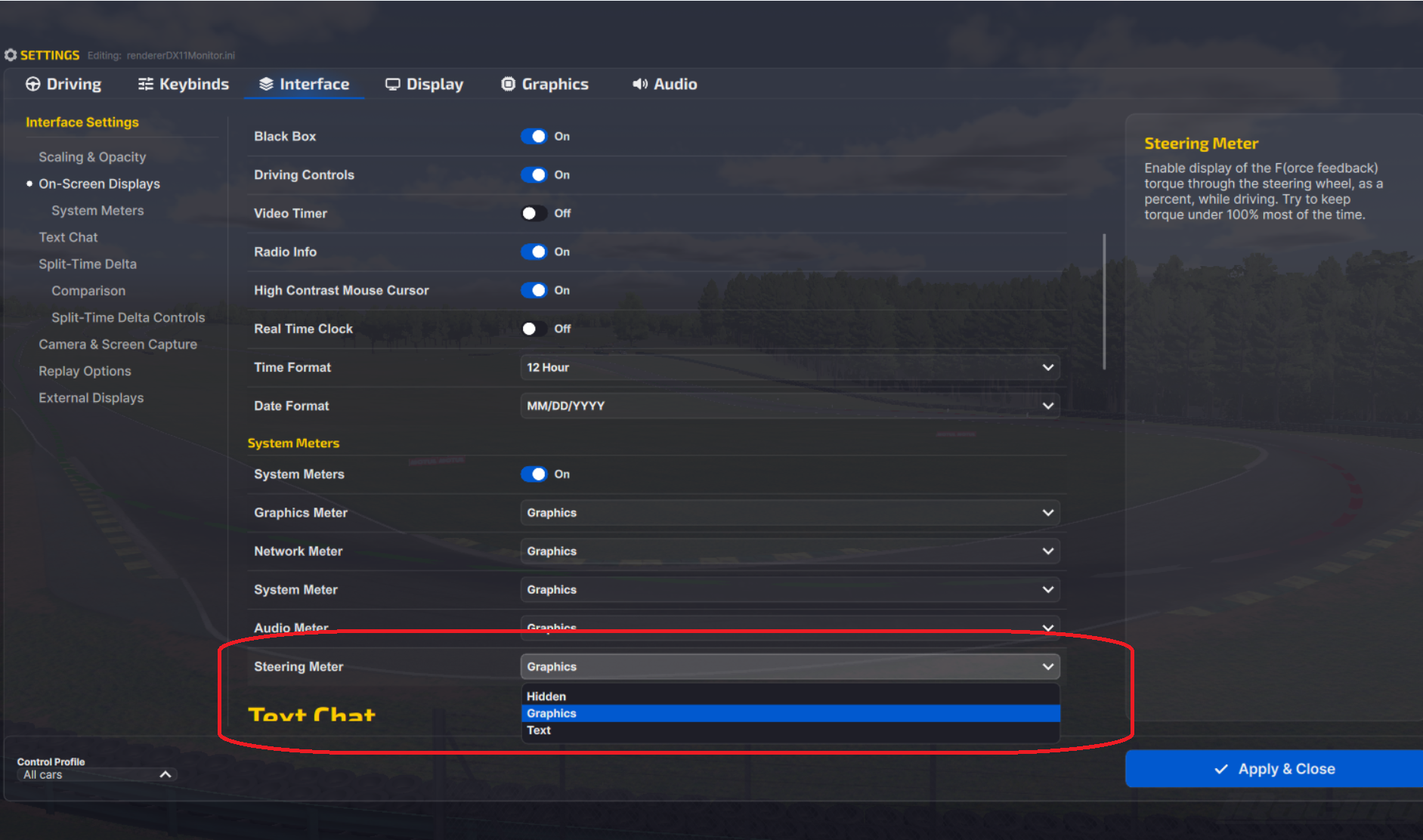
- If the F meter sits full for long stretches, turn Strength down until it only fills on big bumps and kerbs (switch it on under Settings > Interface > On-Screen Displays > System Meters, where iRacing calls it the Steering Meter).
- When Auto comes out too strong on one of the bigger bases, turn Strength down after applying it, or lower Intensity so Auto pushes less hard next time.
- If the Auto button is greyed out or missing, drive a few more laps first, although it may simply be that Strength already matches the Auto value.
- On a bumpy track like Sebring, where the wheel starts to shake, lower FFB Detail or raise Filter Level in SimPro Manager, or raise Smoothing in iRacing, as Simagic’s video suggests.
- If the wheel still shakes over Sebring’s bumps, Simagic recommends adding three to five units of in-game Damping, although most makers’ iRacing setups leave it at 0%.
- When kerb and wall hits are why you keep turning the FFB down, raise Smoothing instead, to 50% as iRacing’s release notes suggest, or 25% if that’s too much (iRacing says 25% barely touches normal driving).
- If your slip corrections feel too slow or too sharp in a particular car, change the wheel speed for how quickly the wheel recovers and Slew Rate Control for how sharply the slip comes through.
- If your Alpha EVO series base feels too soft or too sharp overall after a firmware update, check whether you’re on an odd- or even-numbered firmware, since the odd-numbered versions give more pronounced force feedback and the even-numbered ones are the default.
The direct drive wheel settings guide has the settings for other bases brand by brand, the thinking behind each slider and a Settings Finder. If your Simagic base itself isn’t behaving, the Simagic troubleshooting page is the place to start. I’ll see you out on track!
Related Articles
Best Pimax VR Settings for F1 25 in 2026: A Damage-Control Guide
Best Pimax VR Settings for Le Mans Ultimate in 2026
Best Pimax VR Settings for Automobilista 2 in 2026
Best Pimax VR Settings for Assetto Corsa in 2026
iRacing VR Settings (2026): Meta Quest 3, PSVR2, Pimax and Valve Index
Assetto Corsa VR Settings 2026: Pimax, Quest 3, PSVR2 & More
Topic: Direct Drive Wheel Settings