


I’m a sim racer and amateur racer with a passion for Motorsport, good racecraft and the technical and setup aspect of sim racing.
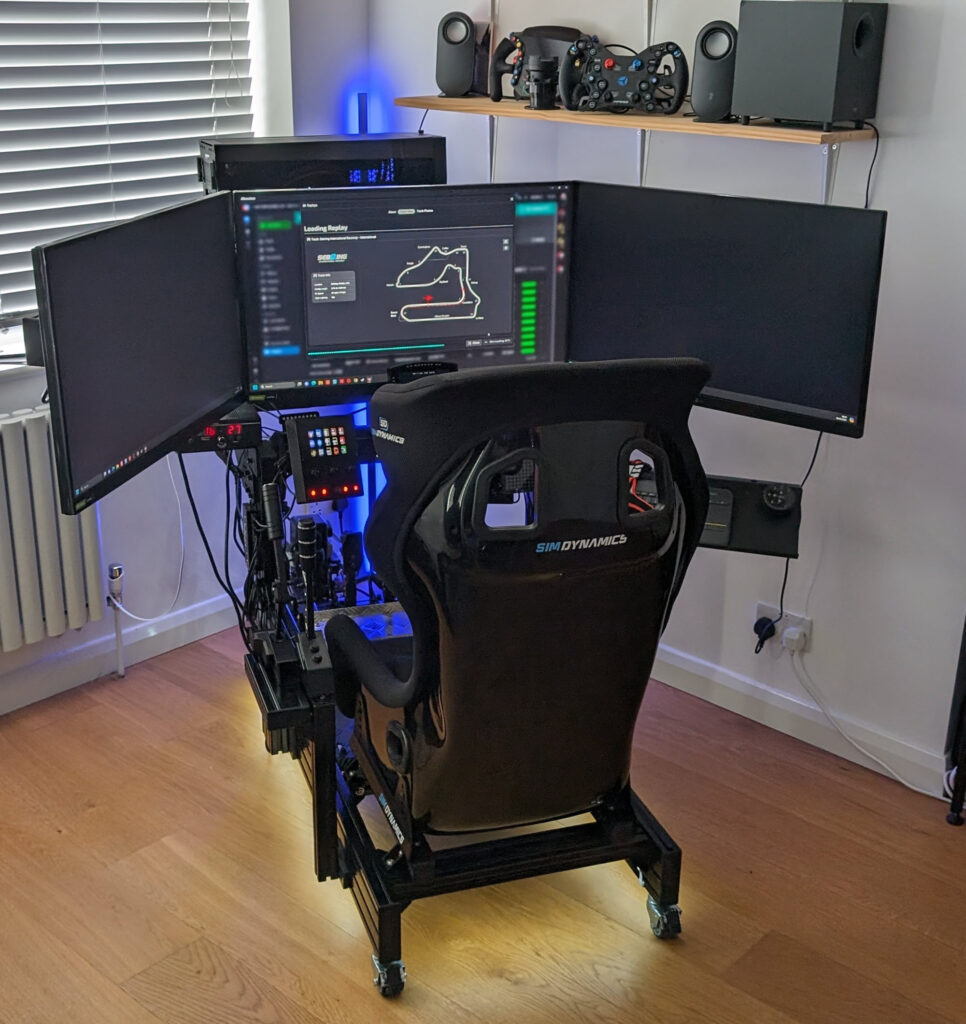
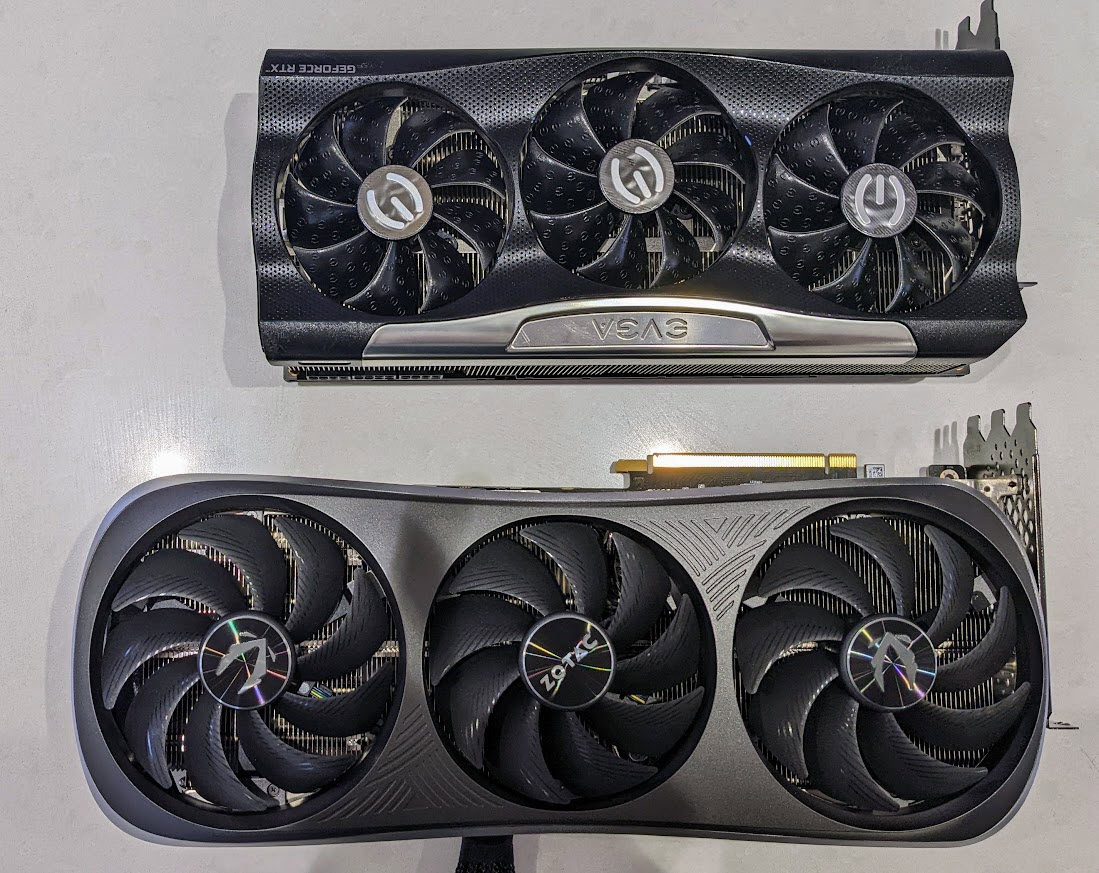
Featured image: my sim racing PC with a Zotac RTX 4090 GPU
What you need from a sim racing PC depends on which sims you run and what you’re driving them on, whether that’s one screen, triples or a headset. My own PC is an Intel Core i7-14700K with a Zotac RTX 4090, and it runs my three 32-inch LG 1440p monitors. My rule has always been to buy for the GPU. We’ll go through sim racing, flight sim and VR first, then the pre-builts worth a look and a DIY parts list.
Memory and SSD prices have been climbing all through 2026, because the memory makers are prioritising supply for AI servers. TrendForce says conventional DRAM contract prices rose about 93-98% quarter-on-quarter in Q1 2026, and in July it was still forecasting rises of 13-18% for Q3. Mitchell at OverTake says the price of a Corsair 32GB DDR5 kit has “quadrupled in some cases”. So don’t overbuy RAM – 32GB is the target for sim racing, and more on that below.
Quick Navigation
Jump directly to what you’re looking for:
What PC do you need for sim racing? |
For flight sim |
For VR |
Pre-built sim racing PCs |
Budget and mid-range pre-builts |
Building your own |
Graphics card guidance
What PC do you need for sim racing?
A recent CPU and enough RAM are important, of course, but once you have those it’s the graphics card that sets your frame rate. Triples are where that shows most. Every frame has to be drawn across all three screens, which is a lot more work for the card than a single one, so it’s the GPU you run out of first.

For a new build, though, the CPU to pick is an AMD X3D chip. X3D is AMD’s 3D V-Cache, extra L3 cache stacked on the chip. Sim engines lean on a handful of fast threads rather than lots of cores, and that’s where the extra cache helps. In OverTake’s view, sim racing is largely “stuck in the pre-DirectX 12 era”, and Mitchell says there’s “no way around X3D at this point”. The Ryzen 7 9800X3D has been out since November 2024 and is still the sensible choice, with 8 cores, 96MB of L3 cache and up to 5.2GHz. The Ryzen 7 9850X3D arrived in January 2026 with the same 96MB and a higher boost clock, up to 5.6GHz. Both are AM5 chips, and AM5 is the platform to buy into. My 14700K isn’t an X3D chip and it still runs my triples on the 4090, so if you already have a recent CPU, put the money into the graphics card first.
NVIDIA’s RTX 50 range runs from the RTX 5050 and 5060 (both 8GB) through the 5060 Ti (8GB or 16GB), the 5070 (12GB), the 5070 Ti (16GB) and the 5080 (16GB), up to the 5090 with 32GB. VRAM is the graphics card’s own memory. OverTake’s advice is not to go below 12GB of VRAM if you can help it – a big Assetto Corsa server map filled all 16GB on Mitchell’s RTX 4080 Super. For 1440p triples, 4K or VR, OverTake’s pick is an RTX 5080 with the 9800X3D, or an RTX 5090 and the 9850X3D if money’s no object. Whichever you choose, aim for a steady 90-100fps, and turn the detail down before you let the frame rate drop.
For memory, 32GB of DDR5 is enough, and you want it as two 16GB sticks so it runs in dual channel (the processor reads from both sticks at the same time). OverTake saw Le Mans Ultimate use about 25GB of system RAM. Get a 2TB NVMe SSD too, because iRacing, ACC and Assetto Corsa EVO are all large installs.
Gaming PC for flight sim
Flight sim is hungrier for memory than sim racing. Microsoft lists 64GB of RAM in its “Ideal” spec for Microsoft Flight Simulator 2024, and that same spec names an i7-14700K or a Ryzen 9 7900X as the CPU. With memory prices where they are this year, 64GB is only worth buying if flight sim is a big part of what you do.
Gaming PC for VR sim racing
In VR, the headset sets the graphics card. The Pimax Crystal Super is a good example, as it wants a 4090 or better – I had to turn settings down to get a decent frame rate out of it on a 4070.
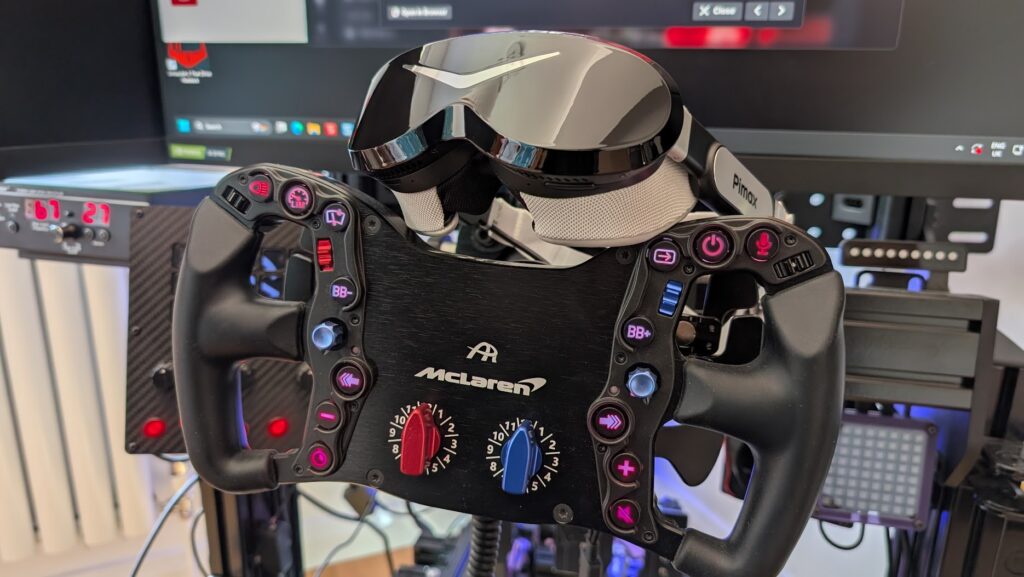
For the other high-resolution headsets, the Pimax Crystal and the Bigscreen Beyond 2 among them, OverTake’s VR pick of an RTX 5080 is the place to start. My own Dream Air SLAM runs on my RTX 4090.
Pre-built sim racing PCs
My advice is to build your own, because you get to decide which parts go into it and you might save a little bit of cash. That said, a lot of sim racers simply don’t want to build their own PC, and that’s absolutely fine! A pre-built still makes sense if you want one warranty covering the whole machine and no weekend lost to building it.
As of 2 October 2026, Corsair’s VENGEANCE systems start at $1,699.99, which gets you the VENGEANCE i7500 with a Core i5-14600K, an RTX 5060 and 16GB of memory. For sim racing, the one to look for is the VENGEANCE a7500 with a Ryzen 7 9800X3D, an RTX 5070 Ti and 32GB, at $2,899.99.
Budget and mid-range pre-builts
In the UK, Stormforce builds a Racing Sim range, and as of September 2026 it starts at £1,299.99 for the Carbon Race Intel (a Core i5-14400F, an RTX 5060 and 32GB of DDR4). The Obsidian Race Intel is £1,599.99 (a Core Ultra 5, an RTX 5060 Ti and 32GB of DDR5). Further up, the Drift Race AMD is £2,299.99 with a Ryzen 7 9700X, an RTX 5070 and 2TB of storage, and the Nitro Race Intel is £2,699.99 with a Core Ultra 7 265KF, an RTX 5070 Ti, 32GB and 2TB. The Carbon’s RTX 5060 has 8GB of VRAM, which is under OverTake’s 12GB line, while the Nitro’s RTX 5070 Ti has 16GB.
You’ll find Stormforce’s Racing Sim PCs in the table below.
Building a sim racing PC from scratch
If you’re a bit handy with a screwdriver and have sufficient patience, building your own PC is still the way to go. The parts list below is PC Centric’s 4K build from his YouTube video in May 2026. He uses an RTX 5070 Ti, a Core Ultra 7 270K Plus, an MSI MAG Z890 Tomahawk WiFi, G.Skill Trident Z5 32GB DDR5-6000, a Crucial P510 SSD, a 360mm AIO, a Fractal Pop 2 Vision case and an MSI MAG A850GL PCIE5 power supply. Underneath the table are his build notes and the swap a sim racer would make.


As an Amazon Associate, SimRacingCockpit earns from qualifying purchases.
PC Centric builds around the RTX 5070 Ti because it has 16GB of VRAM, the same as the RTX 5080. He credits DLSS upscaling for getting it to high frame rates at 4K, and he’s sceptical of frame generation beyond 2x or 3x. DLSS counts for less in sim racing, though, because at the time of writing iRacing offers FSR 1.0 and no DLSS at all.
The Core Ultra 7 270K Plus suits a machine that’s used for work as well as 4K gaming, and that’s PC Centric’s reason for choosing it. For a sim-first PC, swap it for a Ryzen 7 9800X3D on an AM5 B850 board, and PC Centric names the MSI B850 Tomahawk as the AMD alternative. He also likes the Z890 board’s rear USB BIOS-flash button, which means you can still update the BIOS if your CPU came out after the board did.
Memory is 32GB (2x16GB) of DDR5-6000, and the G.Skill Trident Z5 kit in this build is CL36. Remember to enable XMP in the BIOS, or EXPO if you’re on an AMD board.
The Fractal Pop 2 Vision is a dual-chamber glass case with support for reverse-connector motherboards. PC Centric’s two gripes are that it has only one USB-A and one USB-C port on the front, and that the bottom dust filter slides out too easily, so watch it when you lift the case. The power supply, an MSI MAG A850GL PCIE5, is an 850W, fully modular, 80+ Gold unit. On the cooler, his tips are to test-fit the bracket before anything else, and not to worry about thermal paste, because most new coolers ship with it already applied.
Graphics card guidance
The graphics card is where sim racing advice parts company with general gaming PC advice the most, so it has its own guide. Head to the best graphics card for sim racing guide for the RTX 5070, 5080 and 5090 and the RX 9070 XT, DLSS support sim by sim, which X3D chip to pair them with, and what to buy for each display setup.
If you want the wider sim setup view, the sim racing cockpit guide covers the rig, the wheelbase guide the motor unit and the sim racing wheels page the rim, and if VR is in the plan, the VR headset guide will help you pick a headset.
Related Articles
How to Disable Integrated Graphics in BIOS (and Whether You Need To)
What Your CPU and GPU Are Actually Doing While Running iRacing: A Technical Deep Dive
The Best Sim Racing PCs: Buyer’s Guide: 2026

Gaming GPUs and Graphics Cards for Sim Racing: Buyer’s Guide
Topic: Gaming PCs